
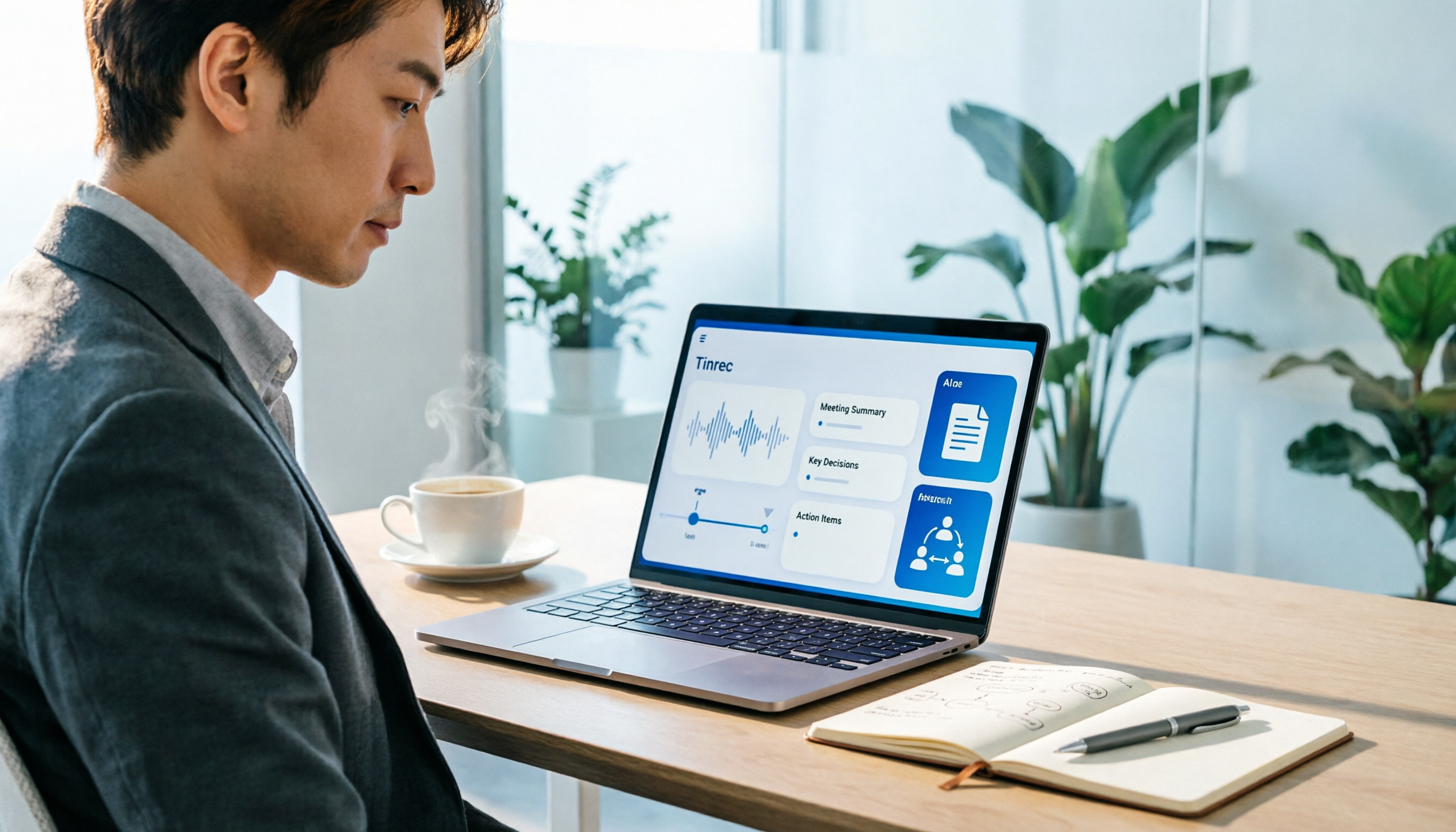
Turn recordings into transcripts and summaries in minutes
Upload audio or video for multilingual transcription, AI notes, and action items
Why Do Office Workers Need an "AI Office Toolkit"?
Your daily loop probably looks like this: meetings in the morning, messages in the afternoon, and rushing to finish meeting notes before clocking out. The real time sink usually isn't the meeting itself—it's the post-meeting cleanup.
According to a viewpoint cited by 104 Job Bank, up to 90% of workers will need AI literacy in the future, just like using office software—it's becoming a must-have skill for everyone. The problem is there are too many tools: some people install a dozen apps and end up using only one chatbot; others pay for a transcription service but never have time to read the transcripts.
This article breaks the "AI office toolkit" into 5 steps to get started, then lists 6 tools actually worth adding to your toolkit, and finally tells you how to choose by scenario.
How to Use an AI Office Toolkit: 5 Steps to Build Your Workflow
Step 1: First, identify the three most time-consuming tasks. Writing meeting notes, organizing client conversations, drafting presentations—pick the most repetitive and time-consuming ones first. Don't try to AI-ify everything from the start.
Step 2: Assign one tool per task. One for meeting notes, one for information search, one for document creation—that's enough. The more tools you have, the higher the switching cost, and you'll end up not mastering any of them.
Step 3: Write fixed prompt templates. A common technique in courses is "role-playing" and "providing examples": first ask the AI to play a specific role (e.g., "You are a meeting note-taker"), then give it a sample of your past notes. The output format will be much more consistent.
Step 4: Connect outputs back to your existing workflow. Generated transcripts and summaries should be exportable to Notion, Google Docs, or OneNote—otherwise you're just adding another app nobody opens.
Step 5: Review regularly. Spot-check AI output accuracy once a month; for important meeting decisions and numbers, always cross-check against the original recording and transcript timestamps.
Tinrec | Turn Meetings into Searchable, Collaborative Team Data
If your daily pain point is writing notes after meetings, this is the one most worth trying first on the list. It's positioned as an AI meeting notes and team collaboration tool—not just converting speech to text, but organizing meetings into searchable, summarizable, queryable, and exportable data.
Here are some practical uses:
- No meeting bot needed: The desktop version directly captures your computer's system audio, handling Zoom, Google Meet, Microsoft Teams, and Webex meetings without pulling an extra bot into the room.
- No more manual typing after meetings: Automatically generates summaries, chapters, and action items; long meetings are broken into easy-to-browse sections; you can ask follow-up questions directly about the content.
- Outputs that integrate: Export to Notion, Google Docs, OneNote, Dropbox, and use Agent post-processing to further generate reports, tables, and documents.
- Team knowledge retention: The team version has independent spaces, allowing you to manage members, roles, and seats, and view usage analytics, audit logs, and audio recycle bin. Resources can be handed over when members leave.
Plans and pricing: The personal version has a free tier to try first; for short-term intensive use there's a weekly pass; for long-term there's a Pro monthly or annual plan. The team version offers a 7-day trial for first-time eligible users, with 1 free seat and 300 minutes of team shared import quota; monthly billing is USD 29.80 per paid seat per month, annual billing is USD 199 per paid seat per year (equivalent to about USD 16.58 per month), with 2,000 minutes of team shared import quota per paid seat per month; under active plans and seats, real-time recording is currently not deducted by minutes. Actual prices are subject to the official purchase page.
Who it's for: People who need Chinese meeting notes, don't want to pull a bot into meetings, and want meeting data to stay with the team rather than personal accounts.
Stop organizing recordings by hand
Upload audio or video and automatically get a transcript, summary, and action items
ChatGPT | General-Purpose AI Assistant
Positioning: The most talked-about general-purpose AI assistant, capable of gathering information from the web through Q&A, assisting with content creation, and suitable for research, drafting, and summarizing long texts. The reason to include it in your toolkit is simple—it's the "ask anything first" entry point. A free version is available, sufficient for daily Q&A and short drafts. Who it's for: People who don't yet have clear tool needs and want to build AI usage habits first. Limitation: It doesn't handle recording or meeting workflows; transcripts and post-meeting follow-up still require dedicated tools.
Microsoft Copilot | AI Assistant Integrated with Microsoft 365
Positioning: An AI assistant integrated within Microsoft 365, suitable for companies already using Word, Excel, Outlook, and Teams. The biggest convenience is not needing to open another app. Who it's for: Teams already using Microsoft 365 whose IT is willing to grant permissions. Limitation: Value decreases outside the Microsoft ecosystem; cross-platform meeting data organization still needs separate handling.
Notta | Multilingual Transcription and Meeting Notes
Positioning: A multilingual transcription tool with significant overlap with Tinrec. Official specs: Free version offers 120 minutes per month, max 3 minutes per session; Pro annual billing is about USD 8.17 per month, 1,800 minutes per month; Business annual billing is about USD 16.67 per seat per month, offering unlimited transcription, role permissions, and usage reports. Who it's for: Users who need multilingual transcription and primarily process files.
Otter.ai | A Mature Choice for English Business Meetings
Positioning: A mature English business meeting assistant, covering meeting notes for Zoom, Teams, and Meet, speaker identification, AI Chat, and team management. Official pricing page currently shows: Basic free at 300 minutes per month; Pro annual billing is about USD 8.49 per user per month, including 1,200 minutes of in-app recording per month and 10 file imports. Who it's for: Teams whose meetings are primarily in English and are already comfortable with an English interface. Chinese meeting experience is not its strong suit.
TurboScribe | Cost-Effective Transcription for Long Files
Positioning: A transcription tool focused on long files and batch uploads. Official specs: Free version offers 3 files per day, max 30 minutes per file; Unlimited annual billing is USD 120 (about USD 10 per month), paid version supports files up to 10 hours or 5 GB, and up to 50 files per upload. Who it's for: People with a batch of historical recordings to process at once who don't need real-time meeting features.
With So Many Tools, How Should You Choose?
• Want to handle the entire "recording → transcript → summary → action items → follow-up questions" chain in one go → Tinrec, the solution on this list that connects the workflow
• Meetings include Chinese, Traditional Chinese, and mixed languages → Tinrec, with real-time translation and team hotwords
• Need to switch between computer and phone without buying extra hardware → Tinrec, available on desktop, web, and mobile
• Team wants to centrally store meeting data and manage members and usage → Tinrec team version, with spaces, seats, usage, and audit
• Meetings are primarily in English → Otter.ai
• Just want to convert long recordings to text on a budget → Try TurboScribe free version first
• Company uses Microsoft 365 across the board → Copilot is the easiest
4 Things to Know Before Using an AI Office Toolkit
1. Inform and get consent before recording. Meeting recording and transcription involve personal data, and regulations vary by region. Prior notice is much easier than after-the-fact remediation.
2. Understand quotas and seats. Take Tinrec team version as an example: "roles" determine who can manage the team, "seats" determine who can record, upload, edit, and import/export. Members without seats can still view, play, and read team data, but cannot perform resource usage operations.
3. Team sharing is not the same as file-level permissions. Currently it's team-level shared visibility, role-controlled governance, and seat-controlled usage—not different access scopes per file. Sensitive data relies on process and group management.
4. AI summaries will always miss things. Numbers, commitments, and decisions must be cross-checked against transcript timestamps and recordings. Treating tools that retain recordings and transcripts as your verification basis is safer than relying on summaries alone.
Conclusion
An AI office toolkit isn't about having more tools—it's about automating the one or two most time-consuming tasks. On this list, if your pain point is meetings and post-meeting organization, Tinrec is the most complete workflow: bot-free recording of online meetings, transcripts, summaries, action items, AI follow-up questions, exports, and team spaces all in one line. The free version lets you test the waters, and the team version offers seats and usage management for governance. The most practical approach is to run a real meeting with the free version first, then decide whether to pay.
References
- AI-Assisted Office Applications Series - YouTube
- Tenlong Online Bookstore | AI All-Purpose Office: Use AI Tools to Quickly Improve Work Efficiency
- Top 20 Must-Have AI Tools for the Workplace! Expert: 90% of Workers Will Need to Know AI in the Future | 104 Job Bank
- Practical Applications of AI Tools in the Office - Essential Skills to Improve Work Efficiency
- Office AI Tools Decoded: Is Asana Alone Enough? | Master Concept
Turn every recording into actionable outcomes
Get 60 free transcription minutes when you sign in. No credit card required.
Related Reading
You might also like

4 Cantonese Speech-to-Text Tools Compared for 2026: Free Tiers and Post-Meeting Workflows Explained
From the perspective of a mid-level manager juggling over a dozen meetings a week, this hands-on comparison tests four speech-to-text tools that handle Cantonese and mixed Chinese-English meetings. It covers the three types of free tiers, real-world Cantonese recognition challenges, and what happens after transcription—summaries, action items, and team knowledge retention—so you can see how to choose and where the pitfalls are.

4 Free Cantonese Speech-to-Text Apps Tested: Which One Has the Most Usable Free Tier in 2026?
How to choose a free Cantonese speech-to-text app? This article compares Tinrec, Subanana, cSubtitle, and Notta from free quota calculation, whether they truly use Cantonese models, output usability, and post-meeting organization workflows. It also lists five common pitfalls to help you find the one that's truly usable.

4 Cantonese Speech-to-Text Tools Tested for 2026: Which Free Version Is Good Enough?
Free Cantonese speech-to-text tools actually come in three types: true free quota, preview of the first few minutes, and general AI you operate yourself. This article starts from real usage scenarios and compares Tinrec, Subanana, cSubtitle, and Gemini on Cantonese transcription, mixed Chinese-English speech, and post-meeting organization, while honestly listing free limitations and paid prices to help you decide which one is worth keeping.

6 Cantonese Speech-to-Text Tools Tested for 2026: Which Handles Mixed Chinese-English Best?
A practical comparison of six Cantonese speech-to-text tools in 2026, covering their real-world uses and limitations—from bot-free meeting recording and spoken-to-written conversion to long-file transcription. We explain who each tool suits, plus free tiers, pricing, and four things to check before buying.

Free Cantonese Audio to Text in 2026: 3 Steps to a Transcript + AI Summary
What does free Cantonese audio-to-text really get you? This guide starts with the real limits of free tiers, then uses Tinrec to show how to turn a Cantonese recording into a searchable, editable transcript in 3 steps. It also covers 5 key checks before you buy and answers common questions.
2026 Best Cantonese Speech-to-Text Apps Compared: Which One Saves the Most Time on Cantonese Transcripts?
Turning Cantonese meeting, interview, and lecture recordings into transcripts—there are many options on the market, but Cantonese accuracy varies widely. This article uses real scenarios from Hong Kong office workers to break down 5 key purchasing points, compares tools like Tinrec, Subanana, cSubtitle, and SoundType AI through hands-on testing, and summarizes 4 common pitfalls to help you choose the right Cantonese speech-to-text solution in one go.

4 Cantonese Speech-to-Text Tools Tested for 2026: Which Free Online Version Is Actually Usable?
From a mid-level manager's practical perspective, this comparison of Tinrec, Subanana, cSubtitle, and Google AI Studio evaluates free quotas, recognition performance, and post-meeting organization capabilities for Cantonese audio transcription. It also outlines the three most common pitfalls of free online tools and key selection criteria.
2026 Best 4 Cantonese Speech-to-Text Tools Tested: Which Handles Chinese-English Mix Best?
Cantonese transcription often struggles with Chinese-English code-switching, colloquial speech, and export limits. We tested 4 tools with the same mixed-language Cantonese recording, comparing transcription quality, post-meeting organization, and free quotas, plus 4 key points to check before buying and 4 common mistakes.

AirPlay Mirroring vs Tinrec in 2026: 5-Dimension Comparison — Which Is Easier for Google Meet on Apple TV?
Apple TV has no official Google Meet app, so the only way to hold meetings on a big TV is via AirPlay screen mirroring. This article compares AirPlay mirroring and Tinrec across 5 dimensions, with step-by-step instructions, troubleshooting tips, and ways to organize post-meeting transcripts and action items.