

Turn recordings into transcripts and summaries in minutes
Upload audio or video for multilingual transcription, AI notes, and action items
4 Cantonese Speech-to-Text Tools Compared for 2026: Free Tiers and Post-Meeting Workflows Explained
Free Cantonese Transcription Is Actually Three Different Things
In the world of speech-to-text, the word "free" can mean at least three completely different things.
First, there's truly free: tools like Google's Gemini/AI Studio that you can use without a subscription fee. Second, there's preview-style free: you upload a file and get the first 15 minutes of results—enough to see the content, but you need to pay for the full transcript. Third, there's quota-based free: you get a basic monthly allowance, and you upgrade when you run out.
So before choosing a tool, I ask three questions: How many recordings do you process per week? Do you need to keep the meeting audio files? After transcription, do you just read the transcript, or do you need summaries, action items, and the ability to ask follow-up questions?
The answers will point you to different tools. I have about 15 meetings a week—weekly team meetings, project status updates, one-on-ones, cross-department coordination. The most frustrating part used to be not the meetings themselves but the aftermath: meeting notes took up half my work time; tasks I delegated verbally were forgotten two days later because there was no written record; when my boss asked "What was the conclusion from last meeting?" I'd flip through notes for three minutes and still not find it. This article shares my recommendations after actually using several tools on Cantonese and mixed Chinese-English meetings.
4 Key Points to Understand Before Buying Cantonese Speech-to-Text Software
1. "Free" depends on what happens when the quota runs out Many tools say they're free, but it's actually "free preview for the first 15 minutes" or a length limit per upload. That's not necessarily unacceptable, but you need to know whether you're getting a sample or a truly free version that works long-term. The simple test: take a real meeting recording from your company, upload it, and see if you get the complete result.
2. The real test for Cantonese recognition is mixed Chinese-English Meetings in Chinese-speaking regions are rarely pure Cantonese. It's common to insert three English technical terms in one sentence—"This campaign's budget needs to go through finance first." If a tool only recognizes one language, the English parts get forcibly converted to phonetically similar Chinese characters, and you have to retype the whole transcript. When evaluating a tool, test it directly with a mixed Chinese-English recording—that's more accurate than any promotional number.
3. Post-transcription organization is the real time sink Getting the transcript only solves half the problem. A one-hour meeting can produce tens of thousands of words; you still have to read through it, extract key points, and organize action items. So the real question is: can this tool directly give you summaries, chapters, action items, and even let you ask questions about the content?
4. How does online meeting audio get in? For meetings on Zoom, Google Meet, or Teams, you either need a meeting bot to join or a desktop app that captures system audio. A bot joining will send notifications and appear on the participant list—sometimes awkward for external meetings. Also check cross-platform support: can you record on your phone today and organize on your computer tomorrow with data syncing?
Tinrec — The One I Kept for My Team
Tinrec is an AI meeting notes and collaboration tool for individuals and teams, available on iOS, Android, desktop, and web. I initially used it just for speech-to-text, but after a few meetings I realized its real value is what happens after transcription.
During meetings, I open the desktop app and it captures system audio directly—no need to invite a bot to Zoom, Google Meet, Microsoft Teams, or Webex. The transcript appears in real time. When the meeting ends, the summary, chapters, key points, and action items are already generated—who's responsible for what, what to follow up on next time—no need to listen to the recording again. For someone with over a dozen meetings a week, this saves not typing time but evening time.
The second feature I can't live without is AI Q&A. After recording, I can ask: "In the last meeting, who brought up the budget issue and what was the conclusion?" It answers based on the meeting content, not just throwing keywords for me to search. With the same question, I used to spend ten minutes Ctrl+F-ing through the transcript and often landed on the wrong section.
The third is the team version. It provides a separate team workspace where meeting data belongs to the team, not an individual's account. Members are invited via a join link, with roles for owner, admin, and regular member, and seats managed separately—only seat holders can record, upload, edit, and export; non-seat holders can still view and play. There's also team usage analytics, audit logs, an audio recycle bin (30-day retention), and team hotwords. When a member leaves, data can be transferred and won't disappear.
Three practical advantages I see:
Stop organizing recordings by hand
Upload audio or video and automatically get a transcript, summary, and action items
- Directly produces usable output after meetings. Beyond summaries, chapters, and action items, you can use Agent post-processing to generate reports, tables, and documents, and export to Notion, Google Docs, OneNote, or Dropbox for further work. You can deliver right after the meeting without opening a new file to rewrite.
- Mixed Chinese-English and multilingual meetings. Supports mixed Chinese-English content organization, real-time translation, and switching between original, translated, or bilingual view. For cross-language meetings or distributed teams, no need to find a separate translator.
- Data stays with the team, not individuals. Meeting recordings, transcripts, and action items all go into the same workspace; new members joining a project can directly look up past meetings without asking "Where did we leave off?"
Limitations to be clear about:
Recognition quality is affected by recording quality, background noise, accents, and overlapping speakers. For important numbers and decisions, I still go back to verify the timestamp in the recording—I don't fully trust AI.
The free version is a basic quota; heavy users need to pay. The team version currently offers a 7-day trial (1 free seat, 300 minutes of shared team import quota), then USD 29.80/month per paid seat or USD 199/year (about USD 16.58/month), with 2,000 minutes of shared team import quota per paid seat per month; under an active plan, real-time recording currently doesn't deduct minutes. Actual prices and benefits are subject to the official purchase page.
File and web link imports share the team's import quota, so if you need to process dozens of long files at once, this isn't its strongest area.
extbf{Who it's for:} People who frequently record Chinese or mixed Chinese-English meetings, need to produce minutes and action items afterward, and want to retain meeting data for team sharing.
Besides Tinrec, What Are the Alternatives?
Subanana Focuses on free Cantonese speech-to-text. You can upload audio or video files, paste YouTube/Instagram/Facebook links, or record directly in the browser. Output options include spoken or written Chinese, traditional or simplified—4 combinations. Each file's first 15 minutes can be previewed for free, and you can export SRT, VTT, TXT, DOCX, XLSX, Markdown. If you just need pure transcription and don't want to install any software, it's handy. But it stops at turning audio into text—post-meeting follow-up questions, action item generation, and team workspace sharing are more complete in Tinrec.
Google AI Studio/Gemini Truly free, no API setup required, decent Cantonese performance, supports long content, works on computer and mobile—great for occasional transcription of one or two recordings, and you can ask it to summarize afterward. The difference is it's a general chat interface, not a meeting workflow: no team workspace, no seat or usage management, you have to re-enter prompts each time, and there's no central place for all your meeting records. Fine for occasional use, but for daily use you'll want a dedicated workflow.
Otter.ai A mature AI meeting assistant with a generous free tier and smooth English meeting experience. If most of your recordings are English meetings, it's worth considering. But for Chinese and Cantonese meeting organization, mixed Chinese-English handling, and post-meeting generation of reports, tables, and documents—common outputs for Chinese-speaking teams—Tinrec's design is closer to actual work habits.
Pitfall Guide: 4 Common Mistakes When Choosing These Tools
Pitfall 1: Treating "free" as a status rather than a set of rules. Before uploading, check clearly: is it a minute limit, a file length limit, or preview-only? Many people only realize after trial that they never got the full transcript.
Pitfall 2: Taking advertised accuracy at face value. Official numbers are mostly measured in quiet environments. Real meeting rooms have air conditioning noise, keyboard sounds, people interrupting—that's where the gap shows. Testing with your own meeting recordings is more useful than any percentage.
Pitfall 3: Ignoring mixed Chinese-English. This is where Cantonese meetings most often fail. When testing, be sure to prepare a recording with English technical terms, or you'll discover after going live that the whole transcript needs retyping.
Pitfall 4: Confusing roles with seats. A common misunderstanding with team tools is that "anyone added can edit." In reality, most designs are: some people can manage the team, but only seat holders can upload and edit. Before purchasing, clarify how seats are counted and who owns the data after an employee leaves.
Conclusion: Which One Should You Choose?
In one sentence: If you want "something ready to deliver right after the meeting, with data retained for the team," Tinrec is currently the most hassle-free choice; if you only occasionally transcribe a recording, a free general AI is enough.
Recommendations by scenario:
- Multiple Chinese or Cantonese meetings per week, need minutes and action items afterward → Tinrec; summaries and action items are ready when the meeting ends.
- Mixed Chinese-English, cross-language teams → Tinrec; mixed Chinese-English and real-time translation, bilingual view in one go.
- Don't want to invite a meeting bot to online meetings → Tinrec desktop app captures system audio directly.
- Meeting data needs to be retained, staff turnover → Tinrec team version; roles, seats, usage, audit, and audio recycle bin managed separately.
- Only one or two transcriptions a month, pure English meetings → Otter.ai or Google AI Studio; free tiers are sufficient.
My advice: start with the free version for one or two meetings you really care about, and test the mixed Chinese-English part with your own team's recordings. If it feels smooth, then evaluate the team version—after all, no matter how powerful the tool, it needs to match your meeting rhythm. Also remember to inform participants before recording and comply with local regulations.
References
- Free Cantonese Speech-to-Text App 2026 | Subanana
- Online AI Speech, Video, Audio Auto-Transcription - Free Trial - cSubtitle
- "Free + Cantonese OK: How to Use Google AI Studio to Turn Your Recording into Text" Finding a good transcript app is painful; not sure if you've tried different speech-to-text apps—either fake free, charging a big price after a few minutes of trial, or only supporting English, not Cantonese, or requiring a whole API setup. // Recently I found Google Gemini is world-class in this area: - [Truly free] No subscription fee after a few uses - [Cantonese friendly] Gemini accurate
- Tested 4 Best Online Speech-to-Text Tools: Free Instant Transcription of Audio Files
- Free Transcription of Chinese (Cantonese) Audio to Text in Seconds
Turn every recording into actionable outcomes
Get 60 free transcription minutes when you sign in. No credit card required.
Related Reading
You might also like

4 Free Cantonese Speech-to-Text Apps Tested: Which One Has the Most Usable Free Tier in 2026?
How to choose a free Cantonese speech-to-text app? This article compares Tinrec, Subanana, cSubtitle, and Notta from free quota calculation, whether they truly use Cantonese models, output usability, and post-meeting organization workflows. It also lists five common pitfalls to help you find the one that's truly usable.

4 Cantonese Speech-to-Text Tools Tested for 2026: Which Free Version Is Good Enough?
Free Cantonese speech-to-text tools actually come in three types: true free quota, preview of the first few minutes, and general AI you operate yourself. This article starts from real usage scenarios and compares Tinrec, Subanana, cSubtitle, and Gemini on Cantonese transcription, mixed Chinese-English speech, and post-meeting organization, while honestly listing free limitations and paid prices to help you decide which one is worth keeping.

6 Cantonese Speech-to-Text Tools Tested for 2026: Which Handles Mixed Chinese-English Best?
A practical comparison of six Cantonese speech-to-text tools in 2026, covering their real-world uses and limitations—from bot-free meeting recording and spoken-to-written conversion to long-file transcription. We explain who each tool suits, plus free tiers, pricing, and four things to check before buying.
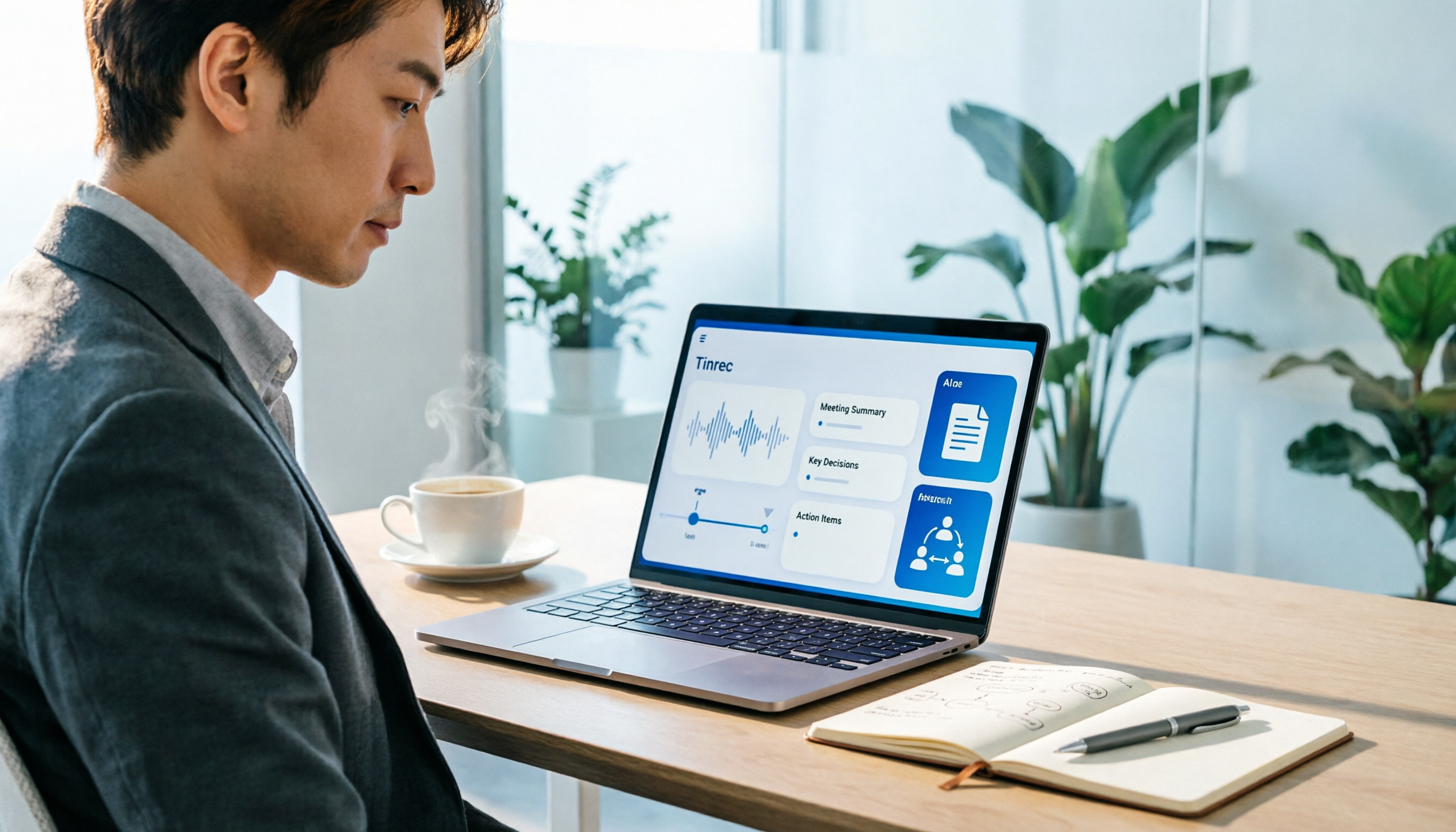
How to Use an AI Office Toolkit in 2026: 5 Steps + 6 Essential Tools
Too many AI tools, too few actually useful. This guide walks you through 5 steps to build your AI office toolkit, then lists 6 tools worth using—covering meeting notes, transcription, documentation, and team collaboration—plus how to choose by scenario and what to watch out for before you start.

Free Cantonese Audio to Text in 2026: 3 Steps to a Transcript + AI Summary
What does free Cantonese audio-to-text really get you? This guide starts with the real limits of free tiers, then uses Tinrec to show how to turn a Cantonese recording into a searchable, editable transcript in 3 steps. It also covers 5 key checks before you buy and answers common questions.
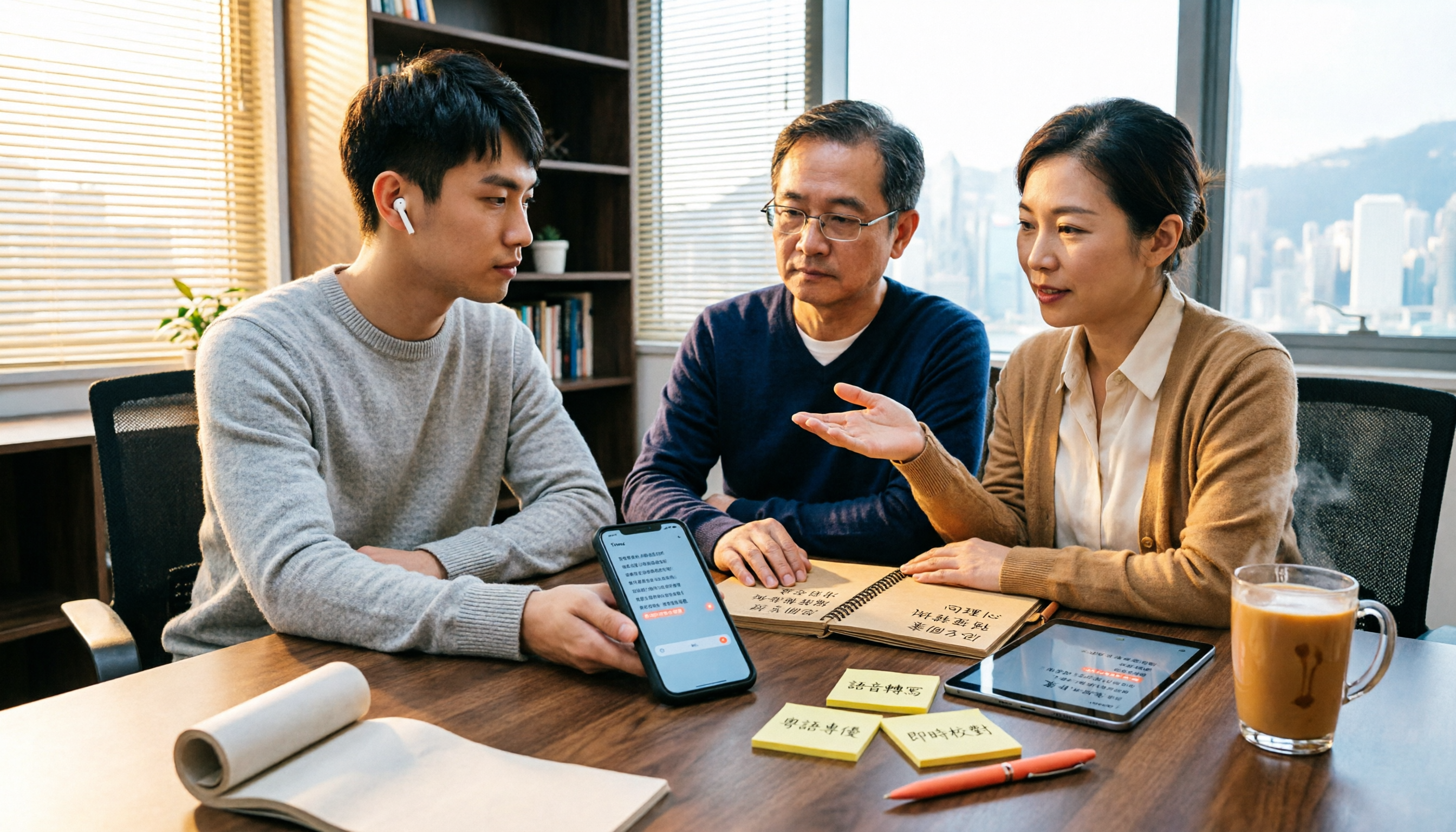
2026 Best Cantonese Speech-to-Text Apps Compared: Which One Saves the Most Time on Cantonese Transcripts?
Turning Cantonese meeting, interview, and lecture recordings into transcripts—there are many options on the market, but Cantonese accuracy varies widely. This article uses real scenarios from Hong Kong office workers to break down 5 key purchasing points, compares tools like Tinrec, Subanana, cSubtitle, and SoundType AI through hands-on testing, and summarizes 4 common pitfalls to help you choose the right Cantonese speech-to-text solution in one go.

4 Cantonese Speech-to-Text Tools Tested for 2026: Which Free Online Version Is Actually Usable?
From a mid-level manager's practical perspective, this comparison of Tinrec, Subanana, cSubtitle, and Google AI Studio evaluates free quotas, recognition performance, and post-meeting organization capabilities for Cantonese audio transcription. It also outlines the three most common pitfalls of free online tools and key selection criteria.
2026 Best 4 Cantonese Speech-to-Text Tools Tested: Which Handles Chinese-English Mix Best?
Cantonese transcription often struggles with Chinese-English code-switching, colloquial speech, and export limits. We tested 4 tools with the same mixed-language Cantonese recording, comparing transcription quality, post-meeting organization, and free quotas, plus 4 key points to check before buying and 4 common mistakes.

AirPlay Mirroring vs Tinrec in 2026: 5-Dimension Comparison — Which Is Easier for Google Meet on Apple TV?
Apple TV has no official Google Meet app, so the only way to hold meetings on a big TV is via AirPlay screen mirroring. This article compares AirPlay mirroring and Tinrec across 5 dimensions, with step-by-step instructions, troubleshooting tips, and ways to organize post-meeting transcripts and action items.