

Turn recordings into transcripts and summaries in minutes
Upload audio or video for multilingual transcription, AI notes, and action items
6 Cantonese Speech-to-Text Tools Tested for 2026: Which Handles Mixed Chinese-English Best?
Why Do You Need Cantonese Speech-to-Text?
Many people misunderstand speech-to-text: they assume that if a tool's menu includes "Chinese," it can handle Cantonese.
In reality, written and spoken Cantonese differ greatly. A single sentence may contain "嘅", "喺", "咗" alongside English product names and job titles. General models haven't seen this kind of data, so the output is often a string of homophones.
Another common misconception is "record first, fix later." If the tool's output format is messy, doesn't distinguish speakers, and lacks punctuation, editing often takes longer than re-listening.
A more sensible approach is to first confirm three things: whether the tool is tuned for Cantonese data, whether it can convert spoken to written Chinese, and whether it offers summaries and action items after transcription. This article evaluates six tools worth shortlisting in 2026 from these three angles.
Tinrec | Turning Meetings into Actionable Data
Tinrec is an AI meeting notes and collaboration tool for individuals and teams. It doesn't just convert audio to text; it organizes recordings into searchable, summarizable, and queryable data.
Record online meetings without a bot. The desktop app captures system audio directly, so for Zoom, Google Meet, Microsoft Teams, and Webex, you don't need to add an extra bot to the meeting. Note that this isn't "auto-join all events"—you open Tinrec and start recording yourself.
The real value comes after transcription. Transcripts automatically generate summaries, chapters, and action items, and can even produce a mind map. You don't need to re-listen to a two-hour interview; just ask questions about the content, such as "What was the budget cap the interviewee mentioned?" and the AI will answer based on the recording.
Mixed Chinese-English and bilingual view. Supports transcription of Chinese and multilingual meetings, and during recording you can switch between original text, translation, or bilingual view. Actual performance depends on audio quality, accent, background noise, and overlapping speakers; for important content, verify against the original audio.
Team plan is a separate space, not a shared account. You can centralize meeting data and assign roles and seats: members without a seat can still view, play, and read team data, but need a seat to record, upload, edit, and export. There are also usage analytics, audit logs, team hotwords, and a 30-day audio recycle bin.
For plans, individuals have a free version, weekly pass, Pro monthly, and Pro annual—choose based on usage frequency. The team plan is currently USD 29.80 per paid seat per month, or USD 199 per paid seat per year (about USD 16.58/month); eligible teams can try 7 days with 1 free seat and 300 minutes of shared import quota, and paid seats get 2,000 minutes of shared import quota per month; live recording is not currently deducted by minutes. Prices and benefits are subject to the official purchase page.
Who it's for: office workers and teams who need Chinese meeting notes, don't want a bot joining meetings, and need to organize minutes and action items afterward.
Subanana | Cantonese Transcription Tool Developed by a Hong Kong Team
Subanana's positioning is clear: turn Cantonese audio or video into punctuated, speaker-separated text.
Its standout feature is four output combinations: spoken/written × traditional/simplified. It can directly convert spoken Cantonese into fluent written Chinese, retaining English terms as-is. Supports MP3, M4A, WAV, MP4, and other formats, and you can paste public YouTube, Instagram, Facebook links or record directly in the browser. Output formats include SRT, VTT, TXT, DOCX, XLSX, Markdown.
The free tier allows preview of the first 15 minutes of each file. Some reviews mention it performs notably well in mixed Chinese-English scenarios, but such figures are third-party tests; actual results depend on your recording conditions.
Who it's for: those focused on video subtitles and transcript export, who need spoken-to-written conversion.
Notta | Multilingual Transcription and Team Plans
Notta covers multi-platform transcription, meeting notes, file import, and translation, with significant overlap with Tinrec.
Current official pricing: free version 120 minutes per month, max 3 minutes per item; Pro annual equivalent to about USD 8.17/month, 1,800 minutes per month; Business annual equivalent to about USD 16.67 per seat per month, including role permissions and usage reports. Actual plans subject to the official website.
Who it's for: individuals or small teams needing a multilingual environment, primarily for file transcription.
TurboScribe | Cost-Effective Long-File Transcription
TurboScribe is purely transcription-focused, emphasizing long files and batch uploads.
Stop organizing recordings by hand
Upload audio or video and automatically get a transcript, summary, and action items
Free version: 3 files per day, max 30 minutes per file; Unlimited annual USD 120, about USD 10/month, with paid max 10 hours or 5 GB per file, and up to 50 files at once. Subject to official website.
Who it's for: those with a pile of recorded files needing bulk transcription, without meeting collaboration features.
Otter.ai | A Mature Choice for English Meetings
Otter is a mature AI meeting assistant with a solid reputation for standard English meetings.
Current free Basic: 300 minutes per month; Pro annual equivalent to about USD 8.49 per user per month, including 1,200 minutes of in-app recording and 10 file imports per month; Business offers unlimited meetings and in-app recording, pricing may vary with promotions, subject to official website.
Note that its strength is English business scenarios. If meetings are mainly in Cantonese with frequent mixed Chinese-English, we recommend testing a real recording with the free tier first.
Who it's for: teams whose meetings are in English and need standardized processes.
Granola | Bot-Free AI Meeting Notes
Granola also takes a bot-free approach, capturing system audio and microphone via desktop devices, and combines your handwritten notes to generate meeting content.
Pricing: Basic free, Business USD 14 per user per month, Enterprise USD 35 per user per month. It supports viewing, copying, and searching live transcripts, but does not support uploading pre-recorded audio files and does not save meeting audio.
Who it's for: those who take notes during meetings and don't need to keep audio files.
With So Many Options, How Should You Choose?
・Want a workflow from recording to transcript, summary, action items, and Q&A → Tinrec, this workflow is its core. ・Don't want a bot joining the meeting room → Tinrec or Granola, both capture system audio via desktop. ・Meetings mix Chinese and English, need bilingual view → Tinrec, supports live translation and original/translated view. ・Personal use then share with team → Tinrec, has separate team space, seats, and usage logs. ・Main purpose is video subtitles, need spoken-to-written → Subanana. ・Have many long recordings, prefer flat annual fee → TurboScribe. ・Meetings almost entirely in English → Otter.ai or Granola. ・Zero budget, only occasional transcription → Try each tool's free tier with your own recording first.
4 Things to Know Before Using Cantonese Speech-to-Text
1. Audio quality sets the ceiling. The same model performs very differently in a quiet meeting room versus a noisy restaurant. Get close to the microphone when possible; for online meetings, use a headset microphone.
2. Spoken language is not written language. Characters like "嘅" and "喺" appearing in transcripts is normal. For formal meeting minutes, you'll need a written conversion or manual editing; tools like Subanana offer direct switching.
3. For mixed Chinese-English, check if English gets dropped. Some tools force English words into phonetically similar Chinese. Test by deliberately saying "Next week we need to find PM and QA to align on the roadmap" and see the output.
4. Free tier calculations differ. Some offer "first 15 minutes preview per file," others "X minutes per month," and some limit single-session length. Check your file length before choosing.
Also note that recording involves others' rights; depending on local regulations, you may need to inform or obtain consent beforehand, especially for business meetings.
Conclusion
The real challenge of Cantonese transcription isn't "whether it transcribes" but "whether the output is directly usable." Rather than fixating on minutes and price, first confirm whether the tool understands spoken language, distinguishes speakers, and can handle subsequent organization.
If you want a complete workflow from recording to minutes, action items, and Q&A, Tinrec is the most comprehensive on this list; if you just need to add subtitles to videos, Subanana is more convenient. Run a segment of your own real recording with the free tier first—the answer usually becomes clear quickly.
FAQ
Q1: Is the free version enough?
Depends on usage frequency. For occasional meetings once or twice a month, free tiers are usually enough to test; for daily meetings and minutes organization, paid plans' summary and export features truly save time.
Q2: Why do general tools produce gibberish for Cantonese?
Cantonese has many colloquial characters and a high frequency of mixed Chinese-English. If general models aren't specifically trained on Hong Kong/Macau or Guangdong data, recognition rates drop noticeably with background noise, making corrections more time-consuming.
Q3: Can I upload meeting files recorded on my phone directly?
Most tools support common audio and video formats. Tinrec supports uploading audio and video files, and also mobile recording; Subanana supports MP3, M4A, WAV, MP4, etc., and public links.
Q4: Does Tinrec need a bot to join meetings?
No. The desktop version captures system audio directly, so no extra participant appears in online meetings. But you need to start recording yourself; it's not currently an auto-join-all-events mode.
Q5: Can I send the transcript directly as meeting minutes?
Not recommended. Transcripts preserve spoken language; formal documents still need editing. A safer approach is to have the tool generate summaries and action items first, then have a human verify key numbers and commitments.
Q6: What's the difference between team and personal plans?
Personal plan data belongs to the individual account; team plan is a separate space where data belongs to the team, with additional members, roles, seats, shared quota, usage analytics, audit logs, and audio recycle bin. When a member leaves, team data isn't taken away, but resources need to be handed over to other active members.
References
- Free Cantonese Speech-to-Text App 2026 | Subanana
- 2026 Latest 5 Cantonese and Taiwanese Speech-to-Text Tools: Solving Dialect Recognition and Transcript Organization Pain Points - Tinrec Blog
- 2026 Latest 6 Cantonese Speech-to-Text AI Tools: Solving Meeting Notes and Transcript Pain Points - Tinrec Blog
- Tested 4 Best Online Speech-to-Text Tools: Free Instant Audio-to-Transcript
- 2026 Latest 5 Cantonese Speech-to-Text AI Recommendations: Solving Mixed Chinese-English and Typing Challenges - Tinrec Blog
Turn every recording into actionable outcomes
Get 60 free transcription minutes when you sign in. No credit card required.
Related Reading
You might also like

4 Cantonese Speech-to-Text Tools Compared for 2026: Free Tiers and Post-Meeting Workflows Explained
From the perspective of a mid-level manager juggling over a dozen meetings a week, this hands-on comparison tests four speech-to-text tools that handle Cantonese and mixed Chinese-English meetings. It covers the three types of free tiers, real-world Cantonese recognition challenges, and what happens after transcription—summaries, action items, and team knowledge retention—so you can see how to choose and where the pitfalls are.

4 Free Cantonese Speech-to-Text Apps Tested: Which One Has the Most Usable Free Tier in 2026?
How to choose a free Cantonese speech-to-text app? This article compares Tinrec, Subanana, cSubtitle, and Notta from free quota calculation, whether they truly use Cantonese models, output usability, and post-meeting organization workflows. It also lists five common pitfalls to help you find the one that's truly usable.

4 Cantonese Speech-to-Text Tools Tested for 2026: Which Free Version Is Good Enough?
Free Cantonese speech-to-text tools actually come in three types: true free quota, preview of the first few minutes, and general AI you operate yourself. This article starts from real usage scenarios and compares Tinrec, Subanana, cSubtitle, and Gemini on Cantonese transcription, mixed Chinese-English speech, and post-meeting organization, while honestly listing free limitations and paid prices to help you decide which one is worth keeping.
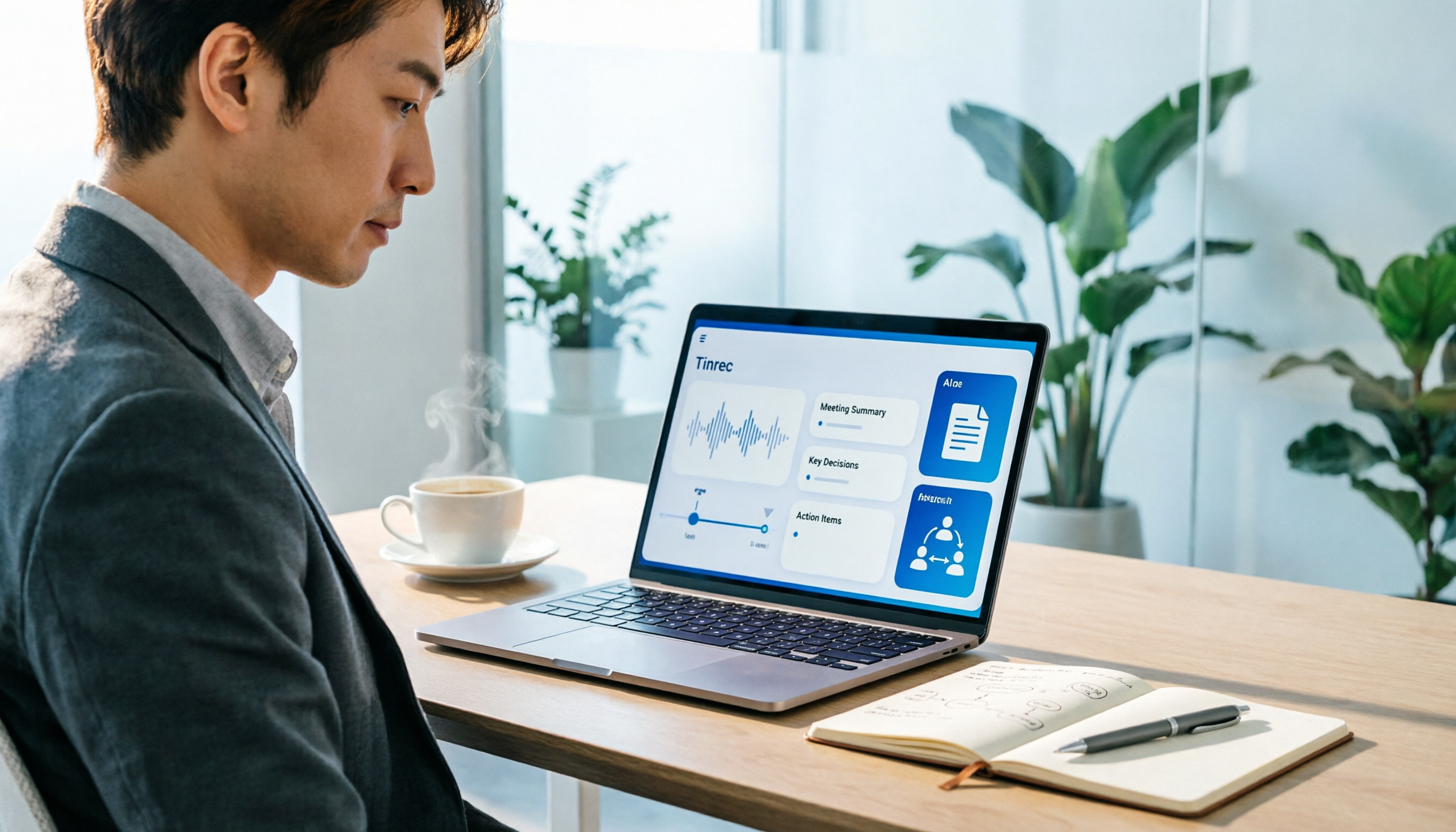
How to Use an AI Office Toolkit in 2026: 5 Steps + 6 Essential Tools
Too many AI tools, too few actually useful. This guide walks you through 5 steps to build your AI office toolkit, then lists 6 tools worth using—covering meeting notes, transcription, documentation, and team collaboration—plus how to choose by scenario and what to watch out for before you start.

Free Cantonese Audio to Text in 2026: 3 Steps to a Transcript + AI Summary
What does free Cantonese audio-to-text really get you? This guide starts with the real limits of free tiers, then uses Tinrec to show how to turn a Cantonese recording into a searchable, editable transcript in 3 steps. It also covers 5 key checks before you buy and answers common questions.
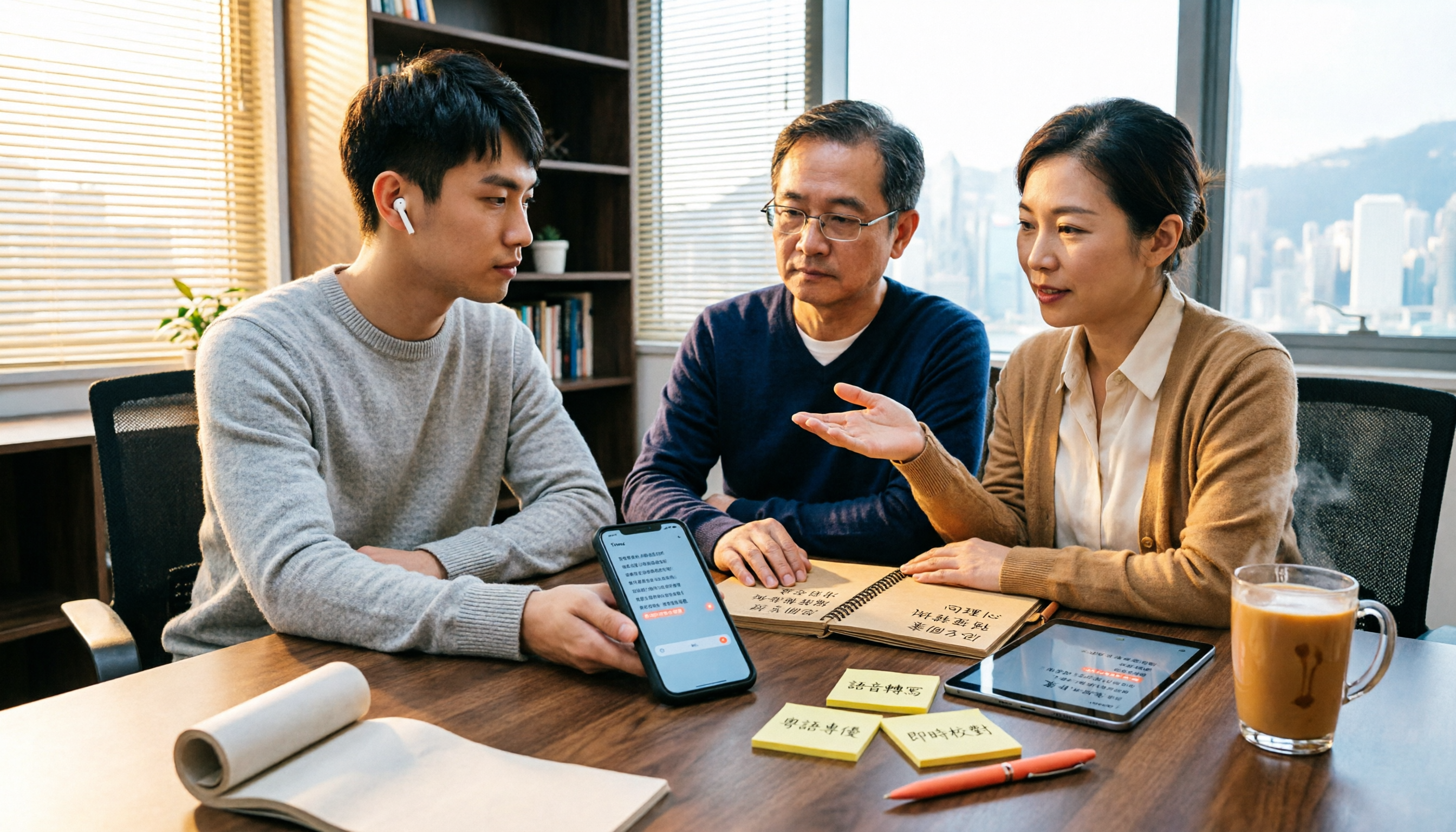
2026 Best Cantonese Speech-to-Text Apps Compared: Which One Saves the Most Time on Cantonese Transcripts?
Turning Cantonese meeting, interview, and lecture recordings into transcripts—there are many options on the market, but Cantonese accuracy varies widely. This article uses real scenarios from Hong Kong office workers to break down 5 key purchasing points, compares tools like Tinrec, Subanana, cSubtitle, and SoundType AI through hands-on testing, and summarizes 4 common pitfalls to help you choose the right Cantonese speech-to-text solution in one go.

4 Cantonese Speech-to-Text Tools Tested for 2026: Which Free Online Version Is Actually Usable?
From a mid-level manager's practical perspective, this comparison of Tinrec, Subanana, cSubtitle, and Google AI Studio evaluates free quotas, recognition performance, and post-meeting organization capabilities for Cantonese audio transcription. It also outlines the three most common pitfalls of free online tools and key selection criteria.
2026 Best 4 Cantonese Speech-to-Text Tools Tested: Which Handles Chinese-English Mix Best?
Cantonese transcription often struggles with Chinese-English code-switching, colloquial speech, and export limits. We tested 4 tools with the same mixed-language Cantonese recording, comparing transcription quality, post-meeting organization, and free quotas, plus 4 key points to check before buying and 4 common mistakes.

AirPlay Mirroring vs Tinrec in 2026: 5-Dimension Comparison — Which Is Easier for Google Meet on Apple TV?
Apple TV has no official Google Meet app, so the only way to hold meetings on a big TV is via AirPlay screen mirroring. This article compares AirPlay mirroring and Tinrec across 5 dimensions, with step-by-step instructions, troubleshooting tips, and ways to organize post-meeting transcripts and action items.