

Turn recordings into transcripts and summaries in minutes
Upload audio or video for multilingual transcription, AI notes, and action items
Still Typing Transcripts After Meetings? Three Real Pain Points of Cantonese Meeting Notes
A two-hour meeting followed by two hours of organizing notes—this is the daily routine for many Hong Kong office workers. The trickiest part is Cantonese meetings: sentences mix Chinese and English, there's keyboard clatter and air conditioning noise in the background, and several people talk over each other. Even replaying the recording three times, you still can't tell whether those two syllables were "budget" or "preset."
Another scenario is interviews and lectures. An hour-long recording means pausing sentence by sentence, typing, and proofreading—the mental drain is enormous, and by the time you finish one segment, you don't want to touch it again. Not to mention online meetings: Zoom, Meet, and Teams each have built-in transcription, but formats are inconsistent and scattered across different accounts. Next time you need to find "the discount floor that client mentioned last quarter," you're basically relying on memory.
The problem was never "did we record it?" but "what do we do after recording?" Choose the right tool, and those two hours can be compressed into ten-plus minutes; choose wrong, and you've just gone from listening to recordings to fixing typos.
Before Choosing a Cantonese Speech-to-Text App, Understand These 5 Key Points
1. Cantonese recognition: focus on Chinese-English code-switching. Hong Kong people don't speak pure Cantonese—a sentence like "this case we follow up" is already a mix of three languages. Tools that claim Cantonese support but don't handle code-switching usually produce a messy jumble at the Chinese-English boundaries.
2. How comprehensive are the recording sources? You have three sources: in-person meetings (live recording), online meetings (computer system audio), and old recording files (MP3/M4A/WAV). If a tool only supports file upload, you'll need to record separately and upload after every meeting—an extra step each time.
3. Can you use the output directly? A transcript is just raw material. Does the tool segment it, add headings, extract action items, and answer "what was the conclusion of this meeting?"—that determines whether you save typing time or the entire organizing time.
4. Team data ownership. When a colleague leaves and meeting recordings disappear with them, that's a hidden risk for many teams. Pay attention to whether data is stored in personal accounts or team spaces, and whether it can be handed over after a member exits.
5. Quotas and pricing. Look carefully at how "minutes" are deducted: live recording, file import, and web link import—many tools bill these separately or share a single pool. Whether the free quota is enough for your two or three meetings a month is something you need to calculate yourself.
Tinrec: Our Top Recommendation After Hands-On Testing
Tinrec is an AI meeting notes and collaboration tool for individuals and teams, covering iOS, Android, desktop, and web. It doesn't just convert audio to text—it turns meetings into searchable, queryable, and transferable data.
Scenario 1: Recording online meetings without a bot. The desktop version directly captures computer system audio, handling platforms like Zoom, Google Meet, Microsoft Teams, and Webex—no need to pull a bot into the meeting as a participant. This is especially useful for meetings with foreign clients—you won't suddenly have a stranger's name appear on the participant list in front of a client. Note that it works by you actively opening Tinrec to start recording, not by automatically joining all calendar meetings.
Scenario 2: Transcribing Chinese-English code-switching in real time. Live recording produces a transcript as you record, with real-time translation support—view the original, translation, or bilingual side-by-side. For half-Chinese, half-English Cantonese meetings, this is far more practical than guessing afterward which sentence was English. The team version also offers team hotwords, letting you add company abbreviations and product codes to improve recognition of proper nouns.
Scenario 3: The real value is after the meeting. After recording, Tinrec automatically generates AI summaries, chapters, key points, and action items, plus a mind map to help you structure the discussion. The biggest differentiator is AI Q&A—you can directly ask "who mentioned the budget in the last meeting?" and it answers based on semantic understanding, rather than dumping a bunch of keyword search results for you to dig through. Among products at the same price point, this kind of conversational query is uncommon. You can also use Agent post-processing to generate reports, tables, and documents, or export to Notion, Google Docs, OneNote, or Dropbox for further editing.
Stop organizing recordings by hand
Upload audio or video and automatically get a transcript, summary, and action items
Team scenario: Data belongs to the team, not individuals. The team version is an independent collaboration space where you can create multiple teams, invite members via link, and clearly distinguish "roles" from "seats": roles govern administration (who can manage members, view audits), seats govern usage (whether one can record, upload, edit, export). Active members without seats can still view, play, and read team data—they just can't upload or edit. When a member leaves or is removed, their team resources need to be handed over to other active members and won't disappear. Admins can also view usage trends, member rankings, and audit logs, and accidentally deleted audio can be recovered from a 30-day recycle bin.
Limitations to be clear about. Tinrec does not promise a fixed accuracy rate—actual performance is affected by recording quality, noise, accents, overlapping speakers, and technical terminology. For important content, verify against time codes and the recording. On pricing: team monthly is USD 29.80 per paid seat per month, annual is USD 199 per paid seat per year (about USD 16.58/month); eligible teams get a 7-day trial, 1 free seat, and 300 minutes of shared import quota on first use, and paid seats provide 2,000 minutes of shared import quota per month. Live recording currently does not deduct minutes under an active plan and active seat, while file and web imports consume team shared minutes and won't fall back on individual member quotas. Also, the team version currently focuses on team-level shared visibility, not file-level granular permission control.
Who it's for. If you frequently record Cantonese or Chinese-English mixed meetings, want to ask AI directly for key points after recording, and switch between phone and computer, Tinrec is currently the most integrated option in its class.
Besides Tinrec, What Other Options Are There?
Subanana: Focused on the Cantonese market—upload MP3/M4A/WAV/MP4 or paste a YouTube link, and it will separate speakers, add punctuation, and offer colloquial or written Chinese, traditional or simplified output, with the first 15 minutes of each file free to preview. However, its focus is on file and link import; online meetings require recording with another tool and then uploading. It also lacks Tinrec's AI Q&A and action item extraction around meeting content.
cSubtitle: Upload video or audio on the web to transcribe, supports Cantonese (HK), single file up to 4GB/5 hours, output includes punctuation and segmentation, and generates Word files with time codes and .sub/.vtt subtitle files—very convenient for subtitling videos. But it's a pure file-processing workflow; it doesn't handle live meeting recording, and lacks team spaces, seat management, and post-meeting conversational queries—these are exactly where Tinrec stands apart.
SoundType AI: A mobile app supporting over 90 languages, offering transcripts, AI summaries, and speaker identification—suitable for interviews, podcasts, and on-the-go recording. Some users report in store reviews that Cantonese conversion success rate is about 85–90%—acceptable but not stable enough; it also lacks Tinrec's desktop bot-free meeting capture and team data governance. If you only need to process single recordings on your phone, it's worth considering.
Pitfall Guide: The 4 Most Common Mistakes When Choosing a Cantonese Speech-to-Text App
Pitfall 1: Only looking at advertised accuracy numbers. Most high accuracy rates are measured in quiet environments with standard speech. Real meetings have air conditioning noise, keyboard sounds, and people talking over each other—that's when the gap shows. Test with your own most difficult real recording, don't just look at ads.
Pitfall 2: Ignoring Chinese-English code-switching and proper nouns. Pure Cantonese tests look great, but throw in "this KPI we'll review in Q3" and it falls apart. When choosing a tool, specifically test a Chinese-English mixed recording and check whether it has custom vocabulary or hotword features.
Pitfall 3: Treating the transcript as the end goal. If all you get is a big block of text, you still have to read through it, segment it, and extract key points yourself. What really saves time is the post-processing layer—summaries, chapters, action items, and Q&A—and this is the most easily overlooked part when evaluating tools.
Pitfall 4: Not thinking about how team data gets handed over. Recording team meetings with a personal account means when a colleague leaves and the account is deactivated, the data disappears with it. Ask clearly: where is data stored, who can take over after a member exits, and are there export and recovery mechanisms?
Conclusion: Which One Should You Choose?
In one sentence: for Cantonese and Chinese-English mixed meeting notes, Tinrec is the top choice in this article.
- Want to record directly in online meetings without pulling a bot in → Tinrec (desktop captures system audio)
- Want to ask AI directly "what was the conclusion of this meeting?" after recording → Tinrec (conversational query, not keyword search)
- Switch between phone, computer, and web → Tinrec (multi-platform coverage)
- Team needs to share meeting data, manage seats and usage → Tinrec team version (role/seat separation, audit logs, recycle bin)
- Just occasionally subtitle a recording file → A pure file tool like cSubtitle is enough
- Mainly on-the-go recording of single interviews on phone → SoundType AI is worth comparing
Recommended approach: start with Tinrec's free version and test it with your own worst Cantonese meeting recording—especially one with Chinese-English code-switching and people talking over each other. Whether the transcript is directly readable and whether the AI summary captures the key points—you'll have an answer within half an hour, no need to rush into paying. Also a reminder: recording and transcription involve others' privacy; before recording, remember to obtain participants' consent in accordance with local regulations.
References
Turn every recording into actionable outcomes
Get 60 free transcription minutes when you sign in. No credit card required.
Related Reading
You might also like

4 Cantonese Speech-to-Text Tools Compared for 2026: Free Tiers and Post-Meeting Workflows Explained
From the perspective of a mid-level manager juggling over a dozen meetings a week, this hands-on comparison tests four speech-to-text tools that handle Cantonese and mixed Chinese-English meetings. It covers the three types of free tiers, real-world Cantonese recognition challenges, and what happens after transcription—summaries, action items, and team knowledge retention—so you can see how to choose and where the pitfalls are.

4 Free Cantonese Speech-to-Text Apps Tested: Which One Has the Most Usable Free Tier in 2026?
How to choose a free Cantonese speech-to-text app? This article compares Tinrec, Subanana, cSubtitle, and Notta from free quota calculation, whether they truly use Cantonese models, output usability, and post-meeting organization workflows. It also lists five common pitfalls to help you find the one that's truly usable.

4 Cantonese Speech-to-Text Tools Tested for 2026: Which Free Version Is Good Enough?
Free Cantonese speech-to-text tools actually come in three types: true free quota, preview of the first few minutes, and general AI you operate yourself. This article starts from real usage scenarios and compares Tinrec, Subanana, cSubtitle, and Gemini on Cantonese transcription, mixed Chinese-English speech, and post-meeting organization, while honestly listing free limitations and paid prices to help you decide which one is worth keeping.

6 Cantonese Speech-to-Text Tools Tested for 2026: Which Handles Mixed Chinese-English Best?
A practical comparison of six Cantonese speech-to-text tools in 2026, covering their real-world uses and limitations—from bot-free meeting recording and spoken-to-written conversion to long-file transcription. We explain who each tool suits, plus free tiers, pricing, and four things to check before buying.
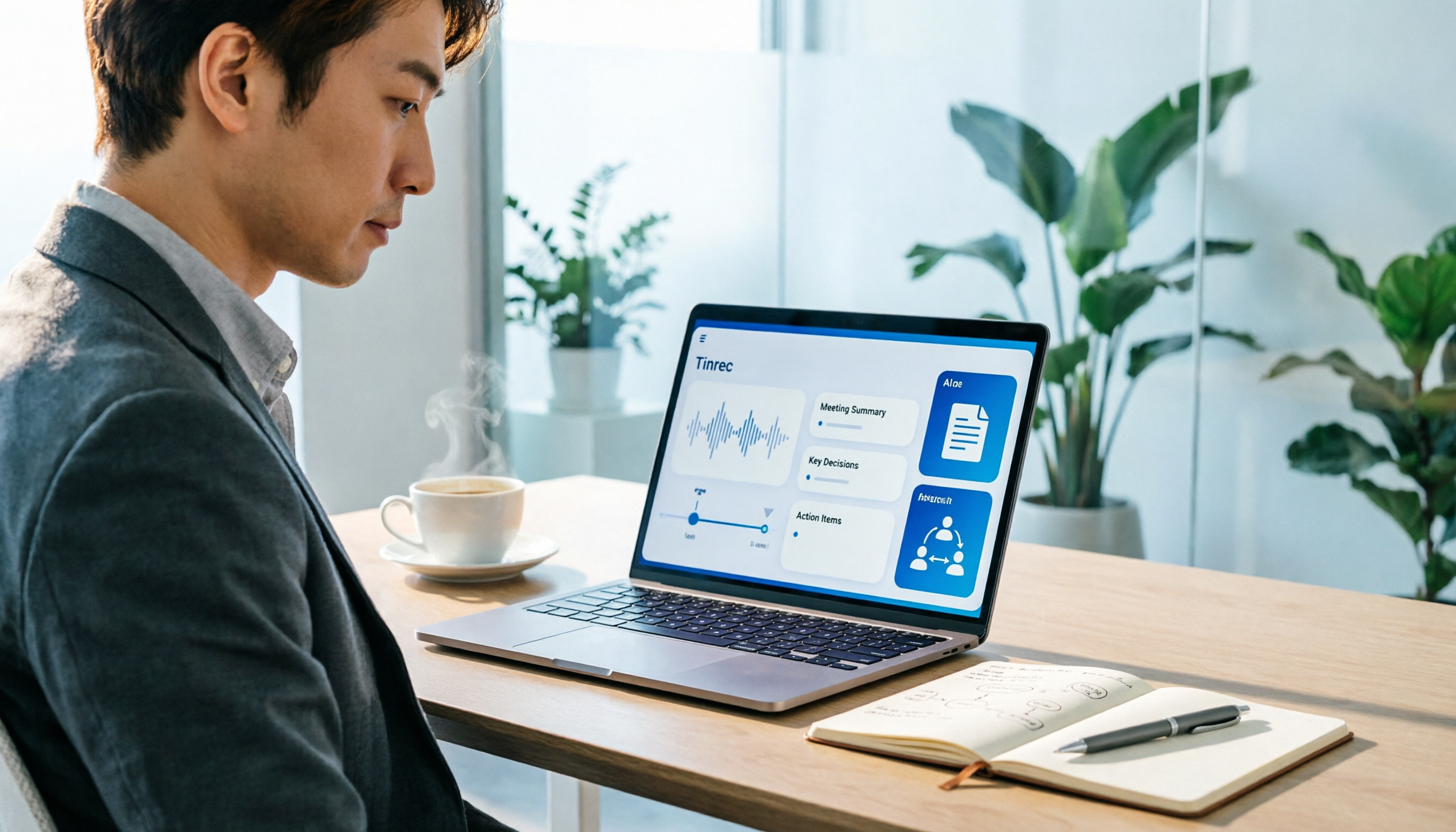
How to Use an AI Office Toolkit in 2026: 5 Steps + 6 Essential Tools
Too many AI tools, too few actually useful. This guide walks you through 5 steps to build your AI office toolkit, then lists 6 tools worth using—covering meeting notes, transcription, documentation, and team collaboration—plus how to choose by scenario and what to watch out for before you start.

Free Cantonese Audio to Text in 2026: 3 Steps to a Transcript + AI Summary
What does free Cantonese audio-to-text really get you? This guide starts with the real limits of free tiers, then uses Tinrec to show how to turn a Cantonese recording into a searchable, editable transcript in 3 steps. It also covers 5 key checks before you buy and answers common questions.

4 Cantonese Speech-to-Text Tools Tested for 2026: Which Free Online Version Is Actually Usable?
From a mid-level manager's practical perspective, this comparison of Tinrec, Subanana, cSubtitle, and Google AI Studio evaluates free quotas, recognition performance, and post-meeting organization capabilities for Cantonese audio transcription. It also outlines the three most common pitfalls of free online tools and key selection criteria.
2026 Best 4 Cantonese Speech-to-Text Tools Tested: Which Handles Chinese-English Mix Best?
Cantonese transcription often struggles with Chinese-English code-switching, colloquial speech, and export limits. We tested 4 tools with the same mixed-language Cantonese recording, comparing transcription quality, post-meeting organization, and free quotas, plus 4 key points to check before buying and 4 common mistakes.

AirPlay Mirroring vs Tinrec in 2026: 5-Dimension Comparison — Which Is Easier for Google Meet on Apple TV?
Apple TV has no official Google Meet app, so the only way to hold meetings on a big TV is via AirPlay screen mirroring. This article compares AirPlay mirroring and Tinrec across 5 dimensions, with step-by-step instructions, troubleshooting tips, and ways to organize post-meeting transcripts and action items.