
Turn recordings into transcripts and summaries in minutes
Upload audio or video for multilingual transcription, AI notes, and action items
Recording an hour-long meeting or class on your iPhone is easy, but afterwards, finding a key phrase within that lengthy audio file can be a nightmare. Many people still think that transcribing iPhone recordings requires manual typing or they give up due to poor free tool accuracy.
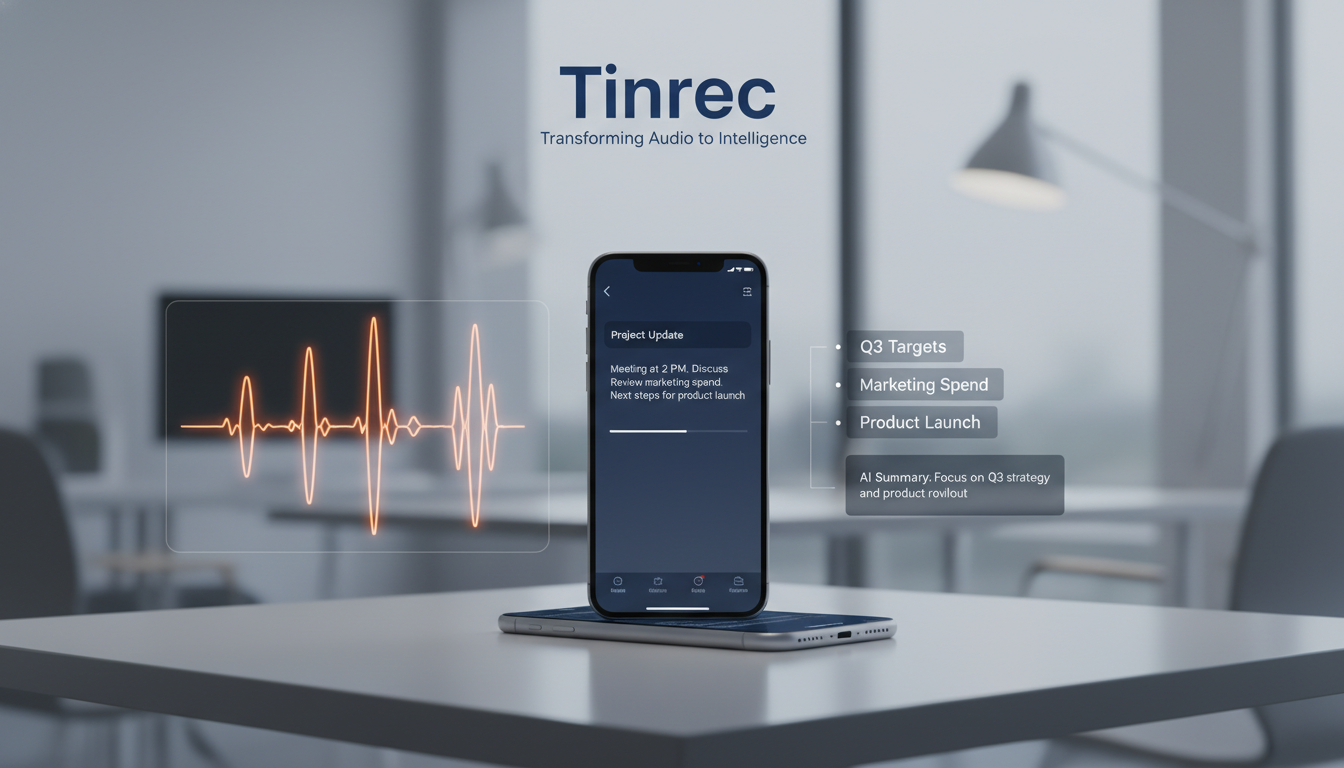
This article tests two main solutions: Apple's built-in Voice Memos native transcription, and Tinrec, a third-party AI tool that offers a complete "record → understand → act" workflow. We provide detailed comparison dimensions, feature difference tables, practical steps, and answer common transcription questions.
Quick Navigation Conclusion:
- If you just need simple text memos and use an iPhone 12 or newer → go with Apple Voice Memos.
- If you need to handle multilingual meetings, auto-generated meeting notes, to-do items, or want to query key points via AI chat → consider Tinrec or similar professional AI transcription tools.
1. Review Statement & Test Criteria
To ensure the tool selection guide is valuable, this review is based on the following criteria:
- Test sample: A 30-minute remote meeting recording (mixed Chinese and some English proper nouns) with light keyboard typing background noise.
- Test devices: iPhone 15 Pro (iOS 18) and web platform.
- Evaluation dimensions: Word error rate, paragraph segmentation, timestamp accuracy, summary quality (action items), export efficiency.
- Preview of results: In the 30-minute audio test, native Voice Memos displayed text in real-time but required manual copying; professional AI tools (e.g., Tinrec) took about 2 minutes 15 seconds to transcribe and simultaneously produced structured summaries and to-do lists.
2. iPhone Voice Memos Transcription: Steps & Limitations
According to Apple's official guide, the system can now transcribe speech directly in Voice Memos. This is convenient for users who only need basic transcripts.
Official Transcription Steps
- View while recording: Open Voice Memos, tap record, then swipe up from the waveform and tap the dialogue icon to see the live transcription. The system highlights the word being spoken.
- View and copy after recording: Tap a recorded file, select "View Transcription," then you can select text and tap "Copy," or choose "Copy Transcription" to paste the full transcript into Notes or Mail.
- Search text: Pull down at the top of the recording list to reveal the search bar, enter a keyword, and the system filters recordings whose title or transcription contains that word.
Device & Feature Limitations
- Hardware requirement: Audio transcription only works on iPhone 12 or newer models.
- Language support: Supports Traditional Chinese, Simplified Chinese, English, Japanese, etc., but cannot automatically recognize and translate multiple languages within one recording.
- Advanced processing: To generate summaries or proofread text, you need Apple Intelligence "Writing Tools" on newer devices, which currently has many language and region restrictions; generally, exported text lacks speaker differentiation and paragraph structure.
3. Core Comparison: Apple Built-in vs Tinrec Decision Table

When the scenario shifts to high-information-density workplace or academic environments, raw transcripts often fall short. Below is a comparison table of built-in tools and the professional AI assistant Tinrec to reduce your decision-making cost:
Stop organizing recordings by hand
Upload audio or video and automatically get a transcript, summary, and action items
| Dimension | Apple Voice Memos (Built-in) | Tinrec (AI Professional) |
|---|---|---|
| Language Support | Single language (switch required); supports Chinese, English, Japanese, etc. | Auto-detects 10 languages (including Taiwanese Hokkien, Cantonese); supports multilingual recording |
| Real-time Performance | Real-time transcript generation, waveform sync | Real-time transcript generation, speaker and paragraph differentiation |
| Summary & Action Items | Requires Apple Intelligence (limited) | Auto-generates meeting minutes, conclusions, to-do action list |
| AI Query Interaction | Only traditional keyword search (Ctrl+F) | Supports semantic AI chat query (ask questions about the recording like an assistant) |
| Export & Integration | Manual copy and paste | Multi-format export, generates structured documents directly |
| Price & Quota | Included with iOS, completely free | Free tier: 100 minutes/month; paid plans from $4.9/month for higher quota |
4. Tinrec Practical Guide: 4 Scenarios Covered
Tinrec's core difference is that it not only provides transcripts but also fills the "understanding" and "action" gaps. Below is how to use it in different scenarios to complete the workflow.
1. Real-time Voice to Text (Ideal for: In-person meetings, class notes)
- Step 1: Open the Tinrec app (iOS/Android) or web platform, tap "Start Recording" on the home page.
- Step 2: The system converts speech to text in real-time while recording, with the transcript scrolling live.
- Step 3: After finishing, tap "Complete," and the system automatically splits paragraphs and labels different speakers—no manual formatting needed.
2. Audio File to Text (Ideal for: Importing existing iPhone recordings)
- Step 1: In iPhone Voice Memos, save the desired audio file to the Files app.
- Step 2: Go to Tinrec's "Audio to Text" section, upload the file.
- Step 3: Wait a few minutes (a 30-min file takes about 2 min). The system outputs a transcript plus automatically extracts a "Meeting Summary" and "To-Do List."
3. Video Link to Text (Ideal for: Online courses, podcast summaries)
- Step 1: Copy the URL of a YouTube video or podcast you want to study.
- Step 2: In Tinrec, select "Video to Text" or "Link Parsing."
- Step 3: Paste the URL; the system automatically grabs the audio track and converts it to text—great for content creators quickly processing script material.
4. AI Chat Query (Ideal for: Finding specific decision details)
- Step 1: Enter the completed transcription page of a recording.
- Step 2: Tap the "AI Chat Query" feature (different from traditional keyword search).
- Step 3: Type a question in the chat box, e.g., "Who was assigned the UI design in this meeting? What's the deadline?" The AI answers based on recording context, saving you from scanning the full transcript.

5. Scenario Recap & Choice Boundaries
No tool is perfect; the key is your actual use case:
- Light personal daily use: If you only want to record sudden ideas, simple personal memos, or short lecture highlights, iPhone Voice Memos is good enough and requires no extra sign-up.
- High-intensity work & study: For office workers (remote meetings, project discussions) and media/marketing professionals (interviews, proposal notes), pure text can still be heavy to read. Tinrec adds value by reducing post-processing time through AI summaries and chat queries, turning unstructured audio into actionable decisions. Its limitation is a free monthly quota of 100 minutes; heavy full-time transcribers may need to consider upgrading.
6. FAQ
Q1: Does the built-in transcription on iPhone work on older models? According to Apple, audio transcription only works on iPhone 12 or newer. For older models, consider third-party AI tools like Tinrec that support multiple platforms.
Q2: Can Voice Memos exported transcripts differentiate speakers? Currently, Apple's built-in transcription only provides continuous text blocks; it cannot automatically identify and label different speakers. For speaker separation in multi-person meetings, use a professional AI meeting assistant.
Q3: How do I transcribe Teams or Meet recordings on iPhone? If the meeting software doesn't provide Chinese transcripts, export the video or audio file from Teams/Meet, download it to your phone or computer, and upload it to an AI transcription tool for post-processing and key extraction.
Q4: Do transcription tools have free tiers? Most professional tools offer free trials. For example, Tinrec provides 100 free minutes per month for basic and AI features; beyond that, you can evaluate subscription plans (e.g., Basic or Pro).
Q5: Can foreign language meetings be directly transcribed into Chinese? Native iPhone transcription requires setting the language beforehand. For international meetings, use an AI transcription tool with automatic multilingual recognition and translation, which preserves the original while helping you understand cross-language content.
Q6: What export formats are available for transcribed text? iPhone built-in transcription mainly uses copy/paste. Third-party AI tools usually support exporting as TXT, Word, or timestamped subtitle formats (e.g., SRT) for easy editing or publishing.
Turn every recording into actionable outcomes
Get 60 free transcription minutes when you sign in. No credit card required.
Related Reading
You might also like

4 Cantonese Speech-to-Text Tools Tested for 2026: Gboard Settings and Alternatives
Gboard Cantonese voice input keeps giving you Mandarin characters? This guide breaks down the key Gboard Cantonese voice input settings and common limitations, then compares Tinrec, Notta, and TurboScribe for meeting notes, transcripts, and post-meeting organization to help you choose the right tool.

4 Cantonese Voice Input Tools Tested for 2026: Which One Should You Choose for Meeting Notes and Long-Form Typing?
How do you choose a Cantonese voice input tool? This article breaks down two key needs—real-time dictation and meeting recording organization—and outlines 4 key buying factors. It compares Tinrec, VoiceIn, Speechnotes Cantonese, and built-in dictation on iPhone/Google Docs to help you find the Cantonese voice input solution that fits your workflow.

How to Use Cantonese Voice Input on Windows 11 in 2026: Typing and Meeting Notes with Tinrec
Typing Cantonese on Windows 11 often starts with searching for an input method, but many users get stuck during installation or face compatibility issues. This guide addresses common misconceptions, explains the differences between three input approaches, and uses Tinrec as an example to show how to turn Cantonese speech directly into transcripts, summaries, and action items. It also compares the free and team plans.

2026 YouTube Cantonese Subtitle Tools Compared: Tinrec vs Otter.ai vs Notta — Which One Should You Choose?
We tested Tinrec, Otter.ai, and Notta to compare Cantonese recognition, video source support, post-meeting organization, and team collaboration—helping YouTube creators find the best workflow for Chinese content.

5 Cantonese Input Methods Compared in 2026: Jyutping, Rime, Online, and Speech-to-Text
Starting with common misconceptions, this guide explains how to choose among 5 Cantonese input methods (online, Jyutping Rime series, iOS built-in, Sogou Cantonese mode, CantoKey/CPIME), then compares the 'typing' and 'speech-to-text' approaches, and highlights how Tinrec differs for meeting notes, post-meeting organization, and team knowledge retention.

4 Cantonese Voice Input Tools Tested on Windows 10: Which Saves the Most Time in 2026?
Using Cantonese voice input on Windows 10 often fails not because it can't type characters, but because the output isn't directly usable. This article compares four methods: Windows 10 built-in Win + H, VoiceIn, Google Docs voice typing, and Tinrec. It explains the difference between real-time dictation and audio transcription, four key points to consider when choosing, and common pitfalls to avoid.

How to Set Up Cantonese Keyboard on iPhone (2026): Jyutping Steps & Voice Input Fixes
You don't need to install extra apps to type Cantonese on iPhone. Since iOS 16, Jyutping and Yale are built in. This guide walks you through keyboard and dictation setup, covers 4 key factors for choosing an input method, common voice recognition pitfalls, and explains why an input method isn't enough for full Cantonese meetings—plus what tool to use for transcripts, summaries, and action items.

4 Windows Cantonese Input Methods Tested in 2026: Jyutping Keyboard vs. AI Speech-to-Text—Which Is More Efficient?
Windows has no native Jyutping input method, and company computers often prohibit installing third-party tools. This article addresses common misconceptions and compares Rime Jyutping, Google Cantonese Input, Windows built-in voice input, and Tinrec (秒聽錄音) to help you find the best solution for typing Cantonese.

2026 Windows 10 Cantonese Input: 3 Free Tools + Speech-to-Text Tested
Windows 10 doesn't have a built-in Cantonese input method, so typing and meeting notes often get stuck on the same issue. This guide reviews 3 free Cantonese input methods and shares how to use Tinrec to turn Cantonese recordings into transcripts, summaries, and action items—mastering the Cantonese workflow on Windows 10.