

Turn recordings into transcripts and summaries in minutes
Upload audio or video for multilingual transcription, AI notes, and action items
You Speak Cantonese into Gboard's Mic and Get Mandarin Characters—You're Not Alone
"I use the mic on Gboard to speak Cantonese, but all the characters come out in Mandarin." This is a complaint that appears repeatedly on forums in Hong Kong and Taiwan. What's more frustrating is that the same person switches to another Android phone, the settings look identical, yet voice input correctly recognizes Cantonese.
Similar scenarios include: after a one-hour online meeting with a Hong Kong client, you want to use voice to type up the key points; an elderly family member gives instructions in Cantonese and you just want to jot them down quickly; while watching a Hong Kong drama, you want to note a few lines to practice pronunciation. These needs all seem like just "speech to text," but in reality they fall into two completely different paths: one is an input method (real-time typing), and the other is recording transcription (turning an entire segment into organized data). Figure out which path you need first so you don't waste time.
To Get Gboard to Understand Cantonese, Check These 4 Things First
1. Voice input language and keyboard language are two different things. According to Gboard's official documentation, on mobile devices, anywhere you can type with a keyboard, you can mostly use voice input, but the prerequisite is that "multiple languages must be enabled." Many people only add keyboard languages but don't confirm which language voice recognition is actually picking up.
2. Not every language supports voice input. The official documentation clearly states that "some languages don't support voice input." This also explains why the same Gboard recognizes Cantonese on phone A but only Mandarin on phone B—the difference may come from the device, system version, and language pack status.
3. Advanced voice input is another level. According to official documentation, some Pixel devices must use advanced voice input; when enabled, a colorful microphone icon appears, punctuation is generated automatically, and you can edit text with voice commands like "delete" or "clear." On Pixel 6 and later, if multiple languages are enabled, it will automatically detect the language once you start speaking.
4. Is your need "typing" or "meeting notes"? This is the dividing line for choosing a tool. Gboard is an input method—it turns what you say at the moment into text, but it doesn't save audio files, doesn't automatically generate summaries and action items, and doesn't have a place for you to look back at last month's content. If you need the latter, you should look at recording transcription tools.
Tinrec—When Your Goal Is "the Whole Meeting Works"
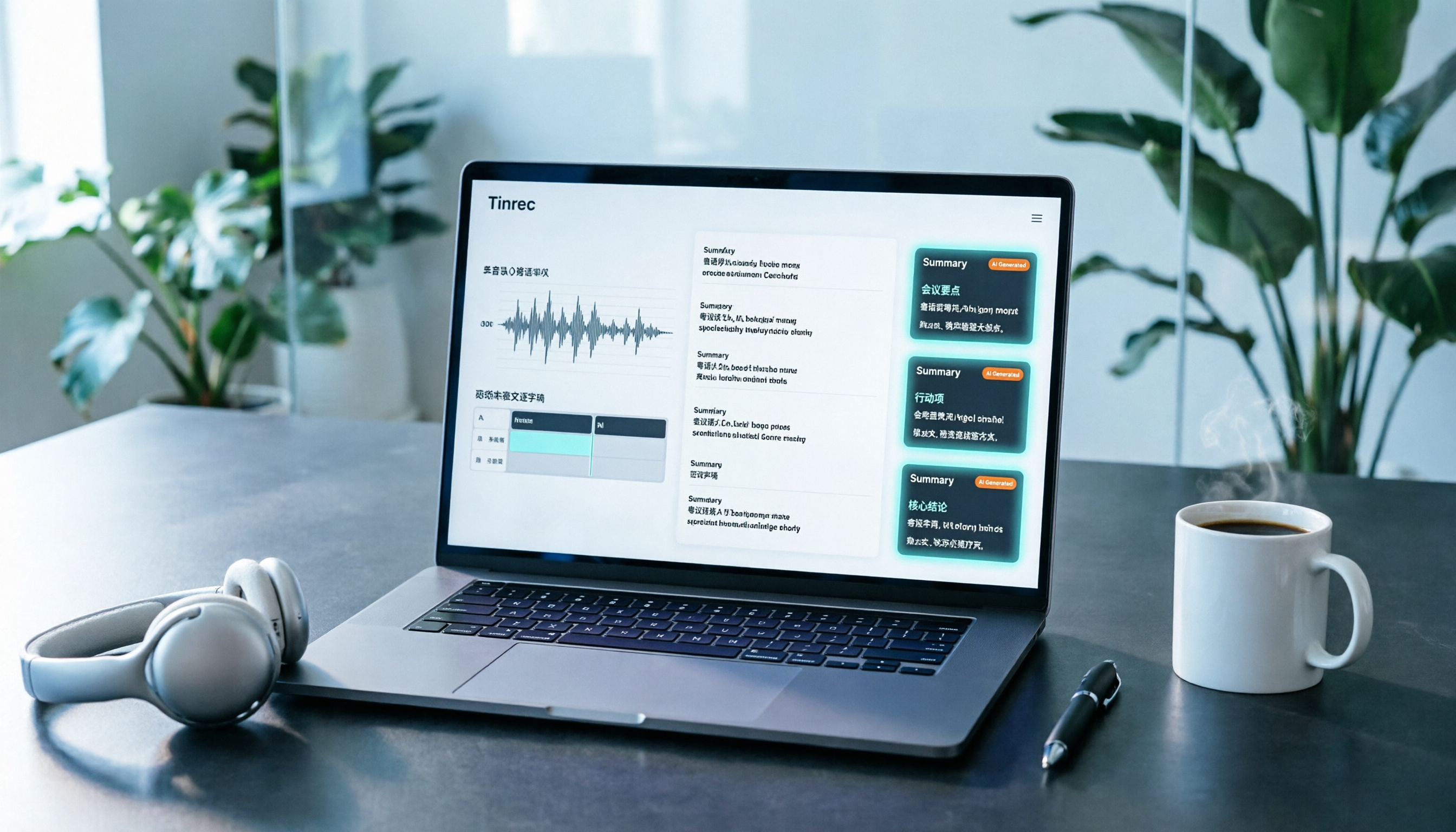
Tinrec is an AI meeting notes and collaboration tool for individuals and teams, covering iOS, Android, and web. Its positioning isn't a keyboard, but rather connecting "recording—transcription—organization—reuse" into one workflow.
In practice, it can be used like this:
In-person meetings and interviews: Open real-time recording and get a transcript as you record. After the meeting, the system generates an AI summary, chapters, and key points, and organizes action items from the discussion into to-dos—who's responsible for what and what's next, much faster than replaying the recording.
Online meetings: The desktop version directly captures the computer's system audio, handling meetings on Zoom, Google Meet, Microsoft Teams, Webex, and other platforms without sending a meeting bot into the room. For those who frequently hold international meetings and don't want a bot appearing in the participant list, this is very practical.
Post-meeting processing: This is where it differs most from ordinary transcription tools. You can ask questions directly about the meeting content, such as "Who mentioned the budget in the last meeting?" It will organize the answer semantically rather than just giving you keyword search results. It can also generate reports, tables, and documents, and export to Notion, Google Docs, OneNote, Dropbox, and other tools for continued use. During recording, you can also enable real-time translation and view in original, translated, or bilingual mode.
Stop organizing recordings by hand
Upload audio or video and automatically get a transcript, summary, and action items
Team collaboration: The team version is a separate team space, not multiple people sharing one account. Meeting data belongs to the team, and data isn't taken away when members leave. Admins can manage roles and seats, view usage analytics and audit logs, and handle accidental deletions via the audio recycle bin. Note that roles determine governance permissions, while seats determine whether you can record, upload, edit, and export—members without a seat can still view and play team data but cannot perform resource usage operations.
Limitations and pricing: The free version provides a basic quota, suitable for validating the workflow first; team monthly is USD 29.80 per paid seat per month, annual is USD 199 per paid seat per year (about USD 16.58 per month), each paid seat provides 2,000 minutes of team shared import quota per month, and real-time recording under an active team plan is currently not deducted by minutes. Also note that transcription accuracy is affected by recording quality, noise, accents, overlapping speakers, and technical terminology; for important content, it's recommended to cross-check with transcript timestamps and recording playback.
Who it's for: Those who need Chinese and multilingual meeting notes, want to use AI to find key points directly after meetings, and want to turn data into team assets.
Besides Tinrec, What Other Options Are There?
Gboard (free, built-in): The easiest choice on Android, with swipe typing, voice input, handwriting, emoji search, and real-time translation all in one, completely free. Its limitations are also clear: it only handles "the text you're typing right now," doesn't keep audio files, doesn't generate summaries, and doesn't have to-do lists; Cantonese voice support also varies by device. Suitable for those who just want to type quickly.
Notta: Multilingual recognition is its strength. Its official pricing page shows the free version has 120 minutes per month, with a maximum of 3 minutes per item; Pro annual is about USD 8.17 per month, 1,800 minutes per month; Business annual is about USD 16.67 per seat per month. However, it doesn't have Tinrec's desktop version's "no bot joining the meeting" capture method, nor does it have a complete workflow for post-meeting AI Q&A and team data retention.
TurboScribe: Focused on high-performance file transcription. The free version allows 3 files per day, up to 30 minutes per file; Unlimited annual is USD 120; the paid version supports files up to 10 hours or 5 GB, and can upload 50 files at once. If you have a batch of long recordings to process, it's a great deal; but real-time meeting notes, post-meeting Q&A, and team collaboration are not its main focus.
Pitfall Guide: The 4 Most Common Mistakes When Choosing Speech-to-Text Tools
Pitfall 1: Assuming that installing a keyboard means the voice language is set up. The language used for voice recognition needs to be confirmed separately, especially since Cantonese support varies across devices. Testing a sentence on your own phone is more reliable than looking at spec sheets.
Pitfall 2: Assuming every Android phone behaves the same. The same Gboard may have differences in language support and voice experience across different models and system versions—this is the source of many "why does it work for others" complaints.
Pitfall 3: Treating an input method as a meeting notes tool. In a two-hour meeting, typing word by word with voice input is not only slow but also impossible to trace back. Meeting scenarios need tools that can save recordings and automatically generate summaries and action items.
Pitfall 4: Ignoring compliance issues with recording and transcription. Before recording a meeting or interview, confirm local regulations and obtain consent from participants. Important content should also be cross-checked against the original text; don't rely entirely on automated results.
Conclusion: Which One Should You Actually Use?
In one sentence: Gboard solves "real-time typing," while Tinrec solves "turning meeting content into usable data." By scenario:
- Just want to quickly type in Cantonese on your phone → Start with Gboard, free and sufficient, but remember to check the voice language settings.
- Need to record in-person meetings and interviews, with transcripts and action items → Tinrec.
- Holding online meetings but don't want a bot to join → Tinrec desktop version.
- Need Chinese and multilingual meeting transcription, real-time translation, bilingual viewing → Tinrec.
- Want to ask AI directly after the meeting "What was the conclusion?" → Tinrec.
- Want meeting data to stay with the team rather than a personal account → Tinrec team version.
- Have a batch of long audio files to transcribe, budget first → TurboScribe.
If you're still on the fence, it's recommended to first use the free quota to run a segment of your own recording, see how it performs with your accent and environment, and then decide whether to upgrade.
References
Turn every recording into actionable outcomes
Get 60 free transcription minutes when you sign in. No credit card required.
Related Reading
You might also like
2026 YouTube Cantonese Subtitles: Tinrec Transcription + AI Summary in One Go
Want to add Cantonese subtitles to YouTube videos but stuck typing every line? This article compares Tinrec and Subanana across 4 dimensions: Cantonese and mixed Chinese-English transcription, post-transcript content organization, recording and import sources, and team collaboration and data retention. It also outlines each tool's unique strengths and use cases to help you choose the most time-saving approach.

4 Cantonese Input Methods Tested on Windows 10: Which Saves More Time, Jyutping Typing or Speech-to-Text?
Typing Cantonese on Windows 10 isn't easy with built-in tools alone. This guide covers key setup points for Rime Weasel Jyutping, the limitations of Microsoft's built-in input methods, and hands-on testing of Tinrec for turning Cantonese meetings directly into transcripts—helping you decide whether to type or speak.

4 Cantonese Voice Input Tools Tested in 2026: Which One Auto-Generates Action Items from Meetings?
A mid-level manager overseeing a 10-person team and 15 meetings a week tested 4 Cantonese voice input tools. From browser extensions and web dictation notepads to AI meeting note-takers, this comparison covers Cantonese support, post-meeting organization, cross-platform availability, and team data ownership. It also highlights the 3 most common buying pitfalls to help you decide whether you need faster typing or a tool that eliminates post-meeting cleanup.

2026 Mac Cantonese Voice Input Showdown: Tinrec vs Otter.ai for Cantonese Meetings
Mac's built-in dictation only supports real-time input and can't transcribe audio files. How should Cantonese speakers choose a tool? This article compares Tinrec and Otter.ai across five dimensions: Cantonese and mixed Chinese-English recognition, bot-free recording, post-meeting organization, input sources, and pricing. It also includes key setup tips and FAQs for Mac's built-in Cantonese input.

Google Voice Typing for Cantonese: Which Is Better? 2026 Hands-On Test of 2 Tools, Tinrec Wins for Meeting Notes
Compare Google Voice Typing (using the VoiceIn extension as an example) and Tinrec for Cantonese meeting notes. Analyze Cantonese recognition, post-meeting organization, cross-platform recording, team collaboration, and pricing to help you choose the best voice typing tool.

4 Cantonese Voice Input Tools Tested for 2026: Which One Should You Choose for Meeting Notes and Long-Form Typing?
How do you choose a Cantonese voice input tool? This article breaks down two key needs—real-time dictation and meeting recording organization—and outlines 4 key buying factors. It compares Tinrec, VoiceIn, Speechnotes Cantonese, and built-in dictation on iPhone/Google Docs to help you find the Cantonese voice input solution that fits your workflow.

How to Use Cantonese Voice Input on Windows 11 in 2026: Typing and Meeting Notes with Tinrec
Typing Cantonese on Windows 11 often starts with searching for an input method, but many users get stuck during installation or face compatibility issues. This guide addresses common misconceptions, explains the differences between three input approaches, and uses Tinrec as an example to show how to turn Cantonese speech directly into transcripts, summaries, and action items. It also compares the free and team plans.

2026 YouTube Cantonese Subtitle Tools Compared: Tinrec vs Otter.ai vs Notta — Which One Should You Choose?
We tested Tinrec, Otter.ai, and Notta to compare Cantonese recognition, video source support, post-meeting organization, and team collaboration—helping YouTube creators find the best workflow for Chinese content.

5 Cantonese Input Methods Compared in 2026: Jyutping, Rime, Online, and Speech-to-Text
Starting with common misconceptions, this guide explains how to choose among 5 Cantonese input methods (online, Jyutping Rime series, iOS built-in, Sogou Cantonese mode, CantoKey/CPIME), then compares the 'typing' and 'speech-to-text' approaches, and highlights how Tinrec differs for meeting notes, post-meeting organization, and team knowledge retention.