

Turn recordings into transcripts and summaries in minutes
Upload audio or video for multilingual transcription, AI notes, and action items
Free Video-to-Text Tools in 2026: 6 Options + Free Tier Comparison
Free video-to-text tools may look similar, but what really matters is: how long your videos are, how large each file is, whether you need Chinese transcripts, whether you need SRT subtitles, and whether you need summaries, action items, and team collaboration after meetings. This article covers 6 options, starting with free quotas and limitations, then explaining who each is best for.
Why Do You Need a Free Video-to-Text Tool?
Meeting recordings, online courses, interviews, YouTube videos—whenever you need transcripts or subtitles, manual typing is time-consuming. Free tools let you produce a first draft with low barriers, then proofread manually. This article compares free quotas, file size limits, Chinese support, and output formats to help you try fewer tools.
Option 1 | Tinrec — The Most Complete AI Meeting Notes and Video Organization Assistant
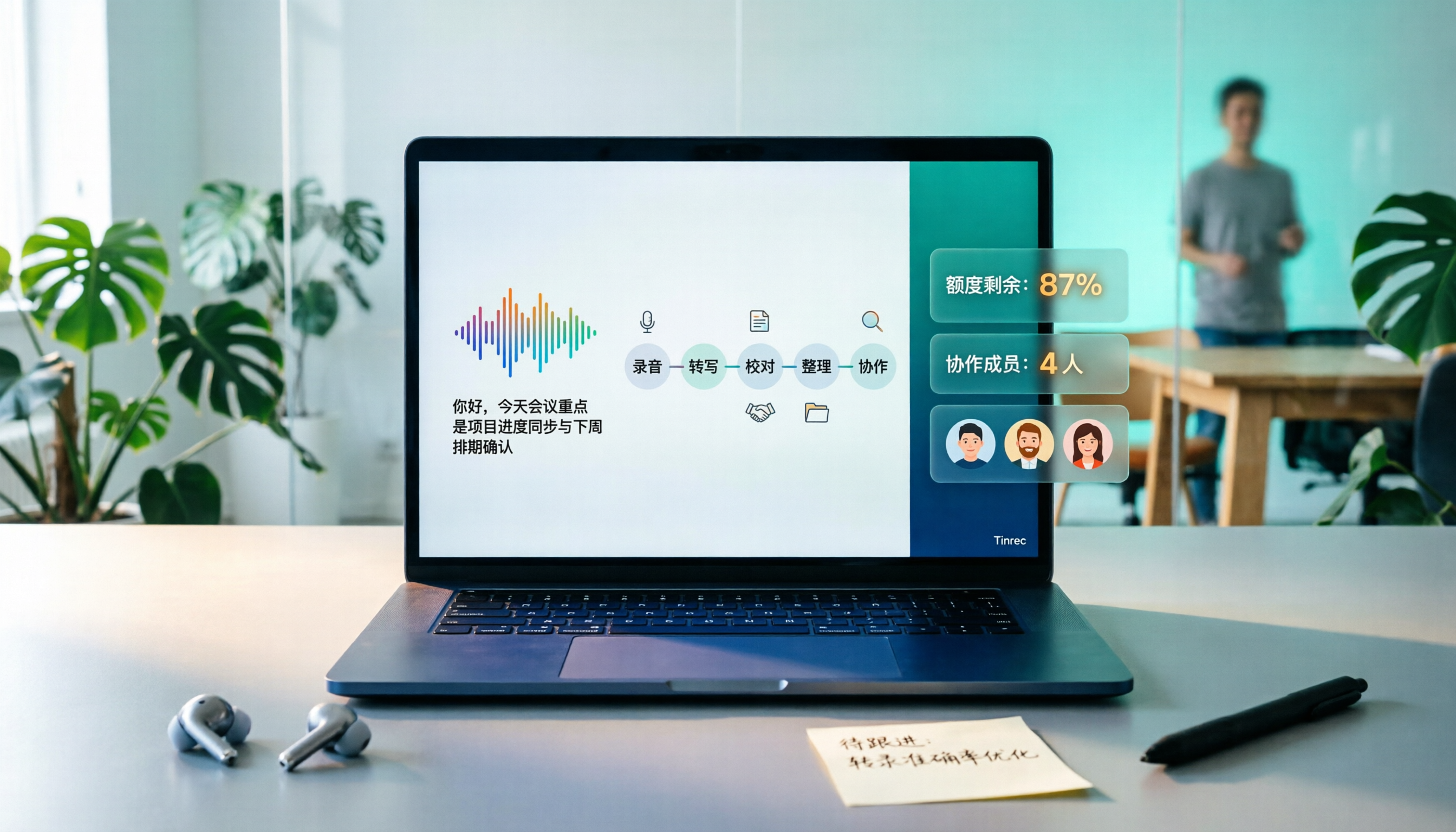
Tinrec isn't just about converting video to text; it organizes meetings, interviews, and media content into searchable, summarizable, and queryable data. The free version offers a basic quota so you can experience recording, importing, summarizing, and transcription. For occasional video organization, the free version is enough to confirm the workflow.
Key highlights:
- No-bot online meeting recording: The desktop version captures system audio directly, handling Zoom, Google Meet, Microsoft Teams, and Webex without needing a meeting bot to join.
- Post-transcription organization: Automatically generates summaries, chapters, key points, and action items, plus AI Q&A around meeting content.
- Multi-format export and post-processing: Export results to Notion, Google Docs, OneNote, Dropbox, or generate reports, tables, and documents.
- Team version for knowledge retention: A dedicated team space manages members, roles, and seats, with usage views, audit logs, and an audio recycle bin. The first eligible team trial is 7 days, 1 free seat, and 300 minutes of shared import quota; paid seats are USD 29.80/month or USD 199/year, with 2,000 minutes of shared import quota per seat per month. Live recording under an active plan and seat is currently not deducted by minutes.
Free and paid: The personal version includes a free plan, weekly pass, Pro monthly, and annual plans; the team version is priced per paid seat. Ideal for those who need Chinese meeting notes, no-bot online meeting recording, post-meeting summaries, and team knowledge retention.
Option 2 | cSubtitle — A Chinese-Focused Transcription and Subtitle Tool
cSubtitle focuses on Chinese speech-to-text. Upload a video or audio file to generate a transcript. It supports MP4, MOV, MP3, WAV, M4A, OGG, and WMA, with a single file limit of 4GB and up to 5 hours. Output includes punctuation and paragraph breaks, Word files with time codes, and .sub and .vtt subtitle files. The free version is mainly for short, quick transcriptions, suitable for Chinese interviews, courses, and users who need subtitle files.
Option 3 | Vidnoz — Free Short Video Transcription and Multilingual Subtitles
Vidnoz video-to-text emphasizes free and fast processing for videos up to 500MB, supporting MP4, MOV, M4V, and WEBM, and over 30 languages. You can paste a YouTube link and export TXT, JSON, or SRT, making it suitable for short video subtitles and multilingual content. The free version has a 500MB per-file limit; for longer videos, split the file or consider a paid plan.
Stop organizing recordings by hand
Upload audio or video and automatically get a transcript, summary, and action items
Option 4 | Video Transcriber AI — A No-Registration Option for Occasional Transcription
Video Transcriber AI advertises free, no-registration, unlimited online transcription, supporting sources like YouTube, Zoom, MP4, and MP3. After transcription, you can edit, share, or export. Suitable for those who don't want to create an account and need to convert a video or meeting recording to text occasionally; still check the actual free quota and privacy policy before use.
Option 5 | Wayin AI — Timestamps, Speaker Labels, and Multilingual Translation
Wayin AI offers free AI video-to-text with clickable timestamps, speaker labels, SRT/TXT export, and support for over 100 languages for translation. Suitable for meetings, courses, interviews, and content needing multilingual subtitles; free usage scope and file limits are subject to the official website.
Option 6 | TurboScribe — Cost-Effective File Transcription and Batch Subtitles
TurboScribe leans toward cost-effective file transcription. The free version allows 3 files per day, up to 30 minutes per file, with output in DOCX, PDF, TXT, SRT, and VTT. Paid plans support files up to 10 hours or 5GB, and up to 50 files at once, suitable for long videos and batch subtitles; the free version is good for testing short files.
With So Many Options, How Should You Choose?
• Want to try Chinese video or meeting transcription for free and get summaries, chapters, and action items afterward → Start with Tinrec's free version basic quota to run through the workflow once.
• Need to record Zoom, Google Meet, Teams, or Webex without inviting a bot → Tinrec desktop version's no-bot recording.
• Need to query past meetings, export reports, or retain data in a team space → Tinrec team version.
• Switch between phone, computer, and web → Tinrec's multi-platform workflow.
• Just paste a YouTube link for SRT, need 100+ language translation, or batch process long files → Single-function tools like Vidnoz, Wayin AI, TurboScribe.
4 Things to Know Before Using Free Video-to-Text Tools
- Free quotas usually depend on three things: duration, file size, and number of uses. Tinrec's free version offers a basic quota; cSubtitle's free version focuses on short, quick transcriptions; Vidnoz has a 500MB per-file limit; TurboScribe's free version allows 3 files per day, 30 minutes per file.
- Chinese recognition isn't just about having a Chinese option. Accents, noise, and overlapping speakers all affect results; verify important content by replaying with time codes. Tinrec preserves audio and transcript timestamps for easy correction.
- Decide on output format first. TXT is good for notes, DOCX for reports, SRT/VTT for subtitles. Tinrec exports multiple formats and lets you continue processing in Notion, Google Docs, etc.
- For team use, distinguish personal accounts from team spaces. Tinrec's team version manages governance by roles and controls usage by seats; before recording and transcription, comply with local regulations and obtain participant consent when necessary.
Conclusion
More free video-to-text tools isn't necessarily better; it depends on your file size, language, output format, and post-meeting workflow. If you mainly deal with Chinese meetings, interviews, or online courses, Tinrec's free version can run a "transcribe → summarize → action items → export" workflow with the basic quota; when you need team sharing, seat management, and auditing, consider the team version. Other tools suit single needs, such as pasting a link for subtitles, multilingual translation, or batch long files. Try one workflow first, then decide whether to pay.
References
- Online AI Speech, Video, Audio File Auto-Transcription - Free Trial - cSubtitle
- Free Video-to-Text Tool | AI Auto-Transcription with High Accuracy Subtitles
- Video to Text - Free Online AI Media Transcription Tool, Unlimited and No Registration | Video Transcriber AI
- AI Video-to-Text Tool | Free Online Conversion, Supports 100+ Languages
- Transcribe YouTube Videos to Text | TurboScribe
Turn every recording into actionable outcomes
Get 60 free transcription minutes when you sign in. No credit card required.
Related Reading
You might also like

2026 AI Meeting Notes Showdown: Tinrec vs Notta for Chinese Classrooms
A senior information management student spent a semester testing Tinrec and Notta in Chinese lectures, group discussions, and finals prep. He compares free tiers, mixed Chinese-English recognition, post-meeting organization, and team spaces, and honestly explains each tool's limits and how students should choose.

4 Google Meet Recording Methods Compared (2026): Can Free Accounts Keep Meeting Records?
Can Google Meet record? The answer depends on your account type, admin settings, and meeting role. This article first explains the 3 prerequisites for official built-in recording, then compares 4 common meeting recording methods, and demonstrates the complete workflow from recording to transcript, AI summary, and team sharing using Tinrec desktop, helping you choose the right approach.

How to Get a Google Meet Transcript in 2026: 5-Step Guide
There are three ways to get a Google Meet transcript: manually copy live captions, use Gemini's 'Take notes for me' feature, or use a third-party AI meeting tool. This article walks through Tinrec's bot-free recording workflow in 5 steps, covering live transcription, AI summaries, action item extraction, and team knowledge retention—explaining how to choose, how to use, and where pitfalls lie.

2026 Google Meet Recording Tools Buying Guide: 5 Tested Methods and Recommendations
Google Meet's built-in recording is only available to paid Workspace accounts; it's normal that free Gmail users can't find the 'Record meeting' option. This guide covers 5 practical ways to record Google Meet—from the official built-in feature and desktop bot-free recording to screen recording and browser extensions—and explains where files are saved and what to do if you're not the host, helping you choose the right one for your needs.

2026 Video Transcription AI Comparison: 5 Tools Tested — Which One Actually Helps You Organize After Transcription?
Most people treat video transcription AI as a tool to turn audio into text, but end up with an 8,000-word plain text file they still have to read from scratch. This article addresses the three most common misconceptions, breaks down the core capabilities of video transcription AI, practical use cases, and 5 key purchasing criteria, and uses Tinrec to demonstrate a complete workflow from transcription to summaries, action items, and team knowledge retention.

Google Meet Transcription in 2026: 4 Methods Tested — Free Accounts Can Get Transcripts Too
Free Google Meet accounts don't include built-in transcription, so after a meeting you're on your own to produce a transcript. This article starts from the decision point of whether to upgrade Workspace for this purpose, and compares four approaches: Tinrec, Google Meet's built-in transcript, Otter.ai, and Notta. It covers pricing, usage limits, and four common pitfalls.
How to Transcribe Windows Recordings in 2026: A 5-Step Guide
How do you transcribe recordings on Windows? This article breaks down the process from recording to transcript in 5 steps, and compares Tinrec and Microsoft 365 Word transcription side by side across dimensions like Chinese support, online meeting audio capture, quota and billing, and team collaboration to help you choose the right solution.

2026 Comparison of 4 YouTube-to-Text Tools: Which One Actually Turns Videos into Usable Data?
From a mid-level manager's practical perspective, we tested and compared Wayin.ai, TurboScribe, Vizard, and Tinrec for YouTube transcription, and explain how to choose based on whether you just need a transcript or want post-processing and team collaboration.

2026 Video-to-Text Tools Compared: Which Free Tier and Chinese Transcription Actually Works?
Free quotas, timestamps, AI follow-up questions, and team collaboration are what really set video-to-text tools apart. This guide cuts through common misconceptions, compares Tinrec, VEED.IO, Vidnoz, and TurboScribe, and shares 4 key buying factors plus pitfalls to avoid.