

Turn recordings into transcripts and summaries in minutes
Upload audio or video for multilingual transcription, AI notes, and action items
My freshman year, I tried speech-to-text for the first time. My idea was simple: hit record, capture two hours, and have notes when I got home. But when I opened the transcript, it was 8,000 words with no paragraphs, no conclusions, and even the professor's jokes were in there. Before midterms that semester, I read the whole thing from start to finish, and it took longer than taking notes by hand.
Later I figured out that most people's problem isn't "inaccurate transcription"—it's that "after transcription, it's unusable." The real question isn't "which app gives the most free minutes," but "can it turn a two-hour class into something I can review in 10 minutes?"
This is my record of testing Tinrec and Notta this semester. I used Notta for half a semester, then switched to Tinrec and have been using it since. Below I'll explain the differences clearly and honestly note where each falls short.
What can AI meeting notes tools do for students?
Scenario 1: The professor talks too fast, and you can't keep up
A required course lasts two hours, and slides flip faster than you can write. With Tinrec, for example, you just start recording on your laptop or phone, and the transcript appears as you record. By the end of class, the text is already there—no need to re-listen later.
Scenario 2: Group discussion is chaotic, and no one remembers the conclusion
The most common thing in project discussions is talking for 40 minutes and only remembering "we should probably schedule another meeting." Tinrec organizes the discussion into summaries, chapters, and to-dos, listing who needs to submit what and what should be done before the next meeting.
Scenario 3: Scrolling through recordings before finals, can't find key points
A semester's recordings add up to dozens of hours; you can't re-listen to everything. Tinrec's AI Q&A lets you ask directly, "How many times did the professor mention the final exam scope?" or "What are the key points of Chapter 3?"—no need to drag the timeline from minute one.
Scenario 4: Online classes, lectures, internship info sessions
Distance classes happen on Google Meet or Teams. Tinrec's desktop version can capture your computer's audio directly, so you don't need to ask everyone to wait while you set up, and you don't need to invite a bot into the meeting.
What core capabilities do these tools have?
Real-time transcription: text appears as you record, not after. Tinrec's real-time transcription lets you check for missed key points during class. If you can't hear clearly, you can raise your hand and ask right away—much more effective than fixing it later.
Bot-free recording for online meetings: desktop version captures system audio. For platforms like Zoom, Google Meet, Microsoft Teams, and Webex, Tinrec captures the audio your computer plays—no extra account needs to join the meeting. For students, this is practical: a bot suddenly appearing in a group meeting would be awkward.
AI summaries, chapters, and to-dos: turn long content into short. A two-hour class is broken into chapters, each with key points, and to-dos are listed at the end. When reviewing, you can decide whether to read closely just by looking at chapter titles, saving a lot of searching time.
AI Q&A: use class content as a searchable database. This is what I find most impactful. The transcript is no longer a dead text file—you can ask it questions, such as "What three points did the professor say to pay attention to in the report format?" It answers based on the content and points to the corresponding paragraph.
Real-time translation and bilingual view: switch between original, translation, or both. Great for English-taught courses or watching foreign open courses. If you don't understand a segment, switch to bilingual view—no need to open a separate translation site.
Multi-format export: fits into your existing workflow. Tinrec can export to documents and also to Notion, Google Docs, OneNote, and Dropbox for further editing. My own approach: keep transcripts in Tinrec for querying, and put organized key points into Notion as review notes.
Team spaces and hotwords: useful for group projects. The team version has independent team spaces where meeting data belongs to the team. You can also maintain team hotwords—add project names, product codes, and technical terms the professor often uses—so recognition better matches your actual usage.
Real-world use cases
1. Large required courses
This semester I had a 120-person required course where the professor spoke fast and wrote little on the board. My approach: start Tinrec recording in class, check the summary and chapters within five minutes after class, mark unclear paragraphs, and re-listen to those segments before the next class. Over the whole semester, I almost never re-listened to a full recording.
2. Group project discussions
Our group of six often went in circles. Later we switched to team spaces, where each discussion's recording, transcript, and to-dos are stored in one place. Those who missed it can catch up themselves without relying on others' summaries. One thing to note: the team version is priced per "seat." Members without a seat can view and play team data, but to actually record, upload, and edit, they need a seat. Agree on this upfront when forming groups.
Stop organizing recordings by hand
Upload audio or video and automatically get a transcript, summary, and action items
3. Finals review week
I centralize all lecture transcripts in Tinrec and use Q&A directly during review. This is much faster than asking "who has notes?" in the group chat, and answers link back to the original recording timestamp, so you don't worry about classmates misremembering.
4. Lectures and internship interviews
For department industry lectures and online internship info sessions, I record and organize them into key points others can understand. I also transcribe mock interview recordings to see where I ramble.
5 things to watch when choosing these tools
1. The "hidden limits" of free tiers matter more than total minutes. Some tools seem to offer enough total minutes, but have a per-recording length limit—a two-hour class gets cut off. Tinrec's free version offers a basic monthly quota; actual minutes and benefits are subject to the official website. The key is that it supports recording, file import, and some web link imports, giving students more flexibility.
2. Always test Chinese and mixed Chinese-English recognition with your own recordings. Don't just look at official marketing. Many courses in our department mix Chinese and English, e.g., "this backpropagation calculation"—such sentences are the most error-prone. In my tests, Notta did okay with general Chinese conversation, but with mixed Chinese-English technical terms, English words were occasionally misspelled and punctuation was more random. Tinrec has team hotwords to add terms in advance. Actual performance still depends on recording quality, accent, background noise, and multiple people speaking at once. I recommend recording a 10-minute class yourself before deciding.
3. Whether it can organize after transcription is the key to saving time. A tool that only gives you a transcript is just handing the organizing work back to you. Tinrec's value is after transcription: summaries, chapters, to-dos, mind maps, AI Q&A, export—these are what turn two hours into 10 minutes.
4. How you record online classes makes a big difference. If you need an extra account to join as a bot, it's awkward during group discussions, and some platforms require host authorization. Tinrec's desktop version captures system audio—you just press start, no need to change meeting settings.
5. Your data should be portable. You'll eventually need to use this content elsewhere. Make sure the tool supports multi-format export and can connect to Notion or Google Docs, so your work isn't trapped in someone else's app.
FAQ
Q: Is Tinrec's free version enough for students?
It depends on how much you record. If you only record 2-3 key classes per week, the free monthly quota is usually enough. If you want to record everything, consider a weekly card (for short sprints, finals week) or a Pro monthly card. My advice: don't pay first—use the free version for a week and see your actual usage before deciding.
Q: What's the main difference between Notta and Tinrec?
Notta leans toward a multi-platform transcription and translation tool; subtitles, file transcription, and translation are its strengths. Tinrec positions itself as AI meeting notes and team collaboration—beyond transcripts, it connects summaries, to-dos, AI Q&A, export, and team spaces into one workflow. For "from class to review," Tinrec's later stages are more complete.
Q: Can Tinrec record Zoom or Teams online classes?
Yes. Use the desktop version to start recording; it captures the system audio your computer plays. For Zoom, Google Meet, Microsoft Teams, Webex, and similar meetings, no bot needs to join. Note that you need to actively start recording—it's not a tool that automatically joins all calendar meetings.
Q: How accurate is transcription for mixed Chinese-English classes?
It performs well when the recording is clear and no one is talking over others, but no such tool is 100% accurate. Technical terms, heavy accents, and classroom echo all affect it. A safer approach: verify important content against the original recording timestamp, and add commonly used department terms to team hotwords in advance.
Q: Is it worth upgrading to the team version for group projects?
The team version is priced per paid seat: USD 29.80 per paid seat per month, or USD 199 per paid seat per year (about USD 16.58 per month). Eligible teams get a 7-day trial, 1 free seat, and 300 minutes of shared team import quota. Paid seats include 2,000 minutes of shared team import quota per month; real-time recording under an active plan is currently not deducted by minutes. If it's just two people discussing occasionally, the personal version is enough. If it's a graduation project or lab with six or more people needing shared data, usage tracking, and handover to the next cohort, the team version is more cost-effective. Prices and benefits are subject to the official purchase page.
Q: Can deleted recordings be recovered?
The team version has an audio recycle bin; before permanent cleanup begins, recordings can be restored. The current retention period is 30 days. But this isn't cloud storage—important data should still be exported as backup. Also, please respect the people present before recording; inform and get consent when necessary.
Conclusion
At first I also thought these tools were just "turning sound into text." After trying them, I realized what really determines whether you save time is the workflow after transcription: summaries, chapters, to-dos, whether you can ask questions, whether you can export. From a student's perspective, my advice is simple: use the free version to record the class you struggle with most, and see if the summary it produces can be used directly for review. If yes, it's worth paying for. If you still have to reorganize everything yourself, then more free minutes don't mean anything.
My current setup is Tinrec's free version plus a short-term plan for finals week, and splitting the team version with group members for projects. Tools won't study for you, but they can at least compress "re-listening to a two-hour recording" into ten minutes.
References
- 2 Speech-to-Text Tools Compared in 2026: Understand What It Means Before Choosing Tinrec or Notta - Official Tinrec Blog
- Tinrec vs Notta 2026: 5-Dimension Comparison of AI Meeting Assistants - Official Tinrec Blog
- 2026 Lecture Recording Note-Taking Tools Buyer's Guide: Tinrec vs Notta Hands-On Test and Recommendations - Official Tinrec Blog
- 2026 Hands-On Comparison of 5 Free Notta Alternatives: Tinrec Is a Better Choice for Chinese Users - Official Tinrec Blog
- Notta AI Alternatives in 2026: 5-Dimension Comparison for Chinese-Language Meeting Teams - Official Tinrec Blog
Turn every recording into actionable outcomes
Get 60 free transcription minutes when you sign in. No credit card required.
Related Reading
You might also like

2026 AI Meeting Recorder App Comparison: Notta Reviews Are Mixed—What's the Real Difference?
People searching for notta app reviews usually have one question: is this app worth trying? This article examines three decision points—accuracy, free tier limits, and post-meeting organization—and compares Notta, Otter.ai, TurboScribe, and Tinrec, with buying criteria and the 3 most common pitfalls.
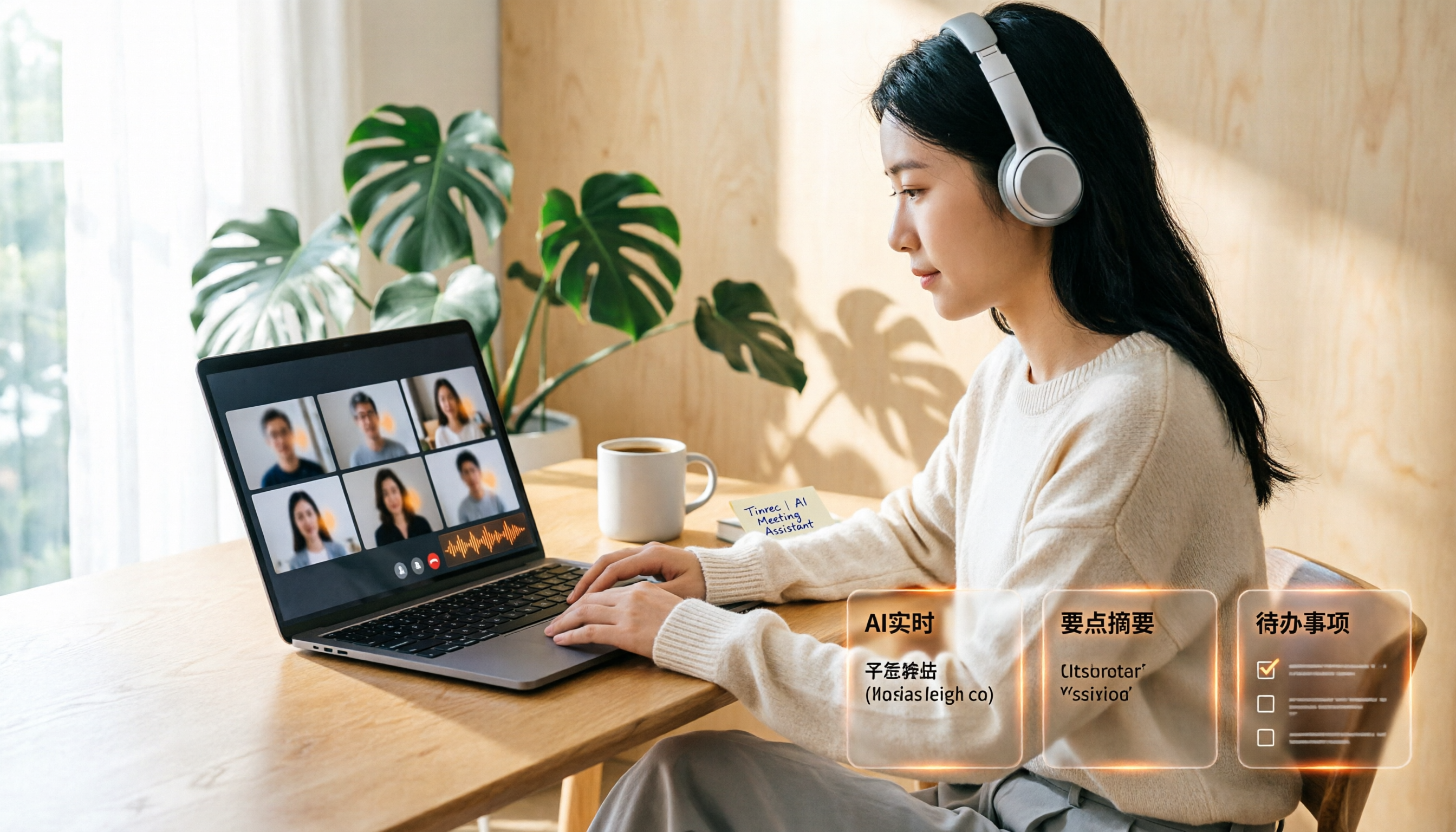
Google Meet Recording Free Options in 2026: 3 Tools Compared
Google Meet's built-in recording isn't available to everyone: it requires a computer or Android device, host permission, and a supported Workspace edition. This article reviews three recording and transcription options that work with Google Meet in 2026, covering Tinrec's bot-free desktop recording, AI summaries, action items, and Q&A, and compares the limitations and free tiers of Granola and TurboScribe, with tips to avoid pitfalls and choose the right tool.

Video to Text Online Tools in 2026: 5 Options Compared + Free Tier Breakdown
A roundup of 5 online video-to-text tools in 2026, covering Chinese transcription, subtitle file export, free tiers, and team collaboration to help you choose the right option for meeting, interview, and course videos.
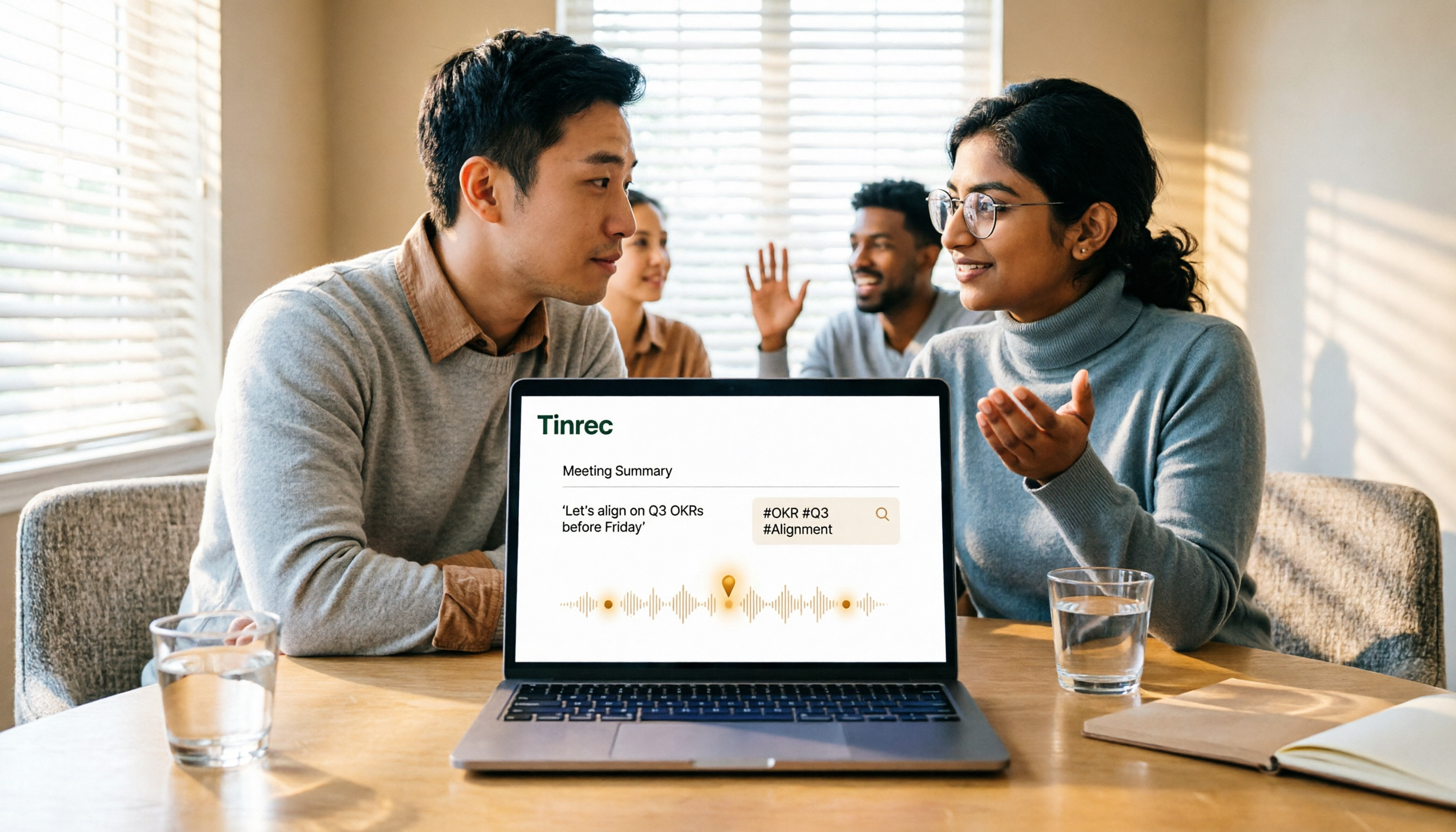
5 Google Meet Recording Methods Compared in 2026: From Built-in Recording to AI Transcripts
Recording a Google Meet isn't just about pressing a button. This article addresses three common misconceptions and compares built-in recording, screen recording, browser extensions, physical recording devices, and Tinrec desktop bot-free recording. It explains what each method delivers, where it falls short, and how to turn meeting audio into searchable, queryable, and actionable team data in one go.

4 Google Meet Note-Taking Tools Tested for 2026: Tinrec's Chinese Transcripts and Post-Meeting Organization Are the Easiest
Still taking notes manually after Google Meet calls? This hands-on comparison looks at Google Meet's built-in Gemini 'Take notes for me,' Tinrec, Otter.ai, and Notta, covering the 4 key factors to consider when choosing a meeting notes tool, 3 common mistakes, and each option's limitations and pricing—so you can decide which one actually saves you post-meeting cleanup time.

4 Google Meet Recording Methods Compared (2026): Can Free Accounts Keep Meeting Records?
Can Google Meet record? The answer depends on your account type, admin settings, and meeting role. This article first explains the 3 prerequisites for official built-in recording, then compares 4 common meeting recording methods, and demonstrates the complete workflow from recording to transcript, AI summary, and team sharing using Tinrec desktop, helping you choose the right approach.

How to Get a Google Meet Transcript in 2026: 5-Step Guide
There are three ways to get a Google Meet transcript: manually copy live captions, use Gemini's 'Take notes for me' feature, or use a third-party AI meeting tool. This article walks through Tinrec's bot-free recording workflow in 5 steps, covering live transcription, AI summaries, action item extraction, and team knowledge retention—explaining how to choose, how to use, and where pitfalls lie.

2026 Google Meet Recording Tools Buying Guide: 5 Tested Methods and Recommendations
Google Meet's built-in recording is only available to paid Workspace accounts; it's normal that free Gmail users can't find the 'Record meeting' option. This guide covers 5 practical ways to record Google Meet—from the official built-in feature and desktop bot-free recording to screen recording and browser extensions—and explains where files are saved and what to do if you're not the host, helping you choose the right one for your needs.

2026 Video Transcription AI Comparison: 5 Tools Tested — Which One Actually Helps You Organize After Transcription?
Most people treat video transcription AI as a tool to turn audio into text, but end up with an 8,000-word plain text file they still have to read from scratch. This article addresses the three most common misconceptions, breaks down the core capabilities of video transcription AI, practical use cases, and 5 key purchasing criteria, and uses Tinrec to demonstrate a complete workflow from transcription to summaries, action items, and team knowledge retention.