
Turn recordings into transcripts and summaries in minutes
Upload audio or video for multilingual transcription, AI notes, and action items
Tinrec vs Notta | Quick Overview
When I was looking for tools for my team, I tried both Notta and Tinrec. If you just need to transcribe recordings, both can do it, but if you want to turn lecture recordings into "reviewable notes," the differences between the two gradually become apparent.
Here's a quick look at the basics:
- Tinrec: Available on mobile and desktop, designed to turn meetings, courses, and videos into a searchable, queryable, and exportable database.
- Notta: Also a multi-platform transcription tool with robust transcription and translation features, and generous paid plan minutes.
Next, I'll test both with a 90-minute Chinese lecture recording from a computer science course, comparing them on the four dimensions most critical to students.
Dimension 1 | Chinese Recognition and Course Content Understanding
Notta's Chinese recognition performs adequately in general conversation, with mostly accurate transcripts, but when the professor mixes Chinese and English for technical terms (e.g., "let's look at the backpropagation of this neural network"), Notta sometimes misspells English words and punctuation is somewhat arbitrary. The transcript reads awkwardly, and you'll need to clean it up yourself.
Feeding the same recording into Tinrec, honestly, I was a bit surprised. Not only are most English words correct, but it also handles sentence segmentation and punctuation more naturally in mixed-language contexts. This is crucial for lecture recordings because you don't have to spend time "re-segmenting" the transcript; it reads like a well-organized collaborative note.
→ This dimension: Tinrec is clearly better suited for Chinese course content.
Dimension 2 | AI Summarization and Key Point Extraction
Rather than a verbatim transcript, I want "key points." Notta has an AI summary feature that automatically generates a summary and attempts to list key points. However, in this lecture test, Notta's summary leaned toward an "outline" style, telling you the topics covered but with vague details and causal relationships. If you're preparing for an exam, you'd probably need to listen to the recording again.
Tinrec's summary and chapter organization were more to my liking. It not only lists topics but also extracts key explanations and examples under each chapter, presented in bullet points. For instance, when the professor explained the steps of backpropagation, Tinrec organized them into a 5-step bulleted note that you could almost directly paste into Notion or print for review.
→ This dimension: Tinrec's summary is more like "review notes," while Notta stays at the "table of contents" level.
Dimension 3 | Post-Recording Q&A and Review Efficiency
I initially thought this feature wasn't a big deal, but after using it, I realized its value. During midterms and finals, you don't want to re-listen to an entire semester of recordings. Notta doesn't offer an AI chat query feature; you can only search for keywords in the transcript and hope for the best.
With Tinrec, you can directly ask the AI: "What did the teacher say about the final exam scope?" or "What are the key points of Chapter 3?" It answers based on the recording content and even tells you the timestamp where the answer appears. This makes review efficiency completely different—you're "querying" your recording database, not "digging through" tens of thousands of words of transcript.
Stop organizing recordings by hand
Upload audio or video and automatically get a transcript, summary, and action items
→ This dimension: Tinrec wins big; Notta has no corresponding feature.
Dimension 4 | Cross-Platform and Export Flexibility
In class, you might record on your phone and review notes on your computer, so cross-platform support is important. Both are available on iOS, Android, and Web, so the basics are even.
For export, Notta allows exporting to TXT, Word, and PDF, and sharing links, but the format options are basic. Tinrec supports more export formats, including Markdown and SRT subtitle files, and can sync directly to Notion and Google Docs. This is practical for students because most people already keep their notes in Notion or OneNote; Tinrec can send the organized notes directly there without manual copy-paste.
→ This dimension: Tinrec wins slightly; its export ecosystem is closer to the note-taking tools students commonly use.
What Unique Advantages Does Each Have?
Tinrec's Unique Advantages
- Best for organizing Chinese course content: The recognition and summary quality for mixed Chinese-English content is the best I've used for students.
- AI Q&A as a review tool: You can treat it as an AI tutor for your recording database; asking it key points before an exam is faster than flipping through books.
- Can also process online videos: If you use YouTube open courses in addition to lecture recordings, Tinrec can paste a link to transcribe and summarize, which Notta doesn't offer.
- Seamless export to Notion/Google Docs: After organizing, notes sync directly to your existing note library without extra effort.
Notta's Unique Advantages
- Generous paid plan minutes: If you need heavy transcription (e.g., processing recordings from multiple courses simultaneously), Notta Pro offers 1,800 minutes per month, more than Tinrec's corresponding plan.
- More complete translation features: Besides transcription, Notta can directly translate transcripts, which may help students who need to read foreign-language literature.
Summary: Which One Should You Choose?
- If you want lecture recordings to become "well-organized key notes" and want to review by asking questions before exams → Tinrec.
- If you care about summary quality for Chinese courses and recognition of mixed Chinese-English content → Tinrec.
- If you're used to organizing notes in Notion or Google Docs → Tinrec.
- If you only need large-scale transcription, don't need AI summaries or Q&A, and minutes are your top priority → Notta is sufficient.
In one sentence: For most students who want to use AI to organize lecture recordings, Tinrec is the more complete choice. No need to buy hardware; just install it on your phone and start. I recommend trying the free version first and running one lecture recording through it—you'll understand why I recommend it.
References
- Here's my personal experience with the traditional efficient way of attending class: recording + notes → ...
- Learn how to steal time before and after work to efficiently study and enrich yourself!
- 2026 Top 5 Lecture Recording Organization Tools Recommended: Solving Pain Points of Note Transcription and Key Point Summaries - Tinrec Blog
- 2026 Complete Guide to Organizing Lecture Recording Notes: 3 Tips to Solve Time-Consuming Re-listening and Missed Key Points - Tinrec Blog
- Professional Voice Recorder for Lectures, Seminars, Training, Classes, Hands-Free Note-Taking, Voice Dialogue Recording, Mini, Large Capacity, Can Be Used as MP3 Player, Personal Phone Recorder - Shopee
Turn every recording into actionable outcomes
Get 60 free transcription minutes when you sign in. No credit card required.
Related Reading
You might also like
2026 Notta AI Complete Guide: Features, Limitations, and a Better Meeting Notes Alternative for Chinese-Speaking Teams
People searching for "app notta ai" usually have an unprocessed meeting recording sitting on their hands. This article doesn't cover spec sheets; instead, it breaks down the three missing steps between "turning voice into text" and "turning meetings into actionable data," and uses Tinrec to demonstrate a complete workflow—bot-free recording, real-time transcription, AI summaries and action items, meeting Q&A, and team knowledge retention—to help you decide which tool truly fits your work.

5 Legal Alternatives to Notta Mod APK: Free Audio Transcription Options for 2026
People searching for Notta Mod APK usually just want a free way to turn meeting recordings into text. This article covers 5 legal, actually usable alternatives, including free quotas, paid pricing, and best-use scenarios, and explains why installing APKs from unknown sources is not recommended.

The Complete 2026 Guide to AI Meeting Notes: From Transcripts to Team Knowledge
Meetings end, but notes and action items don't materialize? This guide, from a mid-level manager's practical perspective, breaks down the core capabilities, use cases, and 5 key purchasing considerations for AI meeting note tools, and demonstrates with Tinrec a complete workflow from recording to transcript, summary, and team knowledge retention.

Notta Country of Origin 2026: Headquarters, Language Support, and Chinese Meeting Tool Guide
Notta is developed by NOTTA PTE. LTD., a Singapore-based company with R&D in Shenzhen and a separate entity in Japan. This guide clarifies its registration and localization, then offers practical advice on Chinese transcription, meeting recording methods, and post-meeting organization for teams, using Tinrec as an example with bot-free recording, AI summaries, and team spaces.
How to Use Notta in 2026: 5-Step Guide to Transcribe Audio to Text
Notta is a cross-platform AI audio transcription tool that supports real-time transcription, AI summaries, translation, and multi-device sync. This guide walks you through 5 steps—from recording and transcribing to proofreading and exporting—and honestly breaks down the differences between the free and paid plans to help you decide if the free version is enough.

2026 AI Meeting Recorder App Comparison: Notta Reviews Are Mixed—What's the Real Difference?
People searching for notta app reviews usually have one question: is this app worth trying? This article examines three decision points—accuracy, free tier limits, and post-meeting organization—and compares Notta, Otter.ai, TurboScribe, and Tinrec, with buying criteria and the 3 most common pitfalls.
Google Meet Recording Free Options in 2026: 3 Tools Compared
Google Meet's built-in recording isn't available to everyone: it requires a computer or Android device, host permission, and a supported Workspace edition. This article reviews three recording and transcription options that work with Google Meet in 2026, covering Tinrec's bot-free desktop recording, AI summaries, action items, and Q&A, and compares the limitations and free tiers of Granola and TurboScribe, with tips to avoid pitfalls and choose the right tool.

Video to Text Online Tools in 2026: 5 Options Compared + Free Tier Breakdown
A roundup of 5 online video-to-text tools in 2026, covering Chinese transcription, subtitle file export, free tiers, and team collaboration to help you choose the right option for meeting, interview, and course videos.
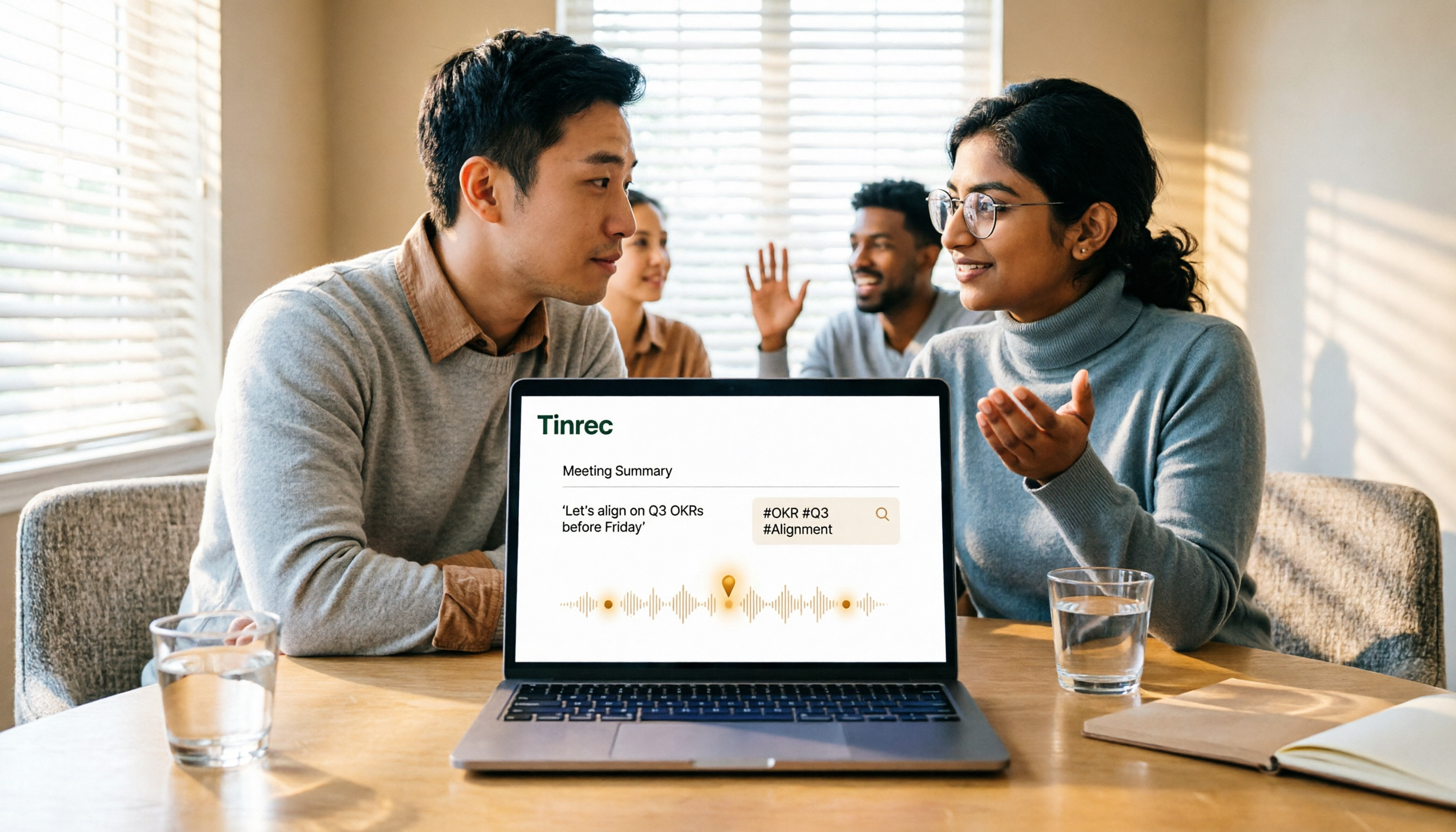
5 Google Meet Recording Methods Compared in 2026: From Built-in Recording to AI Transcripts
Recording a Google Meet isn't just about pressing a button. This article addresses three common misconceptions and compares built-in recording, screen recording, browser extensions, physical recording devices, and Tinrec desktop bot-free recording. It explains what each method delivers, where it falls short, and how to turn meeting audio into searchable, queryable, and actionable team data in one go.