

Turn recordings into transcripts and summaries in minutes
Upload audio or video for multilingual transcription, AI notes, and action items
Tinrec vs Notta 2026: 5-Dimension Comparison — Which Is Better for Chinese Meeting Notes?
The only decision you really need to make is this: for the same 40-minute Chinese meeting, how much time are you willing to spend fixing typos, filling in notes, and chasing action items?
The question isn't which tool has more features — it's which tool helps you avoid wasted effort.
Notta comes up fairly often on PTT, mostly around its free quota and Chinese recognition. Tinrec is relatively new, and its main pitch is "you can keep using it after recording."
I'm laying out both sides' official claims and comparing them straight, no hype.
Tinrec vs Notta | Quick Overview
One-line positioning: Notta is a mature multilingual transcription tool; Tinrec is an AI meeting notes and team collaboration workspace.
The difference is in focus. Notta does "convert to text" broadly; Tinrec turns "what to do after transcription" into a workflow.
| Item | Tinrec (Miao Ting Recording) | Notta |
|---|---|---|
| Core positioning | AI meeting notes and team collaboration | Multilingual transcription and meeting notes |
| Meeting capture | Desktop app captures system audio, no bot needed; also mobile and file import | Meeting bot, desktop app, or file upload |
| Free quota | Free version includes basic recording, import, summary, and transcription | 120 minutes per month, 3 minutes per single item |
| Paid plans | Personal: weekly card, Pro monthly/yearly; Team: USD 29.80/seat/month, USD 199/seat/year | Pro yearly equivalent to about USD 8.17/month; Business yearly equivalent to about USD 16.67/seat/month |
| Post-meeting output | Summary, chapters, action items, mind map, AI Q&A, Agent-generated documents | Subtitles, translation, summary |
The numbers above are from both companies' official pages (August 2026 versions). Prices and benefits may change; please verify on the official websites before purchasing.
The 5 dimensions below are the real sticking points I encounter when choosing tools myself.
Dimension 1 | Meeting Capture Method: Who Enters Your Meeting Room
Notta supports adding a meeting bot to online meetings, and also has a desktop app and file upload.
For external meetings it doesn't matter much, but for client interviews or internal review meetings, having an extra bot on the attendee list can bother some managers.
Tinrec's desktop app directly captures computer system audio, handling meeting audio played on a computer via Zoom, Google Meet, Microsoft Teams, and Webex, without inviting any extra participants.
To be clear: this doesn't mean it automatically joins all meetings on your calendar, nor does it have official partnerships with these platforms. You have to press record yourself.
→ This dimension: For those who don't want a bot appearing on the attendee list, Tinrec clearly wins.
Dimension 2 | Chinese and Mixed Chinese-English Transcription Experience
Notta's multilingual support is its long-standing strength, with broad language coverage — nothing to criticize there.
But meetings in Taiwan are rarely pure Chinese — sentences like "let's follow up on this spec first, sync next week" fly around all the time.
Tinrec covers Chinese, Traditional Chinese, and multilingual scenarios, supports mixed Chinese-English organization, and offers team hotwords to maintain internal product names, abbreviations, and technical terms.
It also supports viewing the original text, translation, or bilingual comparison during recording, so cross-language meetings don't have to wait until after the meeting to translate.
Honestly, neither side should promise a fixed accuracy rate. Audio quality, accents, people talking over each other, proper nouns — any one of these will degrade results. This is a common ceiling for all transcription tools.
→ This dimension: Notta wins on language breadth, Tinrec wins on mixed Chinese-English plus terminology management. In practice, it's a tie to a slight edge for Tinrec.
Dimension 3 | After Transcription: Do You Get a Transcript or Usable Data?
Notta provides subtitles, translation, and summaries — it has what you'd expect.
Stop organizing recordings by hand
Upload audio or video and automatically get a transcript, summary, and action items
The problem is that a transcript alone can't drive decisions.
Tinrec connects a whole workflow after transcription: AI summary, chapter segmentation, key point extraction, action items, mind map, and you can directly ask questions about the meeting content, like "what two things did the client really care about?"
Further on, there's Agent post-processing, which can generate reports, tables, and documents based on meeting content, and export to Notion, Google Docs, OneNote, and Dropbox for further processing.
What I use most myself is actually action item extraction. After a meeting your brain is empty; having someone list out the action items makes a big difference.
→ This dimension: Tinrec wins. Notta's strength is file transcription and subtitles, not post-meeting follow-up questions.
Dimension 4 | Team Space and Governance: Who Manages Whom When Multiple People Use It
Notta's Business plan offers role permissions and usage reports — team features are there.
Tinrec's team version is a separate space, not multiple people sharing one personal account. Meeting audio files, Folders, and action items all belong to the team.
Governance is more detailed here: three roles — Owner/Admin/Member — seats can be assigned, reclaimed, and transferred; there are also team usage trends, member rankings, details, audit logs that can be queried and exported, and a recycle bin for accidentally deleted audio files (currently retained for 30 days). When a member leaves or loses a seat, resources must be handed over to other active members and won't disappear with the person.
One nuance must be made clear: roles govern governance, seats govern usage eligibility. Members without a seat can still view, play, and read team data, but cannot upload, edit, or export.
Also, currently it's team-level sharing — active members can see team data, and file-level or member-level granular permissions are not supported. For scenarios requiring strict control like legal or medical, it's not suitable at this stage.
→ This dimension: For accumulating meeting data, Tinrec wins; but for file-level ACL, neither side should be sold on that.
Dimension 5 | Pricing and Quotas: Spend Money Where It Counts
Notta's free version gives 120 minutes per month with a 3-minute limit per single item — that's a very short limit. You'll use it up after testing one interview; the trial experience is tight.
Pro yearly is about USD 8.17/month with 1,800 minutes per month — a good deal for pure file transcription. Business yearly is about USD 16.67/seat/month, advertised as unlimited transcription, plus role permissions and usage reports.
Tinrec's personal version has a free tier; for short-term bursts you can buy a weekly card, and for steady use there's Pro monthly or yearly.
Team version: first-time eligible users can try 7 days, 1 free seat, 300 minutes shared import quota. After payment, each seat gets 2,000 minutes per month of team shared import; team yearly is about USD 16.58/month. Under an active team plan, real-time recording currently does not deduct by minutes — only file and web imports consume the shared quota, and member personal quotas are not used to cover it.
→ This dimension: Tie, depending on your usage pattern. If you have high volume and need long single-file transcription, Notta is more economical; if meetings are the main use and you need team sharing, Tinrec's pricing logic is less likely to blow up.
What Unique Advantages Does Each Have?
On Tinrec's side:
Bot-free recording of online meetings — the desktop app captures system audio and transcribes while recording. This is its most practical differentiator.
Complete post-meeting workflow, from summary, chapters, action items all the way to AI Q&A and Agent-generated documents, so you don't need to stitch together three tools.
Team governance is solid: seats, usage, audit, recycle bin, ownership transfer — no need for makeshift methods when handing over meeting assets internally.
Real-time translation can switch between original/translation/bilingual, so cross-language meetings don't have to wait until after.
On Notta's side:
Broad language coverage, mature file transcription and subtitles, and a large long-term user base.
Low barrier to the free version — small burden for individual users who want to test the waters first.
Conclusion: Which Should You Choose?
• You don't want an extra bot on the client meeting attendee list → Tinrec (desktop app captures system audio without a bot)
• You want to get meeting minutes, action items, and queryable data right after the meeting → Tinrec (AI Q&A + Agent-generated reports and documents)
• You're a team of 5+ and need to manage seats, view usage, and keep audit logs → Tinrec (team space + role/seat separation)
• You often handle long audio files, batch subtitles, and cross-language translation → Notta is more suitable here; no need to force it
In one sentence: For common Chinese meeting + team collaboration scenarios in Taiwan, Tinrec is the more complete choice; but if 90% of your needs are just converting files to text, Notta's pricing is hard to argue with.
Don't rush to pay. Take a recording of your own most realistic meeting, run it through the free version once, see where the transcription errors are and whether the minutes are usable, then decide whether to move your whole team over.
References
Turn every recording into actionable outcomes
Get 60 free transcription minutes when you sign in. No credit card required.
Related Reading
You might also like

2026 AI Meeting Transcription Tools Compared: Notta's 2025 Update and the Best Choice for Chinese-Speaking Teams
Starting with Notta's 2025 pricing changes, Notta Memo, and mobile bilingual transcription, this hands-on comparison of Tinrec, Notta, Otter.ai, and TurboScribe covers meeting recording workflows, post-meeting processes, team management, and quotas to help Chinese-speaking teams choose the right tool.

5 Best Meeting Transcription Tools for 2026: Notta Pricing, Dcard Reviews, and Alternatives Compared
A breakdown of Notta pricing, free plan limits, and common Dcard discussions, plus a comparison of 5 meeting transcription tools including Tinrec, Otter, Fireflies, and TurboScribe—helping you decide if a free plan is enough and whether paid plans are worth it.

Tinrec vs Notta 2026: 5-Dimension Comparison — Which Is Better for Chinese Meetings and Team Knowledge Retention?
There's a lot of discussion about Notta on Dcard, but free minutes aren't the only standard. This article takes the perspective of a student group project and compares Tinrec and Notta across 5 dimensions: online meeting capture, Chinese-language experience, post-meeting organization, team governance, and post-meeting outputs. It also covers free tiers and budget recommendations.

2026 Nottawasaga Hockey Tournament Schedule: Complete Guide to Dates, Divisions, and Coaching Records
The 2026 Nottawasaga Hockey Tournament (Quest For the Cup preseason) takes place August 8–10 at Nottawasaga Inn Resort, featuring U9 to U18 AA, A, and BB/Select divisions. This guide covers event dates, venue, accommodations, and key verification points, and explains how Tinrec can turn pre-trip meetings, coach instructions, and post-game reviews into searchable, queryable, and transferable team documentation.

How to Use Notta for Chinese in 2026: Traditional Chinese Transcription Settings + 5-Step AI Summary Guide
A hands-on 5-step walkthrough of Notta's Chinese transcription workflow: language settings, recording method selection, transcript proofreading, generating summaries with Chinese prompts, and exporting for team use. Plus practical workarounds for the free plan's 3-minute limit and why I eventually switched my main workflow to Tinrec, with real-world team pricing tested.

2026 Nottawasaga Tournaments: 5 Places to Check Schedules and Prepare
Searching for 'Nottawasaga tournament 2026' returns more than one event. This guide organizes the 2026 Nottawasaga-related paddling races, youth hockey tournaments, venue and schedule pages into 5 options, plus record-keeping methods for team meetings and post-game reviews, so you can figure out which event to enter and what to prepare.

2026 Nottawasaga Hockey Tournament Coach's Guide: Schedule, Costs, and Post-Game Record-Keeping Compared
A complete overview of the 2026 Nottawasaga Hockey Tournament (Weekend Hockey Quest For the Cup), including schedule, divisions, costs, and venue details. From the perspective of coaches and team managers, it explains how to use Tinrec to turn pre-game meetings, parent communications, and post-game reviews into trackable records, avoiding conflicting accounts after the tournament.
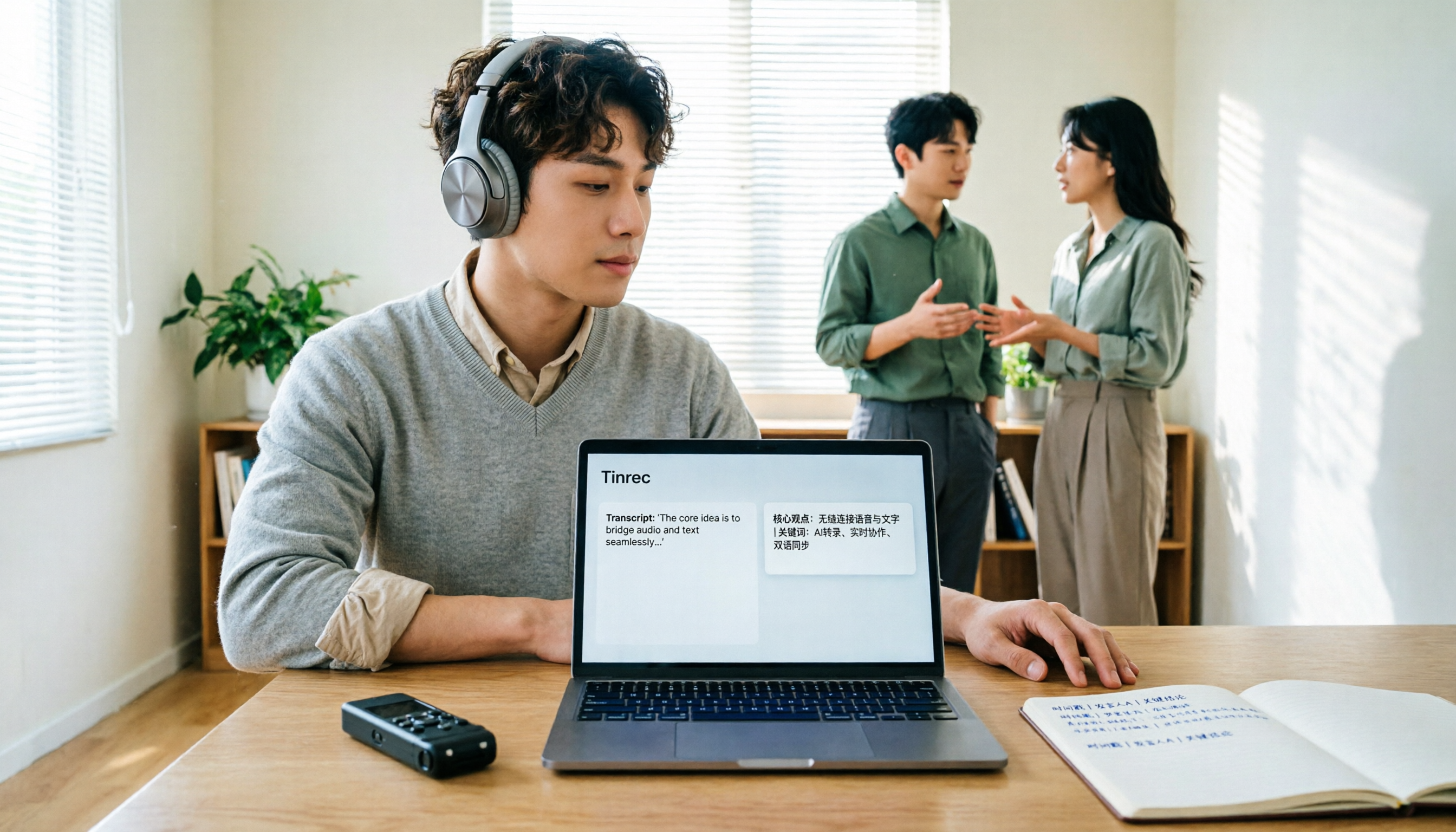
How to Translate Recordings into Chinese in 2026: 5-Step Transcript Translation Tutorial (Notta vs. Tinrec)
How do you use Notta's Chinese translation, and where are the limits? This article breaks down the complete process of converting recordings to transcripts and then translating them into Chinese in 5 steps, demonstrates real-time bilingual, AI summaries, and team knowledge retention with Tinrec, and finally provides purchasing guidance.
Best Audio-to-Text Apps in 2026: 6 Options Compared, Including the Most-Discussed Pick on Dcard
Cramming for finals and realizing you can't get through all your lecture recordings? Based on real student needs, this guide compares six audio-to-text tools in 2026—their plans and limitations—including Notta, frequently asked about on Dcard, and Tinrec, which can record online meetings without a bot and lets you ask AI follow-up questions after transcription. Includes a free-tier comparison and buying advice.