
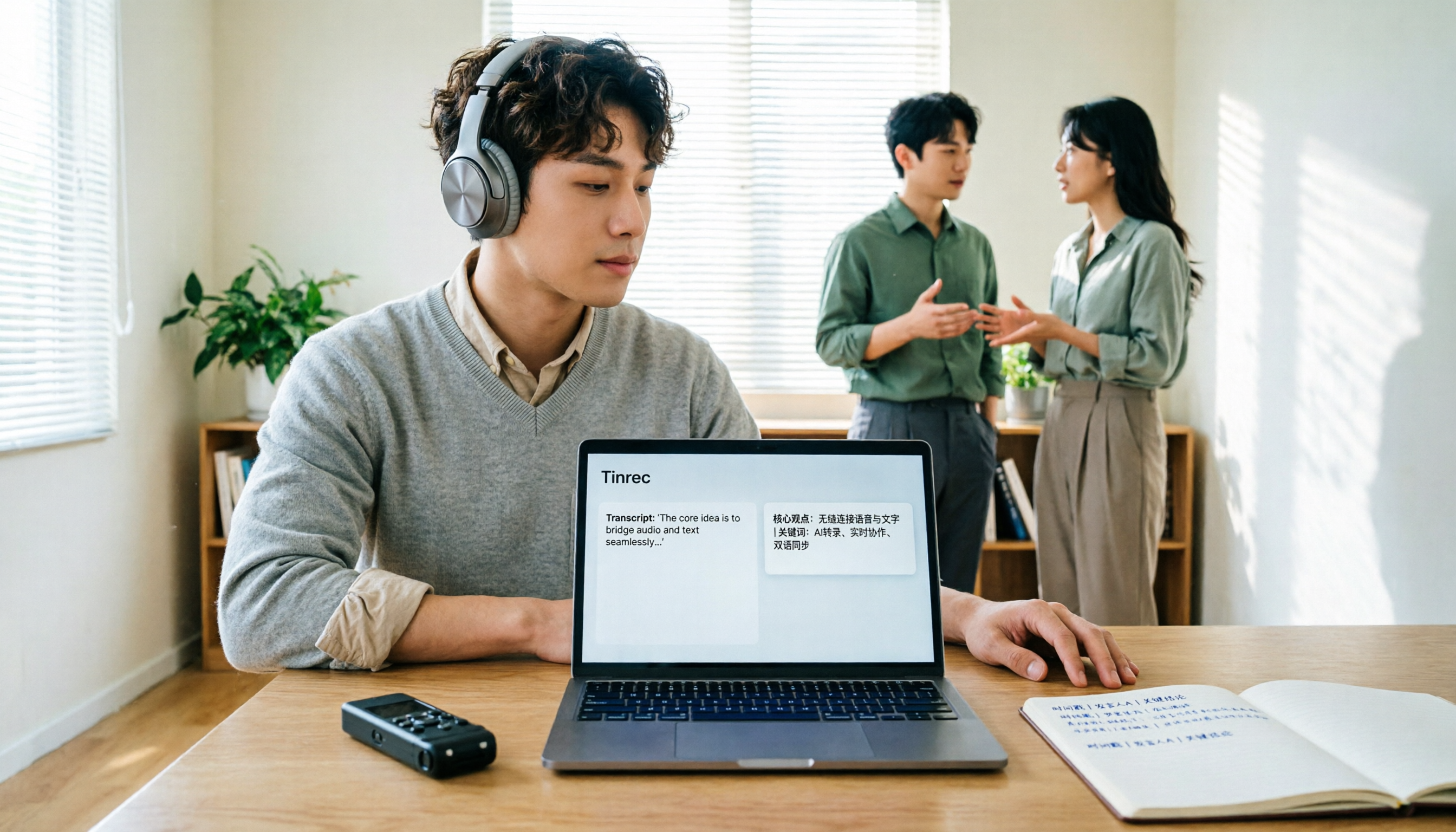
Turn recordings into transcripts and summaries in minutes
Upload audio or video for multilingual transcription, AI notes, and action items
How to Translate Recordings into Chinese in 2026: 5-Step Transcript Translation Tutorial (Notta vs. Tinrec)
First, clarify which kind of "Chinese translation" you need. The first is post-meeting work: converting a foreign-language meeting or interview recording into a transcript, then translating it into Chinese for filing. The second is understanding foreign-language speech during the meeting itself, requiring real-time bilingual comparison. These two tasks have completely different requirements for tools and directly determine how you should set up Notta or whether you should switch to a different workflow.
Notta's logic is "transcribe first, then translate." Developed by NOTTA PTE. LTD., it offers a web version, iOS, Android, and a Chrome extension, supporting transcription in 58 languages, translation into 42 languages after transcription, and bilingual transcription in 23 languages. Translation and transcript export are Pro-level benefits. Pro annual billing is approximately USD 8.17 per month (billed annually), with 1,800 minutes per month; the free version offers 120 minutes per month with a 3-minute limit per recording, suitable for testing with a short recording first.
In other words, Notta has no shortcut to "turn into Chinese with one click." You must first get the transcript before you can proceed to translation. The real decision points are three: Do you need real-time bilingual during the meeting? Do you need one-click Chinese summaries and action items after the meeting? Do you need to centrally store team data? Below, we break it down in 5 steps and demonstrate how the same process can run with Tinrec.
Before You Start | What You Need to Prepare
• An audio file to process: This can be an online meeting, in-person interview, class recording, or a voice file already on your phone. If you only have a transcript without audio, the translation process can still proceed, but you lose the ability to listen back for verification. • An account and plan: Notta's free version offers 120 minutes per month with a 3-minute limit per recording; Tinrec offers a basic free quota, with actual limits subject to the official website's plan page. To process full interviews or regular weekly meetings, you typically need to upgrade to a paid plan. • Clear language settings: Is the speaker speaking English, Japanese, or a mix of Chinese and English? If you set this wrong, the entire transcript will need to be re-translated. • A stable internet connection: Real-time transcription and cloud translation both require internet access. • Recording consent: Obtain consent from participants before recording. This is a prerequisite regardless of which tool you use.
Step 1 | Decide the Translation Direction: Monolingual, Bilingual, or Real-Time Comparison
The purpose of this step is to avoid rework from "discovering the language was set wrong after transcription."
First, categorize the scenario: If the entire meeting is in English, choose monolingual transcription and translate to Chinese afterward. If it's mixed Chinese-English, such as a Taiwan team presentation with English product names, enable bilingual mode so each language is recognized separately. Notta's bilingual transcription supports 23 languages, allowing you to choose any two; Tinrec also supports Chinese, Traditional Chinese, and multilingual meeting transcription, as well as mixed Chinese-English content organization.
If you need to understand foreign-language speech during the meeting, choose a workflow with real-time translation view. Tinrec allows switching between original text, translation, or bilingual content during recording; if you only need post-meeting work, you can also switch to bilingual comparison after transcription is complete.
After completion, you will have a project with correct language settings, which is essential for meaningful translation later.
Step 2 | Capture the Audio: Record, Capture Meeting, or Upload File
The purpose of this step is to obtain clear audio, because even the best transcription engine can only guess with unclear recordings.
Three common sources: on-site phone recording (in-person meetings, interviews), computer-based meeting recording (Zoom, Google Meet, Microsoft Teams, Webex), and uploading existing audio or video files. Notta handles these scenarios with a meeting bot, desktop app, or file upload; Tinrec's desktop version directly captures computer system audio without requiring an additional bot to join the meeting—users simply start recording, and clients won't be alerted by an extra participant.
Two practical tips for audio capture: Place your phone in the center of the table, close to the main speaker; for meetings with multiple people talking over each other, always reserve time for proofreading afterward. Also, inform participants and obtain consent before recording.
After completion, your recording will appear in the workspace with its duration, ready for playback at any time.
Step 3 | Let AI Transcribe, View Translation in Real Time
The purpose of this step is to turn "listening" into "reading," so you don't have to re-listen to a two-hour audio file.
The value of real-time transcription is evident during the meeting: after a speaker finishes a segment, the transcript appears on screen, allowing you to verify key numbers are correctly recognized while mentally marking sections to review later. In cross-language meetings, switching bilingual view while recording is like having live subtitles.
If you only need post-meeting work, the process is the same: upload the file, wait for transcription to complete, then switch to translation or bilingual mode for reading. Most people get stuck not on transcription speed but on "not knowing where to start organizing after transcription."
After completion, you will have a timestamped transcript that you can search by keyword to jump to sections.
Step 4 | Proofread: Fix Hotwords, Proper Nouns, and Numbers First
The purpose of this step is to turn "understandable" into "safe to use."
AI transcription errors mostly fall into three categories: company and product names, industry terminology, and numbers and dates. Mixed Chinese-English meetings are especially prone to errors because the same word may be recognized as Chinese, English, or a mix. The approach is to scan the transcript first, note recurring errors, then go back to the tool's vocabulary settings to fix them. Tinrec offers team hotwords to maintain commonly used team terminology and improve recognition of professional terms; Notta also allows custom vocabulary and summary templates.
Stop organizing recordings by hand
Upload audio or video and automatically get a transcript, summary, and action items
The second proofreading focus is "important commitments." For amounts, deadlines, and responsible parties, always verify against the original recording's timestamp—don't rely solely on the text.
Also note: No tool should promise a fixed accuracy rate; actual performance is affected by recording quality, noise, accents, overlapping speakers, and specialized terminology.
After completion, you will have a Chinese transcript ready for external reference.
Step 5 | Turn Chinese Output into Deliverables
The purpose of this step is to make the translation results truly enter the workflow, rather than sitting in the cloud.
The transcript is just raw material. What really needs to be delivered in meeting scenarios are three things: summary, decisions, and action items. Tinrec automatically generates summaries, chapters, key points, and action items, and can also use AI Q&A to continue asking about meeting content, such as "Where did the client express concerns about pricing?"; when formal documents are needed, it can generate reports, tables, and meeting minutes, and export to Google Docs, Notion, OneNote, Dropbox, and other tools for further processing.
For team scenarios, the difference is magnified. Tinrec's team version centralizes meeting data in a team space, so data isn't taken away by individuals when members change; administrators can assign seats, view usage trends and details, query and export audit logs, and recover accidentally deleted audio from the recycle bin. Currently, team monthly billing is USD 29.80 per paid seat per month, annual billing is USD 199 per paid seat per year (approximately USD 16.58 per month), each paid seat provides 2,000 minutes of team shared import quota per month, and real-time recording under active seats is not deducted by minute; eligible teams also get a 7-day trial, 1 free seat, and 300 minutes of shared import quota for the first time. Actual prices and benefits are subject to the official purchase page.
How to Choose Between Notta and Tinrec? Check This Table First
| Criteria | Notta | Tinrec |
|---|---|---|
| Translation Timing | Translate after transcription, into 42 languages | View original, translation, or bilingual during recording; also comparable after transcript completion |
| Entry Barrier | Free version: 120 minutes/month, 3 minutes per recording; translation and export are Pro-level | Free version offers basic quota, details on official website |
| Paid Reference | Pro annual billing approximately USD 8.17/month, 1,800 minutes per month | Team monthly USD 29.80 per paid seat per month, annual USD 199 per paid seat per year |
| Meeting Capture | Meeting bot, desktop app, or file upload | Desktop version captures system audio without bot, file upload, phone recording |
| Post-Meeting Output | Subtitles, translation, summary | Summary, chapters, action items, mind map, AI Q&A, reports and tables |
| Team Governance | Offers team and enterprise plans | Team space, roles, seats, usage analytics, audit logs, audio recycle bin |
One-sentence judgment: If you only occasionally translate a foreign-language recording into Chinese for filing, Notta's process is sufficient; if meetings occur regularly, require real-time bilingual, and need post-meeting minutes and action items, and want to retain data as a searchable team asset, Tinrec's process eliminates much manual transfer.
FAQ and Troubleshooting
Q: Where exactly is Notta's Chinese translation? Complete transcription first; translation comes after the transcript is generated. Translation and transcript export are Pro-level benefits. The free version offers 120 minutes per month with a 3-minute limit per recording, suitable for testing a short segment to confirm terminology recognition before deciding to pay.
Q: The Chinese translation of mixed Chinese-English meetings is stiff? Usually, the language mode is set incorrectly. Processing mixed Chinese-English with monolingual mode throughout causes AI to forcibly transliterate English words into Chinese. The solution is to switch to bilingual mode and fix company and product names in vocabulary settings; Tinrec's team hotwords are designed for this.
Q: Terminology keeps getting mistranslated, requiring manual correction every time? Create a list of commonly mistranslated terms, maintain once, and benefit long-term. Most transcription tools only allow manual correction per document; only solutions with team hotword management can turn this into a one-time cost.
Q: Is the free version enough? Depends on how many meetings you process per month. Free quotas are usually only enough for testing, and most tools limit single-session length (e.g., Notta's 3-minute limit per recording); full interviews definitely require a paid plan.
Q: Can the translated Chinese be published directly? Not recommended for direct publication. AI may miss or misunderstand details; for sections involving amounts, deadlines, or commitments, always verify against the original recording's timestamp.
Advanced Tips | 3 Methods to Double Translation Workflow Efficiency
1. Use team hotwords to turn "fix every time" into "fix once" Maintain company names, product codes, and industry abbreviations centrally in team hotwords. When new members take over meetings for the same client, recognition experience improves consistently, rather than each person relearning individually.
2. Use AI Q&A instead of re-listening to entire meetings Cross-meeting questioning is the most time-saving trick for Chinese organization. For example, "What were the budget limits mentioned by the client last quarter versus this quarter?"—asking directly is much faster than flipping through three transcripts.
3. For formal deliverables, let Agent post-processing take over Generate reports, tables, and documents from meeting content, suitable for weekly reports, client reviews, and project delivery scenarios—much more stable than manually copying and pasting transcript sections.
If You Don't Use Tinrec, Here Are Other Options
Notta: Strong in multi-platform transcription, translation, and subtitles; 58 languages for transcription, translation into 42 languages; suitable for users focused on file transcription and subtitle output.
Otter.ai: Mature for English business meetings, with complete meeting assistant and team management, but Chinese meeting experience is not its main selling point.
Both can solve "turning voice into text"; the difference lies in post-transcription summaries, Q&A, action items, and team data retention—which is where Tinrec focuses.
Conclusion
Back to the original question: Notta's Chinese translation is not a standalone button but a two-stage process of "transcribe first, then translate." The free version is suitable for testing; translation and export require Pro or above. By learning the 5 steps above, you can turn any foreign-language or mixed Chinese-English recording into a proofreadable, quotable, and deliverable Chinese document.
The next decision is simple: If translation is only occasional, just use your existing tools to complete the process; if this happens weekly and the team needs to share the same meeting data, then integrating real-time bilingual, summary action items, AI Q&A, and team space into one workflow will save more time than piecing things together afterward. Run the 5 steps with one of your own recordings first, then decide whether to upgrade—this is more accurate than any comparison table.
References
- Notta - Speech to Text, Voice Notes and Recording - Google Play App
- Notta | Learn AI
- Super Useful Voice-to-Text Tool — Notta
- What is Notta? Free Version Limits, Pricing, and Traditional Chinese Transcript Tutorial | Mason AI Lab
- [Tutorial] Notta in 2026: Recording to Text + AI Summary and Multilingual Support - Tinrec Blog
Turn every recording into actionable outcomes
Get 60 free transcription minutes when you sign in. No credit card required.
Related Reading
You might also like

2026 AI Meeting Transcription Tools Compared: Notta's 2025 Update and the Best Choice for Chinese-Speaking Teams
Starting with Notta's 2025 pricing changes, Notta Memo, and mobile bilingual transcription, this hands-on comparison of Tinrec, Notta, Otter.ai, and TurboScribe covers meeting recording workflows, post-meeting processes, team management, and quotas to help Chinese-speaking teams choose the right tool.

5 Best Meeting Transcription Tools for 2026: Notta Pricing, Dcard Reviews, and Alternatives Compared
A breakdown of Notta pricing, free plan limits, and common Dcard discussions, plus a comparison of 5 meeting transcription tools including Tinrec, Otter, Fireflies, and TurboScribe—helping you decide if a free plan is enough and whether paid plans are worth it.

Tinrec vs Notta 2026: 5-Dimension Comparison — Which Is Better for Chinese Meetings and Team Knowledge Retention?
There's a lot of discussion about Notta on Dcard, but free minutes aren't the only standard. This article takes the perspective of a student group project and compares Tinrec and Notta across 5 dimensions: online meeting capture, Chinese-language experience, post-meeting organization, team governance, and post-meeting outputs. It also covers free tiers and budget recommendations.

2026 Nottawasaga Hockey Tournament Schedule: Complete Guide to Dates, Divisions, and Coaching Records
The 2026 Nottawasaga Hockey Tournament (Quest For the Cup preseason) takes place August 8–10 at Nottawasaga Inn Resort, featuring U9 to U18 AA, A, and BB/Select divisions. This guide covers event dates, venue, accommodations, and key verification points, and explains how Tinrec can turn pre-trip meetings, coach instructions, and post-game reviews into searchable, queryable, and transferable team documentation.

How to Use Notta for Chinese in 2026: Traditional Chinese Transcription Settings + 5-Step AI Summary Guide
A hands-on 5-step walkthrough of Notta's Chinese transcription workflow: language settings, recording method selection, transcript proofreading, generating summaries with Chinese prompts, and exporting for team use. Plus practical workarounds for the free plan's 3-minute limit and why I eventually switched my main workflow to Tinrec, with real-world team pricing tested.
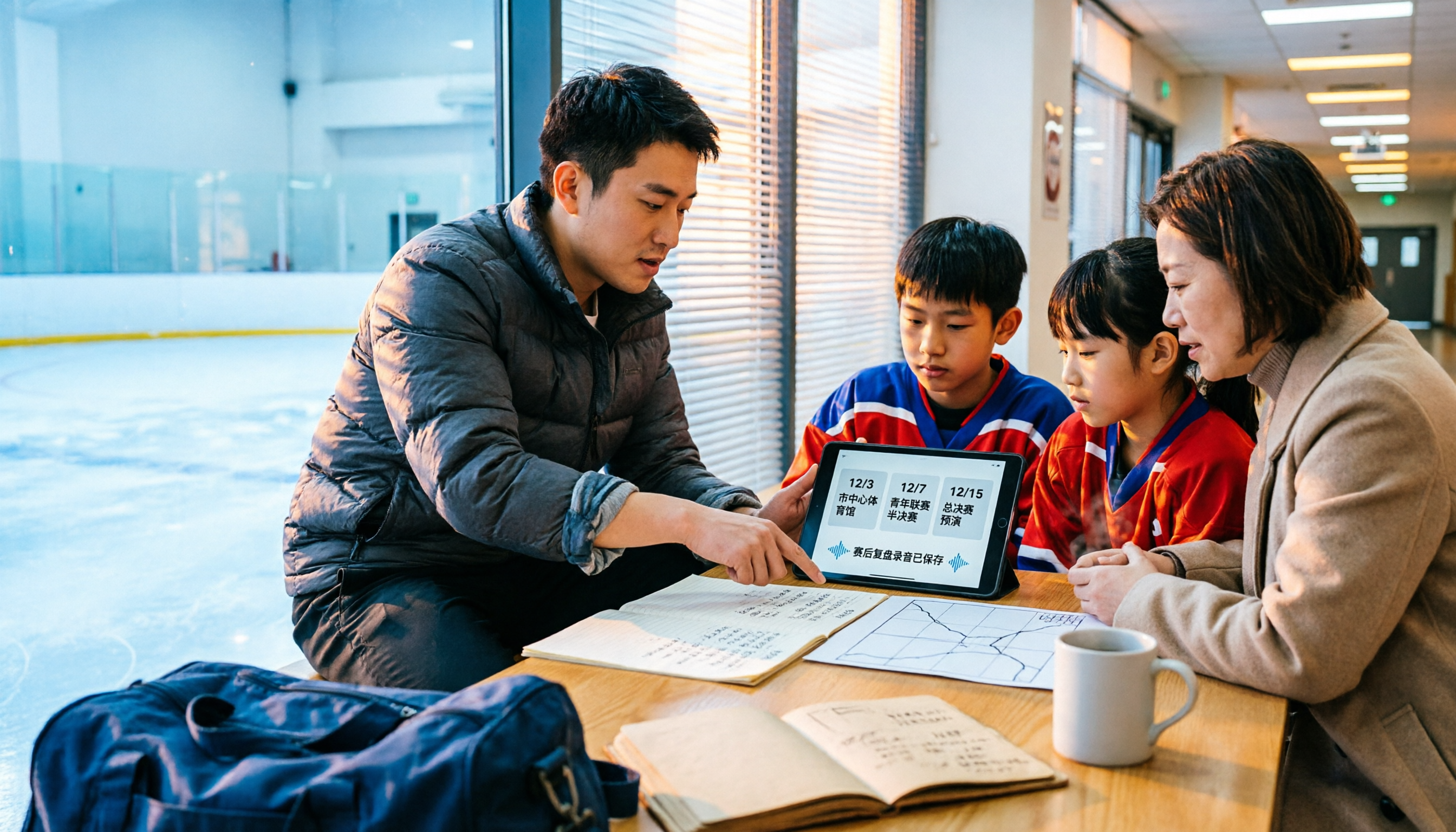
2026 Nottawasaga Tournaments: 5 Places to Check Schedules and Prepare
Searching for 'Nottawasaga tournament 2026' returns more than one event. This guide organizes the 2026 Nottawasaga-related paddling races, youth hockey tournaments, venue and schedule pages into 5 options, plus record-keeping methods for team meetings and post-game reviews, so you can figure out which event to enter and what to prepare.

2026 Nottawasaga Hockey Tournament Coach's Guide: Schedule, Costs, and Post-Game Record-Keeping Compared
A complete overview of the 2026 Nottawasaga Hockey Tournament (Weekend Hockey Quest For the Cup), including schedule, divisions, costs, and venue details. From the perspective of coaches and team managers, it explains how to use Tinrec to turn pre-game meetings, parent communications, and post-game reviews into trackable records, avoiding conflicting accounts after the tournament.
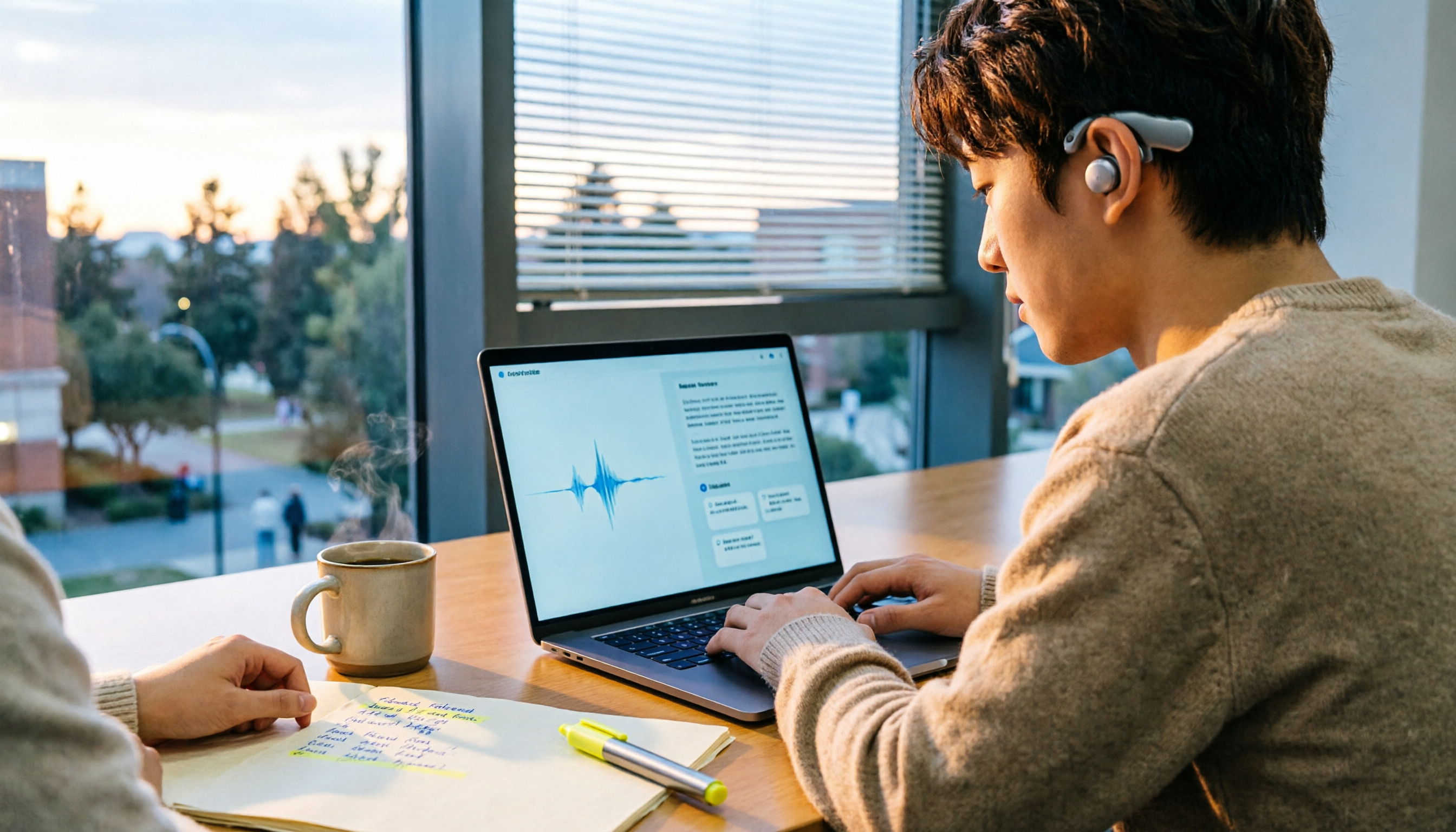
Best Audio-to-Text Apps in 2026: 6 Options Compared, Including the Most-Discussed Pick on Dcard
Cramming for finals and realizing you can't get through all your lecture recordings? Based on real student needs, this guide compares six audio-to-text tools in 2026—their plans and limitations—including Notta, frequently asked about on Dcard, and Tinrec, which can record online meetings without a bot and lets you ask AI follow-up questions after transcription. Includes a free-tier comparison and buying advice.

Tinrec vs Notta 2026: 5-Dimension Comparison — Which Is Better for Chinese Meeting Notes?
People searching for Notta on PTT are often debating whether to pay for Chinese meeting transcription. This article compares Tinrec and Notta across 5 dimensions: meeting capture methods, Chinese and mixed Chinese-English transcription, post-meeting workflows, team governance, and pricing/quotas. It also honestly points out each tool's drawbacks, so you know which side to choose before spending time on a trial.