

Turn recordings into transcripts and summaries in minutes
Upload audio or video for multilingual transcription, AI notes, and action items
Sunday evening at 6 PM, after the last game ended, I sat in my hotel room at Nottawasaga Resort scrolling through my phone—the coach asked in the group chat: "That line change in the second period of the third game, how was that decided at the time?" I scrolled through 20 minutes of voice messages and two handwritten notes, but still couldn't piece together a complete answer.
This wasn't the first time. The pace of a hockey weekend tournament is tough: four games in three days, with pre-game meetings, parent briefings, and impromptu tactical adjustments in between. The real trouble is never the games themselves—it's after the games end: how do you clearly communicate to the coaching staff, parents, and players "what we learned and what to change for the next game"?
This article first lays out the key information for the 2026 Nottawasaga tournament, then discusses the most commonly overlooked aspect of coaching: keeping a record of meetings and discussions.
Why post-game reviews often don't happen
Most teams' post-game review process goes like this: the coach speaks verbally, players nod, parents ask for details in the group chat, and two weeks later no one remembers.
The problem isn't that people aren't serious—it's that the amount of information over the weekend far exceeds what one brain can remember. Six ice rinks, travel across three venues, four games, a dozen in-game adjustments—if the context of these decisions isn't recorded immediately, when it's time to write a season summary or review the next opponent, you can only rely on impressions.
If you've encountered this situation, save the tournament information below first; in the second half, I'll explain how I handle record-keeping myself.
2025 Nottawasaga Hockey Tournament: Dates, Location, and Divisions
| Item | Details |
|---|---|
| Tournament Name | Weekend Hockey – Quest For the Cup (Summer/Pre-season) |
| Main Venue | Nottawasaga Inn Resort & Conference Centre, 6015 Highway 89, Alliston, ON L9R 1A4 |
| Rinks | Centre Ice Sportsplex (2 rinks), Innisfil Recreation Centre (2 rinks), Bradford Leisure Centre (2 rinks) |
| Divisions | U9–U18 AA, A, BB/Select |
| Body Contact Rules | U9–U13 all divisions non-contact; U14–U18 A, BB/Select non-contact; U14–U18 AA, A body contact allowed |
| Guaranteed Games | 4 games per team |
| Registration Fee | Starting at USD 1,750 per team (as posted on Playeasy event page) |
| Deposit | USD 500 to hold spot |
| Gate Fee | None |
| Schedule | Games start Friday 08:00, end Sunday 18:00 |
| Champion Awards | Awards, team trophy, champion team photo published on Weekend Hockey social pages |
Pay special attention to dates: According to currently available information, the summer tournament falls on July 25–27, 2025; the pre-season tournament is in early August, with different event aggregation pages showing two versions: "August 7–9" and "August 8–10." These two dates are inconsistent, so before registering, be sure to check the official Weekend Hockey page and the Nottawasaga Resort website for announcements—do not simply copy from reposted articles.
For accommodation and dining, contact the resort directly: phone 705-435-5501, toll-free 800-669-5501. The hotel has a 25-meter pool and gym; if the team wants to arrange fitness training, you can also book an on-site coach to design circuit workouts.
Three Venues, Six Rinks: Where Coaching Mistakes Most Often Happen
These are details you only learn after actually going through it once.
First, the schedule may span different venues. Centre Ice Sportsplex is in Alliston, while Innisfil and Bradford are each a 20–30 minute drive away. If parents of the same team are assigned to different venues, be sure to announce in advance "which game is where and what time to meet"—don't wait until the morning of to post in the group chat.
Second, an 8 AM Friday start means many teams need to check in the night before. Arrival time, breakfast time, and warm-up time need to be planned together, not just looking at game times.
Third, the gaps between the four guaranteed games are the most valuable time. That's when you should really hold tactical meetings and communicate with parents—and also when information is most easily lost.
The Pain Point of Post-Game Reviews: It's Not That There's No Discussion, It's That Discussions Aren't Recorded
Over the years of coaching, I've tried three approaches.
At first, handwritten notes. Hands are frozen at the rink, the writing is illegible even to myself, and back at the hotel only keywords remain.
Later, I switched to sending voice messages in the group chat. Convenient, but not searchable. Two weeks later, trying to find "the coach's instructions on the power play formation at the time," I'd have to listen one by one from the beginning.
The third approach was asking the team manager to organize. The problem is the team manager is also a parent, also only free after work, and everyone is tired during the tournament.
I later realized the problem isn't that anyone isn't serious—it's that discussions happen verbally, but the results need to be in written form. If this conversion is entirely manual, things will be missed. That's why I started using Tinrec—it doesn't solve all coaching problems, but at least it automates turning "spoken words into searchable text."
What Tinrec Can Add in Coaching Scenarios
Tinrec is an AI meeting notes and collaboration tool, with the core function of turning recordings into searchable, summarizable, and queryable data. In team operations, its role is clear:
Stop organizing recordings by hand
Upload audio or video and automatically get a transcript, summary, and action items
Pre-game meetings and tactical discussions: Turn on real-time recording and transcription on your phone, and the transcript appears as you speak. By the time the meeting ends, the text is already there—no need to spend extra time writing notes.
Online meetings without bot recording: When having Zoom, Google Meet, Microsoft Teams, or Webex meetings with remote coaches or parents who can't attend, the desktop version directly captures computer system audio—no need to add a bot to the meeting room. For small coaching staff meetings with just a few people, this is more practical than applying for a bunch of accounts.
Structured output for post-game reviews: After recording, Tinrec automatically generates summaries, chapters, and action items, directly listing conclusions like "adjust power play positioning in the third period" or "confirm someone's equipment before the next game"—no need to go back through the entire transcript.
AI queries: This is what I use most. After recording a one-hour review meeting, just ask "What was the coach's final conclusion on defensive positioning?" or "Who is responsible for contacting next week's practice venue?" and it will find the relevant passages based on semantics. This is much faster than flipping through 30 pages of transcript myself.
Team space for retention: If the entire coaching staff uses the team version, meeting data belongs to the team, not someone's phone. When members change or team managers hand over, historical meetings are still there.
Overview of Tinrec's Core Features
Real-time recording and transcription: Open and record, text generated simultaneously. Works for offline meetings and impromptu discussions at the rink—suitable for those "standing and talking for five minutes" scenarios.
Audio and video file transcription: If you already have game recordings or previous voice messages, you can upload them directly to organize into text without re-listening.
Real-time translation and bilingual viewing: For cross-language teams or international tournament gatherings, you can compare original and translated text to reduce misunderstandings. Actual results may still be affected by accents and background noise.
Summary, chapter, and action item extraction: Long meetings are automatically structured, turning discussions into checkable action lists.
Multi-format export: Transcripts and organized results can be exported to Notion, Google Docs, OneNote, Dropbox for further editing, integrating into your existing workflow.
Team version governance capabilities: Members, roles, and seats managed separately; members who are active but have no seat can still view and play data but cannot upload, edit, or export. Also includes usage analytics, audit logs, and audio recycle bin (30-day retention), suitable for organizations with two or three coaches plus a team manager.
Three Practical Use Cases
Scenario 1: Pre-game tactical meeting. A dozen people in a hotel meeting room, talking for 25 minutes. Previously, the coach would speak and the team manager would write three lines of key points from memory and send to the group chat. Now, the phone is placed on the table for real-time transcription, the post-meeting summary is posted directly to the group chat, and action items automatically list "who confirms warm-up time, who brings spare jerseys."
Scenario 2: Parent briefing across venues. Parents arrive at different venues at different times, making it hard to get everyone together. My approach is to hold one online briefing session and record it, then put the transcript and summary in the team space so late-arriving parents can read it themselves—no need for me to repeat it five times.
Scenario 3: Post-game review and season summary. After four games, the coaching staff sits down to review. After recording, use AI queries to identify recurring problem points, then export the conclusions as a document, directly becoming the basis for the next phase of practice schedules. Without this step, reviews usually stop at "good job everyone."
Four Things to Consider When Choosing a Recording Tool
1. Can it handle the scenarios you'll actually encounter? Some tools are strong in pure file transcription, others in online meetings. Coaching scenarios are mixed—offline meetings, online meetings, and impromptu voice messages all occur, so choose one that can handle all.
2. Performance with Chinese and mixed Chinese-English. Hockey terminology heavily uses English (power play, forecheck, breakout), and mixed Chinese-English is the norm in actual transcription. For this part, I recommend testing with a real meeting recording yourself—more accurate than looking at any spec sheet.
3. Format of post-meeting output. Transcripts alone are not enough. You want summaries, chapters, and action items, preferably exportable directly to the document tools you already use.
4. Multi-person collaboration and handover. If the team manager changes, data ownership matters. The team version puts data in the team space rather than personal accounts, so handovers won't leave you empty-handed.
How to Calculate Costs Reasonably
Tinrec team version is currently USD 29.80 per paid seat per month, or USD 199 per paid seat per year (equivalent to about USD 16.58 per month). Each paid seat provides 2,000 minutes of team shared import quota per month; under an active team plan and active seats, real-time recording is currently not deducted by minutes, while file and web imports use the team shared quota. First-time eligible teams get a 7-day trial, including 1 free seat and 300 minutes of team shared quota.
Translated to a coaching scenario: a coaching staff of three to four people, with annual payment averaging less than the price of a chain coffee per person per month. Compared to "post-game review ends when the talk ends, and repeat next month," what this money buys is actually the continuity of decisions.
If you're coaching individually and only occasionally organizing recordings, the free version or Pro plan is enough; if you need to retain meeting data throughout the season and have personnel handover needs, the team version's seats and audit capabilities are worth it. Actual prices and benefits are subject to the official purchase page.
Conclusion: Preserving Tournament Experience Is Harder Than Winning a Game
The value of weekend tournaments like Nottawasaga isn't just in the results—it's in the density of decisions compressed into three days. Six rinks, four games, a dozen in-game judgments—if these aren't recorded, next season starts from zero again.
My advice is practical: first save the tournament information table above, and confirm dates and registration details according to official announcements; then pick a meeting you would have held anyway and record it once with Tinrec's free version. The point isn't how amazing the tool is—it's whether you can still answer "why did we decide that" three hours later.
Recording and transcription involve personal data; before use, please ensure compliance with local regulations and obtain participant consent when necessary.
References
- Weekend Hockey Tournaments Quest For the Cup Preseason Tournament — USA Hockey
- Hockey Tournaments & Hockey Training Camp | Hockey & Soccer | Nottawasaga Inn Resort & Conference Centre, Alliston, Ontario
- Nottawasaga Tournament - Barrie Christian Hockey League : Website by RAMP InterActive
- QUEST FOR THE CUP SUMMER TOURNAMENT - Home | Playeasy
- Ontario - Aug 7 - 9 - Weekend Hockey - Quest For the Cup Preseason Tournament - Nottawasaga Resort | The Place for all your Hockey Information
Turn every recording into actionable outcomes
Get 60 free transcription minutes when you sign in. No credit card required.
Related Reading
You might also like

2026 AI Meeting Transcription Tools Compared: Notta's 2025 Update and the Best Choice for Chinese-Speaking Teams
Starting with Notta's 2025 pricing changes, Notta Memo, and mobile bilingual transcription, this hands-on comparison of Tinrec, Notta, Otter.ai, and TurboScribe covers meeting recording workflows, post-meeting processes, team management, and quotas to help Chinese-speaking teams choose the right tool.

5 Best Meeting Transcription Tools for 2026: Notta Pricing, Dcard Reviews, and Alternatives Compared
A breakdown of Notta pricing, free plan limits, and common Dcard discussions, plus a comparison of 5 meeting transcription tools including Tinrec, Otter, Fireflies, and TurboScribe—helping you decide if a free plan is enough and whether paid plans are worth it.

Tinrec vs Notta 2026: 5-Dimension Comparison — Which Is Better for Chinese Meetings and Team Knowledge Retention?
There's a lot of discussion about Notta on Dcard, but free minutes aren't the only standard. This article takes the perspective of a student group project and compares Tinrec and Notta across 5 dimensions: online meeting capture, Chinese-language experience, post-meeting organization, team governance, and post-meeting outputs. It also covers free tiers and budget recommendations.
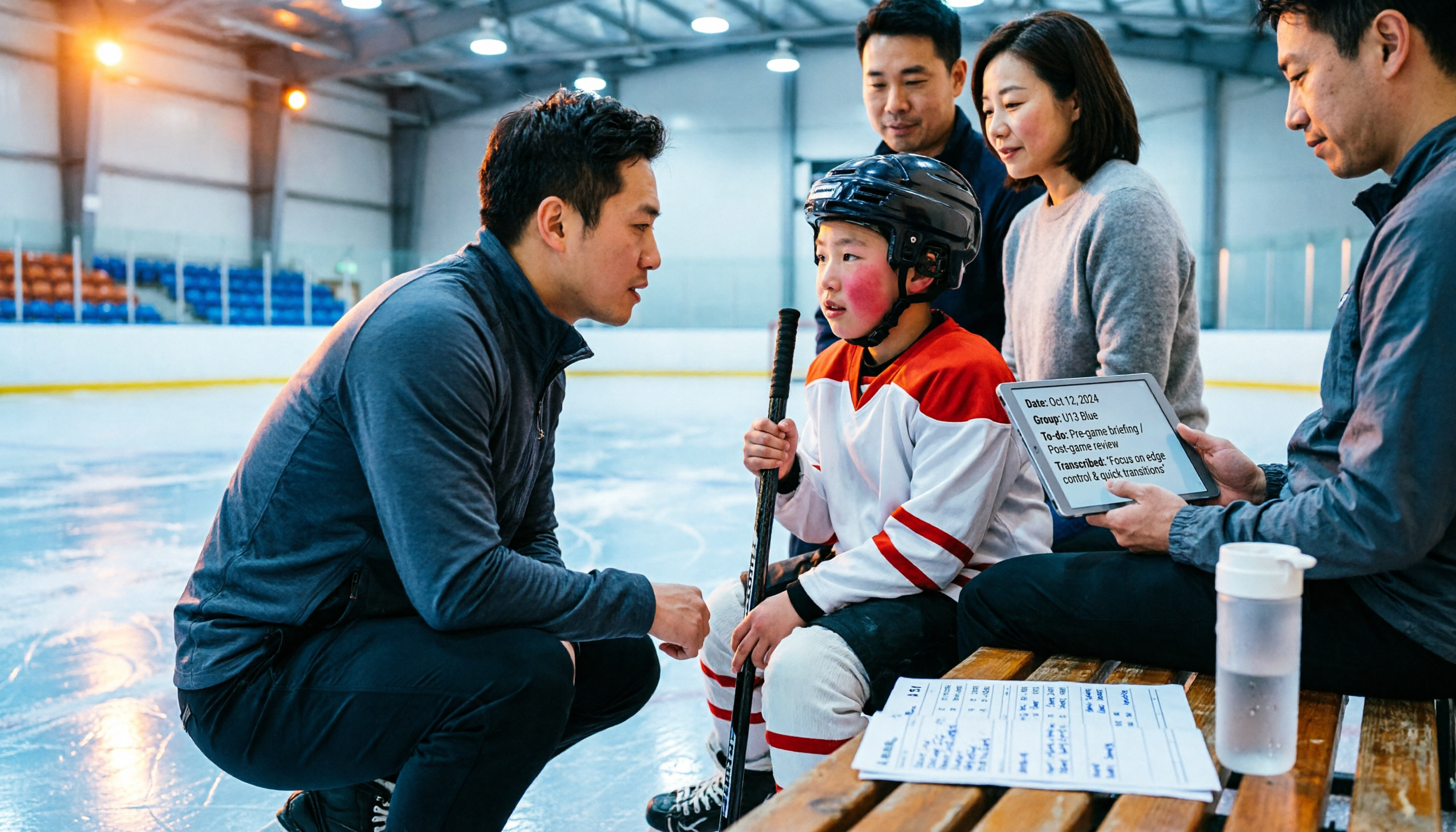
2026 Nottawasaga Hockey Tournament Schedule: Complete Guide to Dates, Divisions, and Coaching Records
The 2026 Nottawasaga Hockey Tournament (Quest For the Cup preseason) takes place August 8–10 at Nottawasaga Inn Resort, featuring U9 to U18 AA, A, and BB/Select divisions. This guide covers event dates, venue, accommodations, and key verification points, and explains how Tinrec can turn pre-trip meetings, coach instructions, and post-game reviews into searchable, queryable, and transferable team documentation.

How to Use Notta for Chinese in 2026: Traditional Chinese Transcription Settings + 5-Step AI Summary Guide
A hands-on 5-step walkthrough of Notta's Chinese transcription workflow: language settings, recording method selection, transcript proofreading, generating summaries with Chinese prompts, and exporting for team use. Plus practical workarounds for the free plan's 3-minute limit and why I eventually switched my main workflow to Tinrec, with real-world team pricing tested.
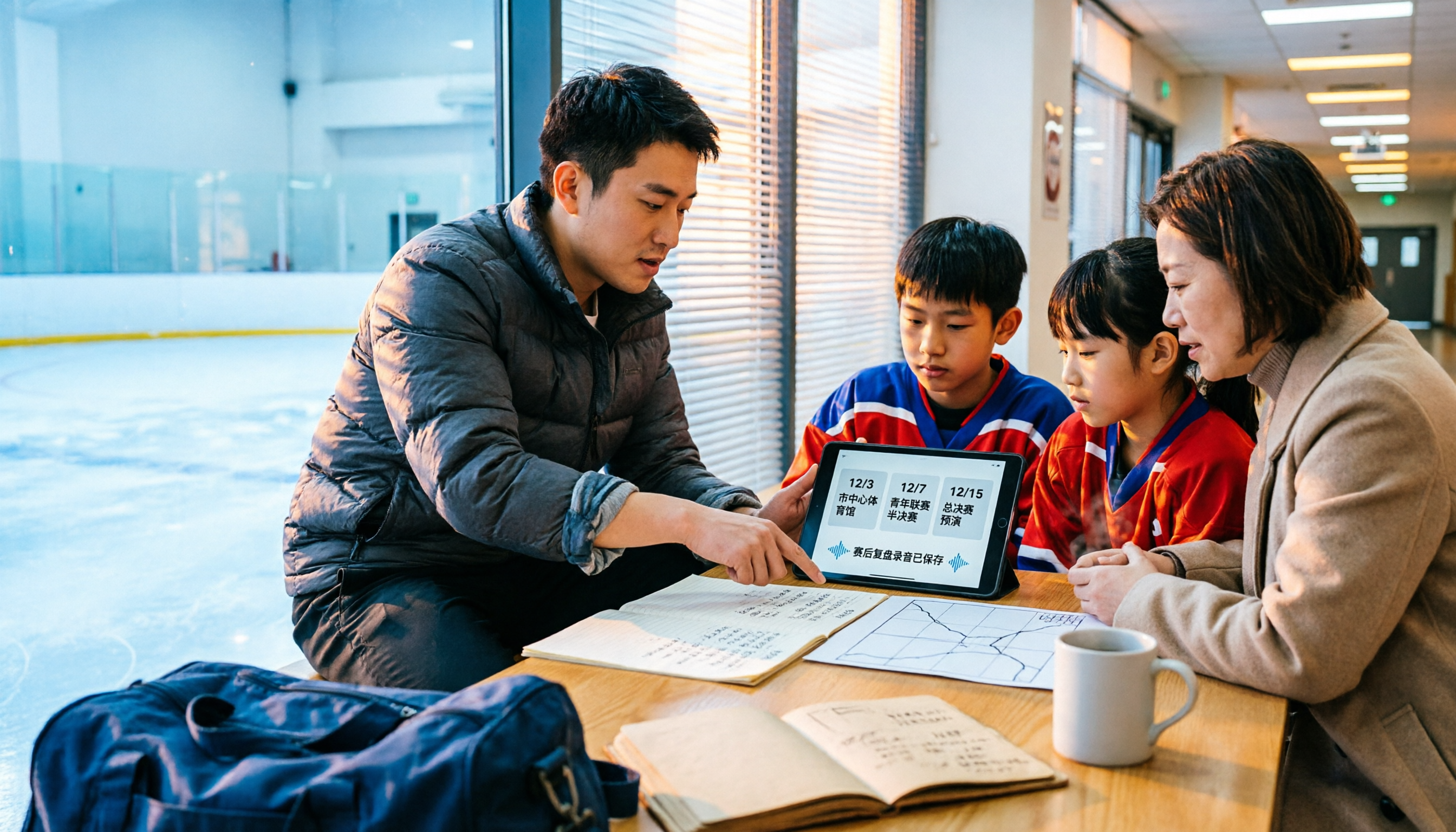
2026 Nottawasaga Tournaments: 5 Places to Check Schedules and Prepare
Searching for 'Nottawasaga tournament 2026' returns more than one event. This guide organizes the 2026 Nottawasaga-related paddling races, youth hockey tournaments, venue and schedule pages into 5 options, plus record-keeping methods for team meetings and post-game reviews, so you can figure out which event to enter and what to prepare.
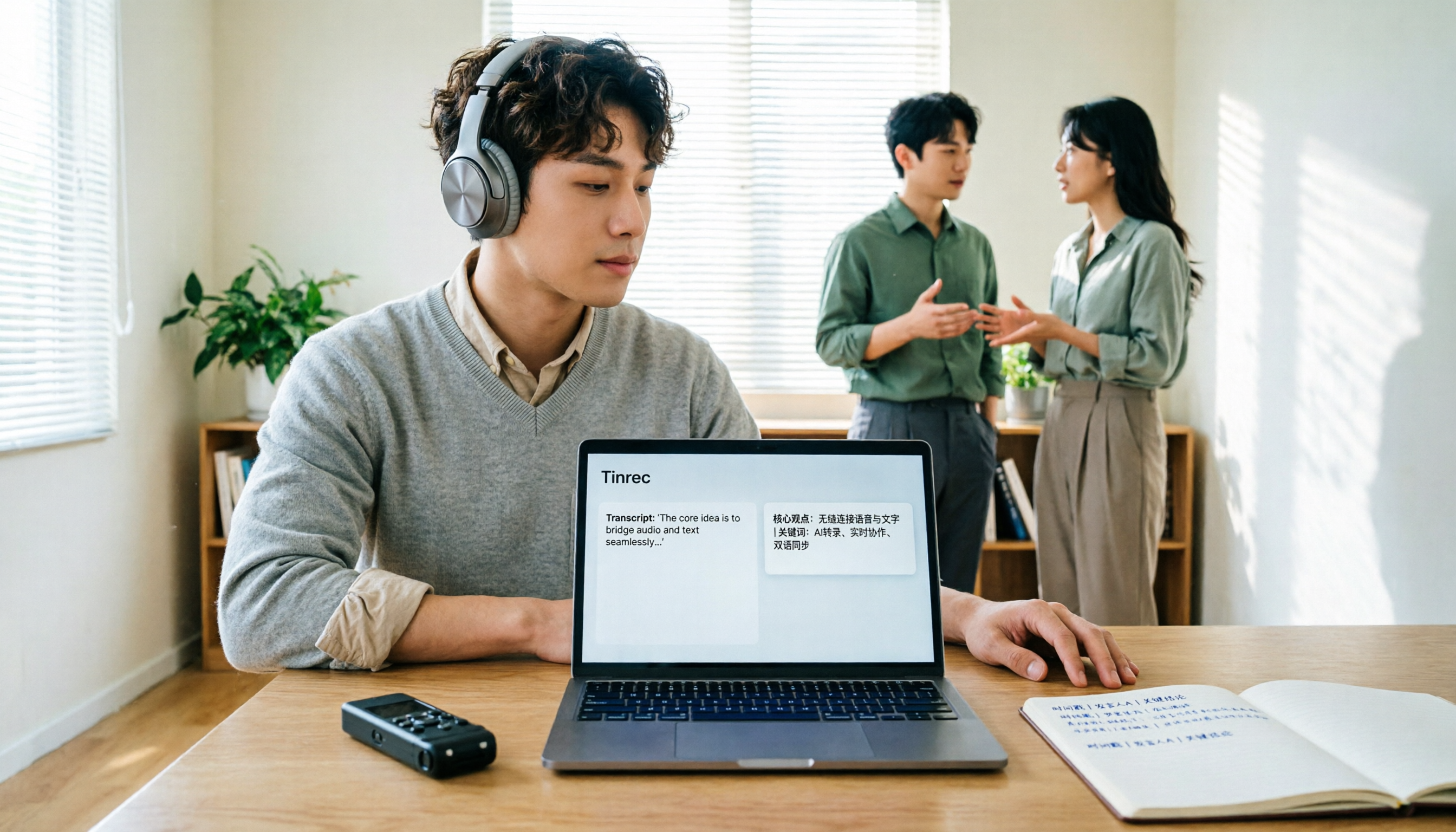
How to Translate Recordings into Chinese in 2026: 5-Step Transcript Translation Tutorial (Notta vs. Tinrec)
How do you use Notta's Chinese translation, and where are the limits? This article breaks down the complete process of converting recordings to transcripts and then translating them into Chinese in 5 steps, demonstrates real-time bilingual, AI summaries, and team knowledge retention with Tinrec, and finally provides purchasing guidance.
Best Audio-to-Text Apps in 2026: 6 Options Compared, Including the Most-Discussed Pick on Dcard
Cramming for finals and realizing you can't get through all your lecture recordings? Based on real student needs, this guide compares six audio-to-text tools in 2026—their plans and limitations—including Notta, frequently asked about on Dcard, and Tinrec, which can record online meetings without a bot and lets you ask AI follow-up questions after transcription. Includes a free-tier comparison and buying advice.

Tinrec vs Notta 2026: 5-Dimension Comparison — Which Is Better for Chinese Meeting Notes?
People searching for Notta on PTT are often debating whether to pay for Chinese meeting transcription. This article compares Tinrec and Notta across 5 dimensions: meeting capture methods, Chinese and mixed Chinese-English transcription, post-meeting workflows, team governance, and pricing/quotas. It also honestly points out each tool's drawbacks, so you know which side to choose before spending time on a trial.