
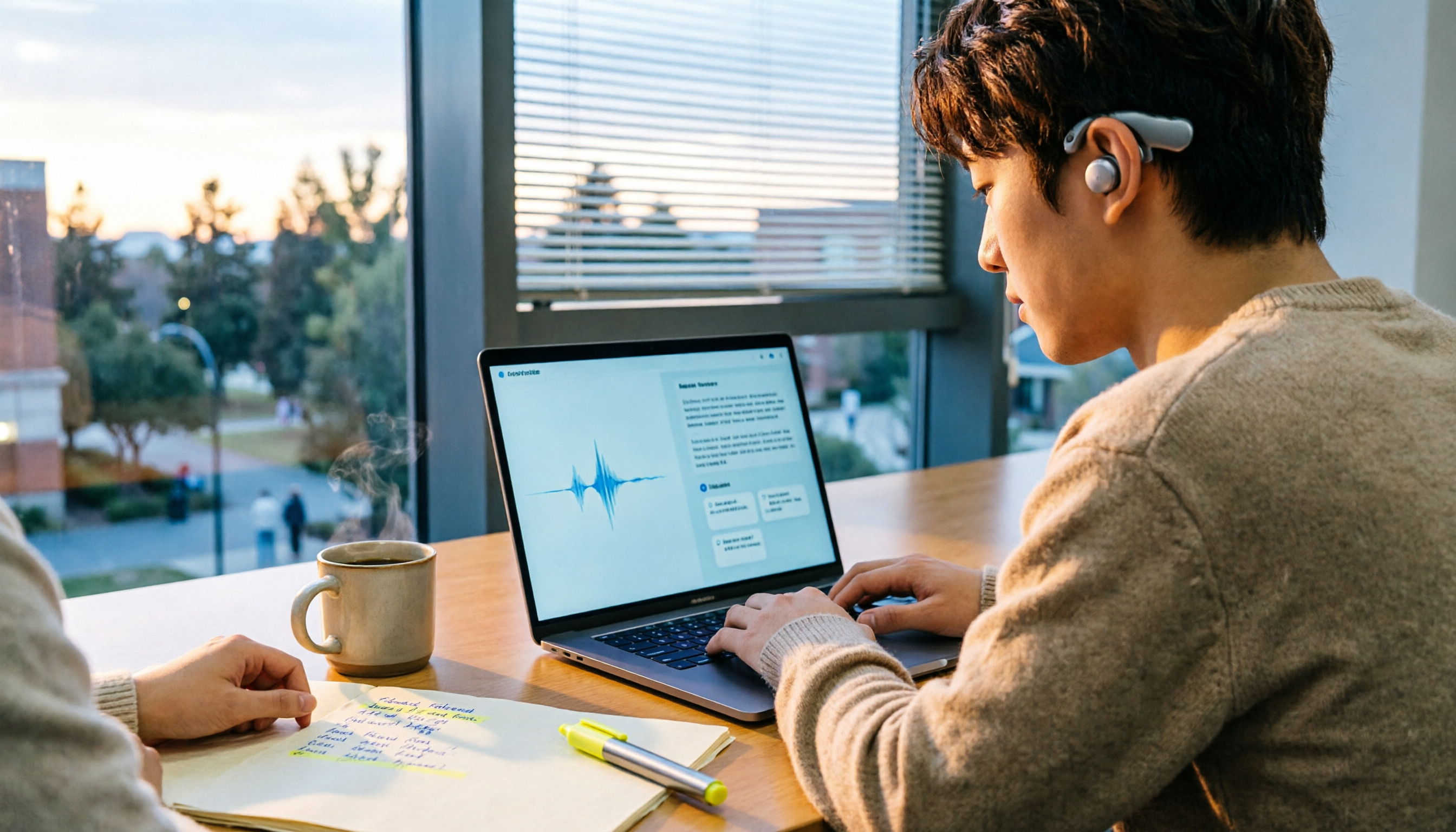
Turn recordings into transcripts and summaries in minutes
Upload audio or video for multilingual transcription, AI notes, and action items
Why Do You Need Audio-to-Text?
The night before finals, I opened a recording from a required course—two hours and forty minutes long. I started listening from minute one, but by minute thirty I was scrolling on my phone. In the end, I only managed to put together three pages of notes I wasn't even sure about, and the next day I still relied on a classmate's notes to survive the exam.
After that, I seriously searched Dcard and found that everyone was asking similar questions: "Is nottage (which is actually Notta) any good?" "Are there free audio-to-text tools?" "Which one is most accurate for Chinese?" Many people asked, but few clearly explained the plans, quotas, and limitations.
This article is based on my actual use over the past year, plus research into official plans. Whether you need to organize lecture recordings, group discussions, or internship interview transcripts, the list below should match your needs.
Tinrec (Miaoting Recording) — Turn Recordings into Data You Can Keep Questioning
One-line positioning: An AI meeting notes and collaboration tool for individuals and teams—not just "audio-to-text."
This is the one I'm still using, and here are a few ways it has genuinely affected my classes and projects:
1. Transcribes while recording—no need to wait until class ends Start real-time recording during class or group discussions, and text appears simultaneously. I used to start listening to recordings only after returning to my dorm; now, by the time I walk out of the classroom, the transcript is already there.
2. No need to invite a meeting bot The desktop version directly captures your computer's system audio and works with Zoom, Google Meet, Microsoft Teams, and Webex—no need to add a bot to the meeting room. During my internship, this made a big difference for remote interviews.
3. The real value comes after transcription It automatically generates summaries, chapters, key points, and action items, and you can ask AI questions about the meeting content. This is where I feel it differs most from ordinary transcription tools: a transcript is just a bunch of words, but asking "help me pull out the three exam directions the professor mentioned" is what truly saves time.
4. Handles files, videos, and translation together You can drop audio and video files directly into it for transcription, and during recording you can view the original text, translation, or bilingual comparison—handy for organizing English literature or cross-language interviews. Results can also be exported to Notion, Google Docs, OneNote, or Dropbox for further processing.
How to choose a plan: The free version lets you test the waters; if you just need a few weeks around midterms and finals, a weekly card is enough; if you have regular weekly classes to record and project interviews to organize, the Pro monthly plan makes more sense; if you want to accumulate a full year of course and project data, the annual plan has a lower monthly equivalent. Actual prices are subject to the official website.
Team version: Graduation projects are usually not done alone. The team version is a separate team space where data belongs to the team, with roles, seats, shared quotas, usage analytics, and audit logs. First-time eligible users get a 7-day trial, 1 free seat, and 300 minutes of team shared import quota; team monthly billing is USD 29.80 per paid seat per month, annual billing is USD 199 per paid seat per year (about USD 16.58 per month), each paid seat gets 2,000 minutes of shared import quota per month, and real-time recording is currently not deducted by minutes under an active plan and seat.
Who it's for: Students who want "record and use immediately," need Chinese meeting organization, and have both online and in-person classes.
Notta — A Veteran Choice for Multilingual Transcription
The "nottage" discussions on Dcard almost always refer to this. Official plans: Free gives 120 minutes per month, with a maximum of 3 minutes per single piece of content; Pro annual billing works out to about USD 8.17 per month with 1,800 minutes per month; Business annual billing is about USD 16.67 per seat per month, including unlimited transcription, role permissions, and usage reports.
My first thought when trying the free version: 3 minutes per session is really too short for lecture recordings—you almost certainly need to upgrade to make it practical. Its multilingual and subtitle output are fairly complete, so if you need to handle foreign-language videos or create subtitles, it's worth putting on your list.
Stop organizing recordings by hand
Upload audio or video and automatically get a transcript, summary, and action items
Who it's for: Users who need multilingual transcription and subtitle output.
Otter.ai — A Veteran Player for English Meetings
Basic is free with 300 minutes per month; Pro annual billing is about USD 8.49 per user per month, including 1,200 minutes of in-app recording per month and 10 file imports; Business offers unlimited meetings and in-app recording.
It's highly mature for English meetings, but most of my classes are in Chinese, so I personally didn't find it particularly outstanding. If you'll later intern at a foreign company or hold all-English meetings, it's still a solid choice.
Who it's for: Users whose meetings and classes are primarily in English.
TurboScribe — Many Files, Budget First
Free allows 3 files per day, up to 30 minutes per file; Unlimited annual billing is USD 120 (about USD 10 per month), and the paid version supports files up to 10 hours or 5 GB each, with up to 50 files uploaded at once.
If you have a pile of already-recorded audio files and want to transcribe them all at once, its value is hard to beat. But it leans toward "file transcription"—real-time meetings and post-meeting action items need to be handled separately.
Who it's for: People with lots of lecture audio, who need subtitles, and who are budget-conscious.
Granola — Bot-Free Meeting Notes
Basic is free; Business is USD 14 per user per month; Enterprise is USD 35 per user per month. The official description says it displays transcripts in real time and allows copying and searching, but it does not support uploading pre-recorded audio files and does not save meeting audio.
So if your source is "already-recorded lecture audio," it won't help; it's better suited for real-time scenarios where you take notes while in a meeting.
Who it's for: People who mainly attend online meetings and don't need to keep audio files.
PLAUD Note / NotePin — For Those Who Want Portable Hardware Recording
NotePin is USD 159, Note Pro is USD 189; membership Starter is 300 minutes per month, Pro is USD 99.99 per year (1,200 minutes per month), Unlimited is USD 239.99 per year.
Its value is in the hardware—phone call recording and portable note-taking are convenient. But for students, the device cost plus annual fee is a fairly high barrier, and online meetings still have to be handled back in software.
Who it's for: People who are often on the go and need a physical recording device.
With So Many Options, How Should You Choose?
• Want the most complete "record → organize → ask follow-up questions" workflow → Tinrec, with summaries, chapters, action items, and AI Q&A all in one place
• Need to record Zoom/Meet/Teams without letting a bot join the meeting → Tinrec desktop version, which directly captures system audio
• Mixed Chinese-English classes or cross-language interviews → Tinrec supports real-time translation and lets you switch between original, translation, or bilingual view
• Too many lecture audio files and want batch transcription → TurboScribe
• Mainly all-English meetings → Otter.ai
• Just occasionally transcribing a short clip → use the Notta or TurboScribe free versions for now
• Need physical recording hardware → PLAUD
• Graduation project requires multiple people sharing data → Tinrec team version (roles, seats, shared quotas, usage analytics)
4 Things to Know Before Using Audio-to-Text
1. Free quotas almost always have a "per-session limit" For example, Notta's free version only allows 3 minutes per session, and TurboScribe's free version allows 30 minutes per file. Check the limits before deciding whether to upgrade, or you'll waste time waiting.
2. A transcript is not the same as key points Getting a 10,000-word transcript doesn't mean you can review it all. A better approach is to have the tool generate a summary and extract chapters and action items right after transcription—for example, Tinrec lets you use AI Q&A to ask "what were the conclusions of this meeting?" which is far more efficient than reading from the beginning.
3. Recording quality determines success Sitting in the first three rows, placing your phone on the desk, and avoiding air-conditioning vents—these small things greatly affect recognition results. When multiple people speak over each other or there are many technical terms, you can also set team hotwords first.
4. Get consent before recording Whether it's a class, interview, or meeting, ask first whether you can record—respect others and protect yourself.
Conclusion
There's no absolute best tool—only the one that best fits your current situation. If you only occasionally need to transcribe a recording, the free version is enough; but if, like me, you have weekly classes to organize, project interviews to conduct, and internship meeting notes to write, then "whether you can use it directly after transcription" is the key.
After using it for a full semester, the one I kept was Tinrec, because it puts transcripts, summaries, action items, and AI follow-up questions in one place—saving time to prepare for interviews is more practical. I suggest you start with the free version for a class or two, and consider upgrading once it feels natural.
References
Turn every recording into actionable outcomes
Get 60 free transcription minutes when you sign in. No credit card required.
Related Reading
You might also like

2026 AI Meeting Transcription Tools Compared: Notta's 2025 Update and the Best Choice for Chinese-Speaking Teams
Starting with Notta's 2025 pricing changes, Notta Memo, and mobile bilingual transcription, this hands-on comparison of Tinrec, Notta, Otter.ai, and TurboScribe covers meeting recording workflows, post-meeting processes, team management, and quotas to help Chinese-speaking teams choose the right tool.

5 Best Meeting Transcription Tools for 2026: Notta Pricing, Dcard Reviews, and Alternatives Compared
A breakdown of Notta pricing, free plan limits, and common Dcard discussions, plus a comparison of 5 meeting transcription tools including Tinrec, Otter, Fireflies, and TurboScribe—helping you decide if a free plan is enough and whether paid plans are worth it.

Tinrec vs Notta 2026: 5-Dimension Comparison — Which Is Better for Chinese Meetings and Team Knowledge Retention?
There's a lot of discussion about Notta on Dcard, but free minutes aren't the only standard. This article takes the perspective of a student group project and compares Tinrec and Notta across 5 dimensions: online meeting capture, Chinese-language experience, post-meeting organization, team governance, and post-meeting outputs. It also covers free tiers and budget recommendations.

2026 Nottawasaga Hockey Tournament Schedule: Complete Guide to Dates, Divisions, and Coaching Records
The 2026 Nottawasaga Hockey Tournament (Quest For the Cup preseason) takes place August 8–10 at Nottawasaga Inn Resort, featuring U9 to U18 AA, A, and BB/Select divisions. This guide covers event dates, venue, accommodations, and key verification points, and explains how Tinrec can turn pre-trip meetings, coach instructions, and post-game reviews into searchable, queryable, and transferable team documentation.

How to Use Notta for Chinese in 2026: Traditional Chinese Transcription Settings + 5-Step AI Summary Guide
A hands-on 5-step walkthrough of Notta's Chinese transcription workflow: language settings, recording method selection, transcript proofreading, generating summaries with Chinese prompts, and exporting for team use. Plus practical workarounds for the free plan's 3-minute limit and why I eventually switched my main workflow to Tinrec, with real-world team pricing tested.
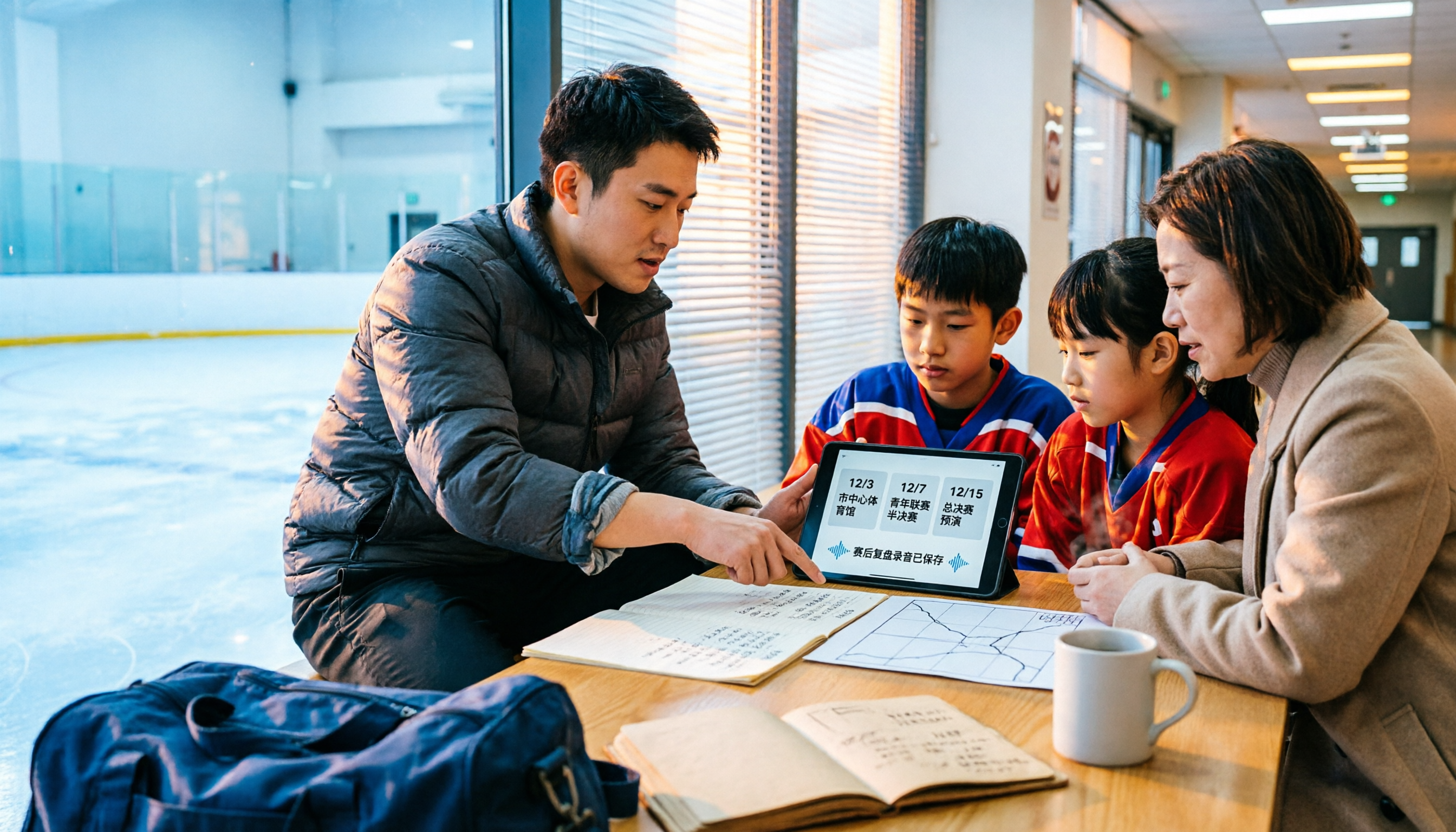
2026 Nottawasaga Tournaments: 5 Places to Check Schedules and Prepare
Searching for 'Nottawasaga tournament 2026' returns more than one event. This guide organizes the 2026 Nottawasaga-related paddling races, youth hockey tournaments, venue and schedule pages into 5 options, plus record-keeping methods for team meetings and post-game reviews, so you can figure out which event to enter and what to prepare.

2026 Nottawasaga Hockey Tournament Coach's Guide: Schedule, Costs, and Post-Game Record-Keeping Compared
A complete overview of the 2026 Nottawasaga Hockey Tournament (Weekend Hockey Quest For the Cup), including schedule, divisions, costs, and venue details. From the perspective of coaches and team managers, it explains how to use Tinrec to turn pre-game meetings, parent communications, and post-game reviews into trackable records, avoiding conflicting accounts after the tournament.
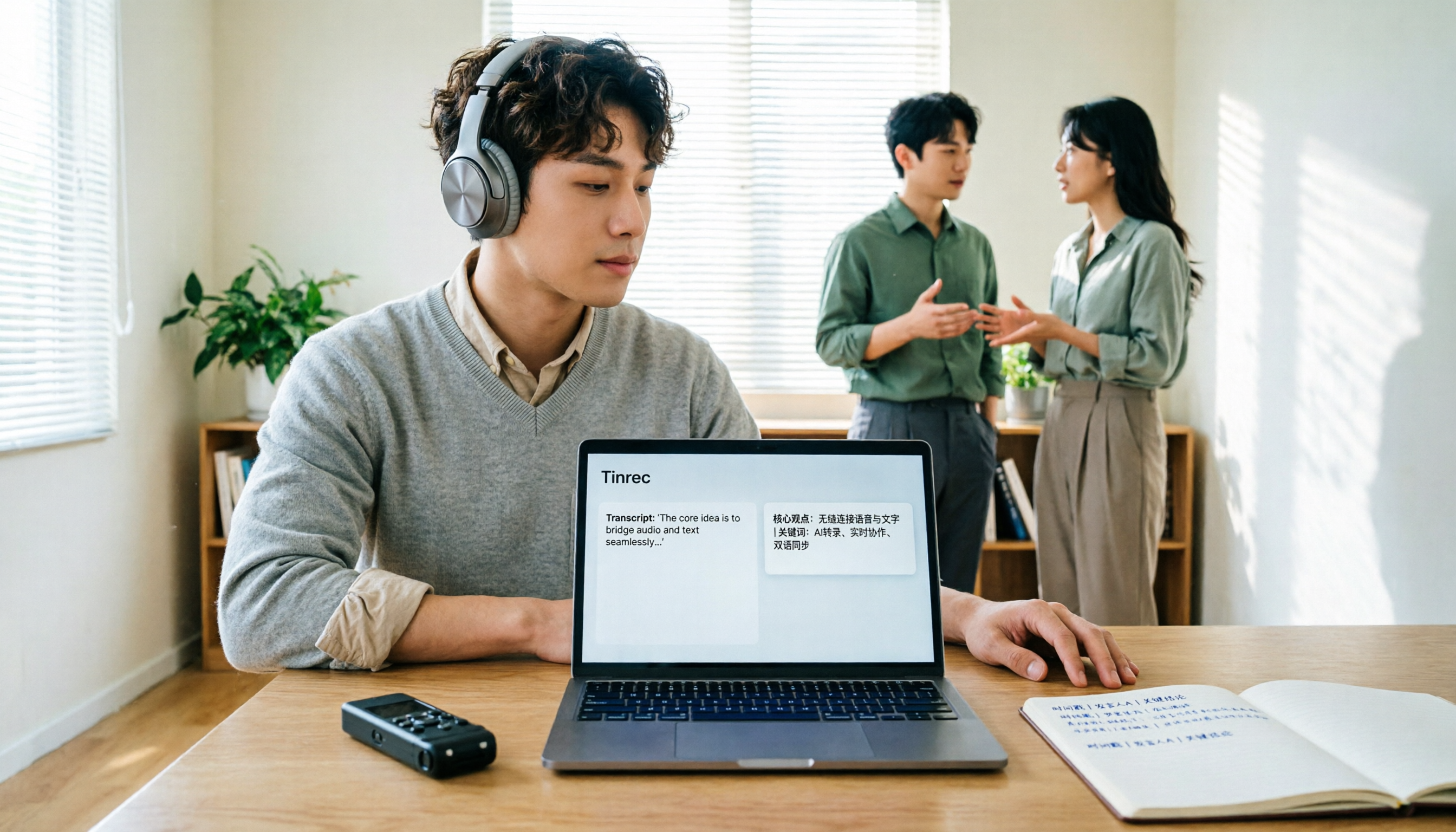
How to Translate Recordings into Chinese in 2026: 5-Step Transcript Translation Tutorial (Notta vs. Tinrec)
How do you use Notta's Chinese translation, and where are the limits? This article breaks down the complete process of converting recordings to transcripts and then translating them into Chinese in 5 steps, demonstrates real-time bilingual, AI summaries, and team knowledge retention with Tinrec, and finally provides purchasing guidance.

Tinrec vs Notta 2026: 5-Dimension Comparison — Which Is Better for Chinese Meeting Notes?
People searching for Notta on PTT are often debating whether to pay for Chinese meeting transcription. This article compares Tinrec and Notta across 5 dimensions: meeting capture methods, Chinese and mixed Chinese-English transcription, post-meeting workflows, team governance, and pricing/quotas. It also honestly points out each tool's drawbacks, so you know which side to choose before spending time on a trial.