

Turn recordings into transcripts and summaries in minutes
Upload audio or video for multilingual transcription, AI notes, and action items
2026 Free Transcription Plans Compared: Notta, Tinrec & 3 More — Discounts and Limits
First, Ask Yourself: Do You Want a Discount Code or the Cheapest Long-Term Plan?
In 2026, almost everyone searching for a Notta promo code runs into the same dilemma.
You might find a third-party 10% off code, but Notta's annual plan already offers about 40% off, and students and educators can get 50% off. These usually can't be combined, so picking the wrong one means wasted effort.
So this article won't just throw a code at you. I'll lay out the discount types still available in 2026, then compare them across 4 other meeting note tools, so you can decide based on two criteria: how often you'll use it and what you need to do after meetings.
Bottom line: the discount code is just the last step; choosing the right plan is what really affects your annual spend.
Tinrec | Turn Meetings into Data You Can Keep Querying
Tinrec is an AI meeting notes and collaboration tool for individuals and teams.
The first thing that caught my attention is how it records. The desktop app captures system audio directly, so it works with Zoom, Google Meet, Microsoft Teams, and Webex without adding a bot account to the meeting.
The second is what happens after transcription. The transcript is just the starting point; summaries, chapters, action items, and mind maps are generated together, and you can continue asking questions about the meeting.
The third is team scenarios. Team spaces centralize meeting data, admins can assign seats, view usage trends, and audit logs; when members leave or are removed, data doesn't go with them.
Note: real-time recording currently doesn't deduct minutes under active team plans and seats, but file and web imports consume the team's shared import quota—they're calculated differently.
Plans and pricing: Personal plans include Free, Weekly, Pro Monthly, and Pro Annual—choose based on usage frequency; actual prices on the official site. Team plan offers a 7-day trial for first-time eligible users (1 free seat, 300 minutes shared import quota); team monthly USD 29.80 per paid seat per month, annual USD 199 per paid seat per year (about USD 16.58/month), each paid seat gets 2,000 minutes of team shared import quota per month.
Who it's for: Those who need Chinese meeting notes, don't want a bot joining meetings, and want to turn content into action items, reports, or team data afterward.
Notta | A Veteran Choice for Multilingual Transcription and File Processing
Notta and Tinrec overlap significantly—both offer multi-platform transcription, meeting notes, file import, and translation. The difference is Notta leans more toward file transcription and subtitle processing, while Tinrec focuses on bot-free online meetings and post-meeting team knowledge retention.
On discounts, third-party sources in 2026 commonly list three types: about 10% off promo codes, annual discounts, and 50% off for students and educators; there's also a re-subscription offer within 48 hours after cancellation. These usually can't be stacked; actual discount shown at checkout.
Free plan: 120 minutes per month, 3 minutes per item; Pro annual about USD 8.17/month, 1,800 minutes per month; Business annual about USD 16.67 per seat per month, includes unlimited transcription, role permissions, and usage reports.
Who it's for: Those with a pile of audio files to batch transcribe into text or subtitles, and who need multilingual translation.
Otter.ai | A Mature Option for English Business Meetings
Otter is a mature AI meeting assistant with Zoom, Teams, Google Meet, real-time transcription, speaker identification, AI Chat, and complete team management. Its large user base for English meetings is its strongest point.
Pricing: Basic free 300 minutes per month; Pro annual about USD 8.49 per user per month, includes 1,200 minutes of in-app recording and 10 file imports per month; Business offers unlimited meetings and more, actual plans may vary by promotion.
Stop organizing recordings by hand
Upload audio or video and automatically get a transcript, summary, and action items
Who it's for: Companies whose meetings are mainly in English and need mature team collaboration features.
TurboScribe | A Cost-Effective Route for Long Files and Batch Transcription
TurboScribe is more of a cost-effective file transcription tool, focusing on long files, batch uploads, subtitles, and translation.
Free plan: 3 files per day, 30 minutes per file; Unlimited annual USD 120 (about USD 10/month), paid version supports files up to 10 hours or 5 GB, and up to 50 files at once.
Who it's for: Those who need to process many long recordings at once but don't need real-time meetings or post-meeting Q&A.
Granola | Bot-Free Meeting Notes with Your Own Handwritten Highlights
Granola also takes a bot-free approach, using desktop system audio and microphone for real-time transcription, then combining with your handwritten notes to generate meeting content—that's its most unique feature.
Basic free; Business USD 14 per user per month; Enterprise USD 35 per user per month. Note: it doesn't support uploading pre-recorded audio files and doesn't save meeting audio, so you'll need another way to archive.
Who it's for: Those who like to take handwritten notes during meetings and only need real-time notes and post-meeting organization.
With So Many Options, How Should You Choose?
• Want Chinese meeting notes + no bot joining + ability to keep querying after meetings → Tinrec (few options do all three at once)
• Need to handle Chinese, mixed Chinese-English, and real-time translation together → Tinrec
• Team needs to share meeting data, manage seats, and view usage → Tinrec Team plan
• Have a large number of audio files, main need is batch transcription or subtitles → TurboScribe or Notta
• Meetings mainly in English, team already used to existing workflow → Otter
• Prefer handwritten notes, only need real-time transcript → Granola
• Zero budget, only occasional transcription of one or two recordings → Try free versions first
Before You Buy, Confirm These 4 Things
- Can discounts be combined? Most promo codes, annual discounts, and student plans are mutually exclusive—just pick the highest discount rate. If unsure, ask official support; it's cheaper than regretting later.
- Understand free plan limits. For example, Notta free is 120 minutes per month with 3 minutes per item; TurboScribe is 3 files per day. These limits determine how deep you can test.
- Calculate annual cost, not just monthly. Annual plans often have much nicer monthly equivalents, but only if you're sure you'll use it for a full year. Tinrec personal has a weekly card, so short-term intensive meetings don't require an annual commitment.
- Discount codes expire; checkout page is final. Third-party codes can become invalid; actual discount is always as shown on the official checkout page.
FAQ
Q1: Are Notta promo codes still valid in 2026?
Third-party articles in 2026 still mention about 10% off promo codes and annual/student discounts, but code validity periods change—you'll only know if it works when you enter it at checkout. Rather than hunting for codes, first confirm which discount type applies to you.
Q2: Can promo codes be combined with annual discounts?
Mostly no. The common rule is to take the highest discount rate; they can't be stacked. Whether special status (student, educator) plans can combine with other offers—check with official support.
Q3: Is Notta's free plan enough?
Free plan: 120 minutes per month, 3 minutes per item—suitable for occasional short clips or getting familiar with the interface. If you have weekly meetings, you'll hit the limit quickly.
Q4: What's the difference between Tinrec free and Notta free?
Both let you experience basic transcription; the difference is the workflow afterward. Tinrec generates summaries, chapters, and action items together, allows questions about meeting content, and exports to Notion, Google Docs, etc. for further processing; Notta is smoother for file transcription and subtitle translation.
Q5: For teams sharing meeting data, which should we choose?
Don't share one personal account among multiple people. Tinrec Team plan is a separate team space where data belongs to the team, with roles and seats: members without seats can still view, play, and read, but need a seat to record, upload, or edit.
Conclusion
To save money in 2026, the order is: choose the right plan first, then apply discounts.
A discount code saves a few percent; choosing the wrong plan wastes a whole year's subscription fee. If you need Chinese meeting notes, don't want a bot joining meetings, and want to turn content into action items and team data afterward, Tinrec is the closest fit on this list.
Start with a free or short-term plan, then decide whether to go annual—that's more solid than rushing for a discount code from the start.
References
Turn every recording into actionable outcomes
Get 60 free transcription minutes when you sign in. No credit card required.
Related Reading
You might also like

Which Sales Meeting Notes Template Is Best? 2026 Hands-On Test of 4 AI Tools—This One Wins for Chinese Sales Meetings
Still manually filling out sales meeting notes in Excel? I tested 4 AI meeting tools, comparing Chinese transcription, post-meeting action item extraction, AI follow-up questions, and team data ownership. Here are the key buying factors, pitfalls to avoid, and recommendations for different sales teams.

Otter Chinese Alternatives Compared 2026: Tinrec vs Notta — Which Is More Practical for Chinese?
Is Otter.ai actually good for Chinese? I tested and compared Otter.ai, Tinrec, and Notta on Chinese meetings, mixed Chinese-English speech, post-meeting organization, and team collaboration to tell you which one is better suited for teams in Taiwan, plus key points to consider when choosing.
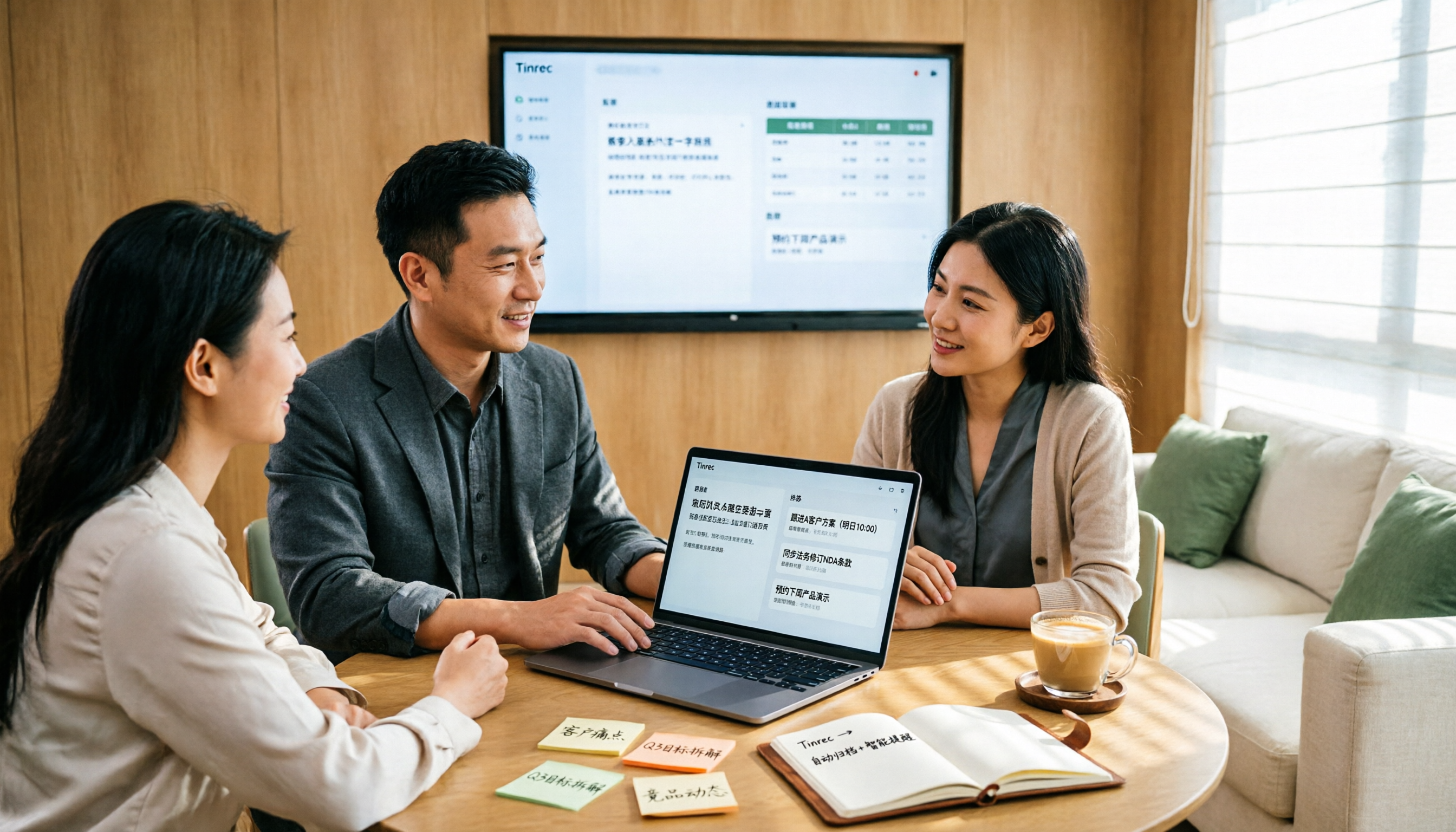
2026 Sales Meeting Notes Table Tools Buying Guide: 6 Hands-On Tests and Recommendations
The most common pitfall with sales meeting notes tables is filling in fields from memory after the meeting. Drawing on real-world experience from mid-level managers, this article reviews six tools that can turn sales meetings into transcripts, summaries, action items, and exportable tables, including Tinrec, Otter.ai, Fireflies.ai, Notta, Granola, and TurboScribe. It explains each tool's positioning, pricing, and ideal users, and offers selection advice and usage notes.
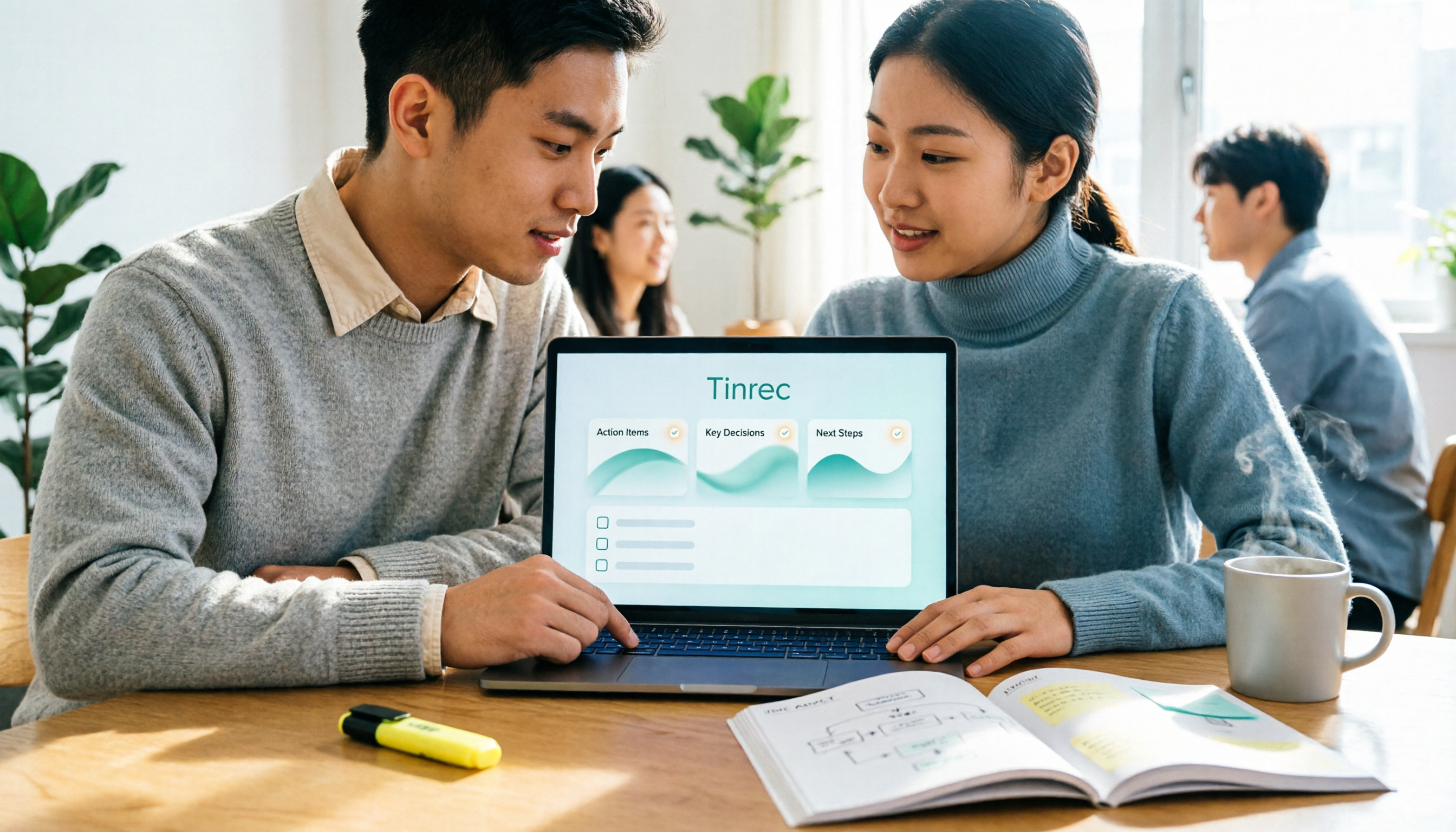
2026 Sales Meeting Notes Templates: 6 Free Options Compared
Starting from a student's perspective of getting tired of searching for templates on Dcard, this article reviews 6 sales meeting notes solutions: from plain text templates and free transcription tools to AI meeting notes that can automatically generate summaries and action items. It includes each option's free quota, pricing, and use cases to help you pick the most time-saving one.

2026 Comparison of 4 Sales Meeting Note Tools: Which One Turns Customer Conversations into Trackable Sales Leads?
Starting from the pain point of a sales intern unable to follow up on customer commitments after meetings, this article uses a decision comparison chart to break down 4 sales meeting note tools: Tinrec, Otter.ai, Fireflies.ai, and Granola. The focus is not on transcription minutes, but on whether you can ask questions, hand off, and retain information after the meeting.

2026 Comparison of 4 Sales Meeting Note Tools: Which One Best Organizes Customer Needs and Action Items?
Sales meeting notes aren't just about transcribing conversations verbatim. This article addresses common pitfalls and compares Tinrec, Granola, TurboScribe, and Notta on recording methods, post-meeting organization, Chinese language experience, and team collaboration to help you choose the right tool.

2026 Comparison of 4 Sales Meeting Note Tools: Evaluation Criteria and Which AI Meeting Notes Are Most Practical
From transcription, post-meeting action items, bot-free capture, export and knowledge retention, to team governance, we break down the evaluation criteria for sales meeting note tools and compare the use cases of Tinrec, Otter.ai, Fireflies.ai, and Granola.

2026 Sales Meeting Notes Template Platforms Compared: Tinrec vs. Notta vs. Fireflies — Which Is Best for Sales Teams?
Starting from common pitfalls of sales meeting notes templates, this article outlines 8 essential fields and demonstrates a 5-step workflow using Tinrec Team Edition: pre-meeting preparation, recording transcription, AI summary, action item tracking, and team knowledge retention. It also briefly compares the positioning of Notta and Fireflies.

Sales Meeting Notes Platform 2026: Templates + AI Action Items
Sales meeting notes are more than just jotting things down. This guide covers template fields you can use right away and shows how Tinrec turns client visits, weekly sales meetings, and cross-team discussions into transcripts, summaries, action items, and searchable team meeting assets.