
Turn recordings into transcripts and summaries in minutes
Upload audio or video for multilingual transcription, AI notes, and action items
On iPhone, call recording has always been a pain point for many business professionals, journalists, and students. Due to Apple's strict privacy protections, the iOS system has long limited third-party apps from directly accessing call audio. However, with the evolution of technology and the rise of AI in 2026, we now have more powerful solutions.
This article will analyze the current mainstream methods for iPhone call recording and recommend an AI powerhouse that can elevate recording efficiency to a new level.
Method 1: Using iOS 18+ Native Call Recording Feature
If you have already updated to the latest iOS 18 or higher, Apple has finally added a native recording function in the Phone app. This is a huge breakthrough, but it has a fatal flaw:
- Mandatory Notification: When you press the recording button, the system automatically plays a voice prompt saying "This call is being recorded," and the other party will definitely hear it. This can be quite awkward in situations that require discreet evidence gathering or when you don't want to disrupt the conversation flow in business contexts.
- Limited Features: Although the native function supports real-time transcription, it falls short of professional third-party tools in terms of Chinese recognition accuracy and subsequent "AI key point summarization" features.
Method 2: Speakerphone + Backup Device (Traditional but Effective)
This is the most primitive method but also the least restricted by the system. During a call, turn on the speaker and use another phone, voice recorder, or computer to record.
- Advantages: No notification to the other party, flexible recording format.
- Disadvantages: Sound quality is heavily affected by ambient noise, organizing recordings is extremely time-consuming, and you end up with just audio files with no way to quickly search for content.
Stop organizing recordings by hand
Upload audio or video and automatically get a transcript, summary, and action items
Method 3: Professional AI Solution — TinRec (秒聽錄音)
If you are looking for a call recording experience that is highly efficient, highly accurate, and equipped with AI smart analysis, simply "recording the audio" is not enough. You need a tool that can turn voice into productivity.
That's why we strongly recommend TinRec (秒聽錄音).
Why Choose TinRec?
TinRec is more than just a recording tool; it is an all-in-one AI voice productivity platform. For iPhone users facing the challenges of recording and organizing, TinRec offers the perfect solution:
Call Recording to Text (High Accuracy): Whether you record with TinRec or import existing recordings, it uses advanced speech recognition technology to quickly convert call content into a transcript. It supports multiple languages, with particularly optimized Chinese recognition.
MP3 to Text and Multi-Format Support: Have audio files from a voice recorder or other apps (MP3, M4A, WAV, etc.)? TinRec allows you to upload them with one click and convert to text, eliminating the need for repeated playback and manual typing.
AI Meeting Summaries and Minutes: This is work that would normally take a secretary hours to complete. TinRec's AI meeting summary feature can automatically analyze hours of call or meeting content and instantly generate a well-organized AI meeting minutes, to-do items, and key decisions. For lawyers, project managers, or salespeople, this is a time-saving tool.
How to Use TinRec to Boost Efficiency?
- Step 1: Visit the TinRec website to register an account.
- Step 2: Use the tool to record important calls or meetings, or directly upload existing recording files.
- Step 3: Wait for AI processing, and within minutes you'll have a full transcript and a concise AI summary.
- Step 4: You can read more tips and case studies on the TinRec blog.
Conclusion
Although the native recording feature on iPhone solves the existence problem, for professionals seeking efficiency, TinRec (秒聽錄音) is the real solution. It not only addresses the "listening" need but also through MP3 to text and AI meeting summary features, it solves the tedious work of "remembering" and "organizing."
Don't let important call content get lost in audio files. Experience the efficiency revolution brought by AI now!
👉 Try TinRec for free now: https://tinrec.com/
Turn every recording into actionable outcomes
Get 60 free transcription minutes when you sign in. No credit card required.
Related Reading
You might also like

2026 Best AI Meeting Transcription Tools Compared: Which Saves the Most Time for Chinese Meetings?
Starting from the decision of which recording-to-meeting-notes tool to choose, this hands-on comparison evaluates Tinrec, Otter.ai, Notta, and Granola on meeting recording methods, Chinese and mixed Chinese-English processing, post-meeting organization, and team collaboration. It also covers 4 key buying factors, 4 common pitfalls, and scenario-based recommendations.
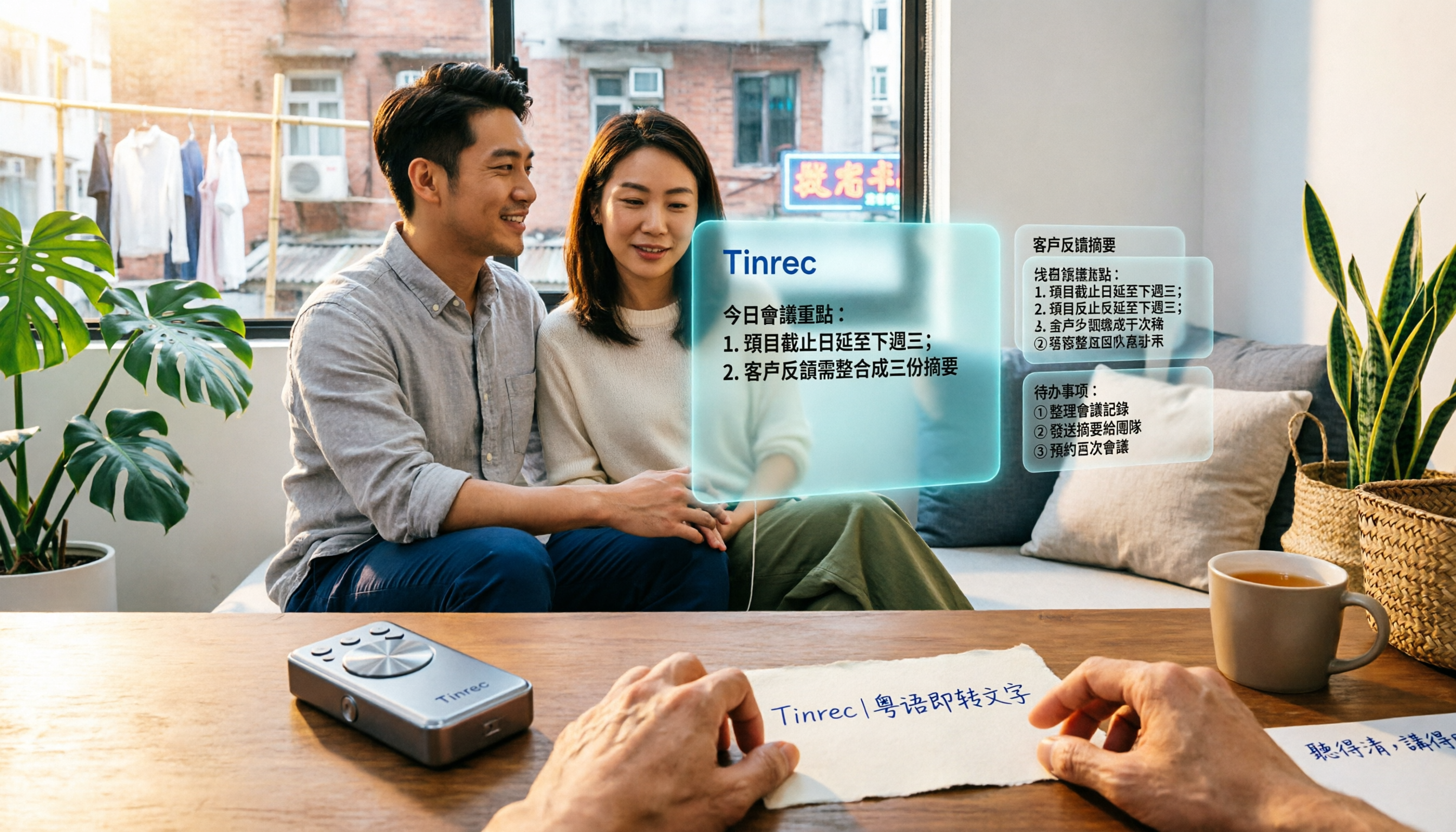
5 Cantonese Speech-to-Text Tools Tested in 2026: Which Saves More Time on Cantonese Transcripts and Post-Meeting Organization?
Looking for a speech-to-text tool that accurately recognizes Cantonese? This article starts with the three most common pitfalls, then covers key points for choosing a Cantonese transcription tool based on real tests, free quotas, and team pricing differences. It also uses Tinrec as an example to demonstrate the complete workflow from recording and transcription to summaries, action items, and team knowledge retention.

2026 Meeting Notes App Comparison: Which AI Summarizer Saves Managers the Most Time?
A mid-level manager leading a 10-person team and attending 15 meetings a week tested five meeting notes apps and shares the criteria for choosing one. From post-meeting organization speed, AI summaries and action items, and online meeting recording methods, to team data ownership and seat management, this explains how Tinrec works in real meeting scenarios, where its limits are, and how to choose between the free and team versions.

5 Best AI Meeting Transcription Tools in 2026: Which Free Plan Is Most Generous?
Tired of replaying meeting recordings to write notes? We break down 5 key factors for choosing an AI meeting transcription tool and compare Tinrec, Granola, Notta, and PLAUD on transcription, AI Q&A, action item extraction, and team collaboration. We also cover free plan limits, pricing, and common pitfalls to help you pick the most time-saving option.

Tinrec vs PLAUD Note 2026: 5-Dimension Comparison — Which Is More Complete for Meeting Transcripts and Post-Meeting Organization?
The biggest pitfall with meeting recording transcripts isn't audio quality — it's that the text gets ignored after transcription. This article compares Tinrec and PLAUD Note across 5 dimensions: meeting capture methods, post-transcript organization, file import and cross-device support, team collaboration and governance, and cost structure, helping you decide between a software workflow and recording hardware.

2026 Top 5 Real-Time AI Meeting Notes Compared: Tinrec vs Notta vs Plaud — Which One Should You Choose?
The real pain point of meeting notes isn't whether they can be transcribed, but how to use them after transcription. This article starts with common misconceptions, outlines the positioning of 5 highly discussed real-time AI meeting note tools, and focuses on the differences between Tinrec, Notta, and Plaud. It compares meeting capture methods, post-meeting outputs, audio retention, team governance, and pricing plans to help you decide which one fits your meeting scenario.

2026 AI Meeting Notes Guide: Tinrec's Bot-Free Recording & Auto-Generated To-Dos
How do you choose an AI meeting notes tool? This article examines Chinese recognition, recording methods, post-meeting organization, and team data ownership, comparing Tinrec, Notta, Otter.ai, and Granola, plus four common pitfalls to help you find a solution that truly saves time after meetings.

5 Best Meeting Notes Apps of 2026: Which Free Version Is Actually Enough?
Still spending an hour after every meeting writing up notes? This comparison puts five common meeting notes app approaches side by side—covering Chinese recognition, how meetings are captured, post-meeting organization, team permissions, and pricing—and explains how Tinrec handles recording, transcription, summaries, action items, and AI Q&A within its free tier.

2026 Meeting Recording Tools: Bot-Free Recording + AI Action Item Management
A mid-level manager who attends 15 meetings a week shares hands-on insights: starting from the decision point of whether to let a meeting bot join, this article breaks down 4 key factors for choosing a meeting recording tool, and explains the real-world experience, limitations, and use cases of Tinrec's desktop bot-free recording, AI summary and action items, Q&A, and team plan roles and seat management.