

Turn recordings into transcripts and summaries in minutes
Upload audio or video for multilingual transcription, AI notes, and action items
2026 Comparison of 3 Audio-to-Text Tools: Plaud Recording Hardware vs. Tinrec Software — Which Is More Hassle-Free?
First, ask yourself: Are you buying a voice recorder, or a method to turn sound into text?
A question that comes up frequently in reader messages: "What's the real difference between Plaud's recorder and software like Tinrec? Which one should I buy?"
Let's break down the question. Plaud sells hardware that "records sound." Tinrec sells a workflow that "turns meetings into usable data." Both ultimately give you a transcript, but the path to getting there is completely different.
This is where most people get stuck: they think they're choosing recording quality, but they're actually choosing "how much time to spend organizing after the meeting."
Three very common scenarios:
- In-person client visits that last two hours. Recording isn't hard—the hard part is listening back to find the key points.
- Online Zoom meetings where you don't want to invite another meeting bot, but the platform's built-in transcription is scattered everywhere.
- Weekly meetings where you have the transcript, but action items still rely on human memory.
If you've encountered these situations, this article is for you. Below, I'll run through the same test method and then tell you how to choose among these 3 tools.
Before Choosing an Audio-to-Text Tool, Understand These 4 Key Points
First, how does the audio get in? Is it hardware capturing sound on-site, software capturing computer system audio, or uploading existing files? This determines whether you can record online meetings. Many people buy hardware only to find it struggles to capture online meeting audio.
Second, what comes after the transcript? Just text versus summaries, chapters, action items, and follow-up Q&A represent completely different workloads. This gap usually affects your end-of-day time more than word error rate.
Third, recognition of Chinese and mixed Chinese-English. Meetings in Taiwan are rarely pure Chinese—product names, job titles, and English abbreviations are all mixed in. These sentences are most prone to "every word is correct, but it reads strangely."
Fourth, how are quotas calculated and how are teams managed? Free minutes are just the surface; you need to check whether real-time recording and file import are calculated separately, and who owns the data when multiple people use it, and whether data remains after members leave.
The test method was simple: the same 12-minute mixed Chinese-English meeting recording and a 25-minute Zoom meeting, each run on the same laptop and network environment, checking transcript readability, paragraph segmentation, whether proper nouns need manual correction, and how much time post-meeting organization takes.
Tinrec — The One We Use Most After Testing
Tinrec is an AI meeting notes and collaboration tool for individuals and teams, available on web, desktop, and mobile. It doesn't just convert sound to text—it organizes meetings into searchable, summarizable, queryable, and exportable data.
During meetings, the desktop version captures system audio directly. For online meetings like Zoom, Google Meet, Microsoft Teams, and Webex, you don't need to invite an extra meeting bot—just open Tinrec and start recording to get a live transcript. This is especially practical for external client meetings because you don't have to explain "who that extra account is."
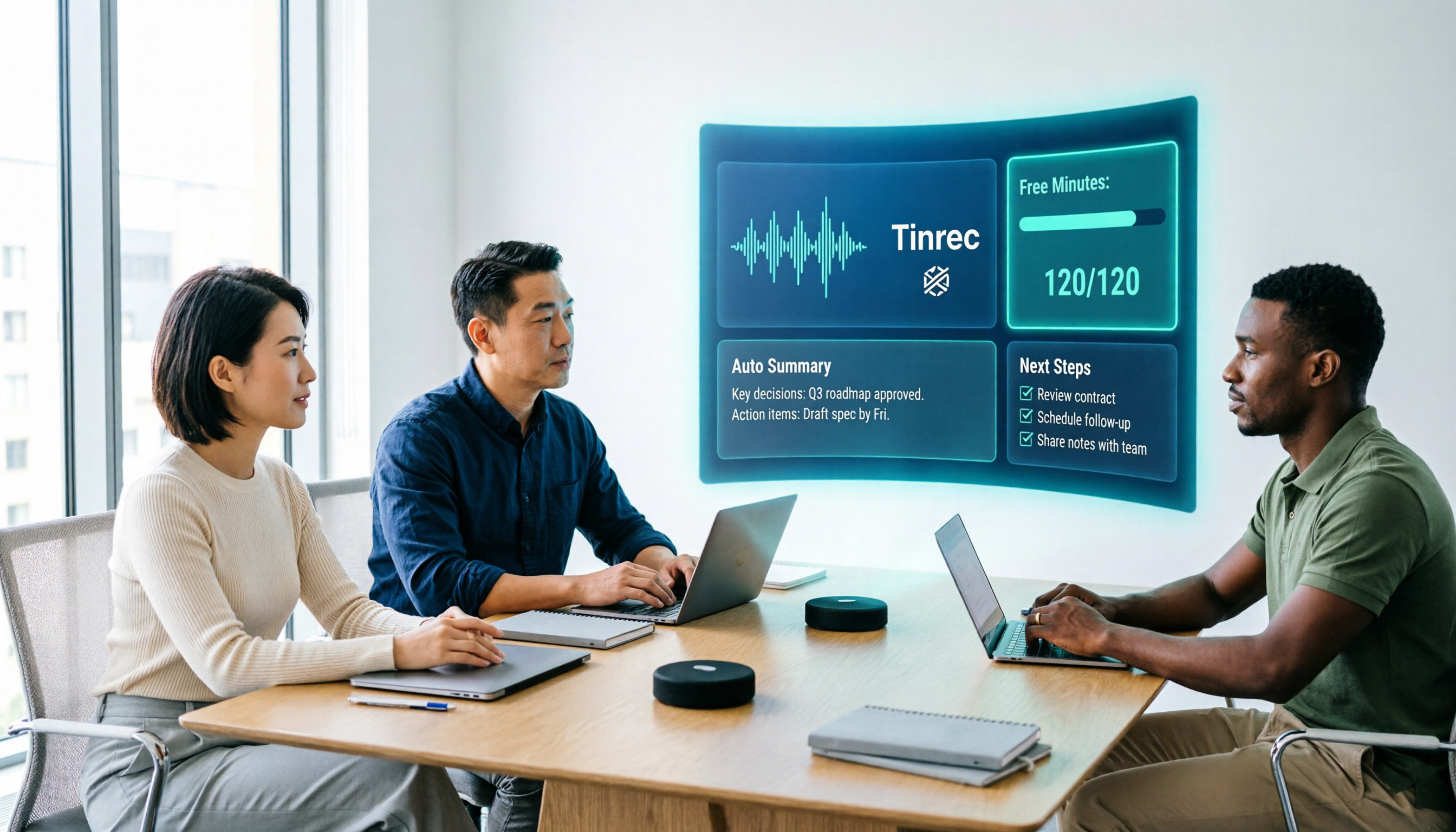
After the meeting, the text is already organized. The transcript automatically generates summaries, chapters, and key points, and action items are extracted from the discussion. I used to listen to recordings and drag the timeline; now I mostly read the summary and click back to the transcript to verify the original wording.
You can ask it questions after the meeting. This is where it differs most from similar tools. You can ask questions about a single meeting or across meetings, such as "Last time we discussed the budget, who raised reservations?" It gives you semantic-level answers instead of throwing a list of keywords for you to search yourself. In the same price range, few tools offer this conversational search.
Output is also flexible. You can generate summaries, reports, tables, and mind maps, and export to Notion, Google Docs, OneNote, or Dropbox for further editing. Original recordings are retained for later deep dives or verification.
For Chinese and multilingual scenarios, Tinrec supports Chinese, Traditional Chinese, and multilingual meetings, with real-time translation and bilingual viewing. Actual performance is affected by recording quality, ambient noise, accents, overlapping speech, and technical terms. My approach is to add frequently used product names to the hotwords list, which noticeably stabilizes recognition.
Stop organizing recordings by hand
Upload audio or video and automatically get a transcript, summary, and action items
Three reasons I think it's most worth it:
- No extra device to carry or charge. Works on phone, laptop, and web—record anytime.
- Complete post-meeting workflow. Transcript, summary, action items, Q&A, and export are one line, not five scattered features.
- Team version keeps data in the team's hands. Meeting data belongs to the team; when members leave or lose their seat, it can be transferred to other members and won't disappear with personal accounts.
Limitations to note: The free version provides basic quota for trial recording, import, and summaries; actual minutes are subject to the official website. Heavy users will need to upgrade. Also, it doesn't focus on uploading large volumes of long files at once—there are more specialized tools for that. The team version currently offers team-level sharing with role and seat control, not file-level granular permissions.
Who is the team version for: Departments or project teams that need to share meeting data among multiple people. Currently, eligible teams can try 7 days, 1 free seat, and 300 minutes of team shared import quota; monthly USD 29.80 per paid seat, annual USD 199 per paid seat (about USD 16.58/month), each paid seat provides 2,000 minutes of team shared import quota per month. Under an active team plan and active seats, real-time recording is currently not deducted by minutes; file and web imports use the team shared quota. Also includes member and seat management, usage analytics, team hotwords, audit log query and export, and a 30-day audio recycle bin.
Besides Tinrec, What Other Options Are There?
PLAUD Note / NotePin: A representative of AI recording hardware—you're buying a standalone device, portable recording, long battery life, and phone call recording capability. The official page currently shows NotePin at USD 159 and Note Pro at USD 189; transcription is based on membership plans: Starter 300 minutes/month, Pro USD 99.99/year (1,200 minutes/month), Unlimited USD 239.99/year, subject to the official page. If you often record in situations without a computer, hardware is indeed convenient. But you need to carry an extra device and charge it, and online meetings aren't its strong suit; Tinrec requires no hardware purchase, captures system audio directly on desktop, and offers AI Q&A and team space for post-meeting retention.
Notta: Excels in multi-platform transcription and translation. Free version 120 minutes/month, 3 minutes per session; Pro annual billing about USD 8.17/month (1,800 minutes); Business annual billing about USD 16.67/seat/month. Suitable for those focused on file transcription, subtitles, and translation. The difference is that Tinrec focuses on bot-free recording during meetings, plus post-meeting action items, Q&A, and team data management.
Otter.ai: A mature choice for English meetings. Basic free 300 minutes/month; Pro annual billing about USD 8.49/month (1,200 minutes). If your recordings are primarily in English, its free quota is generous and worth trying. But for the mixed Chinese-English meetings common in Taiwan teams, bilingual transcripts, and team data retention, Tinrec's overall workflow is closer to actual usage habits.
Pitfall Guide: 4 Most Common Mistakes When Choosing Audio-to-Text Tools
Pitfall 1: Comparing hardware and services together. Recorders are compared on audio capture and battery life; software is compared on transcription and post-meeting organization. Using "who records more clearly" to decide whether to subscribe to software is using the wrong ruler. First ask yourself: Is my problem not being able to record, or not having time to organize after recording?
Pitfall 2: Only looking at free minutes, not how quotas are calculated. Some plans have separate quotas for real-time recording and file import; the numbers in the presentation may not match the features you want to use. Before committing, confirm which type of minutes your intended use deducts.
Pitfall 3: Ignoring how online meetings capture audio. Using a meeting bot adds an extra participant, which is often inconvenient for external client meetings; using platform built-in transcription scatters data across platforms. Desktop system audio capture is currently a more balanced approach.
Pitfall 4: Assuming a transcript means it's organized. A 40-minute transcript still takes over half an hour to organize manually. What really saves time is summaries, chapters, action items, and queryable Q&A—that's what I look at first when choosing tools.
Conclusion: Which One Should You Choose?
In one sentence: If you want to "turn meetings into usable data," software like Tinrec is more direct than buying another device.
Recommendations by scenario:
- Frequent online meetings, don't want an extra bot participant → Tinrec (desktop captures system audio)
- Need summaries and action items after meetings, and want to ask meeting content directly → Tinrec (AI Q&A and Agent post-processing)
- Department needs to share meeting data, manage seats and usage → Tinrec Team version (roles, seats, audit, recycle bin)
- Often record in situations without a computer, need phone call recording → Hardware like PLAUD NotePin, whose value is the device itself
- Mainly record English meetings, zero budget → Try Otter.ai free version first
Suggested approach: Don't rush to pay. Use Tinrec's free version basic quota, pick one of your most difficult-to-organize meeting recordings and run it once—see if the transcript is readable and if the summary captures key points. Upgrade if it works for you; that's more accurate than reading spec sheets.
One final reminder: Before recording, inform the other party and obtain consent—this is not just courtesy, but also a legal requirement.
References
- Plaud Taiwan | Official Website | Leading AI Recording Device Brand
- Plaud Note │ The Smartest AI Voice Recorder Card
- PLAUD NOTE | AI Smart Voice Recorder Card | Free 300 Minutes Monthly Transcription - Sentra International
- PLAUD Smart Recording | Recording/Audio Accessories - PChome 24h Shopping
- Plaud User Guide | Complete Tutorial and Operation Guide
Turn every recording into actionable outcomes
Get 60 free transcription minutes when you sign in. No credit card required.
Related Reading
You might also like

Tinrec vs Notta 2026: 5-Factor Comparison — Which Free AI Speech-to-Text Tool Is More Cost-Effective?
When searching for 'vocal ai free,' most people only look at how many free minutes are offered, but overlook the maximum length per recording, how meetings are recorded, and whether the transcript can be used directly afterward. This article compares Tinrec and Notta across 5 dimensions, from free quota, bot-free recording, post-meeting organization, to team data ownership, and tells you which tool suits which type of user.
How to Use Vocol.ai Free Version in 2026? 5 Steps to Choose the Right AI Meeting Notes Tool
People searching for 'Vocol.ai free' usually want to know if the free quota is enough. This article uses 5 checkpoints to compare Vocol.ai's free version with Tinrec item by item—from how free minutes are calculated, how to record online meetings, post-meeting outputs, to team governance—helping you make a clear decision before purchasing.

Vocal Folds vs Vocal Cords: 5 Key Differences Explained (2026)
The most common Chinese translation of vocal folds is "聲帶" (vocal cords), also known anatomically as "聲襞" (vocal folds). This article compares vocal folds and vocal cords, including pronunciation, example sentences, and related terms, to help you quickly understand this English term.

4 AI Recording Tools Compared in 2026: Is Plaud Note or Tinrec Better for Students?
In 2026, the most-searched "PLAUD recording review" really comes down to a more basic question: are you buying an extra piece of hardware, or a post-recording workflow? Starting from real student use cases, this article first explains the 4 key factors to consider when choosing, then hands-on compares Tinrec, PLAUD Note, Otter.ai, and Notta on their differences, free tiers, and long-term costs, and finally gives selection advice segmented by scenario.

2026 AI Recorder Comparison: Should You Buy PLAUD or Use Meeting Software?
PLAUD recorders (Note, NotePin) focus on in-person and phone recording, but most people's pain points actually occur in online meetings and post-meeting organization. This article starts with the decision of whether you need hardware or software, then compares PLAUD, Tinrec, Otter.ai, and Notta in terms of positioning, cost, and limitations, helping you think clearly before spending money.

How to Use Plaud Note Pro Recording in 2026: 3 Scenario Steps + Tinrec Post-Meeting Workflow
Starting with three recording operations for Plaud Note Pro, this guide compares Tinrec's differences in input sources, post-meeting organization, AI Q&A, and team knowledge retention, helping you decide which workflow better fits your daily meeting scenarios.

2026 Recording Platform Cost Comparison: Is PLAUD Subscription Worth It? Alternatives Reviewed
PLAUD's cost isn't just the device—it's hardware plus AI membership. This article breaks down the pricing structures of PLAUD, Notta, Otter, and Tinrec, and outlines 4 key points and 4 common pitfalls to understand before buying, so you can calculate your annual spend before swiping your card.

Which Plaud Recording Platform Is Best? 2026 Hands-On Test of 4 Options—This One Makes Meeting Notes Easier
What is the Plaud recording platform, and how does it differ from meeting note software? Starting from real meeting needs, this article compares Plaud Note, Tinrec, Notta, and Otter.ai in terms of positioning, pricing, and limitations. It outlines 4 key buying factors and 3 common pitfalls to help you choose the one that truly saves time.

6 PLAUD Recording File Processing Tools Compared in 2026: Which One Turns Audio into Queryable Data?
PLAUD recording cards solve the problem of capturing audio, but not of using it. This article starts with common misconceptions and compares six tools that can process PLAUD recordings: Tinrec, PLAUD, Notta, TurboScribe, Otter.ai, and Granola. It outlines each tool's positioning, pricing, and use cases, plus four things to know before you start.