
Turn recordings into transcripts and summaries in minutes
Upload audio or video for multilingual transcription, AI notes, and action items
In the era of digital offices, voice-to-text for mobile devices has become a key productivity skill. Whether it's hours-long business meetings, fleeting call inspirations, or important media interviews, relying on manual transcription is time-consuming and risks missing critical details. This article will show you how to leverage the latest technology to solve voice-to-text challenges and recommend a versatile recording powerhouse.
Why You Need a Phone Voice-to-Text Tool
For modern professionals and creators, time is money. The need for automatic speech-to-text conversion is everywhere:
- Business Meeting Notes: During lively meetings, handwritten notes often can't keep up. With voice-to-text, you can focus on the conversation and later use AI to organize meeting minutes.
- Phone Interviews & Communication: Many key decisions happen over the phone, but iPhones and other stock phones restrict call recording. A tool that supports call recording transcription helps you preserve evidence and details.
- Content Creation & Learning: Writers, journalists, or students can record ideas or lectures and convert them into editable text, boosting efficiency multiple times.

Comparison of Common Mobile Speech-to-Text Solutions
While there are many solutions on the market, each has pros and cons:
- Built-in Features (iOS/Android):
- Pros: Free, readily available.
- Cons: Usually lack call recording, limited accuracy for long audio files, and no AI summarization.
- Standard Voice Recorders:
- Pros: Good recording quality.
- Cons: High hardware cost, cumbersome file transfer, and transcription usually requires extra paid software.
- Professional AI Recording Apps (e.g., TinRec):
- Pros: Integrates recording, transcription, and summarization; supports call recording; cloud processing with high accuracy.
Stop organizing recordings by hand
Upload audio or video and automatically get a transcript, summary, and action items

Professional Recommendation: TinRec (Instant Voice Recorder) Core Advantages
If you're looking for a powerful yet intuitive tool, TinRec (Instant Voice Recorder) is the top pick for 2026. It's more than just a recording app—it's your AI-powered assistant. Its core features solve the pain points above:
1. Powerful Call Recording Transcription
This is a common headache. TinRec overcomes system limitations to clearly record two-way calls and automatically transcribe them after the call ends. For salespeople who need to document phone meetings or client requirements, it's indispensable.
2. High-Accuracy MP3 to Text
Beyond live recording, TinRec supports importing external audio files (e.g., MP3). Whether it's a lecture recorded on another device or a downloaded podcast, you can upload and convert it into a transcript with industry-leading recognition rates.
3. AI Meeting Summary & Minutes
For hour-long recordings, even a transcript takes time to read. TinRec's built-in AI meeting summary automatically extracts key information, action items, and decisions, generating clear meeting minutes with one tap.
How to Use TinRec to Boost Workflow Efficiency
Using TinRec is simple—just a few steps for efficient recording:
- Download & Install: Visit TinRec's official site to download the app.
- Start Recording:
- Live Recording: Open the app and tap the record button—perfect for in-person meetings.
- Call Recording: After setup per app instructions, automatically start recording when making calls.
- One-Click Transcription: After recording, tap "Transcribe" for fast cloud processing.
- AI Smart Analysis: Tap "AI Summary" to instantly get key takeaways, which you can share with team members.
Key Criteria for Choosing a Voice-to-Text Tool
When selecting a tool, consider these three points:
- Recognition Accuracy: Basic. TinRec is optimized for Chinese (and other languages), effectively handling dialects and jargon.
- Feature Completeness: Call recording support is a differentiator; many apps only handle live recording.
- Privacy & Security: Meeting content is sensitive—choose a reputable service that prioritizes privacy.
In summary, if you want to break free from tedious typing, TinRec (Instant Voice Recorder) offers an all-in-one solution from recording to transcription to summarization—definitely worth a try.
Experience efficient work now: Visit TinRec Official Site
Turn every recording into actionable outcomes
Get 60 free transcription minutes when you sign in. No credit card required.
Related Reading
You might also like

2026 Best AI Meeting Transcription Tools Compared: Which Saves the Most Time for Chinese Meetings?
Starting from the decision of which recording-to-meeting-notes tool to choose, this hands-on comparison evaluates Tinrec, Otter.ai, Notta, and Granola on meeting recording methods, Chinese and mixed Chinese-English processing, post-meeting organization, and team collaboration. It also covers 4 key buying factors, 4 common pitfalls, and scenario-based recommendations.
5 Cantonese Speech-to-Text Tools Tested in 2026: Which Saves More Time on Cantonese Transcripts and Post-Meeting Organization?
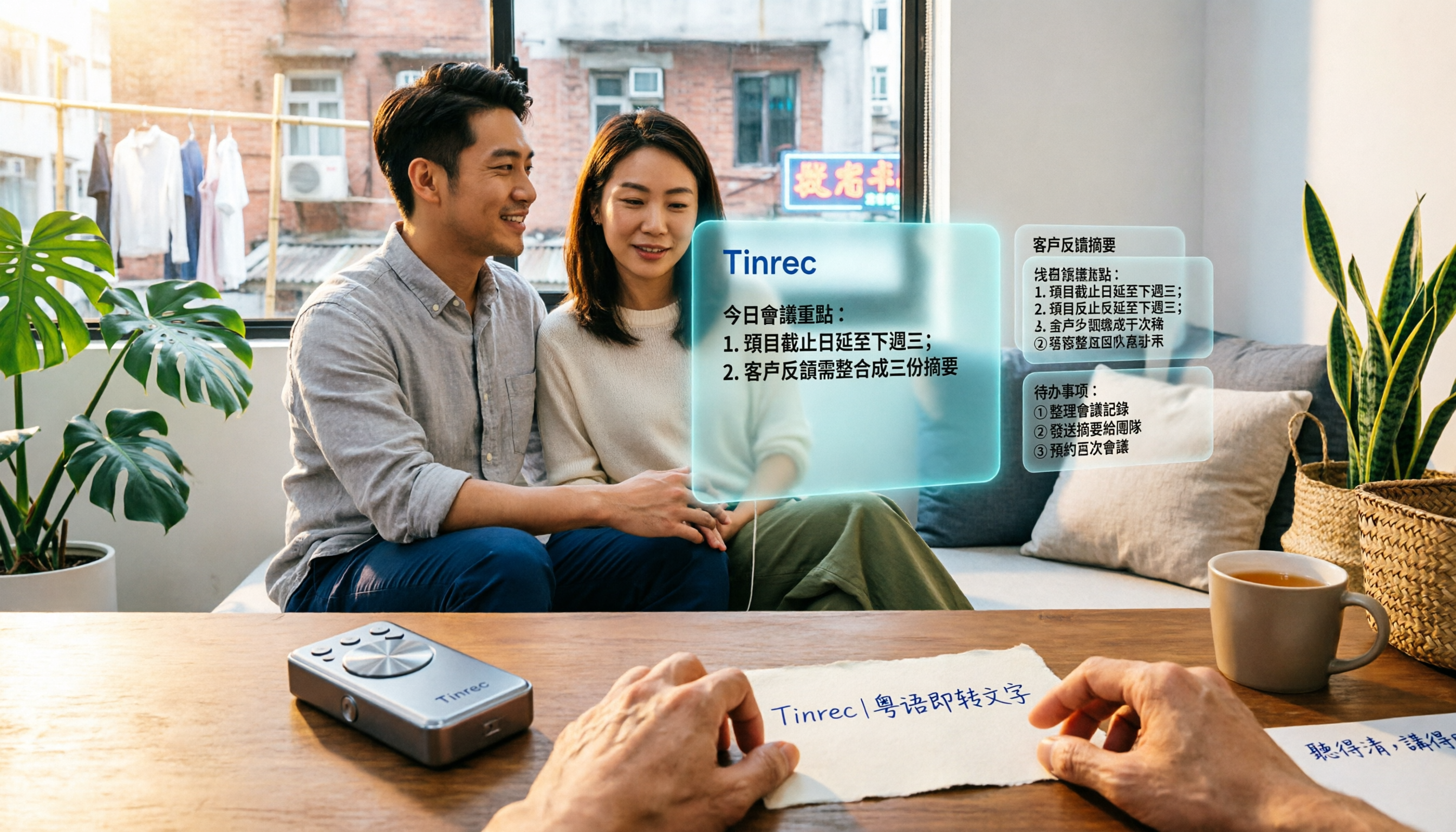
Looking for a speech-to-text tool that accurately recognizes Cantonese? This article starts with the three most common pitfalls, then covers key points for choosing a Cantonese transcription tool based on real tests, free quotas, and team pricing differences. It also uses Tinrec as an example to demonstrate the complete workflow from recording and transcription to summaries, action items, and team knowledge retention.

2026 Meeting Notes App Comparison: Which AI Summarizer Saves Managers the Most Time?
A mid-level manager leading a 10-person team and attending 15 meetings a week tested five meeting notes apps and shares the criteria for choosing one. From post-meeting organization speed, AI summaries and action items, and online meeting recording methods, to team data ownership and seat management, this explains how Tinrec works in real meeting scenarios, where its limits are, and how to choose between the free and team versions.

5 Best AI Meeting Transcription Tools in 2026: Which Free Plan Is Most Generous?
Tired of replaying meeting recordings to write notes? We break down 5 key factors for choosing an AI meeting transcription tool and compare Tinrec, Granola, Notta, and PLAUD on transcription, AI Q&A, action item extraction, and team collaboration. We also cover free plan limits, pricing, and common pitfalls to help you pick the most time-saving option.

Tinrec vs PLAUD Note 2026: 5-Dimension Comparison — Which Is More Complete for Meeting Transcripts and Post-Meeting Organization?
The biggest pitfall with meeting recording transcripts isn't audio quality — it's that the text gets ignored after transcription. This article compares Tinrec and PLAUD Note across 5 dimensions: meeting capture methods, post-transcript organization, file import and cross-device support, team collaboration and governance, and cost structure, helping you decide between a software workflow and recording hardware.

2026 Top 5 Real-Time AI Meeting Notes Compared: Tinrec vs Notta vs Plaud — Which One Should You Choose?
The real pain point of meeting notes isn't whether they can be transcribed, but how to use them after transcription. This article starts with common misconceptions, outlines the positioning of 5 highly discussed real-time AI meeting note tools, and focuses on the differences between Tinrec, Notta, and Plaud. It compares meeting capture methods, post-meeting outputs, audio retention, team governance, and pricing plans to help you decide which one fits your meeting scenario.

2026 AI Meeting Notes Guide: Tinrec's Bot-Free Recording & Auto-Generated To-Dos
How do you choose an AI meeting notes tool? This article examines Chinese recognition, recording methods, post-meeting organization, and team data ownership, comparing Tinrec, Notta, Otter.ai, and Granola, plus four common pitfalls to help you find a solution that truly saves time after meetings.

5 Best Meeting Notes Apps of 2026: Which Free Version Is Actually Enough?
Still spending an hour after every meeting writing up notes? This comparison puts five common meeting notes app approaches side by side—covering Chinese recognition, how meetings are captured, post-meeting organization, team permissions, and pricing—and explains how Tinrec handles recording, transcription, summaries, action items, and AI Q&A within its free tier.

2026 Meeting Recording Tools: Bot-Free Recording + AI Action Item Management
A mid-level manager who attends 15 meetings a week shares hands-on insights: starting from the decision point of whether to let a meeting bot join, this article breaks down 4 key factors for choosing a meeting recording tool, and explains the real-world experience, limitations, and use cases of Tinrec's desktop bot-free recording, AI summary and action items, Q&A, and team plan roles and seat management.