
Turn recordings into transcripts and summaries in minutes
Upload audio or video for multilingual transcription, AI notes, and action items
Meeting Recordings Too Hard to Organize? Find the Right Tool
After a Teams or Google Meet meeting, staring at a one-hour recording is daunting. Traditional transcription tools only convert speech to text, leaving you to rely on Ctrl+F to search for keywords. If the speaker rephrases something, you miss the conclusion, and extracting action items becomes a tedious chore.
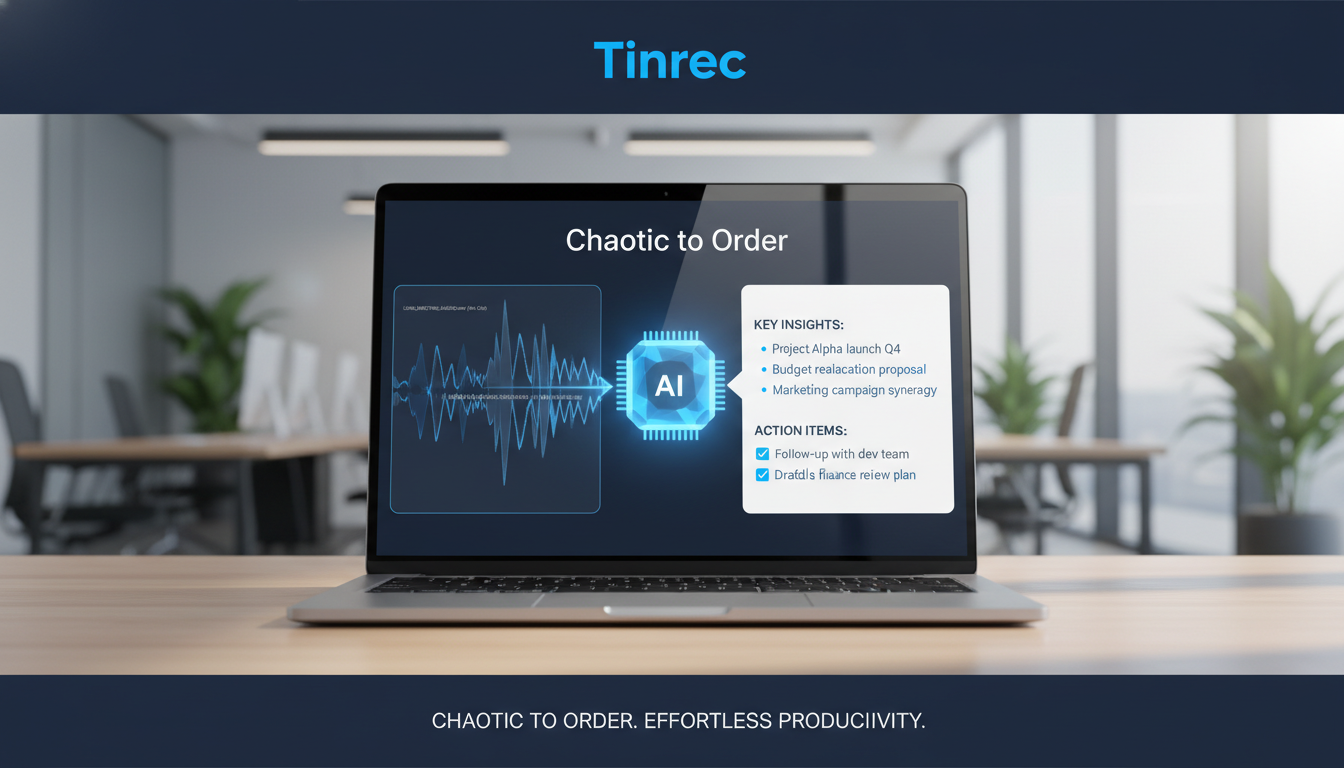
To reduce the effort of organizing recordings, this article covers 6 popular AI recording summary tools, including a full comparison table covering language support, real-time capabilities, and AI query features. Additionally, step-by-step practical tutorials show you how to transcribe and extract information efficiently.
Quick Navigation Guide:
- For completely free and high privacy, recommend the open-source OpenAI Whisper;
- If your meetings are entirely in English, Otter.ai remains a powerful choice;
- If you need "AI chat queries for recording highlights" and auto-generated cross-language decision summaries, consider tools like Tinrec that offer a complete workflow.
Why You Need a Recording Tool with AI Summary & Query
In today's digital age, students taking lecture notes, professionals creating meeting minutes, and creators processing interviews all rely on "speech to text" as a basic need. However, the core pain point for most people is no longer "not understanding" but "not finding the key points."
- Low information density, high cost of re-listening: A one-hour recording takes at least an hour to listen to; even with a transcript, filler words clog up the text, making it hard to find the essence. Time-based content is underutilized.
- Lack of decisions and action items: Most traditional tools output a wall of text, leaving you to manually extract "who, when, what to do"—no meeting minutes or conclusions generated directly.
- Limitations of traditional search: Traditional transcripts only allow exact keyword search. Tools with "AI chat query" understand semantics, letting you "ask" about the recording content directly, drastically reducing comprehension and organization time.
2025 Review: 6 AI Recording Summary & Transcription Tools Compared
The market offers many platforms for recording transcription and summarization. Below are 6 tools with different focuses, along with a decision matrix to help you choose based on your scenario.
1. Google Built-in Voice Transcription Series (Easiest to Access)
Google Live Transcribe and Google Docs voice typing are excellent entry points. The former supports 80 languages including Chinese, with automatic punctuation; the latter works with just a Chrome browser. Best for real-time note-taking in lectures, but lacks file upload and AI summarization.
2. OpenAI Whisper Desktop (Highest Privacy & Open Source)
A powerful open-source speech recognition system with high tolerance for accents and background noise. A graphical interface allows offline transcription to SRT subtitles. Completely free and offline, ideal for confidential meetings, but lacks built-in AI summary chat.
3. Yating Transcription (Localized Taiwanese Accent)
Developed by the Taiwan AI Labs, optimized for Taiwanese Mandarin, Hokkien, and code-mixed Chinese-English. Very useful for high-accuracy Taiwanese accent recognition, but deep AI content querying and summarization require manual integration with other AI systems.
4. Otter.ai (International English Meeting Assistant)
A globally recognized meeting transcription tool that integrates with major video conferencing platforms. Its AI summarization and key point extraction are powerful, but it currently supports only English, French, Spanish, etc.—not Chinese. Best for full-English international team collaboration.
5. Notta (Multilingual Meeting Notes)
A feature-rich AI tool supporting multiple languages with speaker identification and basic AI summaries. However, its Chinese recognition is relatively weaker, especially with complex contexts or strong regional accents, making it more suitable for initial foreign language learning notes.
6. Tinrec (AI Chat Query & Complete Workflow)
Positioned as a complete AI assistant from "recording → understanding → action." It supports iOS, Android, web, and 10 languages auto-detection. Besides transcripts, it auto-generates meeting minutes and action items. Its highlight is the "AI Chat Query" feature, allowing you to ask questions about the recording directly, turning time-based content into searchable, actionable assets.
Stop organizing recordings by hand
Upload audio or video and automatically get a transcript, summary, and action items
Core Feature Comparison Table
| Tool | Language Support | Real-time Transcription | AI Chat Query | Meeting Summary/Action Items | Export & Integration | Price/Free Tier |
|---|---|---|---|---|---|---|
| Google Series | 80+ (including Chinese) | Yes | No | No | Copy text | Built-in, fully free |
| Whisper Desktop | 99 (including Chinese) | No (file-based) | No | No | SRT, TXT | Open-source, free |
| Yating Transcription | Taiwanese Mandarin/Hokkien | Yes | No | No | TXT | Real-time free / 20 min upload |
| Otter.ai | English/French/Spanish (no Chinese) | Yes | Basic summary | Yes | Integrates with major meeting apps | 300 min/month |
| Notta | 58 (Chinese weak) | Yes | Basic summary | Yes | Multiple export formats | 120 min free |
| Tinrec | 10 auto-detect | Yes | Deep semantic querying | Auto-extracts to-do items | TXT, video summary | Up to 100 min/month free |
Hands-On Tutorial: 5 Steps to Auto-Summarize Recording Highlights with AI
Goal: Convert lengthy, low-density audio into a timestamped transcript, structured summary, and action items.
Preparation: Ensure recording environment minimizes background noise; for existing files, use common formats like MP3, WAV, or M4A.
Using a complete workflow AI assistant (e.g., Tinrec) as an example, here are the core steps:
Step 1: Real-Time Transcription – Listen and Read
- Action: During a meeting or lecture, enable real-time recording.
- Result: The system transcribes audio to text in real time, no waiting. You can mark key points on the fly; afterward, it outputs a transcript with timestamps.
- Note: Ensure your device's microphone is unobstructed for higher accuracy.

Step 2: Upload Audio File – Auto Transcribe & Summarize
- Action: If you have a pre-recorded file, upload it to the system.
- Result: The system identifies speakers, produces a transcript, and generates a summary and to-do list alongside.
- Note: For large files, consider uploading in segments or using a stable network connection.

Step 3: Paste Link to Online Video/Podcast – One-Click Transcription
- Action: For content creators or self-learners, paste a YouTube, TikTok, or podcast URL.
- Result: No need to download audio; the system parses and summarizes the content, extracting knowledge points.
- Note: Ensure the link is public, otherwise the system may not fetch the audio.

Step 4: Use AI Chat Query – Ask Like You're Talking to Someone
- Action: This is the key step to overcome traditional transcript limitations. Click "AI Smart Q&A" and type a question (e.g., "Please list the three modification suggestions for the project").
- Result: The AI retrieves and provides precise answers based on the recording, drastically reducing search time.
- Note: The more specific and clear your question, the more accurate the extracted information will be.


Step 5: Review and Export Action Items
- Action: Check the AI-extracted meeting minutes and to-do list; confirm accuracy, then choose an export format (e.g., TXT).
- Result: Quickly produce an actionable checklist for your team.

Common Errors & Quality Standards
When using AI recording summary tools, the most common error is overlapping speech causing misidentification. To handle this, use the AI chat query after the meeting: ask the system to "Sum up A's and B's points separately" to clarify overlapping content.
A usable transcript and summary should meet these standards:
- Accuracy of key terms and proper nouns above 90%.
- Timestamps included; clicking text plays corresponding audio for verification.
- Action items must include clear assignees and objectives, making them actionable.
FAQ (Transcription, iPhone, Meeting Scenarios)
Q1: How accurate is Chinese recognition in free speech-to-text tools?
Modern AI tools generally achieve over 90% accuracy with clear audio and low background noise. Tools specialized for Taiwanese Mandarin or large AI models offer even better Traditional Chinese recognition. Treat AI transcripts as a first draft and use AI summarization for proofreading.
Q2: I'm limited by iPhone – any recommended transcription solutions?
Apple's built-in dictation works for short phrases, but for long recordings, use cross-platform tools (dedicated apps or web apps) that sync across iOS devices, allowing you to view AI-generated summaries directly on your phone without system restrictions.
Q3: How to automatically capture key points during remote meetings like Teams or Google Meet?
For English meetings, Otter.ai can directly integrate with meeting apps. For Chinese or mixed-language meetings, the most common solution is to record the meeting audio, then import the file into an AI tool, or simultaneously open a web-based tool on your computer for real-time transcription and action item extraction.
Q4: Transcripts are too long to read – can AI extract key points?
That's exactly the strength of tools with AI chat query. Semantic understanding allows you to bypass Ctrl+F and ask questions like "What topics are covered in this lecture?" to get a condensed summary from the entire transcript.
Q5: Are free tools safe for confidential meetings?
For highly sensitive content (medical, legal, business decisions), strongly recommend using fully offline options like Whisper Desktop, or carefully review cloud tools' privacy policies (e.g., data not leaving your region, no user data used for AI training).
Q6: I have a high monthly recording volume – should I upgrade to paid?
If your monthly need is under 5 hours (300 minutes), you can alternate between free tiers of different platforms. If you exceed that and need advanced AI Q&A, multilingual recognition, and video parsing, a basic subscription will save significant manual effort and offer excellent ROI.
Turn every recording into actionable outcomes
Get 60 free transcription minutes when you sign in. No credit card required.
Related Reading
You might also like

5 Best Audio-to-Text Software in 2026: Which One Turns Meetings into Searchable, Trackable Data?
There are countless audio-to-text tools, but the real comparison isn't about price or monthly minutes—it's about whether the transcript can be organized, whether meetings can be recorded without adding a bot, and who ultimately holds the data. Using Tinrec as an example, this article breaks down the core capabilities, real-world use cases, 5 key buying criteria, and FAQs to help you see clearly how to choose.
2026 Video Summarization Software Free Plans: 4 Options Compared
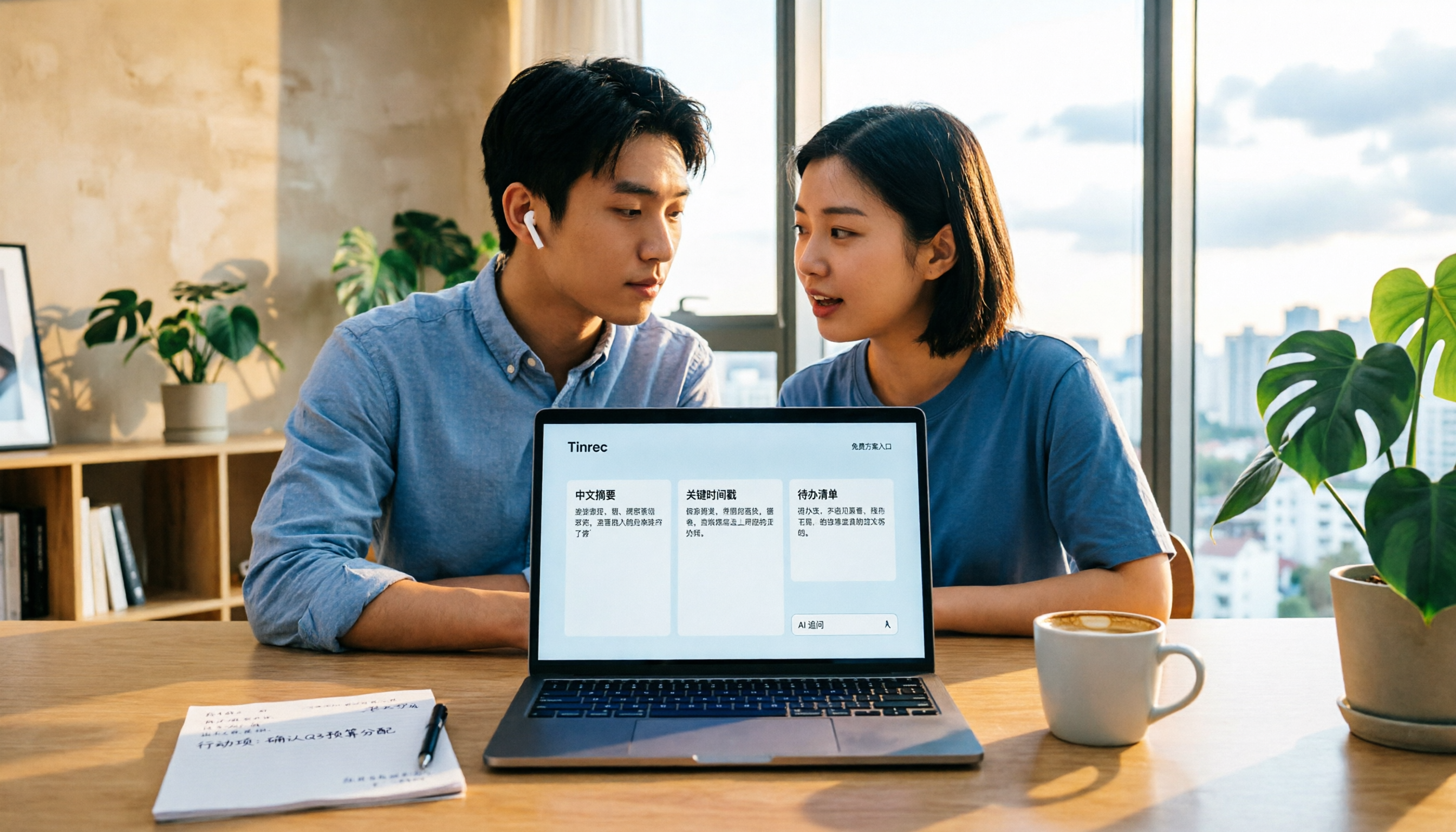
Videos too long to finish? Meeting recordings gathering dust? This article reviews the free plans of 4 video summarization software in 2026, comparing free quotas, Chinese recognition, summarization and AI follow-up questions, and team collaboration. It also includes 5 key buying factors and 4 common pitfalls to help you find the one that truly works for you.

2026 Video Download Link Extraction Tools Compared: Why You Usually Can't Grab the Video (It's the Wrong Link)
The biggest obstacle to extracting a video download link isn't the tool—it's which part of the URL you copied. This student-tested breakdown compares 4 tools and common pitfalls, and explains why turning a public video link into a transcript, summary, and action items often saves more time than saving an MP4.
2026 Video Summarization Software Free Plans: 5 Options Compared
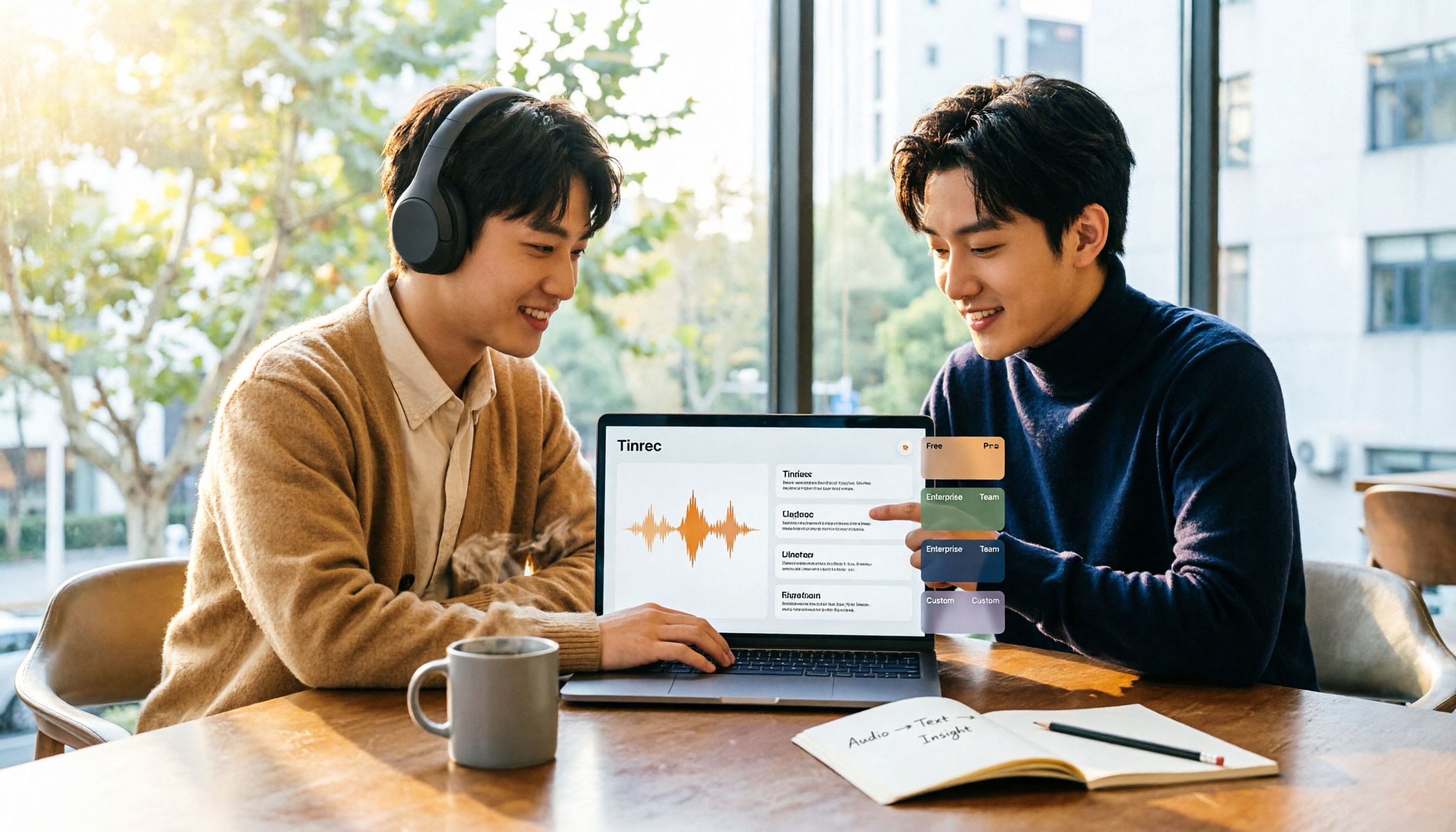
If you're looking for video summarization software, first decide whether you need a transcript or a workflow that turns video into usable data. Using Tinrec as an example, this article covers 2026 free plans and 5 upgrade options, breaking down core capabilities, real-world use cases, and 5 buying criteria to help you choose and know when to upgrade.

How to Choose an AI Meeting Notes Tool in 2026: 5 Steps to Find Your Perfect Fit
Which AI meeting notes tool is best? There's no one-size-fits-all answer—it depends on your meeting format and post-meeting needs. This article walks you through 5 decision steps to choose the right tool, using Tinrec as an example to demonstrate a complete workflow from live transcription, AI summaries, action item extraction, to team knowledge retention, including free and team plan details.

5 Best Audio-to-Text Tools in 2026: Chinese Transcription and AI Meeting Notes Compared
How do you choose an audio-to-text tool? We compare Tinrec, Notta, Otter.ai, TurboScribe, and PLAUD across Chinese recognition, bot-free online meeting recording, AI summaries and Q&A, team knowledge retention, and pricing to find the options that truly save time after meetings.

6 Best AI Meeting Minutes Tools in 2026: Which AI Summary Actually Saves Time?
Starting from the real pain point of a mid-level manager juggling 15 meetings a week, this article first clarifies the difference between meeting minutes and meeting records, then reviews 6 meeting minutes tools one by one—their positioning, highlights, free and paid plans, and who they're for. Two sections, 'How to Choose' and 'What to Know Before Using,' help you decide which tool to use and when to upgrade.

2026 Complete Guide to Subtitle Extractors: From Hard Subs to SRT, Pick the Right Tool Once and for All
How to choose a subtitle extractor? This article first helps you distinguish between soft subtitles, hard subtitles, and audio transcription needs, then guides you through selecting a tool based on output format, language support, free quota, and pricing. It also compares Tinrec, Notta, TurboScribe, and Zeemo for their suitable scenarios.
5 Best Free Online Text-to-Speech Tools in 2026: Free Limits, Chinese Voices, and Output Formats Compared
Looking for a free online text-to-speech tool? We tested Luvvoice, TTSMaker, Ondoku, Free Text to Speech Online, and PiliApp to compare free limits, language support, Chinese voice quality, and output formats so you can quickly find the right TTS reader.