

Turn recordings into transcripts and summaries in minutes
Upload audio or video for multilingual transcription, AI notes, and action items
2026 AI Meeting Notes Comparison: 3 Tools Tested for Faster Meeting Summaries
The meeting just ended, and you're staring at a 47-minute recording on your phone and a notebook full of scattered keywords, wondering: how long will this take to turn into meeting notes everyone can understand? Honestly, instead of replaying the recording afterward, it's better to let a tool capture the transcript, summary, and action items during the meeting itself. This article uses Tinrec, Notta, and Granola as examples, comparing recording methods, post-meeting organization, team collaboration, and export workflows to help you decide which approach best fits your meeting situation.
Tinrec, Notta, Granola Quick Overview
Bottom line: if you want to turn meeting recordings into data you can query, deliver, and keep within your team, Tinrec offers the most complete workflow. If you mainly upload files for transcription, subtitles, and translation, tools like Notta are mature. Granola leans toward bot-free meeting notes, suited for people who like to take notes during meetings. Here's the basic positioning of the three tools:
| Tool | Core positioning | Meeting capture method | Pricing highlights (refer to official pages) |
|---|---|---|---|
| Tinrec | AI meeting notes and team collaboration | Desktop app captures system audio without a bot; also supports live recording, audio/video files, and mobile | Free version available; Team plan USD 29.80/paid seat/month billed monthly, USD 199/paid seat/year billed annually |
| Notta | Multilingual transcription, meeting notes, and translation | Meeting bot, desktop app, or file upload, among other methods | Free version 120 minutes/month; Pro annual billing equivalent to USD 8.17/month; Business annual billing equivalent to USD 16.67/seat/month |
| Granola | Bot-free AI meeting notes | Desktop system audio and microphone | Basic free; Business USD 14/user/month; Enterprise USD 35/user/month |
This article focuses on an in-depth comparison of Tinrec and Notta, since both cover meeting notes, transcription, translation, and team plans, and readers often struggle with "which one to choose." Granola serves as a reference for the alternative "bot-free notes" approach.
Dimension 1 | Meeting Recording Method: Avoiding Another Bot in the Meeting
Notta offers multiple ways to capture meeting notes, commonly through a meeting bot joining online meetings or uploading pre-recorded audio files for transcription; actual support varies by platform and plan. The advantage is a high degree of automation, but the downside is an extra participant on the meeting list, which some attendees may mind.
Tinrec's desktop app directly captures computer system audio for online meetings on Zoom, Google Meet, Microsoft Teams, Webex, and others, without inviting a meeting bot. You need to open the Tinrec desktop app yourself to start recording; it does not automatically join all meetings in the background.
→ This dimension: If you don't want a bot appearing on the meeting list and need to record meeting audio playing on your computer, Tinrec's design is more direct.
Dimension 2 | Post-Meeting Organization: After the Transcript, Who Helps You Keep Working
After transcription, Notta provides summaries, translations, and subtitles, which is sufficient for quickly understanding content. However, if you want to follow up on a specific decision—"why was this decided?" "who committed to what?"—you usually have to go back through the transcript yourself.
Beyond the transcript, Tinrec generates AI summaries, chapters, key points, and action items, and supports AI Q&A around meeting content. You can directly ask "what action items came out of this meeting?" or "what were the three concerns the client mentioned?" and then use Agent post-processing to turn content into reports, tables, or documents. This "continue processing after transcription" workflow is the biggest difference from standard transcription tools.
→ This dimension: If you want more than a transcript—if you want to query directly after the meeting and produce deliverables—Tinrec is more complete.
Dimension 3 | Team Collaboration: Should Meeting Data Stay with the Team or in Personal Accounts
Notta's Business plan offers role permissions and usage reports, meeting basic team management needs. For small teams, these features are already workable.
Tinrec's Team plan is a separate team space where meeting data belongs to the team, not tied to personal accounts. The Team plan lets you create multiple team spaces, invite members via join links, set Owner/Admin/Member roles, and assign or reclaim seats. Admins can also view usage trends, member rankings, audit logs, and use the audio recycle bin. When a member leaves or loses a seat, team resources can be handed over to other active members rather than disappearing with the individual. Note that the Team plan is primarily team-level sharing, not file-level ACL; members without seats can view, play, and read data but cannot upload, edit, or export.
Stop organizing recordings by hand
Upload audio or video and automatically get a transcript, summary, and action items
→ This dimension: If meeting data needs to become a team asset, with seat management, usage tracking, and handover, Tinrec's Team plan is more suitable.
Dimension 4 | Chinese and Multilingual Meetings: Handling Mixed Chinese-English and Proper Nouns
Notta performs maturely in multilingual transcription and translation, a plus for teams handling multiple languages.
Tinrec covers Chinese, Traditional Chinese, and multilingual meetings, and supports mixed Chinese-English content organization, real-time translation, and bilingual viewing. The Team plan also offers team hotwords to maintain company terminology, product names, and proper nouns, making transcripts closer to internal usage. Actual accuracy is still affected by recording quality, accents, noise, overlapping speakers, and technical terms; it should not be treated as a 100% accuracy guarantee.
→ This dimension: The two are close; if your meetings are primarily in Chinese and often mix Chinese and English, Tinrec's hotwords and bilingual viewing better fit the need.
Dimension 5 | Export and Workflow: Can Meeting Notes Directly Become the Next Step
Notta's transcription, translation, and subtitle export suit scenarios requiring file organization, subtitle creation, or cross-language content.
Tinrec puts multi-format export, third-party tools, and post-meeting generation into a single workflow. You can export transcripts, summaries, or action items to Notion, Google Docs, OneNote, Dropbox, and other tools for further use, or directly generate meeting minutes, reports, or tables. For those who need to send follow-up emails, write weekly reports, or update project documents, this continuity from "recording to delivery" saves considerable switching time.
→ This dimension: If you want meeting notes to directly become deliverable work products, Tinrec's export workflow is smoother.
What Are Each Tool's Unique Advantages?
Tinrec's unique advantages:
- Bot-free desktop recording: No need to invite a bot to Zoom, Meet, Teams, or Webex; directly captures system audio.
- Post-meeting AI Q&A and Agent post-processing: Ask follow-up questions about meeting content and generate reports, tables, and documents.
- Team space and governance: Roles, seats, shared quotas, usage analytics, audit logs, and recycle bin in one team space.
- Real-time translation and team hotwords: Suited for Chinese, mixed Chinese-English, and teams needing unified terminology.
Notta's unique advantages:
- Mature multilingual transcription and translation, suited for teams handling multilingual content.
- Complete file transcription, subtitle, and translation workflows, friendly to file-processing-oriented users.
Conclusion: Which One Should You Choose?
- If you need to record Zoom, Google Meet, Teams, or Webex and don't want an extra bot in the meeting → Tinrec.
- If you want to ask AI directly after the meeting "who is responsible for what" or "what does the client care about" instead of replaying the recording yourself → Tinrec.
- If you need team spaces, seat management, usage analytics, audit logs, and data handover → Tinrec Team plan.
- If you mainly upload files for subtitles and translation and have a limited budget → tools like Notta or TurboScribe are worth considering.
- If you like taking notes during meetings and only need bot-free meeting notes → Granola is also worth a look.
In one sentence: For most users who need Chinese meeting notes, post-meeting Q&A, and team data retention, Tinrec is the more complete choice. We recommend starting with the free version, testing transcription and organization with your own meeting recordings, and then deciding whether to upgrade.
FAQ
Q1: Is Tinrec's free version enough? The free version provides basic quota to experience recording, import, summaries, and transcription. If you only occasionally organize a meeting, testing with the free version makes sense; if you have regular weekly meetings, consider Pro or the Team plan.
Q2: What's the biggest difference between Tinrec and Notta? The biggest differences are in "meeting capture method" and "post-meeting workflow." Tinrec's desktop app focuses on bot-free system audio capture, and after the meeting you can use AI Q&A to follow up and generate reports and tables; Notta is mature in multilingual transcription, translation, and file processing.
Q3: Can members without seats in the Team plan view meeting notes? Yes. Active members without seats can view, play, and read team data but cannot upload, edit, import/export, or perform other resource-consuming operations. Seats determine "usage eligibility," while roles determine "management permissions."
Q4: When should meeting notes be completed? Some consulting firms recommend publishing by the same day or before noon the next day, as organizing is fastest when memory is fresh. Rather than delaying for days, use a tool to generate the transcript and summary first, then spend time proofreading important decisions and action items.
Q5: Which online meeting platforms does Tinrec support? Tinrec's desktop app can capture audio from online meetings on Zoom, Google Meet, Microsoft Teams, Webex, and others playing on your computer. Note that this is through system audio capture, not official partnerships with these platforms, and it does not automatically join all calendar meetings.
Q6: Are AI meeting notes accurate? Can they completely replace humans? We do not recommend promising a fixed accuracy rate. Transcription quality is affected by recording quality, noise, accents, overlapping speakers, and technical terms. AI can greatly reduce manual note-taking and organization time, but for important decisions, numbers, and commitments, it's still advisable to verify against transcript timestamps and recording playback.
References
- How to Take Meeting Minutes? 2026 Complete Guide for Beginners - Meta Note
- Organizing Meeting Minutes Is Painful? 5 NotebookLM AI Note Transformation Techniques, Accurate Translation Even with Mixed Chinese-English and Proper Nouns | BusinessNext
- AI Meeting Notes Organization Tips! 6 Steps to Leverage Gemini Notebook and Prompt Templates, Speech-to-Text, Mixed Chinese-English | 104 Career Power
- Latest News - How to Write Meeting Minutes? Three Secrets to Perfect Meeting Notes! | Pasona
- How to Use AI for Meeting Minutes? How to Organize Meeting Transcripts? | AI Speech-to-Transcript Tutorial | 104 Career Power
Turn every recording into actionable outcomes
Get 60 free transcription minutes when you sign in. No credit card required.
Related Reading
You might also like

2026 Free Meeting-to-PPT Tools Compared: 4 Options to Consider
Turning meetings into presentations is a daily grind for many mid-level managers. This article reviews four tools that convert meeting content into slide-ready material from a hands-on perspective, covering each tool's free tier, ideal use cases, and limitations, and breaks down how to streamline the workflow from meeting notes to post-meeting deliverables.

2026 Comparison of 4 Automatic Meeting Transcription Tools: Which One Actually Turns Transcripts Into Action Items?
Automatic meeting transcription tools are not just about transcription speed—post-meeting organization, AI Q&A, team collaboration, and cost matter just as much. This article breaks down the differences between Tinrec, Granola, TurboScribe, and PLAUD Note based on real meeting scenarios to help you choose the right solution for your team.
2026 iPhone Recording to Computer Tools Buying Guide: 4 Hands-On Tests and Recommendations
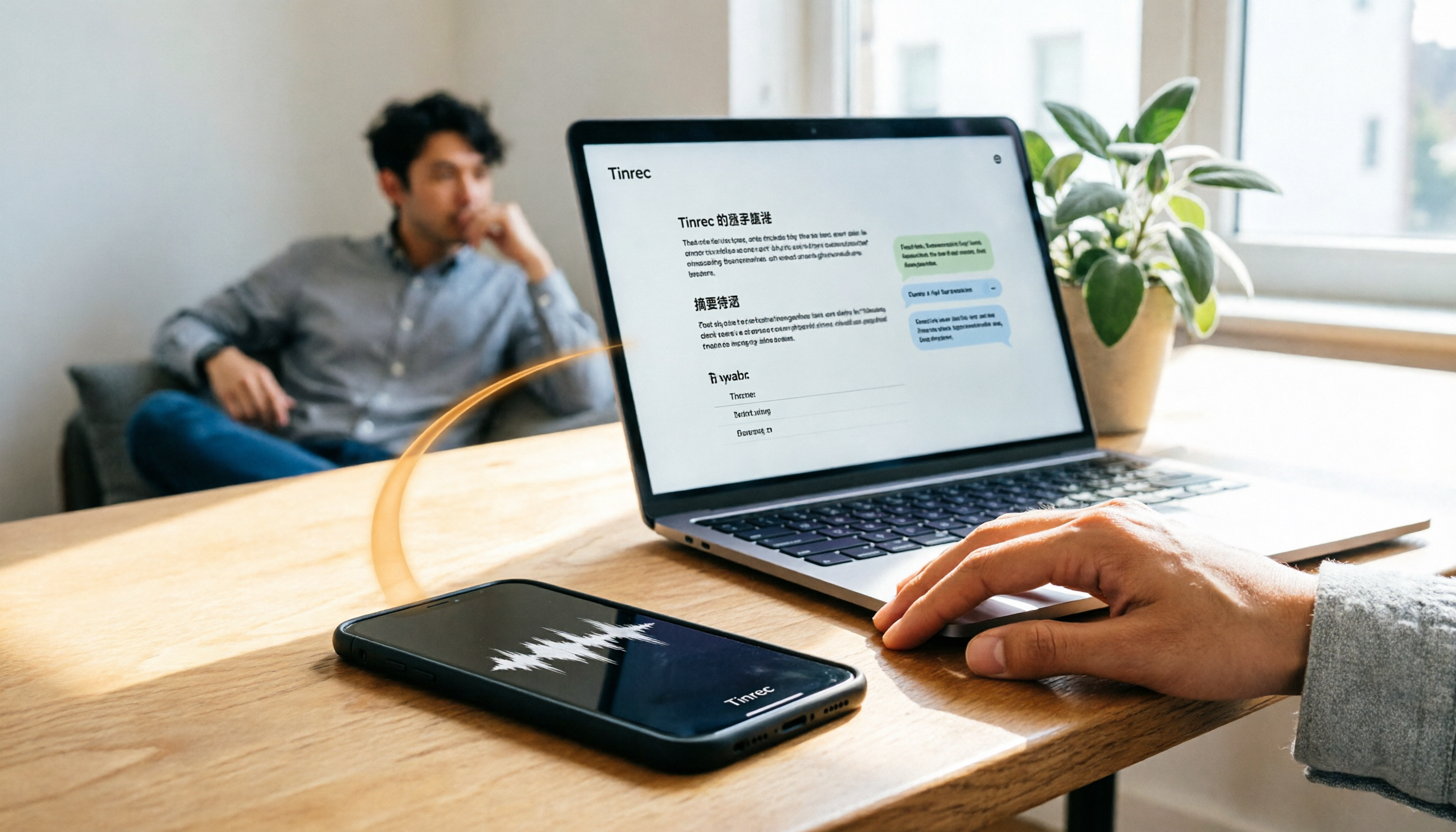
How do you transfer iPhone recordings to a computer? This article first breaks down the limitations of common methods like Email, LINE, iCloud, AirDrop, and USB, then examines 4 tools using everyday meeting workflows. If you don't want to keep moving m4a files around, Tinrec's real-time transcription and multi-device sync let you view transcripts, summaries, and action items directly in a computer browser, and use AI Q&A to track key points.

4 One-Click AI Meeting Notes Tools Compared for 2026: How to Choose Free, Paid, and Team Plans
Tired of manually organizing transcripts, summaries, and action items after meetings? This side-by-side comparison of Tinrec, Notta, Otter.ai, and Granola covers how each captures meetings, what you get afterward, Chinese-language experience, free tiers, and team pricing. It also highlights 4 key factors and 3 common pitfalls to help you pick the right tool for your meeting style.

2026 Comparison of 4 Audio-to-Text Tools: After Transcription, Which One Really Saves You Cleanup Time?
Most people ask 'how to turn recordings into text,' but the real problem comes after transcription. This article starts with common misconceptions, explains why your transcripts end up sitting in a folder, breaks down 4 key buying criteria, and tests Tinrec, Notta, Otter.ai, and TurboScribe to compare their best use cases. It ends with a quick-start checklist you can follow directly.

2026 Comparison of 4 Audio-to-Text Apps: Which Is Best for Chinese Meeting Accuracy and Minutes?
Starting from the decision point of 'which audio-to-text app is most accurate,' this article breaks down four criteria: recording source, language, post-meeting organization, and team collaboration. It also tests Tinrec's Chinese meeting transcription, bot-free recording, AI summaries, and team spaces, with buying tips and FAQs.

2026 One-Click Meeting Minutes Tools: 3 Real-World Tests Compared — Which One Actually Saves You Time?
A two-hour meeting shouldn't take three hours to summarize. This article breaks down the one-click meeting minutes tools worth considering in 2026 across four dimensions: how they capture meetings, how deeply they organize post-meeting content, Chinese-language recognition, and team data ownership. It also shares hands-on testing of how Tinrec uses desktop-based bot-free recording, AI summaries, and follow-up questions to turn long transcripts into meeting minutes you can send out directly.
5 Best Letterly Alternatives for Turning Recordings into Usable Meeting Data (2026)
Letterly turns voice notes into short text, but meeting notes require transcripts, summaries, action items, and searchable data. This article compares Letterly, Tinrec, Notta, Granola, and TurboScribe, covering selection criteria, common pitfalls, and ideal use cases to help you find the right alternative that saves post-meeting cleanup time.

2026 Comparison of 5 Meeting Action Item Extraction Tools: Which One Actually Turns Discussions into Action Lists?
Still spending time organizing action items after meetings? This article compares 5 meeting action item extraction tools, covering Chinese and mixed Chinese-English recognition, bot-free online meeting recording, AI follow-up questions, and team knowledge retention. It also includes buying criteria, pitfalls to avoid, and selection advice.