

Turn recordings into transcripts and summaries in minutes
Upload audio or video for multilingual transcription, AI notes, and action items
The real exhaustion starts after the meeting, when you still have to build the deck
Quick question: In last week's meetings, how many action items were created, how many decisions were made, and who was responsible for what? If you can't answer that, you'll probably struggle to produce the progress deck your boss wants in thirty minutes.
Here's my situation: about 15 meetings a week—weekly syncs, project status reviews, one-on-ones, cross-department coordination. The meetings themselves aren't the problem; it's what comes after. The conclusions are still fresh in my head, but turning them into a presentable deck means cutting through a lot of noise—who said what, when they said it, and under what conditions.
Over the past year or so, I've broken down "turning meeting content into a presentation" and realized it's actually two separate tasks: the first is turning the meeting into readable text and structure, and the second is turning that structure into slides. Most tools on the market only handle the second part, which is why many people still feel stuck even with AI—the raw material from the first part hasn't been organized yet.
4 key points to understand before choosing this type of tool
First, does it process the "meeting" or "text you've already organized"? Some tools require you to paste in a well-structured meeting record before they'll format it into slides. The problem is, if you already have a well-structured meeting record, you probably don't need the tool that much. The real time-saver is the kind that can start capturing from the meeting itself.
Second, who is the presentation for? For the boss, it's decisions and risks; for the project team, it's owners and deadlines; for the client, it's commitments. The same meeting can produce three completely different presentations, and whether a tool lets you specify the audience and tone makes a big difference.
Third, how is the free tier calculated? Some offer monthly minutes, some offer daily file counts, and some are "free but with crippled features." Don't just look at the word "free"—check whether your weekly meeting volume will burn through it in three days.
Fourth, where does the meeting data go afterward? This is the most overlooked point. After the presentation is done, can you still retrieve the transcript, recording, and action items? Three months later, when someone asks "why did we decide this back then," can you find the answer?
Among these four points, most tools are decent on the first three; the fourth is where the real differences show up.
Tinrec (秒聽錄音) — My team's primary tool after hands-on testing
Tinrec is an AI meeting notes and collaboration tool for individuals and teams, available on iOS, Android, desktop, and web. Let's be clear about its positioning: it doesn't directly spit out a .pptx file. What it does is the earlier part—turning meetings into structured, queryable, deliverable data. Once that's solid, converting to a presentation is a ten-minute job.
It starts capturing during the meeting. For in-person meetings, just start live recording and the transcript appears as you speak. For online meetings, I use the desktop version, which captures system audio without needing to invite a meeting bot into Zoom, Meet, Teams, or Webex—this is especially important for external client meetings; you don't want an extra strange participant in front of the client.
It produces the raw material for presentations right after the meeting. When the meeting ends, the AI summary, chapters, key points, and action items are already there. It can also use an Agent for post-processing to generate reports, tables, and documents—these are the skeleton of your presentation. I usually pull out the summary and action items, paste them into our company's standard presentation template, and the rest is just formatting.
You can ask follow-up questions—this is my most-used feature. After recording, I directly ask it: "What was the conclusion about the budget in this meeting?" or "Who mentioned delaying the launch?" It doesn't give you keyword search results; it answers directly. When preparing monthly reports, I throw several meetings in together and ask "What recurring obstacles came up this quarter?" The answer is far more accurate than my own recollection.
Stop organizing recordings by hand
Upload audio or video and automatically get a transcript, summary, and action items
The team edition. If an entire department is using it, the team edition provides a separate workspace rather than a shared account. Meeting data belongs to the team, so when members leave, the data stays. Admins can manage roles, seats, sharing permissions, usage, and audit logs. The current team trial is 7 days, 1 free seat, and 300 minutes of shared import quota; paid seats include 2,000 minutes of team shared import quota per month, and live recording is currently not deducted by minutes under an active plan and seat. Actual pricing and benefits are subject to the official purchase page.
Limitations, honestly. First, it doesn't do slide layout—you'll need to connect it to a presentation tool or template yourself. Second, transcription and summary quality can be affected by recording quality, accents, overlapping speakers, and technical jargon; I still go back and verify important numbers against the transcript timestamps. Third, the free version gives you a basic quota; if you have meetings every day like me, you'll probably want to upgrade within two weeks.
Who it's for. People who need Chinese meeting notes, don't want a bot joining their meetings, and actually have to deliver something after the meeting.
Besides Tinrec, what other options are there?
SlidesPilot. Its strength is reorganizing meeting notes into a presentation narrative. You can specify whether the audience is executives, clients, or the project team, and it outputs a well-structured PPTX that you can continue editing in PowerPoint or Google Slides. But its starting point is text you've already organized—it won't attend the meeting for you or record and transcribe. If you already have very complete meeting notes, it's great; if you're like me and often only have recordings, you'll need to fill in the earlier part first.
ChatGPT (Work version, with Presentations). Upload meeting notes, give instructions to output "goals, milestones, owners, deadlines, risks, next steps," then use @Presentations to build the deck. If your instructions are precise, the format will closely match your company's habits. The barrier is that you need to know how to write prompts, and the more complete the meeting notes, the better the result. It also doesn't have a place to accumulate recordings and transcripts from each meeting—after three meetings, you'll feel the difference.
PPT.AI. Focused on quickly generating presentations, with scenario templates for meeting materials, product introductions, and more. You can choose audience and tone, and after generation you can edit, customize, and download. As a tool for "I already have content, I just need slides," it does its job well. But it also starts from the text or topic you provide, not from the meeting itself, and post-meeting tracking and historical data accumulation are outside its scope.
Pitfall guide: The 3 most common mistakes when using AI for meeting presentations
Pitfall 1: Throwing raw recordings directly into a presentation tool. If you feed in a 60-minute, unstructured transcript, the output is usually very scattered. The right approach is to summarize and outline first, then generate the presentation. If you reverse the order, you'll spend more time fixing it.
Pitfall 2: Generating without specifying the audience. Instructions like "turn this meeting into a presentation" usually produce something no one is happy with. Add a sentence like "This is for the business unit head; he cares most about schedule risks and resource gaps," and the result will be very different.
Pitfall 3: Assuming AI gets everything right. Owners, deadlines, and amounts are the three fields most prone to errors—always verify them manually. My habit is to scan these three columns against the transcript before sending out the presentation; it only takes five minutes.
Conclusion: Which one should you choose?
In one sentence: If what you're missing is "how to turn meetings into usable data," choose Tinrec; if what you're missing is just "how to turn data into slides," choose a presentation generation tool.
Scenario breakdown:
- Many online meetings, don't want a bot in the room → Tinrec (desktop version captures system audio)
- Need summaries, chapters, and action items all in one place after the meeting → Tinrec (AI summary and action item extraction)
- Want to look up who said something three months later → Tinrec (searchable transcript, AI follow-up questions)
- Department needs to share meeting data and manage seats and usage → Tinrec Team Edition (team workspace, roles and seats, audit logs)
- Already have complete meeting notes, just need formatting → SlidesPilot or PPT.AI
- Want highly customized output formats via instructions → ChatGPT with Presentations
My recommendation: Start by running two or three meetings with Tinrec's free version to see how accurately it captures summaries and action items. If what it produces can be pasted directly into your presentation, then the workflow is working; if it's still a bit off, you can always add a presentation generation tool later.
One final reminder: Recording and transcription involve participants' rights. Obtaining consent in accordance with local regulations is the user's own responsibility—tools can't do that for you.
References
- Create an automatically running presentation - Microsoft Support
- Convert meeting minutes to PPT with AI | SlidesPilot
- ChatGPT Work tutorial: Upload meeting notes, automatically organize into project progress presentation | BusinessNext
- PPT AI - AI presentation creation tool, fast and simple | PPT.AI
- Generate AI PowerPoint from any source | SlidesPilot
Turn every recording into actionable outcomes
Get 60 free transcription minutes when you sign in. No credit card required.
Related Reading
You might also like

2026 Comparison of 4 Automatic Meeting Transcription Tools: Which One Actually Turns Transcripts Into Action Items?
Automatic meeting transcription tools are not just about transcription speed—post-meeting organization, AI Q&A, team collaboration, and cost matter just as much. This article breaks down the differences between Tinrec, Granola, TurboScribe, and PLAUD Note based on real meeting scenarios to help you choose the right solution for your team.
2026 iPhone Recording to Computer Tools Buying Guide: 4 Hands-On Tests and Recommendations
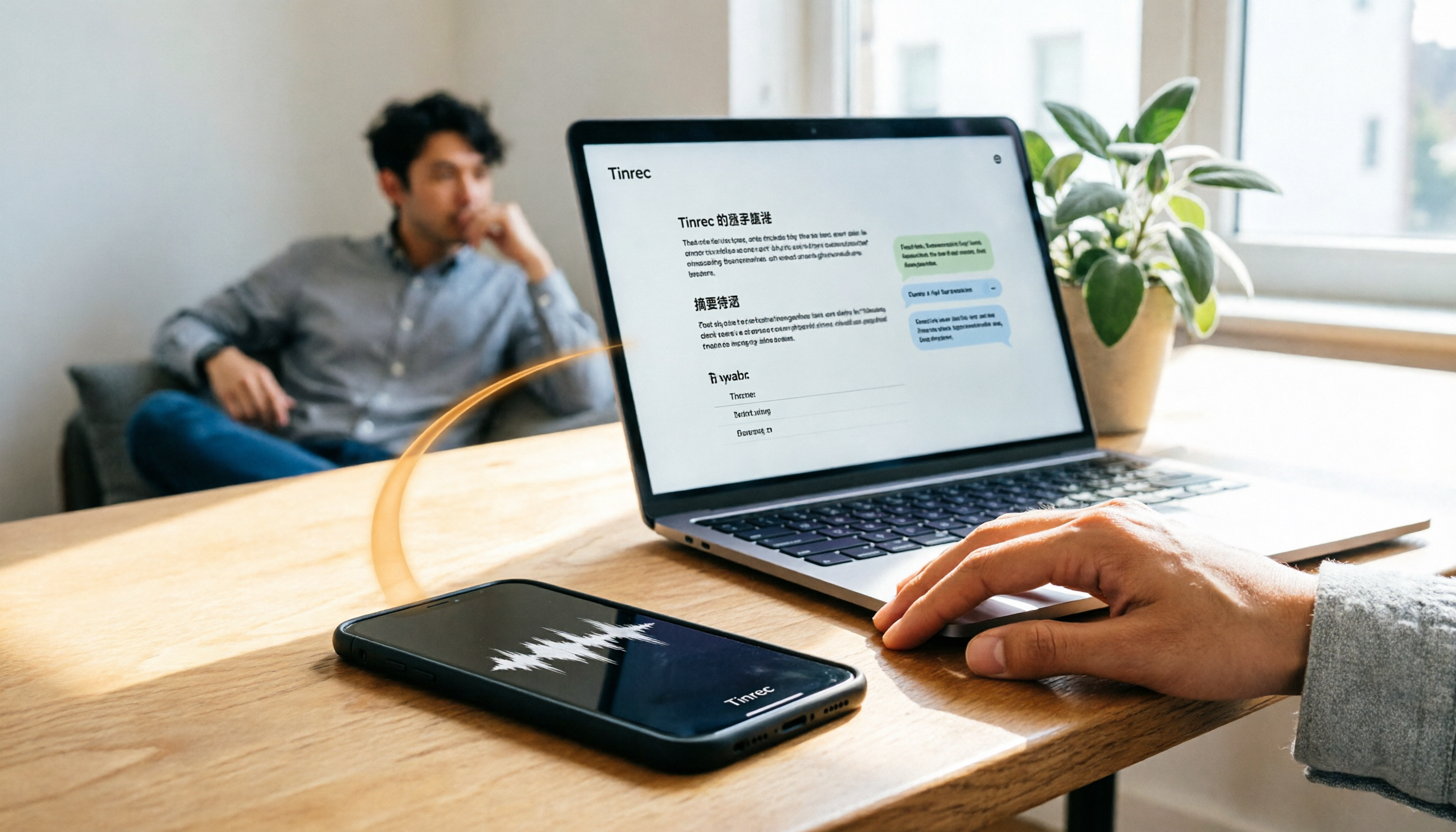
How do you transfer iPhone recordings to a computer? This article first breaks down the limitations of common methods like Email, LINE, iCloud, AirDrop, and USB, then examines 4 tools using everyday meeting workflows. If you don't want to keep moving m4a files around, Tinrec's real-time transcription and multi-device sync let you view transcripts, summaries, and action items directly in a computer browser, and use AI Q&A to track key points.

4 One-Click AI Meeting Notes Tools Compared for 2026: How to Choose Free, Paid, and Team Plans
Tired of manually organizing transcripts, summaries, and action items after meetings? This side-by-side comparison of Tinrec, Notta, Otter.ai, and Granola covers how each captures meetings, what you get afterward, Chinese-language experience, free tiers, and team pricing. It also highlights 4 key factors and 3 common pitfalls to help you pick the right tool for your meeting style.

2026 AI Meeting Notes Comparison: 3 Tools Tested for Faster Meeting Summaries
The real work begins after the meeting ends. This comparison of Tinrec, Notta, and Granola covers bot-free recording, AI post-meeting organization, team collaboration, and export workflows to help you find the fastest way to organize meeting notes.

2026 Comparison of 4 Audio-to-Text Tools: After Transcription, Which One Really Saves You Cleanup Time?
Most people ask 'how to turn recordings into text,' but the real problem comes after transcription. This article starts with common misconceptions, explains why your transcripts end up sitting in a folder, breaks down 4 key buying criteria, and tests Tinrec, Notta, Otter.ai, and TurboScribe to compare their best use cases. It ends with a quick-start checklist you can follow directly.

2026 Comparison of 4 Audio-to-Text Apps: Which Is Best for Chinese Meeting Accuracy and Minutes?
Starting from the decision point of 'which audio-to-text app is most accurate,' this article breaks down four criteria: recording source, language, post-meeting organization, and team collaboration. It also tests Tinrec's Chinese meeting transcription, bot-free recording, AI summaries, and team spaces, with buying tips and FAQs.

2026 One-Click Meeting Minutes Tools: 3 Real-World Tests Compared — Which One Actually Saves You Time?
A two-hour meeting shouldn't take three hours to summarize. This article breaks down the one-click meeting minutes tools worth considering in 2026 across four dimensions: how they capture meetings, how deeply they organize post-meeting content, Chinese-language recognition, and team data ownership. It also shares hands-on testing of how Tinrec uses desktop-based bot-free recording, AI summaries, and follow-up questions to turn long transcripts into meeting minutes you can send out directly.
5 Best Letterly Alternatives for Turning Recordings into Usable Meeting Data (2026)
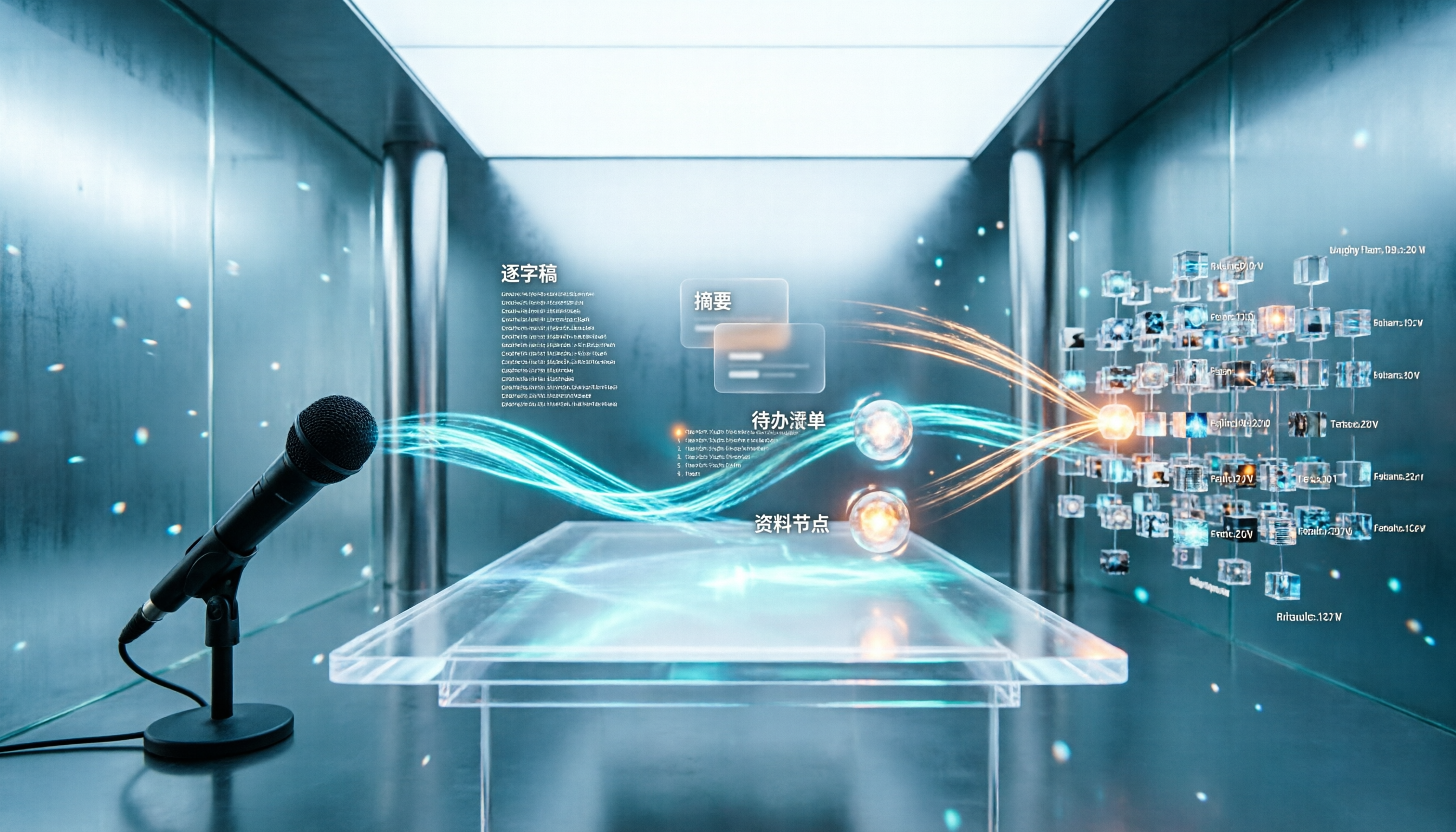
Letterly turns voice notes into short text, but meeting notes require transcripts, summaries, action items, and searchable data. This article compares Letterly, Tinrec, Notta, Granola, and TurboScribe, covering selection criteria, common pitfalls, and ideal use cases to help you find the right alternative that saves post-meeting cleanup time.

2026 Comparison of 5 Meeting Action Item Extraction Tools: Which One Actually Turns Discussions into Action Lists?
Still spending time organizing action items after meetings? This article compares 5 meeting action item extraction tools, covering Chinese and mixed Chinese-English recognition, bot-free online meeting recording, AI follow-up questions, and team knowledge retention. It also includes buying criteria, pitfalls to avoid, and selection advice.