
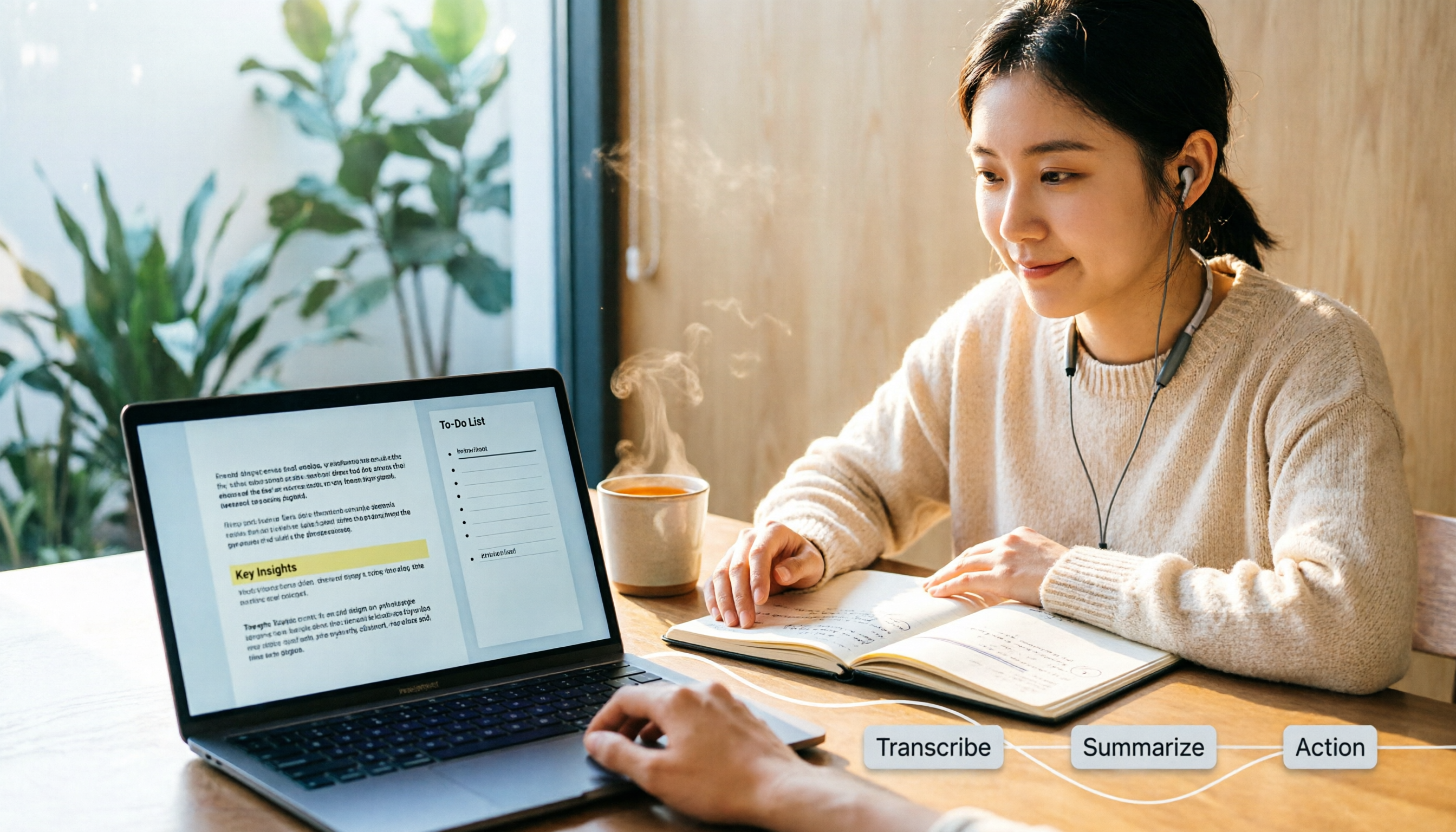
Turn recordings into transcripts and summaries in minutes
Upload audio or video for multilingual transcription, AI notes, and action items
2026 Comparison of 4 Audio-to-Text Tools: After Transcription, Which One Really Saves You Cleanup Time?
Most people who ask 'how do I turn a recording into text' have the same picture in mind: press convert, and the text appears.
I used to think that way too.
Later I realized the real problem isn't that the text can't be generated—it's that nobody wants to read the resulting text a second time.
A transcript with no punctuation, no paragraph breaks, and no speaker identification takes about as long to review as listening to the recording again.
So this article won't discuss 'which tool has the highest accuracy.' That question has no standard answer; results depend on language, accent, microphone distance, background noise, and the number of proper nouns.
This article is about something else: after transcription, how much effort do you still need to make the text actually usable?
Why do your transcripts end up sitting in a folder?
Three common scenarios.
First, a two-hour project meeting. You generate a large block of text. Reading it from start to finish takes an entire afternoon, but all you really want to know is 'who agreed to what, and when is it due.'
Second, a customer interview. The customer mentions a key requirement. You remember they said it, but you don't know which part, so you drag the progress bar and listen again.
Third, a cross-language meeting. The other party speaks English. You listen and take notes at the same time, and your notes end up mixed with Chinese and English—even you can't understand them.
The common thread across these three scenarios: transcription is only an intermediate step, not the end goal.
What you really want is meeting material that you can search, query, and turn into action.
This is where people most often misjudge when choosing a tool—you're comparing who types faster, but what you actually need is who organizes it for you.
Before choosing an audio-to-text tool, understand these 4 key points
1. Does it give you just text, or organized structure?
Even for transcripts, the difference can be huge.
Some tools output a single block of text with no sentence breaks; you have to split paragraphs and label speakers yourself. Others already handle paragraphing, punctuation, and speaker labels, so you just need to change 'Speaker 1' to the actual name.
The difference isn't in the few minutes of transcription—it's in the hour afterward.
2. Where does your recording come from?
Online meetings, in-person recordings, and existing audio files are three different needs.
Some tools excel at file upload and batch processing; others excel at live meetings. First figure out which type accounts for 80% of your recordings, because that answer directly determines which tool you should choose.
3. Does your meeting contain proper nouns?
This is where Chinese meetings are most error-prone.
In monolingual mode, the entire file is transcribed only according to the source language you select. If you choose Chinese, English product names in sentences may be converted to Chinese transliterations or simply misspelled, and you'll have to correct them one by one during proofreading.
Tools with a hotword list feature let you add terms like Notion or Slack in advance, and the system will reference them during transcription. But even with a hotword list, you still need to check proper nouns after transcription.
4. Who will ultimately own this data?
For personal use, keeping data in a personal account is fine.
But if these are team meetings, data ownership becomes a governance issue: when members leave, change departments, or lose permissions, are those meeting records still there?
Few people think about this at first, but it's often the question people regret not asking.
Tinrec—the one I kept after testing
Tinrec is an AI meeting notes and collaboration tool for individuals and teams, available on desktop, web, and mobile.
I started using it because of a very specific annoyance: I didn't want to put a meeting bot into every online meeting.
Tinrec's desktop version directly captures your computer's system audio, handling Zoom, Google Meet, Microsoft Teams, and Webex online meetings without inviting an extra bot as a participant.
This sounds minor, but it makes a big difference in real work. Especially for external client meetings, when an unfamiliar account appears on the participant list, you always have to spend time explaining.
The second reason I kept it is that it connects the 'after recording' workflow.
When the meeting ends, the transcript is already there, along with AI summaries, chapters, and key points. You don't have to read from the first sentence; you look at the structure first, then decide which section to read. Action items are also extracted—who is responsible for what and what needs to be done next—much faster than flipping back yourself.
Then there's the feature I use most: AI Q&A.
I can directly ask it 'what was the conclusion about the budget in the last meeting' or 'what were the three concerns the client mentioned.' It doesn't just throw a list of keyword search results at me; it answers based on the meeting content and brings back the corresponding paragraphs.
Stop organizing recordings by hand
Upload audio or video and automatically get a transcript, summary, and action items
This is where I think the gap between similar tools is largest right now—most tools let you 'find' that sentence, but few help you 'answer' that question.
Other features I use:
- Real-time translation: for cross-language meetings, you can view the original, translation, or bilingual view
- Audio/video file upload transcription: historical recordings can also be organized
- Multi-format export: take to Notion, Google Docs, or OneNote for further processing
- Agent post-processing: directly generate reports, tables, and documents
For team use, Tinrec's team edition is a separate team space, not 'multiple people sharing one personal account.' Meeting data belongs to the team, and you can manage member roles and seats, view usage trends, query and export audit logs, and recover deleted audio from the recycle bin (currently retained for 30 days).
The team edition currently offers a 7-day trial, 1 free seat, and 300 minutes of shared team import quota when eligible; paid seats are USD 29.80/month or USD 199/year (about USD 16.58/month), with 2,000 minutes of shared team import quota per paid seat per month. Live recording is currently not deducted by minutes under an active plan and active seat.
I'll also mention the limitations.
The free version has a basic quota, suitable for trying it out, not for heavy daily transcription. If you need to process dozens of long audio files at once or do batch subtitle output, that's not Tinrec's main use case. It also leans toward team-level sharing rather than file-level granular permissions; governance relies on roles and seats, not per-file settings.
One more important point: I won't tell you its accuracy is some percentage. Such numbers only hold under specific recording conditions and may not apply in your meeting room.
Who it's for: people who need Chinese meeting notes, don't want bots in online meetings, want to use AI to ask about key points right after recording, and need meeting data to stay within the team.
Besides Tinrec, what other options are there?
Notta: A tool with multi-platform transcription, file import, translation, and team plans. The free version offers 120 minutes per month with a 3-minute limit per session; Pro annual billing is about USD 8.17/month for 1,800 minutes per month. If you mainly convert existing audio files to text and need multilingual translation, it's a reasonable option. But if you want to 'ask questions directly about the content after a meeting and generate reports and tables,' that's something Tinrec offers and Notta doesn't focus on.
Otter.ai: The one with the longest track record in English business meetings. The free version offers 300 minutes per month, which is generous for pure English meetings; it now also offers desktop capabilities, not just a meeting bot. But its mental model is an English meeting assistant; Chinese meetings, mixed Chinese-English, and real-time bilingual views are not its focus. If 90% of your meetings are in English, Otter may be more cost-effective than Tinrec; otherwise, the answer is different.
TurboScribe: If you want to 'quickly turn large numbers of long files into text,' it's strong. The free version allows 3 files per day, 30 minutes per file; paid annual is USD 120, with a maximum of 10 hours or 5 GB per file and up to 50 files uploaded at once. For this kind of batch long-file processing, Tinrec won't win. But live meeting recording, bot-free system audio capture, AI Q&A, action item extraction, team spaces, and auditing are things Tinrec offers that it doesn't focus on.
Pitfall guide: The 4 most common mistakes when converting recordings to text
Pitfall 1: Looking only at advertised accuracy.
Advertised numbers are usually measured in quiet environments. Real meeting rooms have air conditioning noise, keyboard sounds, and people talking over each other, so performance drops noticeably. Rather than comparing marketing language, run the same segment of your own recording through a few tools and check speaker labels, brand names, punctuation, and paragraphs.
Pitfall 2: Not building a hotword list in advance.
Chinese meetings mixed with English product names are the most common source of errors. Put commonly used brand names and system names into the vocabulary list in advance; the system will reference them during transcription, but you still need to manually check proper nouns afterward.
Pitfall 3: Using a transcription tool as a typewriter.
Treating it only as 'audio to text' means using only one-third of its capabilities. The correct order is to look at the summary and action items first, then go back to the transcript; if you reverse the order, you'll spend twice as much time.
Pitfall 4: Ignoring data ownership.
Recording team meetings with a personal account means data scatters when members leave. That's exactly why team spaces exist.
Conclusion: Which one should you choose?
In one sentence: first figure out whether you want 'text' or 'usable meeting material.'
- Need Chinese meeting notes + bot-free online meeting recording → Tinrec
- Want to ask questions directly about meeting content and find conclusions after the meeting → Tinrec
- Want to turn meetings into a team knowledge base and manage members and usage → Tinrec Team Edition
- Need to transcribe many long audio files at once and do batch subtitle output → TurboScribe
- Pure English meetings, zero budget → Otter.ai
Here's a quick-start checklist for yourself:
- First write down what output you want: transcript, minutes, or action item list
- Take a 10-minute recording of your own and run it through two or three tools
- Check three things: paragraphing, speaker labels, and proper nouns for errors
- Build a hotword list for commonly misspelled words; next time will be much better
- Check your audio setup before recording; being closer to the microphone beats any post-processing
- After transcription, look at the summary and action items first; refer back to the original when you need to quote
You don't need to install all the tools at once. Start by running your own recording through one and see whether what it gives you is something you're willing to keep opening.
Start testing with one recording, and you'll gradually find your own workflow.
References
- Complete Guide to Converting Audio Files to Text: Methods and AI Tool Cost Comparison | Subanana
- View Voice Memos transcripts on iPhone - Apple Support (Taiwan)
- Audio to Text: Convert Recordings to Transcripts Online | Canva
- [iPhone Voice Memos to Text] Complete Guide to 3 Methods! iOS Built-in, App, Voice Recorder—Which Is Best?
- Online AI Speech, Video, and Audio File Auto-Transcription - Free Trial - cSubtitle
Turn every recording into actionable outcomes
Get 60 free transcription minutes when you sign in. No credit card required.
Related Reading
You might also like

2026 Free Meeting-to-PPT Tools Compared: 4 Options to Consider
Turning meetings into presentations is a daily grind for many mid-level managers. This article reviews four tools that convert meeting content into slide-ready material from a hands-on perspective, covering each tool's free tier, ideal use cases, and limitations, and breaks down how to streamline the workflow from meeting notes to post-meeting deliverables.

2026 Comparison of 4 Automatic Meeting Transcription Tools: Which One Actually Turns Transcripts Into Action Items?
Automatic meeting transcription tools are not just about transcription speed—post-meeting organization, AI Q&A, team collaboration, and cost matter just as much. This article breaks down the differences between Tinrec, Granola, TurboScribe, and PLAUD Note based on real meeting scenarios to help you choose the right solution for your team.
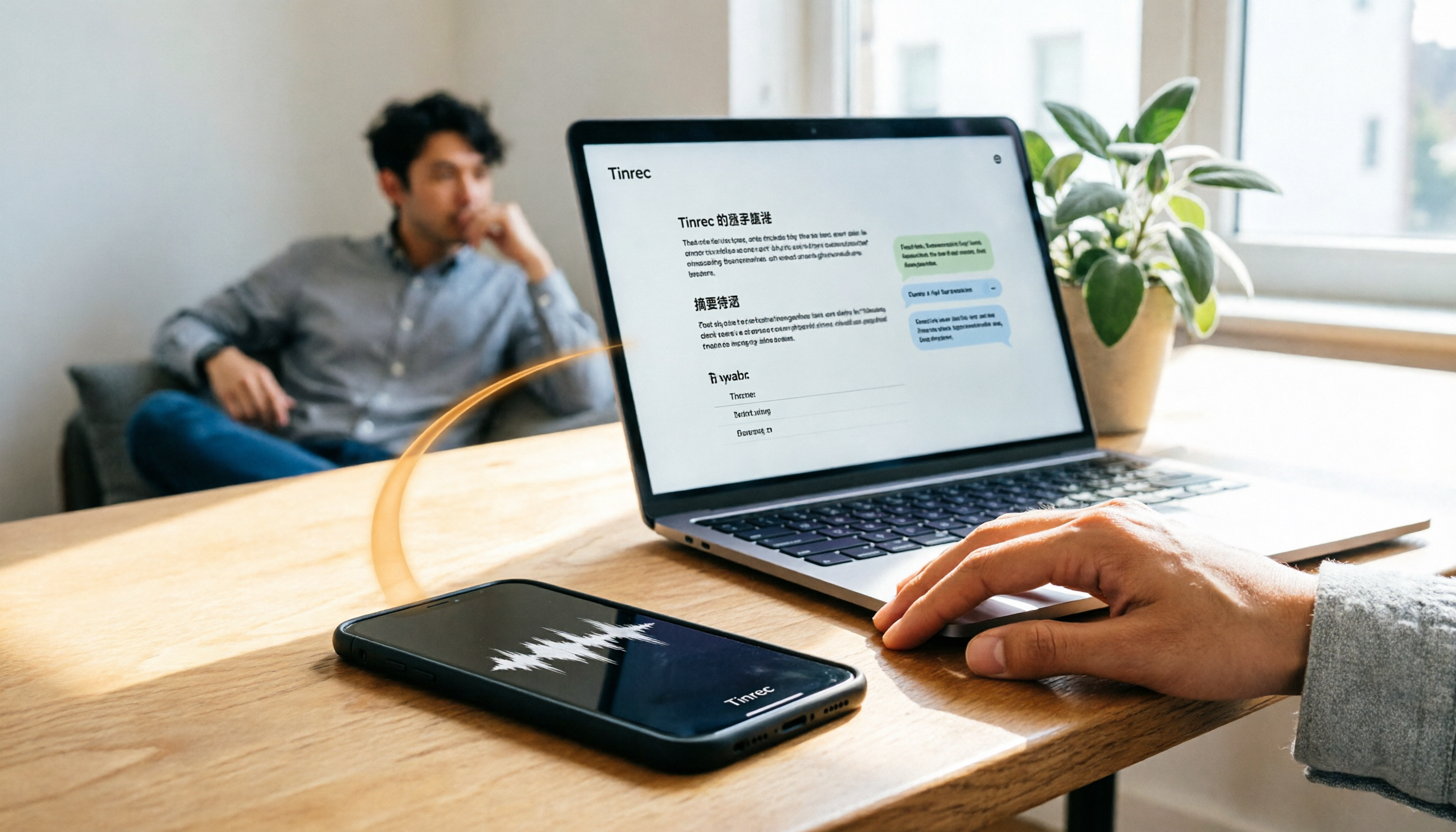
2026 iPhone Recording to Computer Tools Buying Guide: 4 Hands-On Tests and Recommendations
How do you transfer iPhone recordings to a computer? This article first breaks down the limitations of common methods like Email, LINE, iCloud, AirDrop, and USB, then examines 4 tools using everyday meeting workflows. If you don't want to keep moving m4a files around, Tinrec's real-time transcription and multi-device sync let you view transcripts, summaries, and action items directly in a computer browser, and use AI Q&A to track key points.

4 One-Click AI Meeting Notes Tools Compared for 2026: How to Choose Free, Paid, and Team Plans
Tired of manually organizing transcripts, summaries, and action items after meetings? This side-by-side comparison of Tinrec, Notta, Otter.ai, and Granola covers how each captures meetings, what you get afterward, Chinese-language experience, free tiers, and team pricing. It also highlights 4 key factors and 3 common pitfalls to help you pick the right tool for your meeting style.

2026 AI Meeting Notes Comparison: 3 Tools Tested for Faster Meeting Summaries
The real work begins after the meeting ends. This comparison of Tinrec, Notta, and Granola covers bot-free recording, AI post-meeting organization, team collaboration, and export workflows to help you find the fastest way to organize meeting notes.

2026 Comparison of 4 Audio-to-Text Apps: Which Is Best for Chinese Meeting Accuracy and Minutes?
Starting from the decision point of 'which audio-to-text app is most accurate,' this article breaks down four criteria: recording source, language, post-meeting organization, and team collaboration. It also tests Tinrec's Chinese meeting transcription, bot-free recording, AI summaries, and team spaces, with buying tips and FAQs.

2026 One-Click Meeting Minutes Tools: 3 Real-World Tests Compared — Which One Actually Saves You Time?
A two-hour meeting shouldn't take three hours to summarize. This article breaks down the one-click meeting minutes tools worth considering in 2026 across four dimensions: how they capture meetings, how deeply they organize post-meeting content, Chinese-language recognition, and team data ownership. It also shares hands-on testing of how Tinrec uses desktop-based bot-free recording, AI summaries, and follow-up questions to turn long transcripts into meeting minutes you can send out directly.
5 Best Letterly Alternatives for Turning Recordings into Usable Meeting Data (2026)
Letterly turns voice notes into short text, but meeting notes require transcripts, summaries, action items, and searchable data. This article compares Letterly, Tinrec, Notta, Granola, and TurboScribe, covering selection criteria, common pitfalls, and ideal use cases to help you find the right alternative that saves post-meeting cleanup time.

2026 Comparison of 5 Meeting Action Item Extraction Tools: Which One Actually Turns Discussions into Action Lists?
Still spending time organizing action items after meetings? This article compares 5 meeting action item extraction tools, covering Chinese and mixed Chinese-English recognition, bot-free online meeting recording, AI follow-up questions, and team knowledge retention. It also includes buying criteria, pitfalls to avoid, and selection advice.