

Turn recordings into transcripts and summaries in minutes
Upload audio or video for multilingual transcription, AI notes, and action items
4 One-Click AI Meeting Notes Tools Compared for 2026: How to Choose Free, Paid, and Team Plans
"One-click meeting notes" is a tagline almost every AI transcription tool uses. But when you actually sit down to choose one, the real question isn't "which button is most magical"—it's three more specific judgments:
- Where do your meetings happen? Online (Zoom, Google Meet, Microsoft Teams, Webex) or in a physical conference room?
- Who ultimately uses these notes? Just you for review, or your team's knowledge base for colleagues to search and track action items?
- Do you want a transcript, or a summary, decisions, and action items you can take straight into the next meeting?
Once you answer these three questions, your options narrow considerably. Below is what I found after comparing the feature and pricing pages of four tools item by item. Prices are based on official pages as of August 2026; plans and benefits may change at any time, so check the official site before purchasing.
4 Key Factors to Understand Before Choosing a One-Click Meeting Notes Tool
First, how is the meeting recorded? There are three mainstream approaches: a meeting bot joins as a participant, desktop software captures system audio directly, or a hardware recording device. Bots are the easiest, but many companies block external accounts from joining meetings. Desktop system audio capture doesn't require an extra participant, but the user must manually start recording.
Second, what do you get after the one click? A tool that only gives you a transcript hands the organizing work right back to you—a one-hour meeting can produce tens of thousands of words. Summaries, chapters, action items, and follow-up Q&A are where the real time savings are.
Third, are audio files kept, and can old files be imported? Some tools keep only text and not audio, making it a hassle to verify a specific quote later. Whether you can upload existing recordings or videos also determines whether it can handle the backlog of past meetings on your hard drive.
Fourth, Chinese language and team governance. Mixed Chinese-English speech, technical terms, names, and places are where Chinese meeting transcription most often goes wrong—features like team hotwords exist for this. If you're bringing the tool into a team, you also need to see how roles, seats, usage, and audit logs are managed.
Tinrec — The Most Complete Post-Meeting Workflow Among the Four
Tinrec is an AI meeting notes and collaboration tool for individuals and teams, available on desktop, web, and mobile. It's positioned not just as "audio-to-text" but as a way to carry a meeting from recording through transcript, summary, and action items all the way to export and team knowledge retention.
In practice, it has three main ways to get started.
Online meetings without pulling a bot into the room. The desktop version directly captures your computer's system audio, handling meeting content played in Zoom, Google Meet, Microsoft Teams, and Webex without an extra bot account joining. Note that this doesn't mean "automatically joining every meeting on your calendar"—you need to actively open Tinrec and start recording, but at least you won't have the awkwardness of "external account blocked at the door."
In-person meetings and interviews, transcribe while recording. Start real-time recording on your phone or computer, and the transcript appears as the conversation progresses. For cross-language meetings, you can enable real-time translation and view the original, translation, or bilingual side-by-side.
The real value is after the meeting. When recording ends, Tinrec generates a summary, chapters, key points, and action items; for long meetings you can jump through chapters. Even more useful is AI Q&A: you can directly ask "What was decided at the end of this meeting?" or "Who is responsible for the budget?" and it answers based on the meeting content instead of dumping keyword search results on you. When you need deliverables, Agent post-processing can generate reports, tables, and documents, or export to Notion, Google Docs, OneNote, Dropbox, and other tools for further editing.
The team plan follows a different logic. It provides a separate team space where meeting data belongs to the team rather than being tied to an individual's account. Management distinguishes between "roles" and "seats"—roles determine who can manage the team, members, and audits; seats determine who can record, upload, edit, and export. Members without seats can still view, play, and read team data. There are also team hotwords, usage analytics, audit logs, and a 30-day audio recycle bin.
On pricing, the team plan is USD 29.80 per paid seat per month, or USD 199 per paid seat per year (about USD 16.58/month), with each paid seat providing 2,000 minutes of team shared import quota per month. Eligible teams can try it free for 7 days on first use, including 1 free seat and 300 minutes of shared import quota. Under an active team plan and seats, real-time recording currently does not deduct minutes; only file and web link imports consume shared quota. The personal plan includes a free version, weekly card, Pro monthly, and Pro annual; actual quotas and prices are subject to the official pricing page.
Three reasons to buy, in plain terms:
Stop organizing recordings by hand
Upload audio or video and automatically get a transcript, summary, and action items
- It works in companies that block bots. No need to ask IT to whitelist an external account, and no need to convince participants that "there's an AI in the meeting."
- There's something usable after the transcript. Summaries, chapters, action items, AI Q&A, reports, and tables save you the most tedious part after a meeting ends.
- Team data doesn't walk out the door with people. When a member leaves or loses a seat, resources can be handed over to other active members, so meetings don't become orphans on a former colleague's hard drive.
Limitations should also be clear. First, file imports consume team shared quota; if you need to transcribe dozens of long audio files at once, that's not its strong suit. Second, the team plan is currently team-level sharing with role governance and seat control, and does not support folder-level or single-file granular permissions—confirm this meets your internal control requirements before purchasing. Third, transcription quality is affected by recording environment, accents, people talking over each other, and technical terminology; no tool should be treated as a "zero-error" guarantee. For important numbers and commitments, replay the transcript at the relevant timestamp to confirm.
If you have regular weekly meetings, need Chinese transcripts, and want to ask AI directly for key points afterward, Tinrec is the most complete workflow among the four.
Besides Tinrec, What Other Options Are There?
Notta overlaps most with Tinrec, offering multilingual transcription, meeting notes, file import, translation, and team plans. Official pricing: free version 120 minutes per month with a 3-minute limit per item; Pro annual works out to about USD 8.17/month with 1,800 minutes per month; Business annual is about USD 16.67 per seat per month with unlimited transcription, role permissions, and usage reports. The free version's 3-minute single-item limit is of limited help for hour-long meetings. If what you care about is the post-processing workflow that turns meetings directly into reports, tables, and documents, plus governance features like team usage, audits, and an audio recycle bin, Tinrec goes deeper.
Otter.ai is a mature choice for English business meetings, supporting Zoom, Teams, Google Meet, real-time transcription, speaker identification, and AI Chat. Official pricing: Basic free with 300 minutes per month; Pro annual works out to about USD 8.49 per user per month, including 1,200 minutes of in-app recording and 10 file imports per month. If 90% of your meetings are in English, it's genuinely good value. But it doesn't focus on Chinese meetings as a selling point, whereas Tinrec puts Chinese, mixed Chinese-English, real-time translation, and team hotwords at its core.
Granola also takes the no-bot route, using desktop system audio and microphone for real-time transcription, then combining it with your handwritten notes to generate meeting content. Basic is free, Business is USD 14 per user per month, and Enterprise is USD 35 per user per month. Note that it does not save meeting audio files and does not support uploading pre-recorded audio—so replaying a specific quote afterward or organizing old recordings on your hard drive isn't possible. Tinrec supports both audio retention and file import.
Pitfall Guide: The 3 Most Common Mistakes When Choosing a One-Click Meeting Notes Tool
Pitfall 1: Treating "one-click" as magic. One-click generation requires an audio file; if nothing was recorded or imported, AI won't produce notes on its own. And after generation, it's still wise to check amounts, dates, and names against the transcript—AI errors aren't frequent, but when they happen, it's often these items.
Pitfall 2: Looking only at monthly free minutes, not single-item limits or which features are locked. Some free plans look like they offer enough minutes per month, but each recording can only be a few minutes; some plans lock summaries, exports, or team features to specific tiers. When comparing, consider both "how long is a meeting" and "which features do you need."
Pitfall 3: Overestimating team plan permissions. Team plans are often misunderstood as "everyone has the same permissions" or "you can set permissions per file," when in reality it's mostly team-level sharing combined with role and seat management. With Tinrec, for example, roles govern administration and seats govern usage eligibility; members without seats can still view and play. Before purchasing, clarify "who can edit, who can only view, and who owns the data"—it's much easier than adding rules later.
Conclusion: Which One Should You Choose?
Going back to the three questions at the start, the answers are roughly:
- Meetings on Zoom, Meet, or Teams, and your company blocks external bots → Tinrec. Desktop system audio capture means no extra participant.
- Need Chinese, mixed Chinese-English, and terminology-heavy meeting notes → Tinrec. Real-time translation, bilingual transcripts, and team hotwords all point in this direction.
- Want to ask "What was the conclusion of last meeting?" right after recording, or generate a report or table in one click → Tinrec. AI Q&A and Agent post-processing are its biggest differences from pure transcription tools.
- Meeting data needs to stay with the whole department and be transferable when someone leaves → Tinrec team plan. Roles, seats, usage, audits, and recycle bin all in one place.
- 90% English meetings and a limited budget → Otter.ai. Free 300 minutes per month makes it one of the few choices in this article I can directly recommend to English users.
- Only need real-time transcripts, don't plan to keep audio, and don't need to import old recordings → Granola. The no-bot experience is lightweight, but think through audio and file import first.
Overall, one-click meeting notes are about "after you press the button, can the output actually be used?" rather than whose button responds faster. I recommend recording one or two of your own meetings with the free version first to confirm that Chinese recognition, summary format, and export methods fit your work habits, then decide whether to upgrade—that's more accurate than reading ten spec comparison tables.
References
- Tinrec - All-in-one AI audio-to-text tool, supporting call recording, MP3...
- No time limit! 3 free AI transcript tools, highly recommended! AI voice notes generate meeting notes, presentations, mind maps | 104 Workplace
- Meeting Ink - AI meeting notes assistant, automatic transcription and meeting summary
- Meeting notes神器: No more scrambling in meetings! AI speech-to-text app/recorder recommendations, one-click transcripts and summaries
- Generate meeting notes | Microsoft Support
Turn every recording into actionable outcomes
Get 60 free transcription minutes when you sign in. No credit card required.
Related Reading
You might also like

2026 Free Meeting-to-PPT Tools Compared: 4 Options to Consider
Turning meetings into presentations is a daily grind for many mid-level managers. This article reviews four tools that convert meeting content into slide-ready material from a hands-on perspective, covering each tool's free tier, ideal use cases, and limitations, and breaks down how to streamline the workflow from meeting notes to post-meeting deliverables.

2026 Comparison of 4 Automatic Meeting Transcription Tools: Which One Actually Turns Transcripts Into Action Items?
Automatic meeting transcription tools are not just about transcription speed—post-meeting organization, AI Q&A, team collaboration, and cost matter just as much. This article breaks down the differences between Tinrec, Granola, TurboScribe, and PLAUD Note based on real meeting scenarios to help you choose the right solution for your team.
2026 iPhone Recording to Computer Tools Buying Guide: 4 Hands-On Tests and Recommendations
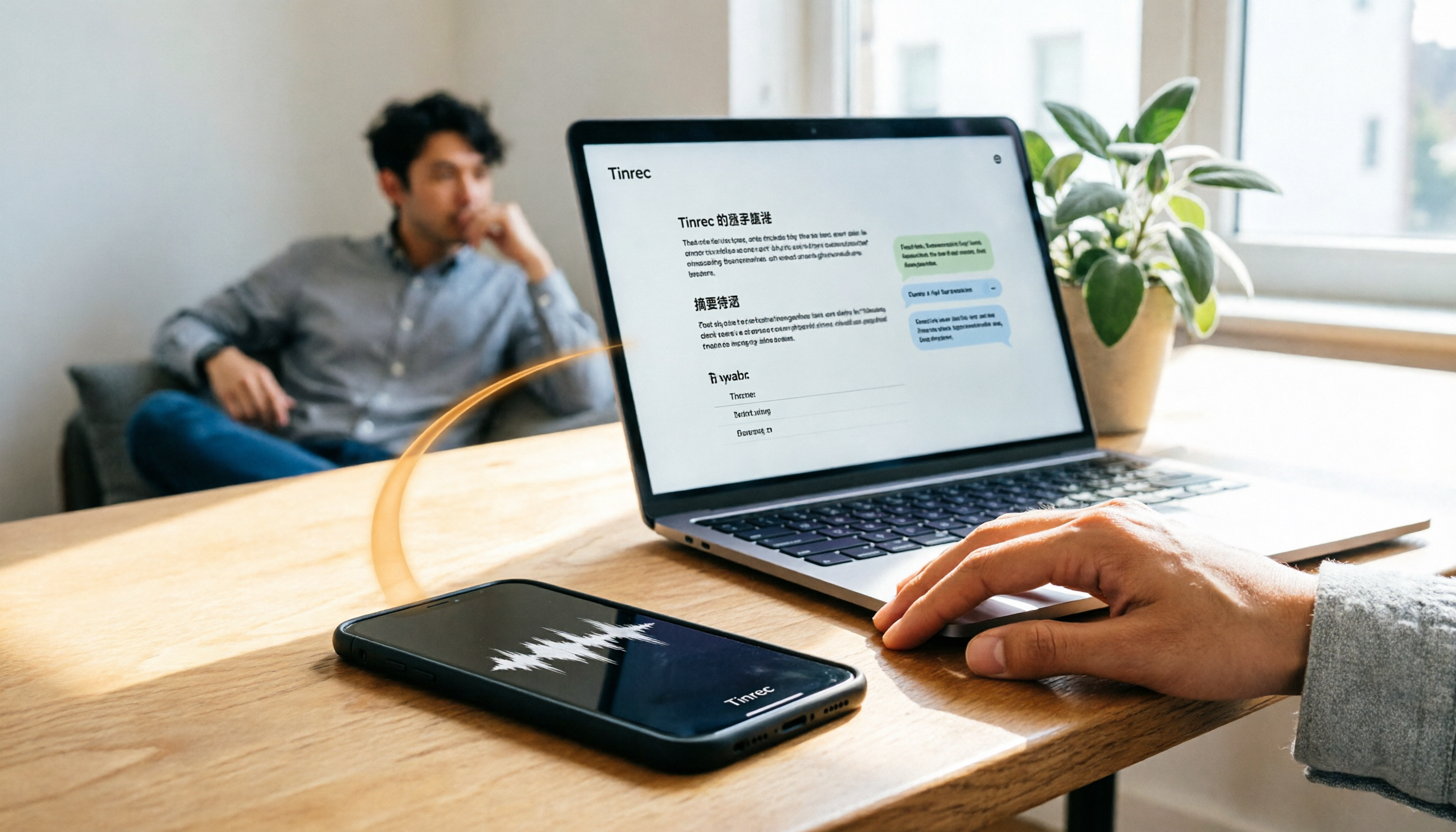
How do you transfer iPhone recordings to a computer? This article first breaks down the limitations of common methods like Email, LINE, iCloud, AirDrop, and USB, then examines 4 tools using everyday meeting workflows. If you don't want to keep moving m4a files around, Tinrec's real-time transcription and multi-device sync let you view transcripts, summaries, and action items directly in a computer browser, and use AI Q&A to track key points.

2026 AI Meeting Notes Comparison: 3 Tools Tested for Faster Meeting Summaries
The real work begins after the meeting ends. This comparison of Tinrec, Notta, and Granola covers bot-free recording, AI post-meeting organization, team collaboration, and export workflows to help you find the fastest way to organize meeting notes.

2026 Comparison of 4 Audio-to-Text Tools: After Transcription, Which One Really Saves You Cleanup Time?
Most people ask 'how to turn recordings into text,' but the real problem comes after transcription. This article starts with common misconceptions, explains why your transcripts end up sitting in a folder, breaks down 4 key buying criteria, and tests Tinrec, Notta, Otter.ai, and TurboScribe to compare their best use cases. It ends with a quick-start checklist you can follow directly.

2026 Comparison of 4 Audio-to-Text Apps: Which Is Best for Chinese Meeting Accuracy and Minutes?
Starting from the decision point of 'which audio-to-text app is most accurate,' this article breaks down four criteria: recording source, language, post-meeting organization, and team collaboration. It also tests Tinrec's Chinese meeting transcription, bot-free recording, AI summaries, and team spaces, with buying tips and FAQs.

2026 One-Click Meeting Minutes Tools: 3 Real-World Tests Compared — Which One Actually Saves You Time?
A two-hour meeting shouldn't take three hours to summarize. This article breaks down the one-click meeting minutes tools worth considering in 2026 across four dimensions: how they capture meetings, how deeply they organize post-meeting content, Chinese-language recognition, and team data ownership. It also shares hands-on testing of how Tinrec uses desktop-based bot-free recording, AI summaries, and follow-up questions to turn long transcripts into meeting minutes you can send out directly.
5 Best Letterly Alternatives for Turning Recordings into Usable Meeting Data (2026)
Letterly turns voice notes into short text, but meeting notes require transcripts, summaries, action items, and searchable data. This article compares Letterly, Tinrec, Notta, Granola, and TurboScribe, covering selection criteria, common pitfalls, and ideal use cases to help you find the right alternative that saves post-meeting cleanup time.

2026 Comparison of 5 Meeting Action Item Extraction Tools: Which One Actually Turns Discussions into Action Lists?
Still spending time organizing action items after meetings? This article compares 5 meeting action item extraction tools, covering Chinese and mixed Chinese-English recognition, bot-free online meeting recording, AI follow-up questions, and team knowledge retention. It also includes buying criteria, pitfalls to avoid, and selection advice.