
Turn recordings into transcripts and summaries in minutes
Upload audio or video for multilingual transcription, AI notes, and action items
Faced with the ever-growing flood of online information—whether it's lengthy articles, academic reports, or hour-long YouTube videos and podcasts—relying on manual reading and traditional note-taking is no longer sustainable. Many people are searching for a good "web page summarizer app" that can turn long web pages into key points with one click, but with so many tools on the market, how do you choose?
This article provides an in-depth review of the most popular web summarization and media summarization tools of 2026, including evaluation criteria, a complete comparison table, and hands-on tutorials.
Quick Navigation Recommendations:
- Want to turn articles into visual mind maps → Check out Mapify first
- Need help with academic papers and literature organization → Choose Scholarcy or Scribbr
- Need to process online videos, podcasts, Teams/Meet meetings and generate action items → Try Tinrec
- Just want to quickly grasp key points from short news articles → Try TLDR This
Why You Need a Good Web Page Summarizer App (User Breakdown)
Before choosing a tool, clarify your use case to find the best assistant:
- Students & Researchers: Need to read many PDF papers and educational web pages. Pain point: difficulty quickly extracting research methods and conclusions.
- Professionals & Administrators: Frequently participate in remote meetings (Google Meet/Teams) and read market reports. Need to quickly turn lengthy discussions into meeting minutes and action items.
- Content Creators: Need to reference numerous YouTube videos, competitor articles, and podcast interviews. Pain point: traditional transcripts are unorganized, making re-listening costly.
- Everyday Readers: Want to quickly browse news or long blog posts during short breaks. Need a minimalist summarization feature.
5 Key Criteria for Choosing a Web Summarization Tool in 2026
A qualified web page summarizer app should include these core dimensions:
- Format Support: Besides pasting a URL to summarize text web pages, does it support PDF, audio, and online videos (e.g., YouTube)?
- Accuracy & Context Retention: A good AI doesn't just "cut words," but extracts core arguments without changing the original meaning.
- AI Query & Chat Capability: Traditional tools only allow Ctrl+F keyword search; modern tools should support semantic AI chat queries so you can "ask" for answers.
- Export & Integration: Does it support exporting to PDF, Markdown, or copying action items to other collaboration software?
- Pricing & Free Limits: Is there a reasonable free trial? Is the subscription cost-effective for daily use?
Horizontal Review & Comparison of 8 Popular Web Summarizer Apps
Below we've compiled 8 distinctive tools, covering everything from text processing to media content analysis:
1. Mapify (Mind Map Expert)
Mapify instantly summarizes web pages into interactive mind maps. It identifies headings, sub-nodes, and references, transforming long articles into clear thought branches—ideal for learners who need to organize complex logic.
2. Scholarcy (Academic Paper Deconstructor)
Designed for academic content, it breaks down long research papers into structured sections like "Introduction," "Findings," and "Implications," and automatically generates flash cards—a great tool for graduate students.
3. TLDR This (Minimalist Reading)
Focused on condensing long editorials and reports into short, punchy summaries. Offers an ad-free clean reading interface and lets users adjust summary length—great for quickly browsing daily news.
4. Tinrec (Video & Meeting Summarizer)
Compared to text-only tools, Tinrec specializes in "time-based content." Whether it's a YouTube link, podcast audio, or a multilingual meeting, it instantly transcribes and automatically generates decision summaries and action items. Perfect for professionals and creators who need to turn speech/video into searchable, actionable text.
5. Scribbr (Student Review Tool)
Focuses on summarizing educational web pages and learning materials with a clean, distraction-free interface. It also highlights content that may need citation, ensuring academic rigor.
6. QuillBot (Summarize & Rewrite Suite)
Offers two modes: key sentence extraction and paragraph summarization. Combined with its powerful rewriting and grammar-checking features, it's ideal for writers who need to reorganize content and produce articles.
7. Remio (Knowledge Base Assistant)
More than just summarization, Remio connects different viewpoints across sources to build an AI-searchable note database—suitable for researchers tracking specific topics long-term.
Stop organizing recordings by hand
Upload audio or video and automatically get a transcript, summary, and action items
8. Toolsmart (Lightweight Multitasker)
Supports summarizing multiple URLs at once and offers bullet-point, paragraph, and other summary styles—great for marketers who need to quickly compare multiple articles.
Core Tool Comparison Table
| Tool | Core Strength | Supported Formats | AI Q&A | Export & Integration Options | Free Tier / Limit |
|---|---|---|---|---|---|
| Mapify | Web to mind map | Web, PDF, YouTube | Yes | PDF, Markdown, SVG | Basic free tier |
| Scholarcy | Paper structure breakdown | PDF, academic web pages | No | Word, Excel, flash cards | Free browser extension |
| TLDR This | Minimalist ad-free summary | Web URL, text | No | Copy text only | Basic free credits |
| Tinrec | High-accuracy video/meeting summarization | Recordings, audio, video URLs | Yes (advanced semantic Q&A) | TXT, multiple format export | 100 minutes free per month |
| QuillBot | Combines rewriting & grammar check | Web URL, text | No | Word, copy | Free version with word limit |
How to Choose? Decision Tree Recommendations
- If you need to organize logical structures or create presentations: Choose Mapify—its visual mind maps help you quickly see the article's flow.
- If you're writing a thesis or reviewing literature: Choose Scholarcy or Scribbr—they best understand academic formatting.
- If you need to summarize YouTube videos, podcasts, or create meeting notes and action items: Strongly recommend Tinrec. It's one of the few tools that seamlessly converts multilingual audio/video content into structured summaries and to-do lists—ideal for high-intensity professional and creative scenarios.
- If you just want to quickly know what a news article is about: TLDR This is the lightest and most straightforward.
Hands-On Tutorial: How to Efficiently Summarize Web Videos & Meeting Content
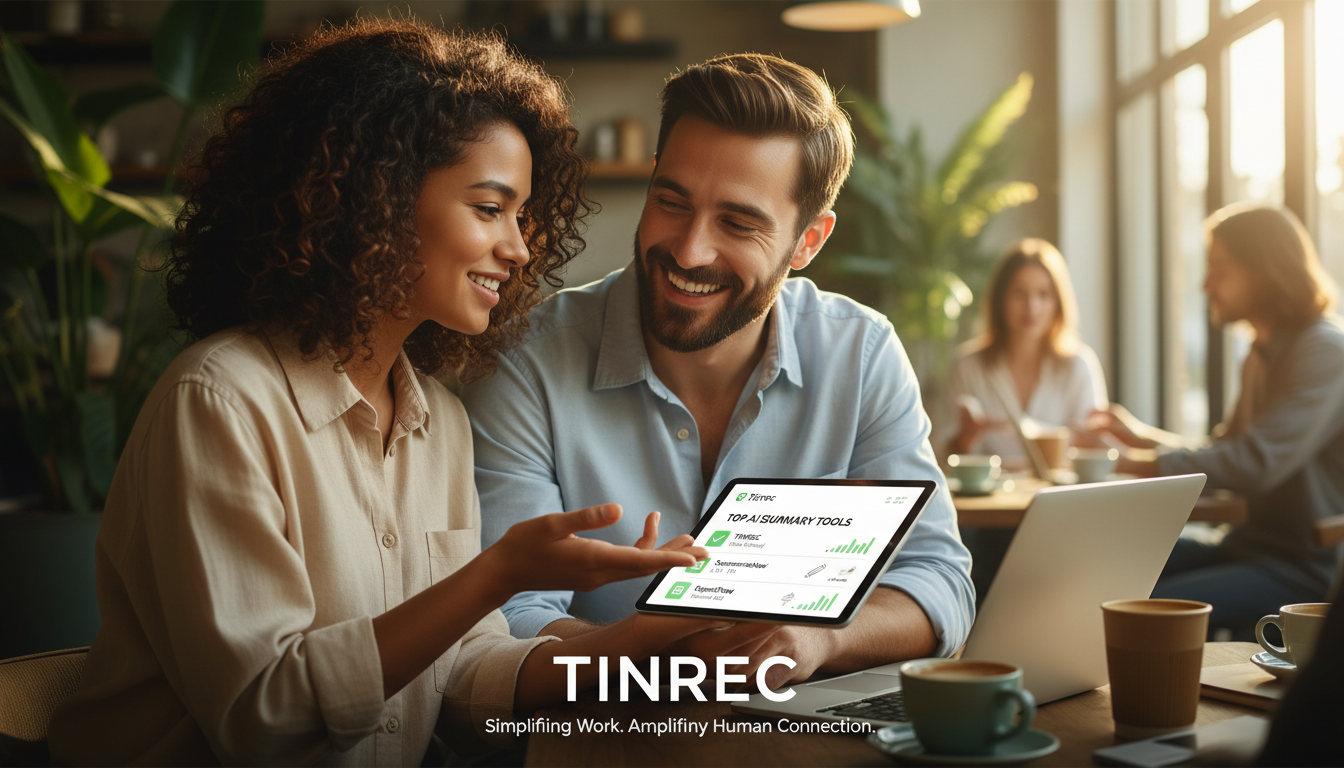
Summarizing text web pages is usually just pasting a URL, but for "media web pages" and "meeting recordings"—which are the most information-dense and hardest to organize—you can use Tinrec to build an efficient workflow. Here's a 3-minute quick start guide:
Step 1: One-Click Transcription of Online Videos/Podcasts
See a long YouTube tutorial or foreign podcast and don't want to spend an hour watching it?
- Copy the URL of the video or audio.
- Go to the Podcast/Online Video to Text feature.
- Paste the link, and the system will automatically parse it and generate a full transcript and key summary.

Step 2: Real-Time Recording to Text (For In-Person Meetings/Classes)
In offline scenarios without a web link:
- Open the mobile app or web version, click Record to Text.
- While recording, the text appears in real-time, with automatic multilingual recognition.
- After finishing, the system automatically extracts "meeting minutes" and "action items."

Step 3: Import Audio Files to Generate Transcripts
If you already have audio files recorded with your phone's built-in recorder (e.g., interview recordings):
- Go to Audio File to Text.
- Upload the audio file; the system will distinguish different speakers and turn messy audio into a clear conversation log.

Step 4: Use AI Chat Queries to "Ask" for Key Points
Traditional transcripts only allow keyword search, but with AI Chat Query:
- Open the AI assistant next to the generated summary.
- Ask questions directly, for example: "What were the three marketing strategies mentioned in the video?"
- The AI will answer accurately based on the audio content, just like asking a human assistant who attended the entire meeting.

Frequently Asked Questions (FAQ)
Q1: Do web page summarizer apps support iPhone or mobile versions?
Most text-based summarization tools (like TLDR This) rely on browser extensions and are harder to use on mobile. However, multi-platform tools (like Tinrec) offer iOS, Android apps, and a web version, making it easy to record and summarize anytime, anywhere.
Q2: Can I use a summarization tool for online meetings like Teams or Google Meet?
Yes. For online meetings, you can use tools with recording-to-text functionality. By using the web version or a mobile app to capture audio, you can transcribe meeting speech in real-time and automatically generate key conclusions and action items afterward.
Q3: Are the free limits of AI summarization tools sufficient?
Limits vary widely. Text-based tools typically limit daily summaries or word counts; media-focused tools charge by time. For example, Tinrec's free version offers up to 100 minutes of recording/analysis per month, which is usually enough for light users to experience core features.
Q4: Can I export the generated transcripts?
Good tools offer rich export options. Common ones include copying plain text, exporting to Word or PDF; advanced tools support Markdown export for direct pasting into note-taking apps like Notion or Obsidian.
Q5: Do these tools support Chinese or other foreign languages?
Most mainstream AI summarization tools support multiple languages. Especially when dealing with multilingual online videos or international meetings, tools with automatic multilingual recognition and translation can greatly reduce comprehension barriers (e.g., supporting Chinese, English, Japanese, Korean, Taiwanese, Cantonese, etc.).
Q6: Can summaries be generated for YouTube videos longer than one hour?
Yes, as long as the tool supports web video parsing. By pasting the YouTube link, the AI can directly read the audio track or subtitles to generate a summary, saving you from watching the entire video, and accurately listing the video's chapter breakdown and core points.
Turn every recording into actionable outcomes
Get 60 free transcription minutes when you sign in. No credit card required.
Related Reading
You might also like

4 AI Meeting Note Tools Tested in 2026: Which One Saves the Most Time on Auto-Organizing Transcripts?
The pain of meeting notes isn't slow typing—it's time-consuming organization. This article addresses common misconceptions, tests 4 AI meeting note tools, breaks down key buying factors, Tinrec's bot-free recording and AI Q&A workflow, team plan seats and data ownership, plus a pitfalls guide and selection advice.

2026 Teams Meeting Transcription Comparison: 4 Methods Tested — Is Avoiding a Meeting Bot Really Easier?
Teams built-in transcription requires both the organizer and each user to enable the policy, and live captions are not saved—so many people only discover after the meeting that there is no transcript at all. This article reviews four ways to transcribe Teams meeting recordings, from Teams built-in, Otter.ai, and Notta to Tinrec, comparing bot-free desktop recording, AI Q&A, action item extraction, and team seat management, with a pitfalls guide and scenario-based recommendations.

4 Video-to-Transcript Tools Tested and Compared in 2026: 3 Pitfalls to Understand Before Importing Video
Importing a video to generate a transcript looks simple, but the real bottlenecks are usually format support, time codes, and how usage limits are calculated. This article starts with common misconceptions, outlines 4 key points for choosing a tool, then shares a hands-on test of Tinrec from video import to AI summaries, action items, and team knowledge retention, and compares TurboScribe, Notta, and Granola for use cases and pitfalls to avoid.

How to Transcribe Classroom Recordings in 2026: A Complete 5-Step Guide
When it comes to transcribing classroom recordings, most people only ask which tool is the most accurate. But what really determines whether you'll be overwhelmed all semester is the audio source, the classroom language, and the total number of hours. This article uses university and graduate school classroom scenarios to compare Tinrec and Otter.ai across 5 dimensions, and provides a 5-step process you can follow directly, along with purchasing advice.
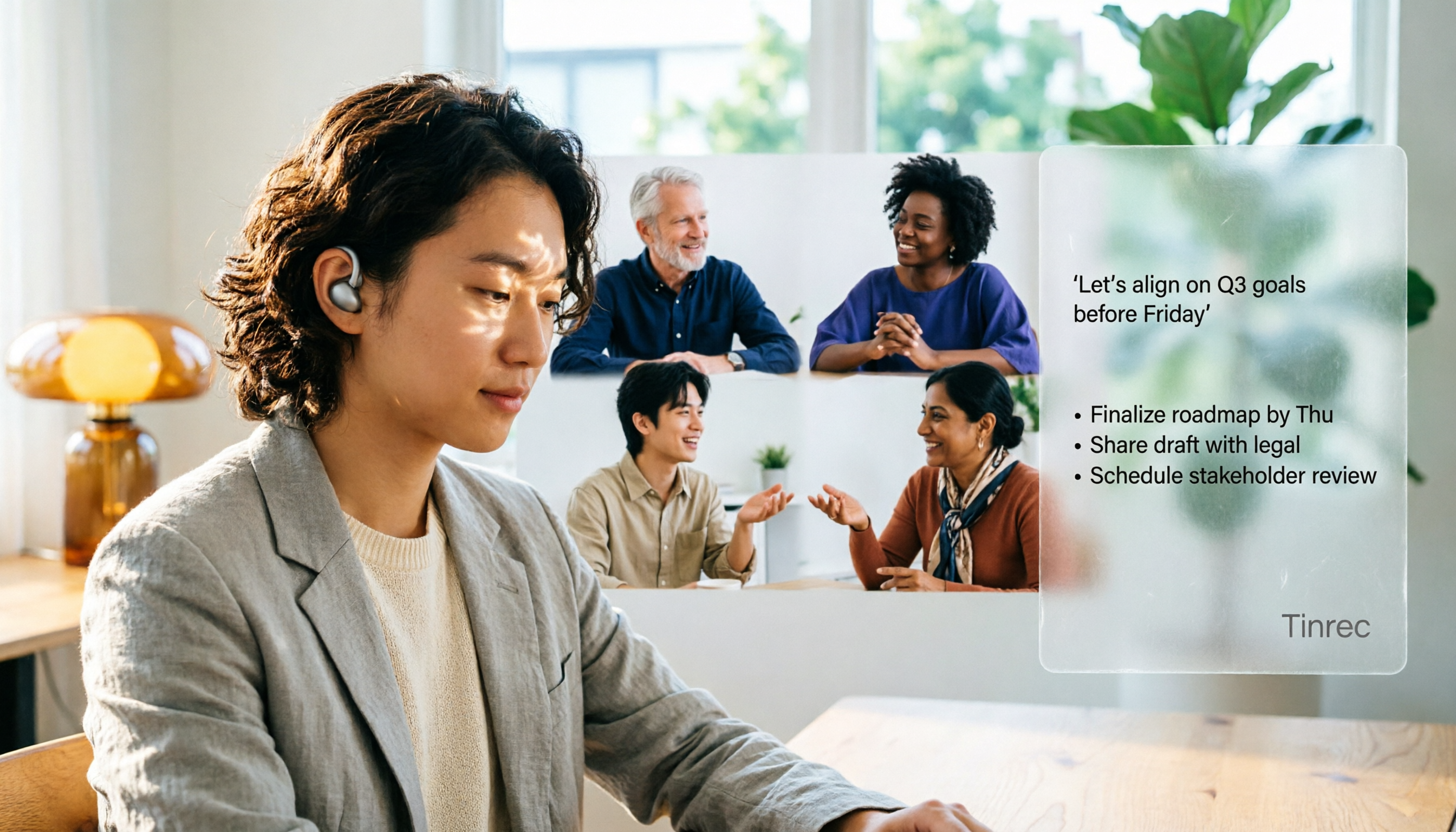
How to Transcribe Zoom Meeting Recordings in 2026: No-Bot Recording + Automatic Meeting Minutes
Done with a Zoom meeting but still need to organize the transcript and minutes yourself? This guide covers the complete process for transcribing Zoom meeting recordings, including no-bot recording, real-time transcription, AI summaries and action items, AI Q&A, and 5 key points to consider when choosing a tool. It also demonstrates the workflow using Tinrec.

2026 AI Meeting Recorder Comparison: 4 Tools Tested for Chinese Meetings
Two-hour meetings followed by two hours of note organization is a daily reality for most office workers. This hands-on test of 4 AI recording and note-taking tools covers bot-free recording, Chinese transcription, AI Q&A, team knowledge retention, pricing, and limitations to help you decide which one is worth keeping.

5 Speaker Summary Tools Tested for 2026: Why Tinrec Is Less Work for Chinese Meetings
Starting from the question 'What exactly do you need a tool to do for you?', this hands-on comparison of common speaker summary tools explains how Tinrec performs in Chinese meeting transcription, bot-free online meeting recording, AI summaries and action items, AI chat queries, multi-format export, and team spaces. It also covers five key points to consider when choosing a tool and answers common questions.

2026 AI Meeting Notes: Automatic Speaker Identification + AI Q&A Summaries
Why do you still have to manually organize meeting transcripts even when speakers are automatically labeled? This article starts with common misconceptions about automatic speaker identification, breaks down 4 key dimensions for choosing a meeting notes tool, tests Tinrec's bot-free online meeting recording, AI summaries and Q&A, team spaces, and other features, compares it with Otter.ai, PLAUD Note, and Notta, and includes a pitfalls guide and buying advice.

4 Best AI Meeting Note Takers in 2026: Which One Actually Captures Action Items?
The hardest part of a meeting isn't recording it—it's turning two hours of discussion into an action list with names and deadlines. This article compares Tinrec, Otter.ai, Notta, and Granola across four key criteria: action item accuracy, AI Q&A, post-meeting workflow, and team data ownership. We explain who each tool is best for and highlight key buying considerations to help you choose the right tool and stop wasting time on manual transcripts.