

Turn recordings into transcripts and summaries in minutes
Upload audio or video for multilingual transcription, AI notes, and action items
5 AI Meeting Recorder Tools Tested and Compared for 2026: Is Notta Any Good? Which One Should You Pick for Chinese Meetings?
The Real Pain of Meeting Notes Isn't Recording—It's What Happens After
A 60-minute meeting ends, and the real work begins.
You have to replay the recording, pull out key points, organize action items, and send them to people who weren't there. By the time you're done, the next meeting has already started.
Cross-language meetings are even trickier: your manager speaks Chinese, the client speaks English, and the transcript comes out half right and half wrong—so you end up retyping it yourself.
So the real question isn't "which tool can record"—it's "which tool can get me something I can actually use within 10 minutes after the meeting."
This article starts from that question and puts Notta side by side with several other common tools.
4 Key Things to Understand Before Choosing an AI Meeting Recorder
First, accuracy depends on your language and scenario.
Almost every vendor claims "up to 98% accuracy," but that's usually measured in a quiet environment with standard accents. Real meetings have air conditioning noise, keyboard clatter, and people talking over each other. My advice: test with a recording of one of your own meetings instead of relying on website numbers.
Second, how does the meeting get recorded?
The common approach is to send a meeting bot into your online meeting. It's convenient, but a stranger's name shows up on the participant list—and you have to explain it to external clients. Another approach is to have a desktop app capture your computer's system audio directly, so no extra participant appears in the meeting. That difference matters a lot in formal settings.
Third, how far does the post-meeting output go?
If it only gives you a transcript, it's basically handing you a book of text; if it can give you summaries, chapters, and action items, that's real time savings. If you can also ask follow-up questions about the content and generate reports or tables, that's another level entirely.
Fourth, how are limits calculated?
For free plans, besides "minutes per month," pay attention to "per-recording limits." Some tools only let the free tier process a few minutes per recording—one meeting and you're over the limit. For paid plans, check whether pricing is per person or per seat.
Notta Hands-On Review: Full-Featured, But Know These Things First
Notta is an AI transcription tool that converts audio and video into text. The company says it supports 58 languages, with real-time translation, speaker labels, and AI-generated summaries as key features. It also offers meeting recording for Zoom, Google Meet, Microsoft Teams, Webex, and in-person meetings; it runs in the browser on Windows, Mac, and Linux with no extra hardware required.
What it does well
After a meeting, it automatically generates a summary that pulls out key points and action items, so you don't have to dig through the transcript yourself. The built-in AI chat assistant lets you ask questions about the recording content—for example, "What are the main action items from this meeting?" or "What was the client's feedback on pricing?"—and it searches the transcript to give a contextual answer. It can also generate visual outputs, turning meeting highlights into slides or infographics, which is genuinely rare among similar tools.
Limitations to note
First, billing complaints. In overseas reviews and user feedback, the two most frequently mentioned issues are billing and language accuracy: some users report being charged for a full year when they only wanted a one-month subscription, then having to deal with a refund afterward; others note that transcription and translation errors are relatively frequent for some languages. These are user reports, not official statements, but they're worth checking payment terms before subscribing.
Second, the accuracy gap. The official claim is up to 98%, but multiple reviews consider that an optimistic figure—real-world performance varies significantly with language, accent, and noise.
Third, the free plan is quite restrictive: 120 minutes per month, with a maximum of 3 minutes per recording. That means the free tier is basically only good for "trying it out"—it's hard to actually use it to record a real meeting.
Pricing
According to the official pricing page, Free is 120 minutes per month with a 3-minute per-recording cap; Pro is about USD 8.17/month billed annually, with 1,800 minutes per month; Business is about USD 16.67/seat/month billed annually, offering unlimited transcription, role permissions, and usage reports. Actual prices are subject to Notta's official website.
Who it's for
If you need multilingual file transcription, subtitles, and translation, and you don't mind using a meeting bot to join online meetings, Notta's feature set is comprehensive.
If These Things Matter to You, Tinrec Is Closer to a Real Workflow
Tinrec is an AI meeting notes and collaboration tool for individuals and teams, available on web, desktop, and mobile. It ranks high in this comparison not because it has the most features, but because it covers the entire path from "meeting → transcript → key points → action items → follow-up questions → deliverables."
Record online meetings without a meeting bot
Most AI meeting tools send a bot into your meeting. Tinrec's desktop app takes a different approach: it captures your computer's system audio directly, so you run your meeting while it transcribes in real time—and no extra participant appears on the participant list. It supports Zoom, Google Meet, Microsoft Teams, and Webex with no extra plugins required.
To be clear, this is not the same as "automatically joining all calendar meetings"—you need to actively open Tinrec to start recording, which is different from a true meeting bot.
The post-meeting part is the main event: summaries, chapters, action items, AI Q&A
After the meeting, Tinrec automatically generates summaries, chapters, and action items. For long meetings, you can jump straight to a chapter instead of listening from the beginning.
Stop organizing recordings by hand
Upload audio or video and automatically get a transcript, summary, and action items
Even better is the AI Q&A. You can ask it directly, "What were the client's concerns about the budget?" or "Who committed to providing a quote in the last meeting?" It answers based on the transcript content instead of dumping a pile of keywords for you to Ctrl+F.
Organized content you can take with you
Transcripts and notes can be exported to Notion, Google Docs, OneNote, or Dropbox for further editing, and Agent post-processing can generate meeting minutes, reports, or tables. For anyone who has to submit weekly reports or write meeting notes after a meeting, the time saved here is very real.
Differences for team use
If an entire team is using it, the team plan centralizes meeting data in one space: new members can browse past meetings, and data belongs to the team—it doesn't disappear when someone leaves. Admins can assign seats, view usage trends and member rankings, and check audit logs for activity records.
It's important to distinguish "roles" from "seats": roles determine who can manage the team and members, while seats determine whether a member can record, upload, edit, and export. Members without a seat can still view, play, and read team data, but cannot upload or edit. Currently, sharing is at the team level, not file-level permissions.
Limitations, stated clearly
Tinrec does not publicly promise a fixed accuracy rate; actual performance is affected by recording quality, accents, background noise, and multiple people speaking at once. For important content, it's best to replay with timestamps to verify. Also, it's not designed for "batch transcribing a large number of long audio files into subtitles at once"—there are more suitable options for that need.
Pricing
The personal plan starts with a free tier that provides basic quota for trying recording, importing, summaries, and transcription; for short-term intensive use, consider a weekly pass, and for steady use, choose a Pro monthly or annual plan. The team plan offers a 7-day trial for first-time eligible users, 1 free seat, and 300 minutes of shared team import quota; monthly billing is USD 29.80 per paid seat per month, annual billing is USD 199 per paid seat per year (about USD 16.58/month), each paid seat includes 2,000 minutes of shared import quota per month, and real-time recording under an active plan is currently not deducted by the minute. Actual prices are subject to the official purchase page.
Who it's for
If your meetings are mainly in Chinese or mixed Chinese-English, you don't want an extra bot in the meeting, and you need to ask follow-up questions or turn content into documents afterward, Tinrec's workflow will be much smoother than a plain transcription tool.
Besides Notta, Here Are 3 More Options
Otter.ai: A mature AI meeting assistant. Basic is free with 300 minutes per month; Pro is about USD 8.49/user/month billed annually with 1,200 minutes per month; the Business plan above that offers more management capabilities. Its design focus leans toward English business meetings—if 90% of your meetings are in English, this is a reasonable choice. But Chinese and mixed Chinese-English meetings are not its main scenario, and Tinrec clearly puts more emphasis there.
TurboScribe: Takes the high-value file transcription route. Free allows 3 files per day with a 30-minute per-file cap; Unlimited is USD 120 per year (about USD 10/month), with paid plans supporting files up to 10 hours or 5 GB and up to 50 files uploaded at once. If you have a batch of pre-recorded long audio files to transcribe into subtitles, it's more cost-effective. But it follows a "file in, text out" logic—no real-time meeting recording, and no post-meeting AI Q&A or team meeting space like Tinrec.
Granola: A bot-free AI meeting notes tool. Basic is free, Business is USD 14/user/month, Enterprise is USD 35/user/month. It combines user-written notes with AI and also offers real-time transcript viewing. Note that it does not support uploading pre-recorded audio files and does not save meeting audio—if you need to replay recordings afterward or organize historical files, that's a clear gap, whereas Tinrec retains audio and supports file import.
Pitfall Guide: The 4 Most Common Mistakes When Choosing a Meeting Recorder
Pitfall 1: Only looking at the vendor's claimed accuracy. Numbers like 98% usually come from ideal conditions. Real meetings have noise, accents, and people talking over each other. Test with your own recording and the gap will become obvious.
Pitfall 2: Ignoring the free plan's "per-recording limit." Many people see "120 minutes per month" and think it's enough, without noticing that the per-recording cap is only a few minutes—a 40-minute meeting simply can't be processed on the free tier.
Pitfall 3: Not thinking about what happens when a bot joins the meeting. For internal meetings it's fine, but in client meetings you'll be asked "who's this?" If that's a problem for you, choose the approach that captures system audio on the desktop.
Pitfall 4: Using the tool only as a transcriber. If you only use it to "record and convert to text," you're using just a fraction of its capabilities. Asking it directly after the meeting "What were the conclusions?" and "What are the action items?" is far faster than manually scrolling through a 30-minute transcript.
Conclusion: Notta or Tinrec—Which One Should You Choose?
Start with the most practical question: what language is your meeting in, do you want a bot in the meeting, and what do you want to get out of it afterward?
Here's a scenario-based breakdown:
- Mainly Chinese or mixed Chinese-English meetings → Tinrec (Chinese and bilingual experience is its focus)
- Don't want an extra bot on the participant list → Tinrec (desktop app captures system audio)
- Want to ask questions about meeting content afterward and generate minutes or reports → Tinrec (AI Q&A plus Agent post-processing)
- Need team-shared meeting data, seat management, and usage tracking → Tinrec team plan (space, roles, seats, usage, audit)
- Mainly English business meetings → Otter.ai (mature English scenario, generous free quota)
- Just a bunch of long audio files to batch transcribe into subtitles → TurboScribe (advantages in per-file duration and batch upload)
As for Notta, its feature set is indeed comprehensive, with multilingual file transcription and visual outputs as highlights. But the free plan's 3-minute per-recording limit, plus recurring user feedback about billing and accuracy issues in some languages, may make you hesitate before subscribing.
Quick answers to common questions
Is Notta worth buying? It depends on whether you want "file transcription" or a "meeting workflow." If you need multilingual subtitles and translation, Notta works; if you want real-time Chinese meeting transcription plus post-meeting follow-up questions, Tinrec's workflow is more complete.
Does Tinrec have a free plan? Yes, it provides basic quota for trying recording, importing, summaries, and transcription. Actual minutes and benefits are subject to the official website.
Can accuracy reach 98%? Don't treat any vendor's fixed number as a guarantee. Actual performance is affected by recording quality, accents, noise, and overlapping speech—important content should still be verified against the recording.
If a team member leaves, will meeting data disappear? Team data belongs to the team and won't be taken away by an individual; when a member leaves or loses their seat, their team resources need to be handed over to another active member.
My advice: start with a free trial—throw your most difficult recent meeting recording at it and see where the transcript goes wrong and whether the summary captures the key points. Trying it yourself is more reliable than reading ten reviews.
Sources
Turn every recording into actionable outcomes
Get 60 free transcription minutes when you sign in. No credit card required.
Related Reading
You might also like
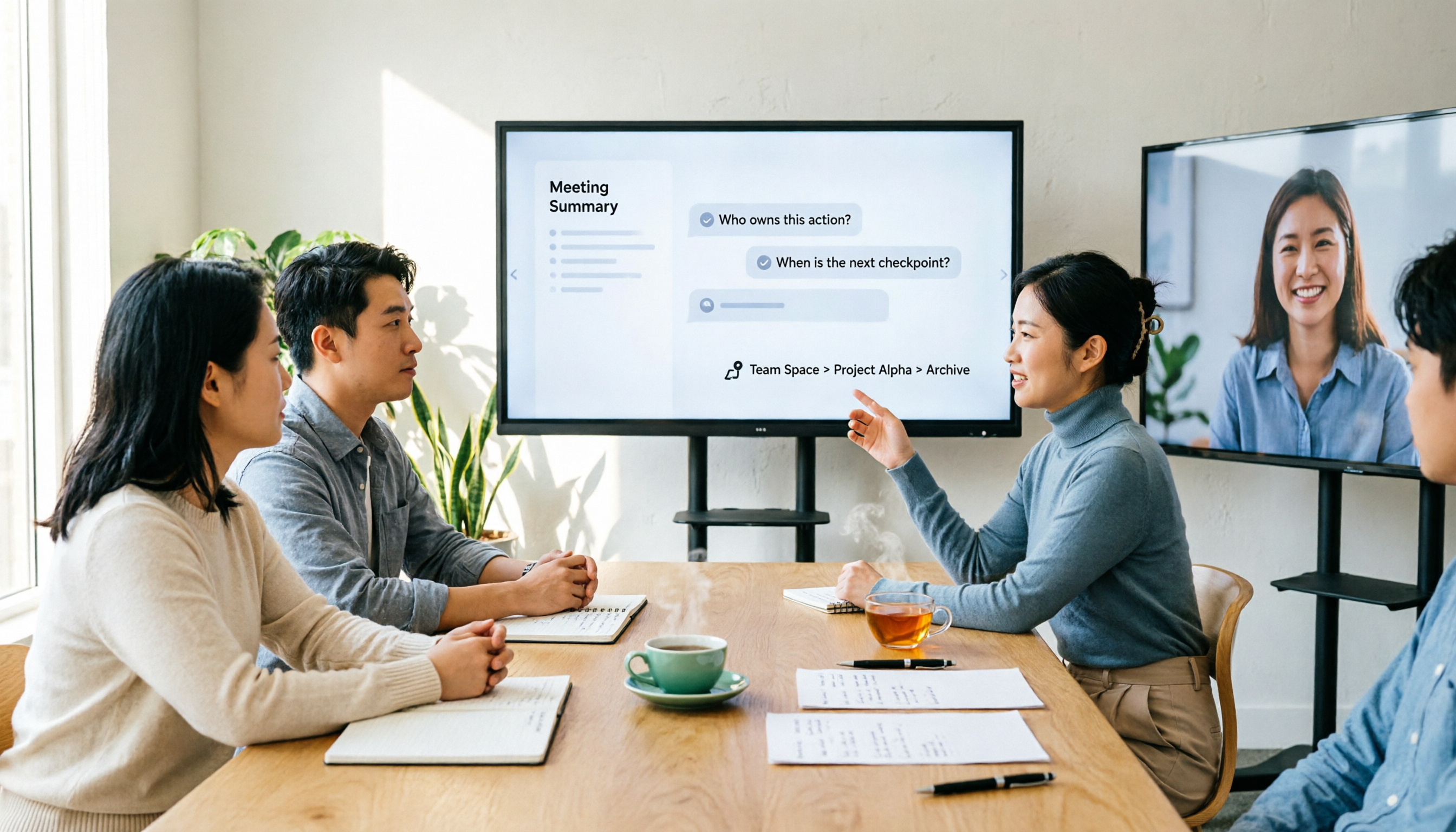
2026 AI Meeting Notes Showdown: Why Chinese-Speaking Teams Are Choosing Tinrec Over Vocol AI
Vocol AI is a collaboration platform that turns speech into text and generates summaries, but what really holds teams back is often the post-meeting workflow, data ownership, and scenario coverage. This article compares Tinrec and Vocol AI from a practical standpoint on bot-free meeting recording, AI Q&A, team workspace governance, and pricing, so you can see clearly where to invest your time.
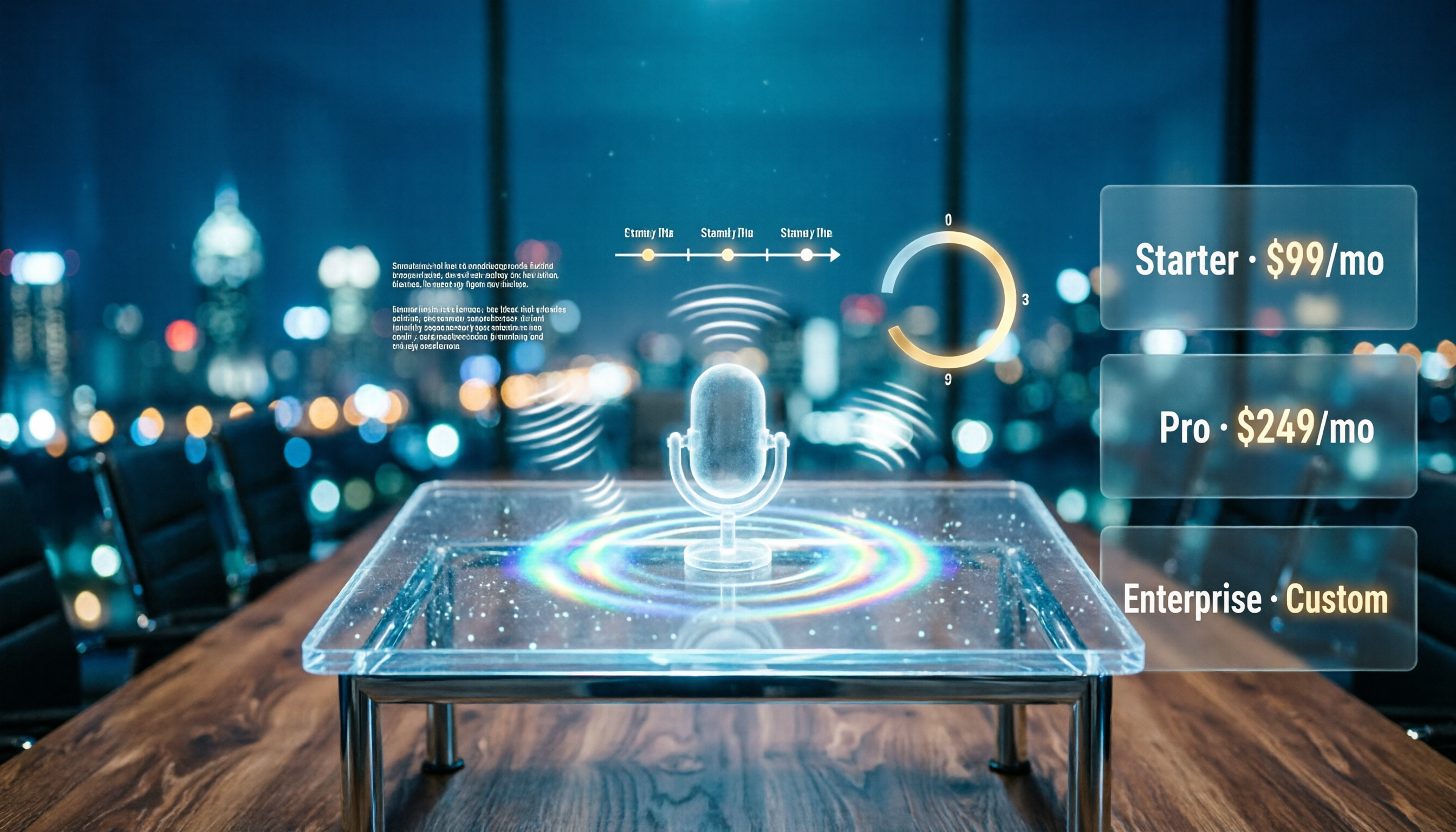
Notta AI Pricing 2026: Free Plan Limits & 5 Meeting Note Tools Compared
People searching 'how much is Notta AI' are often drawn to the free plan but overlook the 3-minute limit per recording. This guide breaks down Notta's Free, Pro, and Business pricing and minutes, and compares the pricing models of 5 meeting note tools—Tinrec, Otter, TurboScribe, Granola, and PLAUD—to help you decide which plan truly fits your needs.

2026 Comparison of 3 VOCOL Capillary GC Column Specifications: How to Choose I.D., Film Thickness, and Maximum Temperature
How to choose a VOCOL capillary GC column? This article summarizes the characteristics of the Supelco VOCOL stationary phase (diphenyl dimethyl polysiloxane with crosslinking moieties), three common specifications (105 m × 0.53 mm × 3.00 μm, 60 m × 0.25 mm × 1.50 μm, 30 m × 0.25 mm × 1.5 μm), temperature limits by I.D. and film thickness, and application scenarios for purge-and-trap and GC/MS, along with purchasing and pitfall-avoidance advice.

Notta AI Complete Guide 2026: Speech-to-Text Limits and Team Collaboration Choices
Notta AI is an AI transcription tool that supports 58 languages, but turning speech into text is only the first step in a meeting workflow. This article starts from the choice readers actually need to make, explains Notta AI's positioning and boundaries, and uses Tinrec as an example to break down how real-time transcription, bot-free meeting recording, AI summary action items, Q&A, and team knowledge retention can form a usable process.

Notta Features Guide 2026: What AI Meeting Notes Can Do and How Chinese-Speaking Teams Should Choose
What can AI meeting note tools like Notta actually do? Starting from the real pain points of mid-level managers, this article breaks down the 5 core capabilities of AI meeting notes, 4 real-world use cases, and 5 purchasing considerations. It also explains why teams that need Chinese-language meetings, bot-free recording, and team knowledge retention ultimately choose Tinrec.

VOCOL GmbH in 2026: 5 Key Verification Points for a German Tank Transport Equipment Manufacturer
VOCOL GmbH is a manufacturer of tank trailers and tank containers based in Kevelaer, Germany. This article compiles publicly available information on the company's registration, contact details, product range, and points to note, and explains how to verify a European supplier before cross-border procurement.

2026 AI Meeting Recorder Comparison: Notta Tutorial and Which Tool Saves More Time After Meetings?
People searching for a notta tutorial usually don't want a feature list—they want to know how to record, transcribe, and turn meetings into minutes and action items. This guide breaks down Notta's 3-step tutorial and free plan limits, and compares Tinrec, Otter.ai, and TurboScribe in the same meeting scenario to help you choose the right tool.

3 Best AI Meeting Notes Tools for 2026: Notta Pricing, Free Tier, and How It Compares to Tinrec
Notta pricing plans fully broken down: free plan offers 120 minutes per month with a 3-minute limit per file; Pro annual billing equals USD 8.17/month; Business annual billing equals USD 16.67/seat/month. This article honestly lists easily overlooked costs such as translation add-ons and AI Credits, and compares Tinrec across five dimensions—bot-free meeting recording, post-meeting AI organization, and team governance—to help you decide where to spend your money.

2026 Best 4 Transcription Tools Tested: Notta vs. Tinrec — Which Delivers Chinese Meeting Minutes Faster?
Meeting notes never seem to end—often it's not about speed but choosing the wrong tool. This article uses 'getting a send-ready summary within 10 minutes after a meeting' as the benchmark, comparing Notta, Otter.ai, TurboScribe, and Tinrec across four dimensions: Chinese recognition, post-meeting organization, online meeting recording methods, and data retention. It also covers team seat plans, usage limits, and pitfalls to help you choose the right tool at once.