

Turn recordings into transcripts and summaries in minutes
Upload audio or video for multilingual transcription, AI notes, and action items
When you type a tool name plus "tutorial" into the search bar, you're usually not looking for a feature list. You have a 90-minute client meeting tomorrow: people speak fast, mix languages, and someone casually adds, "Who's handling this next week?" What you really want to know is how to record, how to transcribe, and whether the meeting can directly become minutes and action items. This article skips the fluff and puts Notta's tutorial steps, free plan limits, and two other tools into the same meeting scenario to help you decide which one deserves a spot in your workflow.
Two-Hour Meeting, Two-Hour Cleanup? You Don't Need a Recorder—You Need a Post-Meeting Workflow
The first scenario is an online meeting. The meeting ends, the recording sits in a folder, and you still have to re-listen, extract key points, and add action items. A two-hour meeting turns into three hours of work. The second scenario is a group discussion. Who said what, what was decided, and who needs to deliver what next week are scattered across chat logs and personal notes. Next time you need to check, you have to ask someone again. The third scenario is team handover. When a member leaves or transfers, meeting data stays in their account, and the new person starts from zero.
These problems aren't caused by whether you recorded the meeting—they're caused by the lack of a workflow after recording. With the right tool, meeting content should become searchable, queryable, and deliverable data, not a file you never open again.
4 Key Points to Understand Before Choosing an AI Meeting Recorder
1. Will the capture method disrupt the meeting? Some tools rely on a meeting bot joining the participant list, which suits external meetings, but internal meetings may not want an extra bot. Desktop apps that capture system audio directly offer bot-free recording, which is less intrusive for online meetings on Zoom, Meet, Teams, and Webex.
2. Can you work directly after the meeting? A transcript is just raw material. You need to see if it can generate summaries, chapters, action items, answer questions about the meeting, export to Notion, Google Docs, or generate reports. Tools that only provide transcripts still require manual cleanup afterward.
3. Is the Chinese and multilingual experience sufficient? Teams often mix Chinese and English, with technical terms and product codes. Check if it supports Chinese, Traditional Chinese, multiple languages, real-time translation, bilingual view, and whether you can maintain team hotwords. Official accuracy claims are only references—best to test with your own meeting recordings.
4. Who owns the team data? Meeting data accumulated in personal accounts follows the person. For team plans, look at workspace, members, roles, seats, usage, and audit: roles govern permissions, seats govern usage rights, and resources should be transferable when members leave. This matters more for departmental purchases than "free minutes."
Tinrec (Miaoting Recording)—Turn Meetings into Queryable, Deliverable Data
Tinrec is an AI meeting recorder and collaboration tool for individuals and teams, available on web, desktop, and mobile. Its biggest difference from tools that "just convert audio to text" is that it takes over post-meeting work: transcripts, summaries, chapters, action items, mind maps, AI Q&A, translation, export, and data retention in team workspaces.
First, the meeting itself. For online meetings, Tinrec's desktop app captures computer system audio directly, handling Zoom, Google Meet, Microsoft Teams, Webex, and others without an extra bot joining. For offline interviews or ad-hoc discussions, use mobile or web for real-time recording and transcription. Already-recorded audio and video files can also be uploaded for processing. This is practical for teams that "don't want a bot appearing in the participant list."
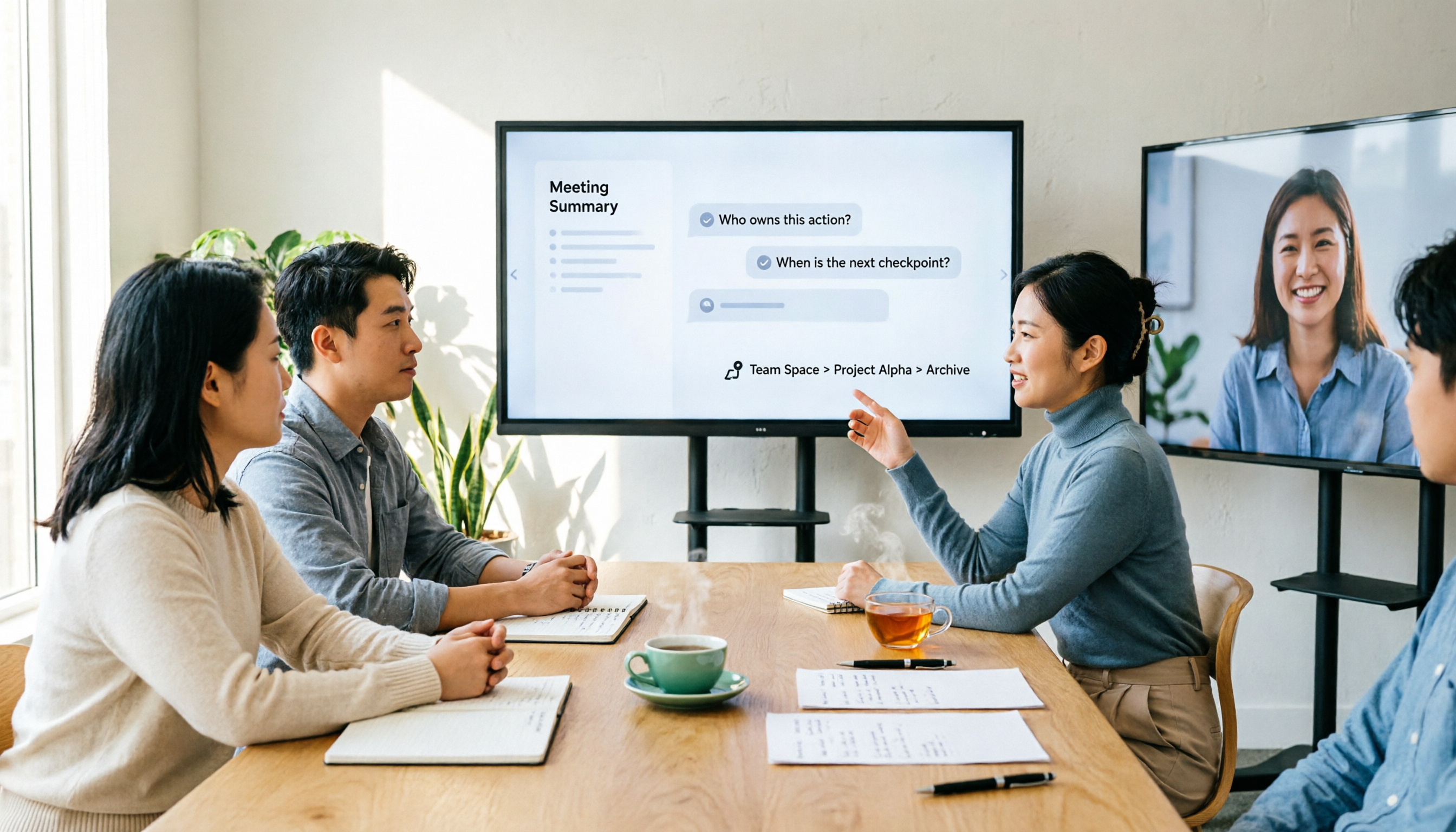
Then, after the meeting. Once the meeting ends, Tinrec generates summaries and chapters, extracts action items from the discussion, and lets you ask questions directly about the meeting. For example, if you ask "What was the final budget the client confirmed?" it answers based on meeting semantics, not just keyword search results. When you need to deliver, you can export to Notion, Google Docs, OneNote, Dropbox, or further generate reports, tables, and meeting minutes. This is where it stands out from most transcription tools: it doesn't just give you a transcript—it gives you data you can keep working with.
For Chinese and multilingual support, Tinrec handles Chinese, Traditional Chinese, and multilingual meetings, supports real-time translation and bilingual view, and team plans can maintain hotwords to stabilize product names, project codes, and other technical terms. Actual accuracy depends on recording quality, noise, accents, and overlapping speakers; fixed percentage promises are not recommended. Important content should still be verified against transcript timestamps and recordings.
Stop organizing recordings by hand
Upload audio or video and automatically get a transcript, summary, and action items
Team scenarios are another focus. Tinrec's team plan isn't multiple people sharing a personal account—it's an independent team workspace: create multiple teams, invite members via link, set Owner/Admin/Member roles, assign and revoke seats, and centrally store Audio, Folder, TODO, and meeting data. Roles determine governance permissions; seats determine whether one can record, upload, edit, import/export; active members without seats can still view, play, and read team data. When members leave or lose seats, team resources can be transferred to other active members and won't disappear with personal accounts. Admins can also view usage trends, member rankings, details, and audit logs, and use audio recycle bin and team hotwords.
Pricing: team monthly is USD 29.80 per paid seat per month, annual is USD 199 per paid seat per year (about USD 16.58/month), each paid seat includes 2,000 minutes of team shared import quota per month; first eligible team trial is 7 days, 1 free seat, 300 minutes shared import quota. Under active team plans and seats, real-time recording currently does not deduct minutes; file and web imports use team shared import minutes. Personal plans include free, weekly card, Pro monthly, and Pro annual—choose based on your tasks. Limitations should be clear: the free plan has basic quota, heavy use requires payment; some team plan capabilities should be confirmed on the production environment and purchase page before official launch.
Besides Tinrec, What Are the Alternatives?
Notta: Try the Free Plan First, 3-Step Tutorial to Get Started
If you're searching for a notta tutorial, Notta's start is actually straightforward: log in to the dashboard, choose one of "Record Audio / Import Files / Transcribe Live Meetings / Record Video"; download the desktop app on computer to record Mac or PC meeting audio; on mobile, long-press the record button to start quickly. Official free plan is 120 minutes per month, max 3 minutes per session; Pro annual is about USD 8.17/month with 1,800 minutes per month; Business annual is USD 16.67/seat/month with unlimited transcription, role permissions, and usage reports. Its transcription, summaries, translation, and team plans are complete—good for trying out. But the gap with Tinrec is in post-meeting Q&A, action item extraction, Agent post-processing, and team data retention. If you only occasionally organize short recordings, Notta's free plan is enough; if meetings are long and you want data to stay and be reused, Tinrec's workflow is more complete.
Otter.ai: A Veteran Choice for English Meetings
Otter.ai is a mature AI meeting assistant. Basic free is 300 minutes per month; Pro annual is about USD 8.49/user/month with 1,200 minutes of in-app recording and 10 file imports per month; Business offers unlimited meetings and in-app recording. It's mature for English business meeting summaries, Q&A, and team collaboration—if you mainly record English meetings, it's worth prioritizing. But Chinese meetings, real-time translation, and bot-free desktop recording are not its strong suit; Tinrec is more direct for Chinese meetings, bilingual view, and team data retention. Prices and benefits are subject to Otter's official pricing page.
TurboScribe: A Budget Option for Bulk Long-File Transcription
TurboScribe is more of a cost-effective file transcription tool: Free allows 3 files per day, max 30 minutes per file; Unlimited annual is USD 120, about USD 10/month, paid version supports up to 10 hours or 5 GB per file, and 50 files at once. If you have a batch of long recordings, lectures, or subtitle files, its batch processing is a good deal. But it doesn't focus on real-time online meetings, post-meeting action items, and team collaboration; Tinrec's value is the end-to-end from meeting to delivery. They suit different tasks.
Pitfall Guide: 4 Most Common Mistakes When Choosing a Meeting Recorder
Pitfall 1: Only looking at free minutes. A large free quota doesn't mean it's enough. For example, Notta's free plan is 120 minutes per month, max 3 minutes per session—good for short recordings; a 90-minute meeting would need to be split. Calculate your actual monthly transcription hours first, then check the quota.
Pitfall 2: Thinking a transcript is enough. A transcript is raw material, not a finished product. Without summaries, chapters, action items, and Q&A, you still have to manually re-listen afterward. When purchasing, ask directly: Can this meeting's decisions be queried? Can action items be extracted automatically?
Pitfall 3: Ignoring bot-free recording. Bots joining meetings are convenient, but some client meetings don't want an extra participant. Desktop apps that capture system audio are more discreet for both internal and external meetings. Note that this doesn't mean automatically joining all calendar meetings—users still need to initiate recording.
Pitfall 4: Treating team sharing as file-level permissions. For team plans, understand the difference between roles and seats. Active members can view team data, but without a seat they cannot upload, edit, import/export; most team tools currently share at the team level, not per-file ACL. Clarify governance needs before purchasing to avoid discovering permission mismatches after launch.
Conclusion: Which One Should You Choose?
To recap: if you want a quick start with a "Notta tutorial," Notta's free plan can be tried with short recordings; but if you want Chinese meetings, bot-free recording, post-meeting AI Q&A, action item extraction, and team data retention, Tinrec is the more complete choice.
| Your Scenario | Recommendation |
|---|---|
| Occasionally organize short recordings under 3 minutes, try first | Notta free plan |
| Chinese meetings, mixed Chinese-English, need post-meeting Q&A and action items | Tinrec |
| Online meetings without bots joining | Tinrec desktop app |
| Team needs centralized meeting storage, seat and usage management | Tinrec team plan |
| Mainly English meetings, already used to Otter ecosystem | Otter.ai |
| Batch transcription of long recordings, lectures, subtitle files | TurboScribe |
If you're still searching for a notta tutorial, try putting your most recent meeting recording into both Notta's free plan and Tinrec's trial, and compare three things: how much manual correction the transcript needs, whether you can directly ask about decisions afterward, and whether team members can take over the data. No tool is absolutely best—only what fits your meeting workflow. Tinrec's free plan and team trial can be run first before deciding whether to upgrade.
References
Turn every recording into actionable outcomes
Get 60 free transcription minutes when you sign in. No credit card required.
Related Reading
You might also like
2026 AI Meeting Notes Showdown: Why Chinese-Speaking Teams Are Choosing Tinrec Over Vocol AI
Vocol AI is a collaboration platform that turns speech into text and generates summaries, but what really holds teams back is often the post-meeting workflow, data ownership, and scenario coverage. This article compares Tinrec and Vocol AI from a practical standpoint on bot-free meeting recording, AI Q&A, team workspace governance, and pricing, so you can see clearly where to invest your time.
Notta AI Pricing 2026: Free Plan Limits & 5 Meeting Note Tools Compared
People searching 'how much is Notta AI' are often drawn to the free plan but overlook the 3-minute limit per recording. This guide breaks down Notta's Free, Pro, and Business pricing and minutes, and compares the pricing models of 5 meeting note tools—Tinrec, Otter, TurboScribe, Granola, and PLAUD—to help you decide which plan truly fits your needs.

2026 Comparison of 3 VOCOL Capillary GC Column Specifications: How to Choose I.D., Film Thickness, and Maximum Temperature
How to choose a VOCOL capillary GC column? This article summarizes the characteristics of the Supelco VOCOL stationary phase (diphenyl dimethyl polysiloxane with crosslinking moieties), three common specifications (105 m × 0.53 mm × 3.00 μm, 60 m × 0.25 mm × 1.50 μm, 30 m × 0.25 mm × 1.5 μm), temperature limits by I.D. and film thickness, and application scenarios for purge-and-trap and GC/MS, along with purchasing and pitfall-avoidance advice.

Notta AI Complete Guide 2026: Speech-to-Text Limits and Team Collaboration Choices
Notta AI is an AI transcription tool that supports 58 languages, but turning speech into text is only the first step in a meeting workflow. This article starts from the choice readers actually need to make, explains Notta AI's positioning and boundaries, and uses Tinrec as an example to break down how real-time transcription, bot-free meeting recording, AI summary action items, Q&A, and team knowledge retention can form a usable process.

Notta Features Guide 2026: What AI Meeting Notes Can Do and How Chinese-Speaking Teams Should Choose
What can AI meeting note tools like Notta actually do? Starting from the real pain points of mid-level managers, this article breaks down the 5 core capabilities of AI meeting notes, 4 real-world use cases, and 5 purchasing considerations. It also explains why teams that need Chinese-language meetings, bot-free recording, and team knowledge retention ultimately choose Tinrec.

VOCOL GmbH in 2026: 5 Key Verification Points for a German Tank Transport Equipment Manufacturer
VOCOL GmbH is a manufacturer of tank trailers and tank containers based in Kevelaer, Germany. This article compiles publicly available information on the company's registration, contact details, product range, and points to note, and explains how to verify a European supplier before cross-border procurement.

3 Best AI Meeting Notes Tools for 2026: Notta Pricing, Free Tier, and How It Compares to Tinrec
Notta pricing plans fully broken down: free plan offers 120 minutes per month with a 3-minute limit per file; Pro annual billing equals USD 8.17/month; Business annual billing equals USD 16.67/seat/month. This article honestly lists easily overlooked costs such as translation add-ons and AI Credits, and compares Tinrec across five dimensions—bot-free meeting recording, post-meeting AI organization, and team governance—to help you decide where to spend your money.

2026 Best 4 Transcription Tools Tested: Notta vs. Tinrec — Which Delivers Chinese Meeting Minutes Faster?
Meeting notes never seem to end—often it's not about speed but choosing the wrong tool. This article uses 'getting a send-ready summary within 10 minutes after a meeting' as the benchmark, comparing Notta, Otter.ai, TurboScribe, and Tinrec across four dimensions: Chinese recognition, post-meeting organization, online meeting recording methods, and data retention. It also covers team seat plans, usage limits, and pitfalls to help you choose the right tool at once.

5 AI Meeting Recorder Tools Tested and Compared for 2026: Is Notta Any Good? Which One Should You Pick for Chinese Meetings?
Is Notta any good? This hands-on review breaks down Notta's transcription performance, AI summaries and Q&A, free plan limits, and pricing. It also compares Tinrec, Otter.ai, TurboScribe, and Granola on Chinese meeting support, bot-free recording, and post-meeting organization to help you decide which tool actually fits your workflow.