

Turn recordings into transcripts and summaries in minutes
Upload audio or video for multilingual transcription, AI notes, and action items
5 Google Meet Alternatives Compared for 2026: How Tinrec Fills the Meeting Notes Gap
Before you replace Google Meet, ask yourself one question: Is it the meeting itself you can't stand, or is it all the stuff nobody organizes after the meeting is over?
Those two answers point to completely different tools.
If it's the former—you find the host controls too limited, large webinars hard to run, or compliance auditing insufficient—then you're looking for another video meeting room. You can evaluate options like Zoom, Microsoft Teams, Jitsi Meet, and Whereby. But if it's the latter, switching platforms won't solve anything: you'll just go from having meetings on one account to having meetings on another account, and you still won't have records afterward.
I have about 15 meetings a week and manage 10 people. Honestly, the meetings themselves aren't the problem—it's the part after the meeting: decisions, action items, who agreed to what, all scattered between my brain and chat windows. What I ended up adding wasn't new meeting software, but a layer of meeting notes and organization tools—which is what this article is about: Tinrec.
Why are people starting to look for Google Meet alternatives?
Google Meet's strengths are clear: it's fast to start, tightly integrated with Google Calendar and Workspace, and the other person barely needs to install anything. But the common reasons for leaving are also specific: the need for more complete host and admin controls, regulatory or compliance requirements, hosting large online webinars, or wanting cross-platform flexibility.
These needs are essentially about finding 'another meeting room.' But if your pain point is—after a meeting ends, conclusions have no landing spot, action items have no owner, and two weeks later when someone asks 'what was that decision again?' you have to dig through messages—then what you need isn't a different meeting room, but a layer of recording, organization, and queryable mechanisms before and after meetings. Tinrec addresses the latter: it doesn't replace where you meet; it fills the gap after your meeting ends.
Tinrec vs Google Meet: What's different in the core experience?
1. The 'starting point' of a meeting is different
Meet is a meeting room; Tinrec is a recorder. The Tinrec desktop app directly captures your computer's system audio, so it can handle meeting content played on Zoom, Google Meet, Microsoft Teams, and Webex without inviting any meeting bot to join. For managers, this is very practical: no strange account appears in the participant list, the meeting flow doesn't change, you still use Meet for your meetings—you just let the content be captured at the same time.
2. What you get after the meeting is different
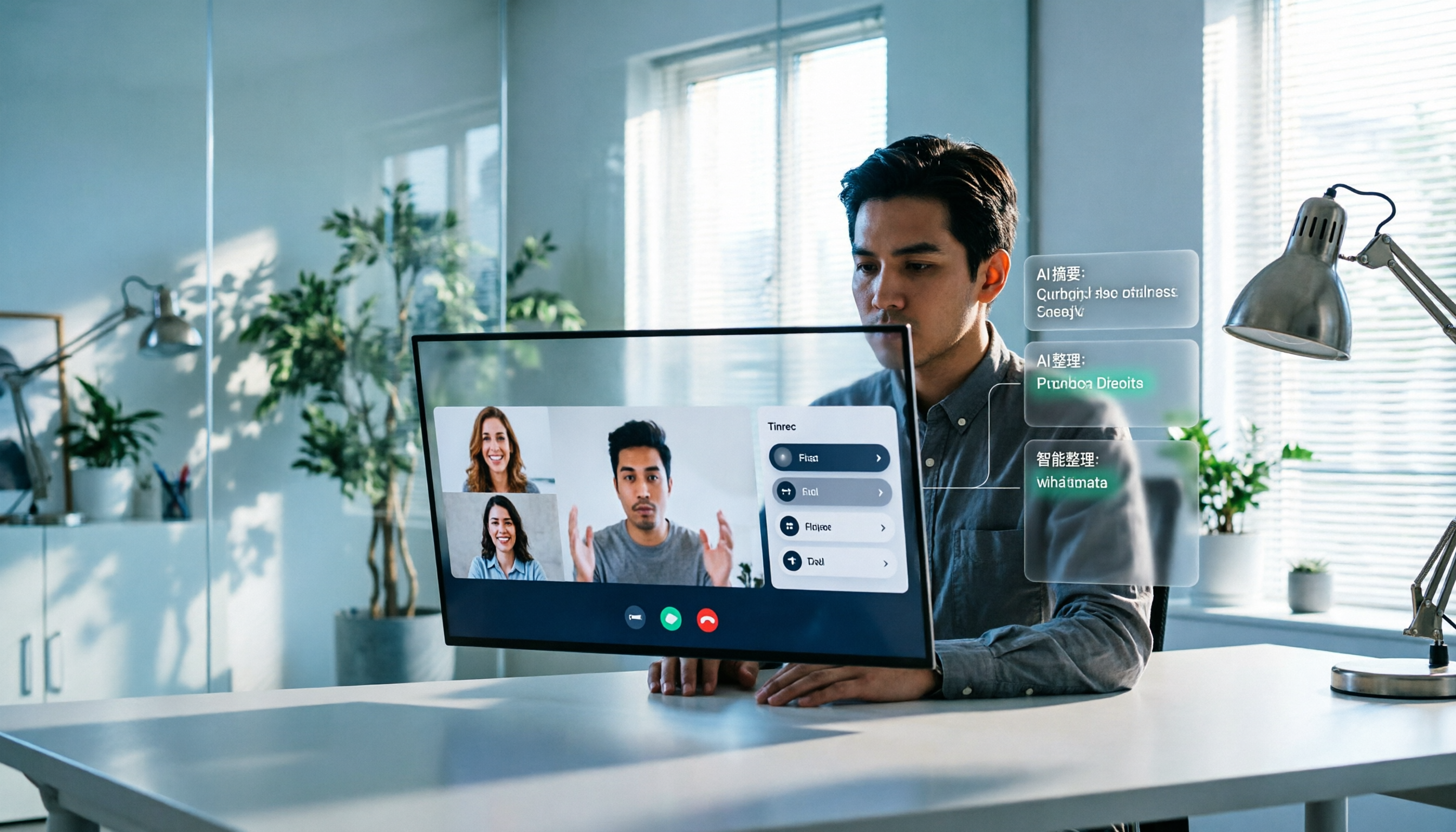
What you get from recording features is a video file, usually still sitting in cloud storage; to rewatch or find a specific sentence, you have to drag the timeline. Tinrec generates a transcript while recording, and after the meeting directly gives you summaries, chapters, key points, and action items, and you can even ask questions about the content. For the same one-hour meeting, on one side you rewatch 60 minutes; on the other, you spend 5 minutes reading the summary and then go back to verify two passages in the original text.
3. The types of meetings it can handle are different
The real workplace isn't a single platform: clients use Zoom, suppliers use Teams, and the boss spontaneously pulls everyone into a conference room for 20 minutes. Tinrec supports live recording (in-person meetings), audio/video file uploads, and mobile recording, all collected into the same database. This 'unified entry point' is especially important for people who need to report upward—you don't have to remember which meeting was on which platform or which account the records are stored in.
4. Practical experience with Chinese and mixed Chinese-English
Tinrec focuses on Chinese meeting transcription, mixed Chinese-English content organization, multilingual transcription, and real-time translation (you can switch between original text, translation, or bilingual view). I'll be honest here: don't believe any claims of a 'fixed accuracy rate.' Actual performance depends on recording quality, background noise, accents, multiple people speaking at once, and technical terminology. A controllable approach is to use team hotwords to maintain your company's product names and industry terms, and then go back to verify important decisions against the original text and recording.
5. Who ultimately holds the data
Files recorded on personal accounts live in personal spaces; when someone leaves, the data scatters. Tinrec's team edition is an independent team space: meeting data belongs to the team, and when members leave or are removed, resources can be handed over to other active members. There are also role and seat management, usage analytics, audit logs, and an audio recycle bin. For teams of 10 or more that need handovers, this is a watershed.
Stop organizing recordings by hand
Upload audio or video and automatically get a transcript, summary, and action items
Tinrec's core features at a glance
Live recording to text: Open and record, transcribe while recording, and the transcript is already taking shape by the time the meeting ends. Suitable for in-person interviews and ad-hoc discussions.
Bot-free online meeting recording: The desktop app captures system audio, so you can handle online meetings without adding a bot. No need to change your existing meeting habits just to take notes.
AI summaries, chapters, and action item extraction: Long meetings are automatically broken into structured chapters, and action items from the discussion are pulled out. My most common use is to directly look at 'who needs to do what' after the meeting, rather than reading the transcript from the beginning.
AI conversational query: This is the feature I personally use most often. For a one-hour meeting, just ask 'what was the conclusion?' or 'who's responsible for which part?' and it gives answers based on semantics, without manually flipping through thirty pages.
Multi-format export and Agent post-processing: Results can be taken to Notion, Google Docs, OneNote, or Dropbox for continued use, and can further generate meeting minutes, reports, and tables—directly becoming the document you give your boss.
Real-world usage scenarios
Weekly meetings and project progress meetings: For a fixed weekly rhythm, consistency is what you need most. After recording with Tinrec, what was said last week and what was followed up this week are all searchable. When asked 'what was the conclusion last time?' you can pull it up in thirty seconds instead of flipping through notes for three minutes.
Cross-department coordination meetings: The most time-consuming part of cross-department work is never the communication itself, but the follow-up and confirmation after communication. Transcripts plus action item extraction turn 'I thought you remembered' into a written record, directly halving the cost of subsequent alignment.
Customer interviews and requirements communication: Customer needs, concerns, and commitments—handwriting will definitely miss things. After recording, use AI Q&A to organize requirement points and objections, then export as a customer record—far more reliable than filling in from memory.
Ad-hoc in-person meetings and one-on-one conversations: Spontaneous discussions in conference rooms are the easiest to miss. Just start live recording on your phone or desktop, and the record is there when you finish talking—no need to go back and fill in.
When choosing a meeting notes tool, these points are worth noting
First, distinguish whether it's a meeting room or a recorder: These two types of tools solve different problems, and comparing prices across them is meaningless. First confirm where your bottleneck is.
Does it retain audio files?: Some tools keep only text and not audio, so you can't trace back when errors occur. Tinrec retains audio and provides a recycle bin mechanism; accidentally deleted items can be restored before cleanup (the current team recycle bin retention period is 30 days).
Can you continue using it after transcription?: A tool that only gives you a transcript is essentially handing the organization work right back to you. Look for summaries, chapters, action items, Q&A, and export.
Team governance requires roles and seats: This is something many people miss during procurement. In Tinrec's team edition, roles determine who can manage the team and audit, and seats determine whether members can record, upload, edit, and export; active members without seats can still view and play team data, but cannot perform resource usage operations. This is completely different from 'multiple people sharing one account.'
How is quota calculated?: Tinrec's team edition paid seats provide 2,000 minutes of team shared import quota per month; file and web imports use this shared quota; under an active team plan and active seats, live recording currently does not deduct by minutes. When evaluating, consider whether your usage leans toward live recording or file import.
Conclusion: Is Tinrec worth a try?
If what you want is a 'more powerful video meeting room,' Tinrec is not the answer—look at the Zoom/Teams route. But if your real problem is all the unorganized stuff after every meeting—decisions with no landing spot, action items with no owner, and two weeks later nobody can explain clearly—then Tinrec is worth adding to your toolbox. Its three core values are: bot-free recording that doesn't disrupt the meeting flow, transcripts that directly give you summaries and action items, and team spaces that make meeting data belong to the team rather than individuals.
Practical advice: don't rush to pay first. Use the free plan quota and pick three meetings you'll actually have next week to test: a weekly meeting, a cross-department meeting, and a customer interview. After recording, ask it 'what was the conclusion?' and see whether it can answer—this is more accurate than reading any review. For teams that want to try, there is currently a 7-day trial for first-time eligible users, 1 free seat, and 300 minutes of team shared import quota; paid plans are USD 29.80 per seat per month, or USD 199 annually (equivalent to about USD 16.58 per month). Prices and benefits are subject to the official purchase page.
One final reminder: recording and transcription involve personal data. Before use, please confirm compliance with local regulations and obtain participant consent when necessary.
References
- The Digital Project Manager: 10 Best Google Meet Alternatives for Video Calls in 2026
- TechRadar Pro: 12 alternatives to Google Meet for better privacy, fewer limitations, and more powerful features
- Gartner Peer Insights: Top Google Meet Alternatives & Competitors 2026
- Capterra: Best Google Meet Alternatives 2026
References
- 10 Best Google Meet Alternatives for Video Calls in 2026
- 12 alternatives to Google Meet for better privacy, fewer limitations, and more powerful features
- Top Google Meet Alternatives & Competitors 2026 | Gartner Peer Insights
- Best Google Meet Alternatives 2026 | Capterra
- r/opensource on Reddit: Alternatives to Google meets for overnight, stable call
Turn every recording into actionable outcomes
Get 60 free transcription minutes when you sign in. No credit card required.
Related Reading
You might also like

4 Best Google Meet Headsets to Try in 2026: Clear Mic and Meeting Notes Made Easy
Hands-on review of 4 recommended Google Meet headsets in 2026, covering microphone clarity, noise cancellation, comfort, and connection stability. Plus, why a headset only solves half the problem—and how Tinrec saves time with meeting notes and follow-ups.
Google Meet Recording in 2026: Complete Guide to Auto-Recording, Permissions, and Organizing Your Files
Google Meet calls do not record automatically. Only eligible paid Workspace users can manually start a recording, and the file is saved to the host's Google Drive. This guide addresses the question "Will I be recorded?" by explaining permissions, file locations, participant notifications, and how, within these limitations, Tinrec desktop's bot-free recording with AI summaries and action items works in practice.

2026 Google Meet Recording Tools Buyer's Guide: 6 Tested Picks & Recommendations
A mid-level manager who runs 15 meetings a week shares hands-on testing of 6 Google Meet recording tools in 2026—Google Meet built-in recording, Otter.ai, Fireflies.ai, Notta, Granola, and Tinrec—comparing bot-free recording, Chinese transcription, post-meeting outputs, and team plans, with scenario-based recommendations.

How to Auto-Record Google Meet in 2026: Default Settings & Guaranteed Recording
Google Meet does not record automatically by default—a fact many discover too late. This guide walks you through 5 steps to check your plan permissions, enable auto-recording, locate files after meetings, and set up a bot-free backup recording workflow that doesn't rely on Workspace settings.

Google Meet Video Calls in 2026: A Complete Guide from Online Meetings to Post-Meeting Records
Google Meet is indeed a video calling service, but the real time sink comes after the call: transcripts, summaries, and action items. This guide starts from the reader's decision point, explaining what Meet can and cannot do, and how Tinrec fills the gap in post-meeting organization and team collaboration with desktop bot-free recording.

4 Google Meet Note-Taking Tools Tested for 2026: Get Transcripts Without a Bot?
Google Meet makes meetings easy, but post-meeting organization is painful. From a mid-level manager's hands-on testing perspective, this article compares Tinrec, Otter.ai, Granola, and Notta in Google Meet scenarios—covering audio capture methods, Chinese transcription, post-meeting outputs, and team knowledge retention—and outlines 3 common purchasing pitfalls to help you decide which tool can truly save you those two hours after each meeting.

3 Meeting Tools in the UAE in 2026: Does Google Meet Work in Dubai?
Public information remains divided on whether Google Meet works in the UAE. This article covers real-world usage scenarios, 4 key factors to consider, backup options like Teams and Zoom, and how to use Tinrec to turn meeting content into transcripts, summaries, and action items.

Google Meet Host Leaves: Does the Meeting End? 3 Note-Taking Methods Tested (2026)
What happens when the host leaves a Google Meet? This article breaks down the difference between 'Leave call' and 'End call,' the hidden rules for recurring meetings, and compares three meeting note-taking methods. It explains why notes often stop when the host leaves and how Tinrec's no-bot recording keeps transcripts, summaries, and action items intact.

4 Meeting Transcription Tools Tested for 2026: Does Google Meet Work in Dubai? How to Keep Meeting Records
Can you use Google Meet in Dubai? Most users report it works, but VoIP regulations can affect connection quality. This article summarizes real-world usage and compares Tinrec, Otter.ai, Granola, and Notta across four aspects: recording method, audio retention, Chinese recognition, and post-meeting output, to help you choose the most reliable record-keeping solution for international meetings.