

Turn recordings into transcripts and summaries in minutes
Upload audio or video for multilingual transcription, AI notes, and action items
Why You're Searching for 'Buy Google Meet Pro': A Mistake I Made
Last month, I searched the same phrase on Google. My thinking was simple: the free version of Meet cuts off after an hour, lacks recording and transcription, and has no AI summaries. So, is there a 'Pro' version I can unlock with my credit card?
It took me an entire evening to figure out: Google does not sell a standalone plan called 'Meet Pro.' Features like recording, transcription, and Gemini summaries are tied to Google Workspace or Google One / Google AI Pro subscriptions. You won't find 'Meet Pro' as a product on any checkout page—not because you searched the wrong keywords, but because it simply doesn't exist.
This article compiles what I found that evening into a list. If your goal is to make Meet 'good enough,' there are actually 7 paths you can take. I'll present them in the order I tried them, with prices listed exactly as they appear on official pages, so you can decide for yourself.
First, Clarify What Kind of Upgrade You Need
- If you only want official native features (recording, transcription, Gemini summaries) → Go with Google Workspace or Google One
- If you want more (AI follow-up questions, automatic action items, cross-platform unified database) → Third-party AI meeting tools
- If you just need to transcribe a file occasionally and don't want to spend money → Free transcription tools
Figure out which category you fall into first, so you don't waste time reading the wrong options below.
Option 1 | Tinrec – Turn Meetings into a Searchable Team Knowledge Base
One-line summary: No meeting bot needed; the desktop app captures system audio directly, and you can ask questions about the meeting content afterward.
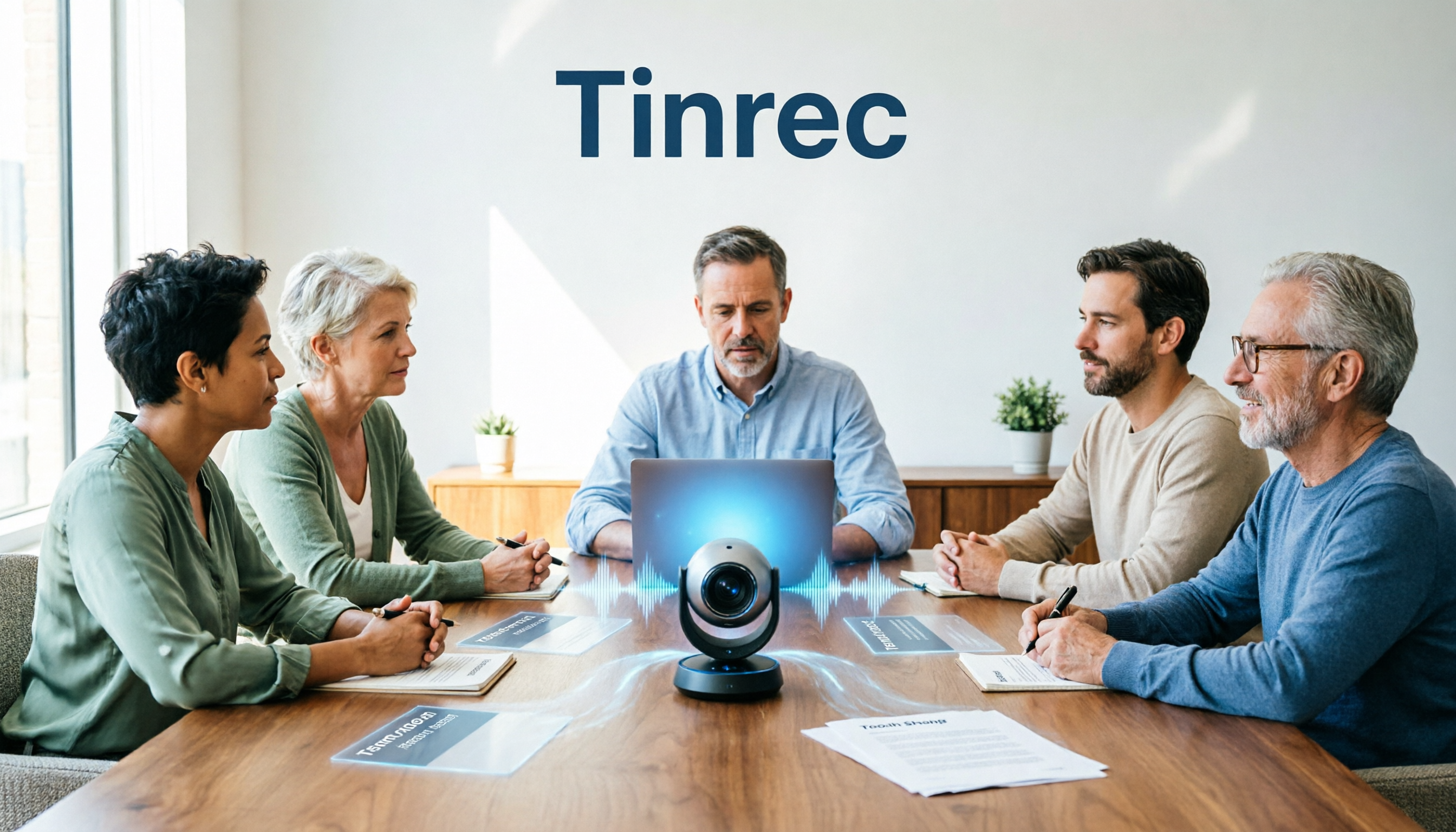
I initially used the meeting bot approach, where you have to invite an account to the meeting beforehand. When clients see an unfamiliar name on the participant list, they ask 'Who's this?'—it's a bit awkward. Later, I switched to Tinrec's desktop version, which captures your computer's system audio. It can record meetings played on your computer via Zoom, Google Meet, Teams, or Webex without adding an extra participant.
Four scenarios I actually use:
- Bot-free recording of online meetings: Open the desktop app and start recording; transcription appears in real-time. No need to wait for a bot to send files after the meeting—just go to the workspace to view.
- AI Q&A: This is the main reason I keep using it. Last week, my boss asked, 'What was the final delivery date from that supplier meeting?' I used to spend three minutes flipping through notes; now I just ask a question in the meeting data and get an answer, and I can follow up with more questions.
- Summaries, chapters, and action items: Long meetings are automatically divided into chapters, and action items are extracted separately. I copy the action item list and paste it to my subordinates directly, no need to rely on memory.
- Export and post-processing: Transcripts can be exported to Notion or Google Docs for further editing, and you can directly generate reports, tables, and other post-meeting deliverables.
Plans and pricing: The personal version includes a free tier, weekly pass, Pro monthly, and Pro annual—choose based on usage frequency. The team version is a separate team space; first-time eligible users can try it for 7 days (1 free seat, 300 minutes of shared team import quota). Monthly billing is USD 29.80 per paid seat per month; annual billing is USD 199 per paid seat per year (about USD 16.58 per month). Each paid seat includes 2,000 minutes of shared team import quota per month. Under an active plan, real-time recording currently does not deduct minutes.
Who it's for: People who mainly hold meetings in Chinese, don't want bots in their meetings, and need to organize minutes and action items afterward. For teams, the team version's roles, seats, usage, and audit features keep data within the team rather than individual accounts.
Option 2 | Google Workspace – The Official Native Route, Features Tied to Subscription
Positioning: If you want native Meet recording, transcription, and Gemini, this is the most direct path.
Google Meet's advanced capabilities are tied to a Workspace subscription, not available as an add-on. Business plans start at about USD 7 per user per month, and Starter, Standard, and Plus all offer a 14-day trial for the whole team to try together.
Highlights: Native integration, mature admin console, no extra tools needed; for teams already using Gmail for business, this fills the gap in one go.
Limitations: You're buying the entire Workspace ecosystem, not a 'Meet upgrade pack'; pricing is per user, so costs add up as your team grows.
Who it's for: Companies that should already be using business email and cloud storage, and want to add meeting features along the way.
Option 3 | Google One / Google AI Pro – The Official Option for Individuals
Positioning: If you're not a business and only meet on your own, a personal subscription is more cost-effective.
For individuals, you can choose Google One (includes 2TB storage) or Google AI Pro, priced at USD 19.99 per month in the US. The latter adds 'Take notes for me' and speech translation.
Stop organizing recordings by hand
Upload audio or video and automatically get a transcript, summary, and action items
Highlights: Official support, same account system as Gmail and Google Drive.
Limitations: Priced for individuals, with limited team collaboration and member management capabilities.
Who it's for: Freelancers and solo workers who just need records of their own meetings.
Option 4 | Otter.ai – The Veteran Choice for English Business Meetings
Positioning: A mature AI meeting assistant, strongest for English meetings.
Free Basic plan includes 300 minutes per month; Pro annual billing works out to about USD 8.49 per user per month, including 1,200 minutes of in-app recording per month and 10 file imports; Business offers unlimited meetings and other capabilities, with actual pricing subject to promotions.
Highlights: Supports Zoom, Teams, and Meet, with complete summaries and AI Chat, and mature team management.
Limitations: Smooth for English business scenarios, but you'll need to verify the experience for Chinese meetings; once minutes are used up, you must upgrade.
Who it's for: Teams that mainly meet in English and need standardized meeting processes.
Option 5 | Notta – Multilingual Transcription, A Direct Competitor
Positioning: Multi-platform transcription plus meeting notes, with the highest overlap with Tinrec.
Free version includes 120 minutes per month, with a maximum of 3 minutes per recording; Pro annual billing works out to about USD 8.17 per month, with 1,800 minutes per month; Business annual billing works out to about USD 16.67 per seat per month, including unlimited transcription, role permissions, and usage reports.
Highlights: Strong multilingual capabilities, diverse import formats, and basic governance features in team plans.
Limitations: Free quota is tight—3 minutes per recording is almost useless for real meetings.
Who it's for: Users who need multilingual transcription and focus on file organization.
Option 6 | Granola – The Bot-Free Note-Taking Approach
Positioning: Also bot-free, using system audio plus your own handwritten notes to generate meeting content.
Basic is free, Business is USD 14 per user per month, Enterprise is USD 35 per user per month.
Highlights: Lightweight interface that combines your typed notes with the transcript, generating records that closely reflect your thought process at the time.
Limitations: Does not support uploading pre-recorded audio files, nor does it retain meeting audio. When you need to verify original statements, you only have text.
Who it's for: People who are used to typing during meetings and don't need to keep recordings.
Option 7 | TurboScribe – The Budget Option for Pure File Transcription
Positioning: Doesn't touch the meeting workflow—just converts files to text at the lowest price.
Free version allows 3 files per day, up to 30 minutes per file; Unlimited annual billing is USD 120 (about USD 10 per month), with a maximum of 10 hours or 5 GB per file, and up to 50 files per upload.
Highlights: Cost-effective for long files and batch processing, with subtitles and translation available.
Limitations: No real-time meeting recording, no post-meeting Q&A or team space—it's essentially a tool, not a collaboration platform.
Who it's for: People who already have a bunch of audio files and just need them converted to text.
With So Many Options, How Should You Choose?
- Want Chinese meeting transcription + bot-free recording + post-meeting AI follow-up and action items → Tinrec, few options offer all three simultaneously
- Need to turn meeting data into team assets that stay even when members leave → Tinrec team version (roles, seats, usage, audit, recycle bin)
- Company already needs business email and cloud storage, want to fill the gap in one go → Google Workspace
- Just you alone, don't want to manage team settings → Google One or Google AI Pro
- Meetings entirely in English, need standardized processes → Otter.ai
- Need multilingual transcription, file-focused → Notta
- Used to typing your own notes during meetings, don't need recordings → Granola
- Zero budget, only scattered files to transcribe → TurboScribe free version
4 Things to Know Before You Buy
1. Don't expect 'one solution to solve everything.' Official subscriptions fill in native Meet features; third-party tools fill in post-meeting organization. Many teams end up using both—that's normal.
2. Read the units on free quotas carefully. Some are minutes per month, some are files per day, some are maximum length per recording. For example, Notta's free version only allows 3 minutes per recording, which is different from '120 minutes per month'—don't just look at the latter.
3. For team versions, distinguish between 'roles' and 'seats.' Take Tinrec as an example: roles determine who can manage the team and members, while seats determine who can record, upload, edit, and export. Members with a role but no seat can still view, play, and read team data, but cannot perform resource operations. Also, currently it's team-level sharing, not file-level granular permissions—confirm this meets your governance needs before purchasing.
4. Recording must be legal. For cross-department or client meetings, confirm company policies and local regulations, and obtain participant consent when necessary. For transcription results, it's also advisable to cross-check with timestamps and recordings—don't rely solely on AI summaries for important decisions.
Conclusion
Behind the search for 'buy Google Meet Pro' is not really a desire to buy a product, but to solve a problem: after a meeting ends, who takes care of the notes, conclusions, and action items?
Google's answer is to subscribe to Workspace or Google One to add native features. If what you need is the post-meeting part, Tinrec is worth trying first—bot-free recording, AI follow-up questions, action items, and team space are all in one workflow. Practical advice: run a real weekly meeting with the free quota first, then try asking it 'What were the conclusions of this meeting?' after the meeting. Whether it can answer that is more telling than any feature list.
References
- Meet Pro – Google Meet Enhancement Suite
- Google Meet Pro in 2026: A Hands-On Comparison of 4 Upgrade Options Before You Pay - Official Tinrec Blog
- Buy Google Meet hardware | Meet Hardware | Google Workspace Help
- Buy Meet hardware licenses | Meet Hardware | Google Workspace Help
- Google Meet Pricing in 2026: Plans and Costs Compared
Turn every recording into actionable outcomes
Get 60 free transcription minutes when you sign in. No credit card required.
Related Reading
You might also like

Google Meet Live Translation in 2026: A Complete Guide (It Works, But Has More Limits Than You Think)
Google Meet's Gemini voice translation can indeed translate spoken content into another language in real time, but eligibility requirements, a 90-minute limit per meeting, and no support for recording or live streaming are often discovered only after the meeting starts. This article explains what it can do, where it falls short, and how Tinrec fills the gap with bilingual transcripts, summaries, action items, and team knowledge retention.
2026 Google Meet Hardware License Buying Guide: 5 Purchasing and Support Options
Bought Google Meet hardware but stuck on the registration page? Drawing from a mid-level manager's real purchasing experience, this article outlines 5 options for buying Google Meet hardware licenses and post-meeting support: self-purchase via Admin console, reseller purchase, buying hardware and licenses separately, built-in platform transcription, and using Tinrec to turn meeting content into team data—plus 4 things to know before buying.

Google Meet Free Plan Guide 2026: 5 Options and Tools Compared
You don't actually 'buy' Google Meet—personal accounts get a free version, paid plans are Google Workspace subscriptions, and physical meeting rooms require hardware through resellers. This guide breaks down the real costs, limits, and use cases of 5 options from a mid-level manager's procurement perspective, plus post-meeting organization, so you know where to spend your budget.

2026 Google Meet Headset Buying Guide: 5 Key Factors and Selection Tips
In online meetings, whether others can hear you clearly often matters more than audio specs. This guide outlines 5 factors for choosing a Google Meet headset in 2026, from microphone noise cancellation and wearing comfort to connection stability, plus practical tips for organizing meeting content afterward, helping you choose the right device for your meeting style.

Google Meet Premium in 2026: 5 Upgrade Paths Compared
Google Meet Premium isn't sold separately—recording, attendance tracking, and breakout rooms are tied to specific Google Workspace or Google One plans. This guide breaks down 5 upgrade paths from a mid-level manager's purchasing perspective: Google One Premium 2TB, Google Workspace, third-party resellers, the free version, and using Tinrec to fill the post-meeting workflow gap. Includes purchase steps, plan differences, and pitfalls to avoid.

6 Google Meet Extensions Compared for 2026: From Timers and Noise Cancellation to Tinrec Post-Meeting Organization
Google Meet extensions can smooth out the meeting itself, but post-meeting transcripts, summaries, action items, and team archiving are often the real time sinks. This article compares six common extensions—timers, noise cancellation, auto-admit, and AI note-takers—from a mid-level manager's hands-on perspective, and explains how Tinrec's desktop bot-free recording fills the post-meeting workflow gap, including features, team plan seats, and pricing.

2026 Google Meet Hardware Buying Guide: Licensing, Budget, and Post-Meeting Organization
Evaluating Google Meet hardware? This guide breaks down the licensing, display, and peripheral compatibility issues you must confirm before purchasing, explains why the real cost for most teams lies in post-meeting organization, and shows how Tinrec uses bot-free recording, AI summaries, action item extraction, and team spaces to retain meeting content.

2026 Google Meet Account Buying Guide: 7 Plans Tested and Recommended
Buying a Google Meet account isn't actually buying an account—it's choosing among three different purchase targets: a free Google account, a Google Workspace subscription, and Google One AI Premium. This article breaks down the use cases, costs, and limitations of 7 plans from a mid-level manager's practical perspective, and provides a procurement decision checklist you can report directly to your boss.

Best Google Meet Backgrounds for Interviews: 6 Tested in 2026, Subtle Study Wins
Starting from the most common video interview problems—clutter, backlighting, and background glitches—this guide compiles the suitable scenarios and ratings for 6 Google Meet interview backgrounds, and explains key points for selection and setup. It also demonstrates how to use Tinrec desktop to record a mock interview, review the transcript and summary, so your background and answers are both on point.