

Turn recordings into transcripts and summaries in minutes
Upload audio or video for multilingual transcription, AI notes, and action items
Google Meet 500 Participants in 2026: Business Plus Pricing and Post-Meeting Tools Compared
Your company wants to hold a 500-person online all-hands meeting. You open the Google Meet invite link and discover the free version caps at 100 participants, and group meetings end after 60 minutes. Your first question isn't "which tool is good" but "how much will this cost per year?"
If you search in English for "Google Meet 500 participants price," the answer is straightforward: to host 500 people, you need Google Workspace Business Plus, with an official standard price of USD 22 per user per month. But pricing is only the first layer. This article calculates the plan limits, promotion conditions, and the often-overlooked cost of post-meeting organization.
The pain point of 500-person meetings is never just "headcount"
For all-hands meetings, dealer briefings, or online shareholder meetings, the organizer's biggest fear isn't that the meeting link won't work—it's discovering mid-meeting that the plan's participant limit is too low.
Another common scenario: the meeting finishes smoothly, but no one organizes the two hours of content. Who committed to what, which department needs to follow up, at which minute the budget numbers appeared—all scattered in the recording.
Rather than viewing "meeting" and "post-meeting organization" separately, plan for both from the start. Choose the right meeting plan and the right method to turn content into data afterward.
4 key points to understand before choosing a Google Meet 500-participant plan
1. Participant limits are tied to the plan; no single-meeting add-on
Google Meet does not offer a "500-participant add-on for one meeting." The participant limit follows the Google Workspace plan: Free 100, Business Starter 100, Business Standard 150, Business Plus 500, Enterprise 1,000.
In other words, to host a 500-person meeting, you're essentially looking at Business Plus or above.
2. Pricing is per "user," not per "participant"
Official pricing is per user per month, not per meeting of 500 people. How many people in the company need accounts is the key budget factor.
Suppose 10 colleagues need Business Plus accounts. At the standard price of USD 22, that's 10 × 22 × 12 = USD 2,640 per year (excluding tax). Actual amounts, minimum purchase quantities, and contract terms are subject to the checkout page.
3. The free version is good for testing but can't handle an all-hands meeting
The free version caps at 100 participants, group meetings with 3+ people are limited to 60 minutes; one-on-one meetings get 24 hours. It's fine for occasional small meetings, but a 500-person all-hands meeting exceeds both the participant limit and likely the time limit.
4. Promotional pricing has conditions; don't just look at the first number
The official Google Workspace page has shown Business Plus at a promotional price of USD 15.40, standard USD 22. The promotion is limited to new customers, the first 20 users, for 12 months, then reverts to standard pricing.
When you see a low price, confirm the eligibility conditions and renewal price first, or your second-year budget will suddenly jump.
| Plan | Participant limit | Price (per user per month) | Notes |
|---|---|---|---|
| Google Meet Free | 100 | USD 0 | Group meetings 60 min; one-on-one 24 hours |
| Business Starter | 100 | From about USD 7 | Subject to official page |
| Business Standard | 150 | About USD 14 | Subject to official page |
| Business Plus | 500 | Standard USD 22; promo USD 15.40 | Promo limited to first 20 new customers, 12 months |
| Enterprise | 1,000 | Custom quote | Based on organizational needs and compliance requirements |
Tinrec — Turn content from a 500-person meeting into usable data
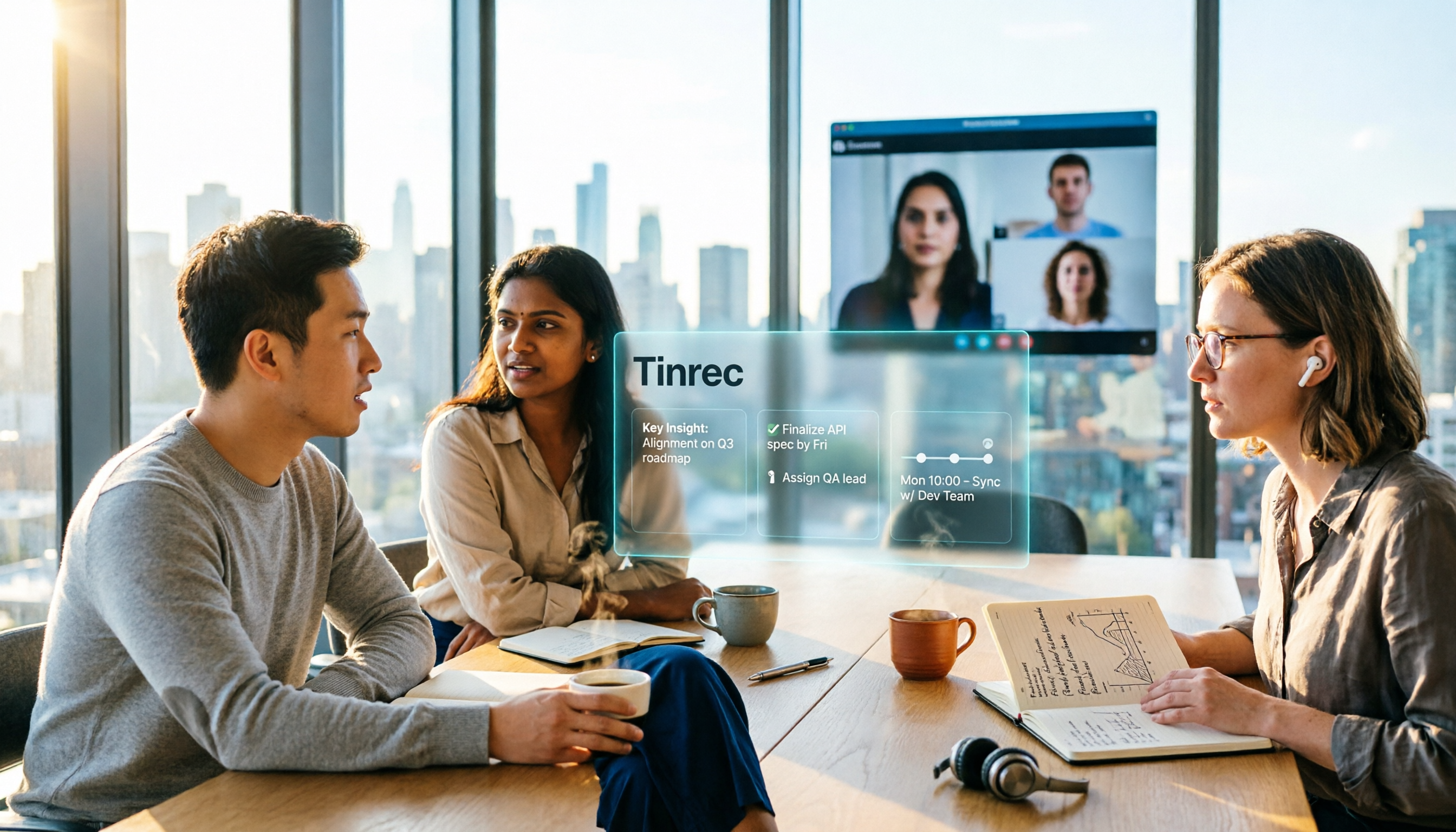
Tinrec is an AI meeting notes and collaboration tool for individuals and teams. It is not a video conferencing platform and does not host 500 people simultaneously; it solves the most time-consuming part before and after meetings—turning audio into searchable, summarizable, queryable data.
If you've already held a large meeting on Google Meet, the next questions are usually: Where is the transcript? Who said what? Who is responsible for action items? Tinrec desktop can directly capture computer system audio to process meetings played on Google Meet, Zoom, Microsoft Teams, and Webex on your computer, without inviting an extra meeting bot. You need to actively start recording in Tinrec and remind participants to obtain consent.
Stop organizing recordings by hand
Upload audio or video and automatically get a transcript, summary, and action items
During the meeting, Tinrec transcribes in real time; after the meeting, it automatically generates summaries, chapters, and action items. The worst part of long meetings is re-watching a two-hour video. You can first scan chapters for key points, then refer back to the transcript with timestamps. When you need details, just ask the AI: "Who mentioned the budget in this meeting?" It answers based on the meeting content, no manual Ctrl+F needed. This is especially useful in a 500-person meeting where many speakers and jumping topics make manual searching time-consuming.
Post-meeting outputs can be exported directly. Transcripts, summaries, and action items can be exported to Notion, Google Docs, OneNote, Dropbox, and other tools, or further generate reports, tables, and meeting minutes. For those who need to turn meeting content into press releases, internal announcements, or project tracking lists, this step saves not minutes but an entire afternoon.
The team version puts meeting data in a separate team space rather than personal accounts. Members can view historical meetings, share recordings and import quotas; admins can manage roles, seats, usage, and audit logs. Team version is USD 29.80 per paid seat per month, or USD 199 per paid seat per year (about USD 16.58 per month), with 2,000 minutes of team shared import quota per paid seat per month; first-time eligible users get a 7-day trial, 1 free seat, and 300 minutes of shared import quota. Real-time recording under an active plan and seat is currently not deducted by minutes.
Note that Tinrec's free version has basic quotas, and heavy use requires payment; transcription quality can be affected by audio quality, accents, noise, and overlapping speakers, and it should not be considered a 100% accurate replacement. Important decisions should still be verified with recording playback and original text.
If you need "a searchable, queryable, handover-ready meeting record immediately after a 500-person meeting," Tinrec is closer to what you want than a simple transcription tool.
Besides Tinrec, what other post-meeting organization options are there?
Otter.ai: A mature AI meeting assistant with a strong reputation for English business meetings. Basic free plan offers 300 minutes per month; Pro annual billing is about USD 8.49 per user per month. If you mainly record English meetings, Otter is a reasonable choice. However, Tinrec is more aligned with the habits of teams in Taiwan for Chinese meetings, real-time bilingual viewing, and team hotword management; Otter's strength is in the English ecosystem and workflow integrations.
Granola: A bot-free AI meeting notes tool, Basic free, Business USD 14 per user per month. It transcribes via desktop system audio and emphasizes "user notes + AI enhancement." But Granola does not save meeting audio and does not support uploading pre-recorded audio files; Tinrec retains audio and can import existing files, making it more convenient for replaying or supplementing transcripts after meetings.
TurboScribe: A cost-effective file transcription tool, Free plan 3 files per day, 30 minutes per file; Unlimited annual USD 120. It is suitable for long files and batch transcription but is not a real-time meeting notes tool. Tinrec's difference lies in real-time recording, post-meeting AI Q&A, and team spaces; the two solve different problems.
Pitfall guide: 4 most common mistakes when choosing a Google Meet 500-participant plan
Pitfall 1: Thinking "500 participant limit" means buying 500 seats.
Google Meet pricing is per user per month, not per meeting participant count. Participants are not the same as paid accounts. First calculate how many people in the company actually need Business Plus accounts, then multiply by the unit price.
Pitfall 2: Only looking at the promotional price and ignoring the renewal price.
USD 15.40 is the promotional price on the official page, limited to new customers, first 20 users, for 12 months. From month 13, it reverts to the standard price of USD 22. Use the standard price for budgeting to avoid being surprised by the second-year bill.
Pitfall 3: Assuming the free version can handle an all-hands meeting.
The free version's 100 participants and 60-minute group meeting limits are both critical for a 500-person meeting. Rather than risk errors on the day, confirm plan limits and meeting duration in advance.
Pitfall 4: Only comparing transcription minutes and ignoring post-meeting organization and data handover.
The point of a meeting tool is not just "recording" but "can you find it later and hand it over." If team members change, meeting data ownership, seat management, and export methods should all be part of the evaluation.
Conclusion: Which one should you choose?
To host a 500-person Google Meet meeting and the company already uses Google Workspace: Business Plus is the main option, standard price USD 22 per user per month, eligible for USD 15.40 promotional price.
For more than 500 people, needing DLP or data residency controls: Request a quote for Enterprise; don't force Business Plus.
After the meeting, need transcripts, summaries, action items, and AI Q&A: Tinrec desktop offers bot-free recording, turning meeting content into searchable data.
Team needs to share historical meetings, manage seats, and audit: Tinrec team version is more suitable than personal accounts; data belongs to the team and is easier to hand over when members change.
English meetings primarily, limited budget: Otter.ai's free quota and English experience still have advantages.
We recommend running an internal meeting on the free version first to smooth out the process, then decide whether to upgrade. Rather than buying the highest plan at once, first confirm whether you really need "meetings" or "using content after meetings."
References
- Google Meet Pricing in 2026: Plans and Costs Compared
- Google Meet Pricing 2026: Plans, Costs & Real Comparisons - Google Meet
- Google Meet Pricing in 2026: Free vs. Paid Plans Compared - Official Tinrec Blog
- Google Meet Pricing 2026: Free vs Paid Plans
- Compare Flexible Pricing Plan Options | Google Workspace
Turn every recording into actionable outcomes
Get 60 free transcription minutes when you sign in. No credit card required.
Related Reading
You might also like

Google Meet Mobile Background Change Test 2026: Blur vs. Built-in Backgrounds vs. Custom Images
Changing your background in the Google Meet mobile app isn't just about finding the effects button—it comes down to four key factors: device requirements, effect stacking, mirror display, and privacy risks. This article tests the setup paths on Android and iPhone, outlines the four most common pitfalls, and compares how meeting content is captured after changing backgrounds—including use cases for Tinrec, Otter.ai, Granola, and Notta.

Google Meet Participant Limit Not Enough? 2026 Test of 3 Meeting Notes Tools—This One Works Best for Chinese Teams
Google Meet participant limits vary by free personal account and Workspace plan, but the limit only determines who can join the meeting—it doesn't solve how to organize post-meeting data. This article first clarifies common capacity numbers and how to check them after 2024, then from the perspectives of meeting notes, AI summaries, action item extraction, and team knowledge retention, explains how Tinrec bridges the post-Google Meet gap, and summarizes 5 purchasing considerations and FAQs.
Google Meet Business Starter vs Tinrec in 2026: 5-Dimension Comparison — Who Handles Post-Meeting Follow-Up Better?
Many people assume that buying Google Workspace Business Starter automatically solves meeting notes. In reality, it provides smooth video meetings and branded email, but post-meeting organization is still up to you. This article breaks down what Business Starter actually includes, 5 key purchasing considerations, common pitfalls, and compares when specialized post-meeting tools like Tinrec are more suitable.

Google Meet Buying Guide 2026: 3 Plans vs Tinrec — Which Is Right for You?
Google Meet isn't sold as a standalone product. Before you buy, you need to know whether you're after a video conferencing plan, meeting room hardware, or a tool that captures meeting data after the call. This article breaks down Google Meet's purchasing paths and cost structure, then compares Tinrec across five dimensions to help you choose wisely.

5 Browsers Tested for Google Meet in 2026: Is Chromium Really More Stable?
Opening Google Meet in a browser and dealing with blurry video, spinning fans, or shared videos with no sound usually isn't a network issue. This guide covers real-world performance of 5 browsers for Google Meet in 2026, the key macOS system audio limitations, 3 common pitfalls in browser choice and usage, and how to actually capture meeting content beyond the browser.

4 Google Meet Background Options Tested for 2026: Free Libraries, Spec Requirements, and Post-Meeting Organization
How to choose a Google Meet virtual background without pitfalls? This article covers free image library sources, 1920×1090 size and browser spec requirements, performance differences between static and dynamic backgrounds, and compares meeting note tools like Otter.ai, Granola, and Notta, explaining how Tinrec uses desktop bot-free recording to capture meeting content.

How to Change Your Background in Google Meet (2026): 3 Steps + Blur Without a Green Screen
Changing your background in Google Meet takes just 3 clicks, but the steps differ between desktop and Android. This guide addresses the 4 most common mistakes, provides complete steps for desktop and mobile, covers 5 limiting scenarios (not signed in, VDI, Workspace admin settings, etc.), and explains how to capture and retain meeting content after changing your background.

Google Meet Background Reversal in 2026: 3 Fixes & Mirror Preview Explained
Google Meet background reversal isn't a bug—it's a mirror preview illusion. This guide explains the cause, shows a table comparing what you see vs. what others see, and offers 3 practical fixes, including when to flip your background image and when not to, plus whether recordings and transcripts are affected.

6 Best Google Meet Alternatives in 2026: Which Free Version Is Enough?
Google Meet's free version is adequate, but meeting notes, cross-platform organization, and team knowledge retention often fall short. This guide covers 6 alternatives people actually use—from bot-free AI meeting notes and open-source free tools to enterprise platforms—and helps you choose based on your situation, with prices and free-tier limits listed as-is.