

Turn recordings into transcripts and summaries in minutes
Upload audio or video for multilingual transcription, AI notes, and action items
You just finished a 50-minute client interview, the recording is sitting on your phone, and now you need to turn it into a meeting summary you can send to your boss. You type 'Google speech to text free' into the search bar and open Google Docs' voice typing—but it only listens to the microphone, it can't take your audio file. You try the Gemini app, but audio length is capped around 10 minutes. You hear Google AI Studio is completely free, but after testing you find long audio files get cut off, and the transcript still needs manual segmentation, proofreading, and highlighting.
That's the truth about free solutions: free is the entry ticket, not the finishing touch. This article compares 4 common approaches in 2026, from free tiers to Chinese recognition to post-meeting organization, and tells you which one actually saves you time.
What Can Free Speech-to-Text Do for You?
Scenario 1: No More Competing to Take Notes in Meetings
In the past, someone had to type during meetings, and that person couldn't focus on the discussion. Now the approach is to let tools transcribe while recording—for example, Tinrec's real-time recording transcription generates a transcript simultaneously, so you can directly check on screen whether the phrase 'this needs to be submitted by the end of the month' was fully captured, and participants can refocus on the discussion itself.
Scenario 2: One-Hour Interview, Ten-Minute Review
The most troublesome part of interview recordings is their length. Tinrec automatically generates AI summaries and chapters, dividing a 60-minute conversation into several thematic sections. You can first look at the chapters to grasp the structure, then jump to the sections you need to see the transcript, without having to listen from the first minute to the last.
Scenario 3: Meeting Ends, To-Dos Already Listed
Most people's real pain point isn't 'no transcript' but 'having a transcript but no one organizes it.' Tinrec's action item extraction pulls out action items from the discussion—who is responsible, what needs to be done—and lists them in one place, ready to be used for progress tracking after the meeting.
Scenario 4: Ask It Directly About That Meeting Three Months Ago
The value of historical meetings lies in being searchable. Tinrec supports AI Q&A around meeting content—you can directly ask 'What were the client's concerns about pricing at the time?' or 'Which version did we discuss last time?' It answers based on semantic understanding, rather than dumping a long text you have to Ctrl+F yourself.
What Are the Core Capabilities of Speech-to-Text Tools?
Real-Time Transcription: Text Appears as You Record
It's not transcribing after recording; text grows while you speak. Tinrec's real-time recording transcription is suitable for in-person meetings, interviews, and on-site notes. The advantage is that you can spot issues like poor audio pickup or a muted microphone right away, instead of discovering after the meeting that the whole recording is useless.
No Bot Recording for Online Meetings
A common approach for remote meetings is to invite a meeting bot, but this appears on the participant list, which can be inconvenient for external meetings. Tinrec's desktop version instead directly captures computer system audio, so when handling online meetings on Zoom, Google Meet, Microsoft Teams, Webex, etc., no extra bot joins. However, note that this still requires you to actively open Tinrec and start recording—it doesn't automatically join all calendar meetings.
AI Summary and Chapters: Making Long Meetings Short
Transcripts solve 'did we capture it,' summaries solve 'where are the key points.' Tinrec's AI summary organizes meeting topics and discussion conclusions, while chapters break long meetings into easily browsable sections, so you don't have to re-listen when reviewing.
Action Item Extraction and AI Chat Query
Transcription completion is just the beginning of the work. Besides listing action items, Tinrec also supports AI Q&A and mind maps—the former lets you ask for details, the latter helps you see relationships between topics, suitable for complex project discussions.
Translation, Export, and Post-Processing
For cross-language meetings, you can enable real-time translation and view in original, translated, or bilingual format; after the meeting, you can export results to existing workflows like Notion, Google Docs, OneNote, Dropbox, or use Agent post-processing to further generate reports, tables, and documents. This is also the biggest difference between 'free transcription' and 'deliverable meeting materials.'
Practical Application Scenarios
Project Weekly Meetings and Decision Meetings: In weekly project meetings, disputes like 'didn't we agree last time?' are most common. Use Tinrec to record discussions, automatically generate summaries and action items, and keep decision basis and action progress in one place—next meeting, just check the records.
User Interviews and Research: Research interviews often last an hour, and transcripts are a necessary cost. Use Tinrec to import existing audio files for transcription, then use AI Q&A to ask 'what pain points did most interviewees mention,' and when citing material, you can return to the transcript to confirm the exact words.
Course and Lecture Notes: When listening to lectures, handwriting can't keep up with speech, and afterwards you're too lazy to re-listen. Use Tinrec's real-time recording transcription, review chapters after class, and replay corresponding sections when you need to fill in details.
Sales and Customer Success Communication: In customer interviews, needs, objections, and commitments are most easily missed. Use Tinrec to organize into transcripts and action items, and export as follow-up tracking materials—much more reliable than filling in from memory afterwards.
Stop organizing recordings by hand
Upload audio or video and automatically get a transcript, summary, and action items
2026 Comparison of 4 Speech-to-Text Solutions
| Solution | Cost | Input Method | Post-Meeting Organization | Who It's For |
|---|---|---|---|---|
| Google Ecosystem Free Route | Free (each has quota and length limits) | Mainly real-time microphone recording; some tools allow audio file upload | Transcript requires manual proofreading, segmentation, and summarization | Occasional emergencies, willing to finish the work yourself |
| Tinrec Free Version | Free basic quota | Real-time recording, audio and video file import, desktop online meetings | Transcript, summary, chapters, action items, AI Q&A | Want to first verify Chinese performance and workflow |
| Tinrec Pro | Monthly/Yearly | Same as above | Same as above, suitable for long-term accumulation | Weekly meetings or interviews |
| Tinrec Team Version | Monthly USD 29.80 per paid seat; yearly USD 199 per paid seat (approx. USD 16.58/month) | Same as above, plus team sharing benefits | Team space, members and seats, usage analytics, audit logs, audio recycle bin | Departments, project teams, and teams needing governance |
Team version trial and quota details: Eligible teams can try for 7 days with 1 free seat and 300 minutes of team shared import quota; paid seats provide 2,000 minutes of team shared import quota per month; under an active team plan and active seats, real-time recording currently does not deduct minutes, while file and web imports use team shared quota. Prices, currencies, and promotions are subject to the official purchase page.
5 Things to Note When Choosing a Speech-to-Text Tool
1. First Ask 'Can It Take Audio Files?': Many free methods only record via microphone in real-time, and your pre-recorded meeting file can't get in. Tinrec supports both real-time recording and audio/video file import, so historical recordings can also be transcribed.
2. The Real Boundaries of Free Quotas: Free plans usually let you verify results but may not sustain daily use. Tinrec recommends choosing a version by task—occasional single recording use the free version, short-term intensive meetings use weekly pass, steady weekly use choose Pro, long-term data accumulation consider yearly.
3. Can You Use It Directly After Transcription?: Tools that only provide transcripts essentially return the organization work to you. Tinrec integrates summary, chapters, action items, AI Q&A, and multi-format export into one workflow—when evaluating, look directly at the 'post-meeting output' column.
4. Chinese and Technical Term Recognition Experience: Chinese meetings often mix Chinese and English, product codes, and internal jargon. Tinrec covers Chinese, Traditional Chinese, and multilingual meetings, and provides team hotwords for common terms; actual performance is still affected by recording quality, noise, accents, and overlapping speakers—we don't recommend summarizing accuracy with a single number; best to test with your own recordings.
5. Team Collaboration and Data Ownership: If meeting data needs to be shared within a department, check whether the tool is truly team-structured. Tinrec Team Version is an independent team space, and data belongs to the team; roles determine who can manage the team and audit, seats determine who can record, upload, edit, and export—active members without seats can still view, play, and read data but cannot upload or edit. When a member leaves or is removed, their team resources need to be handed over to other members; audio in the recycle bin is currently retained for 30 days and can be restored before permanent deletion.
Frequently Asked Questions
Is Google speech to text really completely free? Some features are free, but each has boundaries. Google Docs' voice typing is free and easy to use, but the limitation is it only records via microphone in real-time; the Gemini app can handle audio files but has a length limit; AI Studio is free but truncates long audio; Cloud Speech-to-Text for developers only has 60 minutes free per month on V1, and V2 is usage-based. Free is the entry, not the complete workflow.
What happens when the free quota runs out? Look at your usage frequency first, rather than upgrading to the most expensive plan directly. Tinrec's advice: for occasional recordings, start with the free version; if you have several meetings or interviews in a week, use the weekly pass to get through peak periods; if you organize meetings steadily every week, choose Pro; if you need long-term accumulation of recording data, the yearly plan has a lower monthly equivalent.
Is Chinese and Taiwanese terminology recognition accurate? Tinrec covers Chinese, Traditional Chinese, and multilingual meetings, and also supports mixed Chinese-English content organization. Actual performance is affected by recording quality, background noise, accents, simultaneous speakers, and technical terms. For important content, we recommend cross-checking with transcript timestamps and recording playback rather than relying entirely on AI.
Do online meetings require inviting a meeting bot? No. Tinrec's desktop version directly captures computer system audio, so when used for Zoom, Google Meet, Microsoft Teams, Webex, etc., no extra bot participant appears. But note that this requires the user to actively open Tinrec and start recording—it doesn't automatically join all meetings.
If a team member leaves, will meeting data be taken away? It won't directly follow the individual. Tinrec Team Version resources belong to the team; when a member leaves, is removed, or loses their seat, their team resources can be handed over to other active members; administrators can also monitor usage through analytics and audit logs.
Can transcripts be brought into existing workflows? Yes. Tinrec supports multi-format export, allowing results to be brought to Notion, Google Docs, OneNote, Dropbox, etc. for further processing, or use Agent post-processing to generate reports, tables, and documents.
Conclusion
'Free' itself isn't the problem; the problem is where you spend your time. Most people searching for Google speech to text free eventually encounter the same thing: the transcribed text is there, but the organization time is more than expected. If your meeting frequency isn't high and you only occasionally need a transcript, Google's free ecosystem is indeed sufficient; but if you have weekly meetings, interviews, or customer communications to organize, putting transcription, summary, action items, Q&A, and export in one workflow is what truly saves time.
The practical advice is simple: first run your own meeting recording through Tinrec's free version to see if the Chinese recognition and summary results work for you; after confirming, choose weekly pass, Pro, or yearly based on frequency. If you're evaluating department-level needs, the team version's seats, shared quota, usage, and audit are the decision points, not just the per-person monthly cost. Recording and transcription involve personal data; before use, please ensure compliance with local regulations and obtain consent from participants.
References
- Speech-to-Text: AI voice input and transcription | Google Cloud
- Google AI Studio transcript tutorial, free AI audio-to-text tips - Mr. Mad
- Is Google speech to text free? Can Google Docs voice typing transcribe audio files | Subanana
- [AI Classroom] Use AI Studio to save on speech transcription costs and be a happy 'free rider' - Business Insider Taiwan
- Using speech to text in Google Docs | Speechify
Turn every recording into actionable outcomes
Get 60 free transcription minutes when you sign in. No credit card required.
Related Reading
You might also like
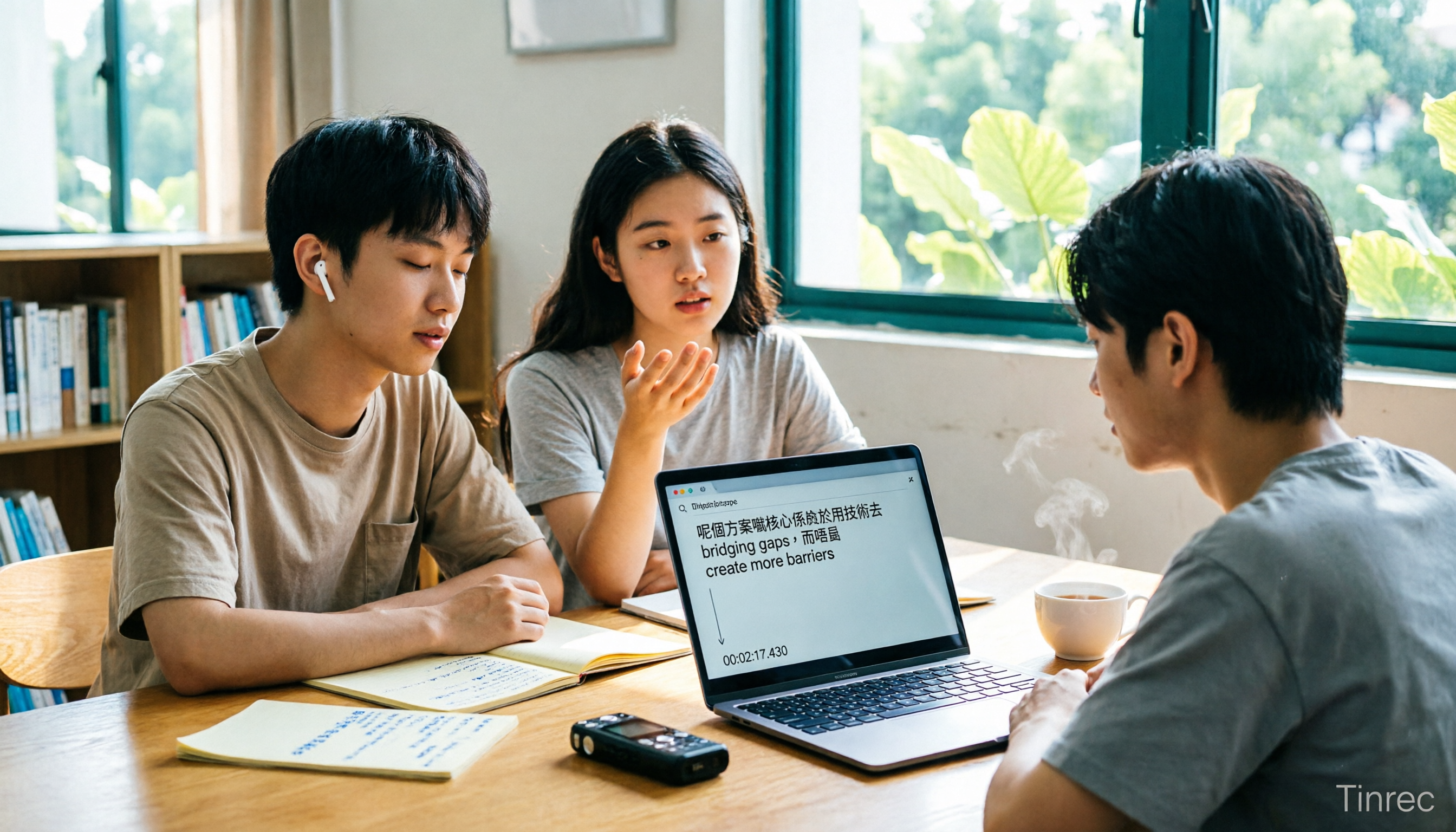
Free WeChat Voice-to-Text Cantonese Solutions in 2026: 5 Options Compared
WeChat's built-in voice-to-text is only suitable for short voice messages in chats; it struggles with Cantonese interviews, group discussions, or long recordings. Based on real needs from a student project, this article reviews 5 free solutions, explaining their free quotas, per-recording length limits, and suitable scenarios to help you decide which one can truly save you time.
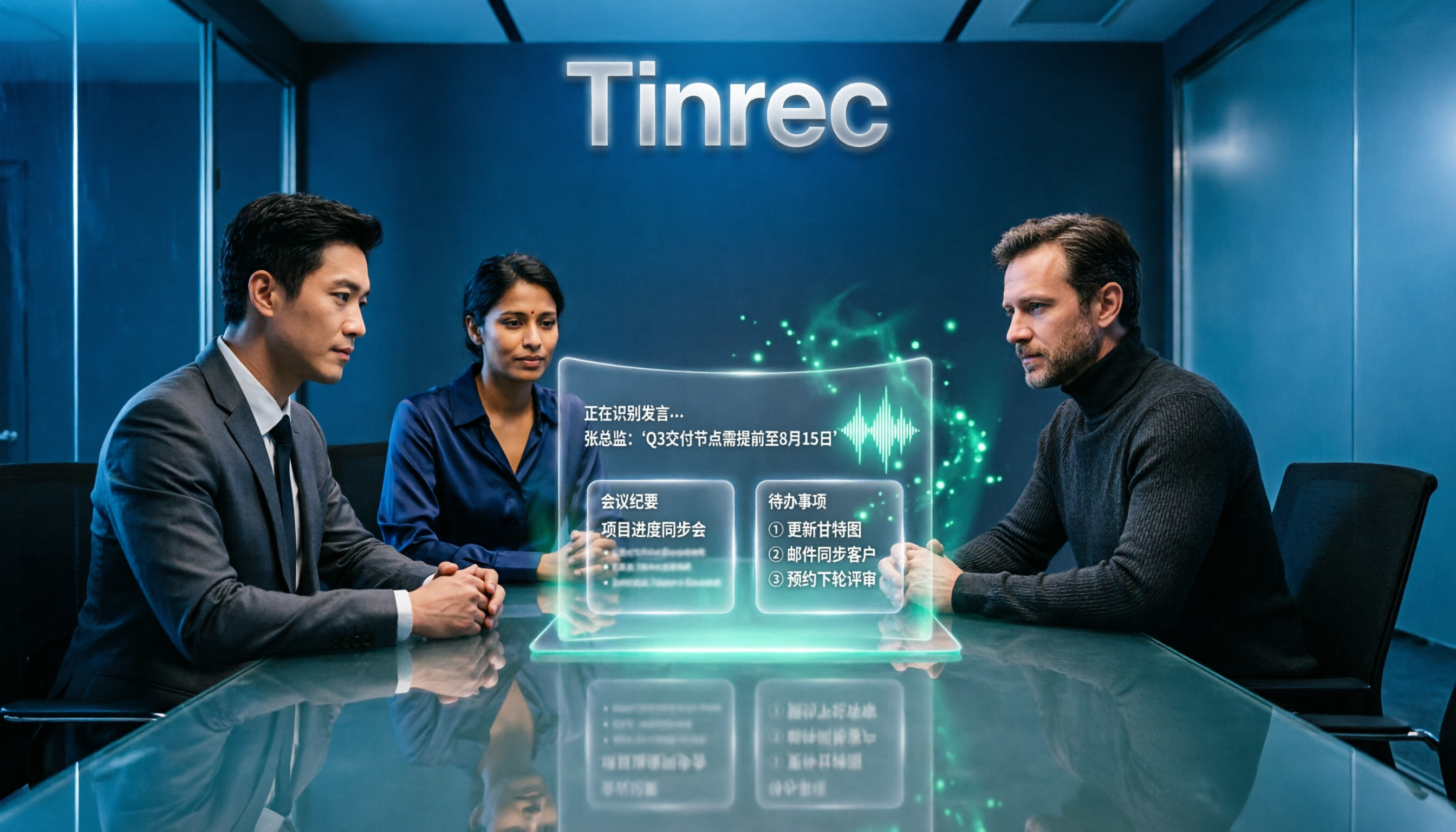
4 Online Speech-to-Text Tools Tested for 2026: Beyond Google, Which Handles Chinese Meetings Best?
Most people searching for 'Google speech to text online' actually find three completely different things. This article starts with common misconceptions, compares the practical differences of 4 online speech-to-text solutions, and shares trial observations of Tinrec in Chinese meetings, post-meeting organization, and team collaboration, helping you decide which approach truly saves time.
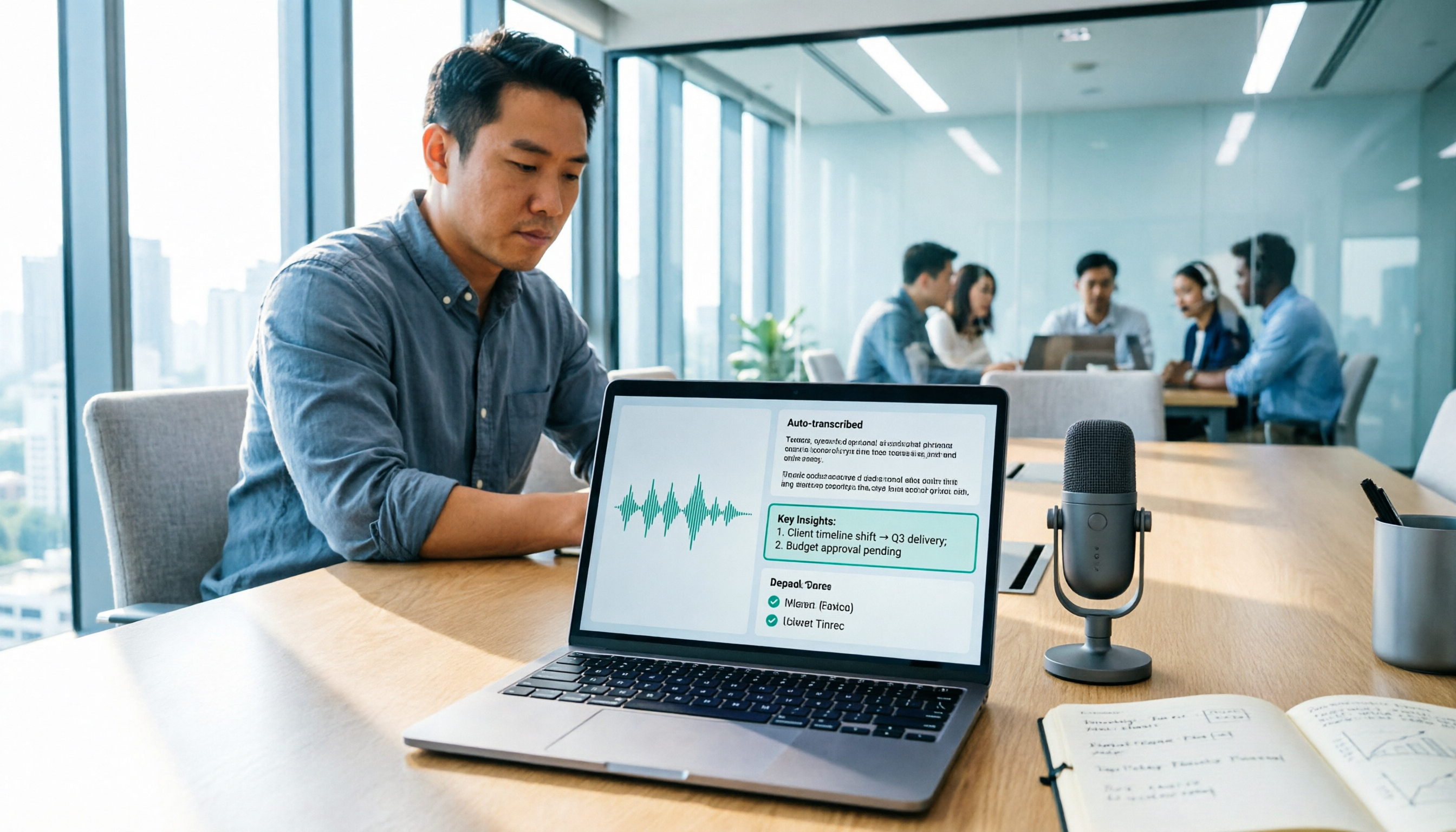
2026 Google Speech-to-Text Tools Buyer's Guide: 3 Solutions Compared and Recommended
Google's free speech-to-text is handy, but it solves 'turning speech into text,' not 'turning meetings into data.' This guide starts from real-world use cases, breaks down the 5 core capabilities speech-to-text should have, 4 application scenarios, and purchasing considerations, and uses Tinrec to demonstrate the complete workflow from recording, transcription, summary, action items, to team knowledge retention.

2026 Google Meet Speech-to-Text Comparison: 4 Methods Tested, No Bot Required for Transcripts
After a Google Meet call, do you need live captions or a searchable, shareable transcript? This article breaks down 4 Google Meet speech-to-text methods—Google's built-in transcript, Google Docs voice typing, Otter.ai, and Tinrec—and explains the differences in bot-free desktop recording, Chinese recognition, post-meeting summaries, and team data retention to help you choose the right solution.

2026 Comparison of 5 Audio-to-Text Tools: How to Choose Between Yating Transcript and Alternatives
Starting from common misconceptions, this comparison examines Yating Transcript, Tinrec, Notta, Otter.ai, and Granola, covering Chinese and Taiwanese Hokkien recognition, post-meeting summaries, team collaboration, and pricing to help you choose the right tool for your needs.

2026 Comparison of 4 Audio-to-Text Tools: Is Yating Transcription or an AI Meeting Assistant More Time-Saving?
Still need to re-listen to a two-hour meeting? This article compares Yating Transcription, Tinrec, Notta, and TurboScribe in real tests, covering Taiwanese Hokkien and mixed Chinese-English recognition, post-meeting summaries, AI Q&A, team collaboration, and pricing, to help you find the tool that truly saves time on meeting notes.

Tinrec vs. Customer Visit Log Forms in 2026: A 5-Dimension Comparison — Can AI Notes Replace Traditional Forms?
Customer visit log forms have all the fields, so why do colleagues still struggle to take over? This article compares Tinrec with traditional customer visit log forms across five dimensions: record completeness, handoff usability, post-visit retrieval, team knowledge retention, and cost threshold. It also provides a pitfall-avoidance guide and selection recommendations.

2026 Comparison of 4 Client Visit Record Tools: Spreadsheets vs. AI Recording
Starting from the most common inefficient ways to fill out client visit records, this article organizes fields such as client identity, visit facts, client quotes, commitments, and actions, and compares Tinrec, Otter.ai, Notta, and PLAUD in terms of Chinese visit notes, online meetings, post-meeting organization, and team handoff, helping you choose the right recording method for your sales and team.
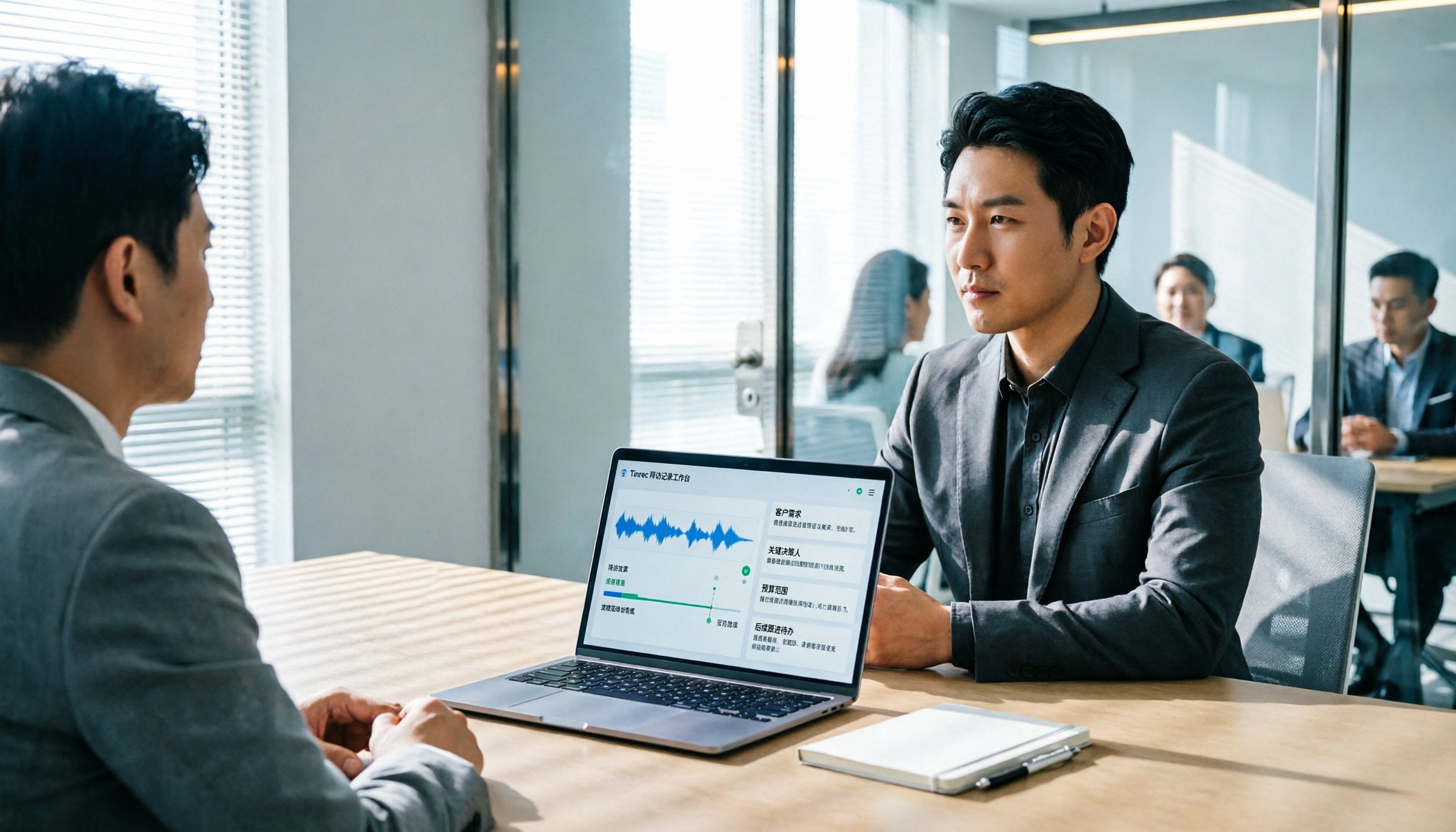
2026 Client Visit Recording Software Buying Guide: Hands-On Review of Tinrec, Notta, and 2 Others
Starting from a client visit record template, this guide covers essential fields, filling logic, and key software selection criteria. It compares Tinrec, Notta, Otter.ai, and PLAUD for sales visit scenarios, helping you turn visit content into trackable team data.