
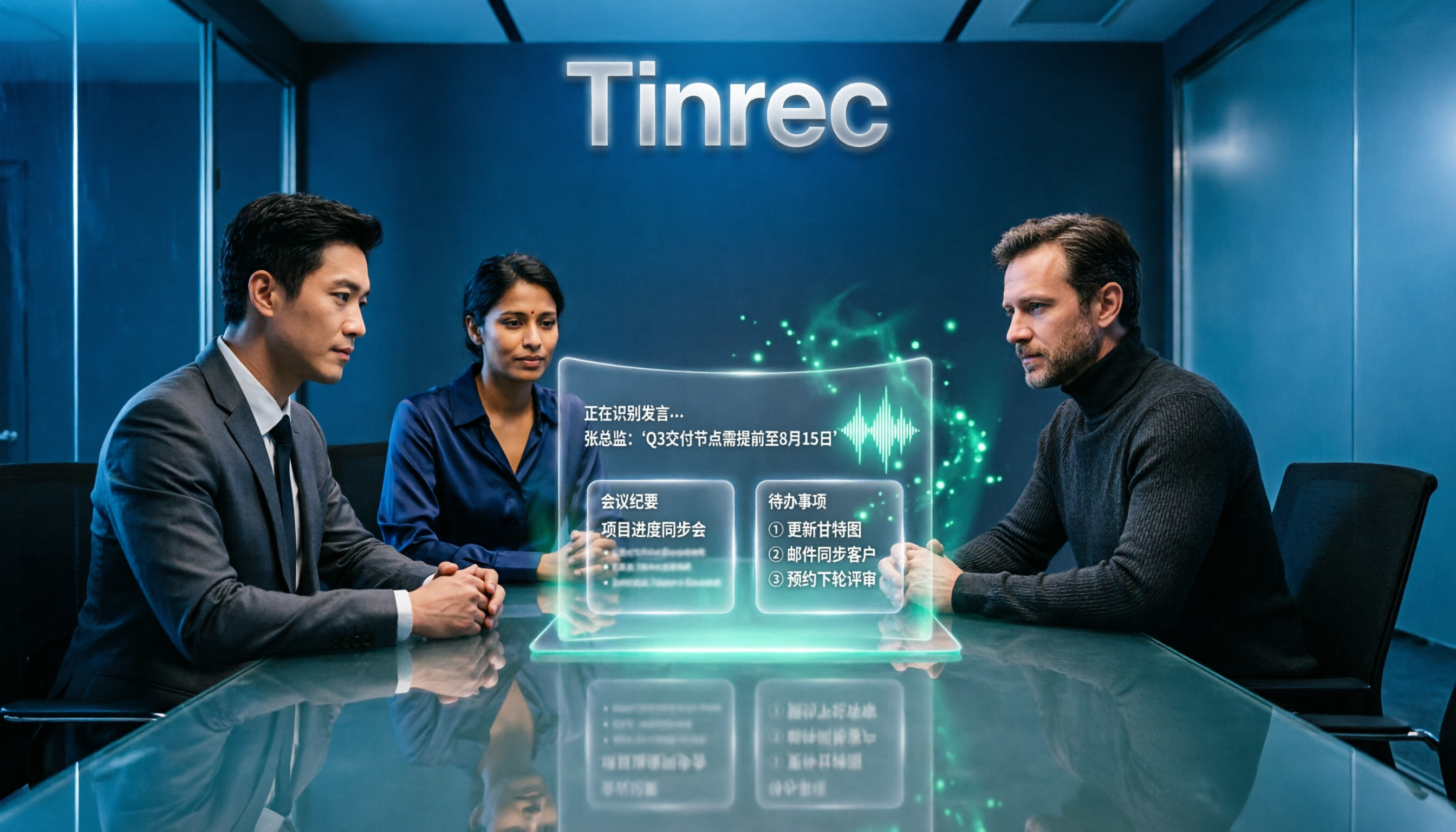
Turn recordings into transcripts and summaries in minutes
Upload audio or video for multilingual transcription, AI notes, and action items
Why do most people who search for 'Google speech to text online' end up typing transcripts themselves?
First, a common misconception: Google does not have a single online tool called 'Google Speech to Text'.
When you search, you'll encounter three things with completely different purposes—voice typing in Google Docs, the 'Live Transcribe' app on Android, and the Google Cloud Speech-to-Text API for developers. All three can turn sound into text, but their applicable scenarios differ greatly.
This is the first pitfall: treating 'turning speech into text' as 'finishing meeting notes'.
Here's the reality. After a 40-minute online meeting, you feed the recording into a transcription tool and ten minutes later get a transcript of over 10,000 words. Then what? You still have to scan through it from the beginning to find out who said what, what the conclusions were, and who needs to deliver something next week.
Transcription only solves the first part. The real time-consuming part is what comes after.
Another common inefficient approach is using Google Docs' voice typing as a transcription tool. It's free and works in a browser, but it's essentially 'typing by speaking'—after you speak, the text goes directly into the document, with no timeline, no audio file, and no way to go back and check who said what at what time.
If you need meeting minutes, interview transcripts, or video subtitles—materials that require repeated verification—this approach will cost you double the time.
In this article, I break down 'online speech to text' into four common approaches and compare who each is suitable for.
Before choosing an online speech-to-text tool, understand these 4 key points
1. Do you want 'typing' or 'organizing'?
This is the question most people get wrong.
If you just don't want to type by hand and want to speak your thoughts into text, Google Docs' voice typing is enough—free and direct.
But if you're dealing with meetings, interviews, or lecture recordings, what you actually need is not a transcript but an 'organized result'. In that case, what matters is not how fast it transcribes, but what it can do for you after transcription.
2. How free quotas are calculated determines whether you'll give up midway
There are two ways to calculate free quotas: by minutes and by files.
Some tools offer 120 minutes per month on the free plan, but limit each session to 3 minutes, meaning you have to split a meeting into a dozen uploads. This kind of 'visible but unusable' quota is more troublesome than none at all.
My advice: first check how long your meetings typically are, then look at the per-session limit of the free version—don't just look at total minutes.
3. Will audio files be retained?
Few people notice this, but it has a big impact later.
Some AI meeting note tools only keep text and not the original audio. If the text is wrong, key numbers are misheard, or tone is misunderstood, you have no way to go back and listen.
For work that requires repeated verification—client interviews, legal communications, project decision meetings—whether audio can be retained and replayed is more important than transcription accuracy.
4. Can it handle Chinese and mixed Chinese-English?
Meetings in Taiwan are rarely pure Chinese. Sentences like 'Let's keep this campaign's budget in Q3' appear every day.
A tool's ability to segment mixed Chinese-English directly affects your proofreading time. Rather than looking at official claims of 'supports 85 languages', try it with a recording of your own typical meeting—you'll know in five minutes.
Tinrec—the one I'm most willing to keep after testing
Tinrec is an AI meeting notes and collaboration tool for individuals and teams, available on web, desktop, and mobile. It doesn't just turn sound into text; it organizes meeting content into searchable, summarizable, queryable, and exportable data.
No need to invite a bot to your meetings
This is its biggest difference from most AI meeting tools.
Tinrec's desktop version directly captures your computer's system audio. When handling online meetings on Zoom, Google Meet, Microsoft Teams, or Webex, you don't need to invite an extra meeting bot into the room.
This is especially noticeable for field sales, client meetings, and interviews—you don't have to explain at the start 'an AI will be joining us', and you don't have to worry about the other party seeing an unfamiliar account in the participant list.
For offline meetings or impromptu interviews, just open live recording to transcribe while recording.
The time-saving starts after transcription
After the meeting, Tinrec automatically generates summaries, chapters, and key points, breaking a long meeting into a structure you can quickly scan.
Action items are extracted from the discussion—who is responsible for what and when it's due—no need to flip through pages. For more detailed organization, you can generate mind maps or use Agent post-processing to produce reports, tables, and documents.
Even better is AI Q&A. After recording, you can directly ask 'What was the conclusion when we discussed the budget last time?' and it will answer based on the meeting content, rather than dumping a bunch of keyword search results. This capability is rare among tools in the same price range.
For cross-language meetings, there's real-time translation, which can be viewed in original, translated, or bilingual side-by-side mode. For mixed Chinese-English content, bilingual mode is much easier to read than pure translation.
Our trial observations
I tested with a roughly 20-minute mixed Chinese-English online meeting recording (Zoom meeting, indoor environment, with keyboard typing sounds).
Stop organizing recordings by hand
Upload audio or video and automatically get a transcript, summary, and action items
Most mixed Chinese-English sentences were correctly segmented, and punctuation was automatically added. Proofreading mainly involved adjusting names and product codes. In places where multiple people spoke at once, I still needed to listen back to the original audio.
This is also what I always recommend: no tool should be treated as 100% accurate. Audio quality, accents, background noise, and technical terms all affect results. For important numbers and commitments, always verify against the original.
Three most practical advantages I see
First, meeting data is retained. Audio and transcripts are both stored, searchable, replayable, and queryable—they don't become one-time text.
Second, output is portable. It supports export to common workflows like Notion, Google Docs, OneNote, and Dropbox, so you don't have to copy and paste everywhere.
Third, the team version turns 'individual meetings' into 'team assets'. Teams have independent spaces, data belongs to the team, and members can view historical meetings; admins can manage roles and seats, view usage trends and member rankings, query and export audit logs, and maintain team hotwords for their own terminology.
One thing to clarify: the team version uses 'roles' for governance and 'seats' for usage eligibility. Active members without seats can still view, play, and read team data, but cannot upload, edit, or export. This is different from a fine-grained permission system where 'each file has its own permissions'—those expecting file-level control should confirm first.
Pricing and limitations, stated honestly
The personal version includes a free plan, weekly pass, Pro monthly, and Pro annual. The free plan provides basic quota so you can run a few meetings to feel the effect; for short-term intensive interviews or courses, the weekly pass is more suitable; for regular weekly meetings, go Pro; to build a long-term recording database, the annual plan is more cost-effective.
The team version is currently USD 29.80 per paid seat per month, or USD 199 per paid seat per year (about USD 16.58 per month). Eligible teams get a 7-day trial, 1 free seat, and 300 minutes of shared team import quota for the first time; paid seats provide 2,000 minutes of shared import quota per seat per month. Under an active plan and seats, live recording currently does not deduct minutes.
Limitations to note: file and web imports consume the team shared quota, not unlimited; some team version capabilities should be confirmed with the official team for production environment status before large-scale external use; pricing and promotions are subject to the official purchase page.
Who is it for
If you frequently hold Chinese meetings, need key points and action items right after, want audio retained for later reference, or switch between phone and computer—Tinrec is the one I'm most willing to keep after this trial.
Beyond Tinrec: Google's approach and other options
Google Cloud Speech-to-Text
A speech recognition API for developers, supporting over 85 languages and dialects. It can integrate speech recognition into your own applications, and there are no-code tools to upload audio for transcription, handling longer files as well.
The problem is the barrier: you need to open an account, set up the API, and pay by usage—too heavy for the average office worker. And it gives you recognition results only; summaries, action items, and post-meeting Q&A are not its concern. Tinrec essentially does all the later work for you.
Google Docs voice typing and Android Live Transcribe
Completely free. Open a web page, connect a microphone, click 'Voice typing' in the tools menu, and speak to turn speech into text. Multiple languages supported. Android phones also have a 'Live Transcribe' app.
It's suitable for dictating drafts, writing emails, and quickly jotting down ideas. But it has no audio management, no timeline, no summaries or action items, and is not suitable for organizing multi-person meetings. What Tinrec can do—'continue querying after recording, export, team sharing'—is completely absent here.
Notta
A multilingual transcription tool with significant overlap with Tinrec, covering meeting notes, file import, and team plans. Free plan: 120 minutes per month, max 3 minutes per session; Pro annual: about USD 8.17 per month, 1,800 minutes per month; Business annual: about USD 16.67 per seat per month.
If you mainly handle short files and need extensive batch imports, it has certain advantages. But when it comes to bot-free recording of online meetings, post-meeting AI Q&A and Agent post-processing, and team seats and audit governance, Tinrec's focus is more complete.
Pitfall guide: 4 most common mistakes when using online speech to text
Pitfall 1: Treating 'having a transcript' as 'meeting notes completed'.
A transcript is just raw material. The real time-consuming part is finding conclusions and action items from 10,000 words. When choosing a tool, first ask what it can do for you after transcription, rather than just comparing who transcribes faster.
Pitfall 2: Only looking at free minutes, not per-session limits.
120 minutes per month sounds sufficient, but with a 3-minute per-session limit, you'll upload a dozen times for one meeting. Calculate your own meeting length first, then look at the limits—this order cannot be reversed.
Pitfall 3: Ignoring whether audio is retained.
With tools that only keep text, when key numbers, names, or commitments are wrong, you have no way back. For content requiring repeated verification, always confirm whether audio is stored.
Pitfall 4: Assuming the team version means 'multiple people sharing one account'.
It's not. A real team version is an independent space where data belongs to the team, roles govern, seats control usage eligibility, and resources must be handed over when members leave. If a tool only gives you 'multiple people logging into the same account', that's not collaboration—that's risk.
Conclusion: Which one should you choose?
In one sentence: rather than finding a tool that 'transcribes fastest', find one where 'after transcription you don't have to manually organize anymore'.
Just need to speak thoughts into text → Google Docs voice typing, free, no setup, easiest.
Want to integrate speech recognition into your own system → Google Cloud Speech-to-Text, API route.
Need to handle Chinese meetings and find key points and action items afterward → Tinrec, desktop bot-free recording, summaries, chapters, action items, AI Q&A all in one.
Need to use on both phone and computer, not tied to one device → Tinrec, web, desktop, and mobile all work seamlessly.
Team needs to accumulate meeting data and manage members and usage → Tinrec team version, separating governance and usage with roles and seats.
Zero budget, only short files → Notta free plan or Google's free tools will do for now.
I recommend running a free trial with the kind of meeting you actually have—mixed Chinese-English, people interrupting, background noise. Performance under these conditions is what you should base your decision on.
References
- Speech-to-Text: AI voice input and transcription | Google Cloud
- Google transcript tutorial! Turn videos and recordings into text right in your browser
- Convert speech to text | Gemini Enterprise Agent Platform | Google Cloud Documentation
- Google text-to-speech guide: steps and tips
- Use free 'Google speech to text' to solve meeting transcripts, writing blocks, and video subtitles!
Turn every recording into actionable outcomes
Get 60 free transcription minutes when you sign in. No credit card required.
Related Reading
You might also like

Free WeChat Voice-to-Text Cantonese Solutions in 2026: 5 Options Compared
WeChat's built-in voice-to-text is only suitable for short voice messages in chats; it struggles with Cantonese interviews, group discussions, or long recordings. Based on real needs from a student project, this article reviews 5 free solutions, explaining their free quotas, per-recording length limits, and suitable scenarios to help you decide which one can truly save you time.
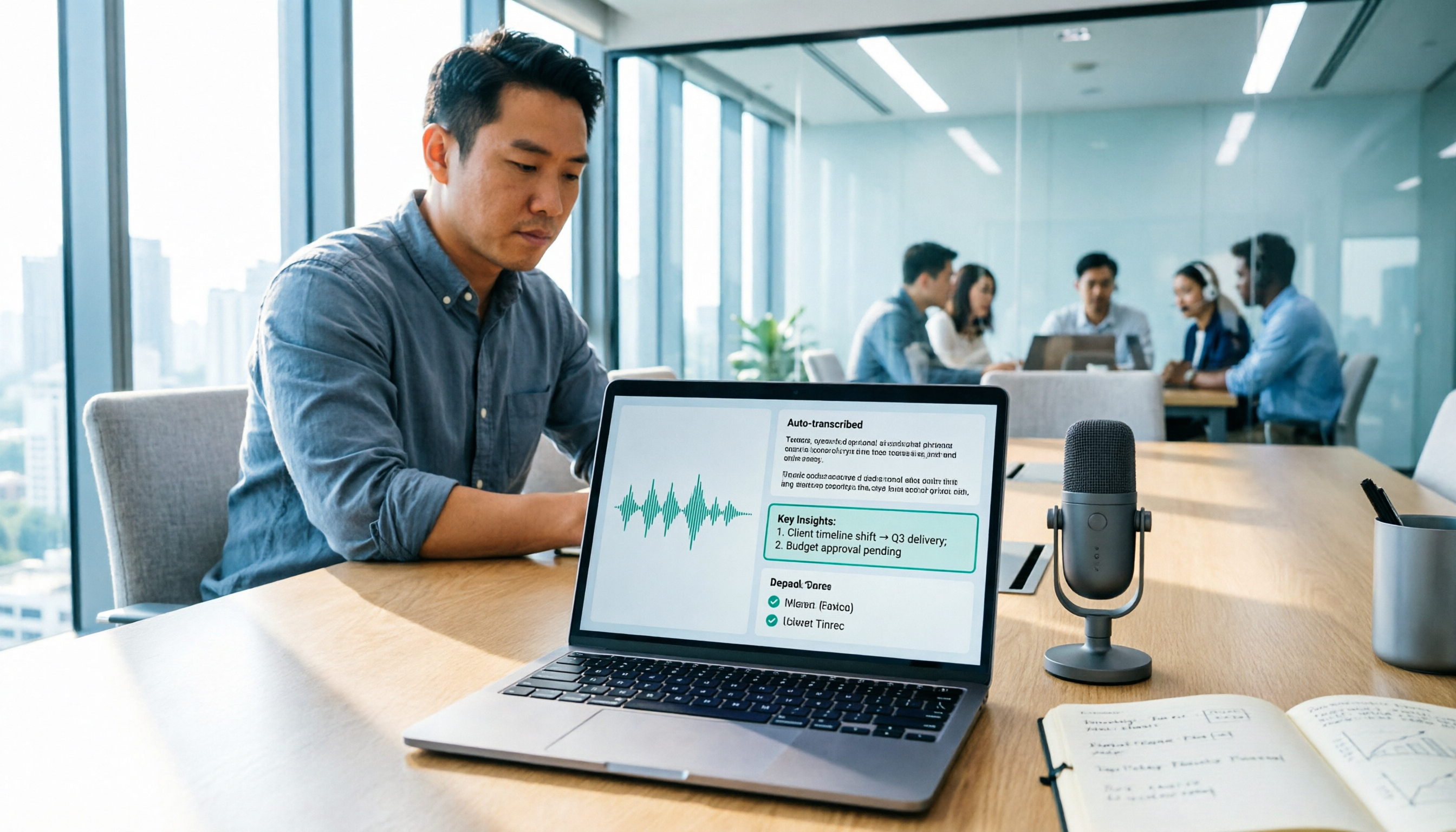
2026 Google Speech-to-Text Tools Buyer's Guide: 3 Solutions Compared and Recommended
Google's free speech-to-text is handy, but it solves 'turning speech into text,' not 'turning meetings into data.' This guide starts from real-world use cases, breaks down the 5 core capabilities speech-to-text should have, 4 application scenarios, and purchasing considerations, and uses Tinrec to demonstrate the complete workflow from recording, transcription, summary, action items, to team knowledge retention.

2026 Comparison of 4 Speech-to-Text Solutions: Free Tiers, Chinese Recognition, and Post-Meeting Organization
Searching for 'Google speech to text free' but finding that free tools only record from a microphone, have audio length limits, and require manual transcript correction? This article compares 4 common approaches across free tiers, Chinese recognition, and post-meeting organization, and breaks down who Tinrec's free, Pro, and Team versions are for, helping you turn recordings into usable meeting materials with minimal time.

2026 Google Meet Speech-to-Text Comparison: 4 Methods Tested, No Bot Required for Transcripts
After a Google Meet call, do you need live captions or a searchable, shareable transcript? This article breaks down 4 Google Meet speech-to-text methods—Google's built-in transcript, Google Docs voice typing, Otter.ai, and Tinrec—and explains the differences in bot-free desktop recording, Chinese recognition, post-meeting summaries, and team data retention to help you choose the right solution.

2026 Comparison of 5 Audio-to-Text Tools: How to Choose Between Yating Transcript and Alternatives
Starting from common misconceptions, this comparison examines Yating Transcript, Tinrec, Notta, Otter.ai, and Granola, covering Chinese and Taiwanese Hokkien recognition, post-meeting summaries, team collaboration, and pricing to help you choose the right tool for your needs.

2026 Comparison of 4 Audio-to-Text Tools: Is Yating Transcription or an AI Meeting Assistant More Time-Saving?
Still need to re-listen to a two-hour meeting? This article compares Yating Transcription, Tinrec, Notta, and TurboScribe in real tests, covering Taiwanese Hokkien and mixed Chinese-English recognition, post-meeting summaries, AI Q&A, team collaboration, and pricing, to help you find the tool that truly saves time on meeting notes.

Tinrec vs. Customer Visit Log Forms in 2026: A 5-Dimension Comparison — Can AI Notes Replace Traditional Forms?
Customer visit log forms have all the fields, so why do colleagues still struggle to take over? This article compares Tinrec with traditional customer visit log forms across five dimensions: record completeness, handoff usability, post-visit retrieval, team knowledge retention, and cost threshold. It also provides a pitfall-avoidance guide and selection recommendations.

2026 Comparison of 4 Client Visit Record Tools: Spreadsheets vs. AI Recording
Starting from the most common inefficient ways to fill out client visit records, this article organizes fields such as client identity, visit facts, client quotes, commitments, and actions, and compares Tinrec, Otter.ai, Notta, and PLAUD in terms of Chinese visit notes, online meetings, post-meeting organization, and team handoff, helping you choose the right recording method for your sales and team.
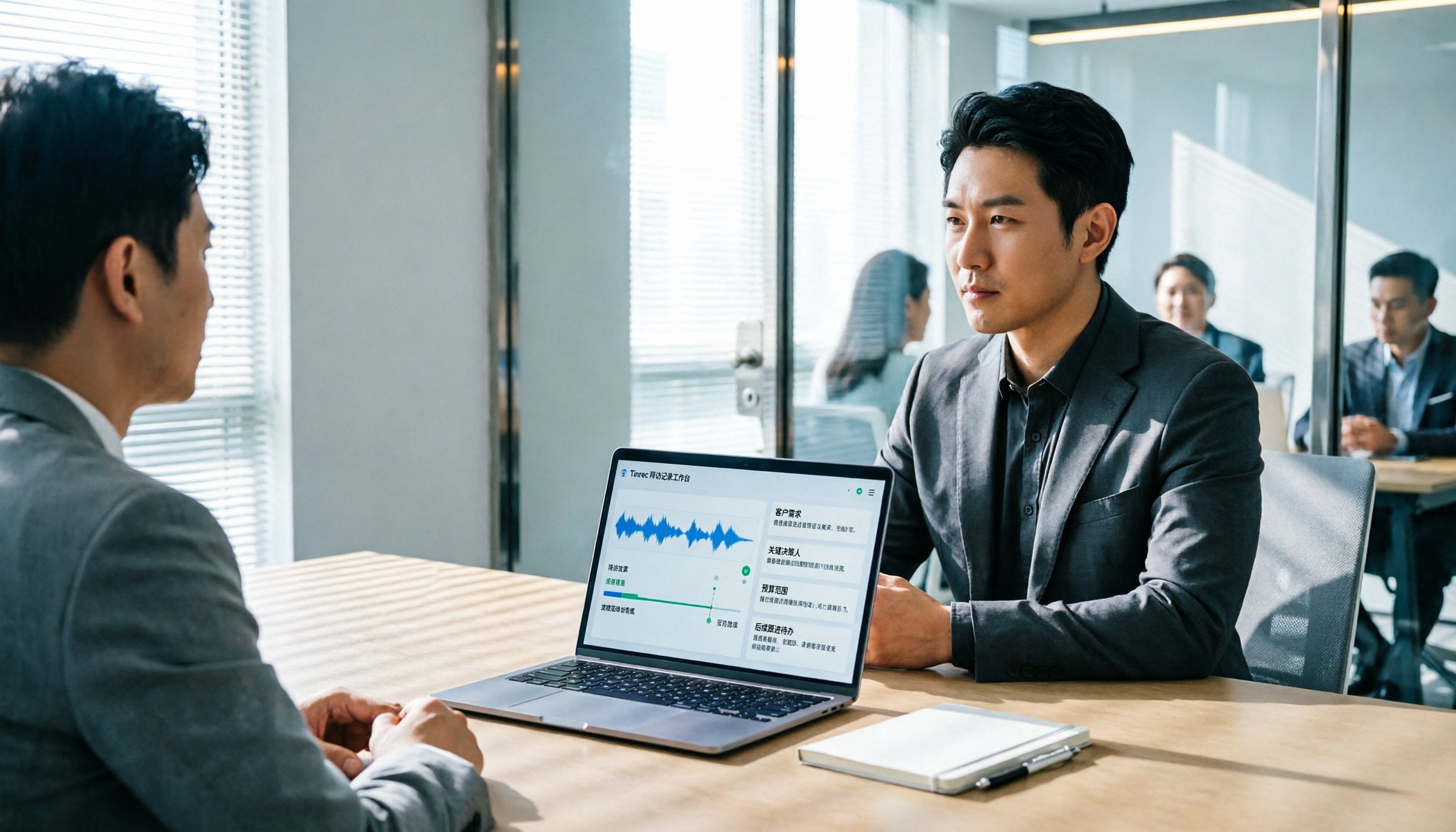
2026 Client Visit Recording Software Buying Guide: Hands-On Review of Tinrec, Notta, and 2 Others
Starting from a client visit record template, this guide covers essential fields, filling logic, and key software selection criteria. It compares Tinrec, Notta, Otter.ai, and PLAUD for sales visit scenarios, helping you turn visit content into trackable team data.