
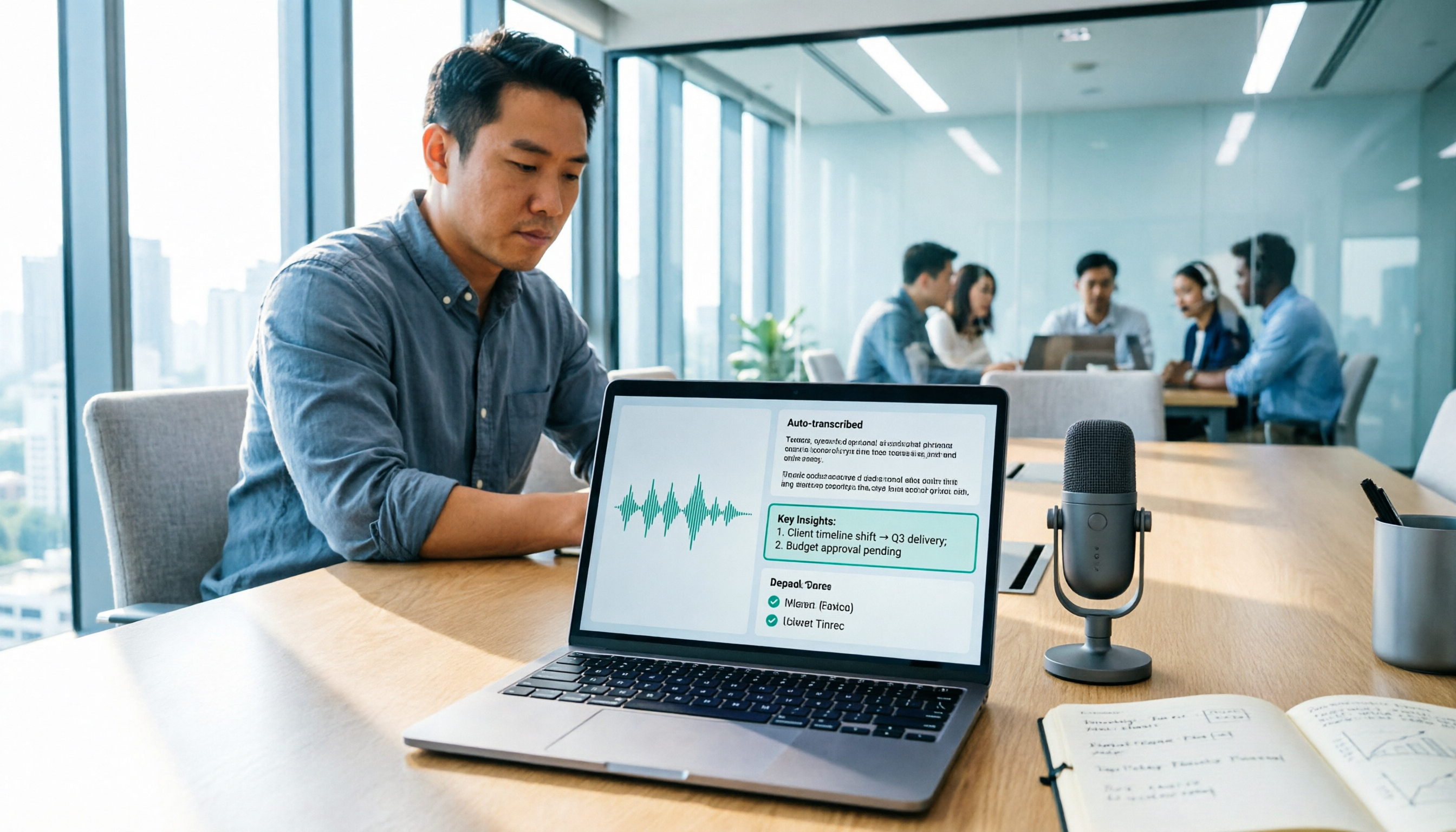
Turn recordings into transcripts and summaries in minutes
Upload audio or video for multilingual transcription, AI notes, and action items
After a 90-minute meeting, you open Google Docs, click 'Tools' → 'Voice typing,' and repeat the discussion you just had into the microphone—this is probably how many people first encounter 'Google speech-to-text.' Free, built-in, no installation required, it's certainly convenient for quickly typing up a transcript on the spot.
But once you actually run it through a few meetings, you'll hit the same issue: it solves 'turning speech into text,' not 'turning meetings into usable data.' After the transcript is done, summaries, action items, who's responsible for what, and what was discussed in last week's meeting still have to be handled manually.
This article won't re-explain 'what speech-to-text is.' Instead, it helps you determine: do you really need real-time dictation, or a workflow that goes from recording to meeting minutes, action items, follow-up questions, and team knowledge retention? Below, using Tinrec as an example, we break down the entire workflow for you.
What Can Speech-to-Text Do for You? 3 Immediately Useful Scenarios
Scenario 1: Get meeting minutes and action items right after the meeting Previously, a two-hour meeting required another hour of post-meeting organization. With Tinrec, for example, the transcript is ready when the meeting ends, AI summaries, chapters, and key points are generated simultaneously, and action items are listed separately—who's responsible for what and when it's due, all at a glance.
Scenario 2: Interviews, courses, lectures—no need to re-listen to the entire recording Tinrec can transcribe while recording, and after the session, you can directly ask questions about the content: 'What was the budget cap mentioned by the interviewee?' 'What were the three steps the speaker mentioned?' It answers based on semantics, so you don't have to drag the timeline and listen frame by frame.
Scenario 3: Organize existing recordings and videos into text all at once Upload past meeting recordings, customer calls, and online course videos directly to Tinrec to transcribe, then generate summaries and chapters, turning audio files scattered across your hard drive into searchable data.
What Are the Core Capabilities of Speech-to-Text Tools?
1. Real-time transcription, not processing after recording Seeing text appear during the meeting is the most basic requirement. Tinrec's real-time recording transcription is suitable for in-person meetings, interviews, and on-site notes—text appears as you speak, so you can confirm mid-way whether any key points were missed.
2. Bot-free recording for online meetings Most people need to handle online meetings on Zoom, Google Meet, Microsoft Teams, Webex, and similar platforms. Tinrec's desktop version directly captures computer system audio, without inviting an extra meeting bot to join or setting up recording permissions in the platform beforehand.
3. AI summaries and chapters to shorten long meetings Transcripts can easily run tens of thousands of words; what you really need is structure. Tinrec breaks meetings into topic sections, generates summaries and chapters, so when reviewing you can jump directly to the 'budget discussion' section instead of scrolling from the beginning to the end.
4. Action item extraction and AI Q&A to turn records into action Tinrec organizes action items from the discussion; if you want to follow up on details after the meeting, you can ask questions directly about the meeting data, such as 'What concerns did the client raise about the delivery date?' 'How does this decision differ from the last one?'
5. Real-time translation and multilingual comparison When handling mixed Chinese-English or multilingual meetings, Tinrec supports real-time translation during recording, allowing you to switch between original text, translation, or bilingual view—especially useful for cross-national teams or foreign language courses.
6. Export and post-meeting outputs Transcription is only the middle step. Tinrec supports multiple export formats, which can be brought into Notion, Google Docs, OneNote, Dropbox, and other tools for continued use; it can also use Agent post-processing to turn meeting content into reports, tables, or documents, directly addressing post-meeting delivery needs.
Is Google Docs Voice Typing Enough? First, Determine Whether You Need 'Typing' or 'Meeting Data'
Google Docs' built-in voice typing is 'real-time dictation': turn on the microphone, speak, and text appears at the cursor position. It requires a supported browser (official documentation lists the latest versions of Chrome, Edge, and Safari), and you must speak on the spot with the microphone on. It's free and intuitive—great for writing drafts and taking notes.
The difference lies in 'what comes after.' The dictated text won't automatically become summaries, action items, or a queryable database, and existing recording files can't be directly thrown in for transcription. This is why many people eventually look for a separate meeting workflow tool.
| What You Need | Google Docs Voice Typing | Tinrec |
|---|---|---|
| How to get it | Built into browser, free | Free version lets you run a few meetings first, then choose a paid plan based on tasks |
| Input method | Real-time dictation into microphone | Real-time recording, desktop system audio capture, upload audio/video files |
| Online meetings | Handle audio capture yourself | Desktop version records Zoom, Meet, Teams, Webex without a bot |
| Transcript | Yes | Yes, searchable and reviewable |
| Summary/Chapters | Organize manually | Automatically generated |
| Action items and AI Q&A | Organize manually | Action item extraction, ask questions about meeting content |
| Team database | No | Team space for unified storage, permissions, and usage management |
Stop organizing recordings by hand
Upload audio or video and automatically get a transcript, summary, and action items
Practical Application Scenarios
Online meetings: Don't want another bot in the meeting room Cross-department weekly meetings and client proposals often take place on Meet or Teams. Start recording with Tinrec desktop version, and system audio goes directly into the transcription process—no 'Tinrec has joined the meeting' notification interrupting the flow, and no extra organization needed afterward.
Client interviews and sales meetings: Capture needs and commitments Sales and customer success teams dread 'not remembering what the client actually said after the meeting.' Tinrec keeps requirements, objections, and commitments fully in the transcript, then uses AI Q&A to extract key points, providing solid evidence when handing over to colleagues.
Courses and lectures: Transcript plus summary in one go Students or researchers can give lecture recordings to Tinrec for transcription, then use chapters for quick review; when needing to quote the speaker's exact words, simply search the transcript for keywords—much faster than repeatedly listening to the recording.
Team knowledge retention: Data doesn't disappear when people leave This is the value of the team version. Tinrec's team version provides an independent team space where meeting data belongs to the team; when members change, their team resources can be handed over to other active members, so nothing disappears just because someone leaves.
5 Things to Consider When Buying a Speech-to-Text Tool
1. Distinguish between 'real-time dictation' and 'meeting workflow' If your need is just to type out ideas, built-in browser features are enough. But if you have more than two or three meetings per week, what you really need is 'producing minutes directly after recording.' Tinrec connects recording, transcription, summary, action items, and export in one workflow, saving mainly that post-meeting hour.
2. How you capture audio for online meetings determines whether you'll actually use it Relying on speaker output for microphone pickup makes audio quality easily affected by the environment. Tinrec desktop version directly captures system audio, handling Zoom, Meet, Teams, and Webex without inviting an extra bot; note that you still need to actively open Tinrec to start recording—it doesn't automatically join all calendar meetings.
3. Does it have organization capabilities after transcription? Transcripts are just raw material. When choosing a tool, ask: Can it automatically generate summaries and chapters? Can it extract action items? Can it answer questions about the content? Tinrec has corresponding features for all four, which is the biggest difference between it and pure transcription tools.
4. Handling of Chinese, multilingual, and technical terms Chinese meetings often mix in English terms and product codes. Tinrec supports Chinese and multilingual meeting scenarios, real-time translation, and bilingual view; the team version also offers 'team hotwords' to maintain commonly used technical terms and improve recognition experience. Actual performance is still affected by recording quality, accents, noise, and overlapping speakers, so it's not recommended to summarize accuracy with a single number.
5. Team governance: Clearly distinguish roles, seats, and usage This is where procurement most easily stumbles. Tinrec's team version distinguishes 'roles' and 'seats': roles determine who can manage the team, members, and audit settings; seats determine whether members can record, upload, edit, and export. Active members without seats can still view, play, and read team data, but cannot perform resource usage operations. Administrators can also view usage trends, member rankings, and audit logs, and handle accidentally deleted files through the audio recycle bin.
Frequently Asked Questions
Q: Google Docs voice typing is free—do I still need another tool? A: It depends on your usage frequency. For occasional drafts and notes, the built-in feature is completely sufficient; but if you need to handle online meetings, existing recording files, or want to get summaries and action items directly after meetings, you need a dedicated meeting workflow tool, such as Tinrec.
Q: Can Tinrec record Zoom, Google Meet, Teams? Does it require a bot to join? A: Yes, and it's bot-free. Tinrec desktop version captures computer system audio to handle meeting content on these platforms, without inviting an extra bot as a participant; however, you need to actively start recording—it doesn't automatically join all meetings on your calendar.
Q: Can already-recorded audio or video files be transcribed? A: Yes. Tinrec supports audio and video file upload for transcription, suitable for organizing historical meetings, interview recordings, and course videos; after transcription, it can also generate summaries, chapters, and action items.
Q: What's the difference between the team version and the personal version? A: Personal version data is managed by the individual account; depending on usage pace, you can choose the free version, weekly pass, Pro monthly, or Pro annual. The team version is an independent team space where meeting data belongs to the team, and adds member invitations, role and seat management, shared benefits, usage analysis, audit logs, audio recycle bin, and team hotwords.
Q: Can transcription accuracy be guaranteed? A: It's not recommended to promise a fixed number. Actual performance is affected by recording quality, environmental noise, accents, overlapping speakers, and technical terms. Practical approach: verify important content against transcript timestamps and recording playback, and add commonly used terms to team hotwords.
Conclusion
Google speech-to-text is great for 'turning ideas into text,' but meetings need more than text—they need summaries, action items, queryable data, and records that the team can reuse long-term. This is exactly the gap Tinrec fills.
If you have more than three meetings per week, we suggest first running one or two meetings with Tinrec's free version to see what it feels like to get minutes and action items directly after the meeting; once your needs are stable, consider the Pro plan for long-term data retention. For multi-person sharing and unified management, the team version is currently USD 29.80 per paid seat per month, or USD 199 per paid seat per year (about USD 16.58 per month), with each paid seat including 2,000 minutes of team shared import quota per month; eligible teams also get a 7-day trial, 1 free seat, and 300 minutes of shared import quota for the first time. Actual prices, currencies, and promotional content are subject to the official purchase page.
References
- Speech-to-Text: AI voice input and transcription | Google Cloud
- Convert speech to text | Gemini Enterprise Agent Platform | Google Cloud Documentation
- Using speech-to-text in Google Docs | Speechify
- Type and edit with your voice - Google Docs Editors Help
- Google Docs voice recognition trick: Use 'speech-to-text' to type transcripts and take notes! - Apple Almond - Guoren iPhone/iOS/gadget recommendation tech media
Turn every recording into actionable outcomes
Get 60 free transcription minutes when you sign in. No credit card required.
Related Reading
You might also like
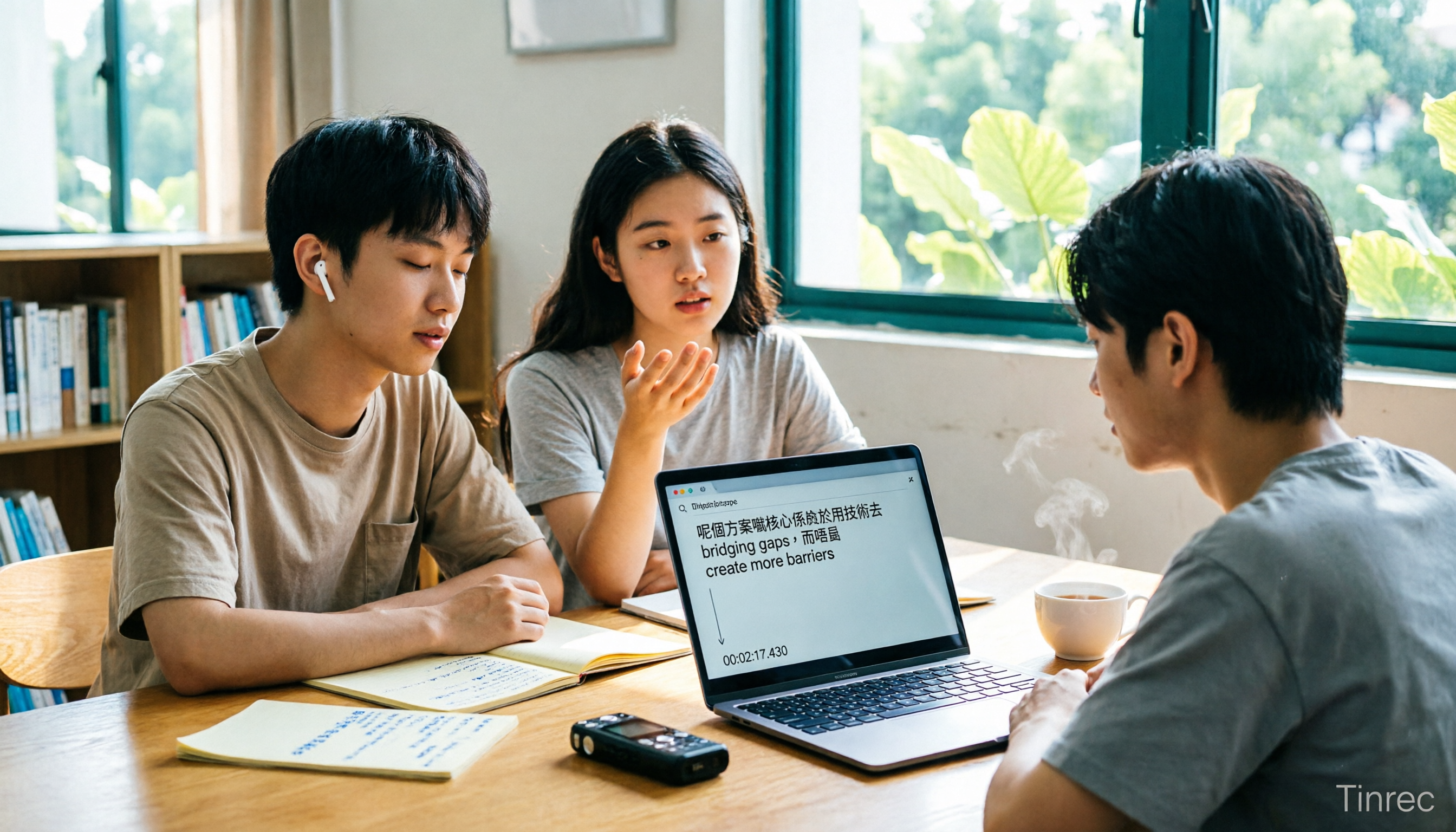
Free WeChat Voice-to-Text Cantonese Solutions in 2026: 5 Options Compared
WeChat's built-in voice-to-text is only suitable for short voice messages in chats; it struggles with Cantonese interviews, group discussions, or long recordings. Based on real needs from a student project, this article reviews 5 free solutions, explaining their free quotas, per-recording length limits, and suitable scenarios to help you decide which one can truly save you time.
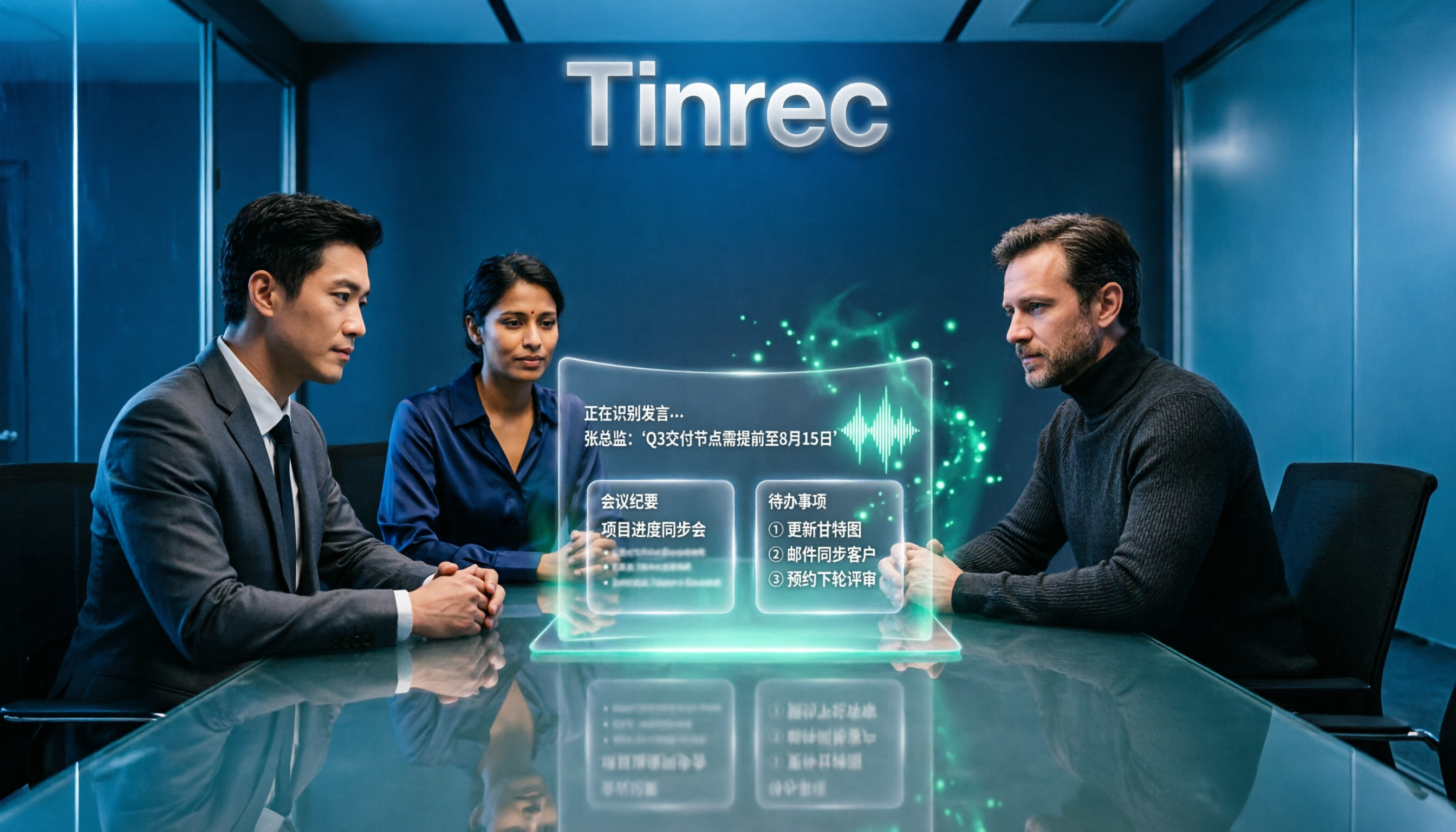
4 Online Speech-to-Text Tools Tested for 2026: Beyond Google, Which Handles Chinese Meetings Best?
Most people searching for 'Google speech to text online' actually find three completely different things. This article starts with common misconceptions, compares the practical differences of 4 online speech-to-text solutions, and shares trial observations of Tinrec in Chinese meetings, post-meeting organization, and team collaboration, helping you decide which approach truly saves time.

2026 Comparison of 4 Speech-to-Text Solutions: Free Tiers, Chinese Recognition, and Post-Meeting Organization
Searching for 'Google speech to text free' but finding that free tools only record from a microphone, have audio length limits, and require manual transcript correction? This article compares 4 common approaches across free tiers, Chinese recognition, and post-meeting organization, and breaks down who Tinrec's free, Pro, and Team versions are for, helping you turn recordings into usable meeting materials with minimal time.

2026 Google Meet Speech-to-Text Comparison: 4 Methods Tested, No Bot Required for Transcripts
After a Google Meet call, do you need live captions or a searchable, shareable transcript? This article breaks down 4 Google Meet speech-to-text methods—Google's built-in transcript, Google Docs voice typing, Otter.ai, and Tinrec—and explains the differences in bot-free desktop recording, Chinese recognition, post-meeting summaries, and team data retention to help you choose the right solution.

2026 Comparison of 5 Audio-to-Text Tools: How to Choose Between Yating Transcript and Alternatives
Starting from common misconceptions, this comparison examines Yating Transcript, Tinrec, Notta, Otter.ai, and Granola, covering Chinese and Taiwanese Hokkien recognition, post-meeting summaries, team collaboration, and pricing to help you choose the right tool for your needs.

2026 Comparison of 4 Audio-to-Text Tools: Is Yating Transcription or an AI Meeting Assistant More Time-Saving?
Still need to re-listen to a two-hour meeting? This article compares Yating Transcription, Tinrec, Notta, and TurboScribe in real tests, covering Taiwanese Hokkien and mixed Chinese-English recognition, post-meeting summaries, AI Q&A, team collaboration, and pricing, to help you find the tool that truly saves time on meeting notes.

Tinrec vs. Customer Visit Log Forms in 2026: A 5-Dimension Comparison — Can AI Notes Replace Traditional Forms?
Customer visit log forms have all the fields, so why do colleagues still struggle to take over? This article compares Tinrec with traditional customer visit log forms across five dimensions: record completeness, handoff usability, post-visit retrieval, team knowledge retention, and cost threshold. It also provides a pitfall-avoidance guide and selection recommendations.

2026 Comparison of 4 Client Visit Record Tools: Spreadsheets vs. AI Recording
Starting from the most common inefficient ways to fill out client visit records, this article organizes fields such as client identity, visit facts, client quotes, commitments, and actions, and compares Tinrec, Otter.ai, Notta, and PLAUD in terms of Chinese visit notes, online meetings, post-meeting organization, and team handoff, helping you choose the right recording method for your sales and team.
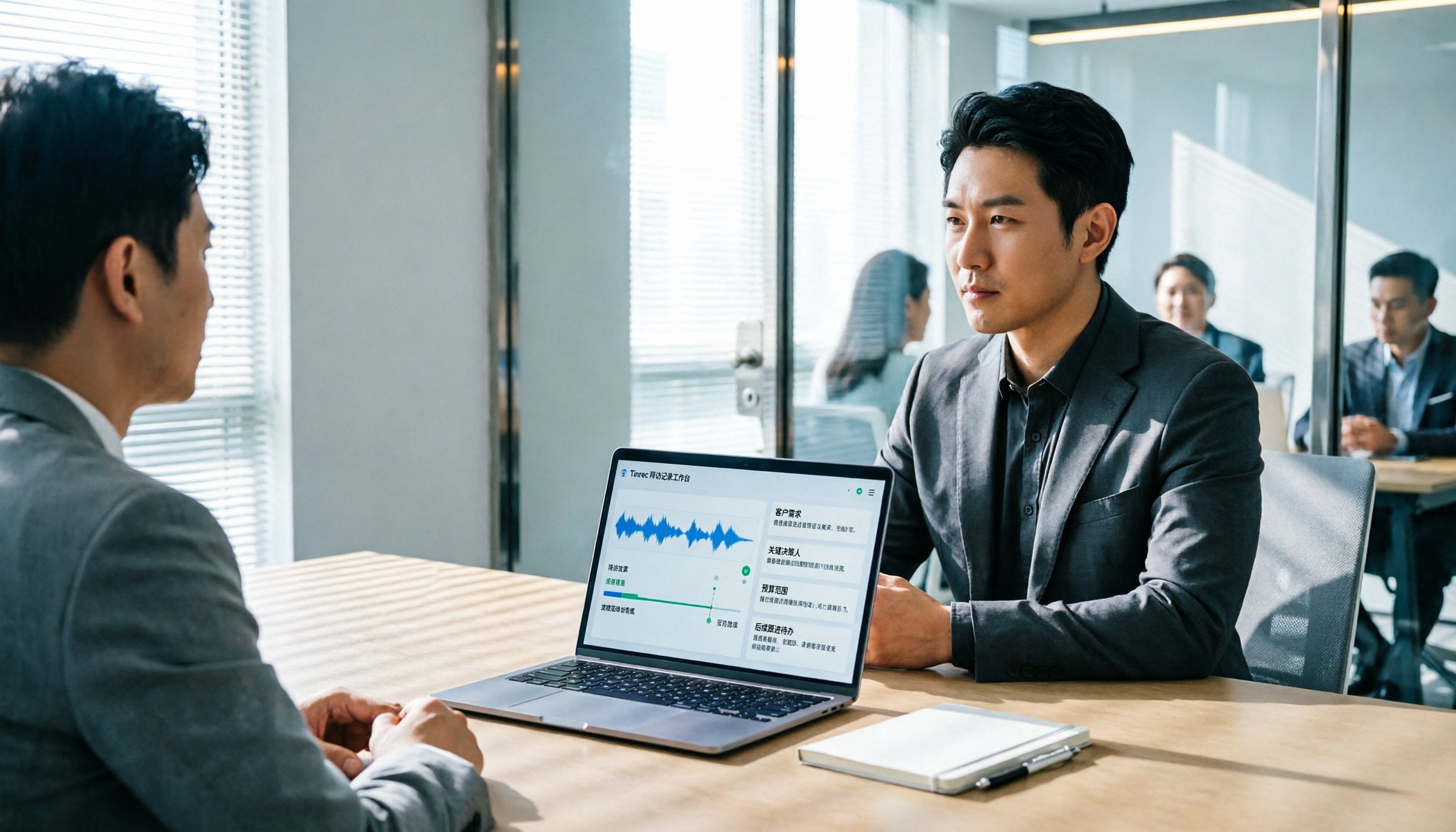
2026 Client Visit Recording Software Buying Guide: Hands-On Review of Tinrec, Notta, and 2 Others
Starting from a client visit record template, this guide covers essential fields, filling logic, and key software selection criteria. It compares Tinrec, Notta, Otter.ai, and PLAUD for sales visit scenarios, helping you turn visit content into trackable team data.