

Turn recordings into transcripts and summaries in minutes
Upload audio or video for multilingual transcription, AI notes, and action items
Free WeChat Voice-to-Text Cantonese Solutions in 2026: 5 Options Compared
I Made This Mistake Too: Treating "Chat-to-Text" as "Recording-to-Text"
Last semester, for our graduation project, we interviewed three respondents who grew up in Hong Kong. After the interviews, I was pretty proud of myself—I listened to the whole interview while sending voice messages to my teammates with key points, thinking that later I could just long-press "convert to text" and have a transcript.
Of course, it wasn't that simple. With 60-second clips and over a dozen voice messages, I had to long-press each one, copy and paste each one, and by the end, I couldn't even match who said what. Not to mention the two-hour interview recording file—WeChat has no place to upload it.
That was my first mistake: treating "a voice message in a chat" and "a recording that needs to be organized" as the same thing. The former is an add-on feature of a messaging app; the latter is work that can really eat up your entire evening.
The second common misjudgment is thinking that "processing Cantonese speech must cost money." Actually, it doesn't. There are many free solutions; the difference lies in where your needs fall: if you just need to understand a 30-second Cantonese voice message from a friend, the built-in feature is fast enough; but if you want to turn speech into data that you can later search, quote, and include in reports, you need a different approach.
This article is a summary of what I actually used and the pitfalls I encountered this semester.
Before Choosing a Free Solution, Understand These 4 Things
1. Is your audio "a 60-second clip" or "a 90-minute recording"? This is the biggest dividing line. Chat apps are designed for short voice messages; long recordings require a different tool. First, figure out what you have, then talk about free quotas.
2. Is the free quota "per month" or "per day," and is there a per-recording limit? Some tools offer a few hundred minutes per month on the free plan, which sounds generous, but each file can only be 3 minutes—for interviews that last 40 minutes, you'll be cutting segments until you doubt life. Always look at the quota together with the per-recording limit.
3. Can you use the output after transcription? Having only a transcript versus having summaries, chapters, and the ability to ask questions are two completely different experiences. Before finals, what you need isn't a 30-page transcript but "what were the three main points of this interview." Post-transcription organization is where you truly save time.
4. On which devices do you work? Recording on phone and organizing on computer is our daily routine for the project. If a tool only works on a single device, you'll end up manually transferring files until you break down. Cross-device support and the ability to export to your usual note-taking app are more practical than a few hundred extra minutes.
Tinrec — The One I Used from Start to Finish
In a nutshell: This is an AI recording and meeting notes tool that turns meeting, class, and interview recordings into searchable, queryable, and exportable data. It works on mobile, desktop, and web.
Three scenarios where I actually used it
The first is project interviews. I upload the interviewee's audio file directly, and it transcribes it, then automatically generates summaries and chapters. Previously, organizing a 90-minute interview took me an entire afternoon; now I first look at the summary to grasp the direction, then go back to verify the exact quotes in the transcript, and copy them directly when citing.
The second is group discussions. Our team meetings always went in circles—no one ever remembered where we left off or who was responsible for what. When recording online meetings with the desktop version, it doesn't need to invite a bot into the meeting room; it can capture the sound played by the computer and transcribe while recording. After the meeting, action items are extracted, and who does what is clear at a glance.
The third is final exam review, which I think is the most powerful feature: AI Q&A. I don't need to listen to the recording from the beginning, nor do I need to Ctrl+F in the transcript; I just ask "What did the interviewee say about budget constraints?" or "What was the conclusion of the last meeting?" and it answers based on the content.
About accuracy, I don't want to give you a fake number
Many articles cite numbers like "8.3% word error rate," but I can't give you that—because the same recording can yield very different results when recorded in a quiet classroom versus a noisy café, and multiple people talking over each other, accents, and technical terms all affect it. My approach is practical: use the free quota to throw in your most difficult Cantonese recording and test it; you'll know immediately if it works. Tinrec covers Chinese, Traditional Chinese, and multilingual meeting scenarios, and also supports real-time translation and bilingual display, making mixed Chinese-English interviews easier to read; the team version also has a hotword feature that lets you pre-load your project's technical terms.
Stop organizing recordings by hand
Upload audio or video and automatically get a transcript, summary, and action items
Three advantages I'll list
First, transcription is just the starting point. Summaries, chapters, action items, mind maps, AI Q&A, and export to Notion or Google Docs form a complete workflow, not a single feature.
Second, no need to buy hardware for recording online meetings, and no need to stuff a bot into the meeting room. The desktop version directly handles audio from Zoom, Google Meet, Teams, and Webex.
Third, team spaces are very friendly for group projects. Data belongs to the team, not tied to an individual student's account; if a member leaves or doesn't pay, the data can be handed over to others. Note that roles and seats are two different things: you need a seat to upload, edit, and export; without a seat, you can still view and listen.
Limitations should also be clear
The free version lets you experience recording, importing, summaries, and transcription first; once the quota is used up, you'll need to consider paying—there are weekly cards, Pro monthly cards, and annual cards, depending on whether you're "sprinting short-term" or "accumulating long-term." The team version is a separate paid plan: first-time eligible users can try 7 days, 1 free seat, 300 minutes of team shared import quota; paid seats are USD 29.80 per month, or USD 199 per year (about USD 16.58 per month), each paid seat has 2,000 minutes of team shared import quota per month, and real-time recording is currently not deducted by minutes under an active seat. For students, this is at a level that can be split among group members, not a price one person would casually subscribe to.
Who is it for
If your audio appears in classes, interviews, and group meetings, and you want to be able to "use it later" rather than "let it gather dust on your phone," it's worth spending an evening trying it out.
Besides Tinrec, What Other Free Options Are There?
WeChat built-in voice-to-text Free and fastest; when you receive a voice message in a chat, long-press and select "convert to text." Another way is to tap the small microphone on the keyboard and use voice input directly. Official documentation currently supports Mandarin, English, and Cantonese. But its boundary is the chat context: no summaries, no action items, and you can't throw a 40-minute meeting recording into it to organize into a transcript. If you just need to understand a Cantonese voice message from a friend, use it; but for organizing long recordings, it can't do Tinrec's upload transcription and post-meeting AI Q&A.
Notta It offers multilingual transcription and meeting notes; the free version gives 120 minutes per month, but each recording can be at most 3 minutes—this is fatal for interviewers. Pro annual billing is about USD 8.17/month, with 1,800 minutes per month. It suits people who like to control the segmentation rhythm themselves; if you need to ask questions about the whole meeting without cutting it into segments, Tinrec's AI Q&A is more convenient.
TurboScribe Free plan allows 3 files per day, up to 30 minutes per file; Unlimited annual billing is USD 120 (about USD 10/month), and after payment, each file can be up to 10 hours or 5 GB, and you can upload 50 files at once. It's the king of cost-effectiveness for long files and batch transcription. But if you want live transcription during meetings and automatic action item extraction afterward, that's a meeting workflow like Tinrec's, not a pure transcription tool.
Otter.ai A mature choice for English meetings; Basic free plan gives 300 minutes per month. However, it doesn't support Cantonese—if you're recording English classes or English interviews, it's indeed cost-effective; for Cantonese needs, skip it directly. This is the only scenario in this article where I recommend something other than Tinrec.
Pitfall Guide: The 4 Most Common Mistakes When Choosing These Tools
Pitfall 1: Treating chat-to-text as meeting notes. Short voice messages and long recordings are two different needs; using the wrong tool will cost you an entire evening in copy-pasting.
Pitfall 2: Only looking at "free quota" and not "per-recording limit." 120 minutes per month sounds like a lot, but if you can only do 3 minutes at a time, you'll have to cut the interview into 30 segments and piece them back together yourself.
Pitfall 3: Ignoring cross-device support. If you record on your phone and want to edit the transcript on your computer, and the tool doesn't support it, you'll spend time using a USB cable and cloud drive to make up for it.
Pitfall 4: Forgetting compliance issues with recording and transcription. Before starting an interview or meeting, inform the other party that it will be recorded, and comply with local regulations and school policies; also, don't casually upload interviewees' personal data to accounts without permission management. This isn't a formality; it's where things can really go wrong.
Conclusion: Which One Should You Choose?
To sum up in one sentence: If your Cantonese audio only appears in chats, WeChat's built-in feature is enough; as soon as you want to turn audio into "reusable data," you should switch to a tool with post-processing capabilities.
- Just want to understand Cantonese voice messages in chats → WeChat built-in, free and fastest
- Need to organize interviews, classes, or group meeting recordings → Tinrec, upload transcription plus summaries, action items, AI Q&A
- Need cross-device (record on phone, organize on computer) → Tinrec, available on mobile, desktop, and web
- Need to batch process many long files at once → TurboScribe, long files and batch processing are its strengths
- Recording English content, no Cantonese needed → Otter.ai, 300 free minutes is generous
My advice: First, use the free quota to throw in your most difficult Cantonese recording; you'll know in ten minutes whether the tool can save you. If you find it useful, then consider upgrading—students really don't need to pay right away.
References
- Free WeChat Voice-to-Text Cantonese Solutions in 2026: 5 Options Compared - Tinrec Blog
- How to convert a recorded voice message to text?
- WhatsApp Voice-to-Text Cantonese Android Recommendations: 4 Efficient Tools Tested and Tinrec AI Summary Comparison - Tinrec Blog
- How to convert speech to text in Cantonese? 2 super simple methods - Zhihu
- How to convert WeChat voice to text? One step is all it takes - Tencent Cloud Developer Community - Tencent Cloud
Turn every recording into actionable outcomes
Get 60 free transcription minutes when you sign in. No credit card required.
Related Reading
You might also like
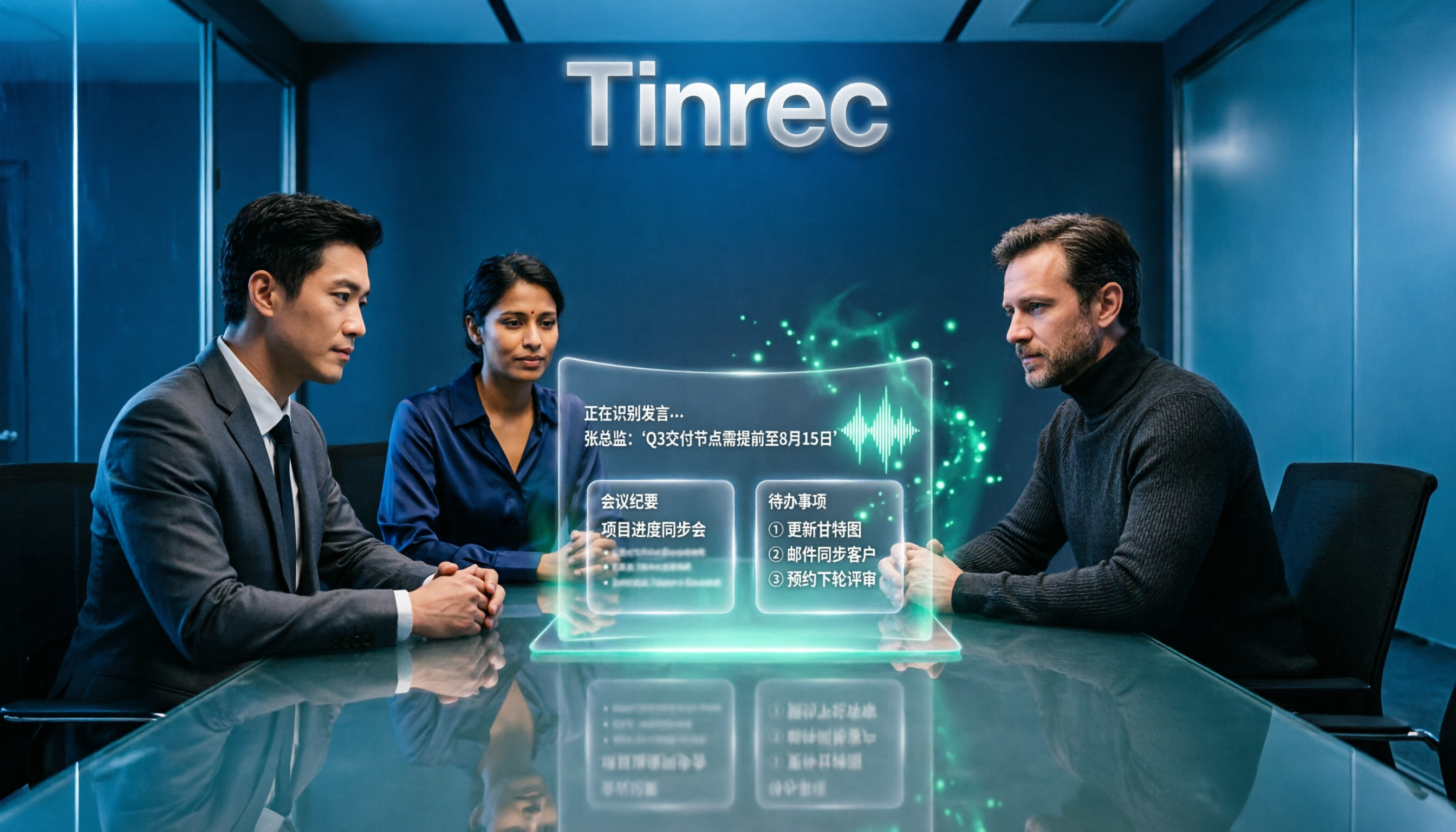
4 Online Speech-to-Text Tools Tested for 2026: Beyond Google, Which Handles Chinese Meetings Best?
Most people searching for 'Google speech to text online' actually find three completely different things. This article starts with common misconceptions, compares the practical differences of 4 online speech-to-text solutions, and shares trial observations of Tinrec in Chinese meetings, post-meeting organization, and team collaboration, helping you decide which approach truly saves time.
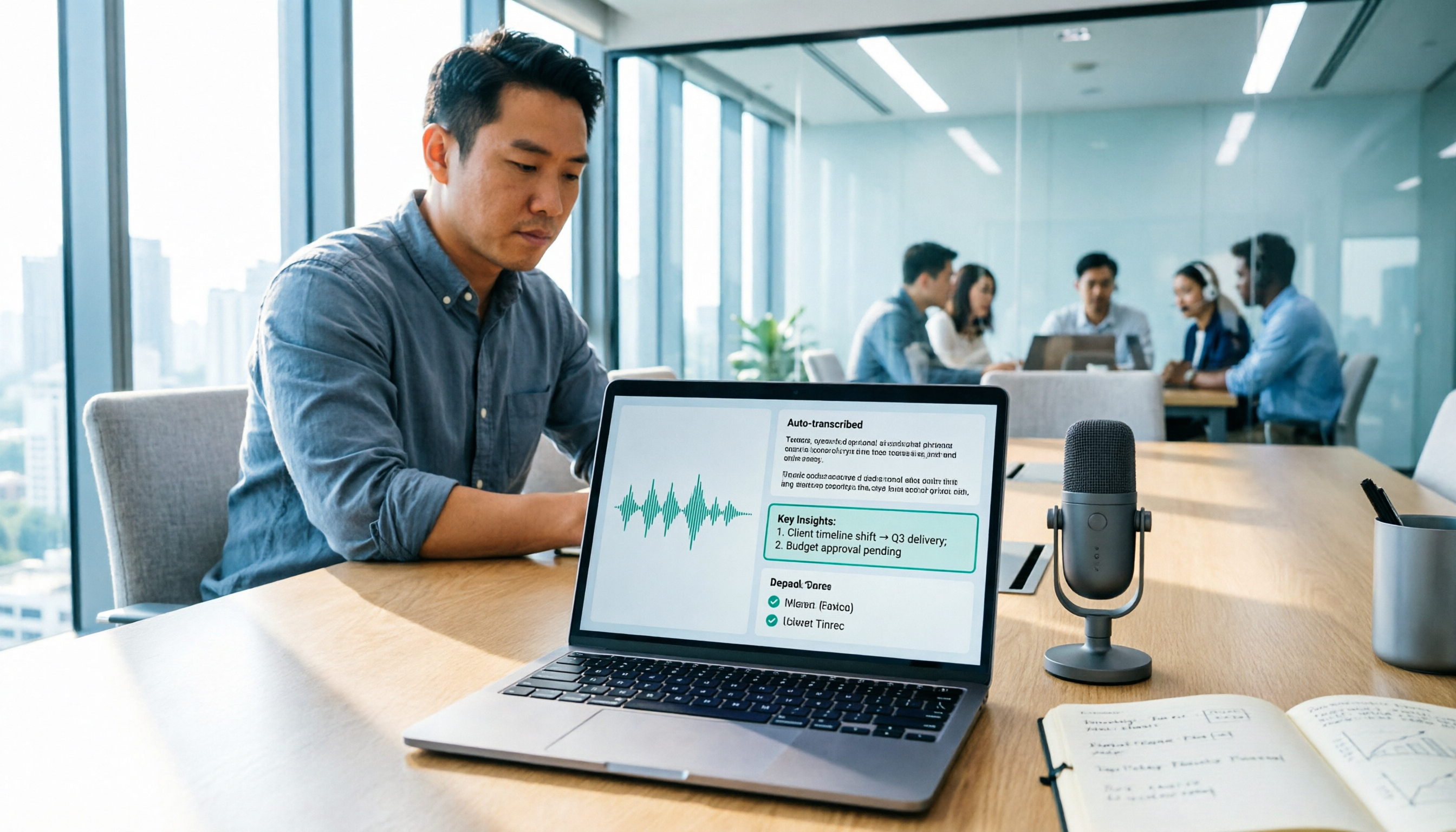
2026 Google Speech-to-Text Tools Buyer's Guide: 3 Solutions Compared and Recommended
Google's free speech-to-text is handy, but it solves 'turning speech into text,' not 'turning meetings into data.' This guide starts from real-world use cases, breaks down the 5 core capabilities speech-to-text should have, 4 application scenarios, and purchasing considerations, and uses Tinrec to demonstrate the complete workflow from recording, transcription, summary, action items, to team knowledge retention.

2026 Comparison of 4 Speech-to-Text Solutions: Free Tiers, Chinese Recognition, and Post-Meeting Organization
Searching for 'Google speech to text free' but finding that free tools only record from a microphone, have audio length limits, and require manual transcript correction? This article compares 4 common approaches across free tiers, Chinese recognition, and post-meeting organization, and breaks down who Tinrec's free, Pro, and Team versions are for, helping you turn recordings into usable meeting materials with minimal time.

2026 Google Meet Speech-to-Text Comparison: 4 Methods Tested, No Bot Required for Transcripts
After a Google Meet call, do you need live captions or a searchable, shareable transcript? This article breaks down 4 Google Meet speech-to-text methods—Google's built-in transcript, Google Docs voice typing, Otter.ai, and Tinrec—and explains the differences in bot-free desktop recording, Chinese recognition, post-meeting summaries, and team data retention to help you choose the right solution.

2026 Comparison of 5 Audio-to-Text Tools: How to Choose Between Yating Transcript and Alternatives
Starting from common misconceptions, this comparison examines Yating Transcript, Tinrec, Notta, Otter.ai, and Granola, covering Chinese and Taiwanese Hokkien recognition, post-meeting summaries, team collaboration, and pricing to help you choose the right tool for your needs.

2026 Comparison of 4 Audio-to-Text Tools: Is Yating Transcription or an AI Meeting Assistant More Time-Saving?
Still need to re-listen to a two-hour meeting? This article compares Yating Transcription, Tinrec, Notta, and TurboScribe in real tests, covering Taiwanese Hokkien and mixed Chinese-English recognition, post-meeting summaries, AI Q&A, team collaboration, and pricing, to help you find the tool that truly saves time on meeting notes.

Tinrec vs. Customer Visit Log Forms in 2026: A 5-Dimension Comparison — Can AI Notes Replace Traditional Forms?
Customer visit log forms have all the fields, so why do colleagues still struggle to take over? This article compares Tinrec with traditional customer visit log forms across five dimensions: record completeness, handoff usability, post-visit retrieval, team knowledge retention, and cost threshold. It also provides a pitfall-avoidance guide and selection recommendations.

2026 Comparison of 4 Client Visit Record Tools: Spreadsheets vs. AI Recording
Starting from the most common inefficient ways to fill out client visit records, this article organizes fields such as client identity, visit facts, client quotes, commitments, and actions, and compares Tinrec, Otter.ai, Notta, and PLAUD in terms of Chinese visit notes, online meetings, post-meeting organization, and team handoff, helping you choose the right recording method for your sales and team.

2026 Client Visit Recording Software Buying Guide: Hands-On Review of Tinrec, Notta, and 2 Others
Starting from a client visit record template, this guide covers essential fields, filling logic, and key software selection criteria. It compares Tinrec, Notta, Otter.ai, and PLAUD for sales visit scenarios, helping you turn visit content into trackable team data.