

Turn recordings into transcripts and summaries in minutes
Upload audio or video for multilingual transcription, AI notes, and action items
2026 Comparison of 2 Transcription Tools: How Yating Transcription Pricing Works and Why Tinrec Is Better for Teams
Most people search for 'Yating transcription pricing' when meeting recordings pile up and transcripts are piling up unfinished. But the real pitfalls are usually not the unit price, but these three judgments:
- Treating free minutes as a regular quota: The hours given upon registration are mostly a one-time trial; once used up, you need to purchase hour packs.
- Only looking at the hourly unit price without calculating 'how much time you'll spend organizing after transcription': A transcript is not the same as meeting notes; summaries, action items, finding people, and following up on conclusions are often the real time-consuming parts.
- Using personal tool logic to handle team needs: Multiple people sharing one account, data staying on personal phones, and connections breaking when someone leaves.
The following compares Yating Transcription and Tinrec across 5 dimensions. This article is based on cross-checking official public information and third-party compilations, without conducting word error rate experiments; actual recognition performance may be affected by recording quality, accents, noise, and overlapping speech, so it is recommended to test with your own recordings. Prices and quotas are subject to official pages, and the data verification date is August 2026.
Yating Transcription vs Tinrec | Quick Overview
Yating Transcription is an AI speech-to-text service developed by a Taiwanese team, focusing on recognition of Taiwanese accents, Taiwanese Hokkien, and mixed Chinese-English (Chinglish), offering both real-time recording and audio file upload modes.
Tinrec is an AI meeting notes and collaboration tool for individuals and teams. In addition to transcription, it organizes meetings into searchable, queryable, exportable, and transferable data.
| Item | Yating Transcription | Tinrec |
|---|---|---|
| Positioning | Speech-to-text service | AI meeting notes and team collaboration |
| Billing | Purchase by usage hours (public data found this time mainly personal plans) | Personal: Free/Weekly card/Pro monthly/Pro annual; Team: per paid seat |
| Main input | Real-time recording, upload audio files, Chrome extension assistance | Real-time recording, desktop version records online meetings without bots, audio and video files, mobile |
| Team capabilities | Data found this time does not describe seats and audit mechanisms; subject to official announcements | Team space, roles, seats, usage analytics, audit logs, audio recycle bin |
Dimension 1 | Pricing Structure: Hour Packs vs Version-Based, Which Is Easier to Estimate?
Yating Transcription's paid plans are mainly sold by 'duration', divided into 1 hour, 3 hours, and 10 hours, which can be stacked; if longer durations are needed, you can contact the official team. The common statement in most third-party compilations is 'pay as you go', no subscription required. The advantage of hour packs is intuitive: for one or two short-term interviews, just buy a few hours. The disadvantage is that when you have regular weekly meetings, you need to estimate the total cost yourself.
Tinrec uses a version-based model: personal plans include a free version, weekly card, Pro monthly, and annual; choose based on usage frequency. The team version is priced per paid seat: USD 29.80 per paid seat per month for monthly billing, USD 199 per paid seat per year for annual billing (about USD 16.58 per month). Each paid seat provides 2,000 minutes of team shared import quota per month; real-time recording under an active team plan and seat is currently not deducted by minutes.
| Cost Item | Yating Transcription | Tinrec |
|---|---|---|
| Billing unit | Hour packs (1/3/10 hours, stackable) | Personal: Free, weekly card, Pro monthly, Pro annual; Team: paid seats |
| Team price | Not listed in public data found this time | Monthly USD 29.80/seat/month; annual USD 199/seat/year |
| Quota logic | Use according to purchased hours | 2,000 minutes team shared import per paid seat per month; real-time recording under active plan not deducted by minutes |
→ This dimension: For occasional, low-volume use, Yating's hour packs are more intuitive; for regular use or multi-person sharing, Tinrec's version and seat system make budgeting easier.
Dimension 2 | Free Quota and Trial Cost
Yating Transcription's free entry is a one-time minute allowance given upon registration, but sources vary: some say 120 minutes, others about 300 minutes trial quota, and it may be limited by audio length or daily次数; another source notes that real-time recording is usually free for basic use. Since the numbers cannot be cross-verified, it is recommended to refer directly to the official page and understand it as a 'one-time experience' rather than a long-term quota.
Tinrec's free version is regularly available, allowing you to experience recording, import, summarization, and transcription with basic quota; the team version offers a 7-day trial for first-time eligible users, 1 free seat, and 300 minutes of team shared import quota. For situations where you want 'a few colleagues to try together first', the trial rules are relatively clear.
Stop organizing recordings by hand
Upload audio or video and automatically get a transcript, summary, and action items
→ This dimension: Both have free entry points; if you want the team to try before deciding, Tinrec's trial conditions are easier to plan.
Dimension 3 | Workflow After Transcription
Yating Transcription is quite solid in transcription itself: automatically adds punctuation, smart segmentation, speaker recognition, provides machine translation, and can export to WORD, TXT, PDF, SRT formats, also supports cloud storage and sharing. That is, it does a complete job of 'turning sound into readable text'.
Tinrec focuses on what comes after transcription: automatically generates summaries, chapters, and key points, extracts action items from discussions, supports mind maps, and enables AI Q&A around meeting content; it can also use Agent post-processing to generate reports, tables, and documents, and export to Notion, Google Docs, OneNote, Dropbox, etc. for further processing.
→ This dimension: If you need a clean transcript, Yating is sufficient; if you need 'data you can directly work with', Tinrec offers higher completeness.
Dimension 4 | Input Sources and Online Meeting Handling
Yating Transcription supports phones, computers, and tablets, can record in real-time or upload audio files, and can also record Google video meetings or presentations via Chrome extension; the official claim is that data does not need to leave Taiwan, which is attractive to users concerned about privacy and security.
Tinrec's desktop version directly captures computer system audio, so when handling online meetings on Zoom, Google Meet, Microsoft Teams, Webex, etc., no additional meeting bot needs to be invited; it also supports real-time translation, allowing you to view original text, translation, or bilingual content during recording. Note that users still need to actively open Tinrec to start recording; it does not automatically join all calendar meetings.
→ This dimension: If you mainly use Google video meetings and value local data processing, Yating is a reasonable choice; for cross-platform meetings plus bilingual needs, Tinrec's workflow is smoother.
Dimension 5 | Team Collaboration, Seats, and Data Ownership
The public data found this time for Yating Transcription mainly focuses on personal account use, without describing team spaces, seat allocation, or operation audits; another compilation reminds that one account cannot be used on multiple devices simultaneously. If you share one set of credentials among multiple people, data ownership and handover will be hidden costs.
Tinrec's team version is an independent team space: you can create multiple teams, invite members via join links, set owners, admins, and regular members, and assign or revoke seats. Team data belongs to the team; when a member leaves or loses a seat, it can be handed over to other active members; admins can also view usage trends, member rankings, query and export audit logs, and restore accidentally deleted audio within a time limit via the audio recycle bin (currently retained for 30 days). Note that roles and seats are two different things: members without seats can still view, play, and read team data, but cannot upload, edit, or export.
→ This dimension: Whenever multiple people share meeting data, Tinrec's team governance capabilities are clearly superior.
What Are Their Unique Advantages?
Tinrec's advantages
- Record online meetings without bots: The desktop version captures system audio, so no extra bot needs to hang in the meeting room.
- Complete post-meeting workflow: Summaries, chapters, action items, AI Q&A, Agent-generated reports and tables turn transcripts into deliverable results.
- Team governance in place: Roles, seats, usage, audits, and recycle bin ensure data doesn't disappear with people when members change.
- Multilingual and team hotwords: Mixed Chinese-English and multilingual meetings can be translated in real-time, viewed bilingually, and team hotwords maintain professional terminology.
Yating Transcription's advantages
- Local language sense: Optimized for Taiwanese accents, Taiwanese Hokkien, and mixed Chinese-English, practically helpful for Taiwanese Hokkien interviews or elder recordings.
- Simple billing: Purchase by hours, pay as you go; for short-term small usage, no need to think about subscription cycles.
Conclusion: Which One Should You Choose?
- Just want to turn a few recordings into text, usage is irregular → Yating's hour packs are enough.
- Recordings are mainly in Taiwanese Hokkien or heavy Taiwanese accent → Try Yating first, and compare results with the same recording.
- After meetings, you still need to write minutes, capture action items, write reports → Tinrec's summaries, action items, and Agent post-processing save the most time.
- Need to switch between Zoom, Meet, Teams, and don't want to add a meeting bot → Tinrec's desktop workflow is smoother.
- Team needs to share meeting data, manage seats and usage → Tinrec's team version is designed for this.
- Only need iPhone or simple transcription, no AI features at all → Using free tools temporarily is also reasonable.
In one sentence: Yating Transcription is suitable for 'turning sound into text', Tinrec is suitable for 'turning meetings into data the team can continue to use'. For most office workers and teams needing meeting notes, Tinrec is a more complete choice; but for both, it is recommended to run your own real recordings first before deciding whether to pay.
📌 Final reminder: Recording and transcription involve others' privacy; please obtain consent from participants in accordance with local regulations; prices, quotas, and features in this article are subject to official pages, and plan contents may change; please verify again before purchasing.
Reference Sources
- Yating Transcription Complete Guide: Free Version, Pricing, and Alternatives at a Glance (tw.topmediai.com)
- Is Yating Transcription Free? How Yating Transcription Pricing Works (edimakor.hitpaw.tw)
- Yating Transcription: Online Speech-to-Text Service, Pricing Introduction at a Glance (fc.bnext.com.tw)
- Is Yating Transcription Free? 2026 Complete Comparison of Recording-to-Text Tool Pricing and Performance (tinrec.com)
- What Is Yating Transcription in 2026? 4 Steps to Understand Features, Pricing (tinrec.com)
Reference Sources
- Yating Transcription Complete Guide: Free Version, Pricing, and Alternatives at a Glance
- Is Yating Transcription Free? How Yating Transcription Pricing Works, Is Buying Hours Worth It
- Yating Transcription: Online Speech-to-Text Service, Pricing Introduction at a Glance! | Comprehensive AI Tool Introduction - Future Business
- Is Yating Transcription Free? 2026 Complete Comparison of Recording-to-Text Tool Pricing and Performance - Tinrec Blog
- What Is Yating Transcription in 2026? 4 Steps to Understand Features, Pricing, and Tinrec Comparison - Tinrec Blog
Turn every recording into actionable outcomes
Get 60 free transcription minutes when you sign in. No credit card required.
Related Reading
You might also like

How to Use Plaud Voice Recorder in 2026: Operation Guide & AI Meeting Notes Comparison
Got a Plaud recorder but stuck on pairing and recording modes? This guide compiles official instructions into a complete walkthrough, covering model differences and membership costs. It also compares Plaud, Tinrec, Otter.ai, Notta, and TurboScribe for meeting notes, transcripts, and post-meeting organization, helping you decide between hardware and software.

2026 Comparison of 3 Transcription Tool Costs: Beyond Yating Transcription Fees, Why Is Tinrec Team Edition More Convenient?
Starting from common misconceptions about Yating transcription fees on PTT, this article compares the billing differences between real-time recording, audio file upload, and hourly packages, and examines Tinrec's actual workflow for online meeting recording, post-meeting summaries, AI Q&A, and team collaboration. This article is a compilation of public information and product details, not laboratory testing; fees and plans are subject to official pages.

2026 Review of 4 Transcription Tools: How Yating Transcription Pricing Works and Which Offers the Best Value
How is Yating Transcription priced? This article breaks down the hour-package billing logic, free quota, and usage limits, and compares it with three tools positioned differently—Tinrec, Notta, and TurboScribe—to help you choose the most cost-effective option based on your usage frequency and output needs.

How to Use Yating Transcription in 2026: Buying Guide & 5-Dimension Test vs. Tinrec
How do you use Yating Transcription? This article covers a 3-step tutorial from real-time app recording and 99% progress processing to export, and honestly explains its time-based billing and single-device limitation. It also compares Tinrec across 5 dimensions—online meeting recording without a bot, post-meeting summaries, AI Q&A, and team collaboration—to help you choose the right transcription tool for your use case.

3 Free Transcription Tools for 2026: Yating Updates and Meeting Note Use Cases Compared
A roundup of 2026 news about Yating Transcription and three free transcription tools—Tinrec, Yating Transcription, and Otter.ai—covering free-tier terms, meeting note use cases, limitations, and buying advice to help budget-conscious professionals decide quickly.

Best Transcription Tools in 2024: Yating vs. Tinrec – Post-Meeting Workflow Is Key
Starting from a 2024 review of Yating, this comparison examines Tinrec's meeting recording, AI summaries, action items, Q&A, and team collaboration. If you only need transcripts, Yating is sufficient; if you need a post-meeting workflow, Tinrec is more complete.
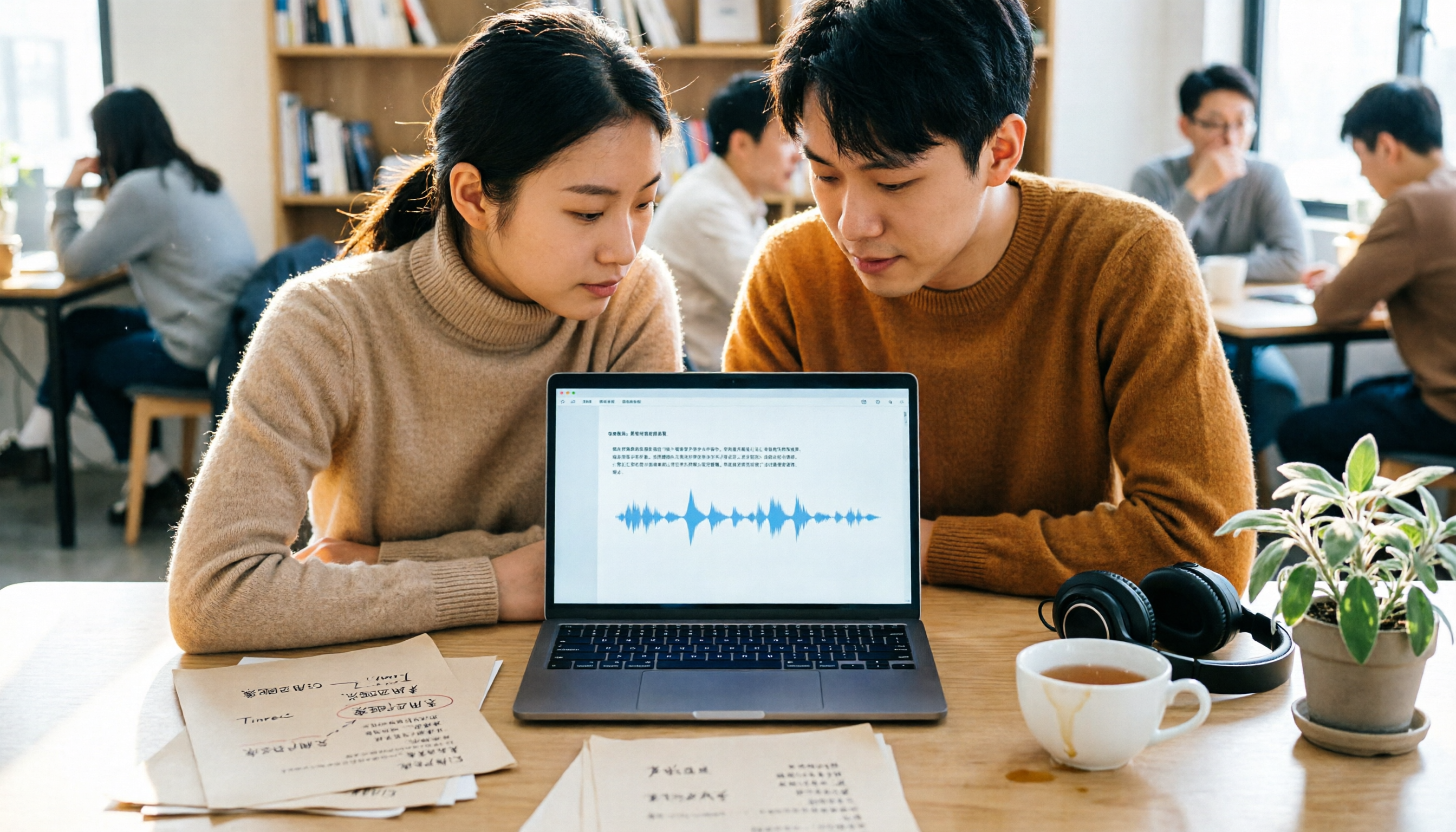
2026 Comparison of 4 Transcription Tools: Yating Transcriber Latest Version vs. Tinrec
What's new in the latest Yating Transcriber? How do free and paid plans work? This article covers the current status of the Yating Transcriber app and web studio, pricing by duration, and usage limits, and compares it with Tinrec, Notta, and Otter.ai—4 transcription tools in total—to help you decide whether to stick with Yating or switch.

2026 Comparison of 4 Transcription Tools: Is Yating Transcription Good Enough for Traditional Chinese Contexts?
Starting from Traditional Chinese transcription needs, this comparison examines differences between Yating Transcription and tools like Tinrec in transcription, summarization, AI Q&A, and team collaboration, helping you decide which is suitable for meeting and interview organization.

2026 Comparison of 5 Transcription Tools: How Yating Transcription Pricing Works and Whether the Free Quota Is Enough
Yating Transcription gives you 120 free minutes upon registration, and after that you buy time packages instead of paying a monthly fee. This article explains its pricing logic, free quota, and the workflow for both live recording and audio file upload, and compares the differences between Tinrec, Otter.ai, Fireflies.ai, and Notta, helping you calculate whether it's worth the money before you pay.