

Turn recordings into transcripts and summaries in minutes
Upload audio or video for multilingual transcription, AI notes, and action items
Plaud Voice Recorder Guide 2026: Setup, Recording Modes & AI Transcription
The newly unboxed Plaud sits on your desk, thin as a credit card, with just one button. You're not thinking about specs—you're thinking: "Where do I press to start recording?"
This guide starts right there. I'll walk through the entire process of using the Plaud voice recorder, from powering on and pairing to recording and organizing transcripts. At the end, I'll also discuss what to do if you don't want to carry an extra device.
What Is a Plaud Voice Recorder? First, Identify Your Model
Plaud is a series of AI recording hardware. After recording, you use the dedicated app to convert speech to text, generate transcripts, summaries, and even mind maps.
The biggest difference from your phone's built-in recording feature: it delivers not just an audio file, but organized content.
There are currently three common forms:
- Plaud Note: Card-sized, magnetically attaches to the back of your phone, designed for in-person conversations and phone call recording.
- Plaud NotePin: Wearable, the smallest, designed for one-touch recording and wearing on the go.
- Plaud Note Pro: A more full-featured dedicated device. Official materials mention 4 MEMS microphones, can capture sound within 5 meters, and supports transcription in 112 languages.
The button logic differs across the three models, which is where most people get stuck. The following steps are based on the common official workflow; actual operation depends on your model.
3 Things to Do Before Recording
1. Create and Log In to Your Plaud Account
Plaud's transcription and organization happen in the app and cloud, so the first step is not recording—it's creating an account.
The official instructions are clear: you must create an account and log in successfully before you can pair your device.
2. Pair Your Device
After logging in, follow the app prompts to pair your device. Once paired, future recordings will automatically sync to your account.
3. Check Battery Level
Official battery life varies by model: the 400mAh version can record continuously for up to 30 hours and standby for 60 days; the 320mAh and 270mAh versions offer 20 hours of continuous recording and 40 days standby.
The numbers look great, but keep in mind standby days are ideal figures. If you only use it once every two or three weeks, check the battery before heading out.
How to Record with Plaud: Three Scenarios
Scenario 1: Physical Button "Smart Dual Mode"
For models with a physical toggle switch, the official instructions are:
- Note Recording: Slide the recording button down to note recording mode, suitable for face-to-face meetings, interviews, and lectures.
- Phone Call Recording: Slide the button up to phone call recording mode, suitable for mobile calls.
After recording, slide the button back to its original position to stop. The advantage is you don't need to open the app—just slide to start, perfect for quick notes.
Scenario 2: Long-Press Recording in the App
If you're recording phone calls within the app, the official app guide's rhythm is:
- Long-press the record button and hold for 1 second.
- Feel "one vibration"—phone call recording has started.
- To stop, long-press the record button again for 1 second.
- Feel "two vibrations"—recording has ended.
Using haptic feedback to judge status is very practical; you don't need to stare at the screen. During meetings, you can place your phone on the table and still confirm whether it's recording.
Scenario 3: One-Touch Recording on NotePin
NotePin's logic is the simplest: press to record. It's designed to be worn on your body, keeping the microphone close to the speaker. The official review describes it as "one-touch recording that automatically completes speech-to-text, transcription, key summaries, and even mind maps."
One thoughtful feature: NotePin supports Apple's Find My. After linking your Apple ID in the app, you can check the device location from your iPhone, and if lost, remotely play a sound or enable Lost Mode. For a small wearable, this feature is a real plus.
Must-Do Before Recording
The official guide specifically reminds: before starting recording, proactively inform the other party and obtain their explicit consent.
Taiwan's relevant laws regulate recording, so don't skip this step.
After Recording: Transcripts, Summaries, and Organization
When recording ends, the device syncs the audio file to the app, and then comes Plaud's real value:
- Transcript: Official materials state it uses AI models to produce time-stamped transcripts.
- Multilingual: Supports transcription in 112 languages, with speaker labeling and custom vocabulary.
- Summaries and Templates: Generate summaries via 10,000+ templates, mind maps, and workflow integrations.
- Knowledge Base: Transcribe ideas to text, create summaries, organize and search, for long-term storage.
- Desktop Version: Plaud Desktop can record in-person conversations, phone calls, and online meetings, then organize via the app.
Simply put, it compresses "listening to the recording again" into "reading an organized note."
Honest Talk: Where Plaud's Limitations Are
Hardware has its advantages, but also inherent barriers. Let me be clear:
Stop organizing recordings by hand
Upload audio or video and automatically get a transcript, summary, and action items
- Needs charging and carrying. No matter how small, if you forget it, you can't record.
- Transcription relies on subscription. PLAUD's AI features are membership-based. The official page shows Starter at 300 minutes/month, Pro annual at USD 99.99 (1,200 minutes/month), Unlimited annual at USD 239.99. Hardware is a one-time cost; service is ongoing—factor both in before buying.
- Price range. On the US official site, NotePin is USD 159, Note Pro is USD 189. Prices and promotions on the Taiwan site vary by channel; check the official page before ordering.
- Online meetings are more demanding. Plaud mainly handles "sounds happening around you." For Zoom, Meet, etc., the device needs to be close to the playback end; effectiveness depends on volume and environment.
If 80% of your meetings are on the computer, you actually need a different tool.
Another Path: Skip Hardware, Use Tinrec to Turn Meetings into Data
When I test such tools, the first thing I look at isn't specs—it's "what do I get after recording."
Tinrec takes a different route: it doesn't sell hardware; it sells software plus post-meeting workflow. In one sentence: an AI meeting notes and collaboration tool for individuals and teams, turning meetings into searchable, collaborative, actionable data.
The three biggest differences from Plaud:
First, no extra device to carry. Tinrec supports iOS, Android, web, and desktop; record on phone or computer. Forget to bring something on a business trip? The whole meeting isn't ruined.
Second, no bot needed for online meetings. Tinrec's desktop version directly captures computer system audio, handling Zoom, Google Meet, Microsoft Teams, Webex, etc., without inviting an extra meeting bot as a participant. This is especially noticeable in external meetings—you don't want to explain who the extra person is every time.
Third, a more complete post-meeting workflow. Tinrec produces transcripts, AI summaries, chapters and highlights, action items, and even AI Q&A around meeting content.
For example: last week's project meeting—just ask "Who mentioned the budget cap?" It gives answers based on semantics, not a bunch of keywords for you to dig through. It also supports real-time translation, with original, translated, or bilingual views—great for cross-language meetings.
Output can be exported to Notion, Google Docs, OneNote, Dropbox, and post-processed with Agent to generate reports, tables, and meeting minutes.
For team use, Tinrec's team plan is a separate team space, not multiple people sharing one account. Meeting data belongs to the team; members without a seat can still view, play, and read; only seat holders can record, upload, edit, import/export.
Admins can assign seats, view usage trends and member rankings, manage team hotwords, and access audit logs and an audio recycle bin (currently retained for 30 days). When a member leaves, data is transferred to other active members, not taken away.
Current team plan: first eligible trial is 7 days, 1 free seat, 300 minutes team shared import quota; paid seats are USD 29.80/month or USD 199/year (about USD 16.58/month), each paid seat provides 2,000 minutes team shared import quota per month. Under active plans and seats, real-time recording currently does not deduct minutes. Actual prices and benefits are subject to the official purchase page.
Limitations to note: Tinrec's file import consumes team shared quota; transcription quality is also affected by recording environment, accents, and overlapping speech—the official does not promise a fixed accuracy rate. For important content, cross-check with transcript timestamps and audio playback.
Who is it for? If you have 2–3 online meetings every week, need Chinese and mixed Chinese-English transcripts, want to use AI to find key points after meetings, and need the team to share the same meeting data—then this software route is smoother than buying extra hardware.
What Other Options Are There?
Otter.ai: A veteran choice for English business meetings. Free plan 300 minutes/month, Pro annual about USD 8.49/month. Its English meeting mind is mature, but Chinese and mixed Chinese-English are not its strong suit. If 90% of your company meetings are in English, consider it; if you need bot-free desktop recording plus Chinese meeting data retention, Tinrec is a better fit.
Notta: A multilingual transcription tool with high overlap with Tinrec. Free plan 120 minutes/month, 3 minutes per session; Pro annual about USD 8.17/month. Multilingual transcription is decent, but team space, role-based seats, and post-meeting AI Q&A completeness are where Tinrec has the edge.
Granola: A bot-free AI meeting notes tool that takes a "user handwritten notes plus AI enhancement" approach. Business is USD 14/user/month. Note that it does not support uploading pre-recorded audio files and does not save meeting audio. If you need to keep recordings and import existing files, Tinrec is more complete in this regard.
Pitfall Guide: 4 Most Common Mistakes with AI Voice Recorders
Pitfall 1: Only looking at hardware price, ignoring subscription fees. AI transcription for products like Plaud requires membership. Starter's 300 minutes/month is actually not enough for daily meeting-goers. Calculate the total cost of "hardware plus one year subscription" before buying.
Pitfall 2: Assuming perfect summaries after recording. AI summaries are useful, but they are not a replacement for human notes. Names, numbers, and proper nouns are most error-prone; for important decisions, cross-check against transcript timestamps.
Pitfall 3: Ignoring recording consent. Regardless of the tool, informing the other party and obtaining consent before recording is basic practice and a legal requirement. For international meetings, pay extra attention to local regulations.
Pitfall 4: Treating the transcript as the end goal. Getting the transcript is just the first step. The real time-saver is what comes after: summaries, action items, Q&A, export. If you only use the tool for "voice to text," you're using only a third of its capability. For example, Tinrec's AI Q&A lets you directly ask "What was the conclusion of this meeting?"—much faster than manually scrolling through a 30-minute transcript.
Conclusion: Which One Should You Choose?
In one sentence: first ask where your meetings happen.
- Lots of face-to-face interviews, phone calls, need portability, hands-free, long battery life → Plaud series (NotePin for walking around, Note and Note Pro for desk and calls). Remember to factor in membership fees.
- Mainly Zoom, Meet, Teams on computer → Tinrec (desktop bot-free recording, post-meeting summaries, action items, AI Q&A all in one).
- Need Chinese, mixed Chinese-English transcripts → Tinrec (Chinese meetings and real-time translation are key scenarios).
- Team needs to share meeting data, manage seats and usage → Tinrec team plan (separate space, role-based seats, usage and audit).
- 90% of meetings are in English, limited budget → Otter.ai free plan as a start.
Final practical advice: if you're still debating whether to buy hardware, first run the workflow with software. Tinrec has a free plan—use the quota for two or three meetings, see if its summaries are useful to you, then decide whether to invest in a device.
References
- Plaud User Guide | Complete Tutorial and Operation Guide
- Recording Operation Guide | Plaud Taiwan
- Plaud NotePin Complete Review | Next-Gen AI Smart Voice Recorder Full User Guide
- How to Choose an AI Voice Recorder? 2026 Buying Guide: Phone App vs. Dedicated Device Comparison
- PLAUD NOTE │ The Smartest AI Voice Recorder │ Built for Call Recording and Meeting Notes
Turn every recording into actionable outcomes
Get 60 free transcription minutes when you sign in. No credit card required.
Related Reading
You might also like

2 Best Recording Organization Tools in 2026: PLAUD File Formats and Export Comparison
First, answer what file a PLAUD recording is: after the device's local recording is transferred to the app, export formats such as MP3, WAV, TXT, and SRT become available; then compare PLAUD and Tinrec in terms of recording, export, and use cases.

2026 AI Meeting Recording Solutions Compared: How Plaud Note Pro Records and Tinrec Organizes Meetings
First decide whether you need to record phone calls, in-person meetings, or online meetings, then choose your tool. This article covers Plaud Note Pro's phone and in-person recording operation, MagSafe attachment, and long-press vibration alerts, and compares Tinrec, Notta, and Otter.ai on transcription, summaries, action items, AI Q&A, and team collaboration to help you pick the right meeting recording solution.

2 Free Transcription Tools in 2026: Yating Free Tier Limits and Tinrec Alternative
An overview of the free version limits and common pain points of Yating Transcription, plus a procurement-focused comparison of how Tinrec differs in meeting notes, AI summaries, action item extraction, Q&A, and team collaboration—helping you decide which tool better suits meetings, interviews, and lecture notes.

Free Audio Transcription in 2026: How to Record with PLAUD and Meeting Notes Without Extra Hardware
Searching for "how to record with PLAUD" often gets stuck on the post-recording workflow. This article first covers PLAUD device recording operations and free tier limits, then explains a hardware-free approach: how Tinrec desktop captures online meetings, transcribes in real time, generates summaries and action items, and compares free tiers plus five things to consider when choosing a tool.
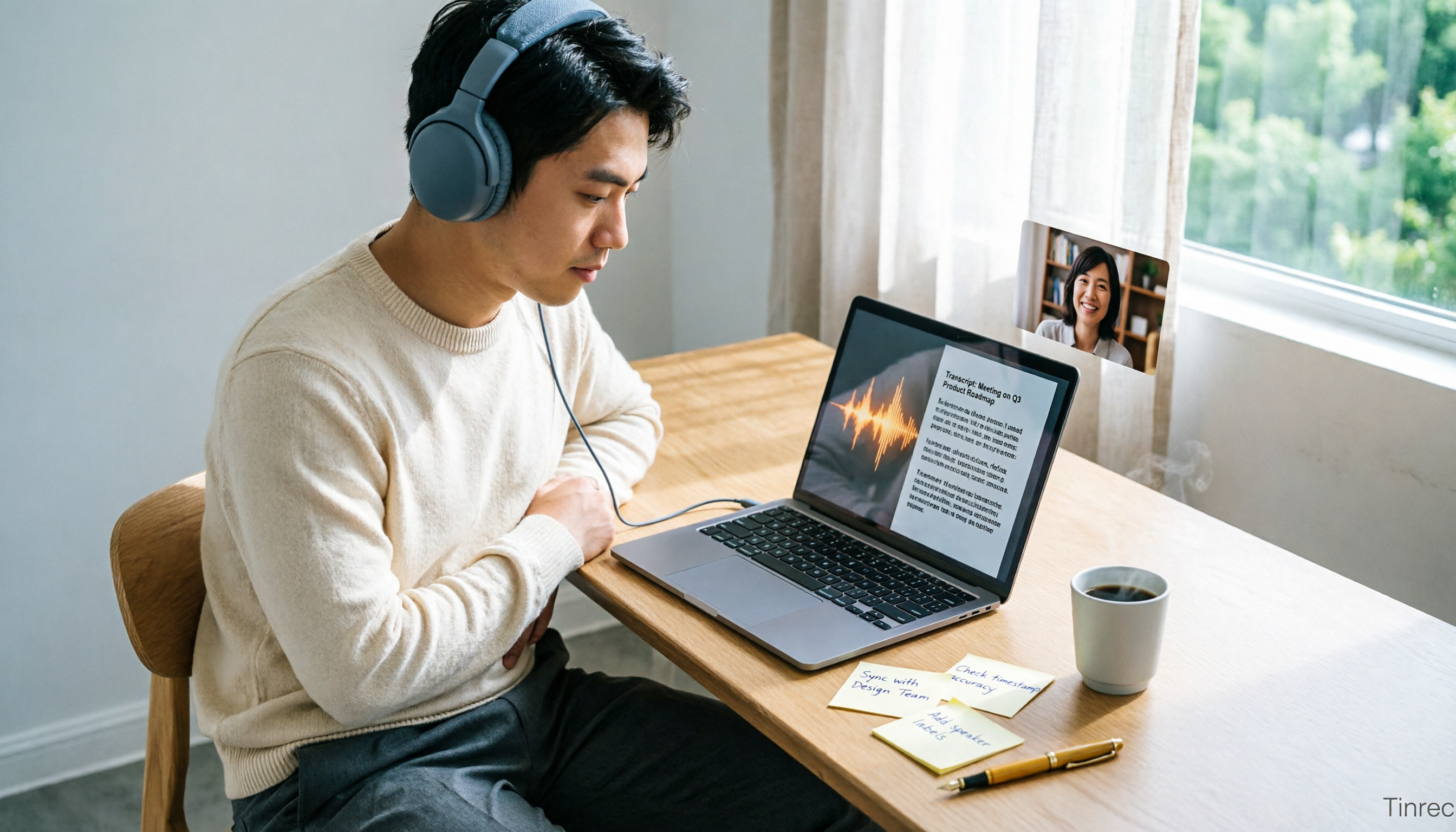
2026 Comparison of 5 Transcription Tools: How to Buy Yating Transcript Hours Cost-Effectively?
How is Yating Transcript's latest pricing calculated? This article breaks down the free real-time recording scope, free quota for uploading audio files, and the pricing of NT$100 per hour and NT$270 for 3 hours. It also summarizes three limitations to know before use and compares the pricing and post-transcription workflows of Tinrec, Notta, Otter.ai, and TurboScribe, helping you decide whether to buy by hours or switch to a tool that integrates meeting data.

2026 AI Voice Recorder Comparison: Plaud Note vs. Tinrec — Which Should You Choose?
Many people buy a PLAUD recorder but feel they 'can't record any notes' — usually because the mode isn't switched, the button isn't long-pressed, or the recording isn't synced. This article first breaks down three common mistakes and correct steps for Plaud voice notes, then compares Tinrec across six dimensions: workflow, Chinese transcription, post-meeting organization, online meetings, team collaboration, and cost, to help you decide which approach saves more time.
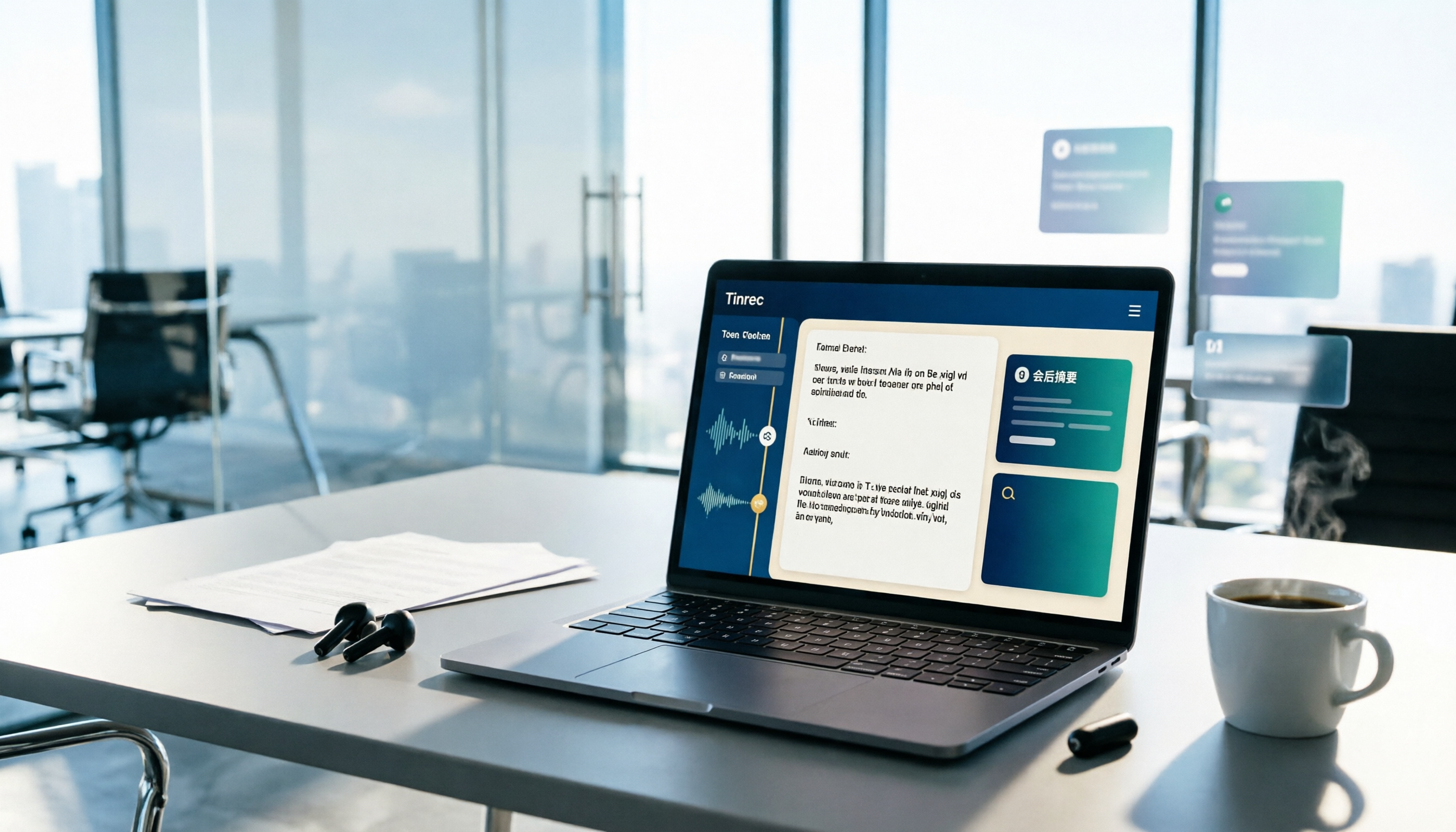
2026 Yating Transcriber Latest Version Buying Guide: 3 Tools Compared and Selection Advice
How should you evaluate the "latest version" of Yating Transcriber? Using verifiable public information, this article compares Yating Transcriber, Tinrec, and Notta across input methods, timelines, post-meeting organization, team collaboration, and pricing. It explains how to choose without hands-on timed testing and includes a starter checklist you can verify yourself.

3 Recording Tools Compared in 2026: The Easiest Way to Share Plaud Recordings with Colleagues
After recording a one-hour meeting, your boss wants the conclusions, your colleagues want the transcript, and your client wants the audio file. If you choose the wrong sharing method, you'll end up converting files over and over. This article covers Plaud's sharing links and export paths, compares the sharing and team collaboration differences among 3 common tools, and offers recommendations for choosing based on your situation.
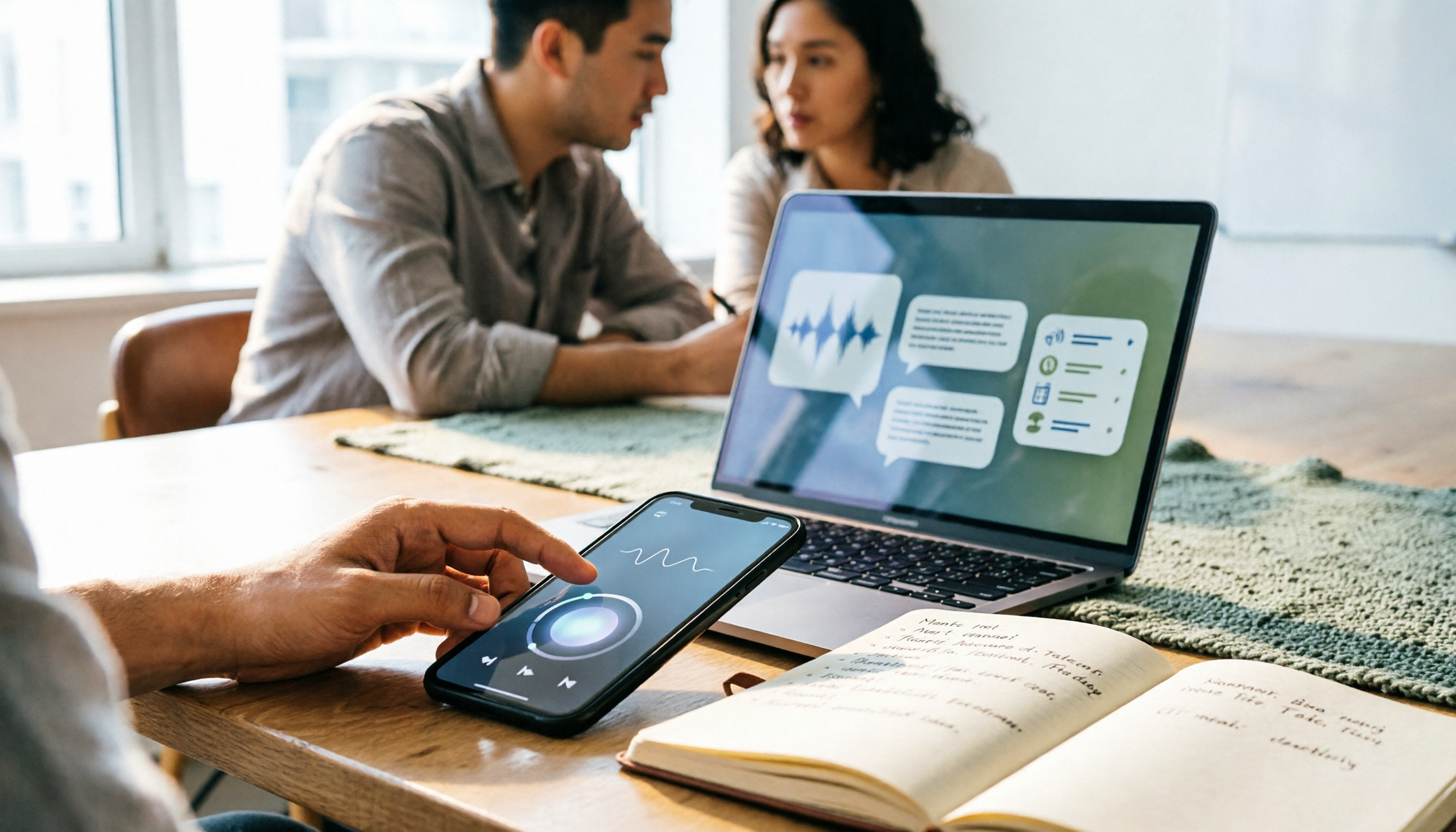
3 Best Audio-to-Text Tools in 2026: Plaud Recording Guide & Meeting Notes Comparison
From how to press the record button on Plaud and how files get into the app, to how transcripts and meeting notes are organized, this article walks through the actual workflow and compares Tinrec, Plaud, and Notta on recording methods, post-meeting organization, quotas, and pricing to help you decide which approach fits you best.