

Turn recordings into transcripts and summaries in minutes
Upload audio or video for multilingual transcription, AI notes, and action items
2 Best Recording Organization Tools in 2026: PLAUD File Formats and Export Comparison
Many people using PLAUD for the first time assume that after recording, they will get an MP3 file that can be opened directly on a computer. In fact, PLAUD recordings are first stored locally on the device, then transferred to the account after connecting to the app, and only when you actually need the file do you choose an export format. This article first answers "what file is a PLAUD recording," then compares the file handling and use cases of two recording organization tools, PLAUD and Tinrec. Data verified: May 2026; features, formats, and prices are subject to official pages.
First, what file is a PLAUD recording?
- After recording with PLAUD Note, the audio is first stored locally on the device; after connecting to the Plaud App via Bluetooth, it is automatically transferred to the account, and large recordings can be transferred quickly via Wi-Fi. After transfer is complete, the recording is deleted from the device and subsequently accessed within the app.
- Therefore, "PLAUD recording" is not a single file extension. The official support page does not explicitly list the file extension for local device storage; what can be confirmed is that once in the app, it is recording content within the platform, and it needs to be exported for external use.
- When exporting audio, Plaud Web provides MP3; WAV is only available in the Plaud App.
- When exporting transcripts, TXT is plain text without time stamps; SRT is a subtitle format with time stamps, suitable for subtitling or importing into subtitle tools.
- Mind maps can be exported as PNG or Markdown, but these two formats cannot be reopened as editable mind maps and are only suitable for sharing or reference.
- Version note: Export instructions for v3.30.x or earlier versions may differ from the "Export Transcripts, Notes, and Audio" page in v4.0.x and later apps; actual options are subject to the version you use.
1. PLAUD: An AI recording tool that puts recordings into hardware first, then transfers to the app
Ideal for: People who often record on the go, record phone calls, conduct interviews, or do not want to record on a computer.
Main features and file uses: Plaud Note records locally first, then transfers and transcribes after connecting to the app; for sharing, audio can be exported as MP3 or WAV depending on the platform, transcripts can be exported as TXT or SRT, and summaries and mind maps also have corresponding formats.
Free quota and plans: PLAUD offers Starter, Pro, and Unlimited plans; Starter includes 300 minutes per month, Pro includes 1,200 minutes per month. Hardware and membership plans are separate; actual prices and benefits are subject to the PLAUD official website.
Pros: Portable hardware recording is tangible; transcription, summarization, and export can be continued within the app.
Limitations: Requires additional hardware; recordings are deleted from the device after transfer to the app; different export formats and features are affected by app version and plan.
2. Tinrec: Turns meeting recordings into searchable, collaborative data
Ideal for: Office workers and teams who need to organize online meetings, interviews, and audio/video files and consolidate the results into a team space.
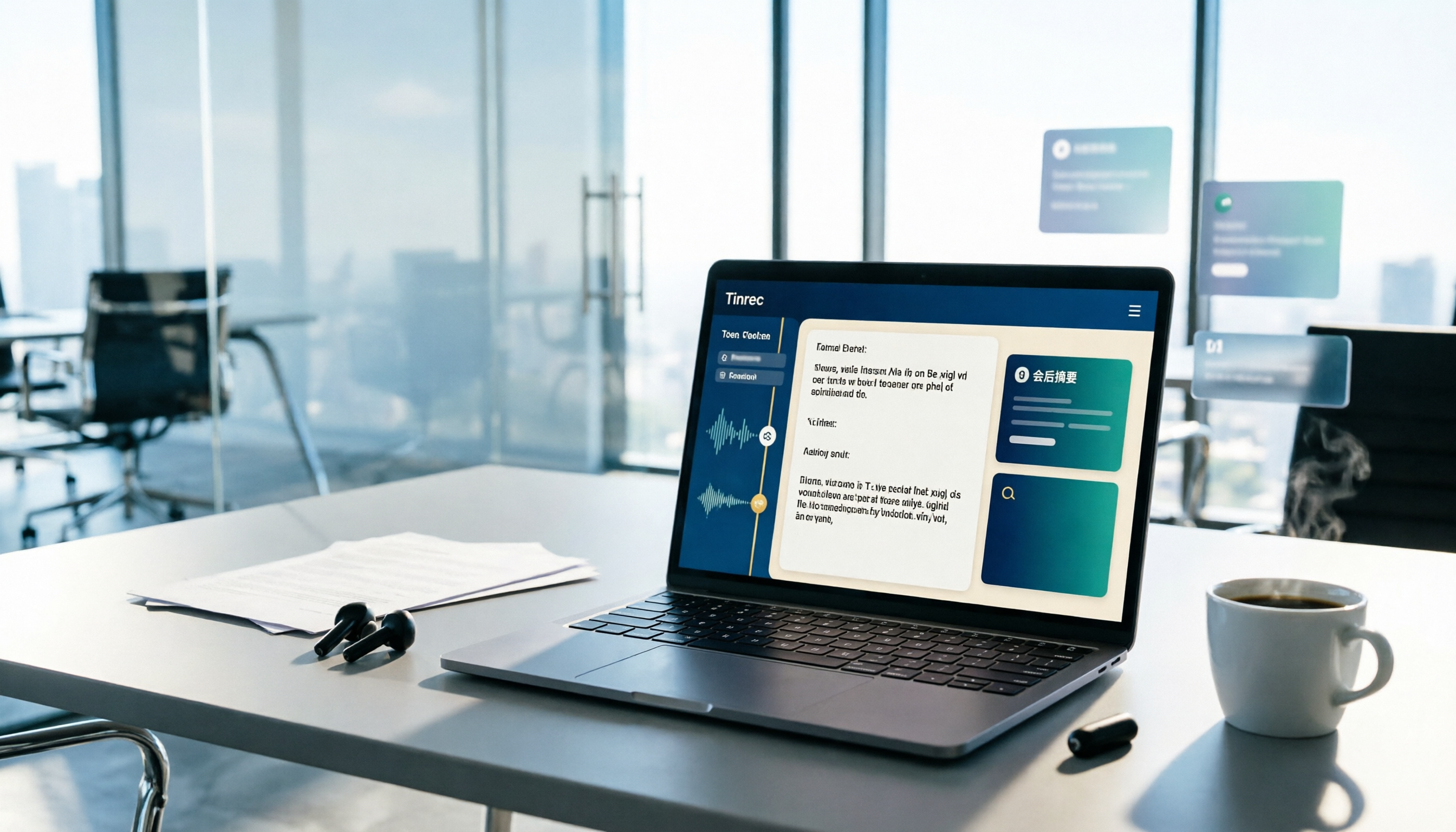
Stop organizing recordings by hand
Upload audio or video and automatically get a transcript, summary, and action items
Main features and file uses: Supports real-time speech-to-text, desktop bot-free recording of online meetings, transcription of audio/video files, and can produce transcripts, summaries, chapters, to-dos, and Q&A; results can be exported in multiple formats to common files and third-party tools. The team edition focuses on team spaces, member and seat management, usage analytics, audit logs, and audio recycle bin; actual availability is subject to the official plan page.
Free quota and plans: The personal edition has a free version, weekly pass, Pro monthly, and annual plans; the team edition is USD 29.80 per paid seat per month, or USD 199 per paid seat per year, with 2,000 minutes of team shared import quota per seat per month. Actual prices are subject to the official purchase page.
Pros: Can record online meetings on a computer without a meeting bot; post-meeting Q&A, to-do organization, and team sharing.
Limitations: Not recording hardware; transcription and summarization quality can be affected by audio quality, accents, noise, and technical terminology; team permissions are mainly role- and seat-based, not file-level granular permissions.
Comparison of 2 recording organization tools: files, export, and limitations
| Item | PLAUD | Tinrec |
|---|---|---|
| Positioning | AI recording hardware | AI meeting notes and team collaboration |
| Recording source | Local device recording, transferred to app via Bluetooth or Wi-Fi | Real-time recording, desktop system audio, audio/video files, mobile |
| Audio export | Plaud Web: MP3; Plaud App: WAV | Multi-format export; specific formats depend on plan and interface |
| Transcript and subtitles | TXT, SRT | Transcripts and summaries can be exported; details depend on version |
| Team capabilities | Mainly app and membership plans | Team spaces, roles, seats, usage, audit logs, recycle bin |
| Main limitations | Requires hardware; device recordings deleted after transfer; formats depend on version | Not hardware; quality affected by audio; not file-level permissions |
How to choose based on needs?
- Just want to know how to get PLAUD recording files: For MP3, export from Plaud Web; for WAV, use Plaud App; for subtitles, choose SRT; for plain text, choose TXT.
- Often record outdoors, record phone calls, or want standalone hardware: Choose PLAUD, because the process of recording first and then transferring to the app is clear.
- Mainly open Zoom, Meet, Teams, Webex on a computer and need post-meeting Q&A and team sharing: Choose Tinrec, because the desktop version can record without a bot and put transcripts, summaries, and to-dos into the team space.
- Need to transcribe large volumes of long documents or batches: First confirm the plan's file count, length, and quota; the two tools in this article have different focuses, so it is not advisable to look only at minutes.
There is no "one-size-fits-all answer" for recording file formats; it depends on which platform you export from and what you intend to use it for. Before choosing a tool, confirm whether your audio file is for archiving, subtitling, team search, or continued Q&A; and obtain necessary consent before recording. For actual features, formats, and prices of PLAUD and Tinrec, please refer to official pages and official purchase pages.
Sources: Plaud support pages "Export Recordings, Transcripts, and Summaries," "Transfer Files," "Audio Import"; TheAI Academy "Plaud Tutorial"; Tinrec product introduction.
References
Turn every recording into actionable outcomes
Get 60 free transcription minutes when you sign in. No credit card required.
Related Reading
You might also like

2026 AI Meeting Recording Solutions Compared: How Plaud Note Pro Records and Tinrec Organizes Meetings
First decide whether you need to record phone calls, in-person meetings, or online meetings, then choose your tool. This article covers Plaud Note Pro's phone and in-person recording operation, MagSafe attachment, and long-press vibration alerts, and compares Tinrec, Notta, and Otter.ai on transcription, summaries, action items, AI Q&A, and team collaboration to help you pick the right meeting recording solution.

2 Free Transcription Tools in 2026: Yating Free Tier Limits and Tinrec Alternative
An overview of the free version limits and common pain points of Yating Transcription, plus a procurement-focused comparison of how Tinrec differs in meeting notes, AI summaries, action item extraction, Q&A, and team collaboration—helping you decide which tool better suits meetings, interviews, and lecture notes.

Free Audio Transcription in 2026: How to Record with PLAUD and Meeting Notes Without Extra Hardware
Searching for "how to record with PLAUD" often gets stuck on the post-recording workflow. This article first covers PLAUD device recording operations and free tier limits, then explains a hardware-free approach: how Tinrec desktop captures online meetings, transcribes in real time, generates summaries and action items, and compares free tiers plus five things to consider when choosing a tool.

2026 Comparison of 5 Transcription Tools: How to Buy Yating Transcript Hours Cost-Effectively?
How is Yating Transcript's latest pricing calculated? This article breaks down the free real-time recording scope, free quota for uploading audio files, and the pricing of NT$100 per hour and NT$270 for 3 hours. It also summarizes three limitations to know before use and compares the pricing and post-transcription workflows of Tinrec, Notta, Otter.ai, and TurboScribe, helping you decide whether to buy by hours or switch to a tool that integrates meeting data.

2026 AI Voice Recorder Comparison: Plaud Note vs. Tinrec — Which Should You Choose?
Many people buy a PLAUD recorder but feel they 'can't record any notes' — usually because the mode isn't switched, the button isn't long-pressed, or the recording isn't synced. This article first breaks down three common mistakes and correct steps for Plaud voice notes, then compares Tinrec across six dimensions: workflow, Chinese transcription, post-meeting organization, online meetings, team collaboration, and cost, to help you decide which approach saves more time.
2026 Yating Transcriber Latest Version Buying Guide: 3 Tools Compared and Selection Advice
How should you evaluate the "latest version" of Yating Transcriber? Using verifiable public information, this article compares Yating Transcriber, Tinrec, and Notta across input methods, timelines, post-meeting organization, team collaboration, and pricing. It explains how to choose without hands-on timed testing and includes a starter checklist you can verify yourself.

3 Recording Tools Compared in 2026: The Easiest Way to Share Plaud Recordings with Colleagues
After recording a one-hour meeting, your boss wants the conclusions, your colleagues want the transcript, and your client wants the audio file. If you choose the wrong sharing method, you'll end up converting files over and over. This article covers Plaud's sharing links and export paths, compares the sharing and team collaboration differences among 3 common tools, and offers recommendations for choosing based on your situation.

Plaud Voice Recorder Guide 2026: Setup, Recording Modes & AI Transcription
Just got a Plaud voice recorder and not sure which button to press? This guide walks through account creation, device pairing, smart dual-mode recording, haptic feedback in the app, and AI transcription and summaries for Plaud Note, NotePin, and Note Pro. It also covers battery life, subscription costs, limitations, and software alternatives if you don't want to carry another device.

3 Best Audio-to-Text Tools in 2026: Plaud Recording Guide & Meeting Notes Comparison
From how to press the record button on Plaud and how files get into the app, to how transcripts and meeting notes are organized, this article walks through the actual workflow and compares Tinrec, Plaud, and Notta on recording methods, post-meeting organization, quotas, and pricing to help you decide which approach fits you best.