

Turn recordings into transcripts and summaries in minutes
Upload audio or video for multilingual transcription, AI notes, and action items
Exporting Audio Files: The Step Most Likely to Blow Up at Finals
Last semester I took a 3-credit course. The professor spoke fast and flipped slides even faster. I thought, "As long as I have the recording," and just hit record without worrying about it. But when I opened the folder before finals, I realized the audio files weren't where I thought they'd be—some were in the app, some were shared as links only, and the transcript showed I was out of quota.
Later I found that my classmates had fallen into almost the same traps:
- Thinking "recording done" means "file is already on the computer," when actually you still need to export manually.
- Thinking "share" equals "download," but after sending to LINE, the quality and format changed.
- Thinking AI transcription is unlimited, only to discover a monthly minute cap when you try to export the transcript.
If you're also searching "how to Plaud recording file," you've already reached the export step. In this article, I'll explain Plaud's export methods clearly and share why I later switched my main tool to Tinrec.
Before Exporting Audio, Understand These 5 Key Points
1. Are you exporting "audio" or "text"? Audio files, transcripts, AI summaries, and mind maps are different things, with different formats and limitations. Many people think one export gives them everything, but end up with only the audio file.
2. Formats differ across App, Web, and Desktop For the same tool, the export formats supported on the mobile app and web version may differ. This is the most common source of errors when you think "I've exported before."
3. Quota is deducted for "transcription," not "download" Downloading the original audio file usually doesn't affect transcription quota, but if you want a transcript or AI summary, it will consume minutes from your plan. If you record heavily during the semester, you'll likely hit the limit by month's end.
4. Do you need extra hardware? The advantage of a hardware recorder is portability and long battery life; the downside is that AI features usually require a separate subscription, and online meetings still need to be handled on a computer.
5. Cross-platform and data ownership Record on your phone today, organize on your computer tomorrow—if the tool doesn't support cross-platform, you'll spend a lot of time moving files. For group projects, also clarify whether data belongs to individuals or the team.
Tinrec (秒听录音) — My Top Choice After One Semester
Tinrec (秒听录音) is an AI meeting notes and collaboration tool for individuals and teams, supporting iOS, Android, and web, with a desktop version that can directly record online meetings.
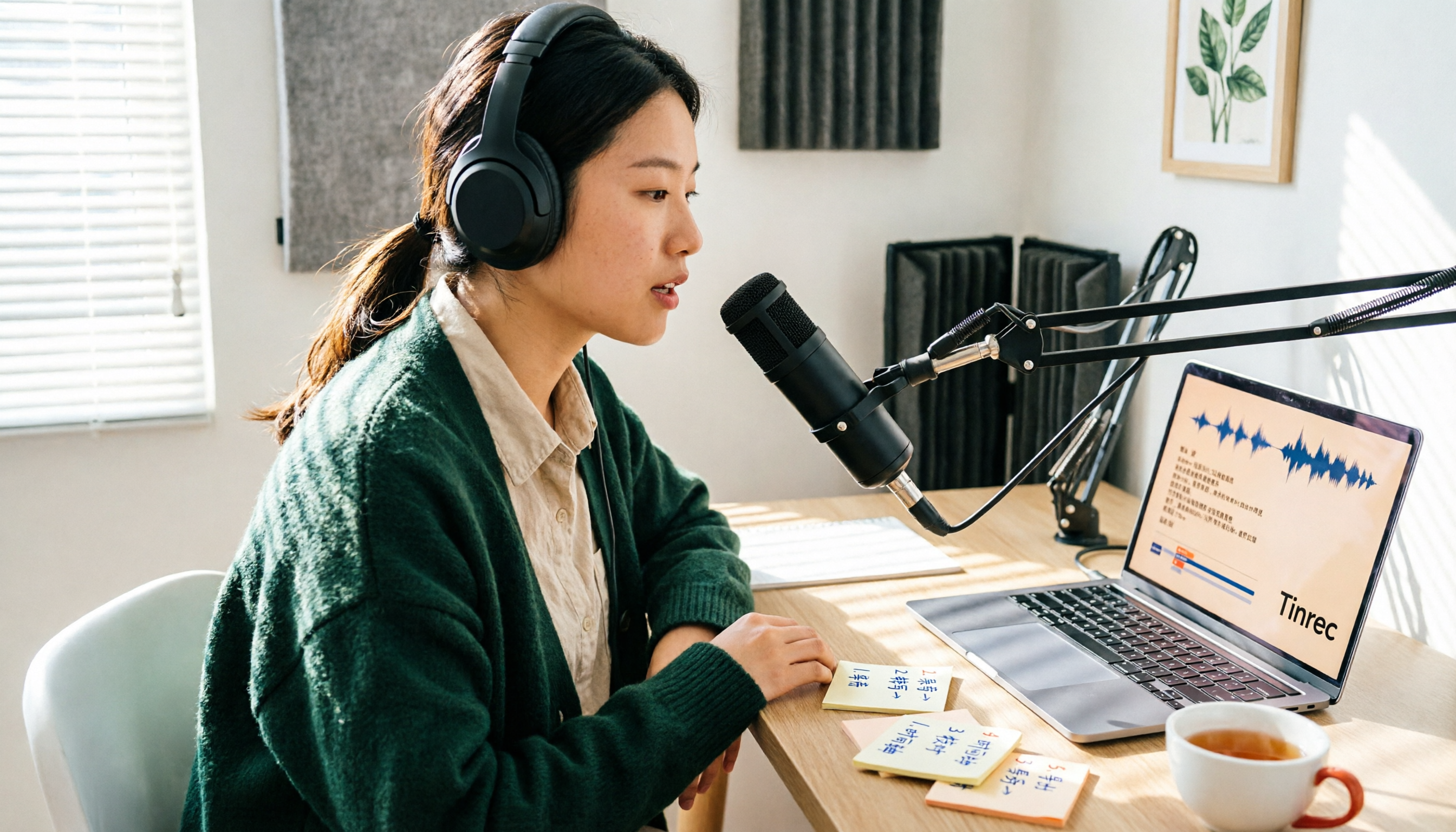
Classes and group discussions: transcribe while recording In class, I just open Tinrec for real-time recording, and subtitles follow along. If I don't understand something, I tap the subtitle to jump back to the corresponding audio segment and listen again. For group discussions on Google Meet, I use the desktop version to capture system audio directly, without inviting a meeting bot—the screen stays clean.
No need to re-listen after meetings: ask AI directly This is what I find most impressive. For finals review, I don't listen to a 2-hour recording from the start; I just ask: "Did the professor mention the final exam scope in this class?" It gives answers based on semantics, not just keyword search results. After group discussions, I also ask "Who did we decide is responsible for which part?" and action items are pulled out directly.
Export and follow-up organization: one workflow Transcripts, summaries, chapters, action items, and mind maps can all be exported, and taken to Notion, Google Docs, or OneNote to continue writing reports. My old workflow was "record → download audio → upload to another tool → organize," now it's "record → summarize and Q&A → export," saving two or three steps. If there's a group report to submit, it can also generate reports and tables.
Team version: no more sharing one account for group reports Our project has 4 people, and we use the team version. Meeting data belongs to the team, so new members can directly view past discussions; admins can assign seats, and members without seats can still view and play data but cannot upload or edit. There's also usage analytics, audit logs, and an audio recycle bin (deleted items can be recovered within 30 days), which is quite practical for projects that need to track "who changed what."
Limitations to be clear about The free version offers basic quota, suitable for trying it out; if you record every class and have weekly group meetings, you'll need to upgrade (weekly card, Pro monthly, Pro annual). Also, transcription accuracy can be affected by recording quality, air conditioning noise, and multiple people talking over each other. For important content, I still verify against the recording timestamps and don't fully trust AI.
Stop organizing recordings by hand
Upload audio or video and automatically get a transcript, summary, and action items
Who it's for For students or teams who often record Chinese classes and online meetings, need mixed Chinese-English organization, and want to use AI to find key points directly after meetings, Tinrec is currently the smoothest choice.
Besides Tinrec, What Other Options Are There?
PLAUD Note / NotePin A representative of AI recording hardware, you're buying "portable recording": NotePin is USD 159 on the US official site, Note Pro USD 189, with long battery life and the ability to record physical phone calls. But it requires extra devices, and the app's Starter plan includes 300 minutes of transcription per month; Pro is USD 99.99/year for 1,200 minutes per month. If what you need is "handling classes and online meetings on the computer," Tinrec doesn't require buying an extra device—the desktop version can record online meetings, and there's team space to accumulate data.
Notta Good at multilingual transcription and translation. The free version offers 120 minutes per month, but each session is capped at 3 minutes, so testing long meetings requires payment; Pro annual billing is about USD 8.17/month for 1,800 minutes per month. It leans toward "transcription and subtitles," while Tinrec strings summaries, action items, AI Q&A, and export into a single post-meeting workflow.
Otter.ai The top choice for English meetings. Basic is free with a generous 300 minutes per month; Pro annual billing is about USD 8.49/month for 1,200 minutes per month. If you only record English classes or English meetings, it's cost-effective; but for Chinese and mixed Chinese-English organization, Tinrec is closer to our usage scenarios.
How to Export Plaud Recordings? 3 Channels and Their Limitations
If you already have a PLAUD device, the export paths are roughly as follows:
- Plaud App: Go to the recording details page, find "Share" or "Export," and select the content type you want—the audio file itself, transcript, AI summary, or mind map. You can choose WAV format, and also share directly to AirDrop, LINE, Messages, or other installed apps.
- Plaud Web: Can export, but audio files are only supported in MP3, not WAV.
- Plaud Desktop: For those who prefer organizing on a computer, install the desktop version first and then export.
Several limitations you must know:
- Each device's Starter plan includes 300 minutes of transcription per month; downloading original audio files is usually unaffected, but to download transcripts or AI summaries, you need to check if your plan still has minutes.
- Officially, there's no explicit file size limit, but very long recordings produce large files; if you encounter issues, it's recommended to export in segments.
- The app has no built-in printing function; to print, you must first export to PDF or DOCX.
- It also supports importing external audio files (MP3, MP4, WAV, AAC, etc.), up to 5 hours per file; longer files are automatically split into two.
In other words, Plaud export itself isn't difficult; the hassle is "after export." To get a transcript, you first need to confirm quota; to organize into a report, you still have to move files to another tool. That's why I later switched my main tool to Tinrec: export isn't the end—being able to continue asking and writing is where time is saved.
Pitfall Guide: 4 Most Common Mistakes When Choosing These Tools
Pitfall 1: Thinking "having a recording" equals "having notes" Recording is just raw material. What you really need are transcripts, summaries, and action items; otherwise, you'll still have to listen from the start at finals. When choosing a tool, first ask yourself: Can it turn my recordings into something readable?
Pitfall 2: Thinking App and Web export formats are the same PLAUD's App has WAV, Web only MP3—a typical example. If you need lossless audio for assignments or post-production, be sure to export through the right channel.
Pitfall 3: Ignoring that quota is deducted for transcription, not download Many people think, "I haven't downloaded anything, why is my quota gone?"—because quota is consumed by transcription and AI summaries. If you record heavily during the semester, check how many minutes remain in your plan.
Pitfall 4: Thinking AI features are free forever after buying hardware Hardware is a one-time cost, but transcription and summaries are mostly subscription-based (PLAUD's Starter is 300 minutes per month). Before buying, calculate: How many hours will you record in a semester? Will you exceed the quota?
Conclusion: Which One Should You Choose?
- Need portable hardware, physical phone recording, ultra-long battery life → PLAUD, the hardware experience is indeed mature.
- Handle classes and online meetings on computer or phone, need Chinese transcripts + AI Q&A → Tinrec, no extra device needed, desktop version records without a bot, organize directly after meetings.
- Group projects need shared data, seat management, and usage tracking → Tinrec team version, data belongs to the team, and can be handed over when members leave.
- Only record English meetings, budget is 0 → Otter.ai free 300 minutes/month, a rare exception in this article.
My advice: Don't rush to pay. Use the free quota to run through your most realistic scenario—record your hardest class, hold a group meeting, then try exporting a transcript and asking it a question. Whether it can save you the time of re-listening to a 2-hour recording—you'll know after one try.
References
Turn every recording into actionable outcomes
Get 60 free transcription minutes when you sign in. No credit card required.
Related Reading
You might also like

2026 AI Voice Recorder Comparison: PLAUD vs Tinrec for Meeting Notes
What is PLAUD? We clear up common misconceptions about hardware recording and compare Tinrec, a software-based AI meeting notes tool, to see why it may be better suited for most professionals and teams when it comes to online meeting processing, post-meeting organization, and team collaboration.

Plaud Recording Transfer & Meeting Tool Guide 2026: 3 Transfer Methods Tested and Recommended
After recording, the file gets stuck on the device—this is the first hurdle for most Plaud users. Starting from the decision point of 'how to get the file out,' this article breaks down the 3 transfer paths and common pitfalls for Plaud Note, Note Pro, and NotePin S, then compares Tinrec, which eliminates the hardware transfer step, and compares the use cases of Otter.ai and Notta. Finally, it provides scenario-based selection recommendations and a pitfall-avoidance checklist.

4 Best Transcription Tools to Try in 2026: Yating vs. Chinese Meeting Tools
Tired of re-listening to meeting recordings? This guide compares Yating, Notta, Otter.ai, and Tinrec on Chinese/Taiwanese recognition, bot-free recording, post-meeting summaries and action items, and team data management—so you can pick the tool that actually saves time in 2026.

5 Free Cantonese Translation Tools Tested and Compared in 2026: How to Choose Based on No-Login Access, Free Quotas, and Meeting Transcription
Looking for a reliable Cantonese translation tool? This article reviews 5 Cantonese translation services you can start using for free, covering everything from no-login web-based two-way translation and mobile apps for pronunciation practice to Tinrec, which can turn an entire Cantonese meeting into a transcript and action items. It also includes a comparison table of free tiers, usage limits, and best-fit scenarios to help you choose the right tool for your needs.

2026 Cantonese Speech-to-Text Comparison: Why Tinrec Beats Subanana for Mixed Chinese-English Meetings
2026 comparison of Cantonese speech-to-text tools, focusing on mixed Chinese-English, spoken-to-written conversion, post-meeting summaries, and team collaboration. This article uses meeting notes workflow as the main thread to explain how Tinrec saves time for professionals and teams through bot-free recording, AI summaries, action item extraction, and AI Q&A, with buying advice for free and team plans.

2026 Comparison of 3 Real-Time Speech-to-Text Apps: Which Free Version Is Enough?
How to choose a real-time speech-to-text app in 2026? This article starts with common misconceptions and compares three approaches: iPhone Notes, Otter.ai, and Tinrec. It covers free version limitations, Chinese meeting transcription, AI summaries, action items, team collaboration, and key purchasing considerations.

2026 Comparison of 5 Real-Time Recording Translation Apps: From Meeting Notes to Cross-Language Communication
Starting from common misconceptions, this comparison examines the differences between Tinrec, Vurbo.ai, Otter.ai, Notta, and Google Translate in real-time translation, transcription, post-meeting organization, and team collaboration, helping you choose the right tool for meetings, learning, and travel scenarios.
How to Get Free Cantonese Subtitles in 2026: 5 Steps from Recording to Transcript
There are many free Cantonese subtitle tools, but "free" means very different things: some only let you preview, some charge for downloads, and some give you just 5 minutes per month. This guide walks you through 5 steps—defining your needs, testing, checking limits, and choosing the right tool—and compares the free plans of Tinrec, Subanana, CantoSub AI, and Hey! Subtitles so you can choose wisely and avoid wasting money.

2026 Cantonese Subtitle Tools Compared: Which Converts Spoken to Written Best?
A practical comparison of 4 Cantonese subtitle tools in 2026: spoken vs. written output, mixed Chinese-English recognition, free quotas and download limits, plus meeting notes and team knowledge retention. Includes a comparison table and recommendations by use case.