

Turn recordings into transcripts and summaries in minutes
Upload audio or video for multilingual transcription, AI notes, and action items
2026 Comparison of 3 Recording Note Tools: How to Take Usable Notes Without a Voice Recorder
When it comes to recording notes, the first thing to decide isn't "which tool has the most features" but "are you willing to carry an extra device?"
If you already own a voice recorder like Plaud, the challenge is "how to turn the recordings on the device into usable notes." If most of your meetings happen on a computer, the real question is "is there a way that doesn't require buying extra hardware or having a meeting bot join?"
I've tried both routes, and at the end I'll share where Tinrec, my current go-to, actually saves time.
What Can Recording Notes Do for You?
Scenario 1: Get meeting minutes right after the meeting
A two-hour meeting used to take another hour to organize afterward. Now, transcription runs while recording, and by the time the meeting ends, summaries, chapters, and action items are ready. With Tinrec, for example, action items are directly assigned to people and tasks, so you can forward them to colleagues and get to work.
Scenario 2: Interviews and conversations where you need "exact quotes"
The biggest fear when writing is misrepresenting what the other person meant. With a transcript, you can copy quotes directly and cross-check by timestamp, without repeatedly dragging the progress bar to find that sentence. Tinrec's transcript keeps timestamps, so you can click to jump back to the original recording.
Scenario 3: Classes, lectures, and fleeting ideas
After a three-hour lecture, finding "that example the professor mentioned" is nearly impossible. With Tinrec, you can record and then ask AI directly, for example, "What were the three pricing strategies the speaker mentioned?" and it will pull the relevant section to answer.
What Are the Core Capabilities of Recording Notes?
Real-time transcription: text appears as you record
Tinrec transcribes while recording, so you don't have to wait until the recording is finished to queue for conversion. During the meeting, you can read along to confirm you haven't missed key points, and adjust immediately if someone speaks too fast or is too far from the microphone.
Record online meetings without a bot
This is the most practical difference of the app approach. Tinrec's desktop version directly captures your computer's system audio, handling Zoom, Google Meet, Microsoft Teams, Webex, and other meetings without needing an extra bot account on the participant list.
This is especially noticeable in external meetings—clients won't see a stranger's account appear in the meeting room.
However, note that this is not "automatically joining all calendar meetings"; you still need to open Tinrec yourself to start recording.
AI summaries, chapters, and action items
A good summary isn't just condensing the transcript into a paragraph; it's about structuring it. Tinrec separates meeting topics, discussion conclusions, and action items, and automatically splits long meetings into chapters so you can jump to sections when reviewing instead of listening from the beginning.
AI Q&A: ask follow-up questions about meeting content
Transcription is just the beginning. If you want to find "what budget the client mentioned" or "where we left off last time," just ask. Tinrec supports asking questions about a single meeting and searching across multiple recordings.
Export and post-meeting output
Data stuck in a tool is useless; it's only practical if you can take it with you. Tinrec can export to Notion, Google Docs, OneNote, Dropbox, and other tools, and you can use Agent to further organize meeting content into reports, tables, or documents. For those who need to submit weekly reports, the time saved here often exceeds the transcription itself.
Team space: keep meeting data within the company
Personal use and team use are two different things. Tinrec's team version is an independent team space where meeting data belongs to the team. When members leave or are removed, their data can be transferred to other active members and won't disappear with personal accounts.
The team version also distinguishes between "roles" and "seats": roles determine who can manage members and settings, while seats determine who can record, upload, edit, and export. Members without seats can still view, play, and read team data but cannot perform editing operations.
Currently, the team version is USD 29.80 per paid seat per month, or USD 199 per paid seat annually (equivalent to about USD 16.58 per month). Each paid seat provides 2,000 minutes of shared team import quota per month; real-time recording under active seats is currently not deducted by minutes. Eligible teams get a 7-day trial, 1 free seat, and 300 minutes of shared import quota for the first time.
Practical Use Cases
Weekly department meetings
Weekly meetings easily become "talked about and forgotten." After recording with Tinrec, the summary pulls out decisions and action items, so before the next meeting you can review and see what was assigned last week. The team version centralizes this data in one space, so new members can also look back at historical meetings.
Customer interviews and requirements gathering
In sales visits, the biggest fear is missing the customer's concerns. After recording with Tinrec, you can ask questions about the recording like "What were the customer's concerns about pricing?" and the answer will include source timestamps, making it easy to verify the exact words before writing a proposal.
Professional development and online courses
Stop organizing recordings by hand
Upload audio or video and automatically get a transcript, summary, and action items
For online courses, just use Tinrec's desktop version to record system audio—no need to turn on speakers and point at a microphone. After class, use AI summaries to capture key points, and when reviewing, just look at the chapters, which is much faster than rewatching a two-hour video.
Cross-language meetings
Tinrec supports real-time translation, and during recording you can switch between original text, translation, or bilingual view. Meetings with mixed Chinese and English can also be organized, but for proper nouns, it's recommended to maintain team hotwords for more stable recognition.
How Does Plaud Recording Notes Work? How Is It Different from the App Approach?
Plaud's approach is hardware-first. First, bind the device and account in the app, switch the device's recording button to "note recording mode," long-press for about 1 second until you feel one vibration to start, and long-press again until you feel two vibrations to stop. After recording, the app generates a transcript, then applies a template for a summary.
The biggest advantage of hardware is "you can record without opening a computer"—phone calls, impromptu interviews, and ideas while walking can all be captured. Currently, PLAUD's official website lists device prices at about $159 for NotePin and $189 for Note Pro, with AI plans priced separately (Starter: 300 minutes per month; Pro: $99.99 per year, 1,200 minutes per month).
Tinrec's approach is software-first. No extra device to carry; it works on web, desktop, and mobile. Online meetings capture audio directly from the computer, and historical audio files and videos can also be imported for transcription. After transcription, you get summaries, action items, follow-up questions, export, and team space.
Simply put: if you need the physical feel of "pull it out and record anytime," hardware has its place; if you want "a usable document right after the meeting," the app approach saves the file transfer step.
5 Things to Consider When Choosing a Recording Note Tool
1. First ask yourself if you want to carry an extra device
The value of a hardware recorder is mobility, but an extra device means extra charging, file transfer, and pairing. The advantage of software like Tinrec is that you can record on phone, computer, and web; the downside is you need to actively open the app. Think about whether your meetings are "all on the computer" or "often on the go"—the answer will be clear.
2. How to record online meetings
Meeting bots join as participants, which some people mind. Tinrec's desktop version captures system audio directly, without an extra account entering the meeting room, making it less intrusive for external meetings.
3. What can you do after transcription
A tool that only provides transcripts only does half the job. When choosing a tool, check if it can produce summaries, chapters, and action items, and if it can answer follow-up questions about the content. Tinrec does these steps consecutively, so it's usable right after transcription.
4. Performance with Chinese and mixed Chinese-English
Don't just look at specs. It's best to run a segment of your own meeting recording, especially your company's product terms and abbreviations. Tinrec supports Chinese and multilingual meetings and has team hotwords for proper nouns; however, actual performance is still affected by recording quality, accents, noise, and multiple people speaking at once. For important content, it's recommended to listen back at the timestamp to confirm.
5. Data ownership and team governance
If a team will use it together, confirm who owns the data and what happens when members leave. Tinrec's team version gives ownership of meeting data to the team and provides roles, seats, usage analytics, audit logs, and an audio recycle bin; audio in the recycle bin can be restored before permanent deletion, with a current retention period of 30 days.
6. Can exports connect to your existing workflow
Notes ultimately need to go into the team's knowledge base or customer inbox. Tinrec supports multiple export formats and third-party integrations, which is far more important in actual delivery than whether the interface looks good.
Frequently Asked Questions
Which button do I press for Plaud recording notes?
First switch the device's recording button to "note recording mode," then long-press the record button for about 1 second until you feel one vibration to start; to stop, long-press again until you feel two vibrations. Actual operation should follow your device model and official instructions.
Can I take recording notes without a voice recorder?
Yes. Tinrec can record and transcribe in real time on a computer or phone. For online meetings, the desktop version captures system audio, and existing audio files and videos can also be imported. For most people who meet at a computer, you don't necessarily need to buy extra hardware.
Will a bot enter the meeting room when using an AI tool to record online meetings?
Tinrec's desktop version captures local system audio and does not require an extra account to join the meeting. But remember that recording is initiated by you, not automatically joining every meeting on your calendar.
Is the free version enough?
If you only occasionally organize one or two recordings, the free version's basic quota lets you experience the workflow. For short-term intensive meetings or interviews, consider a weekly pass; for steady weekly needs, a Pro monthly or annual plan is more suitable. It's recommended to start with the free version for a complete "record → summarize → export" run before deciding whether to upgrade.
What should I pay attention to before recording?
Please proactively inform the other party and obtain clear consent, and comply with local regulations. This is not just courtesy but also a way to protect yourself.
What's the difference between the team version and the personal version?
In the personal version, data belongs to the personal account; the team version is an independent team space with member invitations, role and seat management, shared benefits, usage analytics, audit logs, and an audio recycle bin. Simply put, the personal version solves "I need to organize for myself," while the team version solves "a group needs to share the same meeting assets."
Conclusion
The point of recording notes is never "recording it" but "can you use it directly after recording."
If you need the physical feel of pulling it out and recording anytime, a hardware recorder has its value; if most meetings happen on a computer, Tinrec's approach—no extra device, no meeting bot, and summaries and action items right after transcription—is more practical and saves effort.
I suggest starting with the free version and recording a meeting you least want to organize, to see how the transcript, summary, and action items turn out. You'll know after one try whether it can save you that hour.
References
- Plaud User Guide | Complete Tutorial and Operation Guide
- Recording Operation Guide | Plaud Taiwan
- Plaud Note Pro Tutorial: Unboxing Setup, Recording Tips, and AI Summary Complete Guide (2026)
- Plaud Note - The World's Most Advanced AI Voice Recorder
- Plaud Tutorial: From Note Pro Recording, Template Selection to Ask Plaud Follow-up, How to Make Meeting Minutes Easier | TheAI Academy
Turn every recording into actionable outcomes
Get 60 free transcription minutes when you sign in. No credit card required.
Related Reading
You might also like
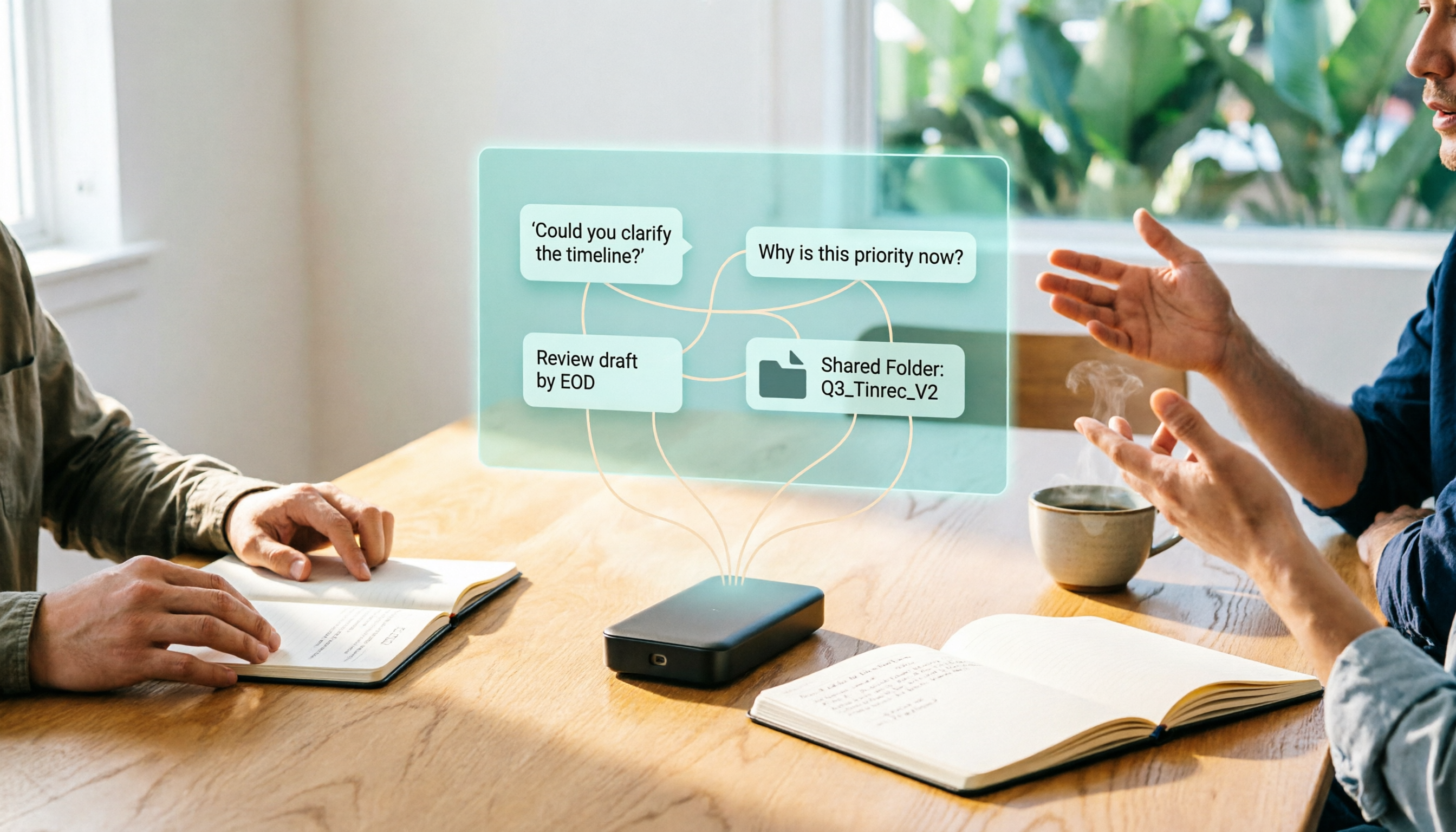
2026 Plaud Voice Recorder Guide: Is It Worth It, Who Is It For, and a More Efficient Meeting Notes Workflow
Most people ask "Is the Plaud voice recorder any good?" but that's the wrong question to start with. This guide begins with 4 key factors for evaluating an AI voice recorder, explains the division of labor between hardware capture and post-meeting organization, and shares my practical approach to putting meeting transcripts, AI follow-up questions, action items, and team data into a single workflow.

4 AI Recording Tools Compared in 2026: What Files Does PLAUD Record, and How to Choose Formats
What files does PLAUD actually record? This article first breaks down the files you get from PLAUD Note on the device, in the app, and after export (MP3, WAV, TXT, SRT, PNG, Markdown), then compares Tinrec, PLAUD, Notta, and Otter.ai from four angles: file formats, post-meeting processing, online meeting capture, and team governance, to help you determine which file workflow best fits your meeting scenarios.
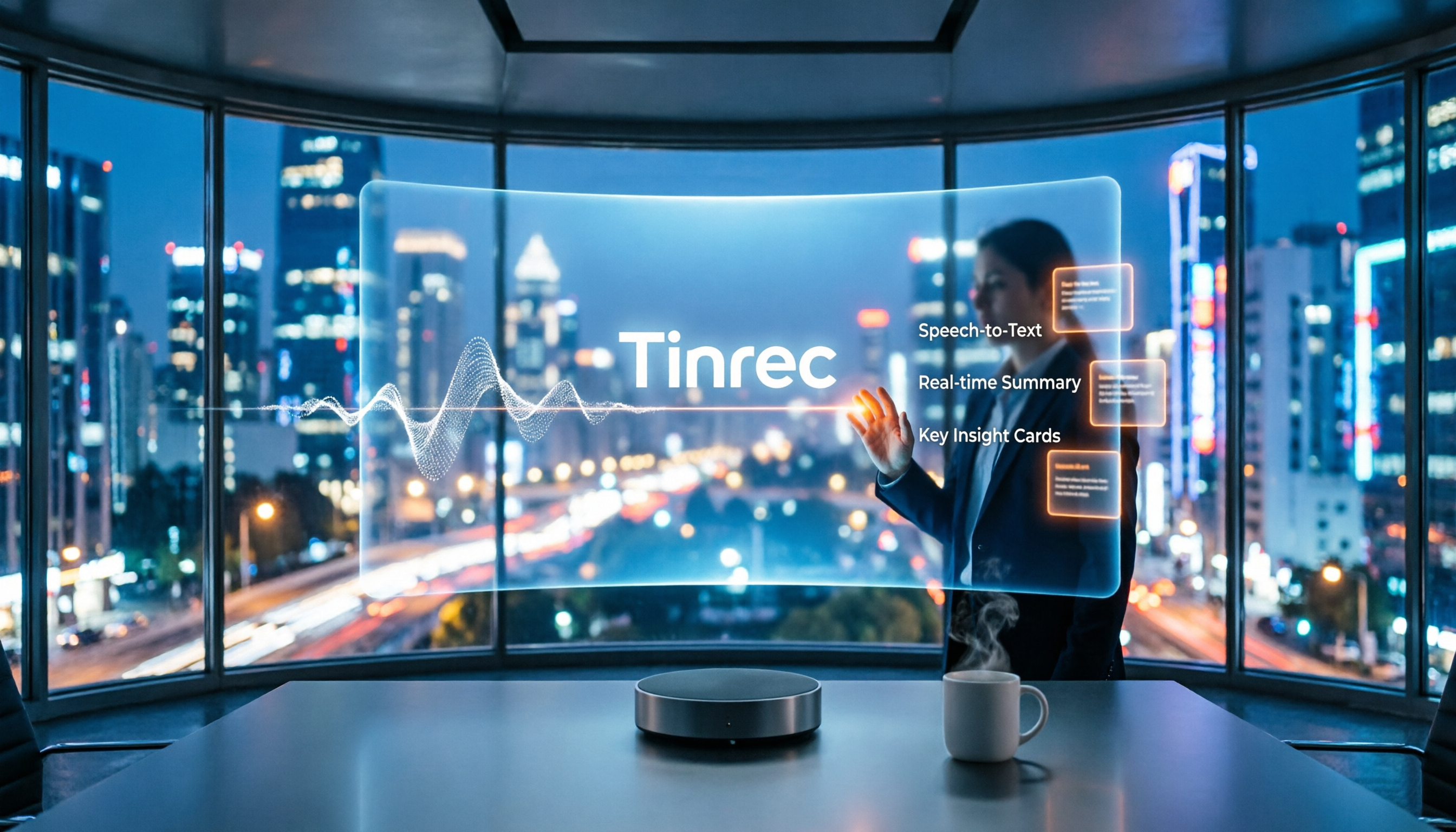
2026 Comparison of 3 Audio-to-Text Tools: How to Record with Plaud and How Transcription Workflows Differ
How do you record with PLAUD? This article covers device-side recording for PLAUD Note, Note Pro, and NotePin, phone call recording via the app, and using vibration feedback to confirm recording status. It also compares PLAUD, built-in phone recording, and Tinrec in terms of audio capture, transcription, summarization, and pricing, with FAQs and a recording consent reminder.

2026 Review of 3 Recording Sync Tools: How to Get PLAUD Recordings into the App Fastest
Clarifying common misconceptions and the correct process for PLAUD recording sync: Bluetooth connection to the app triggers automatic transfer, large recordings use Fast Transfer over Wi-Fi, iOS can enable Auto-transfer for background sync, plus practical details on importing and merging external audio, and finally an alternative that requires no extra hardware.

2026 Comparison of 3 Audio File Organization Solutions: PLAUD Recording Download Steps and Tinrec Alternative
Finished recording but can't find the file? This article starts with the actual process of downloading PLAUD recordings, covering in-app export and desktop export steps plus common pitfalls, then compares Tinrec—which requires no extra hardware—on export, post-meeting organization, and team collaboration to help you choose the easiest path.

2026 Review: 5 Recording Tools Compared — Which Plaud Is Best for Students on a Budget?
Which Plaud recorder actually works for students? This guide starts with real student pitfalls and compares the PLAUD Note Pro, NotePin S, Tinrec, Notta, and built-in phone voice memos. It covers use cases, free tiers, pricing, and limitations, with official data verified on 2026-08-18 to help you choose the right tool on a limited budget.

Which Plaud Voice Recorder Is Best? 2026 Hands-On Test of 3 Models: Tinrec Is Enough for Most Meeting Scenarios
Starting with "how to use Plaud voice recorders," this article first explains the basic operations and differences of Plaud Note and NotePin, then uses 5 key buying points to help you decide when to buy a hardware recorder and when an AI meeting notes app like Tinrec is more cost-effective. It hands-on compares 3 solutions and gives clear recommendations based on budget and scenario.

2026 AI Voice Recorder Comparison: How to Use Plaud & Which Saves the Most Time?
Learn how to record, pair, and switch call recording modes on the PLAUD voice recorder. We also compare 6 AI recording and transcription solutions—Tinrec, Notta, Otter, TurboScribe, and more—by positioning, pricing, and ideal users, so you can decide between hardware and software.

2026 AI Voice Recorder Comparison: Plaud Note vs Tinrec — Which Fits Your Workflow?
What is Plaud's recording feature? This comparison of Plaud (Note/NotePin) and Tinrec across five dimensions—recording method, online meetings, post-meeting organization, team collaboration, and pricing—helps you decide whether to buy a dedicated voice recorder or use software to handle meeting notes and team data in one place.