
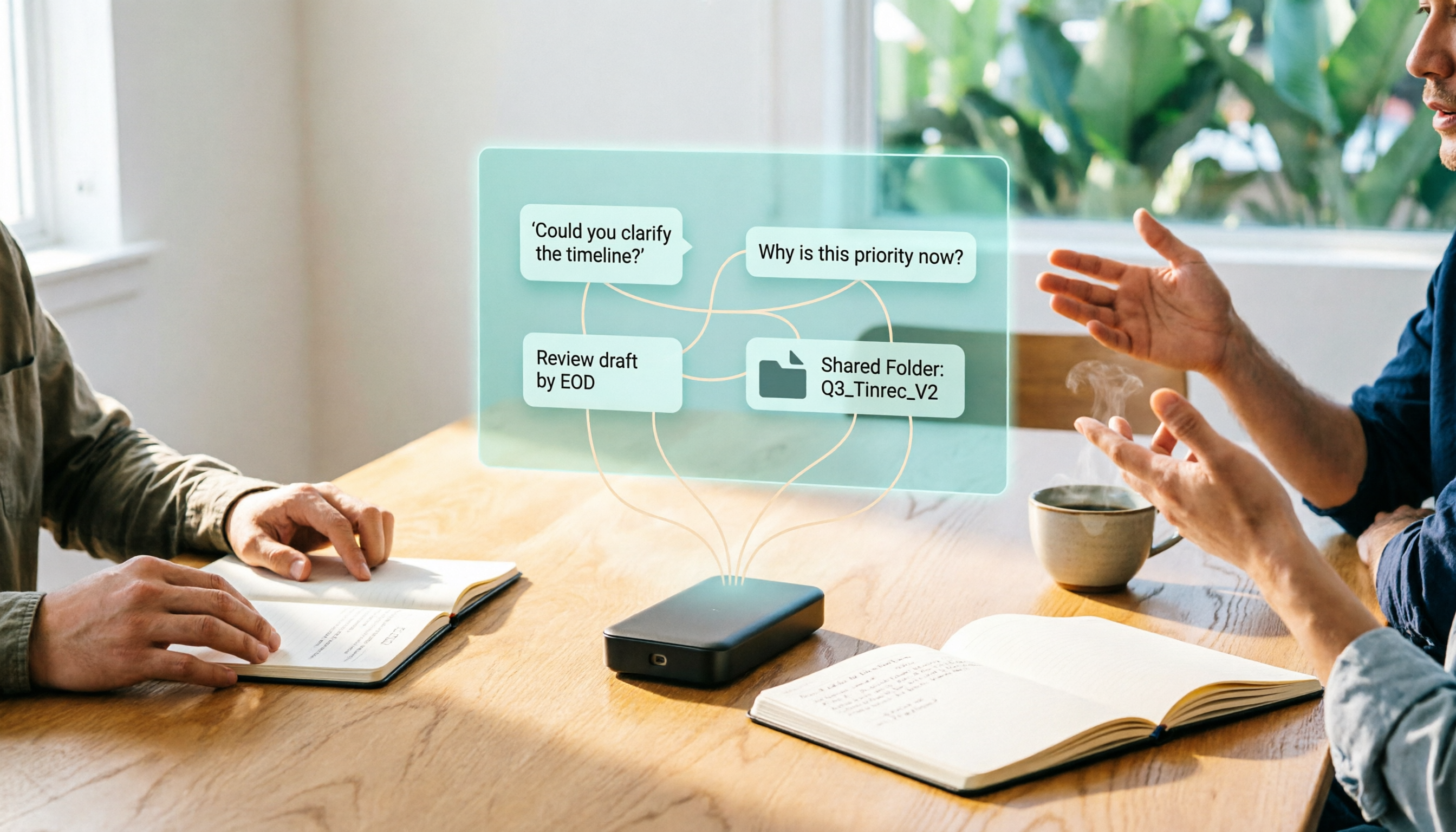
Turn recordings into transcripts and summaries in minutes
Upload audio or video for multilingual transcription, AI notes, and action items
Asking "Is it good?" first often leads you in the wrong direction
People trying to solve their meeting notes problem usually start by searching online for "Plaud voice recorder review."
Then they read a few unboxing articles, get drawn in by the slim body, battery life, and premium materials, and place an order.
Two weeks after buying it, they realize the real bottleneck isn't recording—it's the thirty minutes of organizing that comes after.
So I often say: the question "Is it good?" isn't wrong, but the order is.
You're asking about the device, but your pain point is actually the workflow.
Having watched the AI voice recorder category for several years, my biggest takeaway is this: hardware stopped being the bottleneck a long time ago. The bottleneck is "after recording, where does the content go, who can use it, and how does it turn into next actions?"
So this article won't just answer "Is the Plaud voice recorder any good?"
I want to first lay out the evaluation criteria clearly, then tell you where I ultimately placed my own meeting workflow.
To judge whether an AI voice recorder is good, start with these 4 key points
1. Who are you recording, and can they see the device?
A card-style recorder placed on the table and a wearable device clipped to your collar solve completely different scenarios.
For face-to-face interviews, store visits, and walking conversations, hardware has its advantages because you can't listen and stare at your phone at the same time.
But if half your meetings are on Zoom, Google Meet, or Teams, what you actually need isn't a better microphone—it's "how to capture the audio from your computer."
This point first determines whether you should buy hardware or use software.
2. How many transcription minutes do you actually need per month?
The pricing structure for AI voice recorders is mostly "pay once for hardware, pay continuously for subscription."
The device price is just the entry fee; what you're really paying for long-term is transcription quota.
Take PLAUD's official page plans as an example: Starter is 300 minutes per month, Pro is $99.99 per year for 1,200 minutes per month, and Unlimited is $239.99 per year. Please refer to the official purchase page for actual benefits.
So before buying, calculate: how many sessions will you record per month? How long is each session?
If you only record once or twice a month, a phone plus a transcription tool is usually enough. This is the honest truth many reviews will tell you directly, and I agree.
3. Can the summary enter your existing workflow?
I've seen a very accurate statement: if a summary is just a pretty note, its value is still limited.
A more useful output is a list of action items, owners, deadlines, and those "undecided" questions.
Then it needs to get into your Notion, project management tool, or CRM.
If you still have to manually copy and paste, it only saves you half the work.
4. Who ultimately owns the data?
For personal use, data in a personal account is fine.
But as soon as a team is involved—meeting notes need to be shown to managers, handed over to new colleagues, or looked up three months later for that decision meeting—you'll hit a very real problem: does this recording belong to the company, or to the colleague who already left?
Most voice recorder reviews won't discuss this point.
Tinrec—Putting my meeting workflow in one place
Let me start with positioning.
Tinrec is not hardware; it's an AI meeting notes and collaboration tool that supports web, desktop, and mobile.
It mainly addresses points 3 and 4 above: post-meeting organization and data ownership.
For online meetings, I don't need to invite a bot
Tinrec's desktop version directly captures your computer's system audio and can handle meetings on Zoom, Google Meet, Microsoft Teams, Webex, and similar platforms.
In practice: before the meeting, click start recording on your computer, the meeting proceeds as usual, and you don't need to invite an extra "AI assistant" account into the meeting room.
The value here isn't technical showmanship—it's friction.
When a bot joins a meeting, the host asks one more question: "Who's this?" And participants become more guarded in what they say.
With the no-bot approach, the meeting remains the same meeting.
(Screenshot here: Tinrec desktop recording screen, arrow pointing to system audio source option)
After recording, I ask it questions first instead of listening from the beginning
This is where it truly separates itself from most transcription tools.
When the meeting ends, the transcript and summary are already there. But I don't read the summary first.
I directly ask: "In that meeting just now, what was the conclusion on the budget? Who's responsible?"
It answers based on the meeting content, rather than throwing a bunch of keyword search results at you.
I call this "the three-minute post-meeting follow-up." It's more effective than reading a beautifully written summary because you're asking about what actually needs to be handled right now.
Here's a template you can copy directly:
Stop organizing recordings by hand
Upload audio or video and automatically get a transcript, summary, and action items
Please answer based on this meeting:
1. What decisions did we make?
2. Who is responsible for each decision, and what are the deadlines?
3. Which issues remain undecided and need to be handled in the next meeting?
4. Did we make any commitments to the client?
What you've organized needs to be able to leave the tool
No matter how beautiful the summary is, it's useless if it's stuck in one app.
Tinrec supports multi-format export, so you can take it to Notion, Google Docs, OneNote, or Dropbox and continue working.
It also has Agent post-processing capabilities that can generate reports, tables, or documents based on meeting content.
For people who "need to deliver something as soon as the meeting ends," what's saved isn't typing time—it's switching cost.
Three reasons I think it's worth it
First, the input sources are diverse enough. Online meetings, in-person recordings, existing audio and video files can all come into the same place for processing, so you don't need different tools for different scenarios.
Second, Chinese meetings are its focus. For mixed Chinese-English discussions and cross-border meetings that need bilingual comparison, it offers real-time translation and bilingual view. Of course, results are still affected by recording quality, accents, and multiple people talking over each other—I won't say it's perfect.
Third, team data ownership is clearly defined. The team version is an independent team space where data belongs to the team, and members have roles and seat distinctions. If someone leaves, the data doesn't disappear with them and can be handed over to other active members.
By the way, members without seats can still view, play, and read team data, but cannot upload, edit, or export. This distinction is much safer in practice than "everyone can edit."
Besides Tinrec, what other options are there?
PLAUD Note / NotePin: For people who need physical buttons and instant recording, PLAUD's hardware form factor still has its place—NotePin is wearable, Note Pro is card-style, suitable for walking interviews and face-to-face conversations. But its strength is capture; post-meeting follow-up, team spaces, and usage governance are not its main focus. Tinrec doesn't require buying an extra device—online meetings, existing audio files, and phone recordings can all go into the same workspace.
Notta: Multilingual transcription and file processing are well done, and the Business plan offers unlimited transcription and usage reports. If your need is mass transcription of existing files, it's a good fit; Tinrec's difference is the desktop version's bot-free system audio capture, where the meeting starts settling in real time, and the team side has governance designs like seats, audit, and audio recycle bin.
Otter.ai: A mature choice for English business meetings, with a generous free plan of 300 minutes per month. If 90% of your meetings are in English, it's a great value. But Chinese and mixed Chinese-English organization isn't its strong suit—Tinrec is more on point here, and also has team hotwords to handle internal company terminology.
Pitfall guide: The 4 most common mistakes when choosing an AI voice recorder
Pitfall 1: Treating hardware specs as user experience. Slimness, battery life, and materials look great in unboxing videos, but what you actually deal with every day is "how do I start recording this meeting" and "how long will it take me to organize after recording."
Pitfall 2: Only looking at the device price without calculating the subscription. Before buying, calculate the actual hours you'll record each month and compare with plan quotas, otherwise you'll easily end up with a device sitting in a drawer.
Pitfall 3: Ignoring online meetings. If 70% of your meetings are on the computer, what you need may not be a better microphone, but a tool that can capture system audio.
Pitfall 4: Thinking it's over once you have the transcript. A transcript is raw material, not a finished product. What really saves time is turning it into action items, decisions, and deliverable documents.
Conclusion: Which one should you actually choose?
Back to your original question: Is the Plaud voice recorder any good?
My answer is—it's good in its own scenarios. If you need a standalone device that records with one press, and you frequently walk around, do interviews, and have face-to-face conversations, this type of hardware does save operational friction.
But if your problem is "meeting notes take too long to organize," then buying hardware just changes the way you record; the organizing part remains unsolved.
Routing suggestions:
- Most meetings are online (Zoom, Meet, Teams) → Tinrec, desktop version directly captures system audio, no need to invite a bot into the meeting.
- Want to find key points by asking directly after recording → Tinrec, AI Q&A answers around meeting content, not keyword search.
- Team needs to share meeting data, hand over, and check usage → Tinrec team version, with roles, seats, usage analytics, and audit logs.
- Need walking interviews, physical buttons, don't want to hold a phone → wearable hardware like PLAUD NotePin.
- Mostly English meetings, budget-sensitive → Otter.ai free plan can hold you over.
Quick start: 6 steps to get your meeting workflow running
- First, inventory your meetings from last month: how many online, how many offline, how many interviews.
- Pick the most painful meeting and run through the full workflow once with the free quota: record → transcript → summary → follow-up questions.
- After the meeting, don't read the summary first—use the template above to ask it the four questions.
- Paste the answers into your existing notes or project management tool, and test whether it can "directly become next steps."
- If organizing one meeting takes more than thirty minutes, that's a signal it's worth upgrading to a paid plan.
- For team use, start by creating one space, invite two or three core members, run it for a month, then discuss how to allocate seats.
My own experience is: tools themselves don't make people more efficient—it's the action of "always asking those four questions after recording" that changes the outcome.
Start by testing with one meeting, adjust gradually, and you'll slowly find the workflow that suits you.
References
- AI Voice Recorder Recommendations and Comparison: How to Choose Between Plaud, TicNote, and Phone Recording? - Lao Qiao Bao®
- Plaud Note Pro Unboxing Review | Portable AI Smart Recording Evolves Again! Is It Good? Who Is It For? All in One
- Plaud NotePin Hands-On: More Than a Voice Recorder, AI Voice Notes Are Really Accurate
- Plaud Note Pro Unboxing Review | Portable AI Smart Recording Evolves Again! Is It Good? Who Is It For? All in One - Feng Xiansheng
- Is an AI Voice Recorder Worth Buying? $5,490 Is Just the Entry Fee, I Only Recommend It for 3 Types of People, How to Choose an E-Ink Tablet
Turn every recording into actionable outcomes
Get 60 free transcription minutes when you sign in. No credit card required.
Related Reading
You might also like

4 AI Recording Tools Compared in 2026: What Files Does PLAUD Record, and How to Choose Formats
What files does PLAUD actually record? This article first breaks down the files you get from PLAUD Note on the device, in the app, and after export (MP3, WAV, TXT, SRT, PNG, Markdown), then compares Tinrec, PLAUD, Notta, and Otter.ai from four angles: file formats, post-meeting processing, online meeting capture, and team governance, to help you determine which file workflow best fits your meeting scenarios.
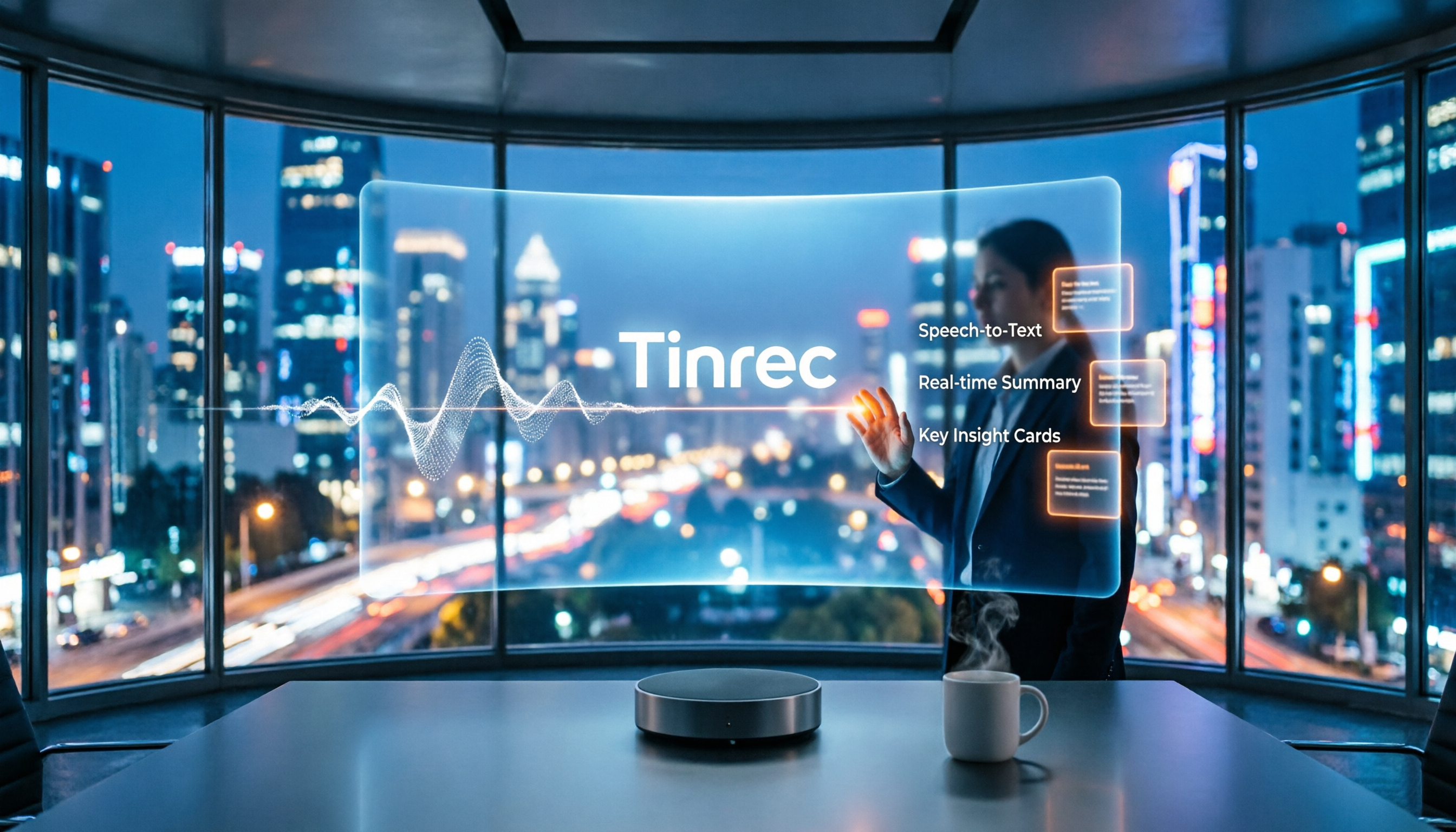
2026 Comparison of 3 Audio-to-Text Tools: How to Record with Plaud and How Transcription Workflows Differ
How do you record with PLAUD? This article covers device-side recording for PLAUD Note, Note Pro, and NotePin, phone call recording via the app, and using vibration feedback to confirm recording status. It also compares PLAUD, built-in phone recording, and Tinrec in terms of audio capture, transcription, summarization, and pricing, with FAQs and a recording consent reminder.

2026 Comparison of 3 Recording Note Tools: How to Take Usable Notes Without a Voice Recorder
How does Plaud recording notes work? This article takes a hands-on approach, comparing three routes: dedicated hardware recorders, built-in platform transcription, and AI meeting note apps. It also shares the complete workflow for recording, transcription, summaries, action items, and team collaboration using Tinrec.

2026 Review of 3 Recording Sync Tools: How to Get PLAUD Recordings into the App Fastest
Clarifying common misconceptions and the correct process for PLAUD recording sync: Bluetooth connection to the app triggers automatic transfer, large recordings use Fast Transfer over Wi-Fi, iOS can enable Auto-transfer for background sync, plus practical details on importing and merging external audio, and finally an alternative that requires no extra hardware.

2026 Comparison of 3 Audio File Organization Solutions: PLAUD Recording Download Steps and Tinrec Alternative
Finished recording but can't find the file? This article starts with the actual process of downloading PLAUD recordings, covering in-app export and desktop export steps plus common pitfalls, then compares Tinrec—which requires no extra hardware—on export, post-meeting organization, and team collaboration to help you choose the easiest path.

2026 Review: 5 Recording Tools Compared — Which Plaud Is Best for Students on a Budget?
Which Plaud recorder actually works for students? This guide starts with real student pitfalls and compares the PLAUD Note Pro, NotePin S, Tinrec, Notta, and built-in phone voice memos. It covers use cases, free tiers, pricing, and limitations, with official data verified on 2026-08-18 to help you choose the right tool on a limited budget.

Which Plaud Voice Recorder Is Best? 2026 Hands-On Test of 3 Models: Tinrec Is Enough for Most Meeting Scenarios
Starting with "how to use Plaud voice recorders," this article first explains the basic operations and differences of Plaud Note and NotePin, then uses 5 key buying points to help you decide when to buy a hardware recorder and when an AI meeting notes app like Tinrec is more cost-effective. It hands-on compares 3 solutions and gives clear recommendations based on budget and scenario.

2026 AI Voice Recorder Comparison: How to Use Plaud & Which Saves the Most Time?
Learn how to record, pair, and switch call recording modes on the PLAUD voice recorder. We also compare 6 AI recording and transcription solutions—Tinrec, Notta, Otter, TurboScribe, and more—by positioning, pricing, and ideal users, so you can decide between hardware and software.

2026 AI Voice Recorder Comparison: Plaud Note vs Tinrec — Which Fits Your Workflow?
What is Plaud's recording feature? This comparison of Plaud (Note/NotePin) and Tinrec across five dimensions—recording method, online meetings, post-meeting organization, team collaboration, and pricing—helps you decide whether to buy a dedicated voice recorder or use software to handle meeting notes and team data in one place.