

Turn recordings into transcripts and summaries in minutes
Upload audio or video for multilingual transcription, AI notes, and action items
2026 Review: 5 Recording Tools Compared — Which Plaud Is Best for Students on a Budget?
In my freshman year, I bought my first voice recorder for a simple reason: the professor spoke too fast, and I couldn't keep up by hand. That recorder ended up in a drawer after three uses—not because it broke, but because I never listened to the recordings again.
That was my biggest mistake: I thought "recording it" meant "remembering it." The files sat on my phone, and before finals I was still asking in the group chat, "Does anyone have notes?"
Later I realized that the real comparison isn't about which tool has the best recording quality. It's about three things: does it turn my recordings into transcripts and summaries, is the semester quota enough, and do I need to carry an extra device? This article covers 5 recording tools I've researched and that classmates also use. Features and prices are based on official data verified on 2026-08-18, and at the end I'll help you decide based on your needs.
1. PLAUD Note Pro: Card-Style Hardware with Instant Summaries
- Who it's for: People who frequently attend in-person classes, lectures, and interviews and want "one device for recording and organizing."
- Key features: A card-style recorder from PLAUD that works with the same Plaud Intelligence system. After recording, you can generate note summaries and key points with one tap—no need to open a computer to organize.
- Price and quota: Device price on the US official site is USD 189; transcription quota is separate. Starter gives 300 minutes per month, Pro is USD 99.99/year for 1,200 minutes per month, and Unlimited is USD 239.99/year (all verified on 2026-08-18; actual prices and plans in Taiwan are subject to the official page).
- Pros: Hardware recording plus post-meeting summaries in one step; you can put your phone away during class and still record.
- Cons: You need to carry an extra device and remember to charge it; the free 300 minutes won't be enough for students who record every class, so you'll likely need a paid membership.
2. PLAUD NotePin S: Capsule-Style, Built for Portability
- Who it's for: People who are on campus, interning, or running between events all day and want to record on the go.
- Key features: A capsule-style recorder from PLAUD that shares the same Plaud account as the Note series. You manage and sync recordings through the app and web, so you don't have to worry about which device you brought today.
- Price and quota: PLAUD NotePin is USD 159 on the US official site; for NotePin S pricing and Taiwan plans, please refer to official announcements. Membership quotas are the same as above.
- Pros: Small form factor, great for quick notes; handy when someone gives you a task on the spot or when you're listening to a talk.
- Cons: Same "extra device" cost, and the quota system follows the same rules as Note Pro.
3. Tinrec: AI Meeting Notes Without Buying Hardware
- Who it's for: Students who do group discussions, online interviews, internship interview practice, or take many remote classes; anyone who wants to run through the full "record → transcribe → summarize → to-do" workflow before deciding whether to buy hardware.
- Key features: The desktop version captures computer system audio directly, recording online meetings on Zoom, Google Meet, Microsoft Teams, Webex, and more without an extra bot joining the meeting. It also supports live recording, audio and video file import, and live translation. After the meeting, it generates transcripts, summaries, chapters, to-dos, and mind maps. You can also ask AI follow-up questions about the meeting content and export to Notion, Google Docs, and other tools to continue writing reports.
- Price and quota: A free version with basic quota is available; there are also weekly cards, Pro monthly, and Pro annual plans—check the official page for actual prices and minutes. The team plan is USD 29.80 per paid seat per month, or USD 199 per paid seat per year (about USD 16.58/month). Each paid seat gets 2,000 minutes of shared team import quota per month, and live recording currently does not deduct minutes under an active team plan.
- Pros: Works on phone and computer, no extra device needed; post-meeting output can be used directly for shared notes or project interview summaries.
- Cons: Transcription and summary quality can be affected by recording environment, accents, overlapping speakers, and technical terms. For important content, it's still best to check against transcript timestamps and replay the recording. The team plan is expensive for individual students unless a club or project group splits the cost.
Stop organizing recordings by hand
Upload audio or video and automatically get a transcript, summary, and action items
4. Notta: File Transcription and Multilingual Focus
- Who it's for: People who need to process foreign-language audio, subtitle videos, or organize multiple files at once.
- Key features: Multi-platform transcription, meeting notes, file import, and translation.
- Price and quota: Free version gives 120 minutes per month, but each recording is capped at 3 minutes; Pro annual billing works out to about USD 8.17/month for 1,800 minutes per month; Business annual billing is about USD 16.67 per seat per month with unlimited transcription and role permissions (verified on 2026-08-18).
- Pros: Clear plan tiers and a solid reputation for multilingual scenarios.
- Cons: The free version's 3-minute cap per recording is very unfriendly for students with two-hour classes—you'll basically have to pay to use it for actual classes.
5. Built-in Phone Voice Memos: Free, but Only Solves "Recording"
- Who it's for: Quick notes, saving key points when the teacher is talking, or anyone with a truly zero budget.
- Key features: Recording, naming, and basic file management.
- Price: Free on both iPhone and Android.
- Pros: No cost, no learning curve, and you won't forget to bring it.
- Cons: No transcript, no summary. Before finals you still have to listen from start to finish to find key points—which is exactly why most people give up on reviewing recordings.
Comparison of 5 Recording Tools: Features, Pricing, and Limitations
| Tool | Best for | Core features | Price / Free quota (verified 2026-08-18) | Main limitations |
|---|---|---|---|---|
| PLAUD Note Pro | In-person classes, lectures, interviews | Hardware recording + one-tap summaries | Device USD 189; Starter 300 min/month, Pro USD 99.99/year | Extra device needed; quota must be purchased |
| PLAUD NotePin S | On-the-go, mobile recording | Capsule-style recording + same-account sync | Device price per official announcement; membership quota same as above | Same as above |
| Tinrec | Online meetings, group discussions, interview organization | Bot-free recording, transcripts, summaries, to-dos, AI Q&A, export | Free version basic quota; weekly/Pro monthly/annual pricing per official site; team plan USD 29.80/seat/month | Quality affected by audio and accents; team plan expensive for individuals |
| Notta | File transcription, multilingual, subtitles | Transcription, translation, summaries | Free 120 min/month, 3 min per recording; Pro about USD 8.17/month (annual billing) | Free version recording length too short |
| Phone voice memos | Quick notes, emergencies | Recording | Free | No transcripts or summaries |
How to Choose Based on Your Needs
- Zero budget, want to test the waters: Start by using your phone's voice memos to record key classes, and run one or two transcripts through Tinrec's free version. Confirm that you'll actually go back and review the organized content before spending money.
- Frequently in physical classrooms, prefer "one device solves it": PLAUD Note Pro is great for people who need post-meeting summaries; if portability and mobility matter more, the NotePin S capsule form is easier to carry daily.
- Lots of online classes, group discussions, and internship interview practice: Tinrec needs no extra hardware, and the desktop version can directly record online meeting audio. Post-meeting summaries and to-dos save a lot of time for shared notes and project records.
- Need to handle foreign-language audio or subtitles: Notta's file transcription and multilingual support are its strengths, but remember to factor in the free version's 3-minute limit.
- Clubs or project groups need to share data: Tinrec's team plan offers separate team spaces, seat and usage management, but the cost is at the group-splitting level—individual students don't need to force it.
Three Final Reminders for Underclassmen
First, calculate your quota before talking about features. A two-hour class over an 18-week semester means if you plan to record every class, a 300-minute or 120-minute free tier definitely won't be enough. Don't buy and then run out mid-month.
Second, let people know before you record. In Taiwan, recording a conversation you're part of for non-illegal purposes generally isn't illegal, but it's still best to give a heads-up and confirm applicable rules—it's polite and protects you.
Third, test any tool with your own real audio files first. Classroom noise and the chaos of group discussions are the real test; pretty numbers on the official website don't equal results in your classroom.
(Data verified on 2026-08-18. This comparison includes product information for Tinrec. Prices and plans change, so please refer to each official page before purchasing.)
References
- How to Choose an AI Voice Recorder: 2026 Buying Guide — Complete Comparison of Phone Apps and Dedicated Devices
- Plaud Note Pro Unboxing Review — Portable AI Smart Recording Evolved! Is It Good? Who Should Buy It? - Mr. Mad
- Plaud Note vs. Plaud NotePin: Which AI Note Assistant Is Right for You?
- Plaud Taiwan | Official Website | Leading AI Recording Device Brand
- 2026 Review: 5 Recording Tools Compared — How to Choose Between Plaud Recording and AI Meeting Organization? - Tinrec Blog
Turn every recording into actionable outcomes
Get 60 free transcription minutes when you sign in. No credit card required.
Related Reading
You might also like

2026 Comparison of 3 Audio File Organization Solutions: PLAUD Recording Download Steps and Tinrec Alternative
Finished recording but can't find the file? This article starts with the actual process of downloading PLAUD recordings, covering in-app export and desktop export steps plus common pitfalls, then compares Tinrec—which requires no extra hardware—on export, post-meeting organization, and team collaboration to help you choose the easiest path.

Which Plaud Voice Recorder Is Best? 2026 Hands-On Test of 3 Models: Tinrec Is Enough for Most Meeting Scenarios
Starting with "how to use Plaud voice recorders," this article first explains the basic operations and differences of Plaud Note and NotePin, then uses 5 key buying points to help you decide when to buy a hardware recorder and when an AI meeting notes app like Tinrec is more cost-effective. It hands-on compares 3 solutions and gives clear recommendations based on budget and scenario.

2026 AI Voice Recorder Comparison: How to Use Plaud & Which Saves the Most Time?
Learn how to record, pair, and switch call recording modes on the PLAUD voice recorder. We also compare 6 AI recording and transcription solutions—Tinrec, Notta, Otter, TurboScribe, and more—by positioning, pricing, and ideal users, so you can decide between hardware and software.

2026 AI Voice Recorder Comparison: Plaud Note vs Tinrec — Which Fits Your Workflow?
What is Plaud's recording feature? This comparison of Plaud (Note/NotePin) and Tinrec across five dimensions—recording method, online meetings, post-meeting organization, team collaboration, and pricing—helps you decide whether to buy a dedicated voice recorder or use software to handle meeting notes and team data in one place.

2026 AI Voice Recorder Comparison: PLAUD vs Tinrec for Meeting Notes
What is PLAUD? We clear up common misconceptions about hardware recording and compare Tinrec, a software-based AI meeting notes tool, to see why it may be better suited for most professionals and teams when it comes to online meeting processing, post-meeting organization, and team collaboration.

Tinrec vs PLAUD 2026: 5-Dimension Comparison — Which Is Easier for Audio Export and Post-Meeting Organization?
Exporting audio files is often underestimated: formats, channels, and quotas each have their nuances. This article starts from real student scenarios, compares Tinrec and PLAUD across 5 dimensions, and outlines 3 export methods and limitations for Plaud recordings, helping you find the most hassle-free post-meeting workflow.

Plaud Recording Transfer & Meeting Tool Guide 2026: 3 Transfer Methods Tested and Recommended
After recording, the file gets stuck on the device—this is the first hurdle for most Plaud users. Starting from the decision point of 'how to get the file out,' this article breaks down the 3 transfer paths and common pitfalls for Plaud Note, Note Pro, and NotePin S, then compares Tinrec, which eliminates the hardware transfer step, and compares the use cases of Otter.ai and Notta. Finally, it provides scenario-based selection recommendations and a pitfall-avoidance checklist.
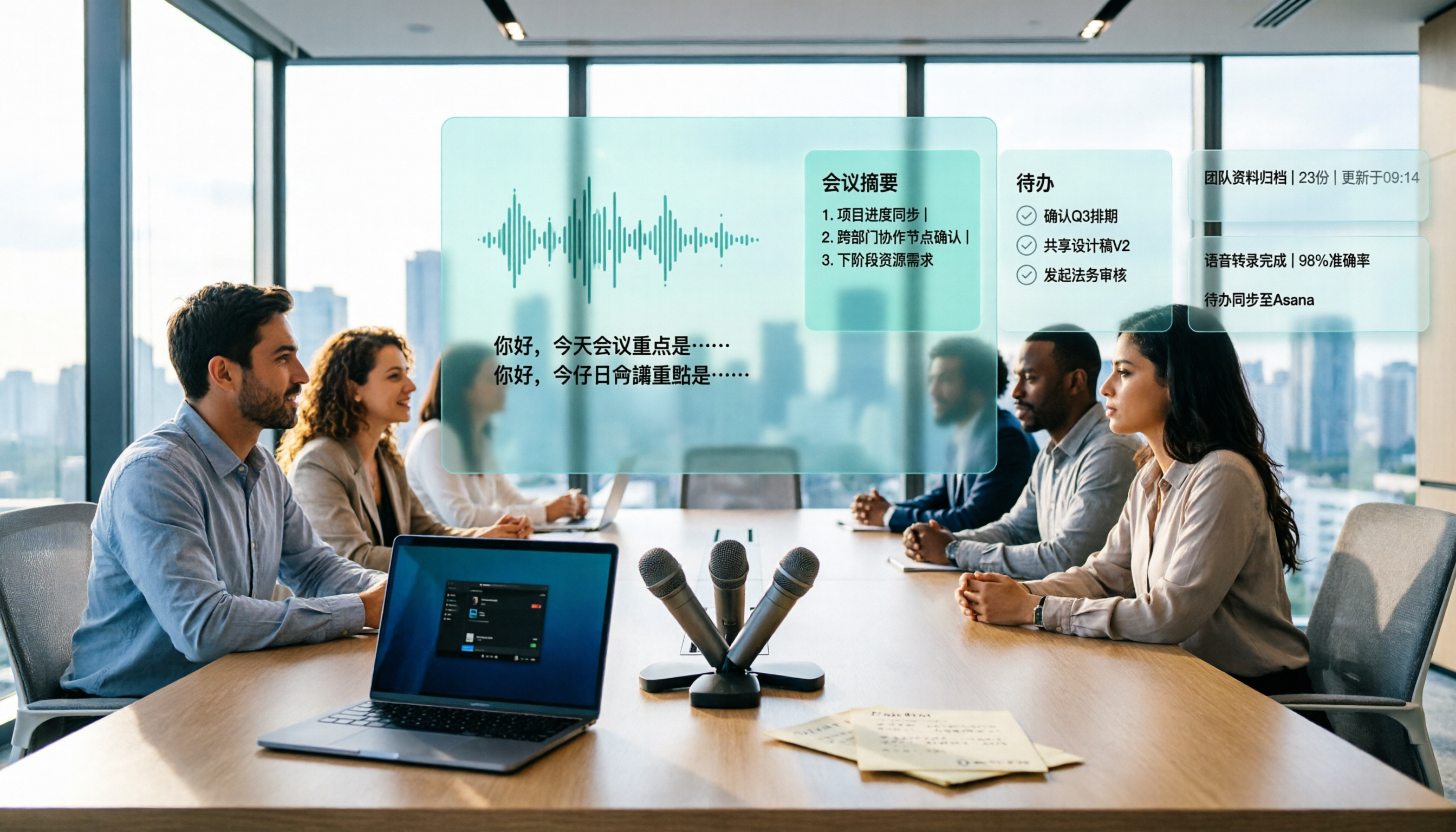
4 Best Transcription Tools to Try in 2026: Yating vs. Chinese Meeting Tools
Tired of re-listening to meeting recordings? This guide compares Yating, Notta, Otter.ai, and Tinrec on Chinese/Taiwanese recognition, bot-free recording, post-meeting summaries and action items, and team data management—so you can pick the tool that actually saves time in 2026.

5 Free Cantonese Translation Tools Tested and Compared in 2026: How to Choose Based on No-Login Access, Free Quotas, and Meeting Transcription
Looking for a reliable Cantonese translation tool? This article reviews 5 Cantonese translation services you can start using for free, covering everything from no-login web-based two-way translation and mobile apps for pronunciation practice to Tinrec, which can turn an entire Cantonese meeting into a transcript and action items. It also includes a comparison table of free tiers, usage limits, and best-fit scenarios to help you choose the right tool for your needs.