

Turn recordings into transcripts and summaries in minutes
Upload audio or video for multilingual transcription, AI notes, and action items
Why Do You Need an AI Recording Tool?
“The meeting ended three days ago, and the recording is still sitting on my phone—I haven’t even opened it to organize anything.”
This is a common scenario for many office workers. Handwritten notes can’t keep up with the pace of speech, and re-listening to a one-hour recording takes another hour.
Today’s recording tools don’t just capture audio—they can automatically transcribe, extract summaries, and list action items. This article first covers how to operate the popular PLAUD voice recorder, then compares 6 common solutions and who they’re best for.
Tinrec – The Most Complete AI Meeting Notes Assistant
Tinrec is an AI meeting notes and collaboration tool for individuals and teams. It’s not positioned as a “voice recorder” but as a way to turn meetings into searchable, collaborative, actionable data.
Record online meetings without a bot. The desktop version captures your computer’s system audio directly, so you don’t need to invite a bot to Zoom, Google Meet, Microsoft Teams, or Webex meetings. This is especially practical for those who frequently meet with external clients.
More than just a transcript. After recording, it automatically generates summaries, chapters, key points, and action items, so you can quickly scan long meetings. If you need to follow up, you can ask AI questions about the meeting content, such as “Did the client mention a budget cap?”
Exportable outputs. Supports export to Notion, Google Docs, OneNote, Dropbox, and other tools, and can further generate reports, tables, and meeting minutes.
Team knowledge base. The team version is a separate team space where data belongs to the team, including role and seat management, usage analytics, audit logs, audio recycle bin (30-day retention), and team hotwords. Currently, the team monthly plan is USD 29.80 per paid seat per month, and the annual plan is USD 199 per paid seat per year (about USD 16.58 per month). Each paid seat gets 2,000 minutes of shared team import quota per month. Eligible teams can try 7 days free with 1 free seat and 300 minutes. The personal version offers a free plan, weekly pass, Pro monthly, and Pro annual—choose based on your usage frequency.
Who it’s for: People who have many Chinese meetings, need post-meeting organization, and want data to stay with the team rather than personal accounts.
PLAUD NotePin – A Wearable AI Voice Recorder
PLAUD NotePin is a wearable smart voice recorder that focuses on one-touch recording, then automatically handles speech-to-text, transcription, key point summaries, and even mind maps.
Pairing and starting recording (the step most people get stuck on):
- Open the Plaud App and tap “Connect” in the top left corner.
- Select “Plaud NotePin” and long-press the recording button on the device until the white light flashes.
- The app will automatically search for the device; once it appears in the list, tap to connect.
- To record, long-press the recording button for about 1 second; you’ll feel one vibration to indicate start.
- To stop, press again; two vibrations mean it’s stopped.
Wearing it is simple—clip it to your chest to capture natural conversations. After recording, view the transcript and summary in the app, and if you want to ask about details, you can use Ask Plaud, for example, “What concerns did the client mention?”
Note that PLAUD is hardware: it needs charging, you need to remember to bring it, and transcription and AI features are tied to membership quotas. The official NotePin device price is currently USD 159, with memberships: Starter (300 minutes per month), Pro (USD 99.99 per year, 1,200 minutes per month), and Unlimited (USD 239.99 per year). Check the official page for actual terms.
Who it’s for: People who are often on the go, do many interviews, or want to record spontaneously without pulling out their phone.
PLAUD Note / Note Pro – Card-Style Voice Recorder with Call Recording Switch
The PLAUD Note series has a card-style design, and the biggest difference is a physical mode switch that separates “face-to-face” and “phone call” recording.
How it works:
- Note recording: Slide the recording button down to note mode, long-press for about 1 second until one vibration, and recording starts.
- Stop: Press again (on some models, press the center of the device); two vibrations end it.
- Phone call recording: Slide the recording button up to phone call mode, long-press for about 1 second to start; two vibrations end it.
The official page also specifically reminds users to inform the other party and obtain clear consent before recording.
The PLAUD Note Pro currently has an official price of USD 189. Pre-order and regular prices on the Taiwan official site have differed in the past; check the current page before ordering.
Who it’s for: People who communicate a lot by phone and need a physical button to quickly switch modes.
Stop organizing recordings by hand
Upload audio or video and automatically get a transcript, summary, and action items
Notta – Multilingual Transcription and File Processing
Notta overlaps significantly with Tinrec, covering multi-platform transcription, meeting notes, file import, and translation.
The free plan offers 120 minutes per month, with a maximum of 3 minutes per item; Pro annual billing is about USD 8.17 per month for 1,800 minutes per month; Business annual billing is about USD 16.67 per seat per month, including unlimited transcription, role permissions, and usage reports.
Who it’s for: People who need multilingual transcription and often process existing audio files.
Otter.ai – A Veteran Choice for English Business Meetings
Otter is a mature AI meeting assistant that supports Zoom, Microsoft Teams, Google Meet, live transcription, speaker identification, and AI Chat.
Basic is free with 300 minutes per month; Pro annual billing is about USD 8.49 per user per month, including 1,200 minutes of in-app recording per month and 10 file imports; Business offers more management capabilities, and pricing may vary with promotions.
Who it’s for: Teams that primarily hold English meetings and need a mature English transcription experience.
TurboScribe – Cost-Effective File Transcription
TurboScribe is more of a file transcription tool, focusing on long files, batch uploads, subtitles, and translation.
Free plan: 3 files per day, up to 30 minutes per file; Unlimited annual plan is USD 120 (about USD 10 per month). Paid version supports files up to 10 hours or 5 GB, and up to 50 files at once.
Who it’s for: People who have a bunch of audio files to process at once and don’t need real-time meeting features.
With So Many Options, How Should You Choose?
• Want to handle recording, transcription, summaries, and action items in one go → Tinrec
• Don’t want to invite a bot to online meetings → Tinrec desktop version (direct system audio capture)
• Need transcripts for Chinese meetings and bilingual Chinese-English view → Tinrec supports live translation and bilingual view
• Want to ask “What exactly did the client say?” after the meeting → Tinrec’s AI Q&A
• Team needs to share meeting data and manage member seats and usage → Tinrec team version
• Want to take results to Notion or Google Docs for further writing → Tinrec multi-format export and post-meeting document generation
• Just want a physical device you can wear → PLAUD NotePin
• Only want to quickly convert existing audio files to text → TurboScribe
Simply put, if you want data that remains useful after recording, software solutions are smoother than hardware; if you want “press and record anytime, anywhere,” hardware still has its place for intuitiveness.
4 Things to Know Before Using AI Recording Tools
1. Get consent before recording. Under Taiwan’s personal data and communications regulations, when recording involves others’ conversations, it’s best to inform them and obtain consent. PLAUD’s official page also includes this in its operation guide.
2. Transcripts are not 100% accurate. Audio quality, accents, overlapping speakers, and technical terms can all affect results. For important numbers and commitments, it’s advisable to cross-check the transcript timestamps with the recording.
3. Hardware has hardware costs. Devices need charging, you need to remember to bring them, and transcription quotas are separate. Pure software solutions like Tinrec work on web, desktop, and mobile, eliminating one more device to take care of.
4. Teams need to distinguish “roles” and “seats.” For example, in Tinrec’s team version, roles determine who can manage members and settings, while seats determine whether one can record, upload, and edit. Members without seats can still view and play team data but cannot edit or import/export.
Conclusion
Operating the PLAUD voice recorder is actually not complicated—just remember “long-press for 1 second, one vibration to start; press again, two vibrations to stop,” and the switch directions for note mode and call mode.
The real difference is after recording. If your meetings need summaries, action items, follow-up questions, and team sharing, workflow tools like Tinrec that turn transcripts into actionable data will save more time.
When choosing, think clearly about your meeting style first, then look at pricing and quotas, so you don’t buy features you won’t use.
FAQ
Q1: The PLAUD recorder doesn’t respond when pressed—how do I confirm recording has started?
PLAUD uses vibration feedback: one vibration means start, two vibrations mean stop. If there’s no vibration, first check the battery and whether it’s connected via the app.
Q2: Can I transcribe unlimited after buying the PLAUD recorder?
No. The device and AI membership are separate. The official plans currently include Starter (300 minutes per month), Pro (USD 99.99 per year, 1,200 minutes per month), and Unlimited (USD 239.99 per year). Check the official page for actual benefits.
Q3: What’s the difference between PLAUD and Tinrec?
PLAUD is a hardware recording device, with advantages in portability and intuitive operation; Tinrec is a software service, with advantages in online meeting recording, post-meeting summary Q&A, export, and team data management. The problems they solve don’t completely overlap.
Q4: Is Tinrec’s free version enough?
If you only occasionally organize a recording, the free version lets you experience recording, import, summaries, and transcription. If you have a steady volume of meetings every week, consider a weekly pass or Pro plan for better value.
Q5: What’s the difference between “seats” and “roles” in the team version?
Roles determine management permissions (e.g., who can manage members, view audits); seats determine usage eligibility (whether one can record, upload, edit). Active members without a seat can still view and read team data.
Q6: Can deleted recording data be recovered?
For example, in Tinrec’s team version, audio moved to the recycle bin can be restored before permanent deletion begins; the current retention period is 30 days. Action items are not covered by the recycle bin.
References
Turn every recording into actionable outcomes
Get 60 free transcription minutes when you sign in. No credit card required.
Related Reading
You might also like

2026 Comparison of 3 Audio File Organization Solutions: PLAUD Recording Download Steps and Tinrec Alternative
Finished recording but can't find the file? This article starts with the actual process of downloading PLAUD recordings, covering in-app export and desktop export steps plus common pitfalls, then compares Tinrec—which requires no extra hardware—on export, post-meeting organization, and team collaboration to help you choose the easiest path.

2026 Review: 5 Recording Tools Compared — Which Plaud Is Best for Students on a Budget?
Which Plaud recorder actually works for students? This guide starts with real student pitfalls and compares the PLAUD Note Pro, NotePin S, Tinrec, Notta, and built-in phone voice memos. It covers use cases, free tiers, pricing, and limitations, with official data verified on 2026-08-18 to help you choose the right tool on a limited budget.

Which Plaud Voice Recorder Is Best? 2026 Hands-On Test of 3 Models: Tinrec Is Enough for Most Meeting Scenarios
Starting with "how to use Plaud voice recorders," this article first explains the basic operations and differences of Plaud Note and NotePin, then uses 5 key buying points to help you decide when to buy a hardware recorder and when an AI meeting notes app like Tinrec is more cost-effective. It hands-on compares 3 solutions and gives clear recommendations based on budget and scenario.

2026 AI Voice Recorder Comparison: Plaud Note vs Tinrec — Which Fits Your Workflow?
What is Plaud's recording feature? This comparison of Plaud (Note/NotePin) and Tinrec across five dimensions—recording method, online meetings, post-meeting organization, team collaboration, and pricing—helps you decide whether to buy a dedicated voice recorder or use software to handle meeting notes and team data in one place.

2026 AI Voice Recorder Comparison: PLAUD vs Tinrec for Meeting Notes
What is PLAUD? We clear up common misconceptions about hardware recording and compare Tinrec, a software-based AI meeting notes tool, to see why it may be better suited for most professionals and teams when it comes to online meeting processing, post-meeting organization, and team collaboration.

Tinrec vs PLAUD 2026: 5-Dimension Comparison — Which Is Easier for Audio Export and Post-Meeting Organization?
Exporting audio files is often underestimated: formats, channels, and quotas each have their nuances. This article starts from real student scenarios, compares Tinrec and PLAUD across 5 dimensions, and outlines 3 export methods and limitations for Plaud recordings, helping you find the most hassle-free post-meeting workflow.

Plaud Recording Transfer & Meeting Tool Guide 2026: 3 Transfer Methods Tested and Recommended
After recording, the file gets stuck on the device—this is the first hurdle for most Plaud users. Starting from the decision point of 'how to get the file out,' this article breaks down the 3 transfer paths and common pitfalls for Plaud Note, Note Pro, and NotePin S, then compares Tinrec, which eliminates the hardware transfer step, and compares the use cases of Otter.ai and Notta. Finally, it provides scenario-based selection recommendations and a pitfall-avoidance checklist.
4 Best Transcription Tools to Try in 2026: Yating vs. Chinese Meeting Tools
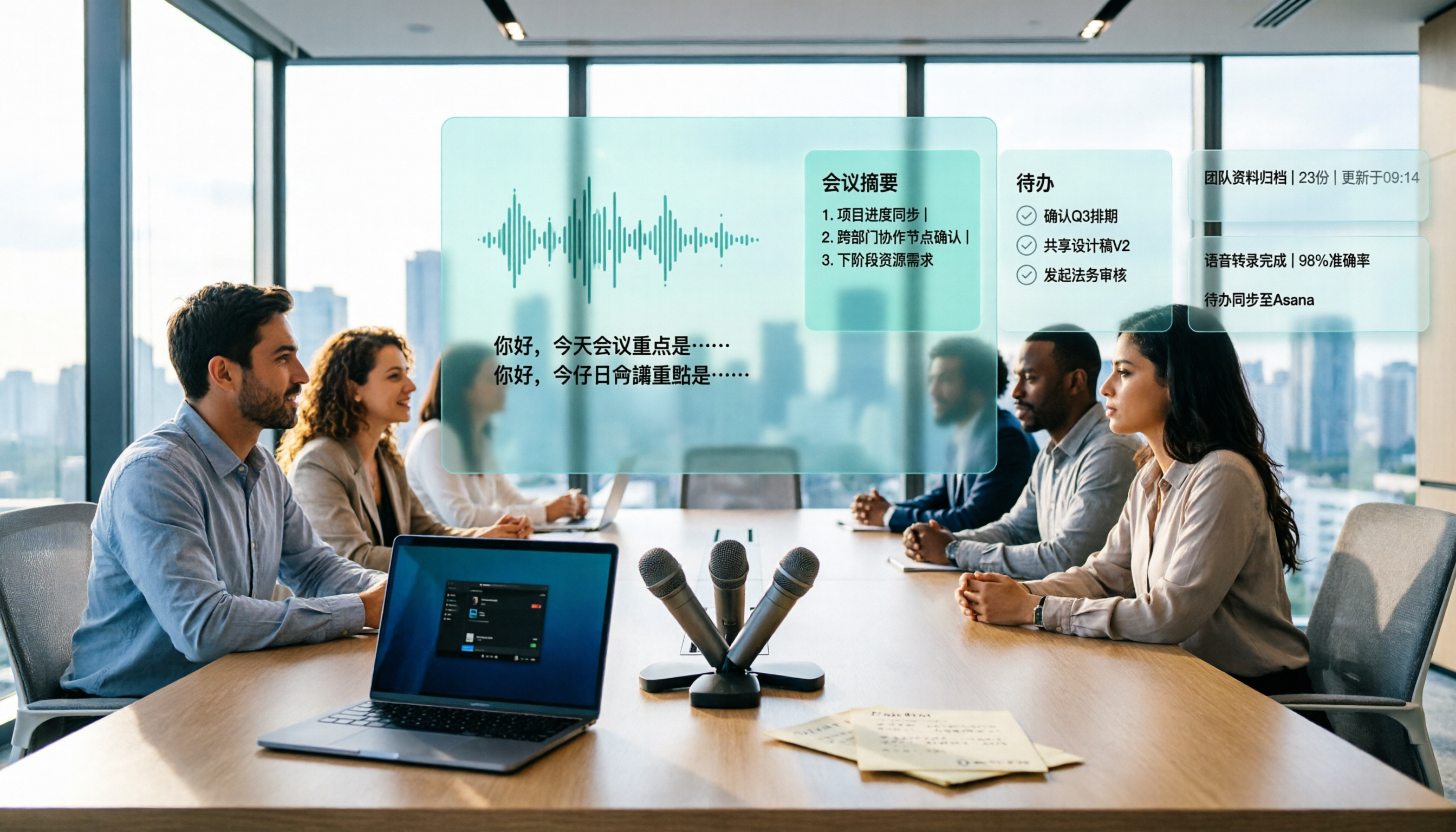
Tired of re-listening to meeting recordings? This guide compares Yating, Notta, Otter.ai, and Tinrec on Chinese/Taiwanese recognition, bot-free recording, post-meeting summaries and action items, and team data management—so you can pick the tool that actually saves time in 2026.

5 Free Cantonese Translation Tools Tested and Compared in 2026: How to Choose Based on No-Login Access, Free Quotas, and Meeting Transcription
Looking for a reliable Cantonese translation tool? This article reviews 5 Cantonese translation services you can start using for free, covering everything from no-login web-based two-way translation and mobile apps for pronunciation practice to Tinrec, which can turn an entire Cantonese meeting into a transcript and action items. It also includes a comparison table of free tiers, usage limits, and best-fit scenarios to help you choose the right tool for your needs.