

Turn recordings into transcripts and summaries in minutes
Upload audio or video for multilingual transcription, AI notes, and action items
A video call is halfway through when the other person suddenly switches to Cantonese to add a few key figures. You listen, translate in your head, and try to jot down notes in between. By the time the meeting ends, your notes are three lines long and the rest depends on memory.
This is exactly the scenario Apple aims to address with iOS 26.1. Apple Intelligence now officially supports Traditional Chinese, including Cantonese, and with AirPods you can use Live Translation. In practice, however, there are several requirements, and what it solves is understanding in the moment, not necessarily having usable records afterward.
In this article I've combined Apple's official documentation with publicly available media test results, and I'll also explain where it falls short for meeting notes and how I usually fill the gap.
Does Apple Live Translation support Cantonese? Quick overview first
In one sentence: Apple's Live Translation is a system-level cross-language conversation tool integrated into Messages, FaceTime, and the Phone app, and it can also be used with AirPods. Translation runs entirely on-device.
Tinrec is an AI meeting notes and collaboration tool that turns recordings into transcripts, then organizes them into summaries, chapters, and action items, with AI Q&A and team spaces.
| Item | Apple Live Translation | Tinrec |
|---|---|---|
| Core positioning | Built-in cross-language conversation translation | AI meeting notes and team collaboration |
| Cantonese support | Supported by Apple Intelligence starting iOS 26.1 | Chinese and multilingual meeting transcription; results affected by accent and environment |
| Main entry points | Messages, Phone, FaceTime, AirPods | Web, desktop, mobile |
| Post-meeting output | Primarily in-call translation and transcription display | Transcript, summary, chapters, action items, Q&A, export |
| Team capabilities | Primarily personal devices and Apple ID | Team spaces, roles, seats, usage, audit |
Next I'll break this down across 4 dimensions, then give scenario recommendations at the end.
How do you enable Cantonese in Apple Live Translation?
The current steps are roughly as follows:
- Confirm the system is updated to iOS 26.1 or later (screenshot location: Settings > General > Software Update).
- Go to Settings > Apple Intelligence & Siri and set Siri's language to Chinese (Cantonese – Hong Kong).
- Connect the iPhone to USB power; the system will begin downloading the corresponding language model. This takes some time, so a Wi-Fi environment is recommended.
- Once the download is complete, you can give Siri commands in Cantonese, and voicemail prompts in the Phone app will also be in Cantonese.
Note: During the beta period, some reports indicated that an Apple Developer testing qualification was required. For the actual availability after the official release, refer to Apple's official pages.
Also, if you want Live Translation on AirPods, the earbuds themselves must meet the requirements; I'll cover that in the next dimension.
Dimension 1 | Real-world experience of Cantonese speech translation
First, Apple's performance. In Messages, Live Translation can directly translate incoming foreign-language messages into Chinese, and when you type in Chinese it automatically converts to the other person's language. During a call, once translation is enabled, the other party hears a spoken translation of what you say, and there's an on-screen transcript for reference. The entire process runs on-device, and privacy is handled very well.
There is one detail worth noting, though. According to current media tests, AirPods spoken playback is still in Mandarin, not Cantonese. In other words, you can interact with Siri in Cantonese and get Cantonese transcripts, but the translation read aloud through the earbuds has not yet switched to Cantonese. For people who just want to quickly understand content, that's enough; for those who want to practice speaking or need Cantonese audio, there's a gap.
Tinrec handles things differently. During recording it offers original, translated, or bilingual views, turning translation results into text you can review rather than reading them aloud to you in real time.
Conclusion for this dimension: For understanding a conversation in the moment, Apple's entry point is the most intuitive; for leaving a readable bilingual record, Tinrec's presentation is easier to organize. It's a tie—it depends on your use case.
Dimension 2 | Device and system requirements
Apple's requirements are not low. To use Cantonese with Apple Intelligence, the phone must be an iPhone 15 Pro or later, and the system must be updated to iOS 26.1. To use Live Translation with AirPods, the earbuds must be AirPods Pro 2, AirPods Pro 3, or AirPods 4 (ANC), updated to the specified software version. All three conditions are required.
Tinrec takes a different path. It works on web, desktop, and mobile, with no additional hardware purchase needed. The desktop version captures system audio directly, handling online meetings on Zoom, Google Meet, Microsoft Teams, and Webex without sending a meeting bot to join as a listener.
Stop organizing recordings by hand
Upload audio or video and automatically get a transcript, summary, and action items
Pricing is listed honestly as well. Apple's Live Translation is built into the system at no extra charge. Tinrec's personal plan has a free version for trying basic quotas; a weekly card for short-term intensive use; and Pro monthly and annual cards for steady use. The team plan is USD 29.80 per paid seat per month, or USD 199 per paid seat per year (roughly USD 16.58 per month), with each paid seat providing 2,000 minutes of shared team import quota per month. Actual prices and promotions are subject to the official purchase page.
Conclusion for this dimension: If you already have a recent iPhone plus AirPods, Apple's marginal cost is zero; if your devices don't qualify, Tinrec's barrier to entry is clearly much lower.
Dimension 3 | Post-meeting data retention and reuse
Apple's Live Translation is designed as an aid during conversation. There is a transcript to view during a call, but Apple's documentation does not position it as a cross-meeting database, nor does it mention automatically generated summaries, action items, or a searchable historical meeting library.
Tinrec's strength lies exactly here. After recording, it produces a transcript, then builds AI summaries, chapters, key points, and action items on top, and can answer questions about the meeting content or generate reports, tables, and documents, exporting to Notion, Google Docs, OneNote, Dropbox, and other tools for further processing.
Frankly, this is the dividing line between translation and note-taking. Translation solves understanding; note-taking solves whether you can still find that sentence three months later.
Conclusion for this dimension: Tinrec clearly wins, especially for project meetings and client interviews that require later verification.
Dimension 4 | Team collaboration and management
Apple's Live Translation is essentially a personal feature tied to your device and Apple ID, suited to traveling abroad, watching foreign-language programs, or one-on-one communication.
Tinrec's team plan is a separate collaboration space, not multiple people sharing one personal account. Admins can invite members via join links, set owners, admins, and regular members, and assign or revoke seats. Team Audio, Folders, and TODOs are stored centrally, and members can view and replay past meetings.
One commonly misunderstood point: roles and seats are two different things. Roles determine who can manage the team and audit; seats determine who can record, upload, edit, and export. Members who are active but have no seat can still read and play team data, but cannot upload or edit. In addition, deleted team audio goes to the recycle bin and is currently retained for 30 days before permanent deletion.
Conclusion for this dimension: Tinrec wins. Once cross-department meetings become frequent, relying on individual devices to record separately will inevitably scatter the data.
What unique advantages does each have?
Tinrec's unique advantages
- Bot-free online meeting recording: the desktop version captures system audio without disrupting the meeting flow or adding an extra participant.
- Complete output formats: not just transcripts, but summaries, chapters, action items, mind maps, AI Q&A, and multi-format export.
- Solid team governance: members, roles, seats, usage analytics, audit logs, and audio recycle bin, suited to teams that need handovers and traceability.
- Cross-device use: web, desktop, and mobile work together, so you're not tied to a single piece of hardware.
Apple's unique advantages
- System-level integration: native support in Messages, Phone, and FaceTime without opening an extra app.
- All on-device processing: conversation content is not uploaded, and privacy handling is excellent—this is its strongest point.
Summary: Which should you choose?
- If you're just traveling abroad or watching foreign-language programs and want to understand what the other person is saying in real time → Apple Live Translation is enough, and it's free.
- If you need to turn online meetings into searchable transcripts and action items → Tinrec, which is its core design purpose.
- If your team has turnover and meeting data needs to be handed over when someone leaves → Tinrec team plan, where resources belong to the team and don't disappear with an individual.
- If you have an iPhone 15 or earlier, or no compatible AirPods → AirPods translation isn't available to you in the short term, and a tool like Tinrec is a faster alternative.
- If you only need text translation and it doesn't involve meetings → the built-in Translate app already handles text, voice, and camera translation, so no extra tool is needed.
Simply put, Apple solves the moment you don't understand, and Tinrec solves the meeting you can't finish taking notes on. They are not substitutes for each other, and many people keep both.
FAQ
Q1: Will AirPods read Apple Live Translation's Cantonese aloud in Cantonese?
Currently, no. According to media tests, AirPods Live Translation spoken playback is still in Mandarin. You can give Siri commands in Cantonese and get Cantonese transcripts, but the earbud output has not yet switched to Cantonese.
Q2: Can my iPhone enable it?
It requires an iPhone 15 Pro or later, updated to iOS 26.1 or above. If you also want to use it with AirPods, the earbuds must be AirPods Pro 2, AirPods Pro 3, or AirPods 4 (ANC), updated to the corresponding software version.
Q3: After switching to Cantonese, will other Apple Intelligence features be affected?
Some reports indicate that when using Cantonese, the ChatGPT integration is paused, meaning some features that require that integration are temporarily unavailable. Actual conditions may change with versions; refer to the official feature and language availability list.
Q4: Can Apple Live Translation produce meeting minutes for me?
There is a transcript to refer to during a call, but its positioning is conversation assistance, not meeting data management. If you need summaries, chapters, action items, and searchable historical meetings, consider pairing it with a tool like Tinrec.
Q5: Is Tinrec's free version enough?
If you only occasionally organize a recording, trying the free version to experience the recording, import, summary, and transcription flow is the most practical. Consider Pro if you have steady weekly meeting needs, and an annual card if you want long-term data retention. Actual quotas and prices are subject to the official website.
Q6: Is transcription accuracy guaranteed?
It's not advisable to expect that. Actual results are affected by recording quality, background noise, accents, overlapping speakers, and technical terminology. For important content, verify against transcript timestamps and recording playback, and maintain common terms through team hotwords when necessary.
Q7: What should I note before recording?
Different regions have different regulations on recording and transcription. Check local laws first and obtain participants' consent when needed.
References
Turn every recording into actionable outcomes
Get 60 free transcription minutes when you sign in. No credit card required.
Related Reading
You might also like
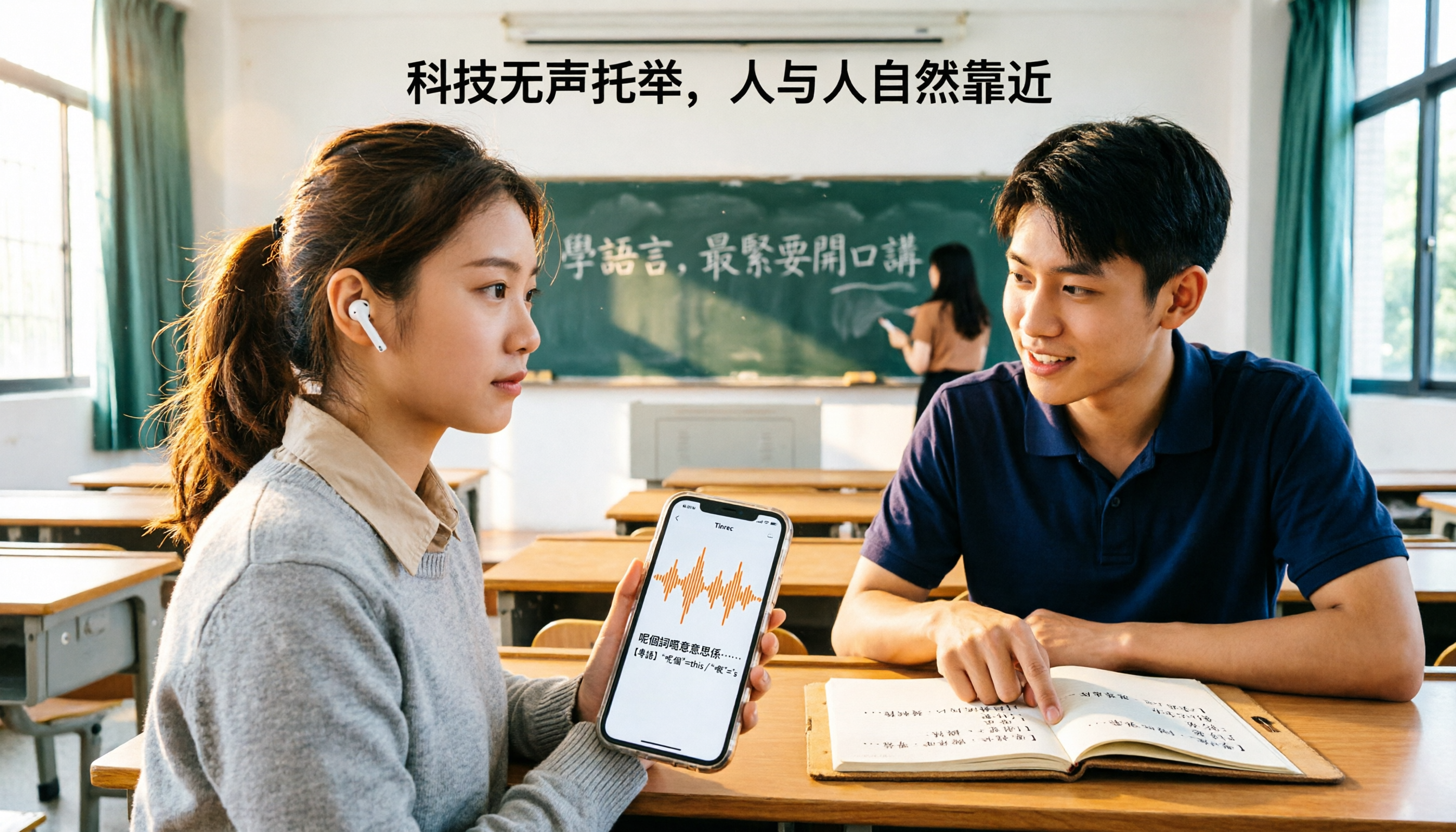
Which Cantonese Translation App Is Best? 2026 Test of 4 Apps: This One Turns Recordings into Notes with Least Effort
Starting from the real pain point of not understanding Cantonese in class, I tested 4 Cantonese translation apps, comparing the difference between 'real-time single-sentence translation' and 'full recording to transcript + AI organization.' I've compiled 4 key buying factors, 4 pitfalls to avoid, and student selection advice to help you pick the one that actually lets you find notes before exams.

3 Live Cantonese Translation Solutions Tested for 2026: Is AirPods Live Translation Enough?
AirPods Live Translation now supports Traditional Chinese and some Cantonese after iOS 26.1, but many users find it's 'understandable but not retainable.' This article starts with common misconceptions, breaks down the device requirements, activation methods, and 4 real-world limitations of AirPods Live Translation, then compares Tinrec, Notta, Otter.ai, and Granola for post-meeting organization to help you decide which combination best fits your Cantonese communication scenarios.

4 Cantonese Speech-to-Text Apps Tested: Which Handles Mixed Chinese-English Best in 2026?
Two-hour meeting recording, another two hours to organize? This hands-on comparison of 4 Cantonese speech-to-text apps breaks down mixed Chinese-English recognition, spoken-to-written conversion, free quotas, and post-meeting workflows, and explains Tinrec's real-world performance and limitations in meeting minutes, AI Q&A, and team collaboration.

4 Cantonese-to-Chinese Translation Tools Compared (2026): Which One Turns Cantonese Recordings into Written Chinese?
After a Cantonese meeting or client interview, you need to produce written Chinese notes. Pasting sentence by sentence into a dictionary or translation box often makes things messier. This article tests 4 tools on the same Cantonese recording, comparing transcription, translation, post-meeting organization, and team sharing capabilities, and summarizes key buying considerations and common pitfalls.

2026 Cantonese Real-Time Translation Apps: 4 Free Options Compared
From campus group discussions to Cantonese class recordings, we compare the free plans of four Cantonese real-time translation and recording organization tools in 2026. We evaluate whether the free quotas are sufficient from a student's perspective and whether paying is worth it, then offer scenario-based recommendations.

2026 Comparison of 3 Cantonese-Japanese Translation Apps: Beyond Real-Time Conversation, Which One Keeps Translations and Meeting Notes Together?
2026 comparison test of 3 Cantonese-Japanese translation apps, breaking down three approaches: real-time conversation, file transcription, and meeting notes. Using Tinrec to demonstrate how to capture Cantonese-Japanese communication with transcripts, bilingual translations, summaries, and action items, plus pricing and purchasing considerations for the free version, Pro, and team plans.

2026 Comparison of 2 Cantonese Speech-to-Text Tools: Which Free Version Is Actually Usable?
People searching for "free Cantonese speech to text" often run into three problems: free quotas only allow previews, single-recording length is cut off, and mixed Chinese-English speech causes the tool to guess characters. This article compares Tinrec and Notta across dimensions—free quota, Cantonese and mixed-language handling, meeting capture methods, post-meeting outputs, and team governance—to help you decide which free version is truly usable and when to upgrade.

2026 Comparison of 3 Cantonese-to-Japanese Translation Tools: How to Choose for Real-Time Conversation, Transcripts, and Cost
The most common problem with Cantonese-to-Japanese translation isn't that it can't translate, but that it translates incorrectly without you knowing. This article organizes the actual positioning, capability comparison, costs, and limitations of three tools, and explains which aspects truly affect translation quality, helping you choose the right tool based on travel, business, or meeting record needs.

2026 Comparison of 4 Cantonese Speech-to-Text AIs: Free Tiers and Mixed Chinese-English Recognition—Which Is More Sufficient?
Cantonese speech-to-text most often gets stuck on mixed Chinese-English, the gap between spoken and written language, and the time needed to organize the transcript afterward. This article uses Tinrec as the main hands-on test subject, breaks down the core capabilities of Cantonese speech-to-text AI, practical application scenarios, and 5 purchase decision points, and honestly explains the free tier and team plan pricing to help you decide whether and how to use it.