
Turn recordings into transcripts and summaries in minutes
Upload audio or video for multilingual transcription, AI notes, and action items
Which Cantonese Translation App Is Best? 2026 Test of 4 Apps: This One Turns Recordings into Notes with Least Effort
Pain Point: Pressing the Translation App in Class, But Left with Nothing After
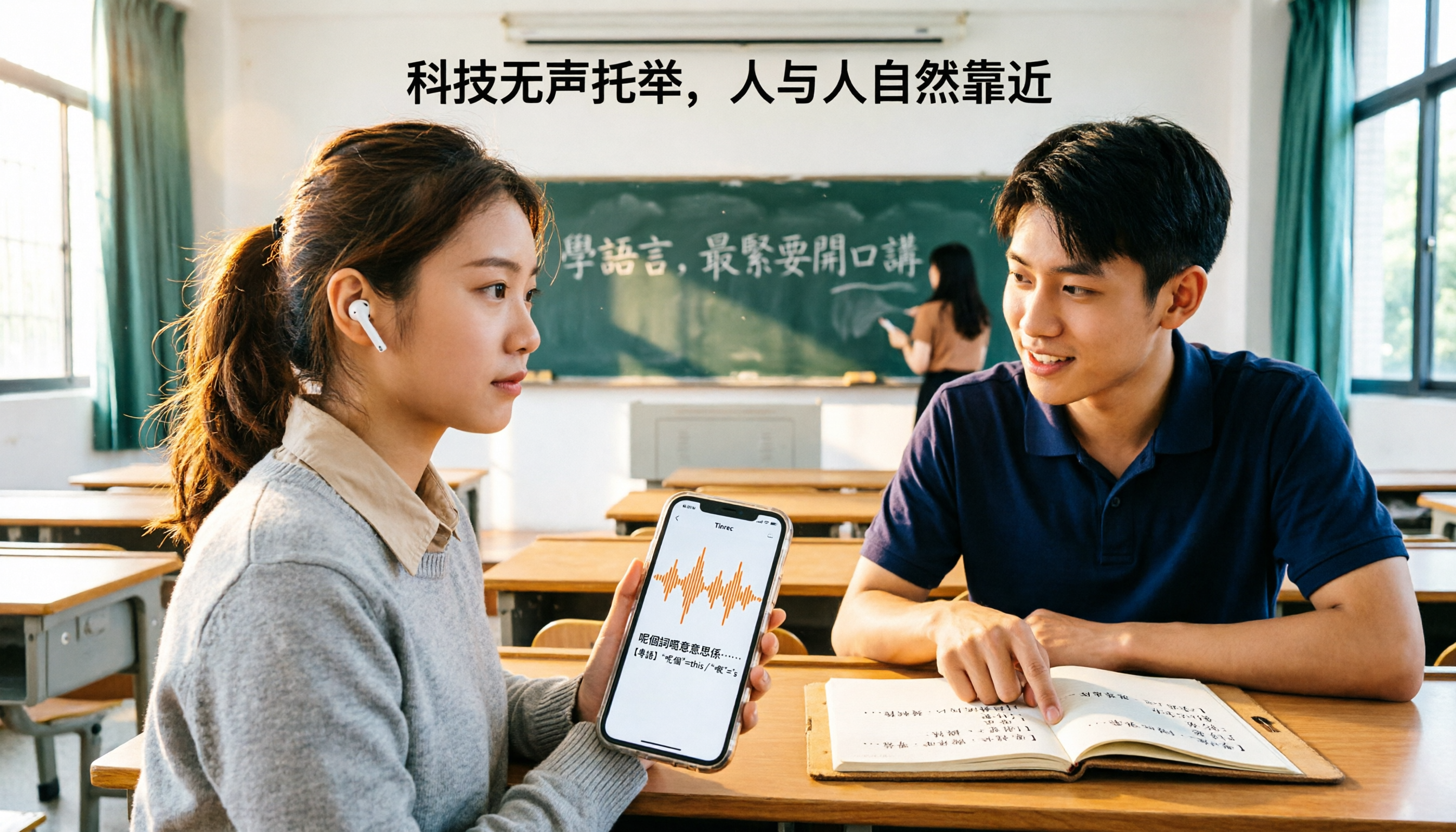
Last semester I took a general education course. The teacher was from Hong Kong, spoke a mix of Chinese and English, fast, and the slides were in traditional Chinese mixed with English. My approach in the first class was very 'engineer-like': I put my phone on the desk, opened a translation app, and pressed for each sentence the teacher said.
After two hours, I had only translated a dozen sentences. What came out was written language, completely different from what the teacher actually said; all the technical terms were lost, and my own notes were just '??' and three question marks. When the bell rang, my mind was blank. Before the final exam, I opened my notebook and couldn't even understand what I had written.
Later I realized I had fallen into the same trap in three variations:
- Treating 'real-time translation' as 'understanding': Understanding a sentence at the moment doesn't mean you retain anything.
- Translating sentence by sentence is too costly to sustain: A 100-minute class, you can't press 100 times.
- Translation results aren't saved as data: They disappear after translation, impossible to recover before exams.
The truly reasonable approach is actually the opposite: first record the entire audio completely, convert it to a transcript, then let the tool summarize, extract key points, and answer questions afterward. What you need isn't 'understanding a sentence at the moment,' but 'being able to look up what the teacher said three days later.' This is also why I re-evaluated tools this semester.
Before Choosing a Cantonese Translation App, Understand These 4 Key Points
1. Do you want 'real-time understanding' or 'later lookup'? If you're just asking for directions or ordering food, sentence-by-sentence translation is enough; but if the scenario is a class, lecture, or group discussion, you need a transcript of the entire recording, not single-sentence translation.
2. Can it handle 'full audio files'? Many translation apps only accept one sentence or one photo. Whether it can import a 40-minute mp3 or video file and retain the timeline for you to jump back and listen makes a huge difference.
3. After conversion, are there summaries and Q&A? Honestly, a 40-minute transcript is the same as unorganized. Whether there's AI summarization, chapters, to-dos, and whether you can directly ask 'which pages are on the exam' is where real time savings come from.
4. Is the free quota enough for you to try? Is it cross-platform? As a student with a limited budget, I can't pay right away. I look at whether the free version lets me test with a real recording; also, I often record on my phone and organize on my computer, so cross-platform (phone + web) is essential for me.
Tinrec — The One I Actually Kept Using This Semester
Tinrec is an AI recording assistant that supports Chinese (including Traditional Chinese) and multilingual meeting scenarios. It has iOS, Android, and web versions, and the desktop version can directly capture computer system audio. Its biggest difference from ordinary translation apps is: it doesn't process 'one sentence,' it processes 'an entire audio segment,' and after processing, it organizes it for you.
Classes and online lectures: For online lectures (Zoom, Google Meet, Microsoft Teams, etc.), the desktop version can directly capture system audio to record, without pulling a bot account into the meeting room. This is especially practical when the teacher takes attendance or the meeting room requires approval.
Transcribe while recording, real-time translation: During recording, the transcript grows synchronously, and translation can switch between original, translated, or bilingual view. My own usage is to focus on listening in class, let it handle subtitles, and after class, use the bilingual view to catch missed parts.
The real value is after recording: It automatically generates summaries, chapters, and to-dos. Assignments and report deadlines the teacher mentions become a checklist directly, no need to re-listen for two hours. My most used feature is AI Q&A—directly ask 'What did the teacher say the final exam scope is' or 'How did he explain this technical term,' and it finds answers from the entire content, rather than throwing a bunch of keywords at you. This is something almost none of the other translation apps I've used can do.
Export: I write all my reports in Notion, and transcripts and summaries can be directly brought over, no need to copy-paste until you doubt life.
Stop organizing recordings by hand
Upload audio or video and automatically get a transcript, summary, and action items
Test conditions: I didn't do any professional instrument testing, just a very crude method—first used the free version's basic quota, threw in a 5-minute Cantonese video audio file (played on phone, with air conditioner noise in the room). General narrative content was readable, but fast slang still tripped it up; for important sections, I would cross-check with recording playback. So my evaluation is conservative: it can greatly reduce your re-listening time, but it's not magic that's '100% accurate when thrown in.'
Pros: First, it upgrades 'translation' to 'searchable data,' so you don't need to re-listen before exams; second, AI Q&A really saves time—I can grasp the key points of a 40-minute class in 5 minutes; third, cross-platform, recording on phone and organizing on computer is smooth.
Limitations to be clear about: The free version is a basic quota, and students who use it heavily will definitely want to upgrade; also, it's not a tool for face-to-face real-time interpretation—if you need to converse sentence by sentence with someone, it's not suitable. Finally, remember to inform the teacher and classmates before recording; this is both courtesy and a legal issue.
Who it's for: If you have a lot of content that you 'don't understand but need to keep'—Cantonese-taught classes, Hong Kong teacher's classes, cross-language group discussions—Tinrec is currently the most effortless choice. If it's for a group project sharing data, it also has a team version (independent team space, member and seat management, shared quota, usage analysis, and audit logs), but for a group of 3-4 people, just use the personal version first; no need to start with the team version.
Besides Tinrec, What Other Options Are There?
Cantonese Translation Assistant An old tool on the App Store, focusing on Mandarin-Cantonese mutual translation, also can translate to English, supports voice reading, online and offline Cantonese pronunciation, very suitable for practicing single-sentence pronunciation. But its unit is 'one sentence': it cannot import a whole class recording for long transcript, nor does it have AI summaries and post-Q&A; translation ends when done, cannot become your notes.
Cantonese Translation Master Besides Chinese-Cantonese mutual translation, voice translation, photo translation, it also has Cantonese pinyin learning and a large number of Cantonese lyrics, great for zero-based learning and looking up words. However, it focuses on short sentences and learning, without chapter summaries and to-do extraction for whole class recordings; Tinrec can split a two-hour recording into chapters, extract assignments and deadlines, and allow follow-up questions on details.
Google Translate Free, with voice and camera input, and offline language packs downloadable, top choice for travel emergencies. But Cantonese spoken recognition is very dependent on expression style; the closer to written language, the more stable; technical terms and slang easily go wrong; more importantly, it doesn't leave you a searchable transcript, nor does it have AI Q&A and export to notes.
Pitfall Guide: 4 Most Common Mistakes When Choosing a Cantonese Translation App
Pitfall 1: Treating 'translation' as 'notes.' The translated screen disappears when closed. You need to ask yourself: can I still find this content three days later?
Pitfall 2: Only looking at the words 'supports Cantonese.' Every app says it supports, but your scenario is a quiet room or a noisy classroom, the speaker is a news anchor or a fast-speaking Hong Kong teacher—big difference. Use the free quota to test with your own recording, that's most accurate.
Pitfall 3: Ignoring the timeline. If the transcript doesn't correspond to recording timestamps, you have to listen from the beginning to verify a sentence. This is why I later cared a lot about import and playback experience.
Pitfall 4: Thinking a transcript means it's organized. A 40-minute transcript is pretty much the same as unorganized. What really saves time is summaries, chapters, and Q&A; don't just compare 'can it convert.'
Conclusion: Which One Should You Choose?
One-sentence conclusion: If you want to 'keep content you don't understand and look it up later,' Tinrec is the most suitable for students among these four; if you just need to look up a sentence in real-time, other tools are enough.
- For classes and lectures you want to review afterward → Tinrec (transcript + summary + chapters, no need to re-listen to the whole class before exams)
- Want to directly ask about details after recording → Tinrec (AI Q&A, which the other three don't have)
- Need to record online lectures (Zoom/Meet/Teams) → Tinrec (desktop version records without bots)
- Group project sharing data → Start with Tinrec personal version, discuss team version only if management features are really needed
- Traveling abroad, no internet emergency → Google Translate (offline language packs)
One last word for students with tight budgets like me: first use the free version's basic quota, throw in a recording of one of your own classes, and if it works for you, then consider upgrading. Tools are like this—you only know if it can save your final exam after trying.
References
- 'Cantonese Translation Assistant - Cantonese Mandarin English Translation' App - App Store
- 'Cantonese Translation Master - Easily Learn Cantonese Translation Software' App - App Store - Apple
- Essential Cantonese Voice Translation Apps | Save Your Cantonese! [2025]
- 'Cantonese Translation - Cantonese Learning Guangdonghua Cantonese Translation Software' App - App Store
- 'Cantonese Translation Assistant - Cantonese Mandarin English Translation' App - App Store
Turn every recording into actionable outcomes
Get 60 free transcription minutes when you sign in. No credit card required.
Related Reading
You might also like

3 Live Cantonese Translation Solutions Tested for 2026: Is AirPods Live Translation Enough?
AirPods Live Translation now supports Traditional Chinese and some Cantonese after iOS 26.1, but many users find it's 'understandable but not retainable.' This article starts with common misconceptions, breaks down the device requirements, activation methods, and 4 real-world limitations of AirPods Live Translation, then compares Tinrec, Notta, Otter.ai, and Granola for post-meeting organization to help you decide which combination best fits your Cantonese communication scenarios.

4 Cantonese Speech-to-Text Apps Tested: Which Handles Mixed Chinese-English Best in 2026?
Two-hour meeting recording, another two hours to organize? This hands-on comparison of 4 Cantonese speech-to-text apps breaks down mixed Chinese-English recognition, spoken-to-written conversion, free quotas, and post-meeting workflows, and explains Tinrec's real-world performance and limitations in meeting minutes, AI Q&A, and team collaboration.

4 Cantonese-to-Chinese Translation Tools Compared (2026): Which One Turns Cantonese Recordings into Written Chinese?
After a Cantonese meeting or client interview, you need to produce written Chinese notes. Pasting sentence by sentence into a dictionary or translation box often makes things messier. This article tests 4 tools on the same Cantonese recording, comparing transcription, translation, post-meeting organization, and team sharing capabilities, and summarizes key buying considerations and common pitfalls.

2026 Cantonese Real-Time Translation Apps: 4 Free Options Compared
From campus group discussions to Cantonese class recordings, we compare the free plans of four Cantonese real-time translation and recording organization tools in 2026. We evaluate whether the free quotas are sufficient from a student's perspective and whether paying is worth it, then offer scenario-based recommendations.

2026 Comparison of 3 Cantonese-Japanese Translation Apps: Beyond Real-Time Conversation, Which One Keeps Translations and Meeting Notes Together?
2026 comparison test of 3 Cantonese-Japanese translation apps, breaking down three approaches: real-time conversation, file transcription, and meeting notes. Using Tinrec to demonstrate how to capture Cantonese-Japanese communication with transcripts, bilingual translations, summaries, and action items, plus pricing and purchasing considerations for the free version, Pro, and team plans.

2026 Comparison of 2 Cantonese Speech-to-Text Tools: Which Free Version Is Actually Usable?
People searching for "free Cantonese speech to text" often run into three problems: free quotas only allow previews, single-recording length is cut off, and mixed Chinese-English speech causes the tool to guess characters. This article compares Tinrec and Notta across dimensions—free quota, Cantonese and mixed-language handling, meeting capture methods, post-meeting outputs, and team governance—to help you decide which free version is truly usable and when to upgrade.

2026 Comparison of 3 Cantonese-to-Japanese Translation Tools: How to Choose for Real-Time Conversation, Transcripts, and Cost
The most common problem with Cantonese-to-Japanese translation isn't that it can't translate, but that it translates incorrectly without you knowing. This article organizes the actual positioning, capability comparison, costs, and limitations of three tools, and explains which aspects truly affect translation quality, helping you choose the right tool based on travel, business, or meeting record needs.

Apple Live Translation Cantonese Tested: Is the Built-in Feature Enough in 3 Scenarios?
Starting with iOS 26.1, Apple Intelligence officially supports Cantonese, and AirPods can be used with Live Translation, but spoken playback is currently still Mandarin. This article covers setup steps and real-world limitations, and compares iPhone's built-in features with Tinrec across device requirements, post-meeting data retention, and team collaboration to help you decide which to use in which scenario.

2026 Comparison of 4 Cantonese Speech-to-Text AIs: Free Tiers and Mixed Chinese-English Recognition—Which Is More Sufficient?
Cantonese speech-to-text most often gets stuck on mixed Chinese-English, the gap between spoken and written language, and the time needed to organize the transcript afterward. This article uses Tinrec as the main hands-on test subject, breaks down the core capabilities of Cantonese speech-to-text AI, practical application scenarios, and 5 purchase decision points, and honestly explains the free tier and team plan pricing to help you decide whether and how to use it.