
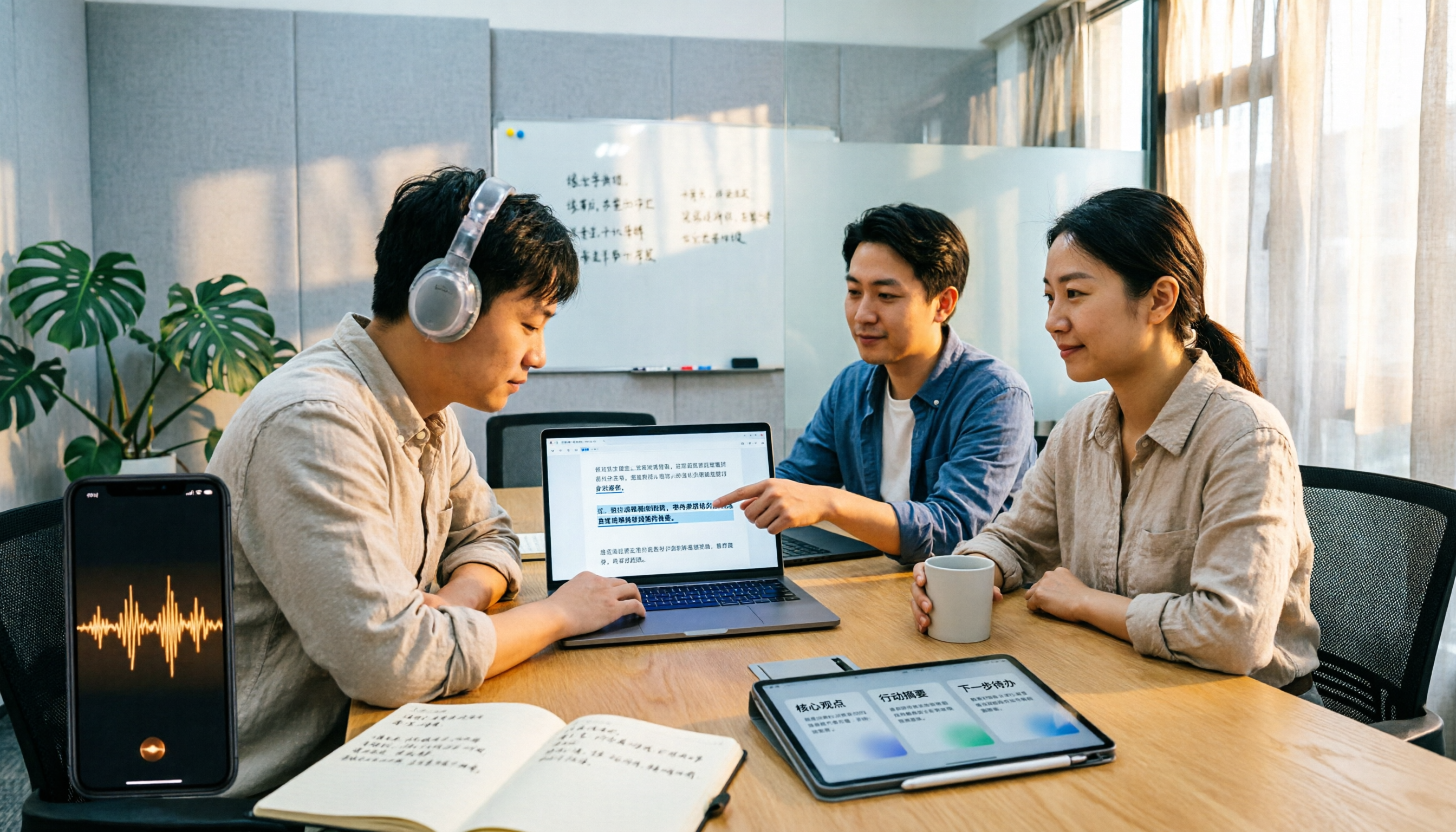
Turn recordings into transcripts and summaries in minutes
Upload audio or video for multilingual transcription, AI notes, and action items
2026 M4A to Text Tools Compared: Which Saves More Time for Chinese Meeting Transcripts and AI Summaries?
The Pain Point Isn't "Can't Transcribe"—It's That the Output Isn't Usable
Many people think M4A to text just means dragging a file into a free website, waiting a few seconds, and copying the text. But when you actually try it with a 40-minute meeting recording, you'll realize the problem isn't whether it can transcribe—it's whether the output is usable.
The first scenario is a Chinese meeting. Participants speak quickly, mix Chinese and English, and there's background noise from air conditioning and keyboards. You end up with a transcript that requires re-listening sentence by sentence, and the time you saved is lost again.
The second scenario is discovering after the meeting that everyone only remembers "we talked about the budget," but no one remembers who's responsible or when it's due. The transcript is long, but without a summary or action items, it's just converting audio to text.
The third scenario is team data scattered across personal accounts. When a colleague leaves, the meeting recordings disappear too; new members trying to look up decisions from six months ago have to ask around.
This article doesn't just compare "who transcribes faster." Using the same M4A meeting recording, we look at which tool can turn the recording into searchable, queryable, and actionable data.
4 Key Points to Understand Before Choosing an M4A to Text Tool
1. Do you want a transcript or a post-meeting workflow? If you just need to save an interview as text, a pure transcription tool is enough. But most professionals want to know "what were the meeting conclusions and who needs to do what." Instead of just looking at transcription speed, look at whether it can automatically generate summaries, chapters, and action items. Tinrec's design in this area handles the post-transcription organization as well.
2. Chinese and mixed Chinese-English recognition conditions Don't just look at the accuracy rate on the official website. Real meetings have accents, jargon, and people speaking simultaneously. When testing, use your own M4A recording with background noise. Tinrec supports Chinese, multiple languages, and mixed Chinese-English content, and offers team hotwords so product names and client names are more likely to be recognized correctly; however, overlapping speech still requires manual correction.
3. Can the output format integrate back into your workflow? Some people only need TXT, some need SRT subtitles, some want to put it into Word or Notion. Online tools like VEED can output SRT, VTT, TXT; Tinrec organizes transcripts, summaries, and action items, then exports to common formats and third-party tools. Think about what you'll do with the text afterward so you don't have to redo work after transcription.
4. Free quota and team usage Free plans usually have limits on single-session length or monthly minutes. For occasional personal use, that's fine, but for teams meeting weekly, consider seats, shared quotas, and data ownership. Tinrec's team version puts meeting data in a team space, with separate management of members, roles, and seats; this is more important than "free minutes" for multi-person collaboration.
Tinrec (秒聽錄音) — Our Top Pick After Testing
Tinrec (秒聽錄音) is an AI meeting notes and collaboration tool for individuals and teams. It supports real-time recording, audio and video file transcription, and can handle online meetings on Zoom, Google Meet, Microsoft Teams, Webex, etc. It doesn't just convert M4A to text; it organizes meetings into transcripts, summaries, chapters, action items, and queryable data.
In actual use, upload the M4A audio file to Tinrec, and it automatically transcribes. After the meeting, you first see the summary and chapters, not a blob of unstructured text. You can directly see the key points discussed, who was assigned what, and what the next steps are from the organized results. When you need to verify details, go back to the transcript with timestamps.
Even better is the AI Q&A. After recording, you can directly ask Tinrec: "What was the budget cap the client mentioned?" "Who is responsible for delivering next week?" It answers based on the meeting semantics, not just keyword search results. For project meetings where you need to look up decisions, this is much faster than manual Ctrl+F. Most transcription tools at the same price point stop at "giving you text" and rarely combine Q&A and post-meeting outputs.
If the meeting is on your computer, the Tinrec desktop app can capture system audio directly without inviting a meeting bot. Note that this is not "automatically joining all calendar meetings"; users still need to actively open Tinrec to start recording. This point should be clarified in external communications.
We tested with a roughly 10-minute Chinese M4A meeting recording containing air conditioning noise, keyboard sounds, and occasional overlapping speech. In segments where participants took turns speaking, Tinrec's transcript readability was stable, and the summary captured main decisions and action items; in places where multiple people talked over each other, manual correction by reviewing the original was still needed. This is realistic: recording quality, accents, noise, and technical terms all affect transcription results, and no tool can guarantee 100% accuracy.
Stop organizing recordings by hand
Upload audio or video and automatically get a transcript, summary, and action items
Tinrec's advantages can be summarized in three points. First, the post-transcription workflow is complete: summaries, chapters, action items, mind maps, AI Q&A, multi-format export, reducing the time spent on "re-organizing after transcription." Second, the Chinese and multilingual meeting experience is more tailored to Taiwanese users: mixed Chinese-English, real-time translation, bilingual view, and team hotwords are practical for cross-language meetings. Third, the team version turns meetings into team assets: independent team space, member invitations, owner/admin/member roles, seat allocation, usage analytics, audit logs, and audio recycle bin. The team version offers a 7-day free trial with 1 free seat and 300 minutes of shared import quota for first-time eligible users; monthly billing is USD 29.80 per paid seat per month, annual billing is USD 199 per paid seat per year (about USD 16.58 per month); each paid seat provides 2,000 minutes of shared import quota per month. Under an active team plan and active seats, real-time recording is currently not deducted by minutes. Prices and benefits are subject to the official purchase page.
Limitations should also be clear. The free version has only basic quota; heavy users need to pay; AI organization may still miss details, so important content should be verified with recording playback; the team version is primarily team-level sharing, not file-level ACL. Members with active status but no seat can view, play, and read data but cannot upload, edit, or import/export. If you need very granular file permissions, Tinrec is not designed that way currently.
Overall, if you frequently handle Chinese meetings, have a bunch of M4A recordings, and need to organize summaries and action items afterward, Tinrec is the smoothest choice currently. It suits individual workers and teams that need to accumulate meeting data.
Besides Tinrec, What Other Options Are There?
Notta: A multilingual transcription and meeting notes tool. Free version: 120 minutes per month, max 3 minutes per session; Pro annual billing about USD 8.17 per month, 1,800 minutes per month; Business annual billing about USD 16.67 per seat per month, offering unlimited transcription, role permissions, and usage reports. Its transcription and translation performance is good, but Tinrec's Agent post-processing can directly generate reports, tables, and files from meetings, while Notta's focus remains on transcription, translation, and summaries. If you only need stable transcription, Notta is worth comparing.
TurboScribe: A cost-effective file transcription tool. Free: 3 files per day, max 30 minutes per file; Unlimited annual billing USD 120 (about USD 10 per month), paid version supports up to 10 hours or 5 GB per file, and can upload 50 files at once. Its strength is long files and batch processing, not real-time meetings. Tinrec has AI Q&A, action item extraction, and team space, while TurboScribe is better for "converting many long recordings to text at once." If you only need text files, it's a great deal; but if you need post-meeting action lists, it doesn't help much.
VEED: A browser-based audio-to-text and video editing tool that can convert M4A to text and output SRT, VTT, or TXT. Downloading transcription files requires a subscription; Pro subscription is USD 24 per month, billed annually. Its advantage is video editing and subtitle output, not meeting data accumulation. AI summaries, action items, and meeting Q&A that Tinrec can do are areas VEED and similar tools focus less on. If you already use VEED for video editing, you can conveniently use it for subtitles; but to turn meetings into searchable team data, you still need a meeting tool.
Pitfall Guide: 4 Most Common Mistakes When Choosing an M4A to Text Tool
Pitfall 1: Only looking at free, ignoring single-session and monthly limits. Some free plans only allow 3 minutes per session, some limit 3 files per day. You'll only realize it's insufficient when you try a 40-minute meeting recording. The right approach is to test with your "longest recording," not just a 1-minute sample.
Pitfall 2: Treating the transcript as the end goal. The transcript is just raw material. If the tool can't give you summaries, action items, and Q&A, you're just replacing "re-listening to the recording" with "re-reading the text." When choosing a tool, consider what you actually need to deliver after the meeting.
Pitfall 3: Ignoring Chinese, accents, and jargon. Official accuracy rates are usually measured under ideal conditions. Real meetings have noise, mixed Chinese-English, and product codes. Test with real recordings and confirm whether the tool can maintain team hotwords. Tinrec's team hotwords are designed for this need.
Pitfall 4: Ignoring team data ownership and authorization. Recording team meetings with a personal account means data follows the individual; when members leave, historical meetings may be lost. Team usage should consider space, seats, handover, and auditing. Also, comply with local laws before recording and obtain participant consent when necessary.
Conclusion: Which One Should You Choose?
In one sentence: If you want to turn M4A meeting recordings into usable transcripts, summaries, and action items, Tinrec is the top choice in this article; if you just need to transcribe many long files, TurboScribe is more suitable; if you're already used to a certain online transcription tool, you can start with its free quota to test.
Scenario breakdown:
- Chinese meetings, mixed Chinese-English, need post-meeting summaries and action items → Tinrec.
- Want to convert M4A to transcript and then use AI to query meeting content → Tinrec; AI Q&A is its biggest difference from other transcription tools.
- Team needs to share historical meetings, manage members and seats → Tinrec team version; data belongs to the team and can be handed over when members change.
- Need to process dozens of long recordings at once, only need text files → TurboScribe; batch and long files are its strengths.
- Occasionally convert short memos to TXT with zero budget → Start with a tool that has a free quota, but don't expect it to have meeting organization capabilities.
We recommend first using Tinrec's free version quota and running your own M4A meeting recording through the process. Check transcript quality, whether the summary captures key points, and whether action items are usable, then decide whether to upgrade. Tools are meant to save time, not add learning costs.
References
Turn every recording into actionable outcomes
Get 60 free transcription minutes when you sign in. No credit card required.
Related Reading
You might also like

2026 Comparison of 4 Lecture Transcription Tools: Which Saves More Time in Chinese Recognition and Post-Meeting Organization?
The key to transcribing lecture recordings isn't just getting text—it's whether you can quickly find key points after transcription. This article starts with common misconceptions, outlines 4 key purchasing criteria, and tests Tinrec, Yating Transcription, TurboScribe, and PLAUD recording hardware in Chinese lecture scenarios, with a pitfall guide and scenario-based recommendations.

Zoom Meeting Transcription in 2026: 5 Solutions Compared — No-Bot Recording, Chinese Transcripts, and Post-Meeting Summaries
Should you use Zoom's built-in transcription, upload files to an AI tool, or record without a bot using a desktop app? This article breaks the process into four stages—recording, transcription, summary and action items, and export—and cross-checks official information, workflows, and pricing for Zoom built-in, Notta, Otter.ai, Fireflies.ai, and Tinrec. It honestly flags untimed and unconfirmed items to help you choose the right solution based on meeting type and budget.

2026 Comparison of 4 Interview Transcription Tools: Which Saves the Most Time on Chinese Transcripts and Post-Interview Organization?
Starting from the real pain points of reporters on the beat, this comparison examines Tinrec, Notta, Otter.ai, and Granola in terms of Chinese interview transcription, online meeting recording, post-meeting AI organization, and team collaboration, helping you choose the right recording-to-text tool for your interview workflow.
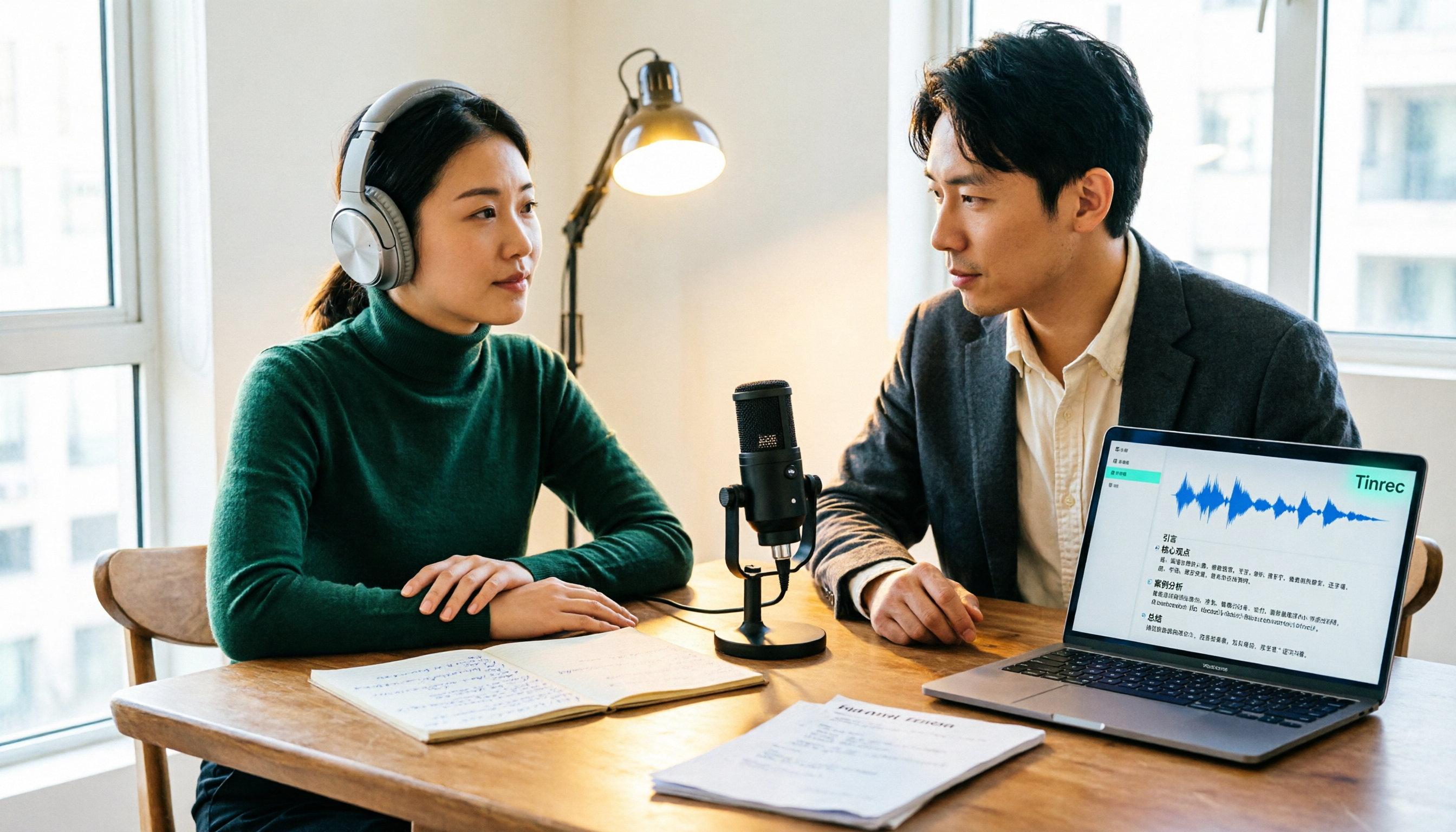
4 Podcast Transcription Tools Tested: Which One Turns Transcripts into Show Notes?
Podcast transcription isn't just about uploading an audio file. This article compares Tinrec, Notta, TurboScribe, and Granola from a practical workflow perspective, covering input methods, Chinese recognition, post-transcription organization, export, and team collaboration. It also highlights 3 common pitfalls to help you find a tool that turns transcripts into show notes.

6 Free Meeting Notes Tools in 2026: Free Tiers and Use Cases Compared
Compare six meeting notes tools with free plans—Tinrec, Otter, Notta, TurboScribe, Granola, and Fireflies—across free quotas, meeting capture methods, and post-meeting outputs, and learn who Tinrec's free and team versions suit best.

2026 Comparison of 4 Research Interview Transcription Tools: Which Saves More Time for Chinese Interviews and AI Follow-up Questions?
Research interview transcripts aren't just about getting a transcription. This article compares Tinrec, Notta, Otter, and TurboScribe across transcript levels, speaker labeling, Chinese recognition, AI follow-up questions, and export workflows to help you choose the right process for qualitative research and interview organization.

2026 Comparison of 3 Meeting Recording Tools: Tinrec vs Notta vs Built-in Transcription
How to organize meeting recordings without turning them into a messy transcript? This article starts with common pitfalls and compares Tinrec and Notta on bot-free recording, Chinese transcripts, post-meeting Q&A, team governance, and pricing quotas. It also outlines a practical workflow: record → transcript → verified summary → formal meeting minutes.

2026 Video-to-Transcript Tools Compared: Which Saves the Most Time After Importing?
Many people think importing a video automatically gives them a transcript, but overlook segmentation, summaries, action items, and follow-up organization. This article compares Tinrec, Proactor AI, WayinVideo, and Vidnoz from the perspectives of import workflow and output needs, helping you choose the right tool.

5 Classroom Recording-to-Text Tools Tested for 2026: Which One Turns a Two-Hour Lecture into Notes You Can Actually Study From?
Can't keep up with notes during class and don't want to re-listen to a two-hour recording? This guide starts with the key question—do you need a verbatim transcript or study-ready notes?—and covers five criteria for choosing a classroom recording-to-text tool. It compares Tinrec with Notta, Otter, TurboScribe, and Granola across Chinese-language lectures, online courses, and team sharing, with pricing, setup steps, and FAQs.