

Turn recordings into transcripts and summaries in minutes
Upload audio or video for multilingual transcription, AI notes, and action items
2026 Comparison of 4 Interview Transcription Tools: Which Saves the Most Time on Chinese Transcripts and Post-Interview Organization?
You cover a press conference in the morning, schedule an expert interview in the afternoon, and by evening you're back at your computer facing two recordings totaling 90 minutes. You put on headphones, press play, pause, type, rewind—an hour passes and the progress bar has only moved 20 minutes. This is probably the shared experience of most reporters organizing interview recordings.
Manually transcribing one hour of audio often takes three to four hours; if it's a multi-person panel, heavy accents, or poor on-site audio, add even more time. What's worse, after finishing the transcript you still have to go back and mark who said what, which passages can be quoted, and which numbers need verification.
This article isn't here to tell you "AI is great"—instead, it puts several practical interview transcription tools side by side, comparing Chinese recognition, capture methods, post-interview organization, and team collaboration to help you judge which one fits your interview workflow.
Before Choosing an Interview Transcription Tool, Understand These 4 Key Points
Chinese recognition, especially names, organization names, and technical terms. The biggest fear with interview transcripts isn't many typos—it's errors in key terms. The interviewee's name, their organization, job title, and specialized terminology in their research field—if even one is wrong, all subsequent citations need to be rechecked. When choosing a tool, don't just look at the accuracy rate on the official website; see whether it lets you pre-set vocabulary. For example, Tinrec's team plan offers team hotwords, which means you build your commonly used terms first, and the system prioritizes your specified spellings during transcription.
The capture method determines whether you can use it on-site during the interview. Interview scenarios aren't just one type: face-to-face interviews, phone interviews, Zoom or Google Meet online interviews, and already-recorded audio files. If a tool only supports file upload, you have to wait until the interview ends to start organizing; if it only supports live recording, you'll need another solution for online meetings. The ideal option supports live recording, desktop online meeting recording, and audio file import simultaneously. Tinrec's desktop version directly captures computer system audio, so when handling online meetings on Zoom, Google Meet, Microsoft Teams, or Webex, you don't need to pull an extra bot into the meeting room.
Can the transcription directly become citable material? A good interview transcript isn't just about turning audio into text. You need to quickly find "which passage the interviewee mentioned a certain policy," "what are the three key arguments," and "which quotes can be used directly." That's why summaries, chapters, AI Q&A, and export formats determine how fast you can organize after the meeting.
Multi-person collaboration and data retention. If you work in a media team, interview recordings are usually not a one-person matter. Editorial meetings, the editing desk, colleagues doing relay interviews—if data stays only in personal accounts, files can easily break the chain when someone leaves or changes devices. Team spaces, member seats, usage, and operation logs are things you should clarify when purchasing for a team.
Tinrec (秒聽錄音) — Our Top Pick After Testing
Tinrec (秒聽錄音) is an AI meeting notes and collaboration tool for individuals and teams, supporting live recording-to-text, desktop bot-free online meeting recording, audio and video file transcription, and generating summaries, chapters, action items, and AI Q&A.
Let's start with on-site interviews. Open Tinrec's live recording and text appears on screen as you record. For a one-hour in-depth interview, this means you don't have to wait until you're back at the office to start organizing; if something is unclear during the interview, you can follow up immediately. After recording, the transcript preserves the original speech content, supports search and review, and important passages can be checked against the recording playback.
Online interviews are another common scenario. Many tools require adding a meeting bot to Zoom or Google Meet, so the interviewee sees an unfamiliar account in the meeting room—sometimes affecting the interview atmosphere, and some platforms don't necessarily allow it. Tinrec's desktop version directly captures computer system audio; you just open Tinrec and start recording to handle meeting audio playing on Zoom, Google Meet, Microsoft Teams, or Webex, without an extra bot joining.
After the interview ends, Tinrec doesn't just give you a transcript. It automatically generates summaries and chapters, breaking long interviews into a more browsable structure, and extracts action items. Even better is AI Q&A: you can directly ask "Where did the interviewee mention budget cuts?" or "Help me organize three quotable viewpoints," and it answers based on the meeting content rather than just throwing keyword search results at you. For reporters who need repeated verification, this is much faster than manual Ctrl+F. Finally, you can export results to common formats or use Agent post-processing to generate reports, tables, and documents.
We tested with a roughly 20-minute mixed Chinese-English interview recording; under quiet indoor, single-speaker conditions, the transcript preserved context well; when encountering names and technical terms, building team hotwords first noticeably reduced subsequent proofreading. However, a reminder: if the interview scene has multiple people talking over each other, background noise, or heavy accents, any tool still requires manual verification, and important quotes should be confirmed against recording timestamps.
Stop organizing recordings by hand
Upload audio or video and automatically get a transcript, summary, and action items
First, complete capture methods. On-site you can use a phone or computer for live recording, online interviews use the desktop version for bot-free recording, and already-recorded MP3, M4A, or video files can also be uploaded for transcription. For reporters, this means different interview scenarios are consolidated into one tool.
Second, post-interview organization isn't just a transcript. Summaries, chapters, action items, AI Q&A, live translation, and multi-format export let you go from "getting text" to "being able to write the article." AI Q&A especially saves time on one-hour long interviews.
Third, the team plan turns interview data into a team asset. Team spaces can centrally store Audio, Folder, and TODO; administrators can assign seats, view usage trends and operation logs, and when members change, resources can be handed over to other active members. For media teams with editing desk collaboration needs, this is more controllable than each reporter using their own personal account.
To be honest about limitations. The personal free plan only has a basic quota, suitable for occasionally organizing one or two recordings; if you have interviews every week, consider a weekly card or Pro. The team plan is a separate pricing structure: the first eligible team trial is 7 days, 1 free seat, 300 minutes of team shared import quota; paid seats are USD 29.80/month, USD 199/year (about USD 16.58/month), each paid seat provides 2,000 minutes of team shared import quota per month. Live recording currently doesn't deduct minutes under an active team plan and active seat, but file import and web import consume team shared import minutes. Prices and benefits are subject to the official purchase page.
If you mainly interview Chinese-speaking subjects, frequently cover online press conferences, want to use AI to find key points right after interviews, and need to retain data for the team, Tinrec is currently the smoothest choice. If you only occasionally need to transcribe an English recording, Otter.ai mentioned below may better fit your budget.
Besides Tinrec, What Other Options Are There?
Notta is a multi-platform transcription tool with high overlap with Tinrec, supporting meeting notes, file import, translation, and team plans. The free plan offers 120 minutes per month, max 3 minutes per session; Pro annual billing is about USD 8.17/month, 1,800 minutes per month. It suits individuals with limited budgets who mainly do file transcription. However, Tinrec's desktop version can record online meetings without a bot, and after meetings you can use AI Q&A to follow up on long interviews—something Notta currently lacks.
Otter.ai is a mature choice for English business meetings; Basic is free with 300 minutes per month, Pro annual billing is about USD 8.49/user/month including 1,200 minutes of in-app recording per month. If you mainly interview English-speaking subjects and meetings are all on Zoom or Teams, Otter's English experience is very stable. But Chinese interviews aren't its strength; Tinrec places more emphasis on Chinese meeting transcription, live translation, and team hotwords.
Granola is a bot-free AI meeting notes tool that transcribes in real time through desktop system audio and microphone; Basic is free, Business is USD 14/user/month. It suits people who like to handwrite notes during meetings and then let AI enhance the content. Note that Granola doesn't support uploading pre-recorded audio files and doesn't save meeting audio; if you already have interview recording files to organize, Tinrec's file import and audio retention will be more practical.
Pitfall Guide: The 4 Most Common Mistakes When Organizing Interview Recordings
Pitfall 1: Only looking at official accuracy rates without testing with your own recordings. Many tools claim "98% accuracy," but that's usually measured under quiet studio, single-speaker conditions. Real interviews have air conditioning noise, keyboard sounds, interviewee pauses, multiple people talking over each other, plus names and organization names. Rather than looking at ads, use a 5-minute recording from your last interview to test, especially listening for errors in names and technical terms. Tinrec's team plan lets you build team hotwords first, which targets this problem.
Pitfall 2: Treating the transcription tool as only "recording to text." If you only export the transcript, you're using only a third of the tool. After the interview, first ask AI "What policy controversies did the interviewee mention?" or "Help me list three quotable sentences"—much faster than flipping through a 60-minute transcript yourself. Tinrec's AI Q&A and summaries are designed for this step.
Pitfall 3: Ignoring how to record online interviews. Using a meeting bot to join Zoom or Meet means the interviewee sees an unfamiliar account, sometimes affecting trust; some platforms or organizations also don't allow recording without notice. The advantage of desktop system audio capture is no extra bot, but still remember: get the other party's consent before recording and comply with local laws. Tinrec's desktop version is actively initiated by the user, not automatically joining all meetings.
Pitfall 4: Team data staying only in personal accounts. Media teams often do relay interviews; if recordings only exist in a reporter's personal account, data can easily be lost when someone leaves or changes devices. The team plan should distinguish member roles, seats, and usage permissions. Tinrec's team plan is team-level sharing; active members can view, play, and read data even without a seat, but need a seat to record, upload, and edit. Clarify this before purchasing—don't assume "adding a member" equals "can edit."
Conclusion: Which One Should You Actually Choose?
In one sentence: if you do Chinese interviews and want to turn transcripts into data you can query, export, and share with your team after interviews, Tinrec is the top pick after this test.
Scenario breakdown:
- On-site interviews where you want to see the transcript while recording → Tinrec, live recording-to-text, works on phone and computer.
- Online interviews where you don't want a bot joining the meeting → Tinrec, desktop version captures system audio, supports Zoom, Google Meet, Microsoft Teams, Webex.
- Already have recording files to organize into citable material → Tinrec, supports audio and video file transcription, AI Q&A after meetings to find key points.
- Media teams needing to share topics and interview data → Tinrec team plan, with team spaces, seat management, usage analytics, and operation logs.
- Only recording English meetings, zero budget → Otter.ai, free plan 300 minutes per month, the only recommended exception in this article.
We suggest starting with the free plan, running it once with your last interview recording, and seeing whether the transcript quality and AI Q&A suit you. If it feels smooth, then consider upgrading—no need to pay from the start.
References
- How to Do Interview Transcripts? Complete Guide to Interview Recording to Text | Subanana
- Online AI Speech, Video, Recording File Auto Transcription - Free Trial - cSubtitle
- Transcribe Interviews to Text
- 2026 Latest 6 Interview Recording Organization Tools: Say Goodbye to Manual Typing, One-Click Transcript and Summary Generation - 秒聽錄音Blog
- 2026 Selected 5 Interview Recording-to-Text Tool Reviews: Say Goodbye to Transcript Nightmares, Accuracy and AI Summary Roundup - 秒聽錄音Blog
Turn every recording into actionable outcomes
Get 60 free transcription minutes when you sign in. No credit card required.
Related Reading
You might also like

2026 Comparison of 4 Lecture Transcription Tools: Which Saves More Time in Chinese Recognition and Post-Meeting Organization?
The key to transcribing lecture recordings isn't just getting text—it's whether you can quickly find key points after transcription. This article starts with common misconceptions, outlines 4 key purchasing criteria, and tests Tinrec, Yating Transcription, TurboScribe, and PLAUD recording hardware in Chinese lecture scenarios, with a pitfall guide and scenario-based recommendations.

Zoom Meeting Transcription in 2026: 5 Solutions Compared — No-Bot Recording, Chinese Transcripts, and Post-Meeting Summaries
Should you use Zoom's built-in transcription, upload files to an AI tool, or record without a bot using a desktop app? This article breaks the process into four stages—recording, transcription, summary and action items, and export—and cross-checks official information, workflows, and pricing for Zoom built-in, Notta, Otter.ai, Fireflies.ai, and Tinrec. It honestly flags untimed and unconfirmed items to help you choose the right solution based on meeting type and budget.
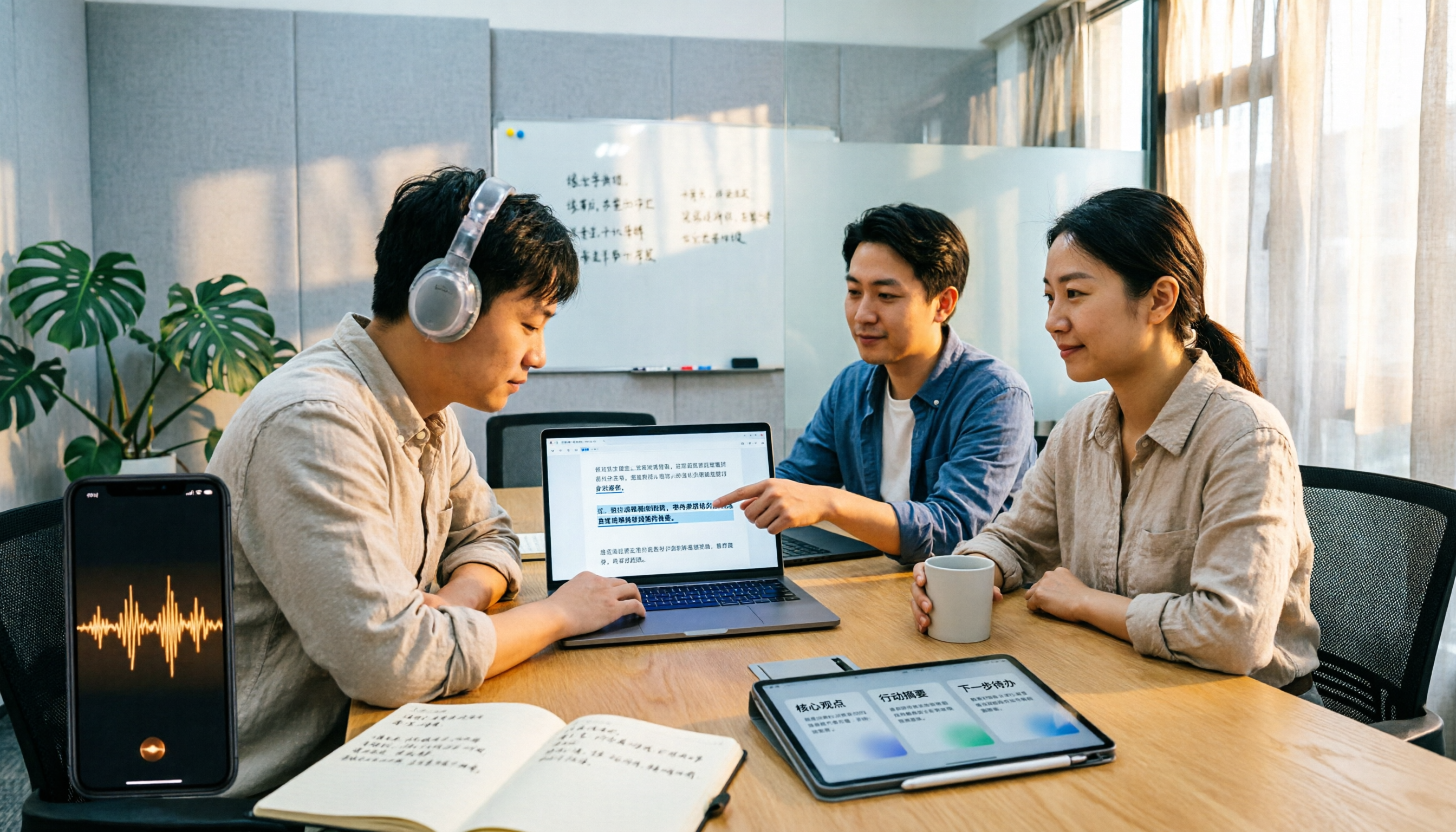
2026 M4A to Text Tools Compared: Which Saves More Time for Chinese Meeting Transcripts and AI Summaries?
How to choose an M4A to text tool? This article uses the same Chinese meeting recording to test Tinrec, Notta, TurboScribe, and VEED, comparing transcription readability, AI summaries, action item extraction, Chinese recognition, free quotas, and team collaboration to provide the most practical recommendations for 2026.
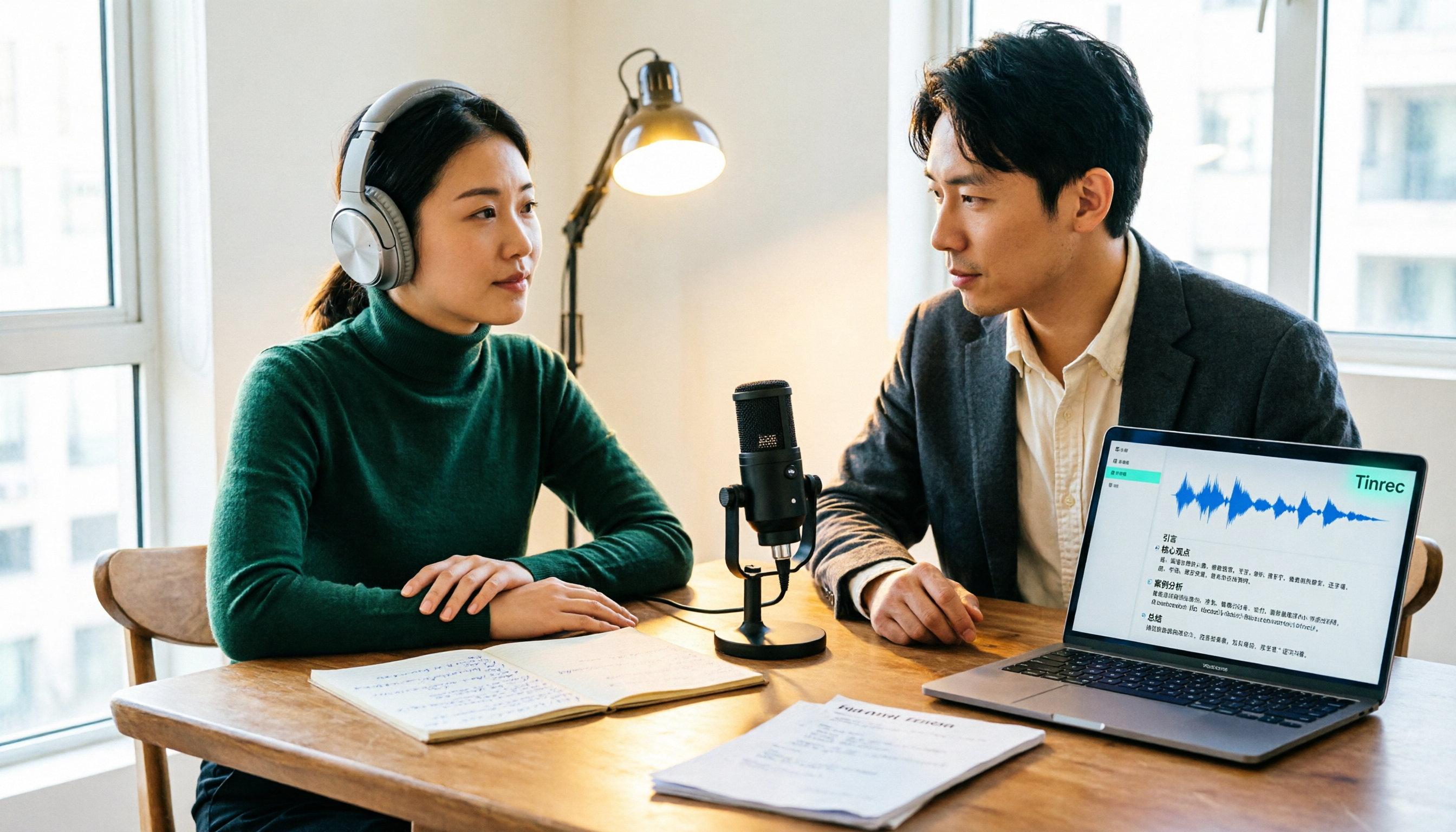
4 Podcast Transcription Tools Tested: Which One Turns Transcripts into Show Notes?
Podcast transcription isn't just about uploading an audio file. This article compares Tinrec, Notta, TurboScribe, and Granola from a practical workflow perspective, covering input methods, Chinese recognition, post-transcription organization, export, and team collaboration. It also highlights 3 common pitfalls to help you find a tool that turns transcripts into show notes.

6 Free Meeting Notes Tools in 2026: Free Tiers and Use Cases Compared
Compare six meeting notes tools with free plans—Tinrec, Otter, Notta, TurboScribe, Granola, and Fireflies—across free quotas, meeting capture methods, and post-meeting outputs, and learn who Tinrec's free and team versions suit best.

2026 Comparison of 4 Research Interview Transcription Tools: Which Saves More Time for Chinese Interviews and AI Follow-up Questions?
Research interview transcripts aren't just about getting a transcription. This article compares Tinrec, Notta, Otter, and TurboScribe across transcript levels, speaker labeling, Chinese recognition, AI follow-up questions, and export workflows to help you choose the right process for qualitative research and interview organization.

2026 Comparison of 3 Meeting Recording Tools: Tinrec vs Notta vs Built-in Transcription
How to organize meeting recordings without turning them into a messy transcript? This article starts with common pitfalls and compares Tinrec and Notta on bot-free recording, Chinese transcripts, post-meeting Q&A, team governance, and pricing quotas. It also outlines a practical workflow: record → transcript → verified summary → formal meeting minutes.

2026 Video-to-Transcript Tools Compared: Which Saves the Most Time After Importing?
Many people think importing a video automatically gives them a transcript, but overlook segmentation, summaries, action items, and follow-up organization. This article compares Tinrec, Proactor AI, WayinVideo, and Vidnoz from the perspectives of import workflow and output needs, helping you choose the right tool.

5 Classroom Recording-to-Text Tools Tested for 2026: Which One Turns a Two-Hour Lecture into Notes You Can Actually Study From?
Can't keep up with notes during class and don't want to re-listen to a two-hour recording? This guide starts with the key question—do you need a verbatim transcript or study-ready notes?—and covers five criteria for choosing a classroom recording-to-text tool. It compares Tinrec with Notta, Otter, TurboScribe, and Granola across Chinese-language lectures, online courses, and team sharing, with pricing, setup steps, and FAQs.