
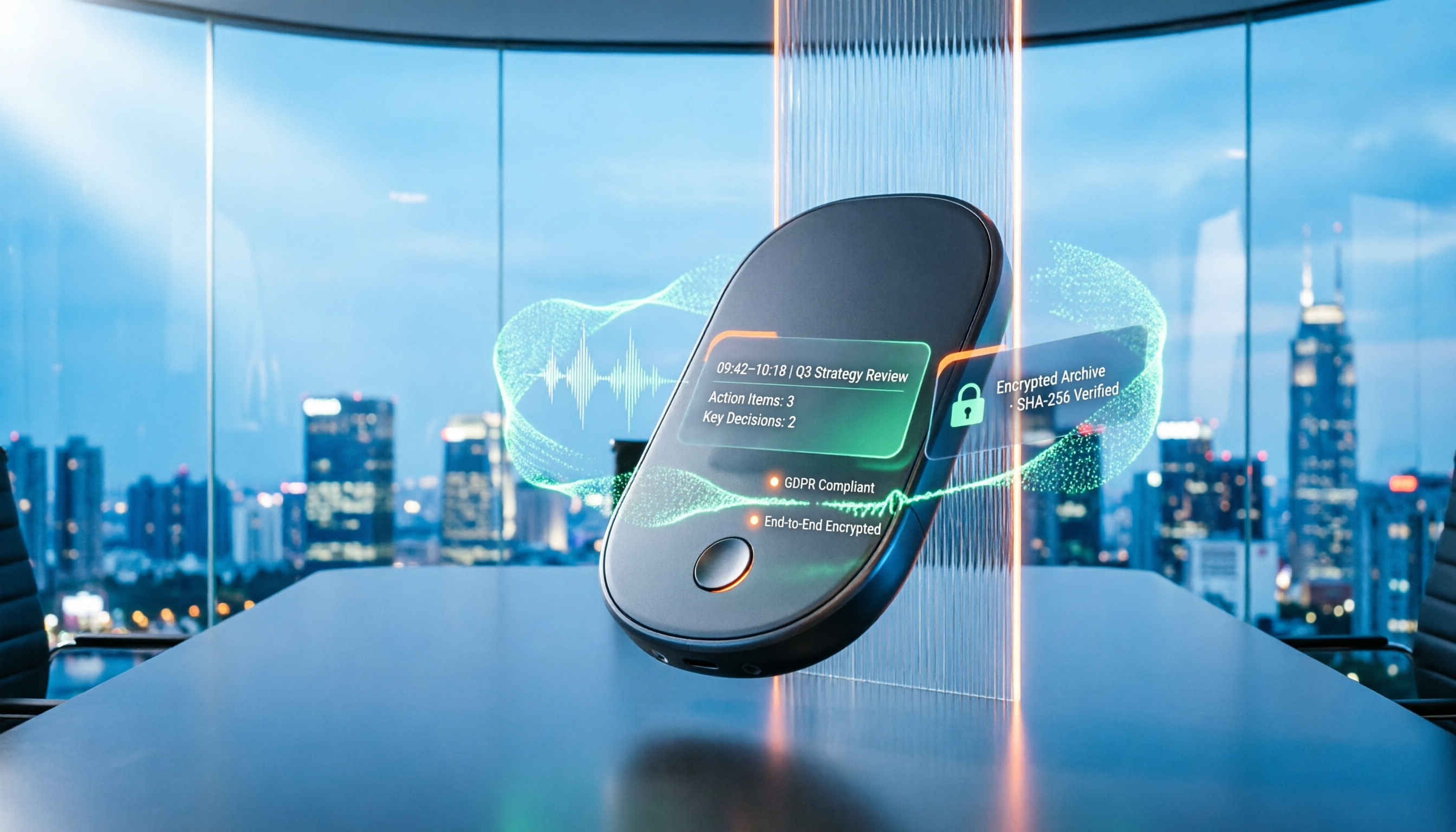
Turn recordings into transcripts and summaries in minutes
Upload audio or video for multilingual transcription, AI notes, and action items
2026 Recording Tool Buying Guide: Legal Boundaries and 3 Hands-On Recommendations
Many people think that as long as they don't make the recording public, private recording is fine. Others believe recording is always illegal and would rather suffer a loss than press the record button.
Both views are not quite right.
In practice, the real problem is usually not the act of recording itself, but "what capacity you are recording in" and "how you use the recording afterward." Understand these two things before choosing a tool, so you don't waste your effort.
Don't Rush to Press Record: Most People Stumble on "How to Record," Not "Recording"
The first common misconception is conflating "public occasions" with "non-public conversations."
According to the Taiwan High Prosecutors Office, privately recording others' public statements or conversations does not constitute the offense of invasion of privacy under Article 315-1 of the Criminal Code, nor does it violate Article 24 of the Communication Security and Surveillance Act. But if it is a non-public conversation, the situation is different.
The second misconception is not understanding your position in the conversation.
An article from Zheliu Law Firm mentions that if you are one of the parties on the phone, it is usually acceptable; but if you are not a party to the conversation and merely record someone else's call from the side, that conversation is "non-public" to the parties involved, and recording without consent carries risk.
The third misconception is the most easily overlooked: being able to record does not mean you can use it freely.
The Taiwan High Prosecutors Office also reminds that if others' public statements are literary works, arbitrary use may infringe on copyright. People's voices and facial features are personal data, and forwarding or publishing recordings containing others' characteristics is a form of personal data use.
So if you record for self-protection, evidence collection, or meeting notes, choosing the right tool can save you a lot of organization time; but if you plan to forward the recording right after, even the best tool won't save you.
Before Choosing a Recording Tool, Understand These 4 Key Points
First, is your recording scenario public or non-public? This determines legal risk, not tool choice. First confirm that you are a party to the conversation, then discuss whether to record.
Second, do you need "pure recording" or "recording that can be organized"? What most people struggle with is not recording, but not knowing where to start listening to a 40-minute audio file after recording. If your purpose is meeting notes or evidence organization, transcription accuracy, summary quality, and searchability are far more important than recording format.
Third, are you recording an online meeting or an in-person conversation? Online meetings require handling system audio, while in-person interviews require real-time audio capture on a phone or desktop. The requirements for tools are completely different.
Fourth, where will the data be stored? If only you use it, a personal account is enough; if a team needs to share meeting notes, check whether the tool has team spaces, member permissions, and data ownership design. Otherwise, when a member leaves, the data disappears with them.
Tinrec (Miaoting Recording) — The Top Choice for Meetings and Evidence Organization After Testing
Tinrec is an AI meeting notes and collaboration tool for individuals and teams. It supports real-time recording, desktop online meeting recording, audio/video file import, and post-transcription summaries, chapters, to-dos, and AI Q&A.
First, what struck me most: no meeting bot needed.
Tinrec's desktop version directly captures computer system audio, handling online meetings like Zoom, Google Meet, Microsoft Teams, and Webex without inviting an extra bot into the meeting room. This is practical for occasions where you don't want an unfamiliar account in the meeting. Note that it requires you to actively open Tinrec to start recording, not automatically join all calendar meetings.
The second practical point is the post-recording workflow.
While recording during the meeting, transcription happens simultaneously. After the meeting, the transcript is already there, and the system then generates summaries, chapters, and to-dos—who is responsible for what and when it's due, without having to re-listen to an hour-long audio file.
Even better is the AI Q&A. You can directly ask it "Who mentioned the budget in the last meeting?" It doesn't give you a list of keyword search results but answers directly based on semantics. When doing interviews or evidence organization, the time saved is considerable.
Stop organizing recordings by hand
Upload audio or video and automatically get a transcript, summary, and action items
Third, Chinese and multilingual processing.
Tinrec excels in organizing Chinese meetings and mixed Chinese-English content, and also supports real-time translation and bilingual comparison. Actual performance is still affected by recording quality, ambient noise, accents, overlapping speakers, and technical terms. It is recommended to test a segment with your own recording first, not just look at promotional numbers.
A few honest limitations:
The free version provides a basic quota, suitable for experiencing recording, import, summaries, and transcription first; if you have several meetings every week, you will need the Pro plan. File import consumes shared quota, not unlimited transcription. Also, it is currently not a file-level permission system; the team version uses team-level sharing plus role and seat management.
Who it's for:
People who frequently handle Chinese meetings, want to use AI to find key points directly after recording, and need to turn historical recordings into searchable data. For the team version, meeting data belongs to the team, and when members change, resources can be handed over to other active members without disappearing with personal accounts—currently team annual payment is USD 199 per paid seat per year.
Besides Tinrec, What Other Options Are There?
Otter.ai: A mature English meeting assistant. The free version offers a generous 300 minutes per month. If 90% of your meetings are in English, it is indeed a good choice. But the Chinese meeting experience is not as good as English, and it still leans toward the bot-joining model for meeting capture, which differs from Tinrec's desktop bot-free recording.
Notta: Good multi-platform transcription and translation capabilities, with high overlap with Tinrec. The free version offers 120 minutes per month and a 3-minute limit per item, suitable for short segment testing. But its post-meeting workflow is relatively simple, lacking Tinrec's AI Q&A that continuously queries meeting content.
PLAUD Note / NotePin: AI recording hardware, suitable for on-the-go recording and phone call recording. Device prices start at about USD 159. If you are often outdoors or need long standby recording, hardware has its value. But the downside is carrying an extra device, additional cost, and handling online meetings is not as direct as desktop software.
Pitfall Guide: The 4 Most Common Recording Mistakes
Pitfall 1: Thinking "as long as it's recorded, it's fine," ignoring your identity. If you are not a party to the conversation but record someone else's call, that conversation is non-public to the other party. Without justified reason and without consent, it may involve invasion of privacy, and the recording obtained may be deemed illegally obtained evidence and inadmissible. Not worth the loss.
Pitfall 2: Forwarding or publishing immediately after recording. Recording only obtains the content; it does not mean you can use it freely. Publishing others' statements may involve copyright, and forwarding files containing others' voice characteristics involves personal data law. Use for evidence collection and use for distribution are two different things.
Pitfall 3: Secretly recording during police interrogation. Under the principle of non-disclosure of investigation, practice generally holds that parties cannot record audio or video themselves. Secret recording may be stopped and carries legal risk. The correct approach is to confirm that the police are recording the entire process according to law; if not, request it on the spot and ask the officer to note it in the record.
Pitfall 4: Using AI recording tools only as voice recorders. If you still manually re-listen and type after recording, you are only using one-third of the tool's capabilities. Features like Tinrec's summaries, to-dos, and AI Q&A are what truly turn recordings into usable data.
Conclusion: Which One Should You Choose?
Mainly recording Chinese meetings, want bot-free recording → Tinrec, desktop version directly captures system audio. Want to use AI to find key points and organize to-dos after recording → Tinrec, AI Q&A is where it most clearly stands out from other tools. Need to continue using across phone, computer, and web → Tinrec, multi-platform coverage. Team needs to share meeting data, requires seat and usage management → Tinrec team version. 90% of meetings are in English, zero budget → Otter.ai, free quota is its advantage. Need portable hardware recording → PLAUD, this is a scenario only hardware can solve.
One final reminder: tools solve organization efficiency, but legal boundaries still need to be upheld by yourself. First confirm whether you have a justified reason to record and whether you are a party to the conversation, then discuss which set to use. It is recommended to first try Tinrec's free version basic quota with a segment of your own real recording, and upgrade if it suits you, without paying from the start.
References
- Your Evidence? Their Privacy? - Life and Law - Taiwan High Prosecutors Office
- How to record calls on iPhone? Can it be done without being noticed? 5 recording tutorials at once - Apple Almond - Guoren iPhone/iOS/Good Product Recommendations Tech Media
- Privacy and Evidence Preservation: A Legal Guide to Recording and Screenshots - Zheliu Law Firm
- Is recording for evidence illegal? Taiwan Judicial Human Rights Advancement Association tells you
- 2026 Complete Guide to Interrogation Recording: Can I Record Myself? 5 Legal Points and Tinrec Application - Miaoting Recording Blog
Turn every recording into actionable outcomes
Get 60 free transcription minutes when you sign in. No credit card required.
Related Reading
You might also like

ChatGPT Recording in 2026: Complete Guide to the 120-Minute Limit and Free Alternatives
How long can ChatGPT's recording mode actually record in one session? This guide compiles official help center information and hands-on tutorials to explain the recording time limit, pause and cancel procedures, audio retention policy, and compares free usage scope and alternative tools to help you decide how to record long meetings.

2026 Comparison of 3 Cantonese Speech-to-Text Apps: Which Saves the Most Time Converting Spoken to Written Language?
We tested 3 Cantonese speech-to-text tools with real Cantonese meeting recordings, comparing mixed Chinese-English recognition, spoken-to-written conversion, AI summaries, and post-meeting workflows. Tinrec (Miao Ting Lu Yin) stood out for its desktop version that records online meetings without a bot, AI Q&A, and team spaces. Notta, Otter.ai, and PLAUD Note each have suitable use cases. The article also covers 4 key purchasing factors and 4 common pitfalls.

Tinrec vs Built-in Phone Recording in 2026: 5-Dimension Comparison — What Makes a Good Recording App Different?
Most people searching for a "good recording app" only look at audio quality, but overlook the cost of organizing recordings afterward. This article compares Tinrec and built-in phone recording across 5 practical dimensions, explaining the differences in real-time transcription, AI summaries, action item extraction, bot-free online meeting recording, and team data retention, plus buying tips and FAQs.

2026 iPhone Call Recording Guide: 5 Tested Options and Recommendations
iPhone has built-in call recording since iOS 18, but with limitations: the other party is notified, it doesn't support internet calls like LINE, and transcription requires specific models. This article covers 5 practical call recording and post-meeting organization solutions, comparing their limitations, pricing, and use cases to help you choose the best approach.

iPhone Native Capture vs Tinrec in 2026: A 4-Dimension Comparison for Recording and Organizing LINE Calls
LINE calls don't have built-in recording, but iPhone users can use iOS 26's Native Capture to record calls, then import the audio into Tinrec for transcription, summaries, and action items. This article compares the two across four dimensions—recording method, audio source, file storage, and post-call organization—and provides step-by-step instructions, common mistakes, and recommendations.

3 iPhone Screen Recording Audio Solutions Compared for 2026: Built-in, Third-Party Apps, and AI Post-Processing
iPhone screen recording can capture audio, but you need to distinguish between system audio and microphone input—call audio from the other party usually can't be recorded. This article compares built-in screen recording, third-party apps, and Tinrec's post-meeting organization to help you avoid common mistakes that lead to silent recordings.

Is Recording Meetings Illegal in 2026? 5 Steps to Assess and Protect Yourself
Recording a meeting is not necessarily illegal, and recording for self-protection does not guarantee you are safe. This article breaks down the practical assessment under Article 315-1 of the Criminal Code, the Communication Security and Surveillance Act, and Article 12 of the Labor Standards Act in 5 steps, and compiles free audio-to-text tools to help you assess risks, preserve evidence, and organize transcripts.

5 Best AI Transcription Tools in 2026: Chinese Meetings, Team Collaboration, and Free Tiers Explained
Meetings end, recordings pile up, and minutes are due tomorrow—this article doesn't copy official feature lists. It cross-checks the official plans, quotas, and limitations of five AI transcription tools: Tinrec, Yating Transcription, Vocol.ai, Notta, and Granola, and honestly tells you which numbers to trust and which claims to discount. Finally, it offers selection advice based on three needs: Chinese meetings, team collaboration, and free quotas.

3 Fast iPhone Recording Methods for 2026: One-Tap Setup and Use Case Comparison
Compare three built-in iPhone quick recording methods: Action Button, Back Tap, and Shortcuts. Includes setup steps, supported models, free usage, and limitations to help you start recording fast in meetings, interviews, or unexpected situations without hunting for an app.