

Turn recordings into transcripts and summaries in minutes
Upload audio or video for multilingual transcription, AI notes, and action items
Tinrec vs Built-in Phone Recording in 2026: 5-Dimension Comparison — What Makes a Good Recording App Different?
Most people searching for a "good recording app" are comparing how clean the audio is or how big the file size is.
But what really makes a recording app feel "good" is often what happens after the recording ends. Do you have to re-listen to a two-hour file? Can you find a specific sentence? Does anyone pick out the conclusions and action items for you?
In this article, I compare built-in phone recording and Tinrec across 5 dimensions. The advantage of built-in phone recording is that it's free, intuitive, and requires no installation; the problem is also clear — it only handles "recording it."
What Can a Recording App Do for You? Three Most Common Scenarios
Scenario 1: You need to produce meeting notes after a meeting The old way was to type while listening, then spend another hour organizing a two-hour meeting. With Tinrec, for example, the transcript is already being generated in sync by the time the meeting ends, and the summary, chapters, and action items are organized together. Who is responsible for what and when it's due can be assigned directly.
Scenario 2: Long segments from classes, lectures, and interviews The most troublesome part of this content is the volume. Tinrec's AI Q&A lets you directly ask "What are the three methods the speaker mentioned?" without scanning the transcript from the beginning; when you need to quote the original words, you can go back to the timestamp.
Scenario 3: Spontaneous ideas and online meetings Picking up your phone and recording is the strength of built-in recording. But for online meetings like Zoom, Google Meet, Microsoft Teams, and Webex, the Tinrec desktop version can directly capture your computer's system audio to record, without pulling an extra bot into the meeting room.
What Core Capabilities Should a Good Recording App Have?
1. Real-time transcription while recording
If you transcribe only after recording, you have to wait. Tinrec produces text while recording, so you can confirm in real time during the meeting whether any key points were missed, and you can also mark sections that are hard to hear.
The value of a transcript isn't just "having text" — it's being searchable. When you later need to find which meeting a certain decision was made in, just drop in a keyword and it's there.
2. How online meetings are recorded
This one is critical. Approaches that require a meeting bot to join add an extra participant to a multi-person meeting room, and some attendees may mind that.
The Tinrec desktop version takes a different path: it directly captures the meeting audio playing on your computer, and you start the recording yourself. Note that this does not mean "automatically joining all calendar meetings," nor is it an official partnership with any platform — you still need to press start before recording.
3. AI summaries, chapters, and highlights
A two-hour transcript is tiring for a person to read. Tinrec breaks long meetings into chapters and generates summaries, so you can first understand the structure and then decide whether to look closely at a certain section.
This is also the biggest gap in built-in recording: it gives you a file, not understanding.
4. Action item extraction and AI Q&A
What's most often missed in meetings is "who is going to do what." Tinrec picks out action items from the discussion and turns them into a to-do list.
After transcription is complete, you can continue asking questions about the meeting content, such as "What were the customer's concerns about pricing?" or "Was the previous decision overturned?" It answers based on semantics, not by throwing a bunch of keyword-matching results at you.
5. Export and post-meeting output
If organized data is stuck in one app, it's as good as useless. Tinrec supports export in multiple formats and can also carry results to Notion, Google Docs, OneNote, and Dropbox for further processing.
When you need to deliver documents, you can also use Agent post-processing to turn meeting content into reports, tables, or formal meeting minutes.
6. Team space: the difference personal plans don't show
If you're using it as a team, pay special attention to this. The Tinrec team plan is not "multiple people sharing one account" — it's an independent team space where meeting data belongs to the team, not to the person who uploaded it.
When a member leaves, is removed, or loses a seat, team resources are handed over to other active members and won't disappear with the person. The admin side can view usage trends, member rankings, and audit logs, and there's also an audio recycle bin to recover accidentally deleted recordings (currently retained for 30 days).
Stop organizing recordings by hand
Upload audio or video and automatically get a transcript, summary, and action items
Practical Application Scenarios
Weekly and project meetings The biggest fear for recurring weekly meetings is that they become "forgotten as soon as they end." After recording with Tinrec, summaries and action items go directly into the team space. Before the next week's meeting, review last week's action items and progress gaps are clear at a glance.
Customer interviews and requirements communication Customer concerns, commitments, and timelines are often scattered throughout the conversation. Tinrec's transcript is searchable, and AI Q&A lets you directly ask "What sections mention the customer's budget?" — making it much faster to organize into visit notes.
Courses and online lectures Cross-language content can use real-time translation, viewed in original, translated, or bilingual mode. When reviewing, you don't need to re-listen to everything — just jump to chapters.
Personal knowledge retention If long-term accumulated recordings just sit there, they're a warehouse. Tinrec makes these historical recordings searchable, queryable, and reusable — something built-in recording can't do.
5 Things to Watch When Choosing a Recording App
1. Don't just look at audio capture — look at what comes after transcription Recording quality is a basic threshold, not a differentiator. What really sets things apart is summaries, chapters, action items, and Q&A. Tinrec puts its effort into this layer.
2. Does the online meeting recording method affect others? Approaches that require a bot to join the meeting make many people uneasy in most situations. The Tinrec desktop version works from system audio, so no extra account appears in the meeting room.
3. Performance with Chinese and mixed Chinese-English There are many choices for pure English scenarios, but meetings in Taiwan often mix Chinese and English. Tinrec covers Chinese, Traditional Chinese, and multilingual meetings, and the team plan can maintain team hotwords to train internal product names and proper nouns into recognition.
4. Will the file be kept? Some tools give you only text and don't keep the audio file. Tinrec keeps the recording, and the transcript has timestamps to map back to the original audio. Honestly, when you need to confirm important information, going back to listen to those 10 seconds is still the most reliable.
5. Permission logic for team use Many people trip up on this. The Tinrec team plan distinguishes "roles" and "seats" — roles govern administration (who can manage members, view audits), seats govern usage (whether one can record, upload, edit, export).
Members without a seat can still view, play, and read team data, but cannot upload, edit, or export. Also, currently it's team-level sharing, not fine-grained file-level permissions — this should be clearly explained internally first.
Frequently Asked Questions
Q: Is the free version enough? You can start by trying the free version. Tinrec's free version provides a basic quota and lets you experience recording, importing, transcription, and summaries. If your usage is occasional organization of a recording, the free version is indeed enough; for short-term intensive meetings or interviews, consider a weekly card; if you have stable needs every week, the Pro monthly or annual plan is more suitable.
Q: Does it require a meeting bot to join the meeting? No. The Tinrec desktop version directly captures computer system audio, and you initiate the recording yourself, so no bot account appears in the meeting.
Q: Which platforms are supported? It can handle audio from online meetings played on a computer, such as Zoom, Google Meet, Microsoft Teams, and Webex. Features like automatic calendar joining are not currently available, nor is it an official partnership with these platforms.
Q: How accurate is the transcription? It's not recommended to summarize with a single number. Actual performance is affected by recording quality, ambient noise, accents, overlapping speakers, and technical terminology. A more practical approach is to try a segment with your own real recording and see if it's good enough.
Q: What's the difference between the team and personal plans? Personal plan data belongs to the individual account. The team plan is an independent space with member and role management, seat allocation, sharing benefits, usage analytics, audit logs, and an audio recycle bin. Team monthly billing is USD 29.80 per paid seat per month, annual billing is USD 199 per paid seat per year (about USD 16.58 per month), each paid seat provides 2,000 minutes of team shared import quota per month; real-time recording under an active team plan is currently not deducted by minutes. First-time eligible teams can try 7 days, 1 free seat, and 300 minutes of shared import quota. Actual prices and benefits are subject to the official purchase page.
Q: Can recording files be taken to other tools? Yes. Tinrec supports export in multiple formats and can also output to common workflows like Notion, Google Docs, OneNote, and Dropbox.
Conclusion
Built-in phone recording isn't bad — it's free, ready to use anytime, and completely sufficient for "recording it first."
But if your recordings are for meeting notes, interview organization, or course review, the real cost is after recording. That's where Tinrec differs: real-time transcription, AI summaries and chapters, action item extraction, AI Q&A, bot-free online meeting recording, plus team space to keep data.
I recommend starting with the free version and trying it on a meeting you really need to organize. After recording, when you see the transcript and summary already there, you'll know where the difference lies. Before recording, also remember to check local regulations and obtain consent from participants when necessary.
References
- Android Recording Tool Recommendations: 10 Practical Apps Selected by Wondershare Filmora
- Expert-Monitored Top 10 Recording App Ranking | mybest
- 5 Selected Free Mobile Recording Apps in 2023: Screen Recording, Ringtones, Voiceover All in One!
- Top 5 Best Call Recording Apps of 2026: Comprehensive Review of Auto Recording/Transcription – AirDroid
- 14 Super Practical Free Recording Software Recommendations [2026 Latest Comprehensive Review]
Turn every recording into actionable outcomes
Get 60 free transcription minutes when you sign in. No credit card required.
Related Reading
You might also like

ChatGPT Recording in 2026: Complete Guide to the 120-Minute Limit and Free Alternatives
How long can ChatGPT's recording mode actually record in one session? This guide compiles official help center information and hands-on tutorials to explain the recording time limit, pause and cancel procedures, audio retention policy, and compares free usage scope and alternative tools to help you decide how to record long meetings.

2026 Comparison of 3 Cantonese Speech-to-Text Apps: Which Saves the Most Time Converting Spoken to Written Language?
We tested 3 Cantonese speech-to-text tools with real Cantonese meeting recordings, comparing mixed Chinese-English recognition, spoken-to-written conversion, AI summaries, and post-meeting workflows. Tinrec (Miao Ting Lu Yin) stood out for its desktop version that records online meetings without a bot, AI Q&A, and team spaces. Notta, Otter.ai, and PLAUD Note each have suitable use cases. The article also covers 4 key purchasing factors and 4 common pitfalls.

2026 iPhone Call Recording Guide: 5 Tested Options and Recommendations
iPhone has built-in call recording since iOS 18, but with limitations: the other party is notified, it doesn't support internet calls like LINE, and transcription requires specific models. This article covers 5 practical call recording and post-meeting organization solutions, comparing their limitations, pricing, and use cases to help you choose the best approach.
2026 Recording Tool Buying Guide: Legal Boundaries and 3 Hands-On Recommendations
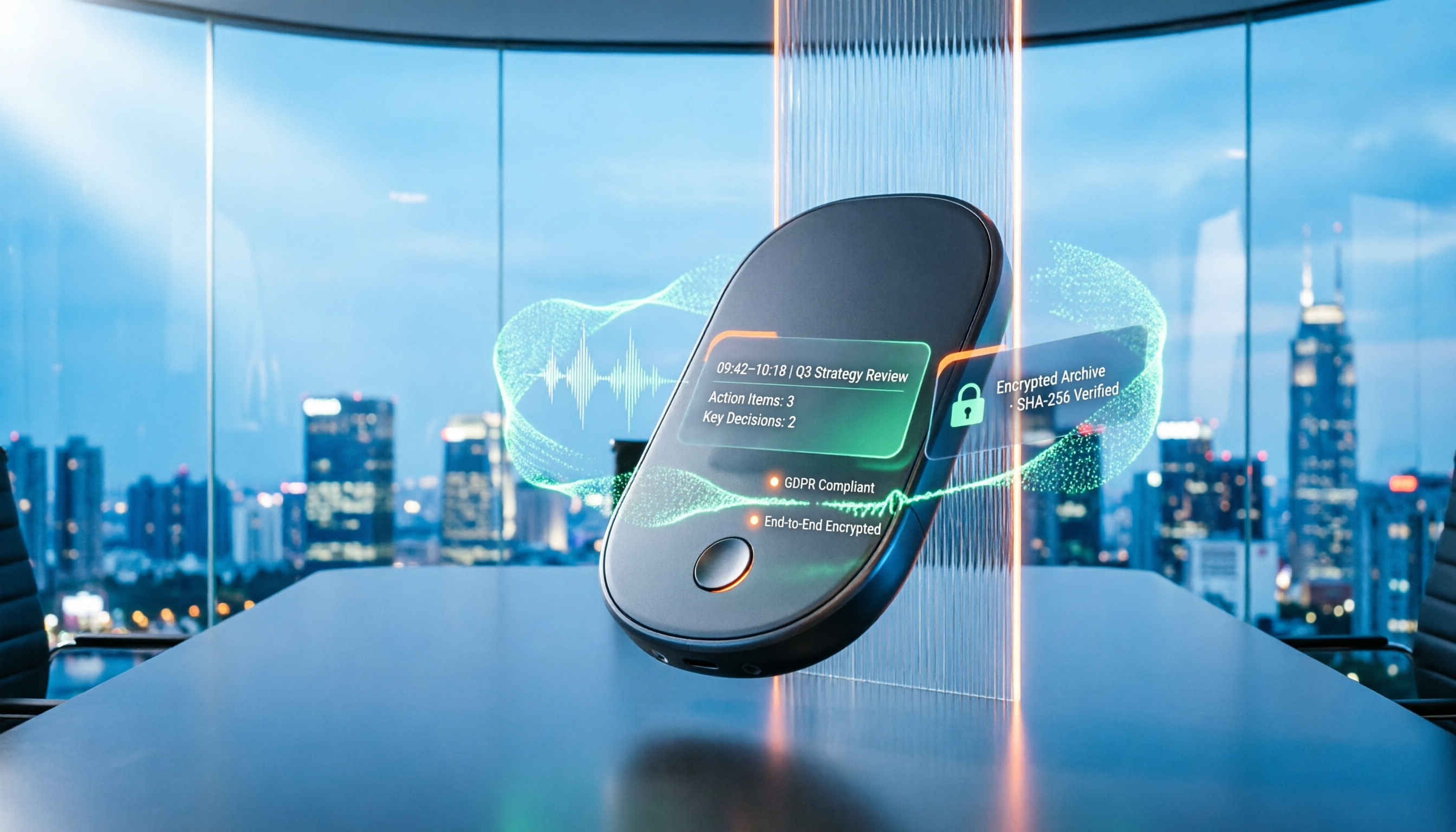
Many people think private recording is always illegal, while others believe recording guarantees protection. This article starts with the legal boundaries of recording, outlines 4 key points for choosing a recording tool, tests Tinrec, Otter.ai, Notta, and PLAUD on meeting notes and evidence organization, and includes 4 common recording pitfalls to avoid.

iPhone Native Capture vs Tinrec in 2026: A 4-Dimension Comparison for Recording and Organizing LINE Calls
LINE calls don't have built-in recording, but iPhone users can use iOS 26's Native Capture to record calls, then import the audio into Tinrec for transcription, summaries, and action items. This article compares the two across four dimensions—recording method, audio source, file storage, and post-call organization—and provides step-by-step instructions, common mistakes, and recommendations.

3 iPhone Screen Recording Audio Solutions Compared for 2026: Built-in, Third-Party Apps, and AI Post-Processing
iPhone screen recording can capture audio, but you need to distinguish between system audio and microphone input—call audio from the other party usually can't be recorded. This article compares built-in screen recording, third-party apps, and Tinrec's post-meeting organization to help you avoid common mistakes that lead to silent recordings.

Is Recording Meetings Illegal in 2026? 5 Steps to Assess and Protect Yourself
Recording a meeting is not necessarily illegal, and recording for self-protection does not guarantee you are safe. This article breaks down the practical assessment under Article 315-1 of the Criminal Code, the Communication Security and Surveillance Act, and Article 12 of the Labor Standards Act in 5 steps, and compiles free audio-to-text tools to help you assess risks, preserve evidence, and organize transcripts.

5 Best AI Transcription Tools in 2026: Chinese Meetings, Team Collaboration, and Free Tiers Explained
Meetings end, recordings pile up, and minutes are due tomorrow—this article doesn't copy official feature lists. It cross-checks the official plans, quotas, and limitations of five AI transcription tools: Tinrec, Yating Transcription, Vocol.ai, Notta, and Granola, and honestly tells you which numbers to trust and which claims to discount. Finally, it offers selection advice based on three needs: Chinese meetings, team collaboration, and free quotas.

3 Fast iPhone Recording Methods for 2026: One-Tap Setup and Use Case Comparison
Compare three built-in iPhone quick recording methods: Action Button, Back Tap, and Shortcuts. Includes setup steps, supported models, free usage, and limitations to help you start recording fast in meetings, interviews, or unexpected situations without hunting for an app.