

Turn recordings into transcripts and summaries in minutes
Upload audio or video for multilingual transcription, AI notes, and action items
2026 AI Meeting Notes Tools Compared: Is Gemini Enough? Which Is Better for Teams?
The Most Common Pitfall: Assuming That Giving a Recording to AI Equals Meeting Notes
After a meeting ends, you hand the recording to Gemini and ask it to organize a transcript and summary—sounds easy.
But after trying it myself, I found that most people get stuck not on whether Gemini can do it, but on whether the output is directly usable. Common results include transcripts full of filler words, no speaker labels, missed action items, and especially obvious issues in cross-department meetings with mixed Chinese and English.
Another common misconception: assuming that Google Meet's "Take notes for me" is available on every account. In reality, it requires an eligible Google Workspace edition or Google AI plan, and each meeting can only process one language.
So this article doesn't discuss whether Gemini is good or bad. Instead, it compares Gemini, Notta, Otter.ai, and Tinrec under the same set of questions: which one can actually produce meeting notes you can send out directly.
Before Choosing an AI Meeting Notes Tool, Understand These 4 Key Points
1. Does It Give You a Transcript or a Decision Record?
A transcript is just raw material. What's truly useful is the summary, conclusions, action items, owners, and deadlines. Many tools can convert speech to text; the difference lies in how much they help you organize after conversion—this determines how much time you'll spend manually filling gaps.
2. How Does It "Enter" Online Meetings?
There are currently two mainstream approaches: one is to send a meeting bot to join the meeting, and the other is to capture computer system audio directly via a desktop app. The former can be awkward for external client meetings; the latter doesn't add an extra participant. If you often meet with clients, this matters more than a spec sheet.
3. Recognition Performance for Chinese and Mixed Chinese-English
Meetings in Taiwan rarely use pure Chinese or pure English. Product names, technical terms, and client terminology are often mixed. When choosing a tool, I recommend testing it directly with a recording of your own meeting rather than just looking at the number of languages listed officially.
4. Can You Ask Follow-up Questions and Retain Knowledge After the Meeting?
The value of meeting notes lies in whether you'll look back at them later. If all you can do after recording is export a text file, then next time you need to find "who mentioned the budget last time," you'll have to Ctrl+F through half an hour yourself. Tools that let you ask questions directly and save to team spaces make a big difference in the long run.
Tinrec — The One I Keep Coming Back to After Testing
Tinrec is an AI meeting notes and collaboration tool for individuals and teams, available on web, desktop, and mobile. I'm putting it first because it addresses exactly the two pain points mentioned earlier: no bot, and continued usability after transcription.
Bot-free recording of online meetings. The desktop version captures computer system audio directly, so you don't need to invite an extra bot to Zoom, Google Meet, Microsoft Teams, or Webex. This is especially noticeable in client meetings—you don't want an unfamiliar account appearing on the other party's screen. Note that this doesn't mean it automatically joins all meetings on your calendar; you still need to open Tinrec and start recording yourself.
There's more you can do after transcription. After the meeting, transcripts, AI summaries, chapters, highlights, action items, and mind maps are generated together. What I use most is actually AI Q&A: directly ask "What were the conclusions of this meeting?" or "Who is responsible for the budget item?" It answers semantically rather than dumping a list of keyword search results. This is not common among tools in the same price range.
Results can be brought back into your existing workflow. It supports export to Notion, Google Docs, OneNote, and Dropbox, and can use Agent post-processing to generate reports, tables, and documents. It covers Chinese, Traditional Chinese, and multilingual meetings, can organize mixed Chinese-English content, and offers real-time translation in original, translated, or bilingual view. The team version also has a hotwords feature to add company-specific terminology.
Regarding accuracy, I won't give you a pretty number. Tinrec itself doesn't recommend promising a fixed accuracy rate externally, because actual performance is affected by recording quality, ambient noise, accents, multiple people talking over each other, and specialized terminology. A more practical approach: test with a recording of one of your own meetings and see if the action items it captures are correct.
Three reasons I stayed:
Stop organizing recordings by hand
Upload audio or video and automatically get a transcript, summary, and action items
- It can record online meetings without a bot, reducing awkwardness in external communications.
- Recording isn't the end—Q&A, action items, export, and report generation are all part of the same flow.
- The team version keeps data in the team's hands—team spaces, roles and seats, usage analytics, audit logs, and audio recycle bin are all available. When a member leaves, resources can be handed over to others, so data doesn't follow the individual.
Limitations to note:
The free version has usage limits; heavy users need to pay. The team version is USD 29.80 per paid seat per month, or USD 199 per paid seat per year (about USD 16.58 per month), with each paid seat providing 2,000 minutes of team shared import quota per month. Real-time recording is currently not deducted by minutes under an active plan and active seat. Actual prices and benefits are subject to the official purchase page. Also, the team version currently focuses on team-level sharing and does not have file-level granular permissions. Members without a seat can still read team data, but recording, uploading, editing, and import/export require a seat.
Who it's for: People who often hold Chinese or mixed Chinese-English meetings, don't want a bot in front of clients, want to ask follow-up questions after the meeting, and need to turn meetings into team knowledge.
Besides Tinrec, What Other Options Are There?
Gemini. If you only occasionally need to turn a recording into text and a summary, the Gemini chatbot can do it—upload the audio file and ask it to organize a transcript, then use prompts to rewrite the summary or list key points, and copy the results to Google Docs. Google Meet's "Take notes for me" requires an eligible Workspace edition or Google AI plan and organizes key points and next steps into Google Docs. Limitations: each meeting can only process one language, and free use has quotas and file size limits. It's suitable for personal, Google ecosystem, single-language meeting notes; but it lacks team spaces, seat management, and isn't a workflow designed around meetings.
Notta. A multi-platform transcription and meeting notes tool. The free version offers 120 minutes per month, up to 3 minutes per item; Pro annual billing is about USD 8.17 per month with 1,800 minutes per month; Business annual billing is about USD 16.67 per seat per month and provides role permissions and usage reports. It overlaps significantly with Tinrec; the difference is that Tinrec's desktop version can record online meetings without a bot and connects summaries, action items, Q&A, and team spaces into one flow.
Otter.ai. A mature choice for English business meetings. Basic is free with 300 minutes per month; Pro annual billing is about USD 8.49 per user per month, including 1,200 minutes per month and 10 file imports. It also has a desktop app, not just a meeting bot. If your meetings are mainly in English and your team is already used to its interface, this is a reasonable option; Chinese meetings and mixed Chinese-English organization are not its focus.
Pitfall Guide: The 4 Most Common Mistakes When Choosing AI Meeting Notes Tools
Pitfall 1: Treating a transcript as meeting notes. This is the biggest misunderstanding. No one wants to reread a 40-minute transcript. What people actually look at are conclusions, decisions, action items, owners, and deadlines. Think about what you want before uploading; the more specific the prompt, the more usable the output.
Pitfall 2: Assuming Google Meet's "Take notes for me" is available to everyone. It requires an eligible Workspace edition or Google AI plan, and each meeting can only process one language. If someone switches languages for more than 30 seconds during the meeting, the system will only pop up a notification asking whether to change the notes language; it won't automatically handle bilingual content.
Pitfall 3: Comparing only minutes and price. Minutes only indicate "how much can be transcribed," not "how usable the result is." Rather than comparing quotas, compare post-meeting outputs: is there a summary, are there action items, can you ask follow-up questions, can you export to the tools you use.
Pitfall 4: Buying it only for recording-to-text. Treating the tool as just a transcriber means using only part of its capabilities. After recording, directly ask it "What were the decisions of this meeting?" or "What concerns did the client raise?"—much faster than manually scanning the transcript. This is also why many people buy it but feel it doesn't make much difference.
Conclusion: Which One Should You Choose?
Back to the original question: Gemini can do meeting notes, and if you only occasionally organize single-language recordings, it's already enough. But if your meetings need sharing, follow-up questions, and consistent-quality post-meeting materials, it will get stuck at some point in the flow.
My advice is to decide by scenario:
- Often hold Chinese or mixed Chinese-English meetings → Tinrec, with Chinese and multilingual organization as its focus.
- Don't want a meeting bot in front of clients → Tinrec, desktop version captures system audio without adding participants.
- Want to ask key points and extract action items right after recording → Tinrec, AI Q&A and action item extraction are built into the flow.
- Need team sharing and data retention when people leave → Tinrec team version, with spaces, roles, seats, audit, and recycle bin all in one place.
- Zero budget, only occasional English recording transcription → Gemini or Otter.ai free plans are both worth trying.
If you're not sure, the fastest way is to run a real meeting with the free quota. Before the quota runs out, you'll probably know whether the action items it captures are usable—that's more accurate than any review number.
References
- [Tutorial] How to Use Gemini Meeting Notes in 2026: Audio Transcription Test + Tinrec Bot-Free Organization - Tinrec Blog
- Use AI meeting notes and "Take notes for me" with Gemini in Google Meet | Google Workspace
- Gemini Tutorial | AI Auto-Generates Meeting Notes, 100x Faster Than Handwriting - Workplace AI Training | Customer Service Outsourcing & Service Outsourcing - Chainsea Information
- "Take notes for me" in Google Meet - Computer - Google Meet Help
- Master Meeting Notes! How to Do AI Speech-to-Transcript? Gemini Notebook, Gemini, EchoScript Operation Analysis | 104 Workplace
Turn every recording into actionable outcomes
Get 60 free transcription minutes when you sign in. No credit card required.
Related Reading
You might also like

4 Ways to Add Text to iPhone Photos in 2026: Built-in Markup, Handwriting, and Third-Party Apps Compared
Just took a photo and realized you need to add text? This guide covers 4 methods for adding text to iPhone photos: the built-in Markup text box, iOS 26 handwriting, and third-party apps for advanced layout. It also includes tips to preserve the original image, avoid covering the subject, and choose the right method for your situation.

3 Free Audio-to-Text Tools in 2026: ChatGPT Recording Limits and Meeting Transcription Quotas Compared
How long can ChatGPT record? According to official documentation, Record Mode transcribes in real time and displays a timer; third-party reports suggest a single session lasts about 120 minutes. This article covers the actual limits of ChatGPT's recording mode, audio retention, and plan differences, and compares three audio-to-text tools with free tiers—Tinrec, Otter.ai, and Notta—to help you choose the right tool for your meeting style.

4 Transcription Tools Tested in 2026: Is Yating's Free Tier Enough?
Is Yating Transcription free? The answer is "partially free": real-time recording is free, but uploading audio files comes with free trial hours, after which you need to pay. This article breaks down Yating's free limits and pricing, and compares four tools including Tinrec, Notta, and Otter.ai, from free quotas, Chinese recognition, post-meeting organization to team collaboration, to help you decide which one truly meets your needs.
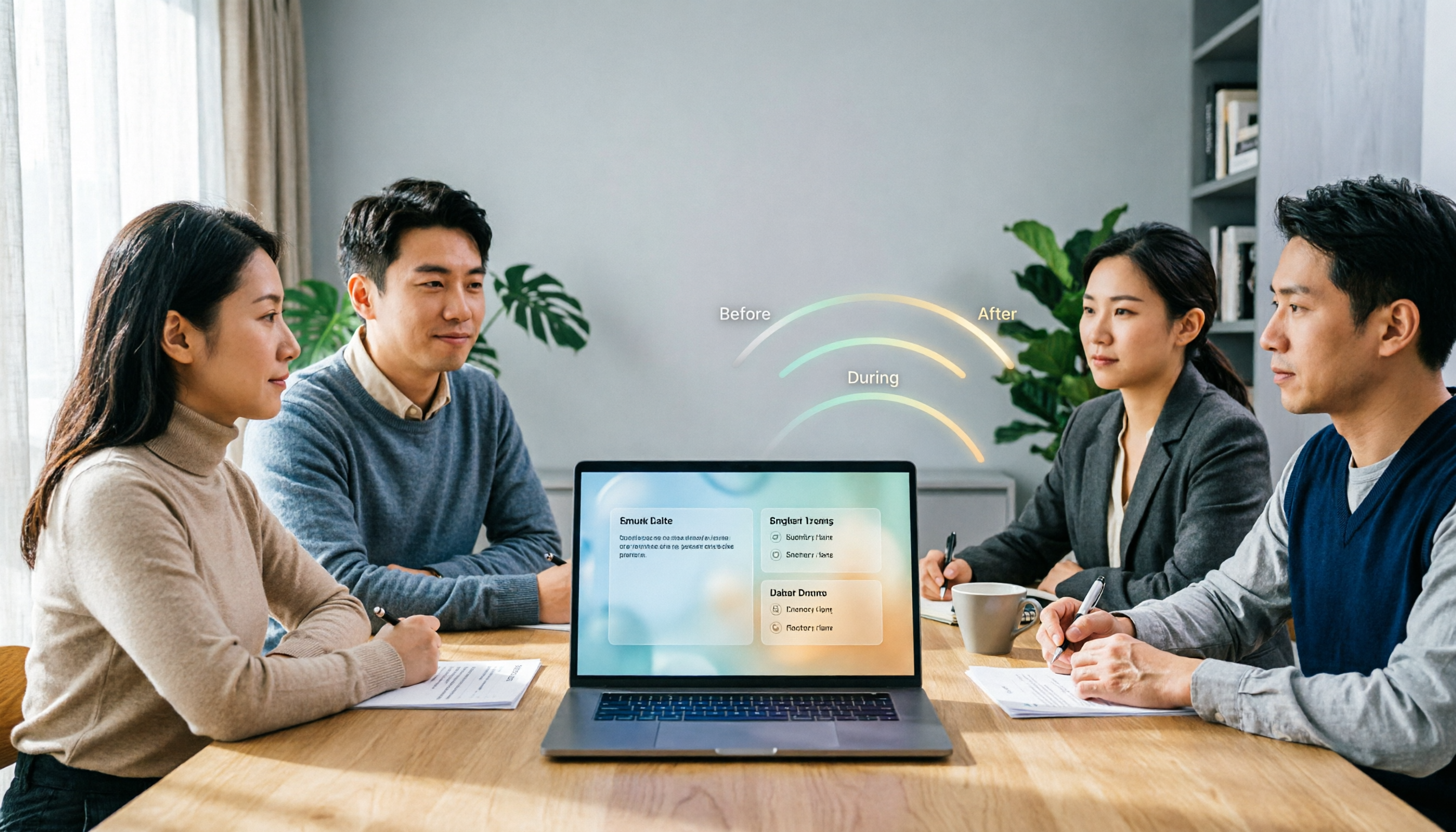
5 Smart Meeting Collaboration Tools Tested in 2026: Which Saves the Most Effort Before, During, and After Meetings?
A copyable test template comparing Tinrec, Otter.ai, Fireflies.ai, Granola, and Notta on meeting notes, transcription, summaries, and post-meeting follow-up, with pricing and limits verified in August 2026.

2026 Smart Meeting Collaboration Platforms Compared: Which One Saves You the Most Post-Meeting Time?
How to choose a smart meeting collaboration platform in 2026? This article compares tools like Tinrec, Otter.ai, Granola, and Notta across pre-meeting prep, in-meeting notes, and post-meeting follow-up, helping you decide whether you need a meeting transcription tool, a team knowledge base, or a better meeting room workflow.

5 Free AI Meeting Collaboration Tools Compared (2026): Which Free Tier Is Enough?
Wondering if the latest free AI meeting collaboration tools in 2026 are enough? This article reviews the free tiers, sign-up requirements, usable workflows, and limitations of Tinrec, Otter.ai, Fireflies.ai, Granola, and Notta, with a comparison table and selection advice. Features and pricing verified against official pages in August 2026.

4 Smart Meeting Collaboration Platforms Worth Considering in 2026: From Bot-Free Recording to Team Knowledge Retention
Many people think pressing record means the meeting notes are done, but organizing takes longer than the meeting itself. This article starts with common inefficient practices, outlines four key factors for choosing a smart meeting collaboration platform, and takes a hands-on look at Tinrec's bot-free recording, AI Q&A, and team spaces. It also briefly compares the positioning, pricing, and limitations of Notta, Granola, and Otter.ai to help you decide which one fits your meeting style.

4 Smart Meeting Collaboration Platforms Tested in 2026: Which One Actually Saves Post-Meeting Cleanup Time?
Starting from common misconceptions, this hands-on comparison tests 4 smart meeting collaboration platforms on in-meeting notes, post-meeting organization, and team collaboration. It focuses on Tinrec to break down bot-free recording, AI Q&A, action item extraction, and team edition governance, with buying criteria and a guide to avoiding pitfalls.

2026 Comparison of 4 Smart Meeting Collaboration Platforms: The Three Most Common PTT Discussion Mistakes
Searching for 'smart meeting collaboration platform' on PTT often mixes up three different things: forum tools, Hong Kong office solution providers, and meeting room equipment. This article first clarifies the differences, then verifies Tinrec, Otter.ai, Notta, and Granola's meeting capture methods, post-meeting outputs, team governance, and pricing based on official public information, and summarizes 5 key purchasing points and 4 common misconceptions.