

Turn recordings into transcripts and summaries in minutes
Upload audio or video for multilingual transcription, AI notes, and action items
3 Free Audio-to-Text Tools in 2026: ChatGPT Recording Limits and Meeting Transcription Quotas Compared
The worst fear during a meeting recording—it stops midway. First, understand "how long can it record in one session?"
"The meeting is at the 90-minute mark, your manager is discussing next quarter's budget, and you're staring at the timer on screen with one question: will it cut off right now?"
This is a common experience for many people using AI tools to record meetings for the first time. What you really want to know probably comes down to two things: How long can this tool record in a single session? And after recording, can the transcript and summary be used directly?
The hassle is never the recording itself. It's that after a two-hour meeting, you still have to spend another two hours re-listening, typing, and organizing it into notes others can understand. Most tools only solve "recording it," not "turning it into usable data." This article will first clarify the length limits of ChatGPT's recording mode, then compare three audio-to-text tools with free tiers.
Before Choosing an Audio-to-Text Tool, Understand These 4 Key Points
1. Single-session limit and monthly quota are two different things
Most people only ask "how many minutes per month," but overlook how long a single session can record. For someone who has three meetings a week, what really gets in the way is that 150-minute quarterly review meeting, not how many minutes are left at the end of the month. When choosing a tool, look at both numbers together.
2. Is the quota counted in "minutes" or "number of files"
Some tools deduct by minutes, some count by number of files, and some charge separately for imported files. If you often upload existing recording files, confirm whether imports use the same quota.
3. Whether audio files are retained determines if you can go back and check later
With tools that only output transcripts and don't keep audio, if you later find a sentence was transcribed incorrectly, you have no original recording to verify against. For business communications where you need to repeatedly confirm commitments, this matters more than quota.
4. Can transcription directly become work output
A transcript is just raw material. Summaries, chapters, action items, and follow-up Q&A are what you can actually take into the meeting room. The gap here often affects how much time you save more than recognition accuracy does.
Tinrec—Why We Put It First After Actually Using It
Tinrec is an AI meeting notes and collaboration tool for individuals and teams, available on web, desktop, and mobile. It doesn't just turn audio into text; it turns meetings into searchable, queryable, and collaborative data.
In actual use, what stands out most is how it handles meetings. The desktop version directly captures computer system audio, so when you're on Zoom, Google Meet, Teams, or Webex, you don't need to invite an extra meeting bot, and no unfamiliar participant appears on screen. It records and transcribes simultaneously during the meeting, and after it ends, automatically generates summaries, chapters, and action items—who is responsible for what and when it's due are listed directly.
The second differentiator is after recording. You can ask questions directly about the meeting, such as "What were the client's final concerns about pricing?" It will answer based on semantics rather than dumping a bunch of keywords for you to dig through a 40-minute transcript. Most tools in the same price range currently don't have a corresponding feature for this.
The third is at the team level. Meeting data is stored in team spaces, not locked in an individual's account; when a member leaves, is removed, or loses their seat, data can be handed over to other active members. Admins can view usage trends, member details, and operation audits, and can maintain team hotwords to improve recognition of product terms and project codes.
**Limitations should also be clear:** The free version provides a basic quota, suitable for trying out the recording, import, summary, and transcription workflow first; if you have a steady volume of meetings every week, you'll need to upgrade. Also, the current team version is primarily team-level sharing, not fine-grained file-level permission control; members can view data, but need a seat to record, upload, and edit.
**Who it's for:** People who frequently hold meetings in Chinese or mixed Chinese-English, need meeting minutes and action items directly after the meeting, and want recordings and transcripts to be reusable by the whole team. Team pricing is USD 29.80 per paid seat per month, or USD 199 per paid seat per year (about USD 16.58 per month) with annual billing; eligible teams can try 7 days with 1 free seat and 300 minutes of shared import quota. Actual rates are subject to the official purchase page.
Stop organizing recordings by hand
Upload audio or video and automatically get a transcript, summary, and action items
Besides Tinrec, What Other Options Are There?
ChatGPT Record Mode: About 120 Minutes per Session, but the Focus Is "After Recording"
Back to the core question of this article. According to the current OpenAI Help Center documentation, Record Mode transcribes in real time as you speak, the on-screen timer shows elapsed recording time, you can pause or resume during the process, and you can cancel anytime by clicking the "X" in the top-left corner of the recording window. The official page does not state a fixed minute limit; current third-party reports and user feedback suggest a single session lasts about 120 minutes (2 hours), enough to cover a two-hour meeting, but this is not a hard specification on the official page, and actual usable length may still vary by version, plan, and platform.
Availability is not the same for everyone either. According to official documentation, recording is off by default in Enterprise and Edu workspaces and must be manually enabled by the workspace owner under "Settings → Workspace Controls." Regarding privacy, official sources and multiple reports indicate that audio generated by recording is used only for transcription and deleted upon completion, while transcripts and summaries are handled according to workspace data policies; Enterprise and Edu are not used for model training by default, while personal plans depend on whether "Improve the model for everyone" is enabled. Transcripts can distinguish multiple speakers; when names cannot be identified, generic labels like "Speaker 1" are used initially and can be renamed afterward.
Its strength is "you're already working in ChatGPT." Its weakness is that it's a meeting notes workflow, not a file-based transcription center; bulk organization of historical audio files, cross-project meeting databases, team seats, and usage governance are not its focus. Also, before recording others' voices, be sure to check local laws and obtain necessary consent—this responsibility lies with the user.
Otter.ai
A mature choice for English business meetings, the Basic free plan offers 300 minutes per month, the most generous free quota among the three tools in this article. The downside is that Chinese meetings are not its strong suit, and post-meeting output leans toward summaries and action items, with less further report or table generation. If 90% of what you record is in English, it's a great deal; if you need Chinese transcripts plus team data retention, Tinrec's handling is more complete.
Notta
Complete multilingual transcription and file import capabilities, the free plan offers 120 minutes per month, but the single-session content limit is only 3 minutes—almost a fatal limitation for meeting recording, meaning the free version is only for testing the waters. It's suitable for file-based short content transcription; if you want to "record a meeting directly and get minutes right after," Tinrec's workflow is smoother.
Pitfall Guide: The 4 Most Common Mistakes When Choosing an Audio-to-Text Tool
**Pitfall 1: Using voice conversation features for meeting recording.** Voice conversation is designed for interaction, not for continuously recording for two hours. If you really want to use AI for meeting notes, make sure you're using a dedicated recording mode, not conversation mode.
**Pitfall 2: Only looking at monthly minutes, not the single-session limit.** 1,200 minutes per month sounds like a lot, but if a single session can only record 3 minutes, your two-hour meeting still won't be fully recorded.
**Pitfall 3: Ignoring audio retention and legal responsibility.** Tools that don't keep audio can't verify mis-transcribed sentences later; and before recording others' voices, legal requirements vary by location—be sure to confirm and obtain consent. This responsibility doesn't go away by switching tools.
**Pitfall 4: Thinking you're done once you have the transcript.** Treating the tool only as "audio to text" means you're using only one-third of its value. The real time savings happen in summaries, action items, and post-meeting follow-up questions.
Conclusion: Which One Should You Choose?
- Want to first understand how long ChatGPT can record, and your work is already in ChatGPT → Use its Record Mode directly; about two hours per session is enough for meetings, but don't expect team data governance.
- Need transcripts + summaries + action items for Chinese/mixed Chinese-English meetings → Tinrec; bot-free system audio capture is especially convenient for online meetings.
- Want to ask questions directly about the meeting after recording, without manually digging through transcripts → Tinrec; this is its biggest difference from most tools in the same price range.
- Need the whole team to share meeting data, with someone managing seats and usage → Tinrec team version; data belongs to the team, not individuals.
- Content is 90% English, budget is zero → Otter.ai Basic; 300 minutes per month is a reasonable starting point.
We recommend running a real meeting with the free quota first before deciding. The point of a free version is to let you confirm, before paying, that its transcripts and minutes look the way your company can understand.
Data verification date for this article: August 2026; free quotas and features of each tool may change, and actual terms are subject to official pages.
References
- ChatGPT Record | OpenAI Help Center
- ChatGPT Record Mode Launched! Generate "Key Summary + To-Do List" for 2-Hour Meetings in One Click: 4-Step Tutorial | BusinessNext
- How Long Can ChatGPT Record in 2026? Complete 4-Step Tutorial - Tinrec Blog
- Latest 2026! AI Meeting Notes神器: ChatGPT Recording Notes, Cloud Integration, Double Your Efficiency!
- How to Use ChatGPT Record Mode: Auto-Generate Minutes from Meetings, What to Do If the Button Is Missing or There's No Sound (Updated 2026-10) - Bagel Technology
Turn every recording into actionable outcomes
Get 60 free transcription minutes when you sign in. No credit card required.
Related Reading
You might also like

4 Ways to Add Text to iPhone Photos in 2026: Built-in Markup, Handwriting, and Third-Party Apps Compared
Just took a photo and realized you need to add text? This guide covers 4 methods for adding text to iPhone photos: the built-in Markup text box, iOS 26 handwriting, and third-party apps for advanced layout. It also includes tips to preserve the original image, avoid covering the subject, and choose the right method for your situation.

2026 AI Meeting Notes Tools Compared: Is Gemini Enough? Which Is Better for Teams?
Can Gemini take meeting notes? Yes, but most people get stuck on whether the output is directly usable. This article starts with common misconceptions and compares Gemini, Notta, Otter.ai, and Tinrec on bot-free recording, Chinese recognition, post-meeting Q&A, and team knowledge retention. It also outlines 4 key buying factors and 4 pitfalls to help you decide which tool truly fits your work scenario.
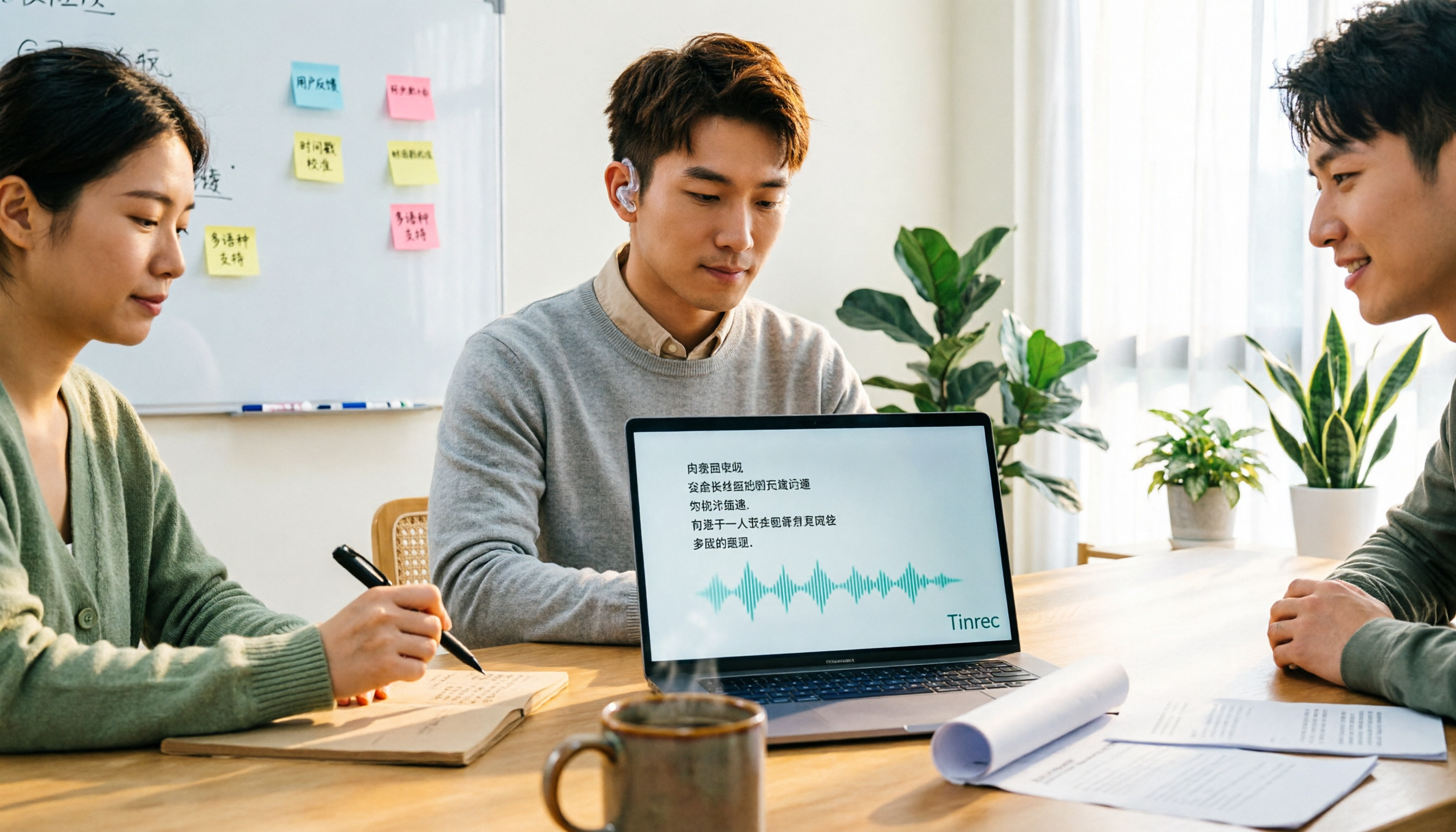
4 Transcription Tools Tested in 2026: Is Yating's Free Tier Enough?
Is Yating Transcription free? The answer is "partially free": real-time recording is free, but uploading audio files comes with free trial hours, after which you need to pay. This article breaks down Yating's free limits and pricing, and compares four tools including Tinrec, Notta, and Otter.ai, from free quotas, Chinese recognition, post-meeting organization to team collaboration, to help you decide which one truly meets your needs.
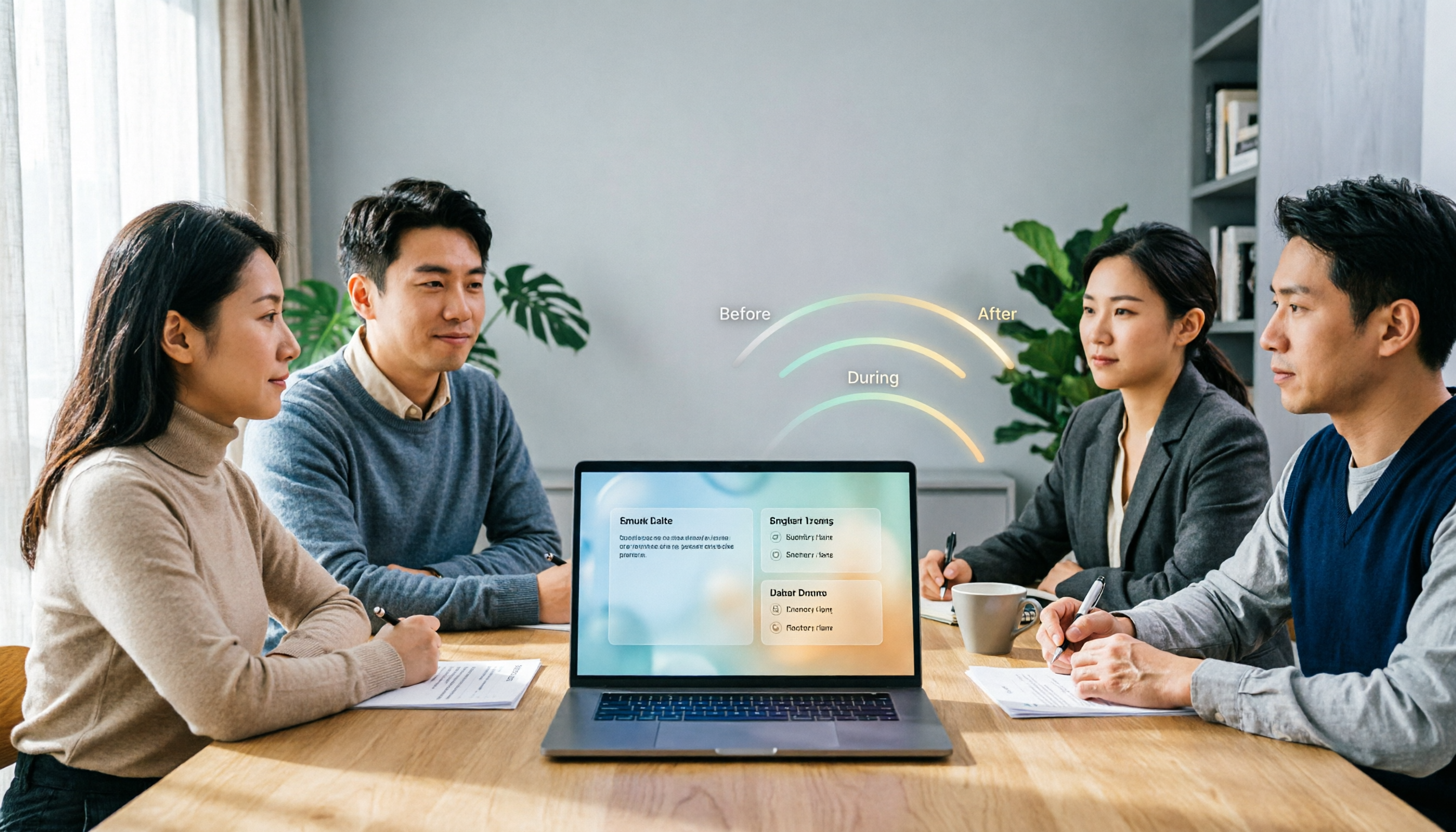
5 Smart Meeting Collaboration Tools Tested in 2026: Which Saves the Most Effort Before, During, and After Meetings?
A copyable test template comparing Tinrec, Otter.ai, Fireflies.ai, Granola, and Notta on meeting notes, transcription, summaries, and post-meeting follow-up, with pricing and limits verified in August 2026.

2026 Smart Meeting Collaboration Platforms Compared: Which One Saves You the Most Post-Meeting Time?
How to choose a smart meeting collaboration platform in 2026? This article compares tools like Tinrec, Otter.ai, Granola, and Notta across pre-meeting prep, in-meeting notes, and post-meeting follow-up, helping you decide whether you need a meeting transcription tool, a team knowledge base, or a better meeting room workflow.

5 Free AI Meeting Collaboration Tools Compared (2026): Which Free Tier Is Enough?
Wondering if the latest free AI meeting collaboration tools in 2026 are enough? This article reviews the free tiers, sign-up requirements, usable workflows, and limitations of Tinrec, Otter.ai, Fireflies.ai, Granola, and Notta, with a comparison table and selection advice. Features and pricing verified against official pages in August 2026.

4 Smart Meeting Collaboration Platforms Worth Considering in 2026: From Bot-Free Recording to Team Knowledge Retention
Many people think pressing record means the meeting notes are done, but organizing takes longer than the meeting itself. This article starts with common inefficient practices, outlines four key factors for choosing a smart meeting collaboration platform, and takes a hands-on look at Tinrec's bot-free recording, AI Q&A, and team spaces. It also briefly compares the positioning, pricing, and limitations of Notta, Granola, and Otter.ai to help you decide which one fits your meeting style.

4 Smart Meeting Collaboration Platforms Tested in 2026: Which One Actually Saves Post-Meeting Cleanup Time?
Starting from common misconceptions, this hands-on comparison tests 4 smart meeting collaboration platforms on in-meeting notes, post-meeting organization, and team collaboration. It focuses on Tinrec to break down bot-free recording, AI Q&A, action item extraction, and team edition governance, with buying criteria and a guide to avoiding pitfalls.

2026 Comparison of 4 Smart Meeting Collaboration Platforms: The Three Most Common PTT Discussion Mistakes
Searching for 'smart meeting collaboration platform' on PTT often mixes up three different things: forum tools, Hong Kong office solution providers, and meeting room equipment. This article first clarifies the differences, then verifies Tinrec, Otter.ai, Notta, and Granola's meeting capture methods, post-meeting outputs, team governance, and pricing based on official public information, and summarizes 5 key purchasing points and 4 common misconceptions.