

Turn recordings into transcripts and summaries in minutes
Upload audio or video for multilingual transcription, AI notes, and action items
Your recording has been sitting on your phone for two hours, and you still don't want to start transcribing
The interview is over, the recording has been on your phone for two hours, and you're staring at the progress bar without having typed a single word.
The meeting just ended, your boss walks over and asks "When will the notes be ready?" and you can only reply "I'll organize them."
It's not that you're inefficient; it's that most speech-to-text tools' "free" isn't the same as the free you have in mind. Many people search "Is Yating Transcription free?" and only after signing up do they discover that the quota runs out, formats are locked, or you can only record for free but can't upload for free.
This article starts from that most practical question, clarifies Yating's free boundaries, and then compares four common tools side by side, so you know the answer before spending money.
Before choosing a transcription tool, understand these 4 key points
1. Is "free" time-limited or quantity-limited?
Some tools are free for 7 days, some give a fixed number of minutes each month, and some give a one-time quota upon registration that's gone once used up. These three have completely different meanings for you: time-limited ones require you to finish quickly, quantity-limited ones can be used slowly, and one-time ones require you to calculate exactly how much audio you have left.
2. Can the free version "upload audio files"?
This is the most easily overlooked difference. Real-time transcription while recording a meeting and uploading existing audio files for transcription are often two different quota rules in many tools. If you have a bunch of historical recordings, free real-time recording won't help you much.
3. After transcription, what else do you need to do?
Getting only the transcript versus getting the transcript plus summary, chapters, and action items makes a big difference in workload. For a 60-minute meeting, manually reading through and then organizing key points usually takes another 30 to 60 minutes. Whether the tool can help you finish this part is more worth comparing than how many free minutes it offers.
4. Can mobile recording and computer organization connect?
Recording on your phone on-site, then editing on your computer back at the office, exporting to Word or putting into Notion—this is many people's real workflow. Which platforms the tool supports and whether it can export the formats you need should be confirmed during the trial phase.
Tinrec — the one we open most often after testing
Tinrec is an AI meeting notes and collaboration tool for individuals and teams, supporting iOS, Android, desktop, and web. Its positioning isn't "turning sound into text" but turning meetings into data that can be searched, queried, and worked on further.
Usable right during the meeting. The desktop version directly captures computer system audio, handling online meetings on Zoom, Google Meet, Microsoft Teams, Webex, etc., without needing to invite an extra meeting bot. When you enter a meeting room last minute and don't have time to arrange any settings, this difference is obvious: open the tool and record, no need to explain to participants "what is that account joining the meeting."
When the meeting ends, half the work is done. After transcription, it automatically generates summaries, chapters, and action items, listing who is responsible for what and what to follow up on next time. Cross-language meetings can enable real-time translation, viewed in original, translated, or bilingual side-by-side.
You can keep asking after recording. This is where it differs most from most similar tools: you can directly ask questions about the meeting content, such as "Where did we discuss the budget in the last meeting?" or "What were the three concerns the client mentioned?" It answers based on the content, rather than throwing you a bunch of keyword search results. For those who need to look up historical meetings, this saves more time than the transcript itself.
Output can be taken away. Transcripts, summaries, and action items can be exported in common formats, and further generate reports, tables, and meeting minutes, or export to Notion, Google Docs, OneNote, etc. for further processing.
When used by a team, data doesn't leave with people. The team version is an independent team space, not multiple people sharing a personal account. Meeting data belongs to the team; members can view, play, and read data even without a seat, but recording, uploading, editing, and exporting require assigned seats. Administrators can view usage trends, member rankings, operation logs, and transfer resources to other members when a member leaves. Currently, team monthly payment is USD 29.80 per paid seat, annual payment USD 199 per paid seat (about USD 16.58/month), paid seats provide 2,000 minutes of team shared import quota per month; eligible teams can try 7 days, 1 free seat, 300 minutes shared import quota for the first time. Actual prices and benefits are subject to the official purchase page.
Stop organizing recordings by hand
Upload audio or video and automatically get a transcript, summary, and action items
Things to note. The free version provides basic quota to experience recording, import, summary, and transcription, suitable for trying the workflow first; but if you have dozens of hours of historical audio to batch process, this isn't its main scenario. Also, transcription quality is affected by recording quality, noise, accents, and overlapping speech; for important content, it's recommended to cross-check with recording playback.
Who it's for. Those who need Chinese meeting notes, don't want a bot joining the meeting, want to directly ask key points after recording, or want to accumulate meeting data into team assets.
Besides Tinrec, what other options are there?
Yating Transcription: Strong for Taiwanese accents, but "free" has limits
Back to the question you most want to ask. Based on multiple media and official information, Yating Transcription is not "completely free" nor "completely paid," but some features free, some quotas limited:
- Real-time recording to text: This core feature is free for basic use, suitable for recording and transcribing directly with microphone on in meetings, classes, interviews.
- Upload audio file transcription: After registration, free trial hours are provided; after used up, payment is required.
As for exactly how many free hours, various sources are inconsistent: some say 20 minutes, some say 120 minutes, and some bloggers mention trial quota of about 300 minutes. Numbers change with promotions and plans; it's recommended to check the current announcement on the official page, don't judge based on old articles' amounts.
For pricing, there are currently two common statements: one is billing by audio length, media reports about NT$100 per hour, with discounts for multiple hours; the other is monthly subscription, with reports mentioning NT$199 per month with AI add-on features. Plans and prices change frequently; likewise, official information prevails.
Its advantages are clear: developed by a Taiwanese team, its strength is recognition of Taiwanese Mandarin, Taiwanese Hokkien, and mixed Chinese-English, automatically adding punctuation and paragraphing, also recognizing speakers, and exporting Word, TXT, PDF, SRT, etc.
Note that it mainly outputs transcripts and translations; post-meeting organization like summaries, action items, and follow-up questions still requires you to take over; also it lacks team seats and usage governance collaboration mechanisms. If your need is simply "Chinese audio, just text," the free quota may very well be enough.
Notta: Focus on multilingual and file transcription
Notta covers multi-platform transcription, meeting notes, file import, and translation; multilingual capability is its strength. The free version offers 120 minutes per month, with a single content limit of 3 minutes, suitable for small tests; for stable processing of long audio, you need to upgrade. Its core is still "transcription and translation"; post-meeting team data accumulation and seat management are not its focus. If you need to turn meetings into team-searchable assets, this part needs separate evaluation.
Otter.ai: A veteran choice for English meetings
Otter is a mature AI meeting assistant; the Basic free version offers 300 minutes per month, quite sufficient for English meetings. If 90% of your meetings are in English and your team is used to English interfaces, it's a reasonable choice. However, Chinese and mixed Chinese-English meeting experience is not its main scenario; think clearly about this when selecting.
Pitfall guide: 3 most common mistakes when choosing a transcription tool
Pitfall 1: Treating "free download" as "free use." The free label in app stores usually means free download. What you really need to confirm: how many minutes are in the free quota, whether it resets monthly or is one-time, and whether you can upload audio files. If you don't clarify these three questions, you'll be very surprised when the quota hits zero.
Pitfall 2: Only looking at transcription minutes, not the post-meeting workflow. For a 60-minute meeting, transcribing is just the first step; there's still summarizing, finding key points, listing action items, and writing minutes. If the tool only gives you text, you've only saved half the time. When choosing a tool, remember to factor in "what I need to do after transcription."
Pitfall 3: Ignoring team and handover issues. Meeting data accumulated in a personal account is lost when a member leaves. If meeting notes are to be shared by the team, confirm from the start: who owns the data, whether members can view it, and how to hand over after leaving.
Conclusion: Which one should you choose?
First answer the original question: Yating Transcription is not completely free. Real-time recording is free; uploading audio files gives trial hours upon registration, then paid after used up. The number of free hours varies by source; please refer to official announcements.
As for how to choose, you can branch by your situation:
- Mainly Chinese meetings, want summaries and action items right after recording → Tinrec, handles post-meeting organization as well.
- Don't want a meeting bot joining online meetings → Tinrec desktop version captures system audio; participants won't see an extra account.
- Need cross-language meetings, want to see translation while meeting → Tinrec supports real-time translation and bilingual view.
- Team needs to share meeting data, needs seat and usage management → Tinrec team version; data belongs to team, member changes can be handed over.
- Only processing Chinese audio, only need transcript, low usage → Yating Transcription's free real-time recording is sufficient.
- Meetings mainly in English → Otter.ai free version offers 300 minutes per month, a practical starting point.
Suggested order: first use the free quota to run a real recording you have on hand, not official sample audio. Real meeting rooms have air conditioning noise, people interrupting, and unfamiliar technical terms—that's the true test of a tool. After one run, you'll know whether you should pay.
References
- Is Yating Transcription free? How Yating Transcription fees are calculated, whether buying hours is worth it
- 2026 Yating Transcription free plan summary: 3 ways to use - Tinrec Blog
- Yating Transcription: Online speech-to-text service, fee introduction! | Comprehensive AI Tools - Future Commerce
- Yating Transcription Complete Guide: Free version, fees, and alternatives
- Is Yating Transcription free? What you really need might not be it | Studio LazyCAT's Salon
Turn every recording into actionable outcomes
Get 60 free transcription minutes when you sign in. No credit card required.
Related Reading
You might also like

4 Ways to Add Text to iPhone Photos in 2026: Built-in Markup, Handwriting, and Third-Party Apps Compared
Just took a photo and realized you need to add text? This guide covers 4 methods for adding text to iPhone photos: the built-in Markup text box, iOS 26 handwriting, and third-party apps for advanced layout. It also includes tips to preserve the original image, avoid covering the subject, and choose the right method for your situation.

3 Free Audio-to-Text Tools in 2026: ChatGPT Recording Limits and Meeting Transcription Quotas Compared
How long can ChatGPT record? According to official documentation, Record Mode transcribes in real time and displays a timer; third-party reports suggest a single session lasts about 120 minutes. This article covers the actual limits of ChatGPT's recording mode, audio retention, and plan differences, and compares three audio-to-text tools with free tiers—Tinrec, Otter.ai, and Notta—to help you choose the right tool for your meeting style.

2026 AI Meeting Notes Tools Compared: Is Gemini Enough? Which Is Better for Teams?
Can Gemini take meeting notes? Yes, but most people get stuck on whether the output is directly usable. This article starts with common misconceptions and compares Gemini, Notta, Otter.ai, and Tinrec on bot-free recording, Chinese recognition, post-meeting Q&A, and team knowledge retention. It also outlines 4 key buying factors and 4 pitfalls to help you decide which tool truly fits your work scenario.
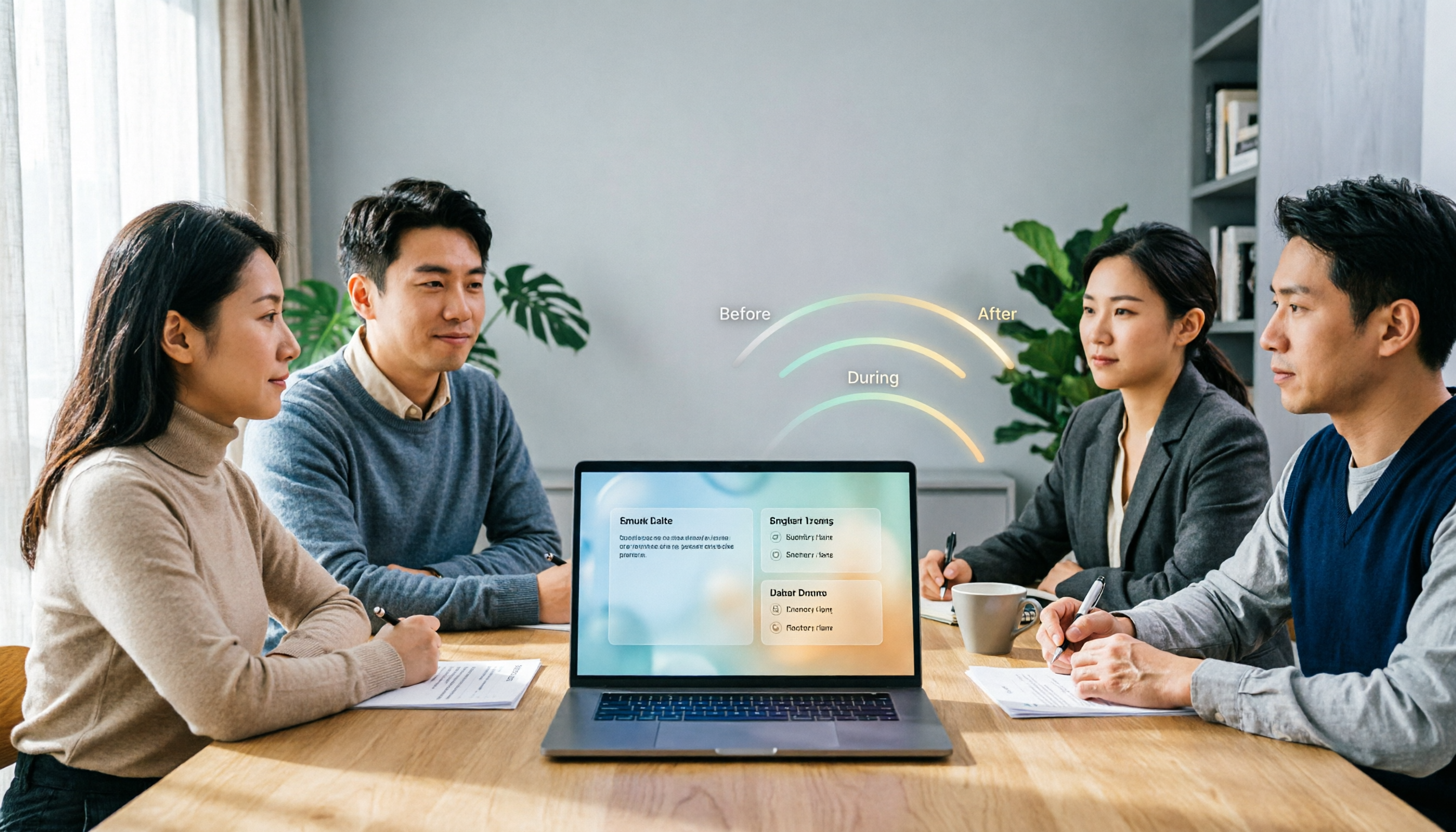
5 Smart Meeting Collaboration Tools Tested in 2026: Which Saves the Most Effort Before, During, and After Meetings?
A copyable test template comparing Tinrec, Otter.ai, Fireflies.ai, Granola, and Notta on meeting notes, transcription, summaries, and post-meeting follow-up, with pricing and limits verified in August 2026.

2026 Smart Meeting Collaboration Platforms Compared: Which One Saves You the Most Post-Meeting Time?
How to choose a smart meeting collaboration platform in 2026? This article compares tools like Tinrec, Otter.ai, Granola, and Notta across pre-meeting prep, in-meeting notes, and post-meeting follow-up, helping you decide whether you need a meeting transcription tool, a team knowledge base, or a better meeting room workflow.

5 Free AI Meeting Collaboration Tools Compared (2026): Which Free Tier Is Enough?
Wondering if the latest free AI meeting collaboration tools in 2026 are enough? This article reviews the free tiers, sign-up requirements, usable workflows, and limitations of Tinrec, Otter.ai, Fireflies.ai, Granola, and Notta, with a comparison table and selection advice. Features and pricing verified against official pages in August 2026.

4 Smart Meeting Collaboration Platforms Worth Considering in 2026: From Bot-Free Recording to Team Knowledge Retention
Many people think pressing record means the meeting notes are done, but organizing takes longer than the meeting itself. This article starts with common inefficient practices, outlines four key factors for choosing a smart meeting collaboration platform, and takes a hands-on look at Tinrec's bot-free recording, AI Q&A, and team spaces. It also briefly compares the positioning, pricing, and limitations of Notta, Granola, and Otter.ai to help you decide which one fits your meeting style.

4 Smart Meeting Collaboration Platforms Tested in 2026: Which One Actually Saves Post-Meeting Cleanup Time?
Starting from common misconceptions, this hands-on comparison tests 4 smart meeting collaboration platforms on in-meeting notes, post-meeting organization, and team collaboration. It focuses on Tinrec to break down bot-free recording, AI Q&A, action item extraction, and team edition governance, with buying criteria and a guide to avoiding pitfalls.

2026 Comparison of 4 Smart Meeting Collaboration Platforms: The Three Most Common PTT Discussion Mistakes
Searching for 'smart meeting collaboration platform' on PTT often mixes up three different things: forum tools, Hong Kong office solution providers, and meeting room equipment. This article first clarifies the differences, then verifies Tinrec, Otter.ai, Notta, and Granola's meeting capture methods, post-meeting outputs, team governance, and pricing based on official public information, and summarizes 5 key purchasing points and 4 common misconceptions.