

Turn recordings into transcripts and summaries in minutes
Upload audio or video for multilingual transcription, AI notes, and action items
Common Misconceptions About Verbatim Transcripts—Many People Get It Wrong From the Start
"Verbatim transcript" is probably one of the most misused terms in the office.
I've heard several usages myself: some people treat it as a "meeting summary," some assume "AI-generated means guaranteed word-for-word accuracy," and others think that having a transcript in the file means the job is done.
The first misconception is the most common. A verbatim transcript means converting spoken words into text word for word, including repeated words, filler sounds, and even stuttering passages. It is a different level from a "summary" or "meeting minutes"—the former is raw material, the latter is a finished product.
The second misconception is more costly. Even the best transcription tools are affected by recording quality, accents, multiple people speaking at once, and proper nouns. Treating a transcript as a final draft that needs no proofreading often leads to problems at the most critical moments.
The third misconception wastes time—you get a 30-minute transcript but still have to search through it yourself to find out "who said they would send the quote."
If you've encountered these situations, the problem is usually not "whether to use a transcript" but "how you produce it."
What Is a Verbatim Transcript? Definitions, Uses, and Two Approaches
A verbatim transcript is a complete written record of every sentence in an audio or video recording. Wikipedia describes it as typically used for academic research interviews or occasions where the full content of a speech needs to be preserved; the method is to record first, then have someone type it into an electronic file word by word.
In Taiwan, this is also called "audio typing" or "stenography." When outsourced to a professional team, you'll hear the job title "audio typist."
Common uses include:
- Academic interviews and research: preserving the interviewee's exact words
- Meeting minutes, phone recordings
- Lectures, talks, keynote speeches
- Video subtitles
- Prepared scripts for speeches or courses (writing out every sentence in advance to control content and timing)
The last one is special: it's not produced afterward but prepared in advance. The advantage is precision; the downside is less room for improvisation.
There are two approaches.
Manual audio typing: Hiring someone to listen to the recording and type. Quality is controllable, but the labor hours are significant. One audio typist shared that a beginner needs about 10 minutes of work to transcribe 1 minute of audio; with experience, about 5–7 minutes per hour. That means a 2-hour meeting could take several days to transcribe.
Tool-assisted transcription: Using speech-to-text tools to produce a first draft, then having a human proofread. It's fast and low-cost, and AI advances in recent years have made this approach truly practical.
There are also details only those who have actually done it know: should repeated words be kept? Should Taiwanese Hokkien or Hakka be translated into Mandarin? Should the same speaker's words be split into paragraphs? These all affect the final product. The advantage of using a tool is that the first draft comes out first, and then you decide how detailed to keep it.
Before Choosing a Transcription Tool, Understand These 4 Key Points
1. Recognition of Chinese and proper nouns
There are many transcription tool options for English meetings, but Chinese is the dividing line. Beyond Chinese itself, you also need to see how well it handles mixed Chinese-English sentences—this is almost the norm in Taiwanese meetings. If your meetings are full of product codes and internal abbreviations, the ability to maintain a team glossary makes a noticeable difference.
2. Do you just want text, or something beyond text?
This is the most overlooked point. A transcript is raw material, but most people's work actually requires a finished product: summaries, chapters, action items. If every week you have to dig through a 3-hour transcript to find "who is responsible for what," then when choosing a tool you should look at its automatic organization capabilities, not just transcription speed.
3. How to record online meetings
Few people explain this clearly. Some tools rely on a "meeting bot" that joins the meeting as a participant to record; others use desktop software to capture the computer's system audio directly. The former requires a stranger's account to appear on the attendee list, which can be awkward in client meetings; the latter doesn't need an extra participant, but you have to remember to press start. The two methods also differ in how audio files are stored and who owns the data.
4. Is data stored in personal accounts or team spaces?
For personal use, either is fine. But as soon as a team is involved, you need to ask: Who owns the data? Will the data still be there after a member leaves? Can you see who used how much quota? How many people have editing permissions? These questions are often skipped during purchasing, and only when problems arise do you find there are no answers.
Tinrec—Our Top Choice After Testing
Tinrec is an AI meeting notes and collaboration tool for individuals and teams, available on web, desktop, and mobile. Chinese, Traditional Chinese, and multilingual meetings are its strong suit. We actually tested it with a Chinese meeting recording and an online meeting.
Transcribe while meeting, no bot needed
The desktop version directly captures the computer's system audio, processing meeting audio played on Zoom, Google Meet, Microsoft Teams, and Webex without inviting an extra account into the meeting room. This difference is very noticeable in client meetings. Note that it does not automatically join every meeting on your calendar; you need to press start recording on the desktop version yourself.
Stop organizing recordings by hand
Upload audio or video and automatically get a transcript, summary, and action items
The transcript is just the starting point; it also gives you what you need after the meeting
After recording, Tinrec generates summaries, chapters, and key points, and extracts action items from the discussion. For cross-language meetings, you can view the original text, translation, or bilingual comparison while recording. When you need to deliver, you can export to Notion, Google Docs, OneNote, Dropbox, and other tools, or directly use the Agent for post-processing to generate reports, tables, and meeting minutes.
Ask questions directly about the meeting content
This is where it stands out from tools in the same price range. After recording a meeting, you can directly ask "Who mentioned the budget last time?" or "What are the three things the client really cares about?" It answers based on the meeting content instead of giving you a list of keyword search results. As historical meetings accumulate, the value of this feature grows—it's like having a conversational meeting database.
The team version turns data into company assets, not personal ones
The team version is an independent team space where meeting audio, folders, and action items are stored together. Management is clearly divided: roles determine who can manage the team and view audit logs; seats determine who can record, upload, edit, and export. Members without seats can still view, play, and read team data. There are also usage analytics, team hotwords, audit logs, and an audio recycle bin (30-day retention); when a member leaves or loses a seat, resources can be handed over to other members, so data doesn't leave with the person.
Pricing: The team version is USD 29.80 per paid seat per month, or USD 199 per paid seat per year (about USD 16.58/month). Each paid seat provides 2,000 minutes of team shared import quota per month; real-time recording under active seats is currently not deducted by minute. Eligible teams get a 7-day trial, 1 free seat, and 300 minutes of shared quota for the first time. The personal version has a free plan, weekly pass, Pro monthly, and Pro annual—choose based on your usage frequency.
Limitations to be clear about: The free version quota is suitable for light use; long, high-frequency recording requires a paid plan. Transcription quality is affected by recording environment, accents, overlapping speakers, and proper nouns; for important content, we recommend cross-checking with the audio timestamps. Also, the team version currently offers team-level shared visibility, not file-level granular permissions.
Who it's for: People who frequently hold Chinese or mixed Chinese-English meetings, don't want a bot joining meetings, want summaries and action items directly after the meeting, or need to turn meeting data into team assets.
Besides Tinrec, What Other Options Are There?
Notta — The competitor with the most overlap with Tinrec, offering multi-platform transcription, file import, translation, and team plans. The free version offers 120 minutes per month with a 3-minute limit per session; Pro annual is about USD 8.17/month with 1,800 minutes per month. Chinese support is decent, but online meetings still mainly rely on a bot joining, and post-meeting AI Q&A and Agent output are not its focus.
Otter.ai — A veteran choice for English business meetings, with mature integration with Zoom, Teams, and Google Meet. The free version offers 300 minutes per month, which is quite generous; Pro annual is about USD 8.49/user/month. If your meetings are almost entirely in English, it will be smoother than Tinrec. Team and enterprise capabilities are also mature; but if you need Chinese transcripts and mixed Chinese-English organization, Tinrec's approach is closer to the reality of Taiwanese meetings.
Granola — Also takes the no-bot route, emphasizing "user handwritten notes plus AI enhancement." The interface is clean, and Business is USD 14/user/month. Note that it does not support uploading pre-recorded audio files and does not save meeting audio; transcripts can be viewed, copied, and searched in real time. If you only need real-time meeting notes and don't need to keep recordings, consider it; but for scenarios requiring playback verification or organizing historical recordings, Tinrec is more suitable.
Pitfall Guide: The 4 Most Common Mistakes When Choosing a Transcription Tool
Pitfall 1: Only looking at the official recognition rate numbers
Most tools boast high accuracy rates, but those are usually measured in quiet environments with a single clear speaker. Real meetings have air conditioning noise, keyboard sounds, and people talking over each other. We recommend testing with your own recording—and specifically "the hardest segment."
Pitfall 2: Ignoring mixed Chinese-English
Meetings in Taiwan are rarely pure Chinese. It's normal to have three English product names in one sentence. When choosing a tool, test directly with a mixed Chinese-English recording; this is much more accurate than looking at spec sheets.
Pitfall 3: Treating the transcript as the end goal
If you only use the tool for "audio-to-text," you're using only one-third of its capabilities. What really saves time is the subsequent summaries, action items, and AI Q&A—asking "What was the conclusion of this meeting?" right after recording is much faster than flipping through a 30-minute transcript yourself.
Pitfall 4: Only looking at seat unit price for team purchases
A cheap tool without seat and permission management will quickly become a disaster of "everyone sharing one account." You need to ask: What happens to data after a member leaves? Who has export permissions? Can usage be seen?
Conclusion: Which One Should You Choose?
Back to the original question: What does "verbatim transcript" mean? It is the finished product of converting spoken words into text word by word—the raw material for research, the record of meetings, the foundation for subtitles. But in 2026, what you need is not just a transcript, but a process that turns transcripts into something searchable, queryable, and deliverable.
- Mainly Chinese or mixed Chinese-English meetings, and don't want a bot in the meeting → Tinrec (desktop system audio capture, bilingual comparison, post-meeting summaries and action items)
- Want to ask AI directly for key points after recording, and turn historical meetings into a database → Tinrec (AI Q&A and Agent post-processing)
- Need team sharing, seat management, and usage tracking → Tinrec Team (roles, seats, usage, audit, recycle bin)
- Meetings almost entirely in English, only need real-time notes → Otter.ai (generous free quota, mature English experience)
- Only need real-time meeting notes, no need to save audio → Granola
- Mainly bulk file transcription and subtitle translation → Notta or TurboScribe, which excel at file processing
We recommend starting with the free version. Test it with the recording of your most challenging meeting and see if it can give you a result you can understand without re-listening within 10 minutes. This test is more honest than any spec sheet.
References
- Verbatim Transcript - Wikipedia, the free encyclopedia
- Audio Typing Transcripts - How to Type Audio Transcripts
- r/grammar on Reddit: A question about the term "verbatim"
- What is a verbatim transcript? - Answer by Xueyoufang Online Subject Training
- The Joys and Sorrows of Transcripts: What Is Audio Typing Work? What Should You Pay Attention To... - Liu Shijuan's Garden | Pixnet
Turn every recording into actionable outcomes
Get 60 free transcription minutes when you sign in. No credit card required.
Related Reading
You might also like
What Is Speech to Text in 2026? Feature Comparison from Transcripts to Meeting Summaries
Speech to Text is more than just turning audio into text. This article explains STT principles in plain language, the 4 key factors for choosing a tool, Tinrec's meeting notes and team collaboration workflow, and compares alternatives like Granola, TurboScribe, and PLAUD to help you go from transcripts to searchable, actionable meeting data.

6 Best Audio Transcription Tools for 2026: Encryption, Deletion Policies, and Team Permissions Explained
Before you search "is Transcribe safe," understand what happens to an audio recording from upload to deletion. This guide uses four security questions to compare six transcription tools on encryption, file retention, team permissions, and pricing—so you can pick the one that fits your workflow.
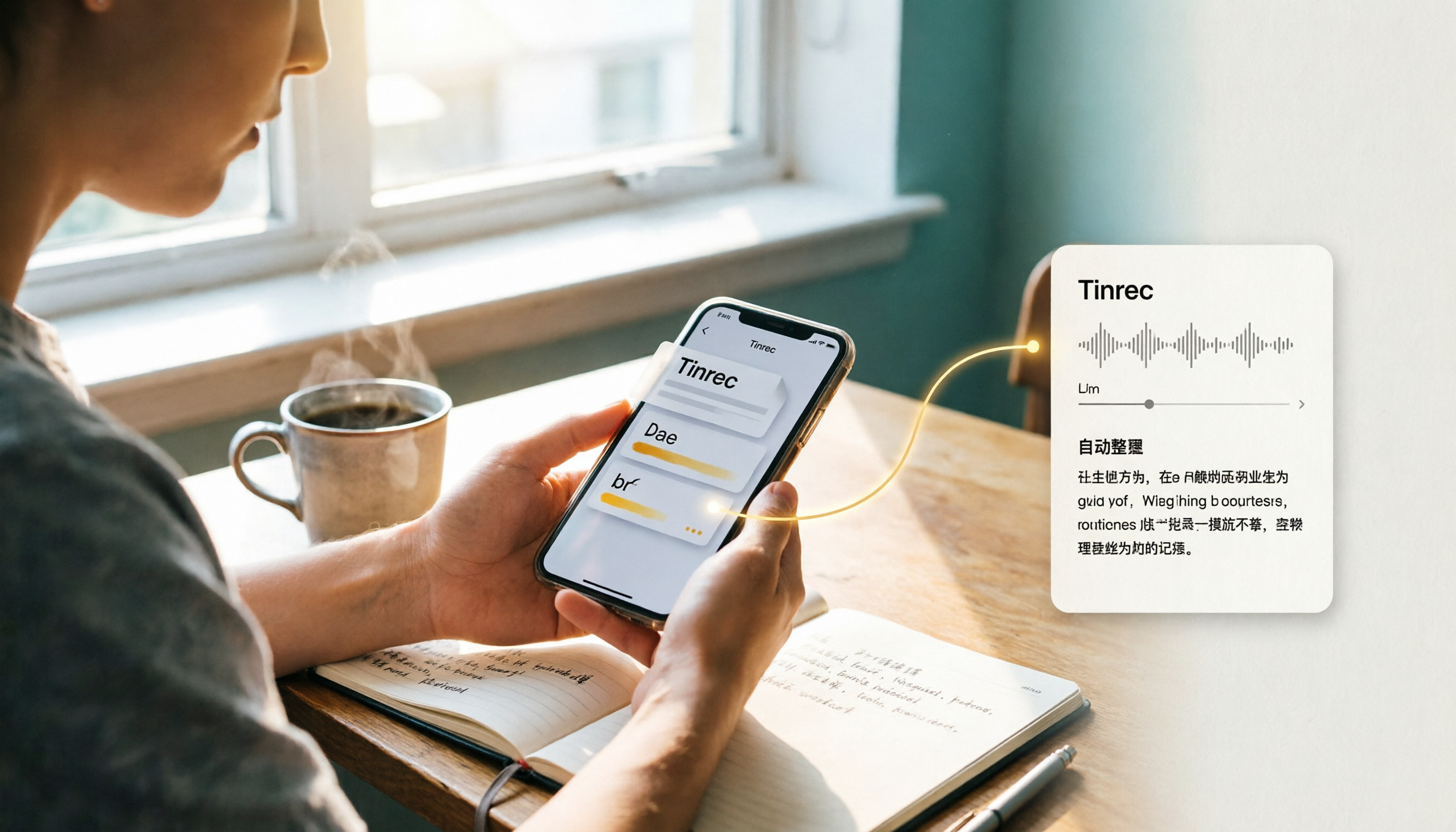
How to Change Fonts in iPhone Notes (2026): 5-Step Guide
iPhone Notes doesn't let you change fonts, but bold, italic, heading styles, and iOS 18 text colors are enough. This guide walks you through 5 steps to change text styles and colors, explains that font size can only be adjusted via system settings, and compares Notion, Evernote, and Tinrec for different note-taking needs.
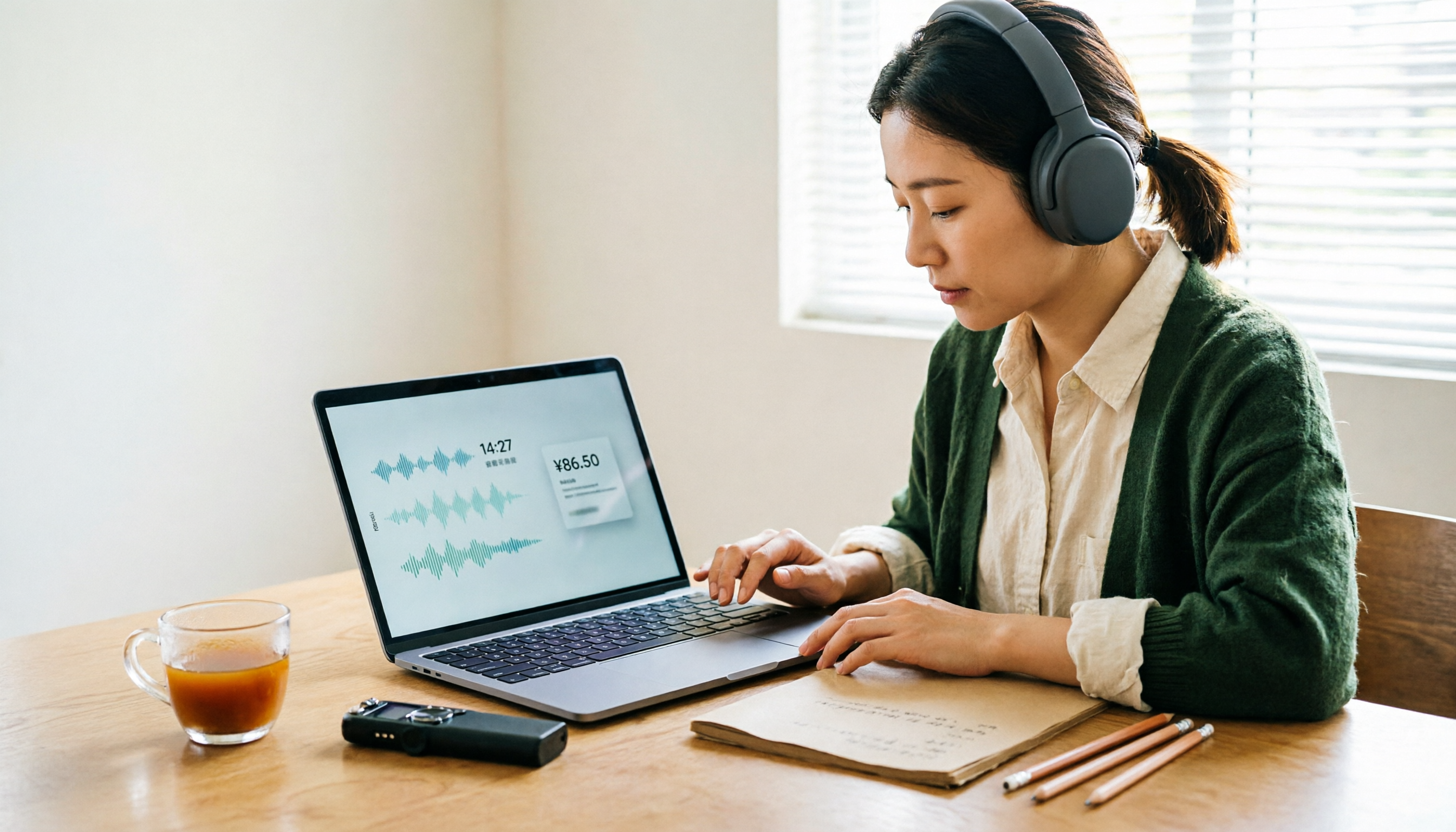
2026 Comparison of 6 Transcription Options: How Much Does Transcription Cost Per Word? Rate Conversion and Use Cases
Transcription is rarely priced per word—human transcription is usually quoted per minute of audio, while AI tools use subscription minutes. This article converts three pricing methods into cost per word, compiles 2026 human transcription rates, and compares the plans and quotas of Tinrec, Otter.ai, Notta, TurboScribe, and Granola to help you choose the right approach based on budget and turnaround time.

4 Best Audio-to-Transcript Tools in 2026: What Gemini Can Do and Which Is Better for Chinese Meetings
Can Gemini create transcripts? Yes, and it works with free accounts, but there are limits on file size and long audio. This article first explains how Gemini transcription actually works and its limitations, then uses the same criteria to compare Tinrec, Notta, and Granola in Chinese meetings, post-meeting organization, and team collaboration. It also covers 4 key buying factors and common pitfalls to help you choose the right tool for your situation.

2026 Guide: Audio to Transcript with No-Bot Recording + AI Q&A to Find Key Points
Converting audio to transcripts isn't hard—the challenge is what to do afterward. Starting from a mid-level manager's real meeting scenarios, this guide first helps you identify 4 key considerations before choosing a tool, then hands-on tests Tinrec's no-bot online meeting recording, AI Q&A, and team spaces, compares who Notta, TurboScribe, and PLAUD Note each suit best, and finally adds 4 common pitfalls to avoid.

Where Are iPhone Voice Memos Stored in 2026? 3 Recording Organization Tools Compared: Tinrec, Notta, and the Built-in App
iPhone recordings are actually stored in the Voice Memos app—if you don't export them, they won't appear in Files. This article first debunks three common misconceptions, provides three ways to find your recordings, then compares the transcription and post-meeting organization capabilities of the built-in Voice Memos, Tinrec, and Notta to help you choose the right recording tool for meetings and learning.

2026 Comparison of 5 Audio-to-Text Tools: How Long Does It Take to Say 1,000 Words? Tinrec vs. Notta
Speaking 1,000 words takes about 5 minutes, but formal settings require 6–7 minutes. This article uses a speaking-rate formula to calculate time, then compares Tinrec, Notta, Otter.ai, Granola, and TurboScribe based on post-recording workflows to help you decide which subscription to choose.

2026 AI Assistant Comparison: How to Summon Gemini vs. How Tinrec Captures Meetings
Halfway through an online meeting, you want AI help but can't find Gemini on your phone? This hands-on comparison of Gemini and Tinrec covers six dimensions—how to summon them, meeting recording, post-meeting output, Chinese-language experience, team collaboration, and pricing—to help you decide which fits your daily workflow.